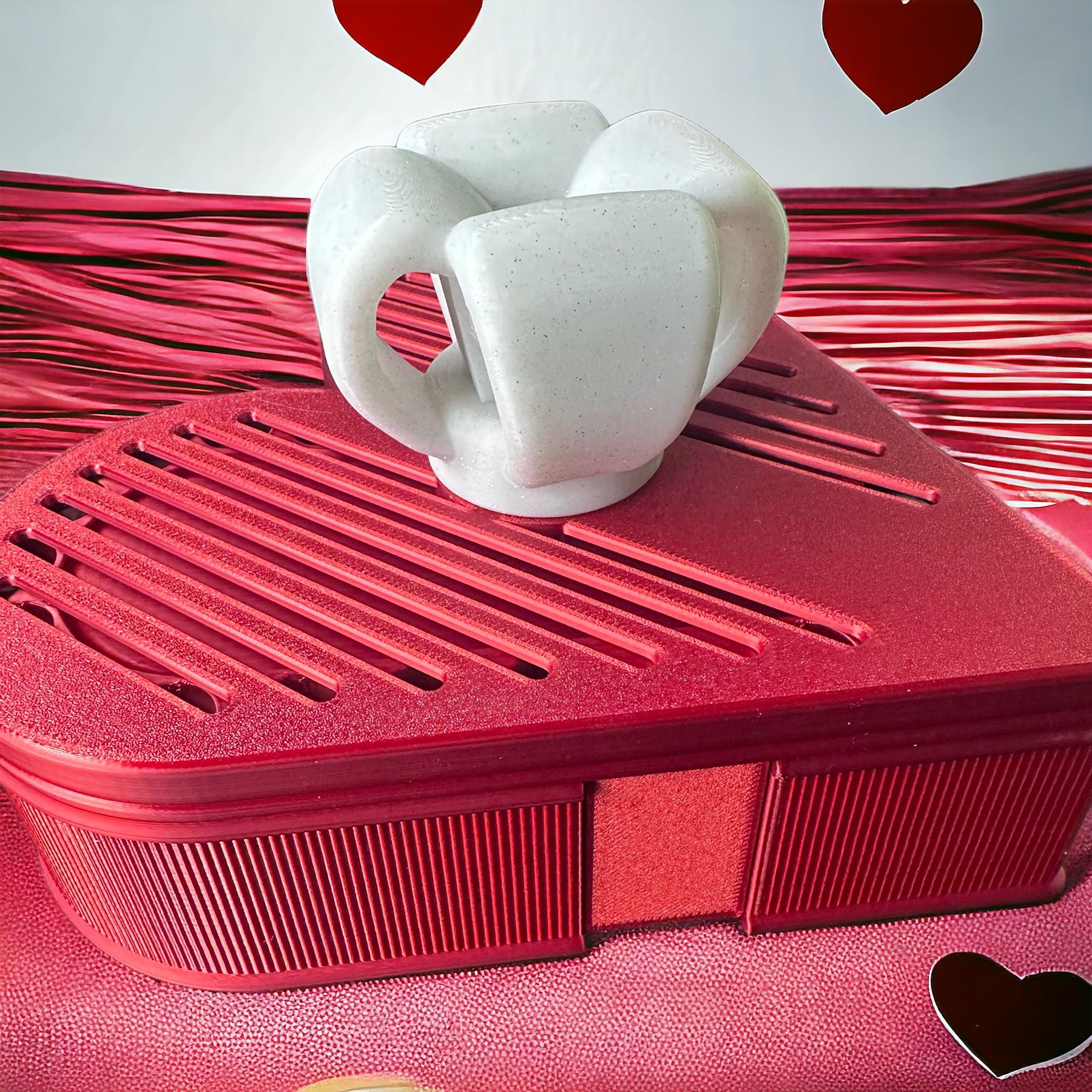
KOMBINO_Starter Structure
Model 01 – The Archetype Cube
The Archetype Cube is the foundational structure of the Kombino system. It is not just a cube. It is the structural core of Kombino.
It is both a learning model and a modular structural unit.
Part 1 – The System
The system includes:
- Beam-Columns
Each beam-column is composed of:
-
two flanges,
-
one or more webs,
Twelve beam-columns form the edges of the cube.
- Panels & Interior Space
Optional framed panels can be inserted to:
-
close one or more faces,
-
diffuse light,
-
create layered transparency.
With panels installed, the cube becomes:
- a lantern, a display object or a modular architectural prototype.
Without panels, the structural logic remains fully visible.
Part 2 – Files Included
The STL files are grouped by identical elements. Each STL contains multiple identical parts for efficient printing.
Included files:
- Flanges
- Standard webs
- Locking & junction webs (tapered on one side)
- Panels (optional)
Part 3 – Hole Calibration Guide
Like all Kombino models, the assembly feel depends on one thing: The flange holes must match the web tenons. If the fit is too tight or too loose:
❌ Do NOT scale the model ❌ Do NOT modify external contours ✔ Adjust only the flange holes in X–Y
Follow the method described in EduLab 2-Hole Calibration Guide
Edulab 2 - Quick Method
- Print one test flange + one web.
- Test the fit.
- If too tight → slightly enlarge holes (e.g. +0.03 mm).
- If too loose → slightly reduce holes (e.g. −0.03 mm).
- Reprint only the flange until the snap feels right.
Very small adjustments make a big difference. Once dialed in, assembly becomes precise, clean and highly satisfying.
The Daiku Principle
In the end, your fingers decide. Kombino is tuned by feel.
The Archetype Cube is where that learning begins.
KOMBINO_Starter Structure
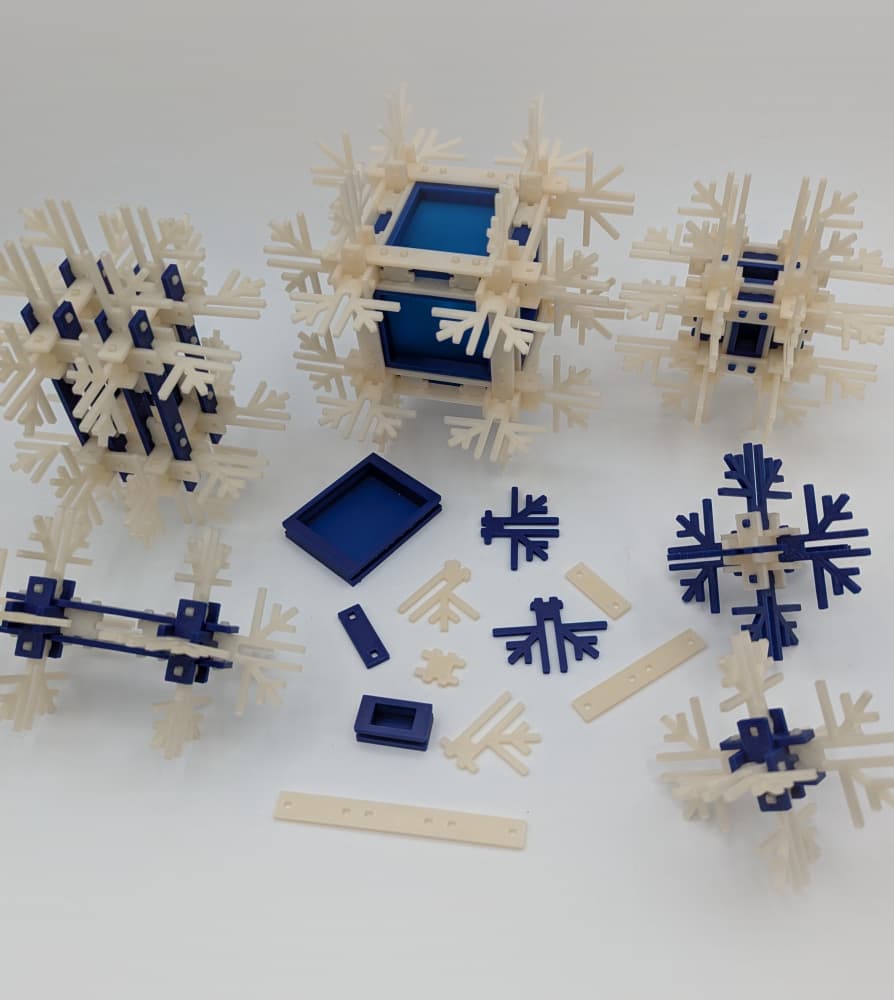
CRISTAUX DE NEIGE / SNOW CRYSTALS
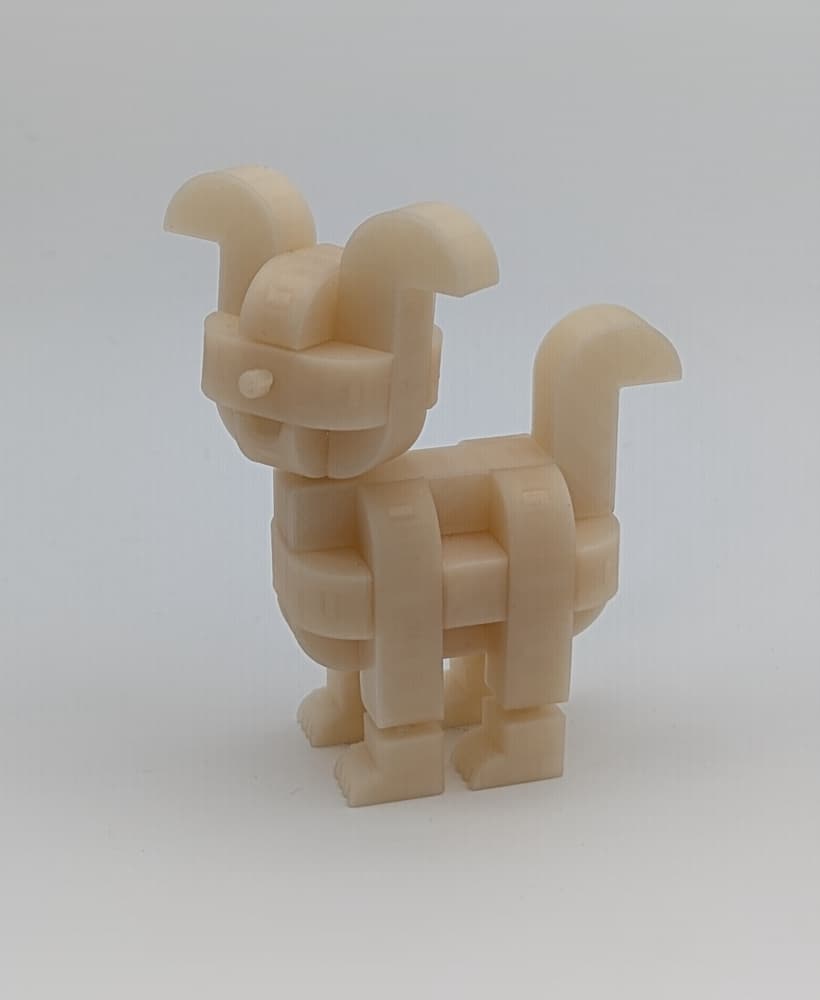
TIKO_The playful little dog
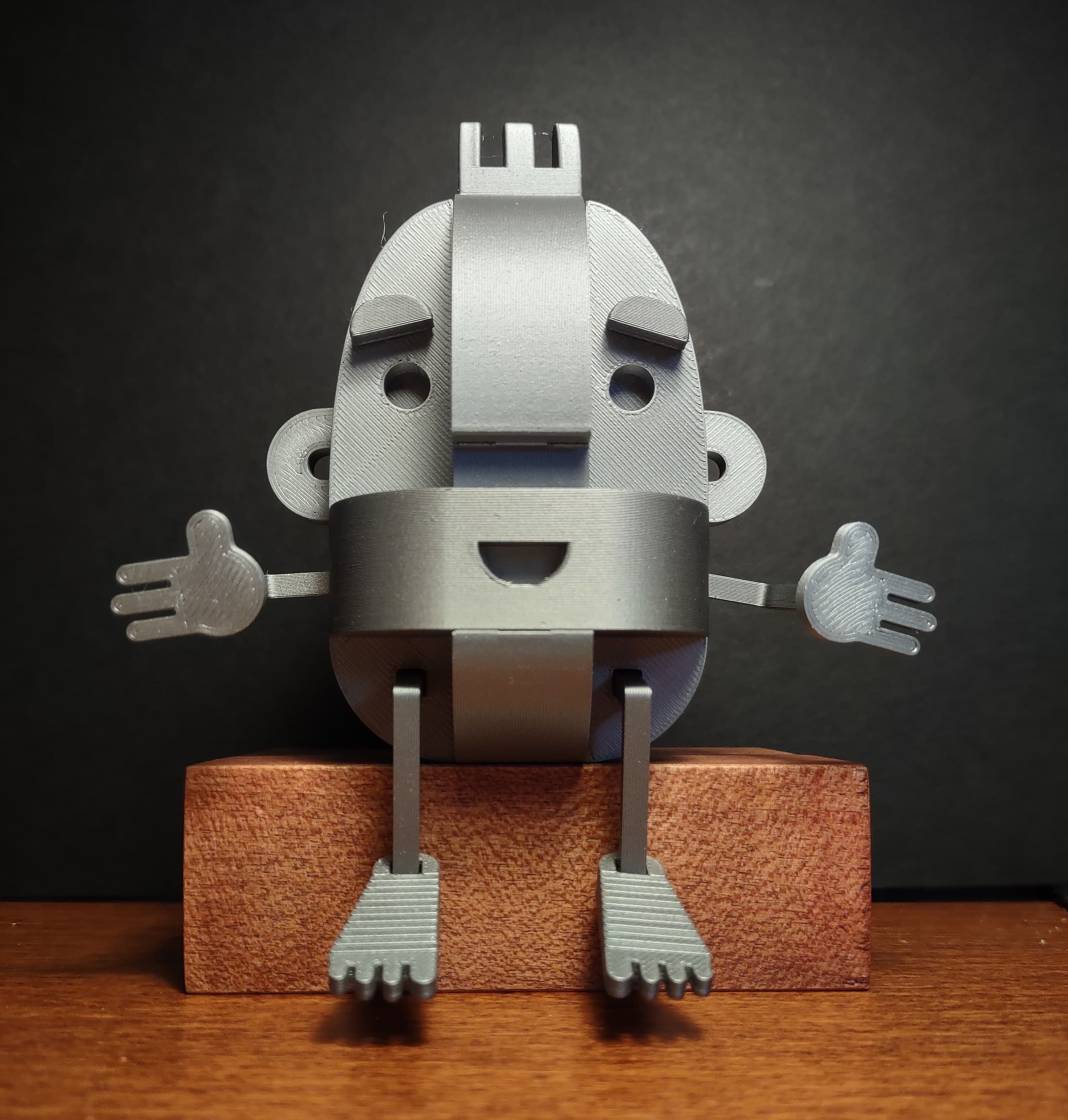
SPIRO

ANUBIS - Guardian of Harmony

GUFO

KESTO - The Building Set

WAMADO
KATO RIPOZA
KATO
HOPI
.jpg&w=3840&q=75)
ELEFANTO
Core Modular Sword Kit – Sword Kit | No Supports, No AMS, No Glue
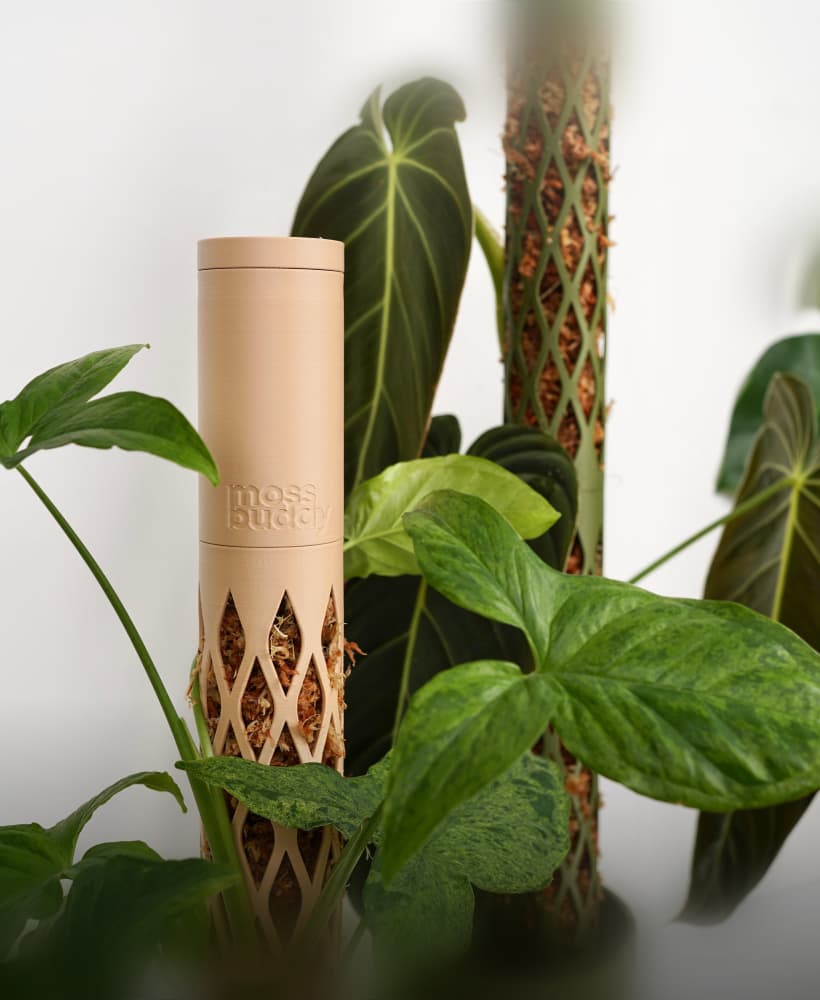
MOSS BUDDY - Moss Pole Starter Pack

Core Modular Sword - Cosplay Prop Kit | No Supports, No AMS, No Glue
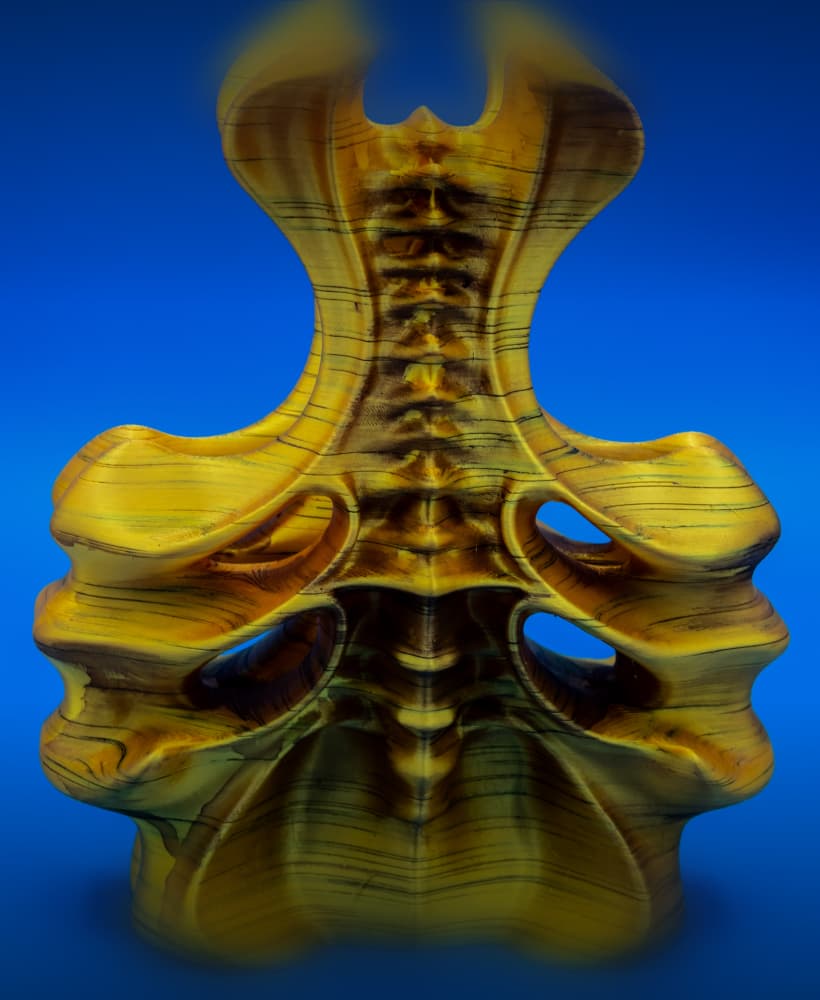
Vessel (Pre Supported)
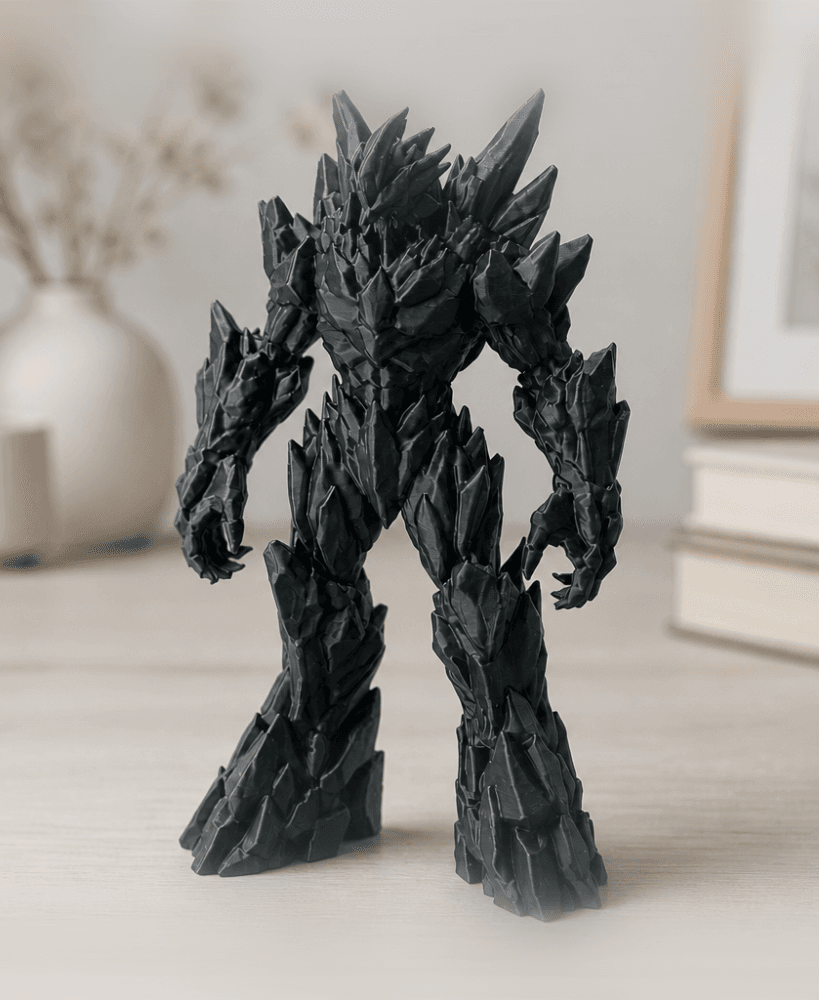
Crystal Goliath - Intricate Rock Monster Figure
.png&w=3840&q=75)
Pouring Coffee Sculpture STL | Illusion Art 3D Print | Kitchen Decor

Starter Skull Stack - Pokemon
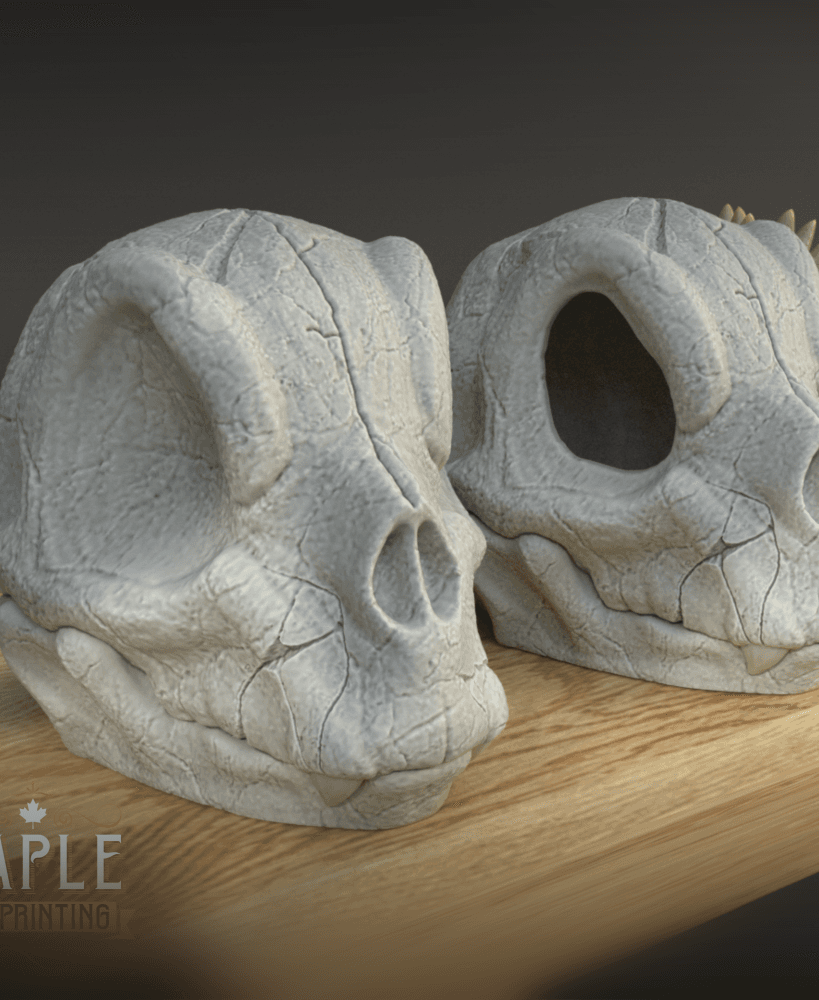
Charmander Skull - Pokemon - Support Free