


Eiffel Tower - 3D Model
Eiffel Tower - 3D Model
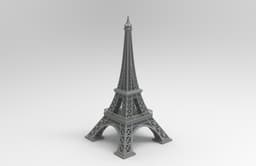
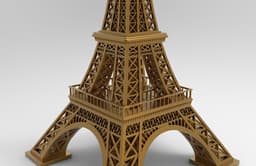
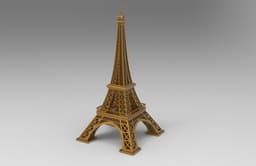
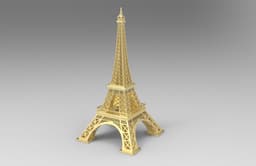
Discover a stunningly detailed 3D model of the world-famous Eiffel Tower in Paris, France, designed for 3D printing with scalable features to fit a variety of applications. This model captures the intricate lattice structure and architectural elegance of the Eiffel Tower, making it a true representation of this iconic landmark. It is also compatible with laser and plasma cutting machines, making it ideal for educational purposes, decorative art, and collectible displays.
About the Eiffel Tower
The Eiffel Tower, completed in 1889, stands as one of the most recognizable landmarks in the world. Originally designed by Gustave Eiffel for the 1889 World's Fair, this wrought-iron lattice tower has become a symbol of France’s engineering prowess and artistic innovation. Standing at 324 meters tall, it was the tallest man-made structure in the world until the completion of the Chrysler Building in New York in 1930. Today, the Eiffel Tower continues to attract millions of visitors every year, symbolizing Paris and serving as a testament to both historical and modern architectural achievements.
Categories
Eiffel Tower - 3D Model
.png&w=3840&q=75)
Modern Desktop Organizer with Drawers 3D Printable (1).STL

Butterfly Blossom Vase
.png&w=3840&q=75)
Bent Pyramid Sneferu Pyramid 3D Model STL, Ancient Egypt Printable Pyramid, Historical Architecture

Ancient Egyptian Obelisks Collection 7 Historical Obelisk Models 3D print model
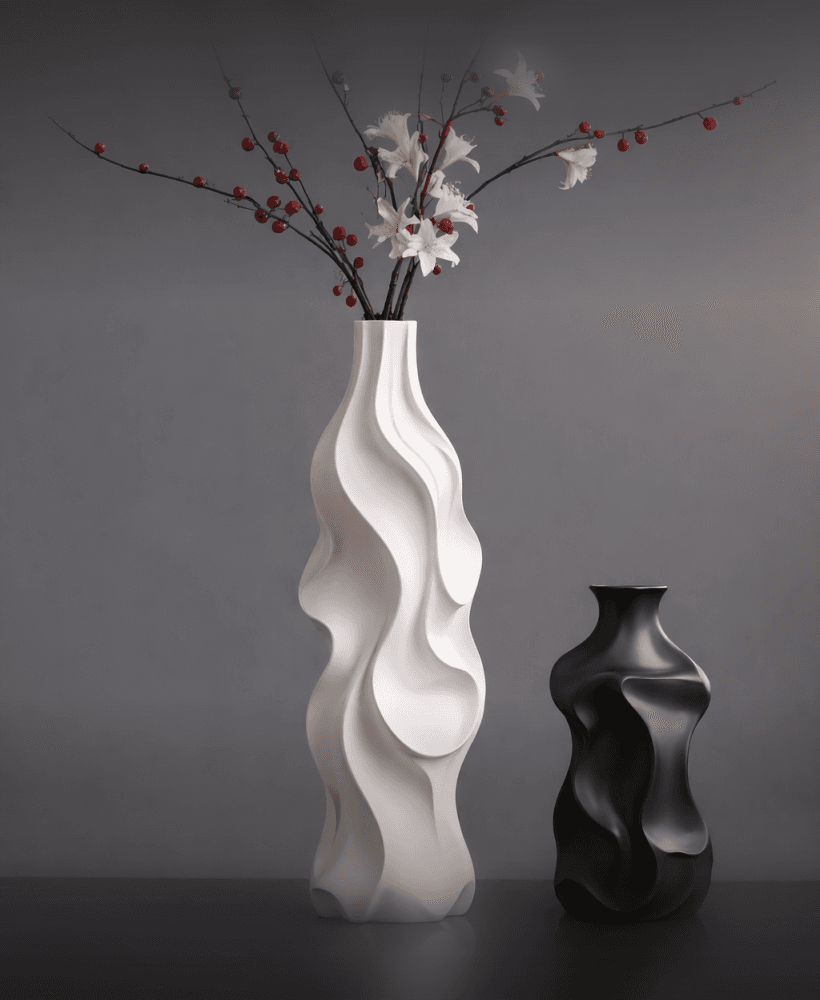
Fluid Wave Sculptural Vase Set – Organic Modern 3D Design

Elegant Ribbon Twist Vase
.png&w=3840&q=75)
Verdant Leaf Vase – Modern Organic 3D Printed Design

Romantic Couple Vase Set – Bride & Groom 3D Printable STL
.png&w=3840&q=75)
Elegant Wedding Couple Vases – Bride & Groom
.png&w=3840&q=75)
Jabal Tuwaiq Mountain, Riyadh, Saudi Arabia | جبل طويق، الرياض، المملكة العربية السعودية
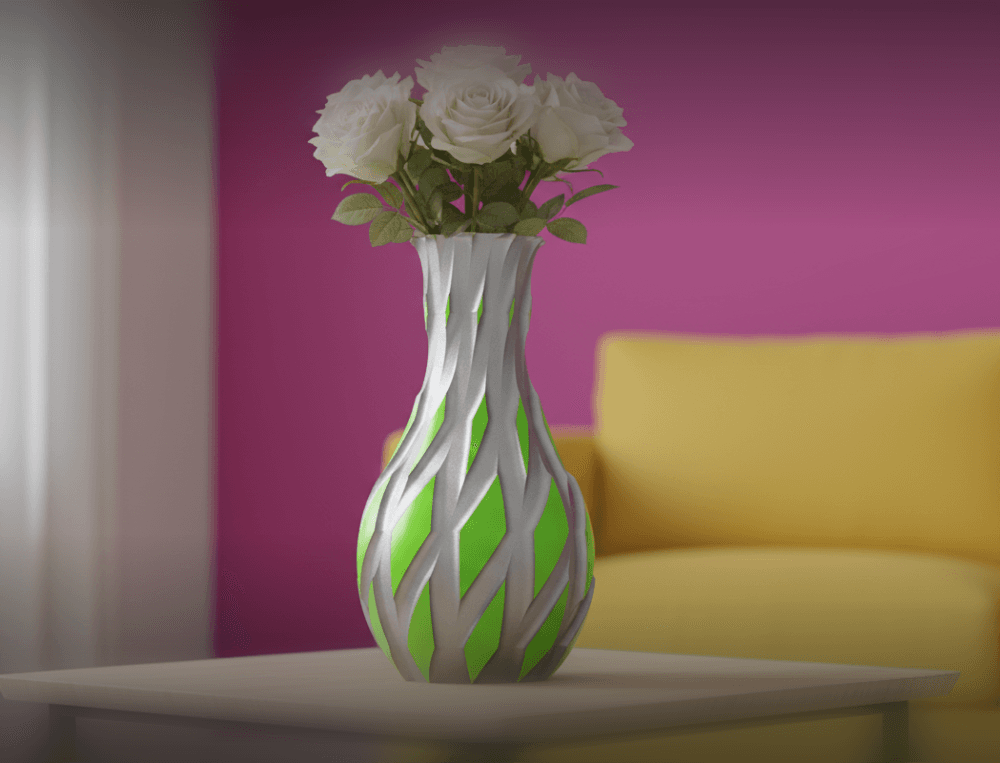
Flow Weave Vase – Organic 3D Printable Design
.jpg&w=3840&q=75)
Azure Accent Vase
.png&w=3840&q=75)
Bloom Relief Vase
.png&w=3840&q=75)
3D design of the iconic Colosseum in Rome
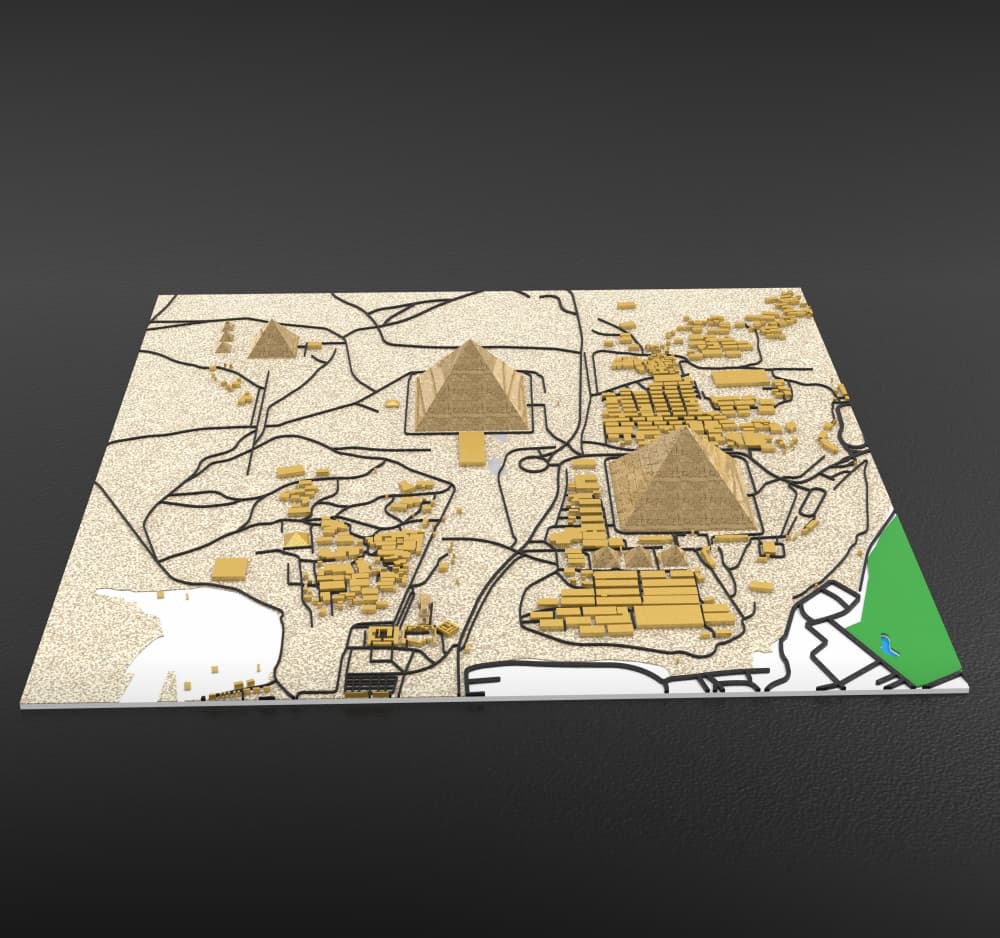
Advertising Giza Pyramids 3D Relief Map – Detailed Topographic Model
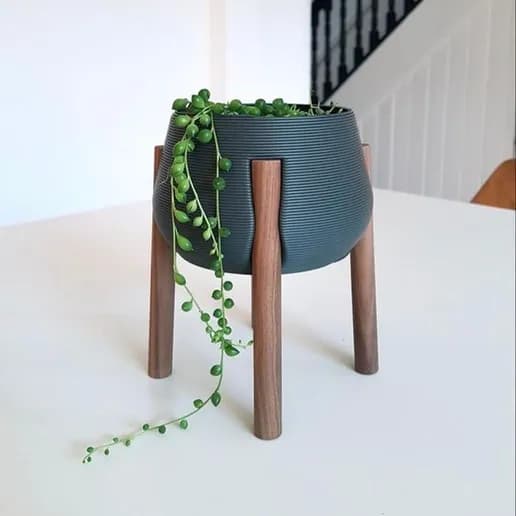
Natural Elegance Pot Stand
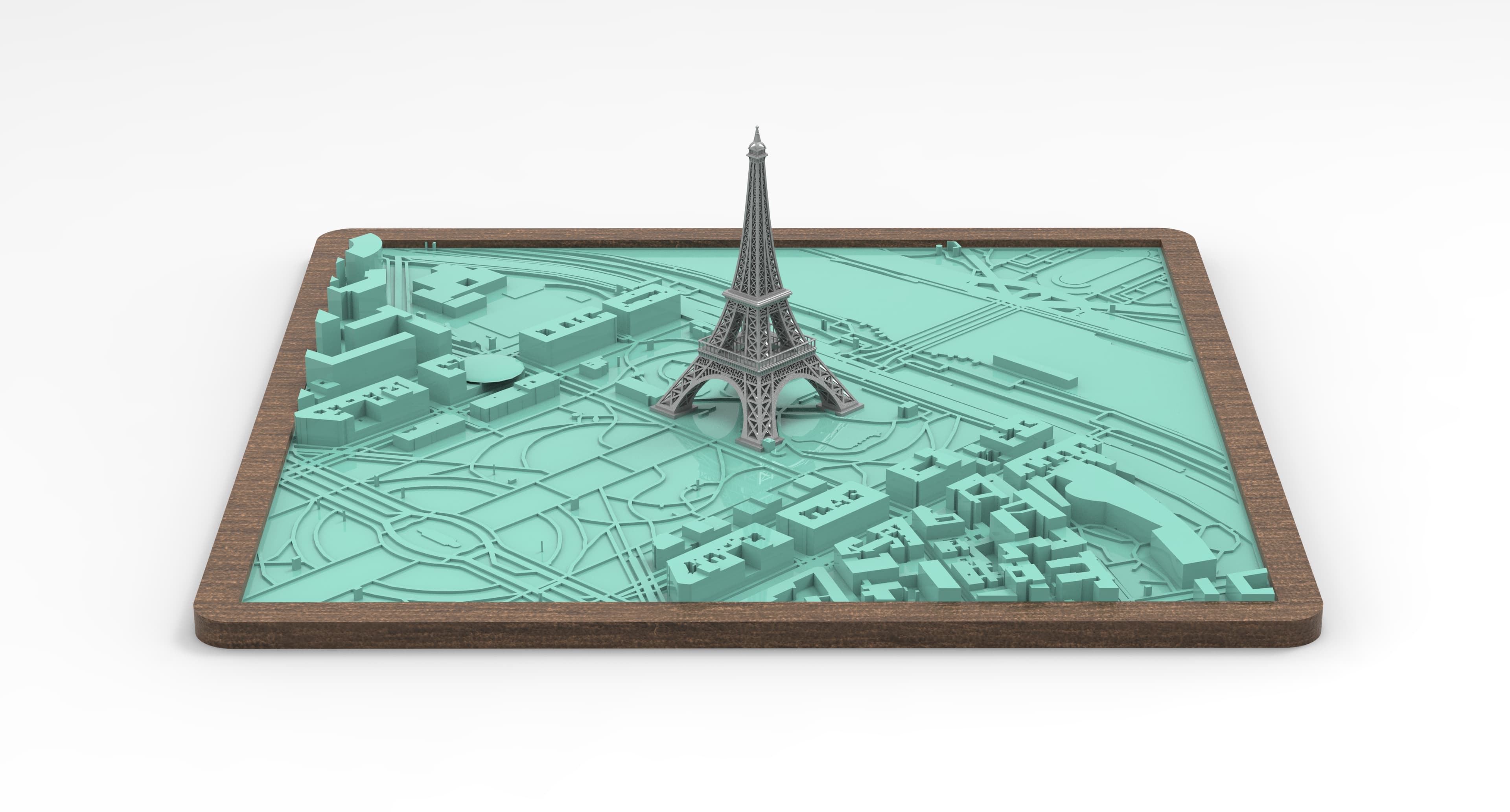
Eiffel Tower 3D City Model | Modèle 3D de la Tour Eiffel avec la ville
.jpg&w=3840&q=75)
Handbag-Style Decorative Vase | Modern 3D Printable Design
.png&w=3840&q=75)
Bride AND Groom VASE
I have a FlashForge 5M Pro printer. When it got the the first platform it started to bird nest. Not sure what happened. from there on down it looked great. I was using PLA filament. I have some PETG thingking that might be better????
It looks like a first-layer adhesion issue with your FlashForge 5M Pro. Try these fixes:
Bed Leveling – Ensure the bed is properly leveled using auto or manual leveling. Use a paper test for fine-tuning.
Temperature Settings – Set the PLA nozzle to 200-210°C and the bed to 50-60°C.
Better Adhesion – Use glue stick, blue tape, or hairspray. Increase First Layer Width above 100%.
PETG? – It requires 230-250°C nozzle, 70-85°C bed, and little or no cooling fan in the first layers.