
.jpeg&w=256&q=75)
.jpeg&w=256&q=75)

.jpeg&w=256&q=75)
.jpeg&w=256&q=75)
.jpeg&w=256&q=75)
.jpeg&w=256&q=75)
.jpeg&w=256&q=75)
.jpeg&w=256&q=75)
.jpeg&w=256&q=75)

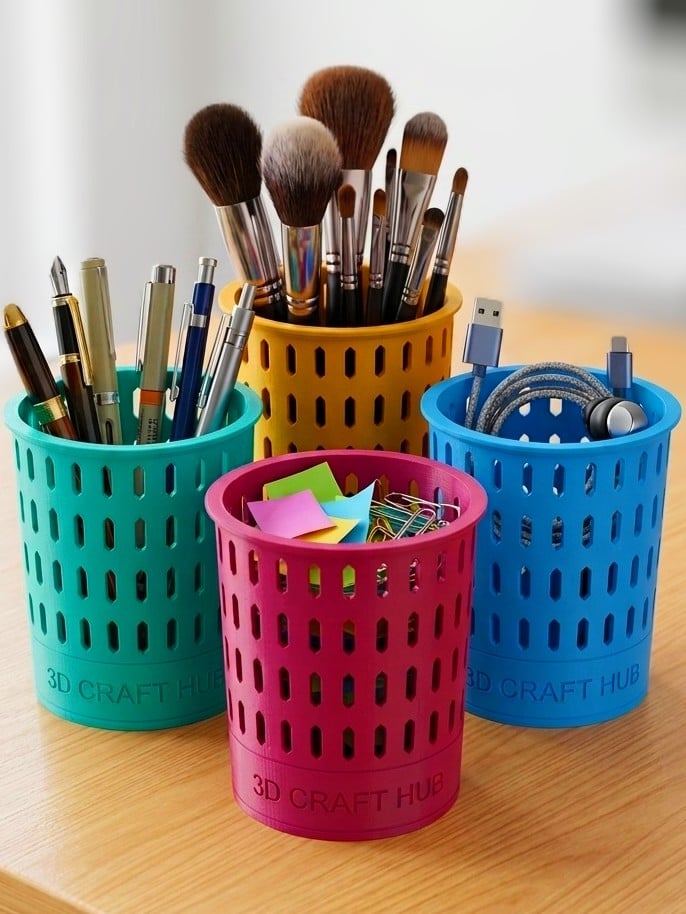
Grid-Core Organizer – Pen & Brush Holder: Desk Bin
Elevate your workspace organization with the Grid-Core Mesh System! 🖋️💄🛠️
The Grid-Core Organizer is a sleek, modern, and highly functional 3D-printable caddy designed for ultimate versatility. Whether you need to organize your office stationery, luxury makeup brushes, or 3D printing tools in the workshop, this geometric mesh design offers a premium aesthetic that fits any environment.
🚀 Why this is a "Must-Print":
100% Support-Free Geometry: Designed specifically for FDM printing. Every angle of the hexagonal mesh has been optimized to print perfectly without any support material, ensuring a clean finish inside and out. Lightweight & Material Efficient: The mesh structure provides incredible structural rigidity while using significantly less filament and reducing print time. Fusion 360 Source File Included: I am providing the original .f3d file! Want it taller? Wider? Want a thicker mesh? You have full control to modify the parameters to fit your specific needs. Scalable STL: Don't use Fusion? You can easily scale the provided STL in your slicer (Bambu Studio / OrcaSlicer) to create everything from a tiny SD card holder to a large tool bucket.
✨ Key Features:
High-Detail Texture: The vertical hex pattern creates beautiful light and shadow play on your desk.
Stable Base: A solid, weighted bottom ensures the caddy stays upright even when filled with tall tools.
Reinforced Rim: A thickened upper lip provides extra durability for daily use.
🛠️ Recommended Print Settings:
Printer: Optimized for all FDM printers (Bambu Lab P1/X1/A1 series recommended). Material: PLA or Matte PLA for a designer look. PETG for industrial/workshop environments. Layer Height: 0.2mm - 0.24mm (Standard). Walls/Perimeters: 3 (Essential for a strong mesh structure). Bottom Layers: 4-5. Infill: 15% (Only affects the solid base). Supports: NONE.
📂 How to Customize (Fusion 360):
Open the provided .f3d file in Fusion 360.
Use the Modify > Change Parameters menu (if set up parametrically) or simply use the Press/Pull tool to adjust the height and diameter.
Export your custom version and share your remix!
Grid-Core Organizer – Pen & Brush Holder: Desk Bin
.jpeg&w=3840&q=75)
3D Printable Ground Screw Stake - Sand Anchor
.jpeg&w=3840&q=75)
Grid-Master: Customizable Desk & Tool Organizer
.jpeg&w=3840&q=75)
Cute Kitten Personalized Cat Scoop -AMS Ready!

Modern Soap Dish - Support-Free 2-Part Design
.jpeg&w=3840&q=75)
The "Executive Lounge" Sofa Business Card Holder.

Toasty Stash - High-Detail Character Mini Drawer

Fable Haven: Enchanted Garden Villa
.jpeg&w=3840&q=75)
Cozy Car - Pen Holder - Desk Organizer

Gothic Citadel -Bird Feeder No Support-single part
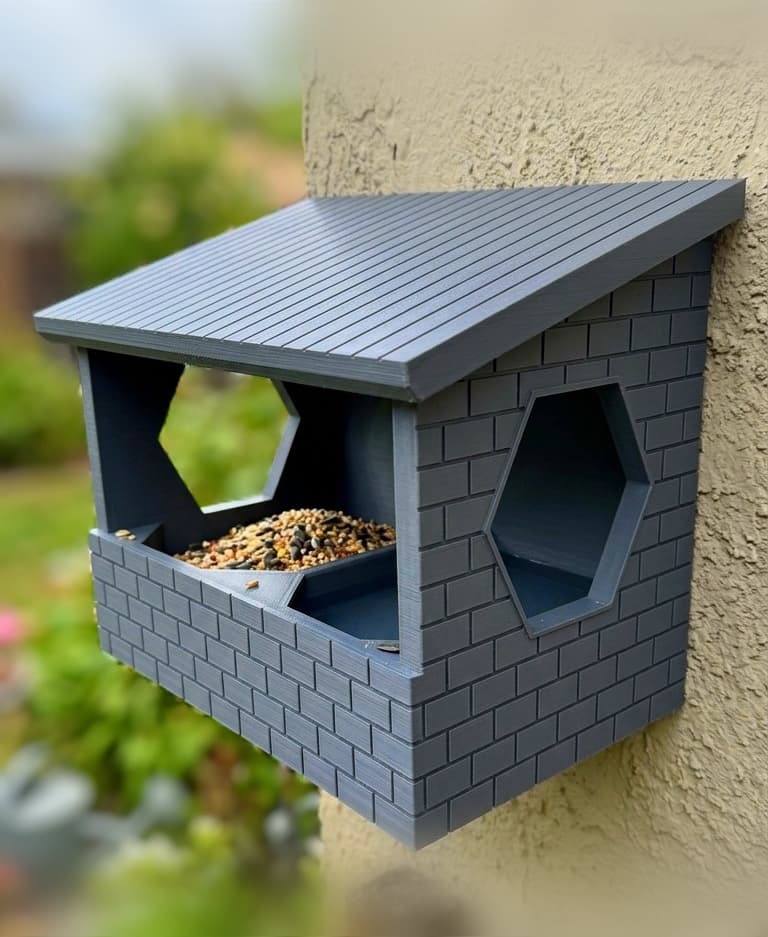
Masonry Nook: 100% Support-Free Wall Bird Feeder
.jpeg&w=3840&q=75)
Personalized Ergonomic Pet Feeding Bowl
.jpeg&w=3840&q=75)
Paws-some Personalized Ergonomic Pet Bowl

Heritage Garden Gazebo - High Detail & Easy Print

OmniCaddy - The Customizable Tiered Storage Hub
.jpeg&w=3840&q=75)
The Fully Parametric Custom Organizer
.jpeg&w=3840&q=75)
World Cup Trophy Keychain -High Detail & AMS Ready
.jpeg&w=3840&q=75)
Archi-Nest Modern Voronoi Birdhouse & Feeder

Modular Modern Bird House & Feeder – Functional Wall Mount
.jpeg&w=3840&q=75)
Smart-Paw Pet Tag - Customizable & NFC Ready!
