
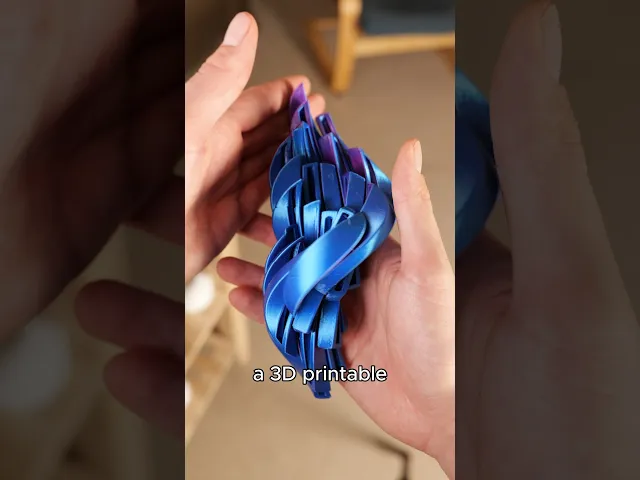
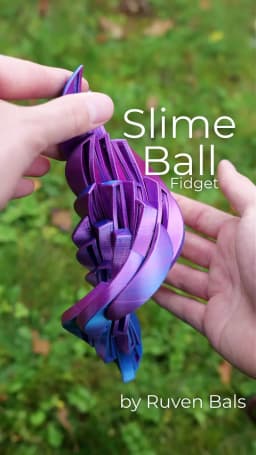


Slime Ball Fidget Toy by Ruven Bals Print in Place
Hey, this model is a variation of the Twisty Grid I came up with. It feels like a liquid dripping down your hands! :D
Update I made a easy to print version that dont need supports but is not a complete ball. You can find that HERE You can still try to print the ball but its a difficult print. I explain that in this Video:https://youtu.be/sbAj2lsgoUA Print Settings: Try printing the "Easy to print" version first. No supports, but print it slower than usual.
Slice the Presupported files with standard settings and without supports enabled. The unsupported file should be sliced with supports enabled. This is not an easy print. Print this slow! I print this model at 50% speed.
Support Removal: I made a video that addresses that and troubleshooting. [https://youtu.be/sbAj2lsgoUA)
Troubleshooting: If your ball detaches from the support during the print, then print one of the files in the troubleshooting folder with a closer support. It's about finding the right balance between the support fusing with the model to support it, but not too much to not get permanently fused. You may need to print different files for different Filaments. They all behave differently. If yours does not slide well, try another Filament. If you find a filament that slides well, please comment it so that we can get a collection of good Filament going for this model.
Technical Data: One Slime Ball uses roughly 110g of Filament and takes 8 hours to print on my Bambu A1. The Filament from the pictures are: Protopasta Nebular Rep Rapper Rose Red&Blue
Approved Filaments: Protopasta Rep Rapper Rose Red&Blue





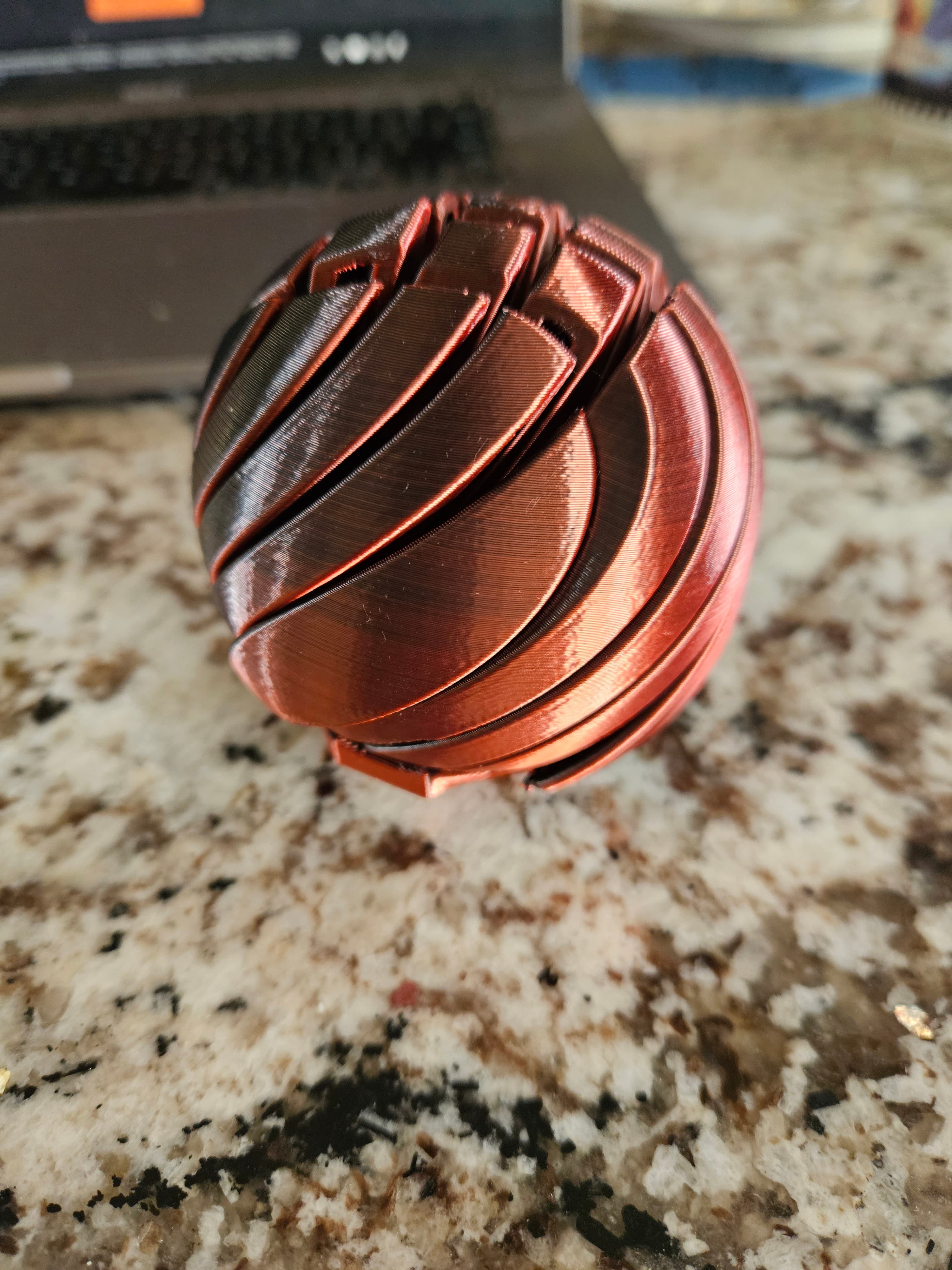

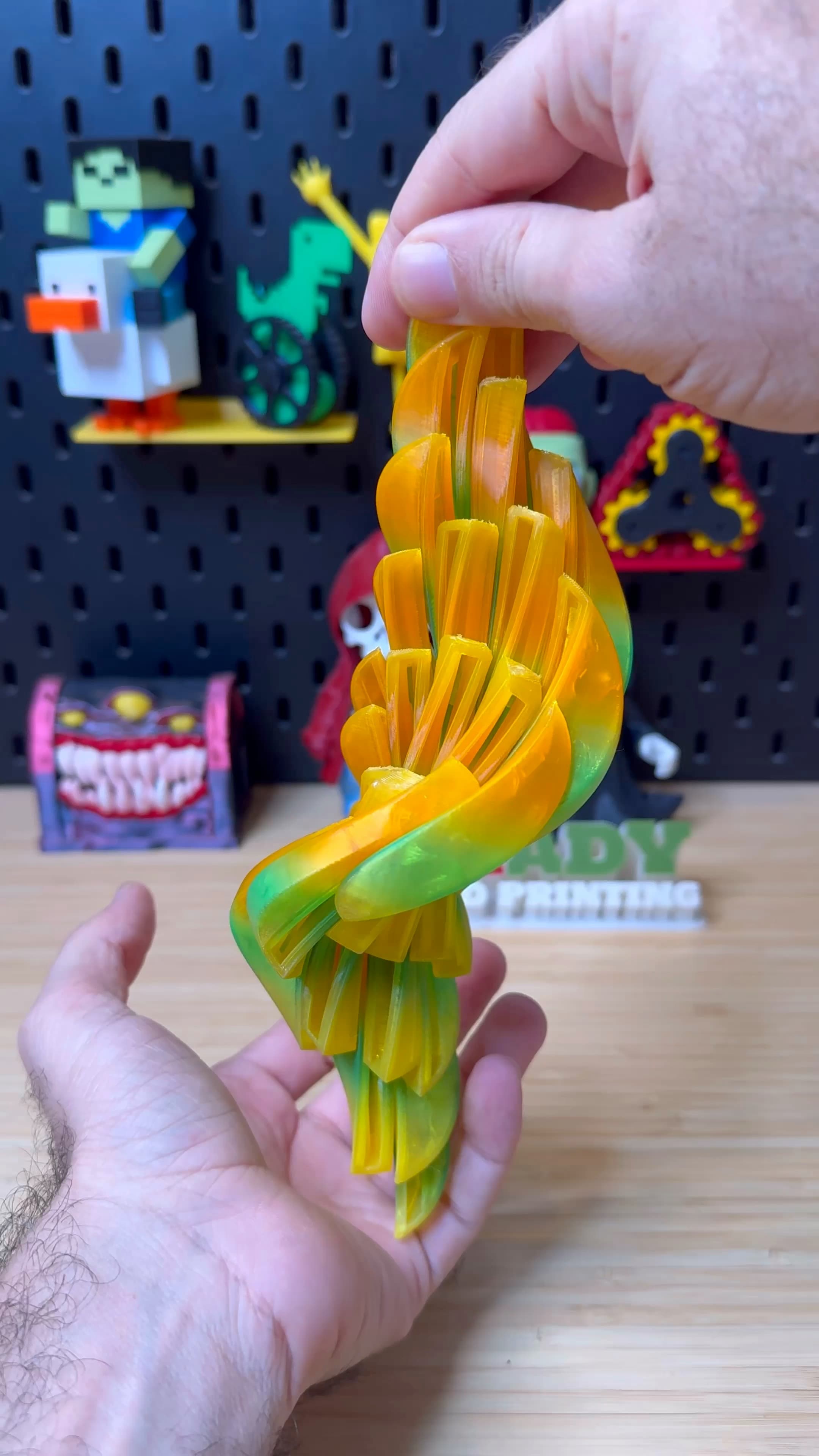
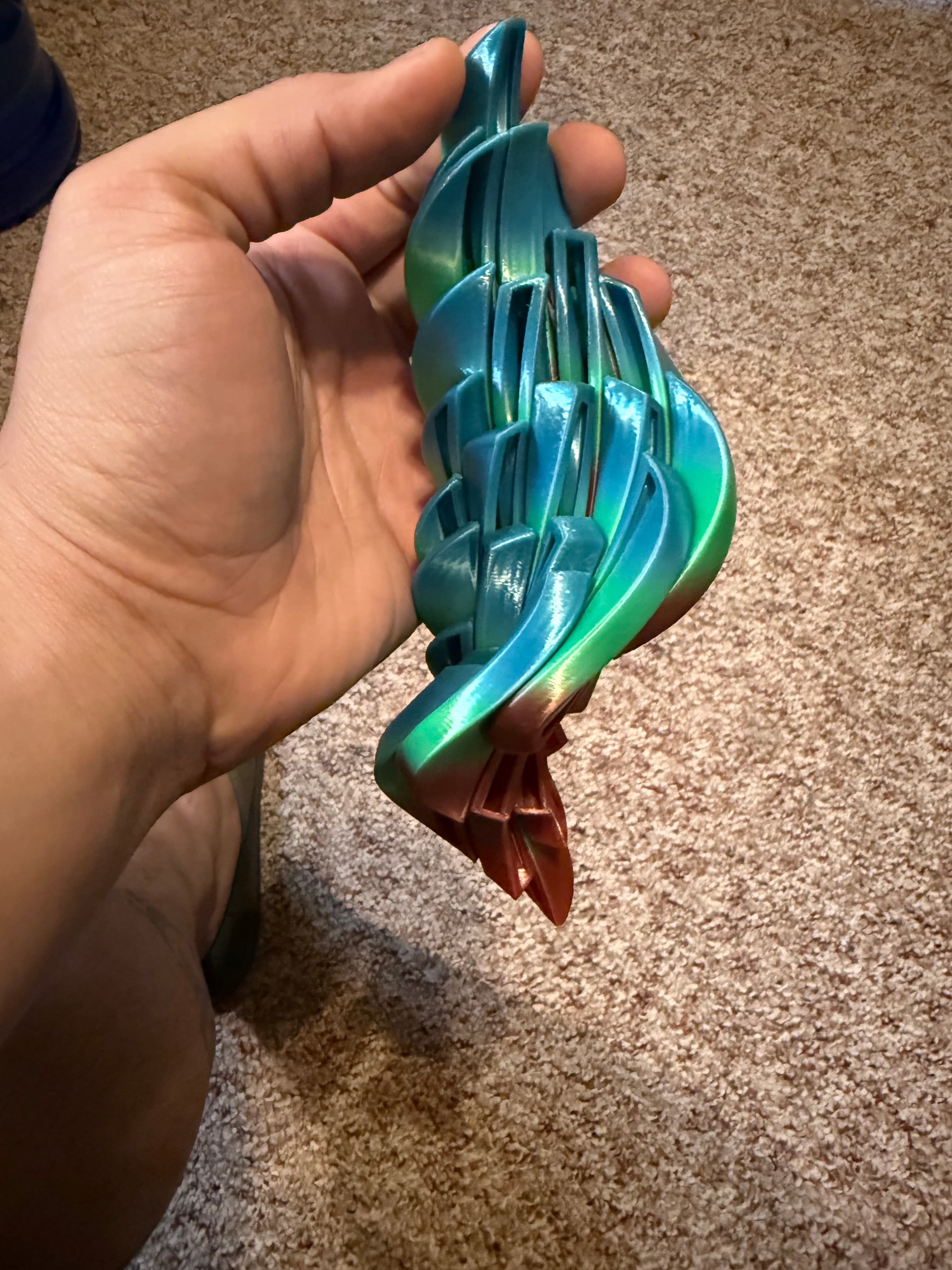


Slime Ball Fidget Toy by Ruven Bals Print in Place

Slime Egg Fidget toy
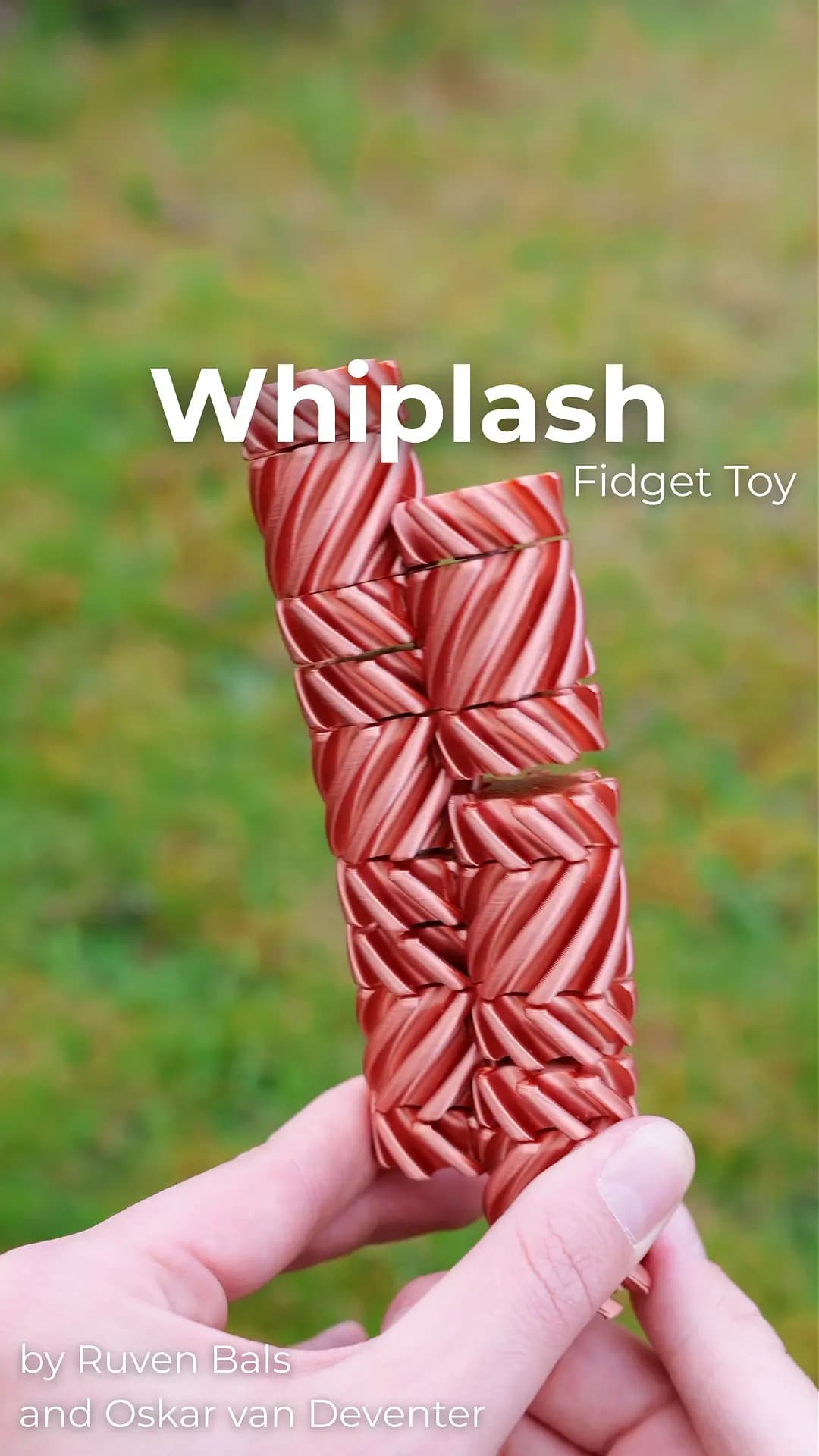
Whiplash Fidget Toy by Ruven Bals and Oskar van Deventer
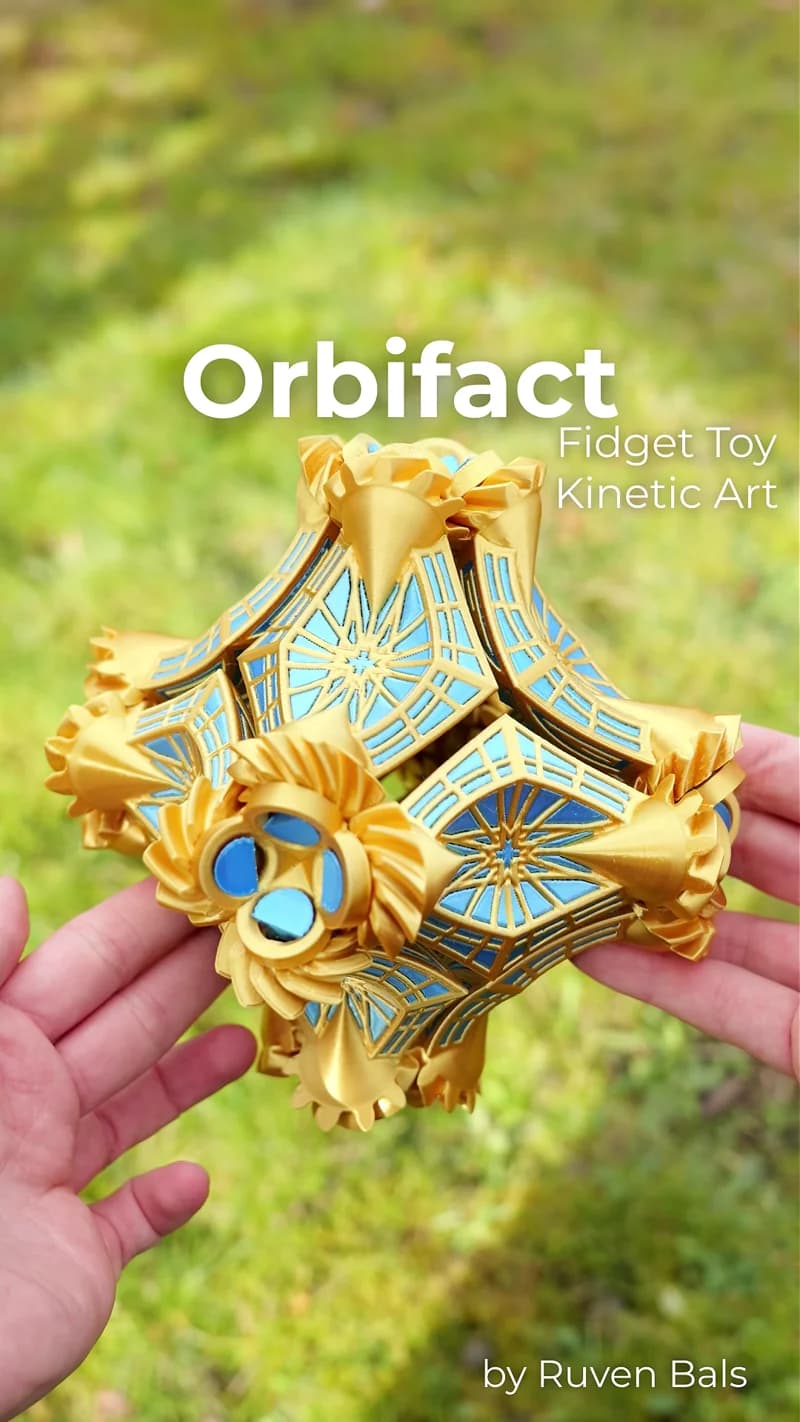
Orbifact Fidget Toy by Ruven Bals
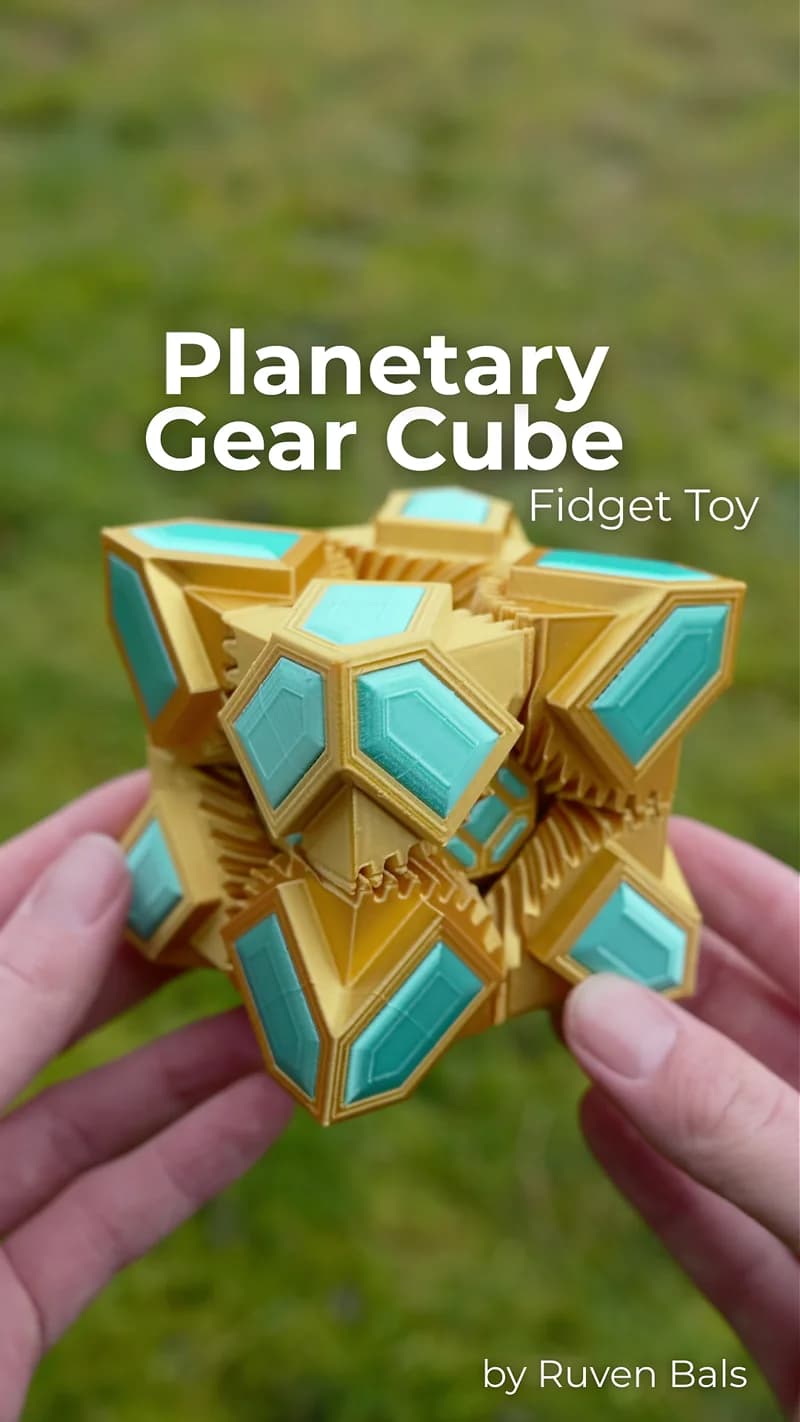
Planetary Gear Cube Fidget Toy by Ruven Bals

Gear Ball Fidget Toy

Slime Ball 2.0 Fidget Toy Print in Place by Ruven Bals
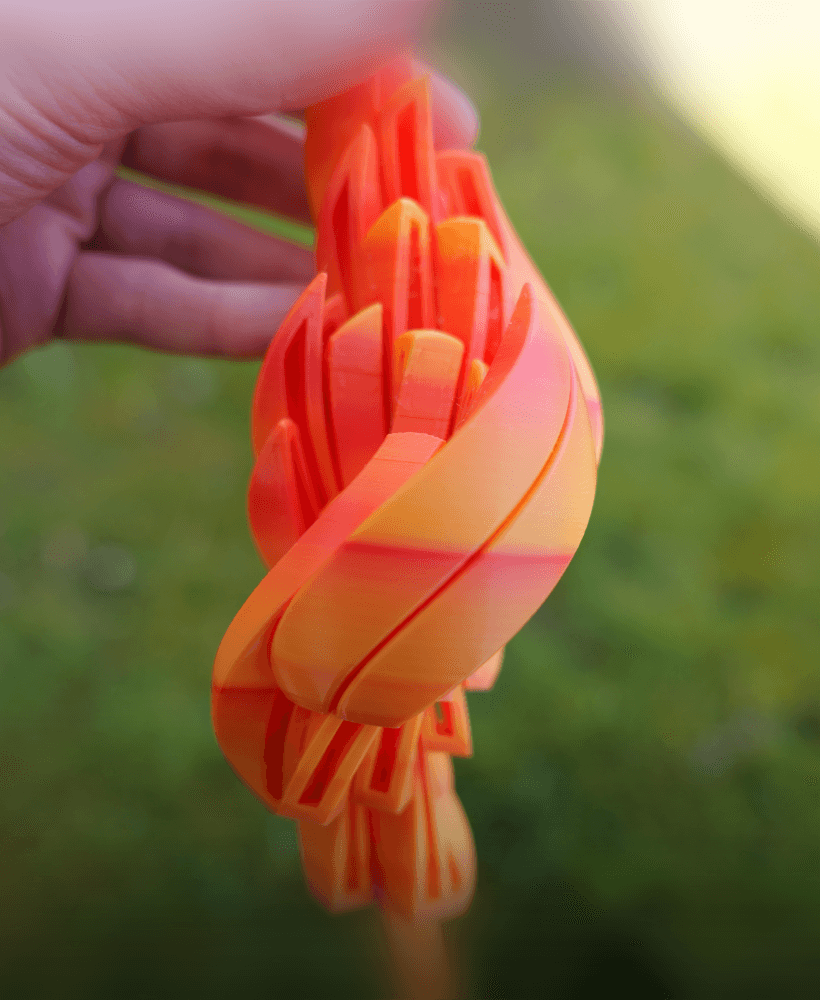
Slime Egg Fidget Toy Print in Place by Ruven Bals
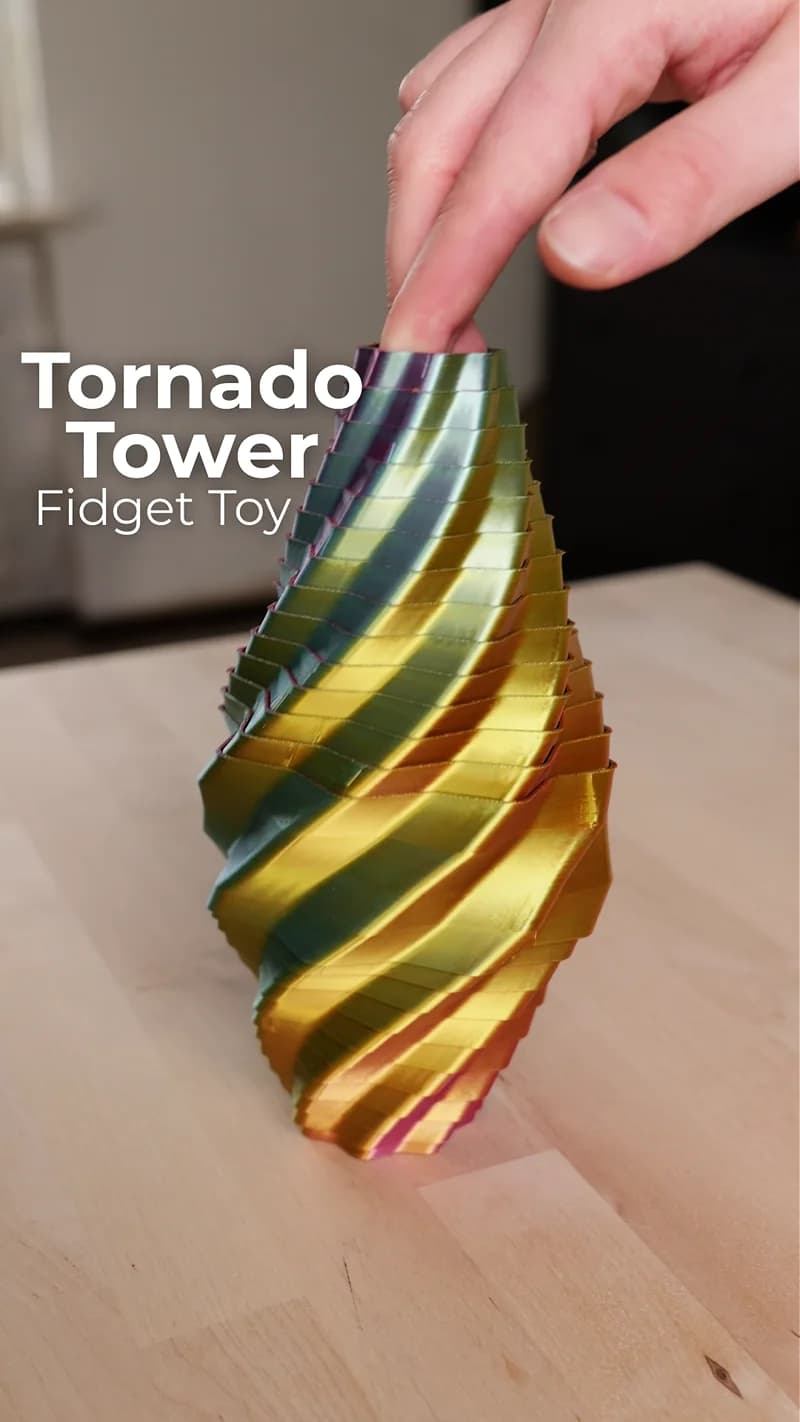
Tornado Tower Fidget Toy

Kinetic Vase
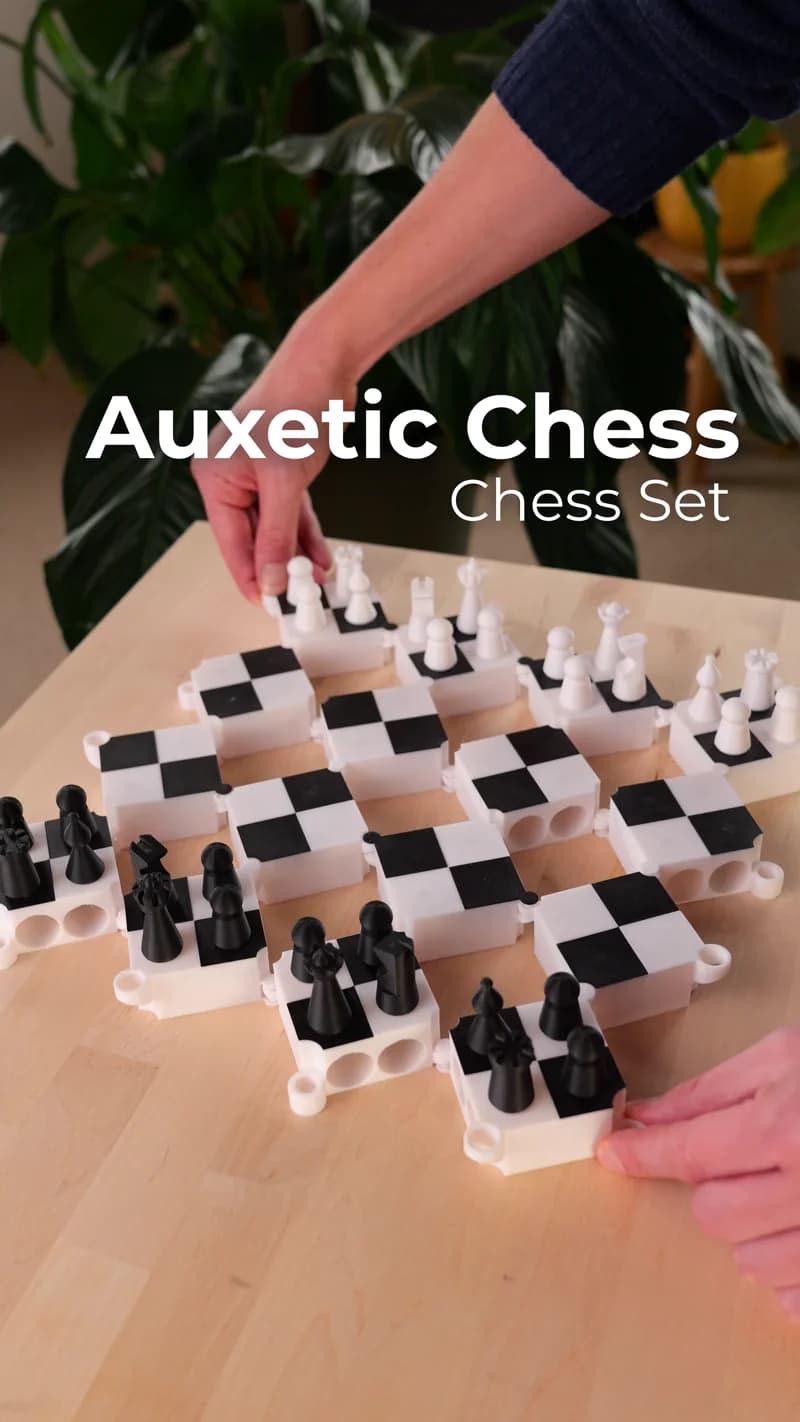
Auxetic Chess Print in Place by Ruven Bals

Jacobs Ladder Fidget Toy

Gear Fractal Fidget Toy

Twisty Chess Board by Ruven Bals

Sliced Pumpkin Box

Hinge Ball transforming Fidget Toy

Gear Tentacle Fidget Toy

Brain Gear Fidget Toy

Crystal Bloom Lamp for the Ceiling

Liquid Cat Fidget Toy Print in Place

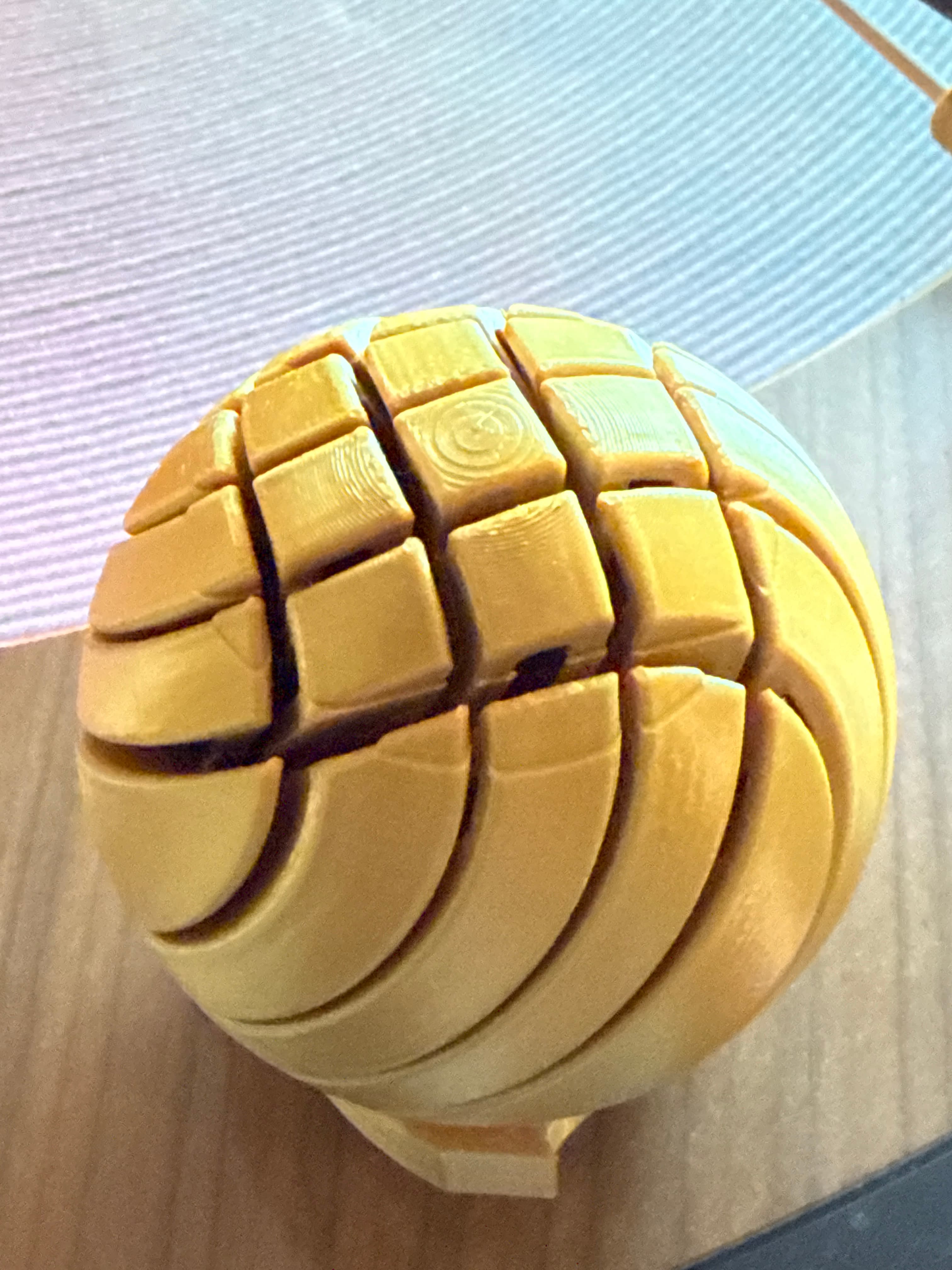
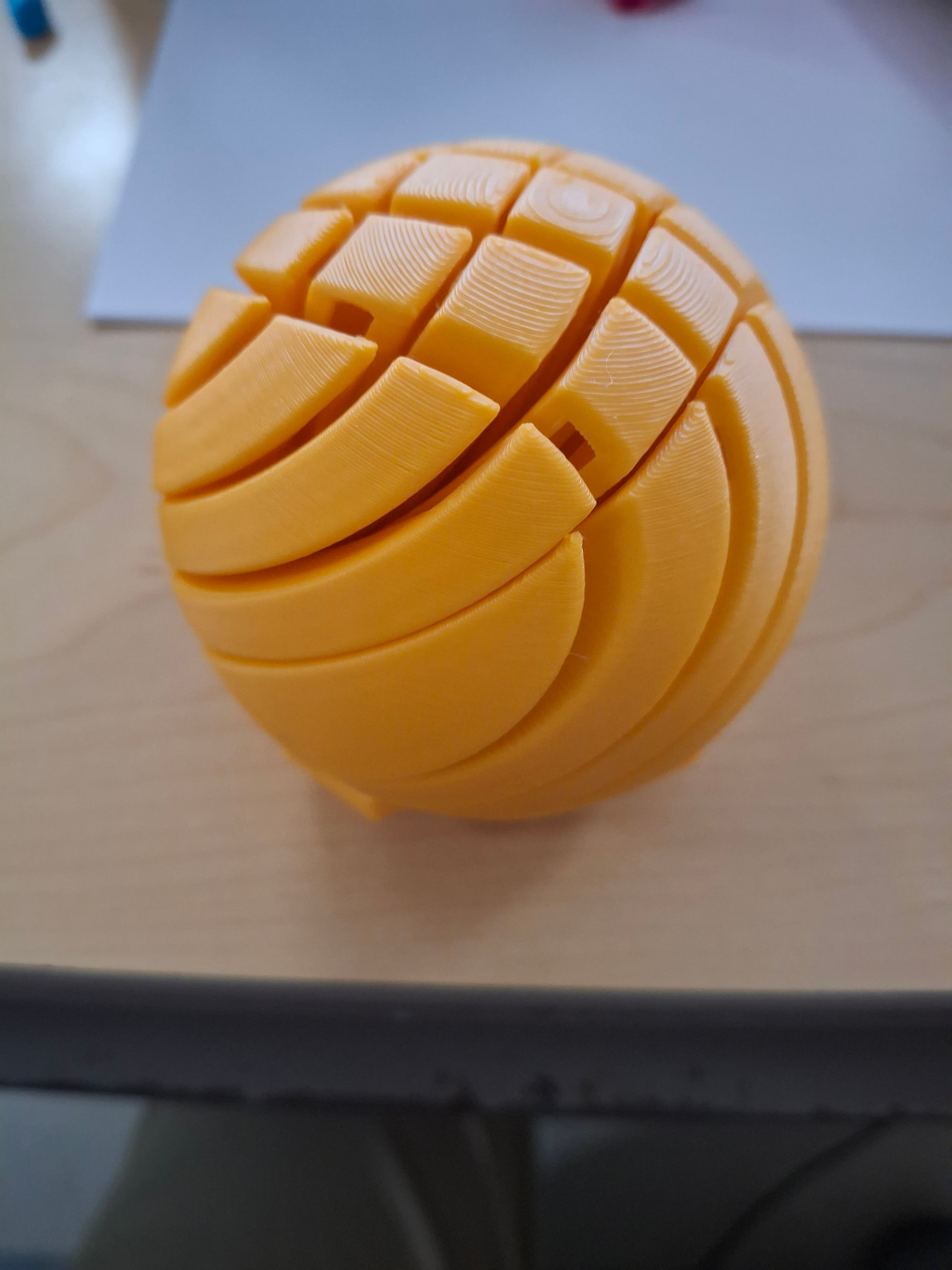
Which file did you print? I got the first one and then all others failed.
what brand and color PLA + is this?
sorry i paid for the sub here, the only file i wanted to print ive failed at about 6 times now. The slimeball. what a waste of cash
I also had this layer shift issue near the top. Tried painting manual tree supports to the base, which did help a little. Adding a Z hop eventually solved it for me. I went with .5mm. It worked, so I didn't care to try any other Z hop distances. On a Centauri Carbon using Orca Slicer
Please keep me posted! I ran a successful one at 25% speed, but 50 resulted the same issue.
Further T/S: The issue occurs for me consistently at ~62-64mm. When looking at the signature on the base, I will hear a "thump" when the nozzle is on the right side. This will repeat 2 or 3 times with maybe a layer or two between thumps. After the last one, I show my layer shift in the y direction. This occurred at 100% and 75% speeds. I ran successful cal tests after the last failure. Trying now with print at top left using grid infill.
I am also using a MK4S. I had 2 print correctly then waited for a couple of weeks for some new filament and am now seeing this issue. I tried upgrading to the latest firmware (which I was not running before). I am not reducing speed. If that doesn't work, I will verify calibration. I may have printed the first two using the default infill pattern, I am using gyroid right now (which is my usual goto, unless I forget to change it).