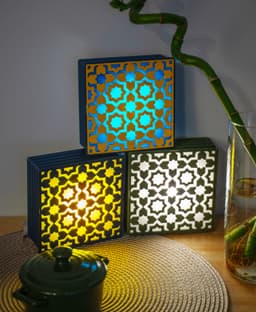


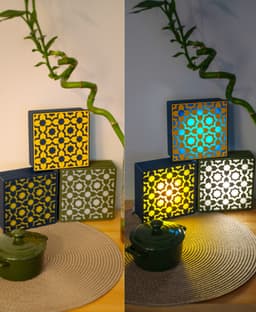


Tile Lamp - Wall, Desk, or Stackable Lamp
Updates 20250901: I added Glowy Base Profile.
No AMS needed, however if you have an AMS there is a profile to use it. For the No AMS profile I have added a** pause** in the second layer for you to change the filament. When the printer pauses, go to the filament menu in your printer, unload the filament, and load the next one. Then Resume the print.
Light Source: You can use both of these from Bambulab:
- Remote Controlled 16-color RGBW Puck Lights
- LED Lamp Kit Collection
Filament: Choose a light color filament for the Tile background so it allows more light to be transmitted. Print settings: There is a ready made profile, use it. if you face a problem read this:
- The first layer of the tile: There should not be gaps, if you get gaps between the lines and it bothers you, you can fix it by increasing the flow rate in your filament settings.
- To get a glowy base you can use the profile attached, or you can adjust the walls to only 1 wall in your print settings, and put the infill to "Lightning" and 15%. If you want the Glowy Base, Print the Glowy Base Profile attached.
Wall Mount: The lamp is not heavy, so just use a good double sided tape and it will stay in place.
Let me know if you have questions.
Also what style of tiles you like to have next?
For Personal use only
Tile Lamp - Wall, Desk, or Stackable Lamp

Tiles from Sicily (Wall, Desk or Stackable Lamp)

Organizing Plates - Multiple Shapes and Sizes

Tiles from India (Wall, Desk or Stackable Lamp)

Tiles from Portugal (Wall, Desk or Stackable Lamp)

Silphium - The Ancient Plant/Vase

Sorting Hat Lamp

Protective Flower - Lens Accessory

Bunny - Cute Lens Accessory

Frame Lamp - in Multiple Options

SMILE Lens Accessory in Multiple Sizes

Flower Lens Accessory in Multiple sizes
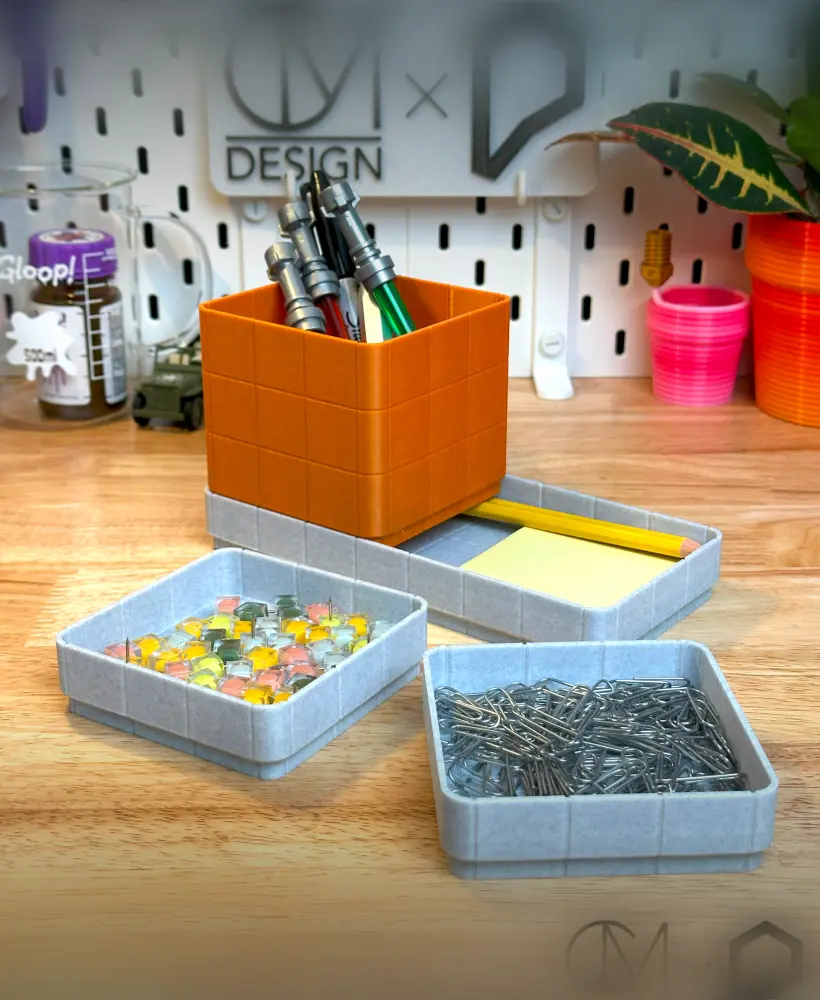
Stackable Tile Desk Organizer
Hextraxtion Tile - Genies Lamp
Hextraction Tile- Genies Lamp(Improved Final version)
Tile - Genie's Lamp
Grooved Retro Tile Tubs - Stackable Tray
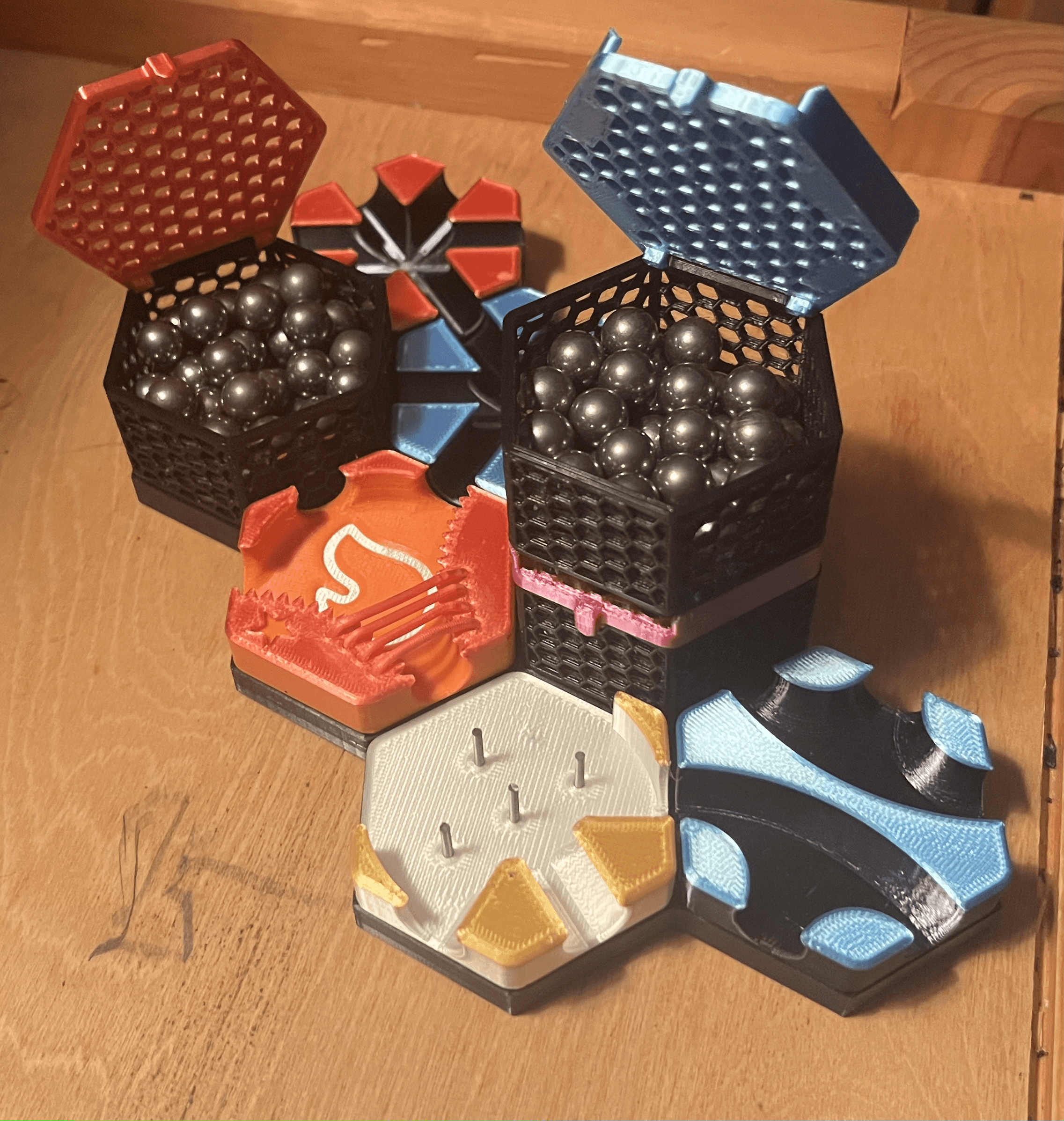
The Ultimate Hextraction Storage Box
_CardAlt.png&w=3840&q=75)
Alternate Rules Card Pack (39 Cards)

Hextraction Scaffold Tile