
Meandering Moose - Articulating Fidget Moose - Ludo Flexy
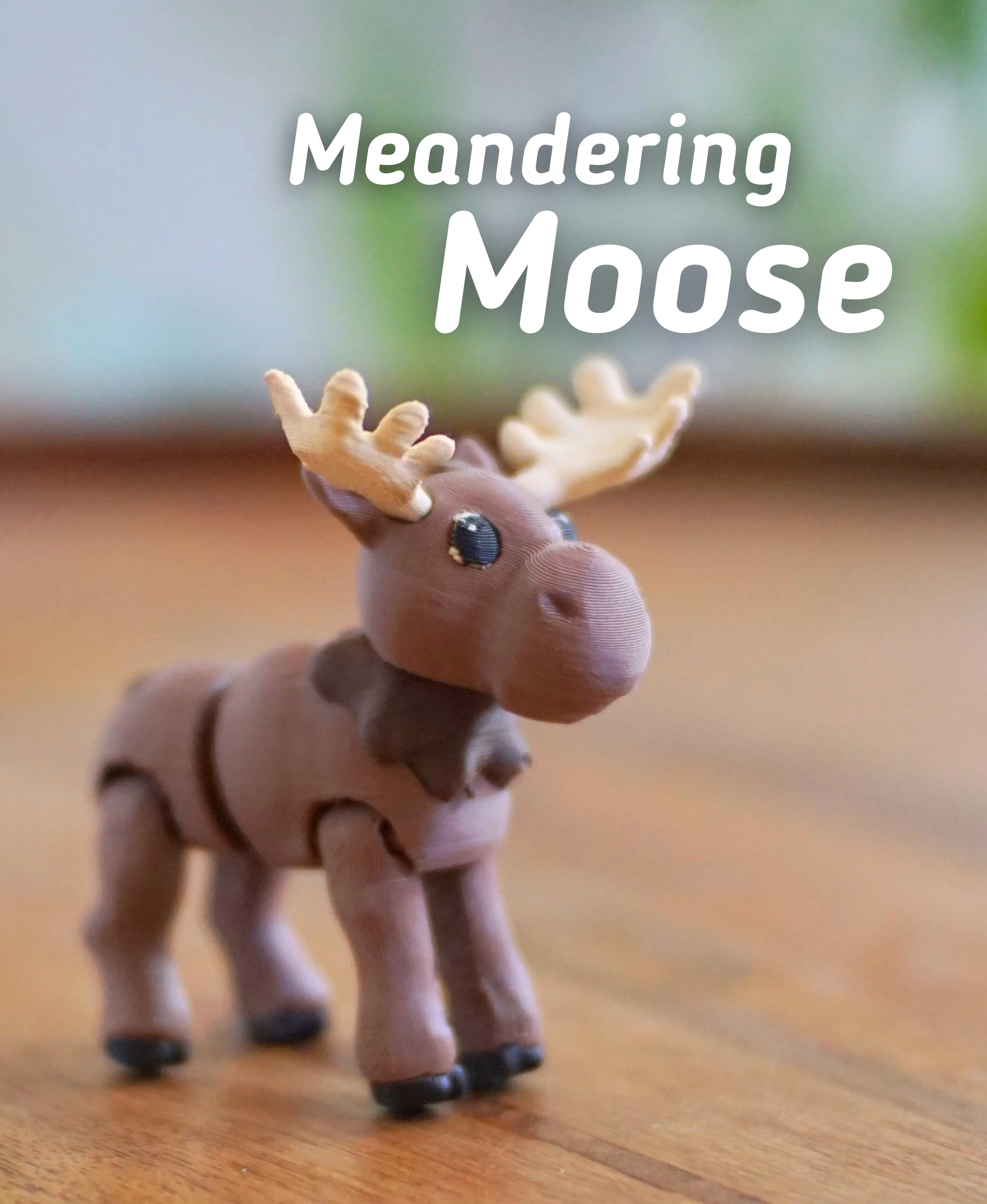
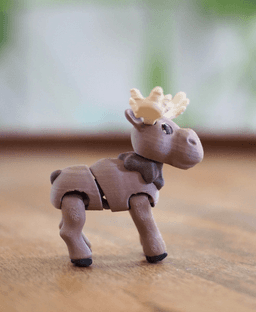
The Meandering Moose
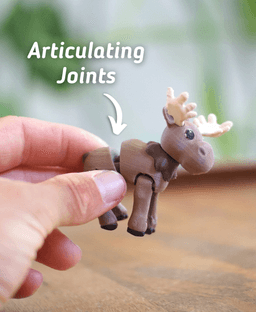
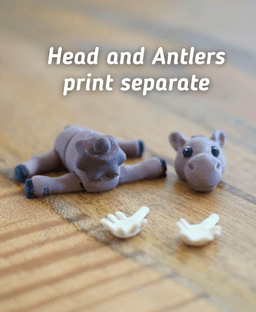
This Fidget Moose is designed to be printed with no supports. All the joints articulate right off the build plate, making it a super fun and cute fidget. Simply Snap the head onto the boxy and press (glue if desired) the antlers into place.
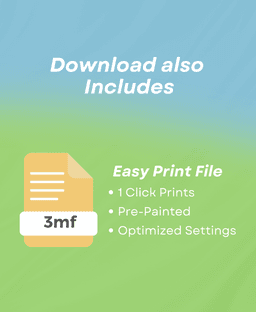
Printing This print requires a multi-color printer (unless you want to hand-paint the model). Use the included Easy Print File for the pre-colored model to make printing easier!
Print at 0.2mm layer height. Use adaptive layers to get a smoother top surface on the belly and face. For a higher quality feeling print, print at 20-25% infill.
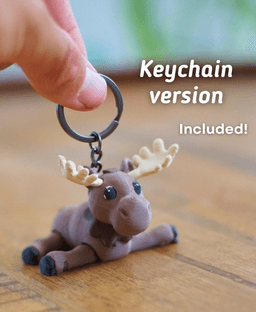
Keychain Version This model is available with a hole cut for keychains. (Provided in the Easy Print 3mf only) Key chain
Filaments I Used: Some of these contain affiliate links
Black: Bambu Matte Charcoal Tan: Bambu Desert Tan Brown: Bambu Dark Brown Dark Brown: Bambu Dark Chocolate
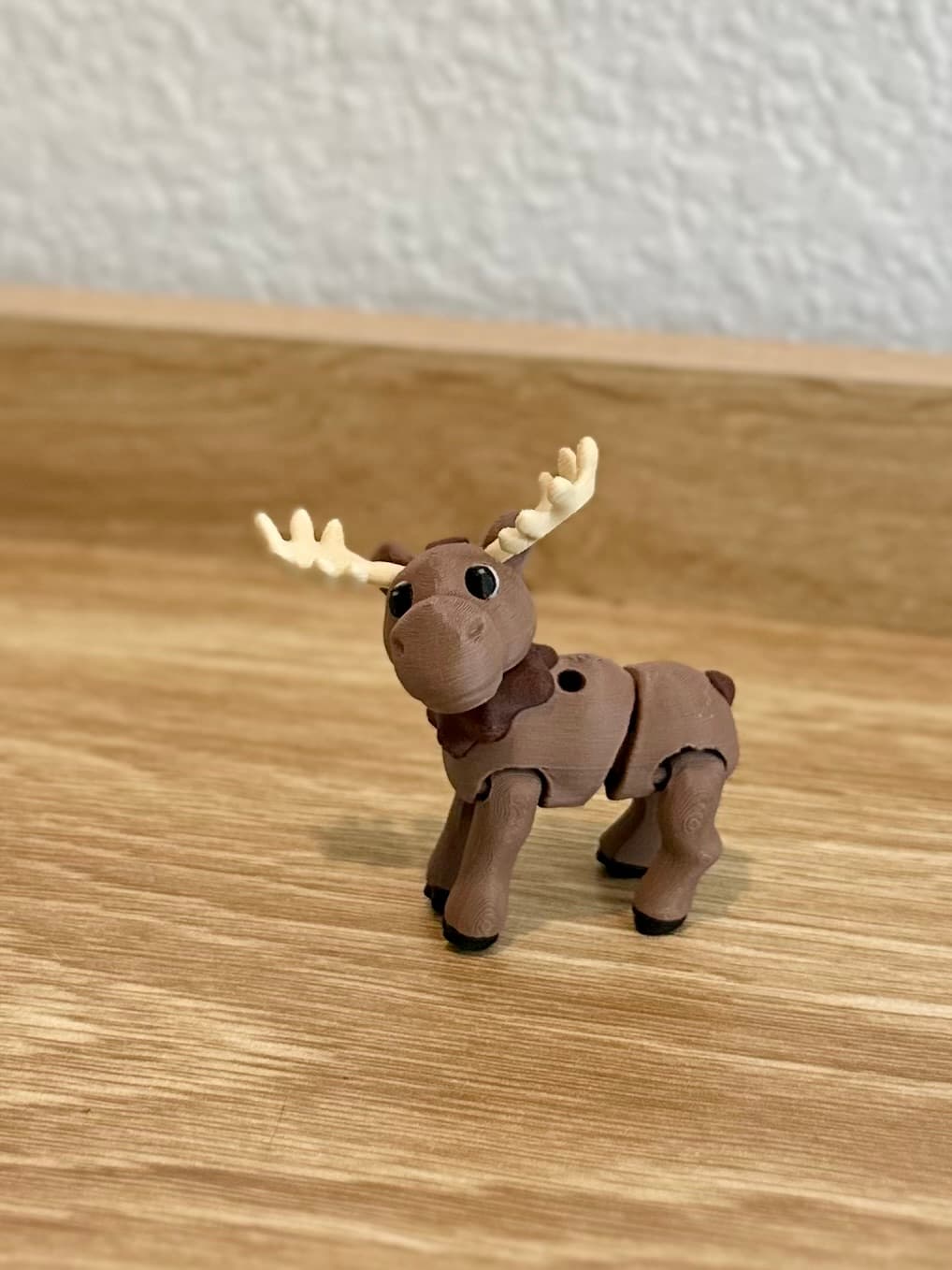
Meandering Moose - Articulating Fidget Moose - Ludo Flexy

Cinnamon Roll clicker

Furry Ferret - Articulated Fidget Ferret

Mint Chocolate Chip Clicker

Huge Humpback - Articulated Fidget Whale
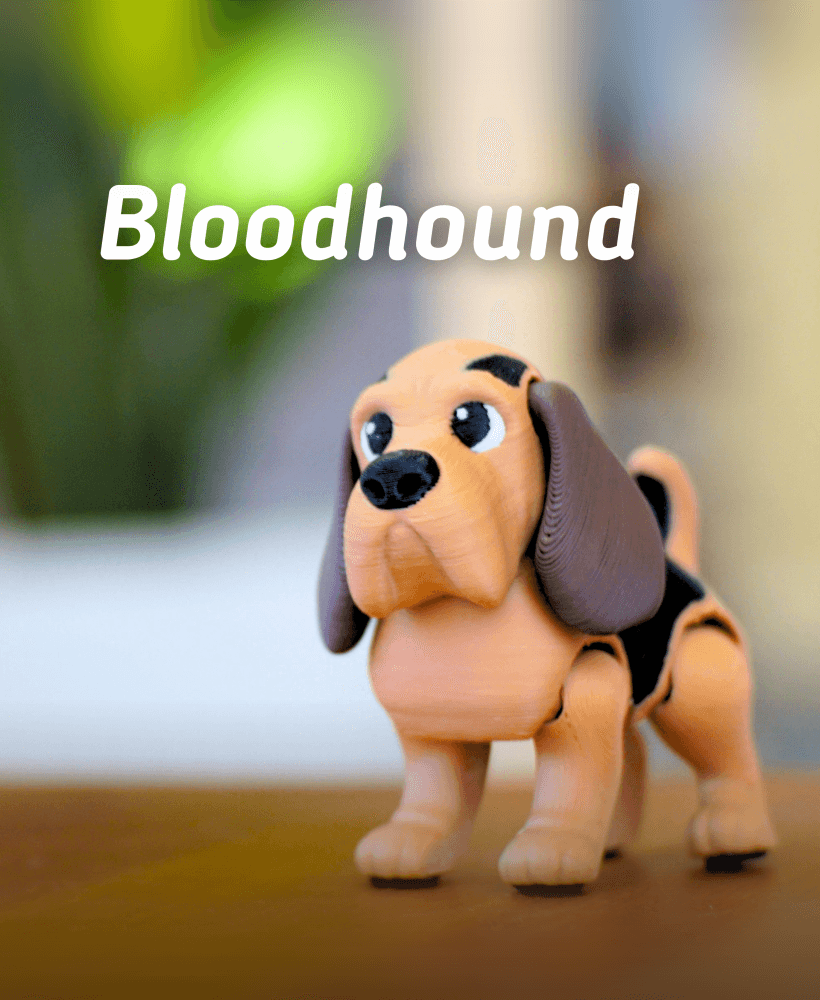
Bloodhound - Articulated fidget Dog

Basset Hound - Articulated Fidget Dog
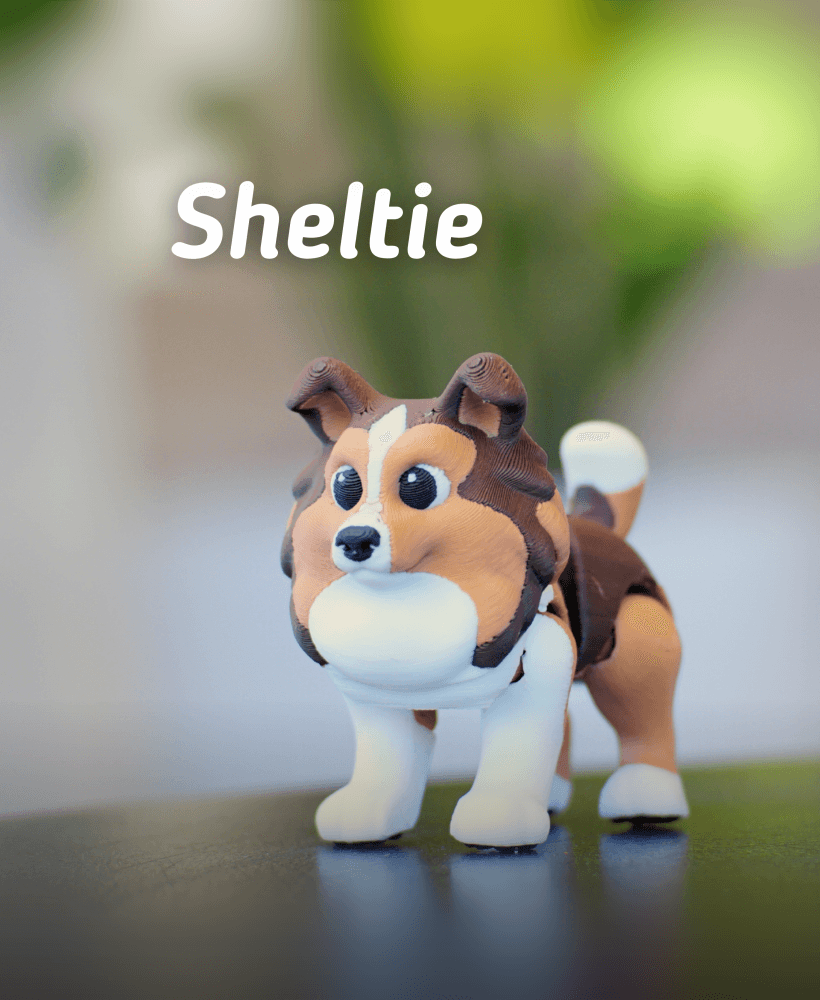
Ludo Sheltie - Articulated Fidget dog

Jumping jackalope - Articulated Fidget Jackalope
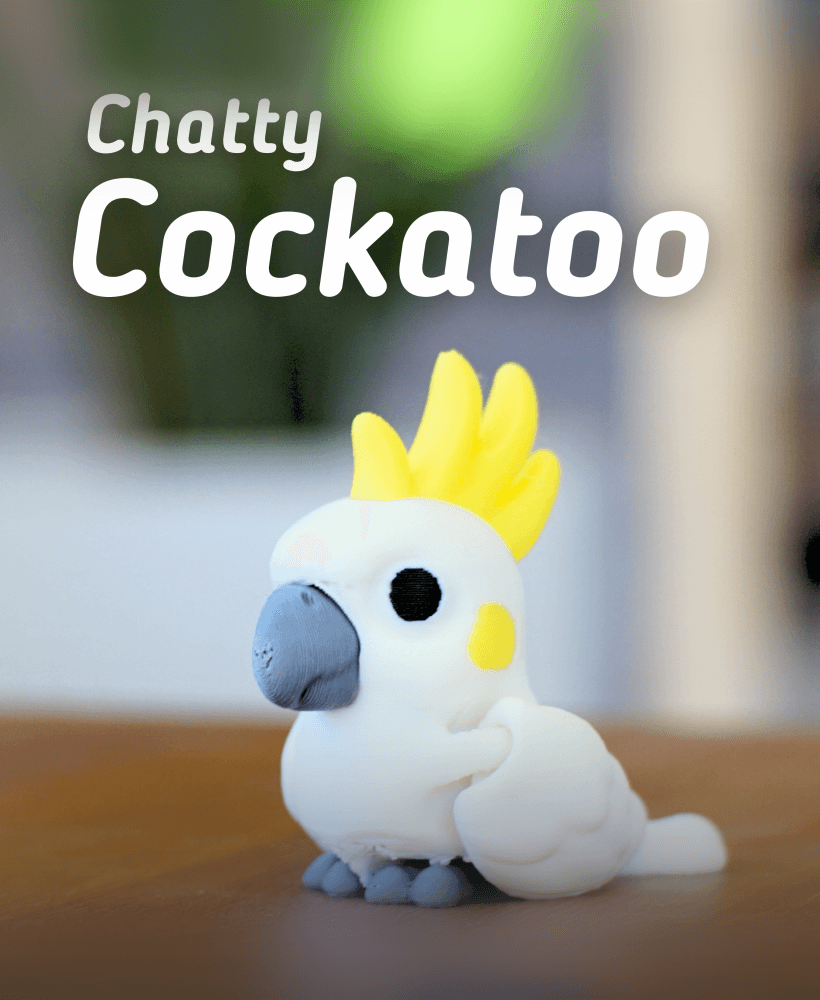
Chatty Cockatoo - Articulated fidget Cockatoo
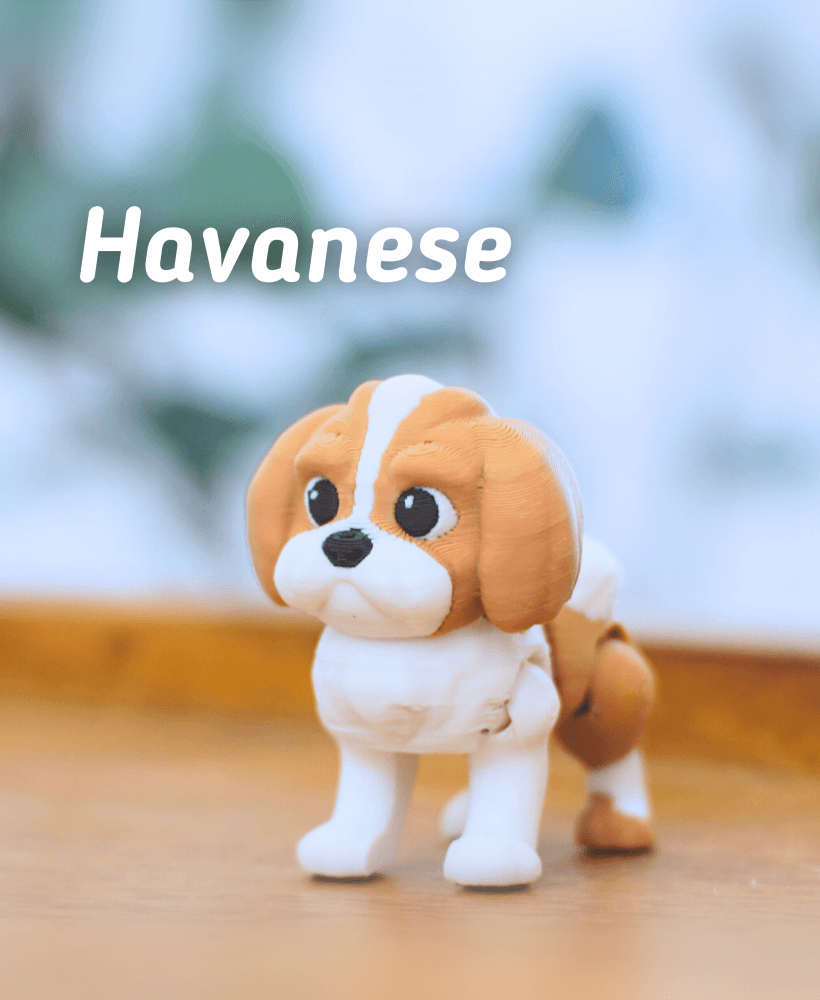
Ludo Havanese -Articulated Fidget Dog

Labradoodle - Articulated Fidget Dog

Ludo Pug - Articulated fidget dog

Popsicle Clicker

Buck-Tooth Beaver - Articulated fidget beaver

Ludo Boarder Collie - Articulated Fidget Dog

Ludo Springer Spaniel - Articulated Fidget Dog

Grumpy Goose - Articulated Fidget Goose
.png&w=3840&q=75)
Ludo Chihuahua - Articulated fidget Dog

Pecky Pigeon- Articulated Fidget Pigeon
When I try to put many of these on a plate, I get this weird brim-like area that they have to be separated by. It's rather huge, and I can only fit 4 on a plate or it refuses to print them. I can supply the picture of what Bambu Studio is doing, but any suggestions on how to fix this? 22h to print 4 of them seems wasteful.
You will need to change the plate print sequence setting to print by layer. The way I have it set in the 3mf is to print by object. To change this, you need to go to 'object' (it's right next to project where global is selected by default) Make sure you do not have anything selected except for the plate and you can the find 'print sequence' and you can change it to 'by layer'. That should allow you to print a full plate