

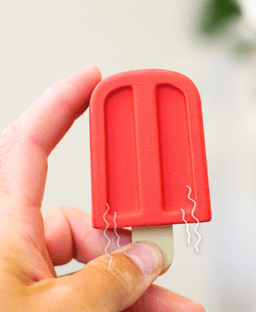


Popsicle Clicker
138 downloads · 2 months ago · **Ludo Popsicle Clicker**
The Ludo Popsicle clicker is addictively fun. You only need to snip plas
Ludo Popsicle Clicker
The Ludo Popsicle clicker is addictively fun. You only need to snip plastic standoffs if your clickers have them. This model will fold over electrical prongs as you press the clicker into place, so no need to snip those!
Assembly
- Remove supports
- Press the clicker into once half of the popsicle (the clicker goes down sideways)
- Press the stick into to the clicker (add glue)
- Glue the other side of the popsicle down onto the first side.
- Wait a few minutes for Glue to dry before clicking.
Clicker This design will work with most 3 pin plate mounted keyboard switches. We Recommend..
- For Small Quantities Kailh Box White Clickers are the best.
- For Large Quantities: Pawpers, by Pawpular Prints : These also have pre-snipped prongs, making assembly easier!
Printing
Print at 0.2mm layer height. Use adaptive layers to get a smoother top surface. Add tree supports to the underside of the top of the fire hydrant.
Filaments I Used: Red: Bambu Matte Scarlet Red Tan: Bambu Matte Desert Tan

Cinnamon Roll clicker

Furry Ferret - Articulated Fidget Ferret

Mint Chocolate Chip Clicker

Huge Humpback - Articulated Fidget Whale
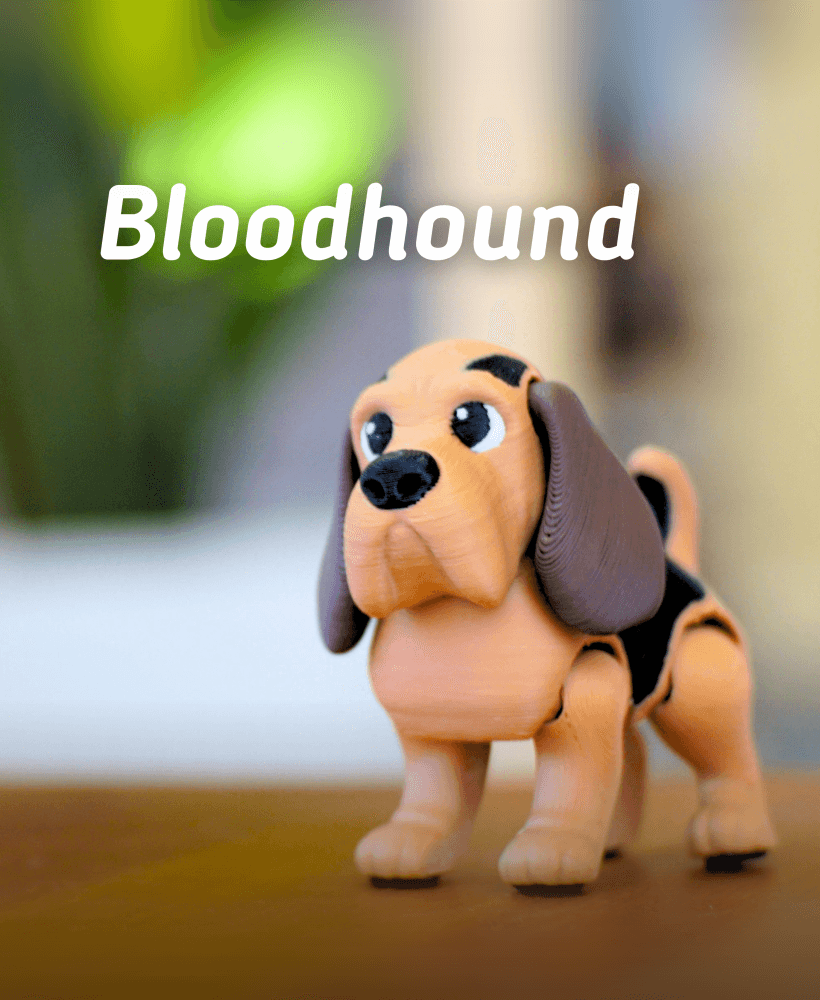
Bloodhound - Articulated fidget Dog

Basset Hound - Articulated Fidget Dog
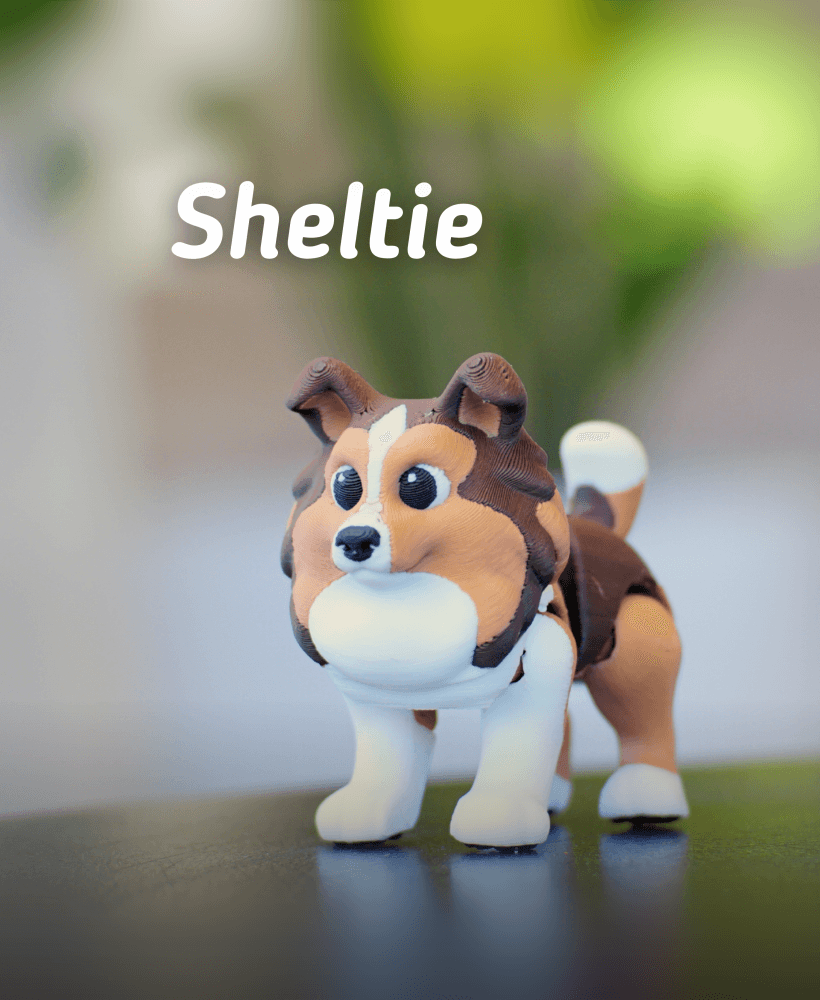
Ludo Sheltie - Articulated Fidget dog

Jumping jackalope - Articulated Fidget Jackalope
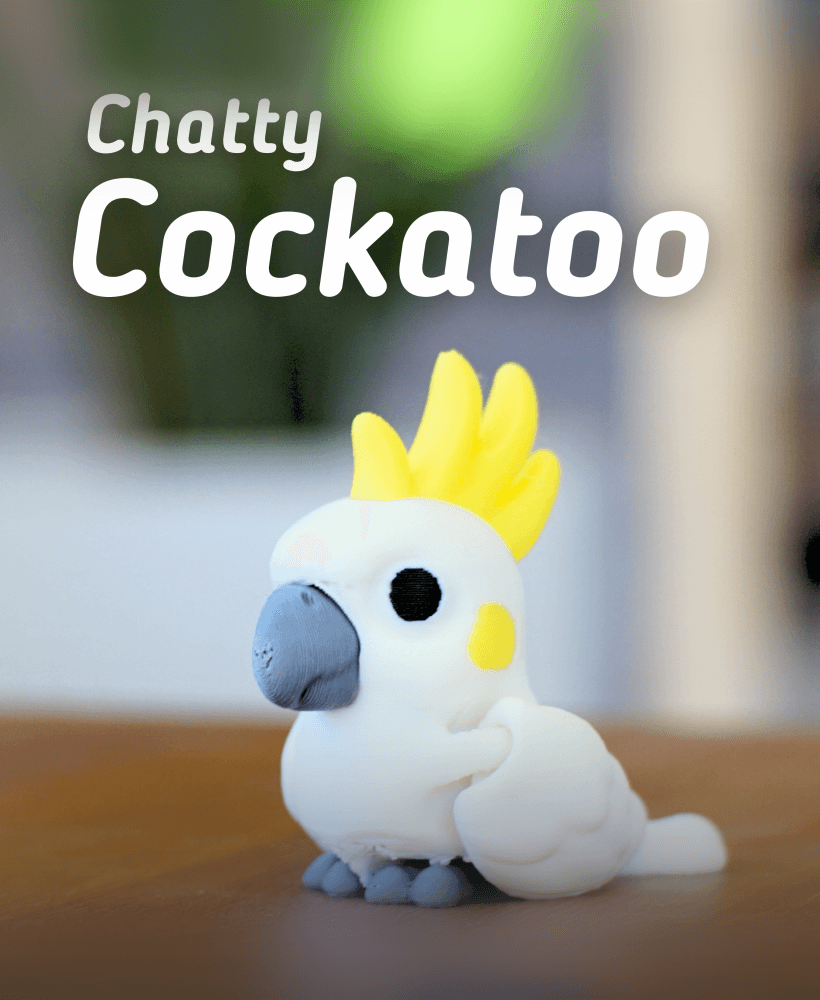
Chatty Cockatoo - Articulated fidget Cockatoo
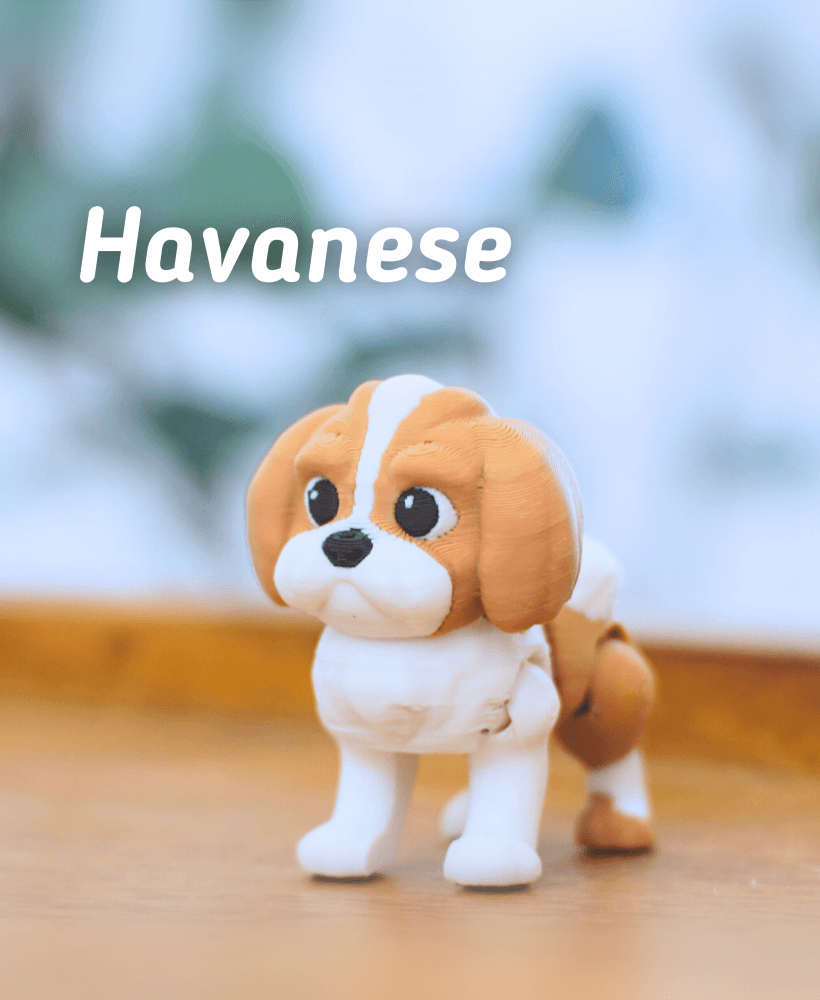
Ludo Havanese -Articulated Fidget Dog

Labradoodle - Articulated Fidget Dog

Ludo Pug - Articulated fidget dog

Buck-Tooth Beaver - Articulated fidget beaver

Ludo Boarder Collie - Articulated Fidget Dog

Ludo Springer Spaniel - Articulated Fidget Dog

Grumpy Goose - Articulated Fidget Goose
.png&w=3840&q=75)
Ludo Chihuahua - Articulated fidget Dog

Pecky Pigeon- Articulated Fidget Pigeon
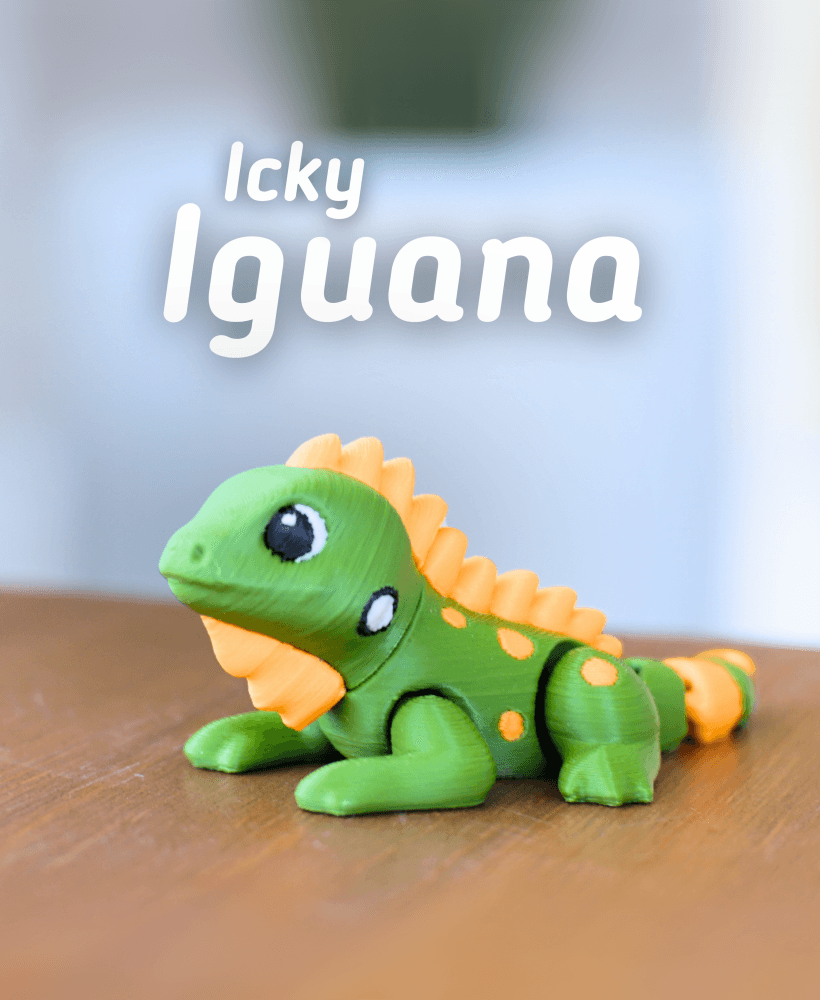
Icky Iguana - Articulated fidget Iguana
