


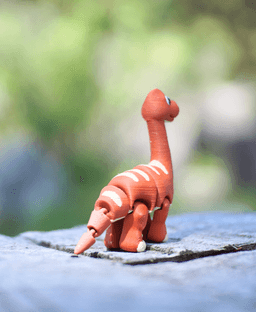


Brawny Brachiosaurus - Articulated fidget Dinosaur - Ludo Animal
The Brawny Brachiosaurus
This Fidget Brachiosaurus is designed to be printed with no supports. All the joints articulate right off the build plate.
Printing This print requires a multi-color printer (unless you want to hand-paint the model). Use the included Easy Print File for the pre-colored model to make printing easier!
Print at 0.2mm layer height. Use adaptive layers to get a smoother top surface on the belly and face. For a higher quality feeling print, print at 20-25% infill.
Keychain Version This model is available with a hole cut for keychains. (Provided in the Easy Print 3mf only) Key chain
Filaments I Used: Some of these contain affiliate links
Black: Bambu Matte Charcoal Tan: Bambu Matte Caramel Orange: Bambu Terracotta White: Bambu Matte Ivory White


Brawny Brachiosaurus - Articulated fidget Dinosaur - Ludo Animal

Cinnamon Roll clicker

Furry Ferret - Articulated Fidget Ferret

Mint Chocolate Chip Clicker

Huge Humpback - Articulated Fidget Whale
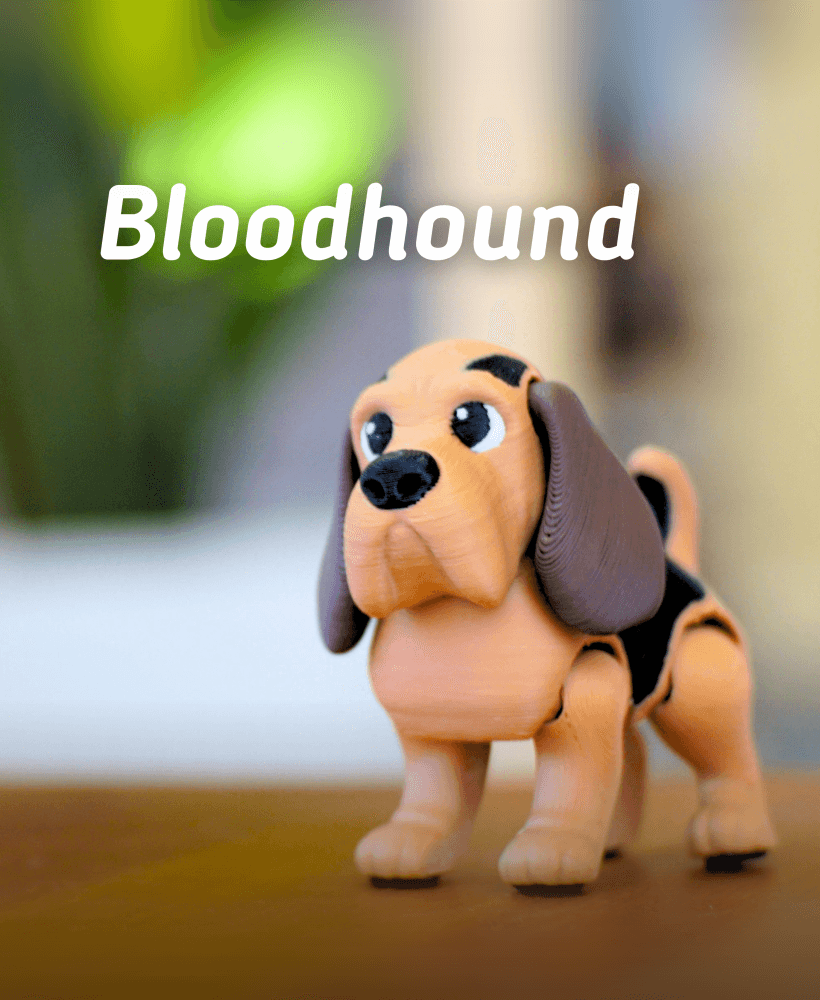
Bloodhound - Articulated fidget Dog

Basset Hound - Articulated Fidget Dog
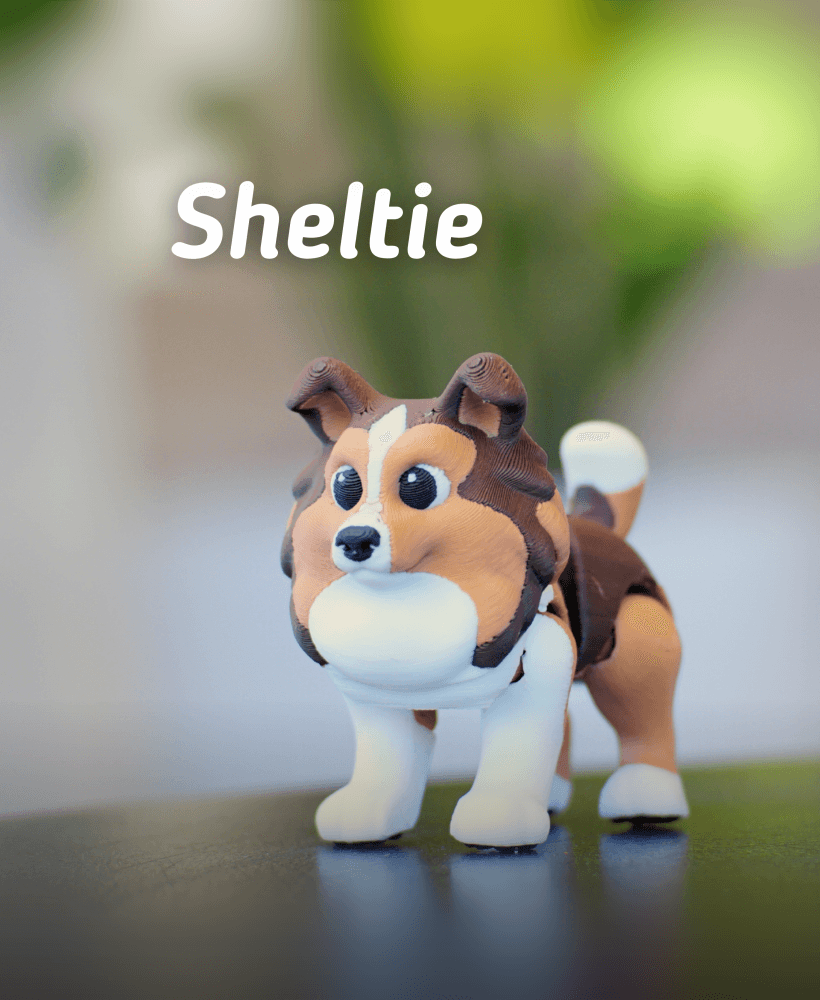
Ludo Sheltie - Articulated Fidget dog

Jumping jackalope - Articulated Fidget Jackalope
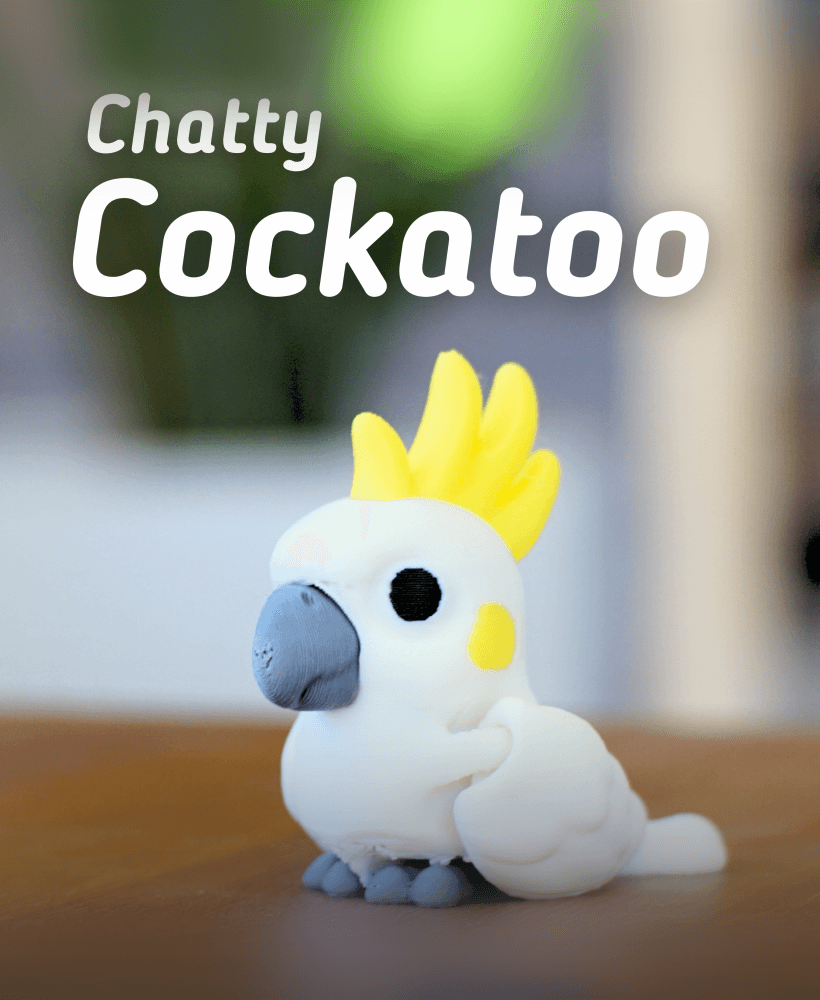
Chatty Cockatoo - Articulated fidget Cockatoo
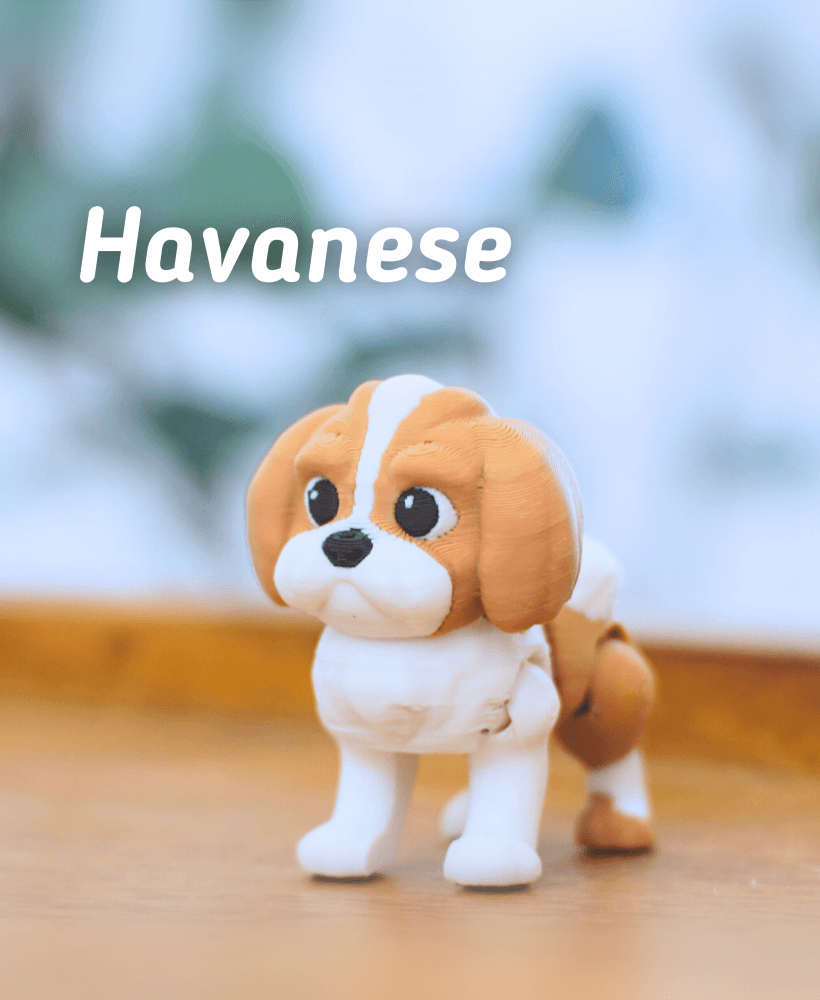
Ludo Havanese -Articulated Fidget Dog

Labradoodle - Articulated Fidget Dog

Ludo Pug - Articulated fidget dog

Popsicle Clicker

Buck-Tooth Beaver - Articulated fidget beaver

Ludo Boarder Collie - Articulated Fidget Dog

Ludo Springer Spaniel - Articulated Fidget Dog

Grumpy Goose - Articulated Fidget Goose
.png&w=3840&q=75)
Ludo Chihuahua - Articulated fidget Dog

Pecky Pigeon- Articulated Fidget Pigeon
Hello , i can open the model directly on prusaslicer. can you help me ?
Hi, I've found it best to open the models in Bambu Studio. PrusaSlicer doesn't seem to like the adaptive layer height, or the keychain hole added into our models. Bambu Studio is very user friendly and is compatible with a wide variety of printers, not just Bambu branded printers.
I just cannot figure it out how to print this model so far I did not have any problem ... I would like to split the head and body so I can have full plate of bodys ... but when I split it the model splits by parts and when I merge it I am not allowed to print due the missing first layer .... is there any step I am missing ? I did it the same way with horse and no problem ... I ma using A1
To split it you should be able to use the cut tool in Bambu labs to split it easier. That should keep everything aligned better than splitting to parts
sadly when I use the cutting in Bambu the coloring will disapear ... 🤷🏻♂️ ... I did not figure it out how to separate it
If you split it to objects it will keep the painting just be sure to re-join all of the body parts and it should work that way. once you move the head off the plate you can right click and select all on the plate and merge it. It will slice well after that
usualy I do like that but with this model I got error msg - the following object has empty initial layer and cant be printed ... if I do cutting it can be printed but there will be no colors on the file ... seems like Brachio does not want to be printed on my printer 😅😂
Are you right clicking the plate and selecting all, or just manually selecting all? I tested it myself and the error code doesn't show up if you right click the plate and select all to merge.
Oh wow, it worked when I right-clicked and selected "Select All"! I usually just used Shift and dragged the mouse around. Thank you so much for your help! 🙏
I'm happy it worked!