



Fade to Sax - Hueforge Print
Fade to Sax Dimension Layer Art (frame not included)
FOR MY COMPLETE RANGE OF 3D PRINTABLE PICTURE FRAMES, SEE HERE
Printing Instructions:
For Bambu Studio users, the included 3MF file has everything ready to go — colours are preloaded, and it includes speed and height range modifiers to reduce your print time.
⚠️ Important: The height range modifier in the 3MF file changes the layer height below the base thickness. If you need to reload the colour swaps manually, ignore the layer # values shown below and instead use the millimetres (mm) values for accurate swaps.
Otherwise, if you’re using the STL file, follow the instructions below as written.
Print at 100% infill with a layer height of 0.04mm with a base layer of 0.2mm
This print measures 325mm x 320mm. You can scale the size up or down by adjusting the X and Y axes, but do NOT change the height (Z axis).
You may print at higher layer heights below the Base Thickness of 1.4mm The Max allowed Thickness is 2.84mm and the Actual Thickness is 2.84mm
Filaments Used: PLA BambuLab Basic Black Transmission Distance: 0.1 PLA BambuLab Basic Maroon Red Transmission Distance: 1.6 PLA BambuLab Basic Sunflower Yellow Transmission Distance: 4.4 PLA BambuLab Basic Yellow Transmission Distance: 6 PLA BambuLab Basic Jade White Transmission Distance: 5 This print uses 5 unique filaments
Swap Instructions: Start with Black At layer #38 (1.68mm) swap to Maroon Red At layer #41 (1.8mm) swap to Sunflower Yellow At layer #52 (2.24mm) swap to Yellow At layer #65 (2.76mm) swap to Jade White for the rest.
Fade to Sax - Hueforge Print
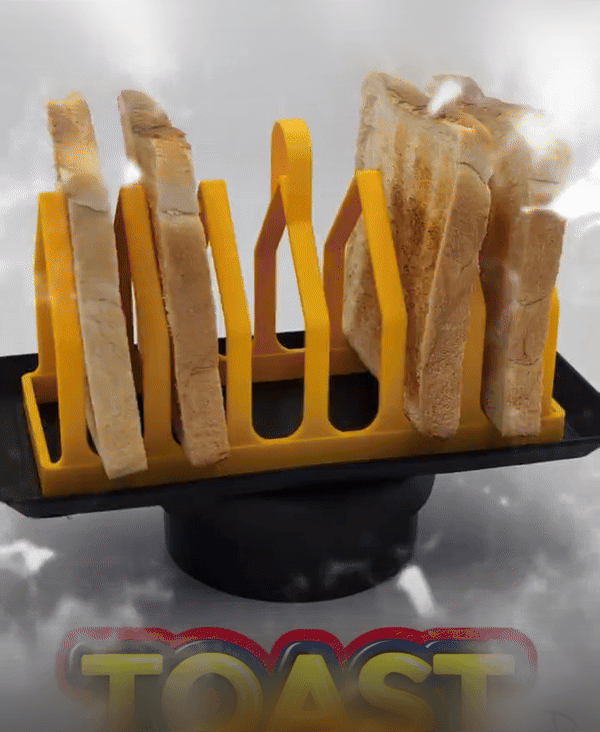
6-Slice Toast Rack & Tray triangular profile
.gif&w=3840&q=75)
6-Slice Toast Rack & Tray square profile
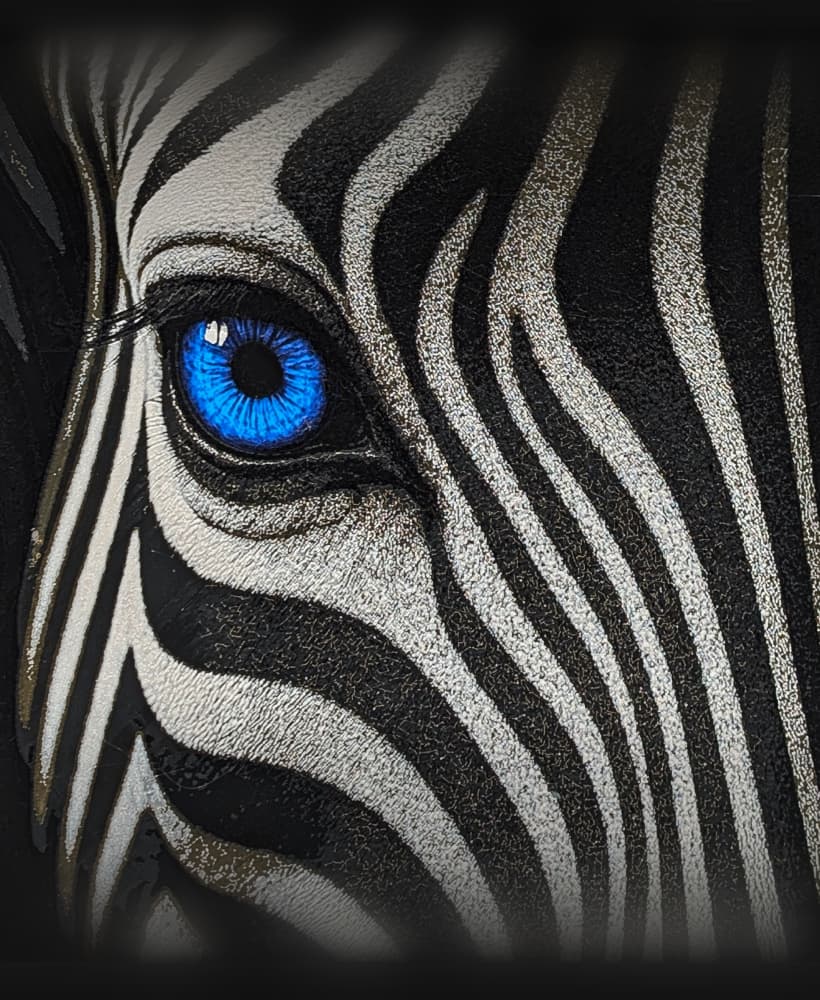
Savannah Blue - Hueforge Print

Savannah Green - Hueforge Print
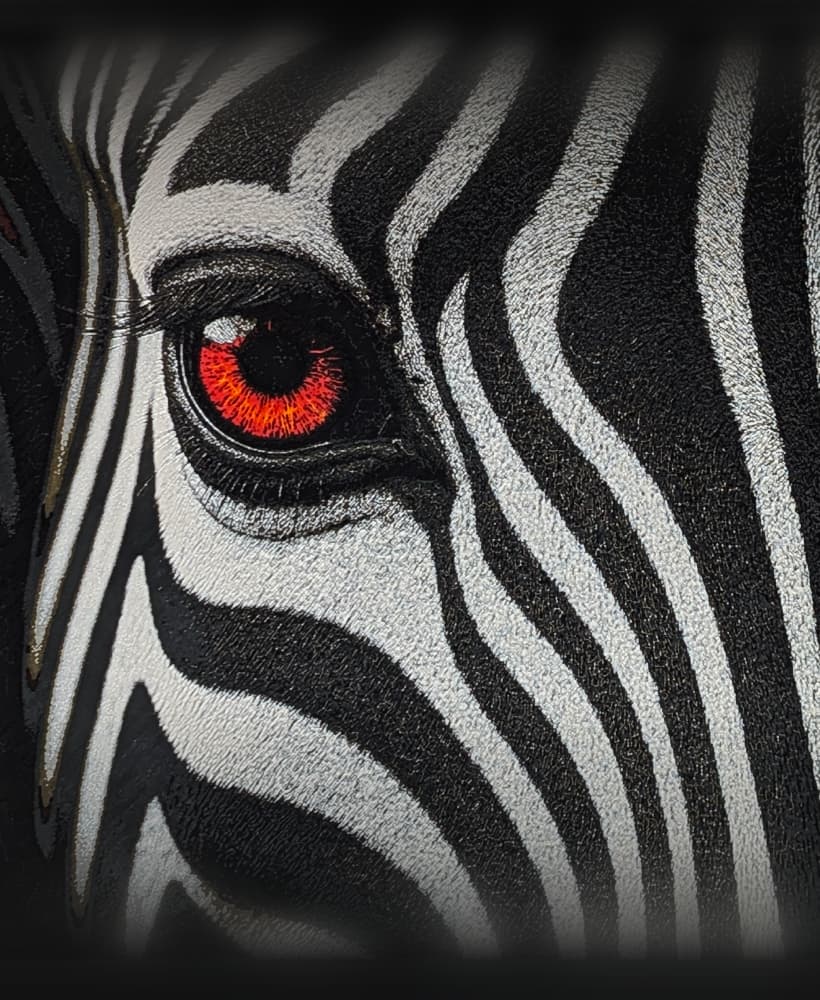
Savannah Red - Hueforge Print
Savannah Violet - Hueforge Print

100 x 100mm Modular Picture Frame for Hueforge - TRI TRACK

150 x 150mm Modular Picture Frame for Hueforge - TRI TRACK

200 x 200mm Modular Picture Frame for Hueforge - TRI TRACK

233 x 233mm Modular Picture Frame for Hueforge - TRI TRACK

250 x 250mm Modular Picture Frame for Hueforge - TRI TRACK

300 x 300mm Modular Picture Frame for Hueforge - TRI TRACK

320 x 320mm Modular Picture Frame for Hueforge - TRI TRACK

325 x 325mm Modular Picture Frame for Hueforge - TRI TRACK

350 x 350mm Modular Picture Frame for Hueforge - TRI TRACK
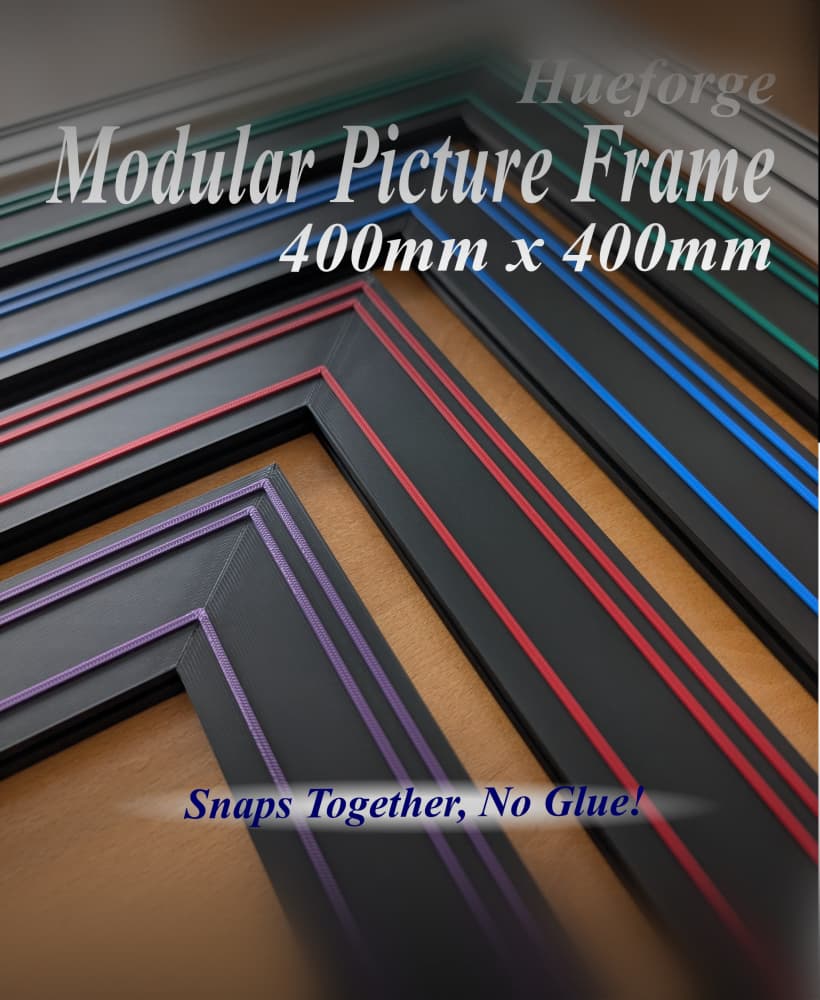
400 x 400mm Modular Picture Frame for Hueforge - TRI TRACK
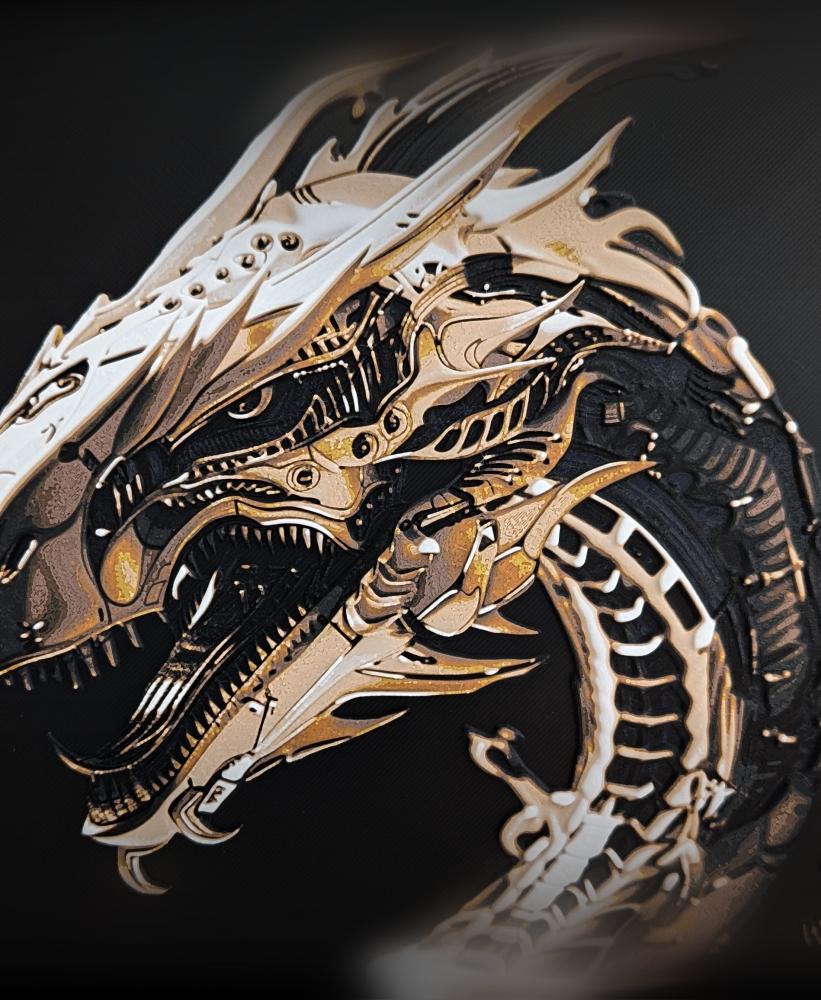
Steel Dragon - Hueforge Print
Electric Leopard - Hueforge Print
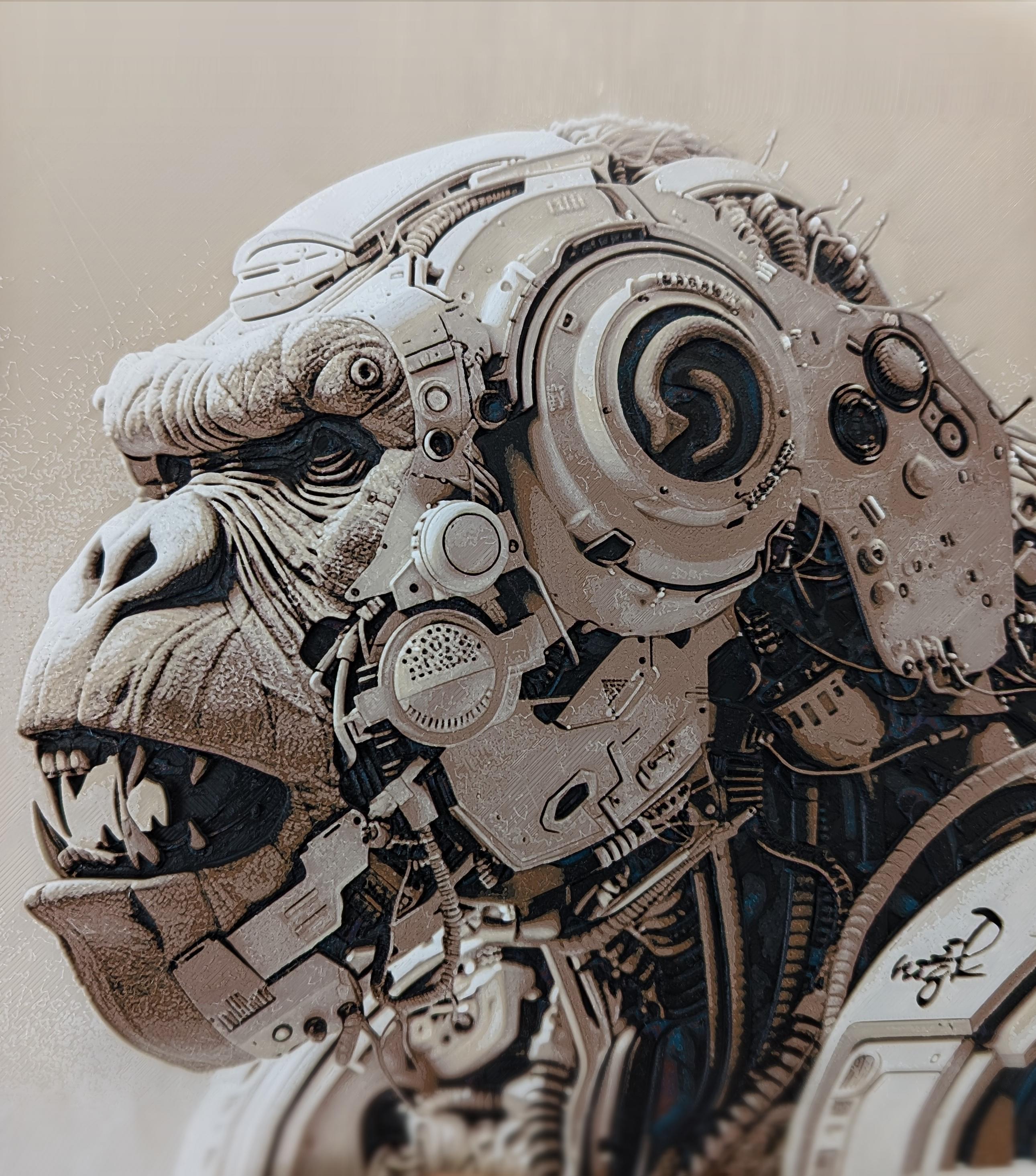
Gorilla Borg - Hueforge Print
