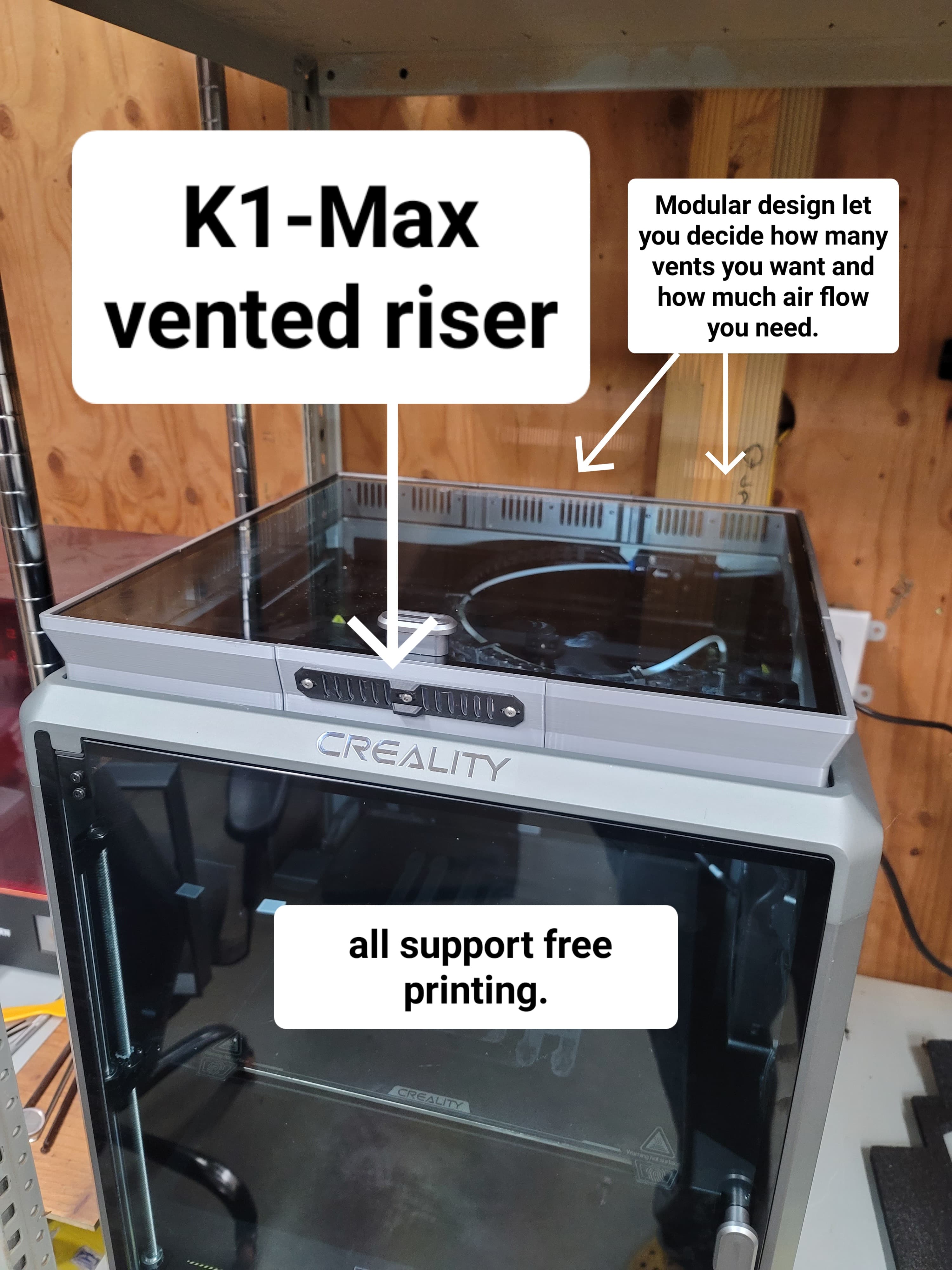
K1 Max CFS w/ Orca Config & Test Print 7/9/25 Update
Update 7/9/25- I am uploading a new file for this as the Y coordinates changes when adding the CFS upgrade kit. The new Print Volume is 300x295x300 as per Creality Wiki. I discovered this issue when trying to print my Z offset test and I kept getting Y coordinate out of bounds error message.
Please leave a comment if this is working or not I try to update these profiles as soon as I get feedback from the community that there is an issue. Thanks!Update: 6/10/25 New file has been uploaded as a user on another site edited the gcode to now allow the Upload and Print feature in Orca to work. Big thank you to them!
I had to delete the old version as I couldnt figure out how to remove just the file off Thangs. So I had to reupload it. I know its confusing that it says v3 right next to v1 but this is the newest version.
Was having issues getting Orcaslicer to work nicely with the K1 Max after the upgrade kit installation. I was able to get it to talk to the printer, and get the initial filament loaded but any swaps were done manually. A user on reddit named “Gramps-too” had posted a link to the K2 wiki for using Orca slicer and I was able to adapt that to the K1 Max. I edited the X Y & Z parameters since the K2 is larger than the K1 Max. You could easily adapt this to the smaller K1, K1C, and K1SE easily by edit those values as well.
I also included a quick 1 layer high test print to check your printer and CFS will work properly. Once you are satisfied Id suggest saving the printer with a new name and transferring all the values for this new profile.
K1 Max CFS w/ Orca Config & Test Print 7/9/25 Update

K1/K1C/K1SE CFS Upgrade Orca Slicer Config-Test v8
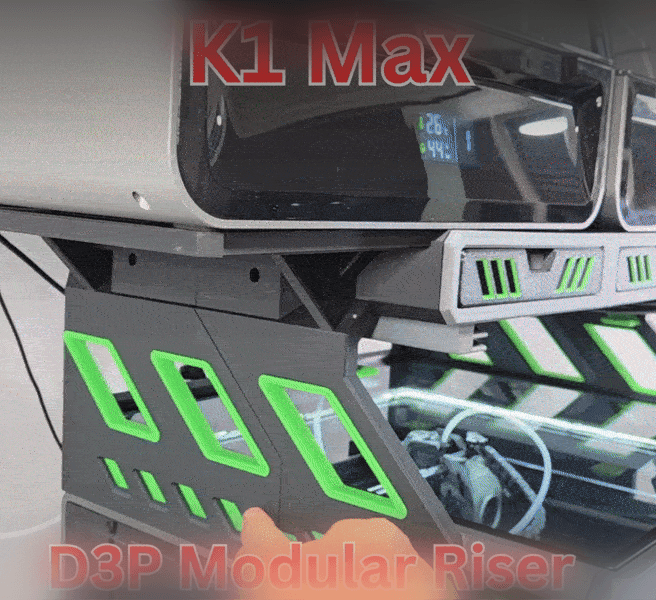
D3P Riser for Creality K1 MAX

Creality K1 / K1SE PTFE Support Brace

DUAL CREALITY CFS ROLL-OUT STAND

Book Genre Street Sign Shelf Plaque - Customizable

CREALITY CFS SIDEKICK - Dual CFS roll-out stand

D3P riser for K1 K1C K1E
Creality K1 and K1 Max Cura Profile
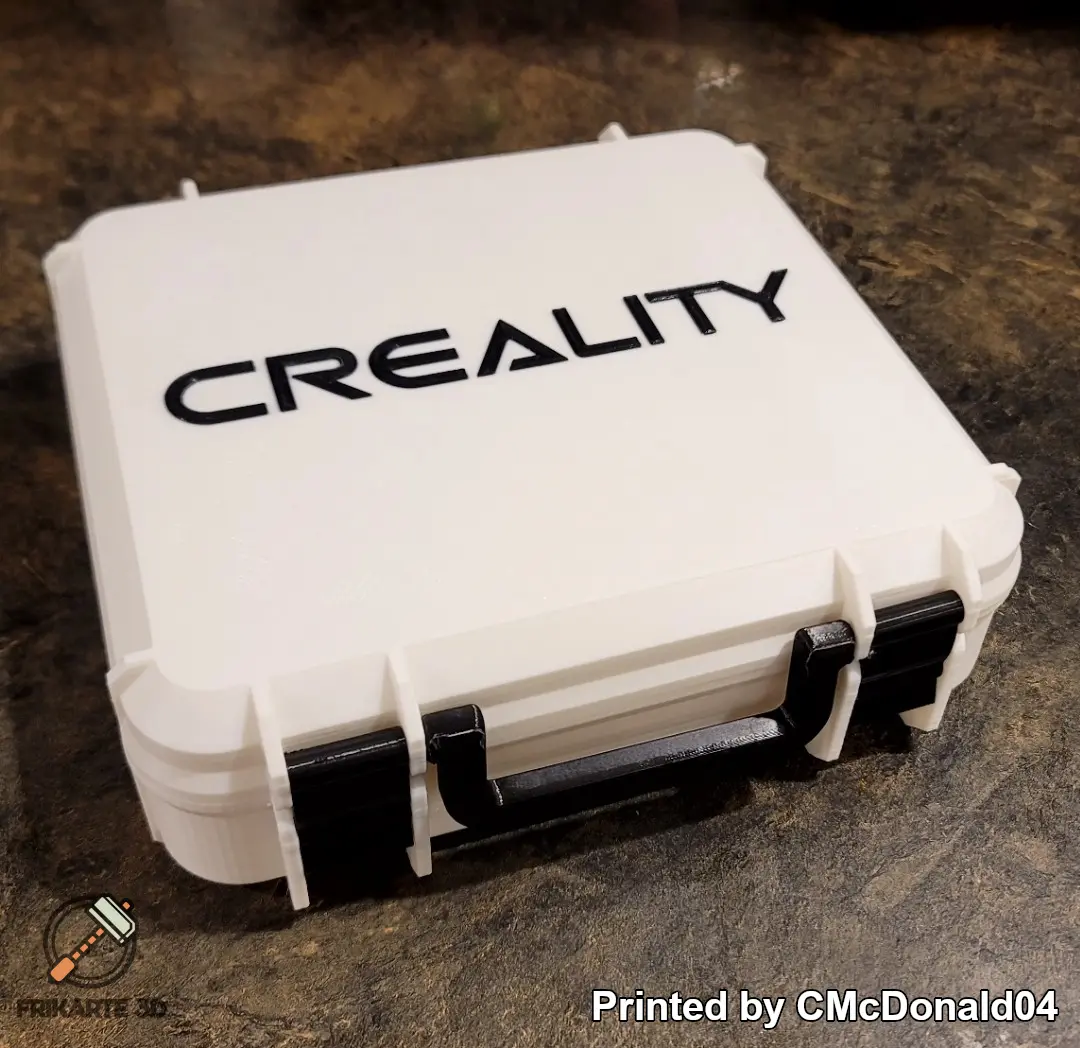
Creality Box
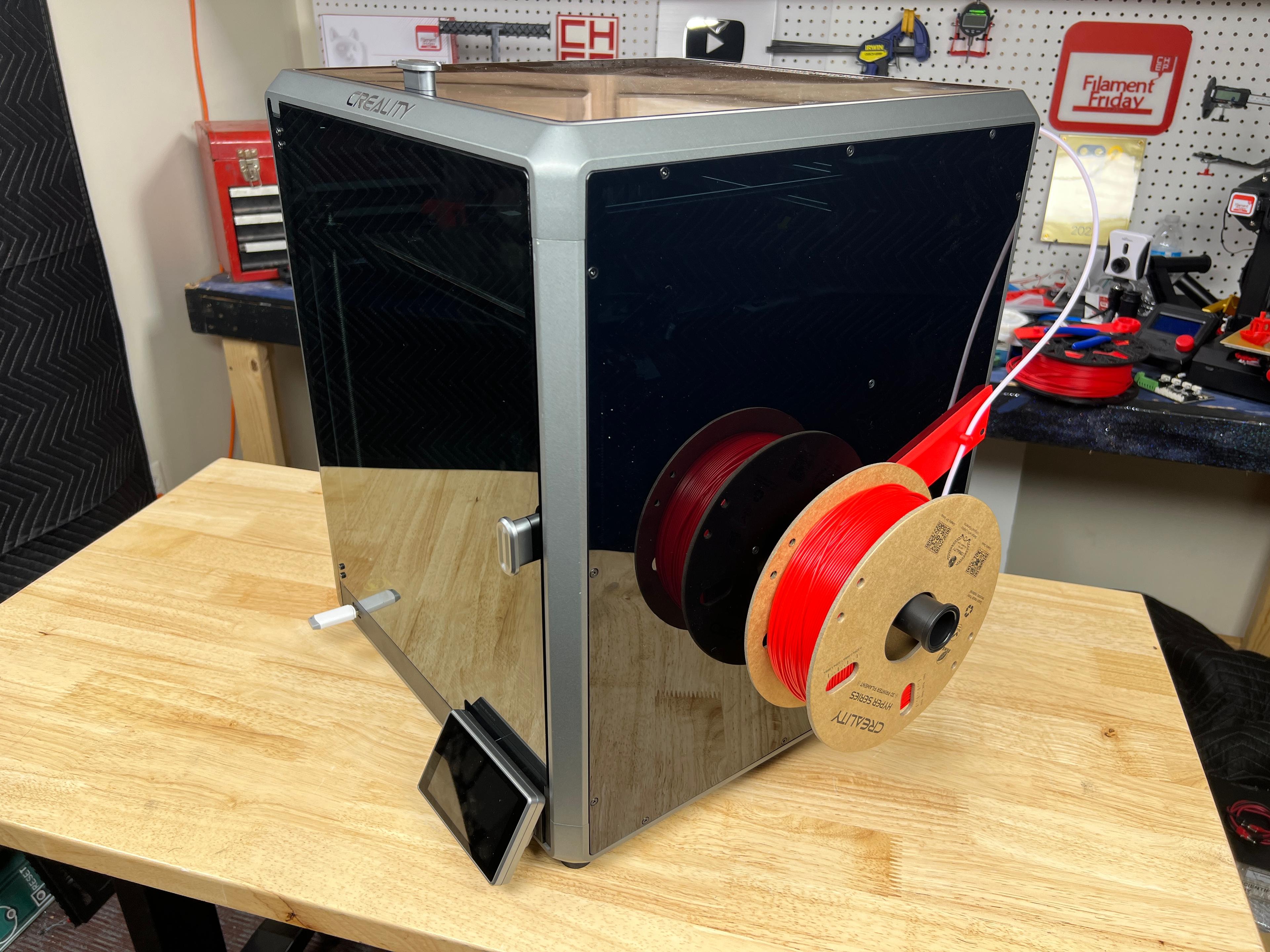
Creality K1 Max Spool Holder
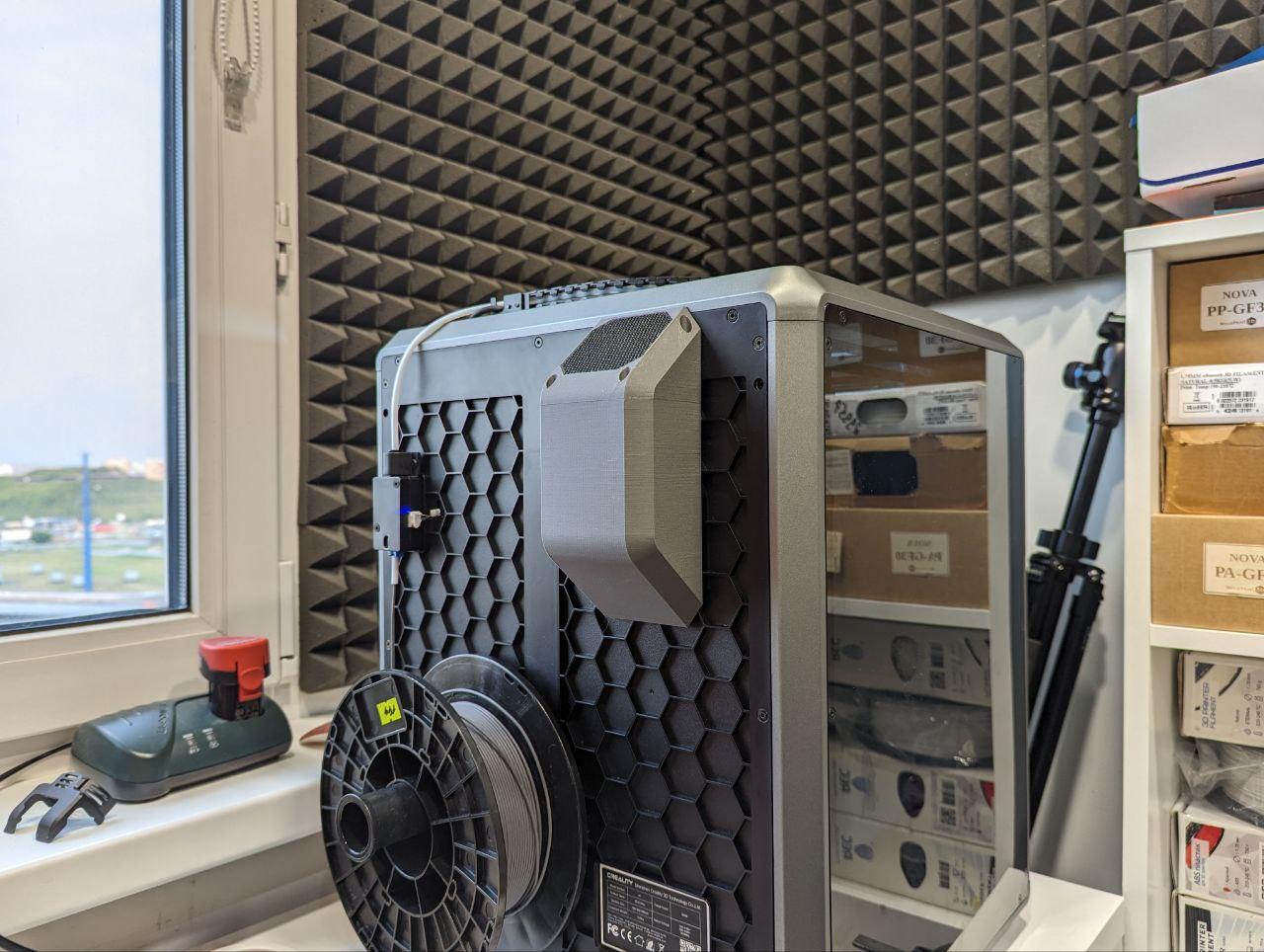
Creality K1 carbon filter
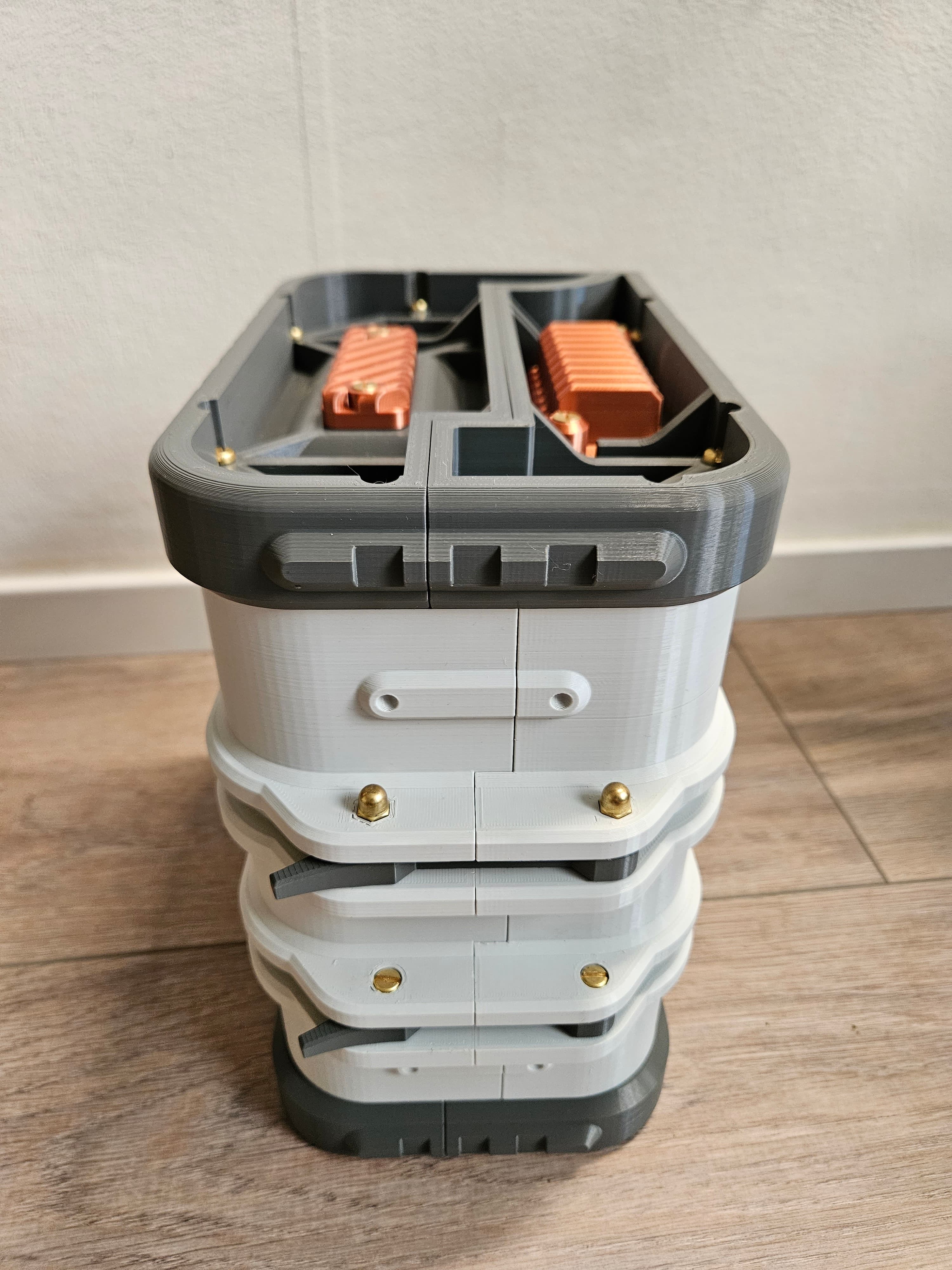
Loot Crate Storage Container
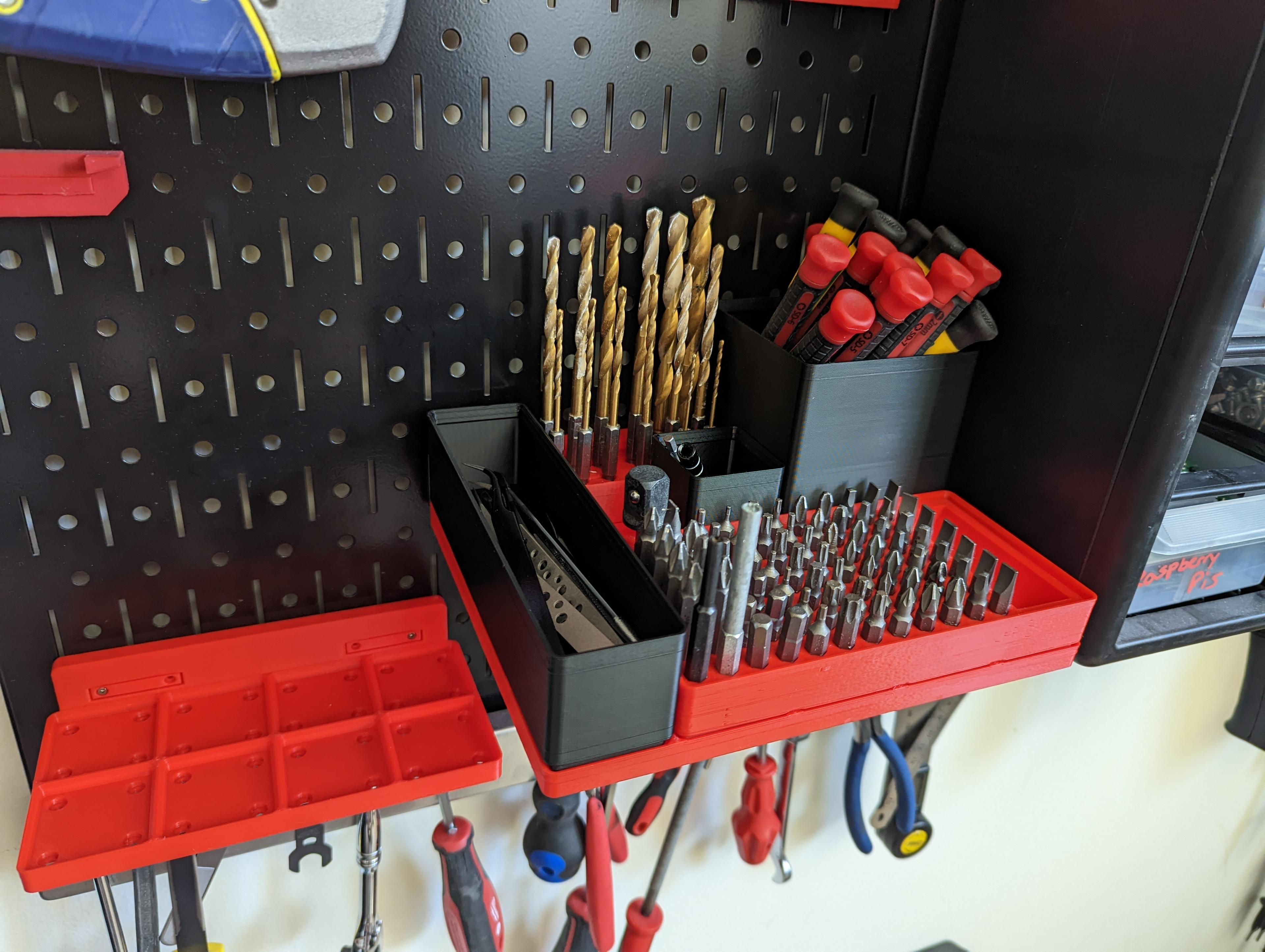
Gridfinity Parametric Wall Control Baseplates
Multiboard Aerosol Can Holder Pegboard Attachment
Creality Box Rotated Logo

Flexible Cat Skeleton

K1 Cable Chain Anti-Sag Riser Back
Creality K1 max tool holder Gridfinity 2x4
Creality K1 Extruder motor heat shield with air vents