
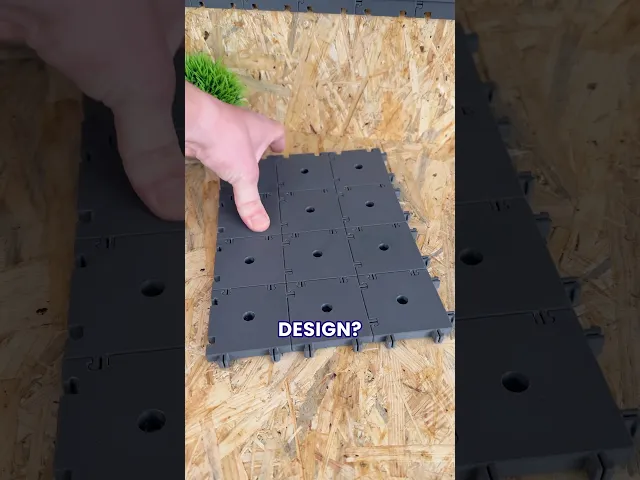
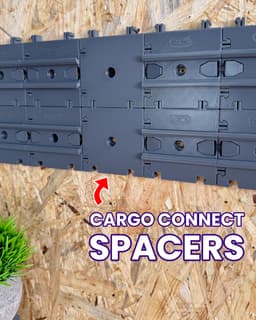


Spacer 1x1 - Cargo Connect
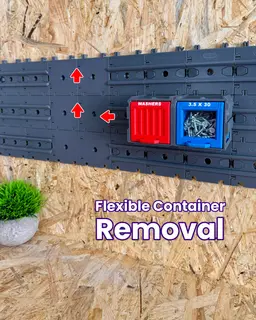
The Spacer 1x1 unlocks ultimate flexibility and control for your Cargo Modular System. Create gaps for hanging items or easier Cargo Container access, and use the built-in rail cutouts to slide and reposition other Cargo Connect tiles across your wall with ease.
Main Features
- Easy, support-free printing
- Fully 3D printable - no extra parts needed
- Easy to use - no tools required
- Add space anywhere within your wall setup to expand your system’s flexibility
- Create gaps for smoother ‘Cargo Container’ access at intersections
- Infinitely modular
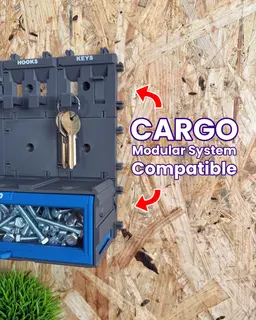
- Fully interconnectable with all Cargo Connect tiles for ultimate flexibility and customised storage
What is the Cargo Modular System? Imagine a fully 3D printable system that can organise every aspect of your life, from your kitchen or workshop, to your gaming setup or craft studio.. that is our goal for the Cargo Modular System.
We are documenting the development on our social media channels and we'd love for you to join us as the Cargo system grows and evolves. If you have any upgrades you’d love to see or feedback, be sure to leave a comment!
What we use:
3D printer - Bambu Lab P1S - Get one here*
Filament - Bambu Lab PLA Basic Dark Grey - Get some here*
What's Included:
When you have downloaded the model, you will find the below inside:
Ready to Print (.3mf file) - All the parts in one place and ready to print. User Guide (.pdf file) - A complete ‘User Guide’ to help you print and assemble the model.
Happy Printing
Play Conveyor
*Some links in this description are affiliate links, which means we may earn commission if you purchase through them.
Spacer 1x1 - Cargo Connect

Hook 1x1 - Cargo Attachment

Cargo Containers - 1x1 (Mini Modular Storage)

Rails 1x1 - Cargo Connect

Cargo Containers - 2x1 (Medium Modular Storage)
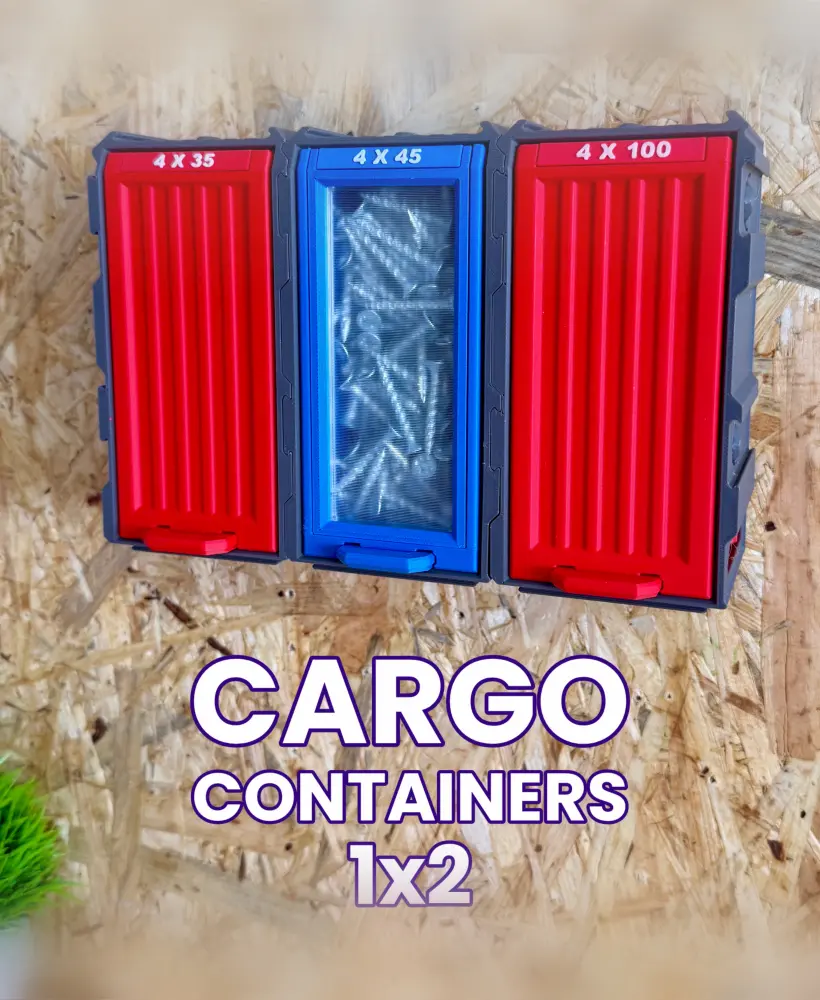
Cargo Containers - 1x2 (Medium Modular Storage)

Extending Shelf - Cargo Attachment
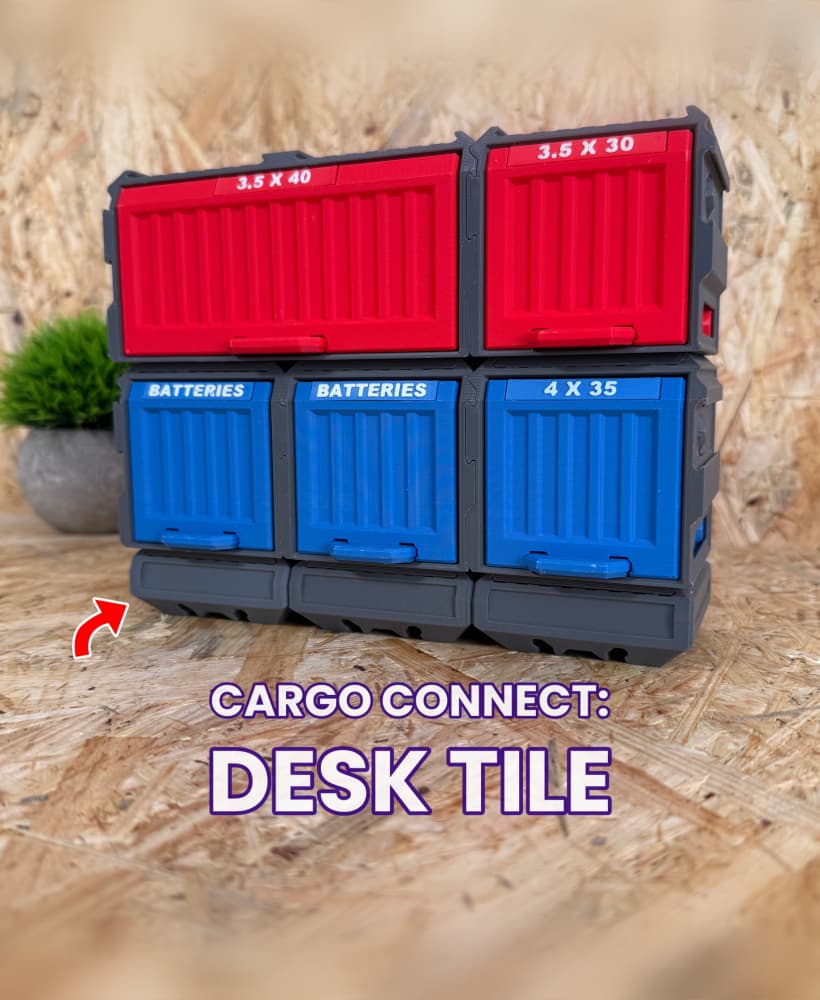
Cargo Connect - Desk Tile

Shelf 2x2 - Cargo Attachment

Cable Organiser USBC 2x2 - Cargo Attachment

Cargo Containers - 3x1 (Large Modular Storage)

Frames - Cargo Connect
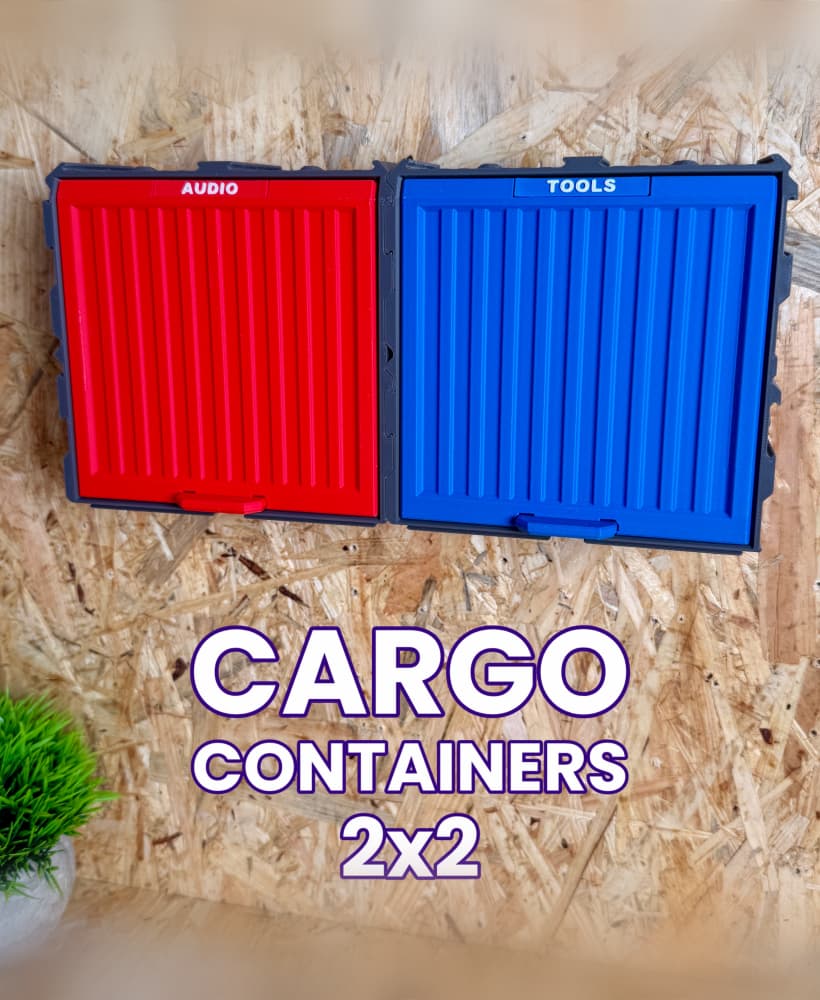
Cargo Containers - 2x2 (Medium Modular Storage)

Key Hook 1x1 - Cargo Attachment

Shelf 3x3 - Cargo Attachment

Gripper 1x1 - Cargo Attachment
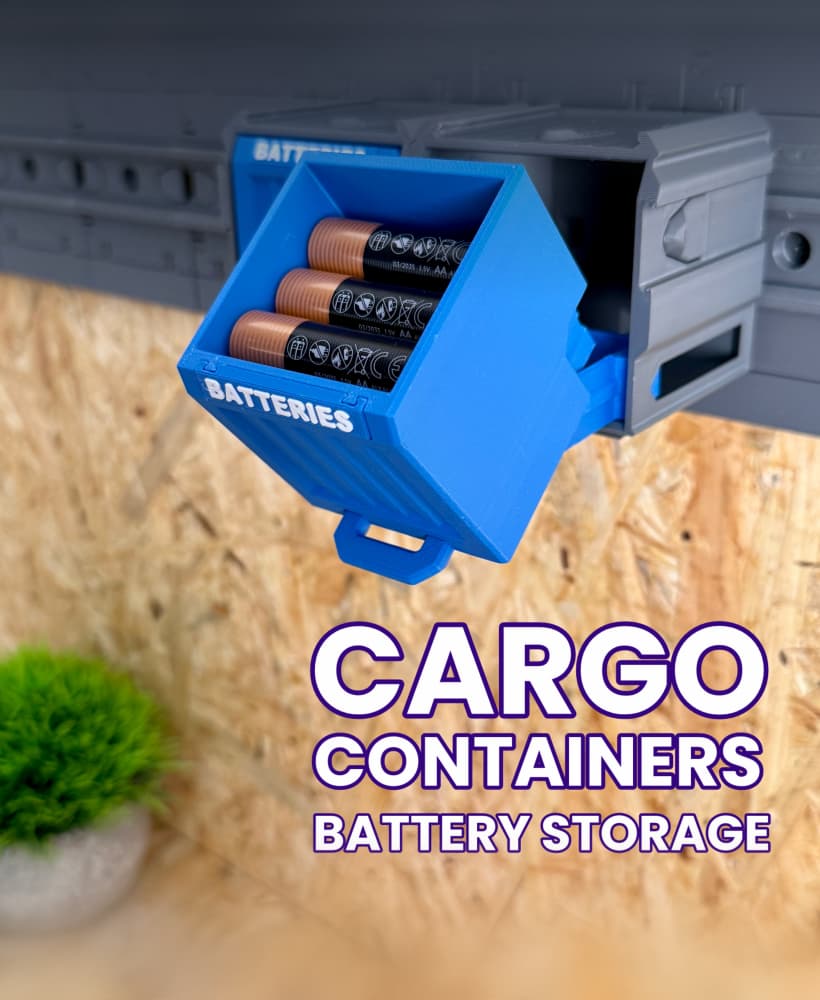
Cargo Containers: Battery Storage

Cable Organiser USBC 1x1 - Cargo Attachment
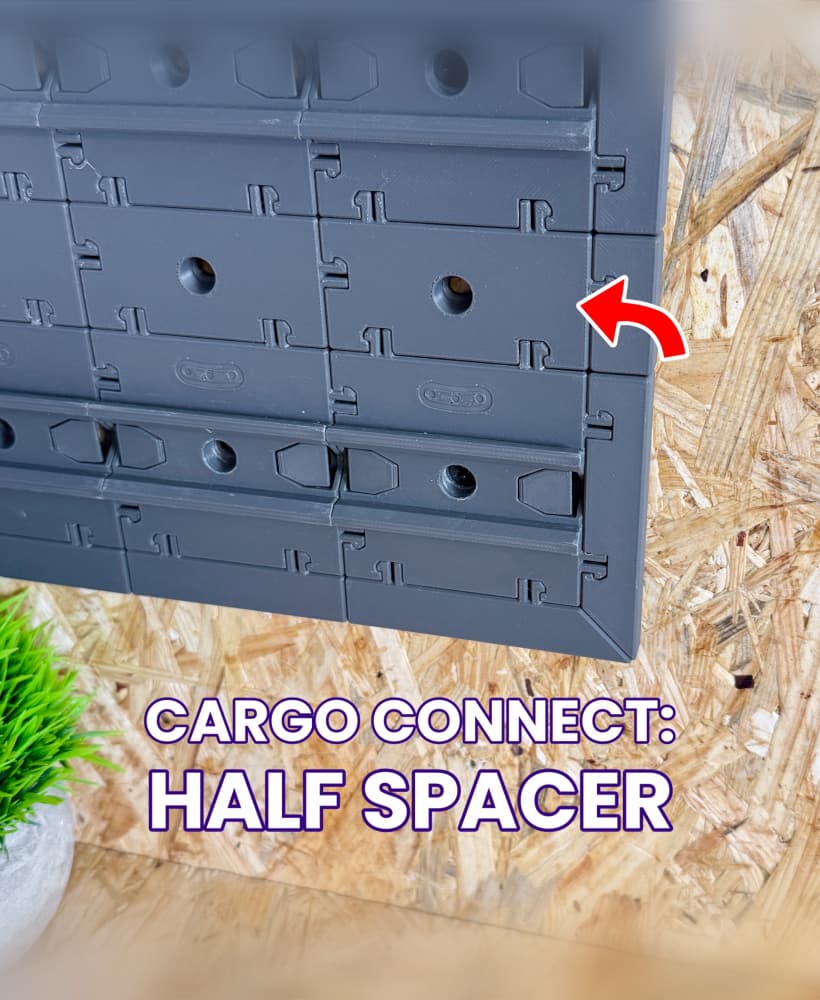
Half Spacer - Cargo Connect

Shelf 1x1 - Cargo Attachment
oNE THING MISSING i WEOULD SAY, IS A END WITH FLUSH EDGE AND BUILT IN STOP SO YOU CAN HAVE A CLEAN EDGE
Another thang to add to your makes to consider, wrench rests, this could be useful in a garage storage solution. I understand the hooks could work but not for open end wrenches and i myself would be one that would utilize this.
Not gonna lie, it sucks that these and the rails are not included in the same package. I gotta wait for next renewal to continue printing :(
Id love to see better print instructions for people who dont have a Bambu Labs printer. Looking at the PDF instructions the only direction that I see for printing on your own is to use "Classic" instead of "Arachne". Id love to see what settings you are changing and putting in for the Bambu Slicer, so that I can better interpret what I need to do for my printer. I just finished printing my 1st container, and 3rd bin, and the lock on the bin is super stiff. and IDK where to start troubleshooting