


Automated Air Filtration System for Cat Litter Boxes - Universal Fit - Customizable
This is a universal, Arduino-powered air filtration system designed to be mounted on virtually any cat litter box. The goal of the project is simple: automatically remove odors after your cat uses the litter, all while ensuring maximum safety and minimal disturbance.
At its core, the system is powered by an Arduino UNO and a VL6180X proximity sensor. When your cat enters the litter box, the sensor detects its presence and activates an orange LED to indicate the box is in use. Once your cat exits, the system waits 15 seconds for safety, then activates a 12V fan via a 5V relay, extracting air for 2.5 minutes. If the cat returns during this time, the fan immediately shuts off, and the cycle restarts once the litter is vacated again. -The waiting and extracting times can be customized in the Arduino code-
The electronics are built on a perfboard, with all component connections manually soldered. Power is supplied through a 12V PSU connected directly to the Arduino, but it also supports 12V battery power. When running on battery, the corresponding code includes a voltage monitoring system: if the battery drops below a safe threshold, the system automatically shuts down to prevent over-discharge and the orange LED flashes three times quickly to indicate that the battery needs to be recharged.
🌬 PWM Fan Control – A Challenge During early development, I attempted to use PWM (Pulse Width Modulation) to smoothly ramp up the fan speed, hoping to avoid startling the cat. However, with my Noctua 12V fan, even using the manufacturer-recommended PWM frequency, the fan would never fully turn off it always stayed at minimum speed. For this reason, I switched to relay control, but if anyone has tips for making PWM work reliably with Noctua fans and Arduino UNO, I’d love your input!
🌫 Filter Compatibility The filter housing is designed to fit Zortrax HEPA + Carbon filters, which I already had available. If you’re using different filters, feel free to remix the filter case to match your specific dimensions.
PROGRAM SETUP#include <Wire.h> #include <Adafruit_VL6180X.h>
const int fanRelay = 8; // Relay pin to turn fan ON/OFF const int ledRed = 10; // Red LED (blinking when fan is ON) const int ledGreen = 11; // Green LED (litter available) const int minDistance = 200; // Detection threshold for cat presence const unsigned long waitTime = 15000; // 15 seconds (in milliseconds) const unsigned long fanRunTime = 150000; // 2.5 minutes (in milliseconds)
Adafruit_VL6180X vl6180x = Adafruit_VL6180X(); bool isCatInside = false; bool isWaitingExit = false; unsigned long exitTimerStart = 0;To change the waiting and fan operation time you can easily change the value in millisecond of const unsigned long waitTime and const unsigned long fanRunTime in the first potion of the code.
This is the code for power supply operation, but in the download section, you can also find the one for battery use.
⚠ Note: The code for battery use requires an additional part in the circuit to read the voltage. This version, with battery monitoring implemented, can be used both with a battery or a power supply.
➡ The electronic schematics are available in the Downloads section!
🛠 Project Development with PCBWay’s Support A massive thank you to PCBWay for helping bring this project to life.
PCBWay specializes in PCB, PCBA, CNC, and 3D Printing, and has (in my experience) the best support & the widest amount of options for manufacturing.
They also have a PCBWay+ Store where I purchased everything needed for this project, including the VL6180X proximity sensor, Jumper Wires for prototyping, and a Multimeter to test circuit connections. You’ll also find the Relay Module compatible with Arduino.
In addition to the essential components for this build, range of electronic parts and accessories at great prices, with an easy checkout process and fast, well-packaged shipping. Check out this project on PCBWay+ Community.
🔧 Print Settings Layer Height: 0.2mm
Infill: 30–50%
Perimeters: 2–3
Supports: Not required
Material: PLA or PETG recommended
🖨 Print Files & Quantities 1× Electronics Case
1× Electronics Case Lid
1× LED Diffuser (in transparent material)
1× Sensor Case (Bottom)
1× Sensor Case (Top)
1× Fan Mount & Filter Case
1× Filter Housing (Zortrax compatible)
1× Filter Safety Clip
🔩 Hardware Required 1× Arduino UNO
1× VL6180X sensor
1× 12V 120mm fan
1× 5V relay module (or compatible MOSFET switch)
⚠ Note: I used a basic relay controlled directly from a digital pin, but I highly recommend using a dedicated relay module to protect your Arduino from excessive current draw.
1× 3mm Green LED
1× 3mm Orange/Red LED
2× 220Ω Resistors
1× 12KΩ Resistor (optional)
1× 4.7KΩ Resistor (optional)
1× 4-pin JST XH Board Connector Set (or similar)
1× 4-pin Header Strip
1× 1-pin Header Strip
1× Perfboard (up to 6,9 x 4,5 cm)
1× 12V 1A DC Power Adapter
1× 12V Battery (optional)
1× Zortrax Hepa + Carbon Filter SET
1× Digital Multimeter
Screws and Zip Tie (type and quantity inside BOM)
22AWG Solid Core Wire for circuit wiring and connections to Arduino ports
A full Bill of Materials (BOM) and a step-by-step assembly guide are available in the Downloads section.
🖥 Serial Monitoring for Smart Integrations The Arduino code includes serial messages to indicate the system’s current state. This opens the door for remote monitoring, integration with smart dashboards, or logging battery performance over time, great for further development!
💡Expansions and Integrations
If your litter box is very large and you’re concerned that the cat might not be properly detected by the sensor, you can modify the project by adding one or more additional sensors to achieve full coverage inside the box. Alternatively, you can increase the waiting time as needed, to give your cat enough time to do its business even if it’s in a spot not covered by the sensor.
🔁 Share Your Make & Remix! I’d love to see how you build and customize this project. Your feedback is incredibly valuable and helps me improve my designs.
If you create improvements, remixes, or alternate modules, share them with the community!
🐾 Follow for More Don’t forget to follow 3D KIMBA for more projects, creative ideas, and helpful tools for makers!
Automated Air Filtration System for Cat Litter Boxes - Universal Fit - Customizable
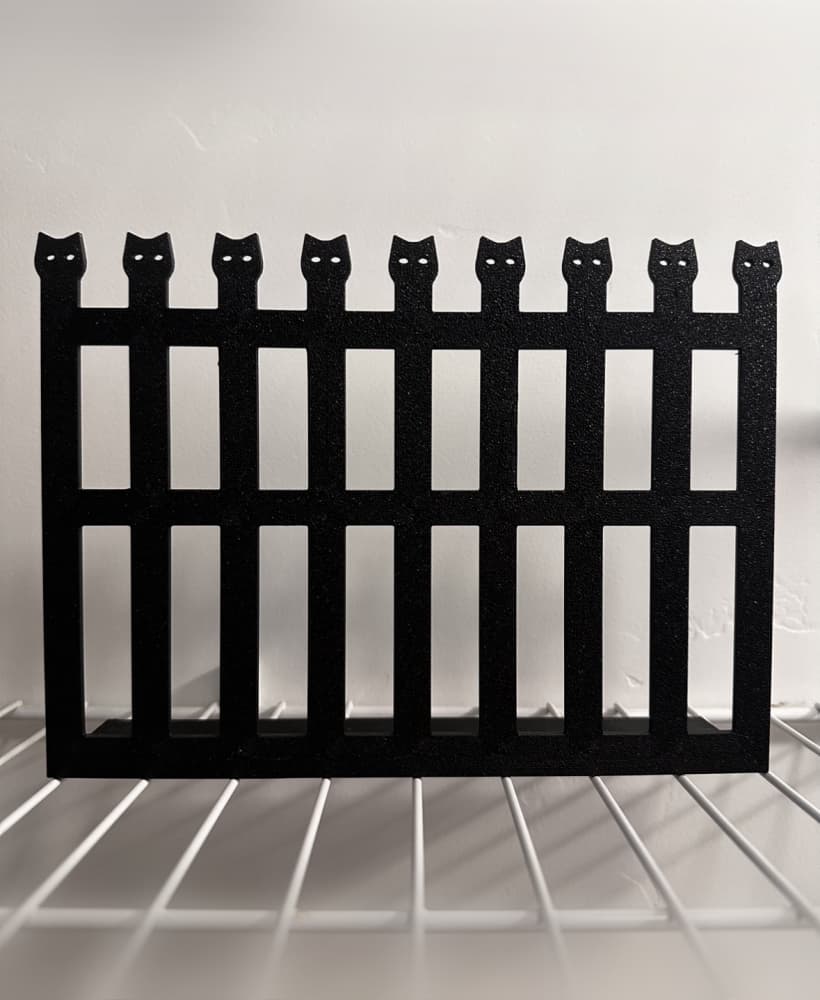
Cat Litter Fence

Cat Litter Scoop for Biokats Micro-Fresh

Pretzel prints Cat Litter Snow Globe
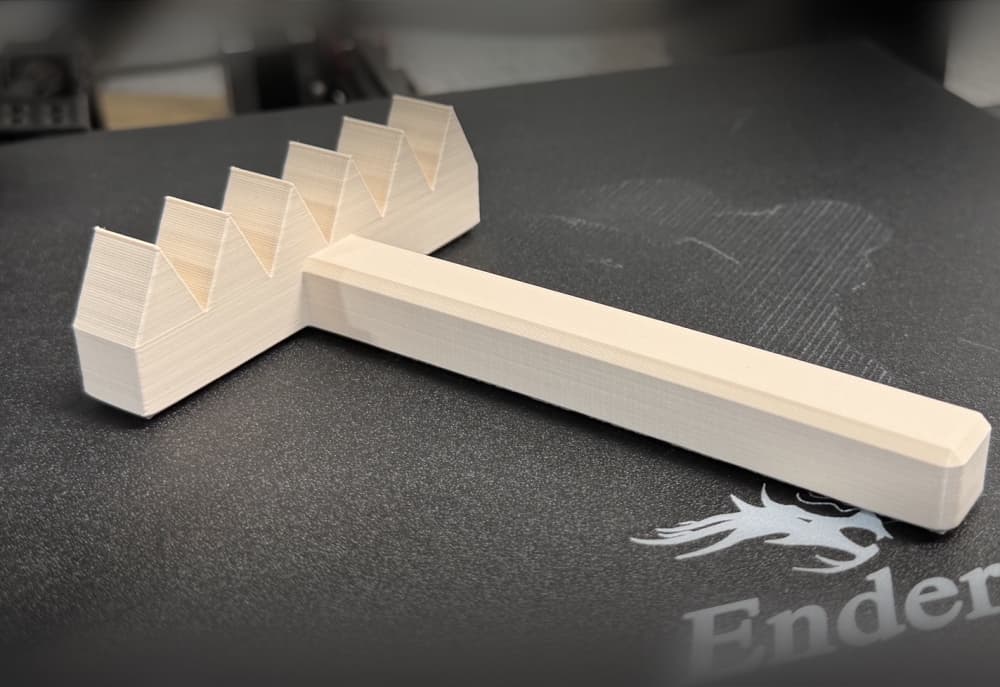
Cat Litter Zen Garden Rake

Makesure Cat Litter Box Max Hinge
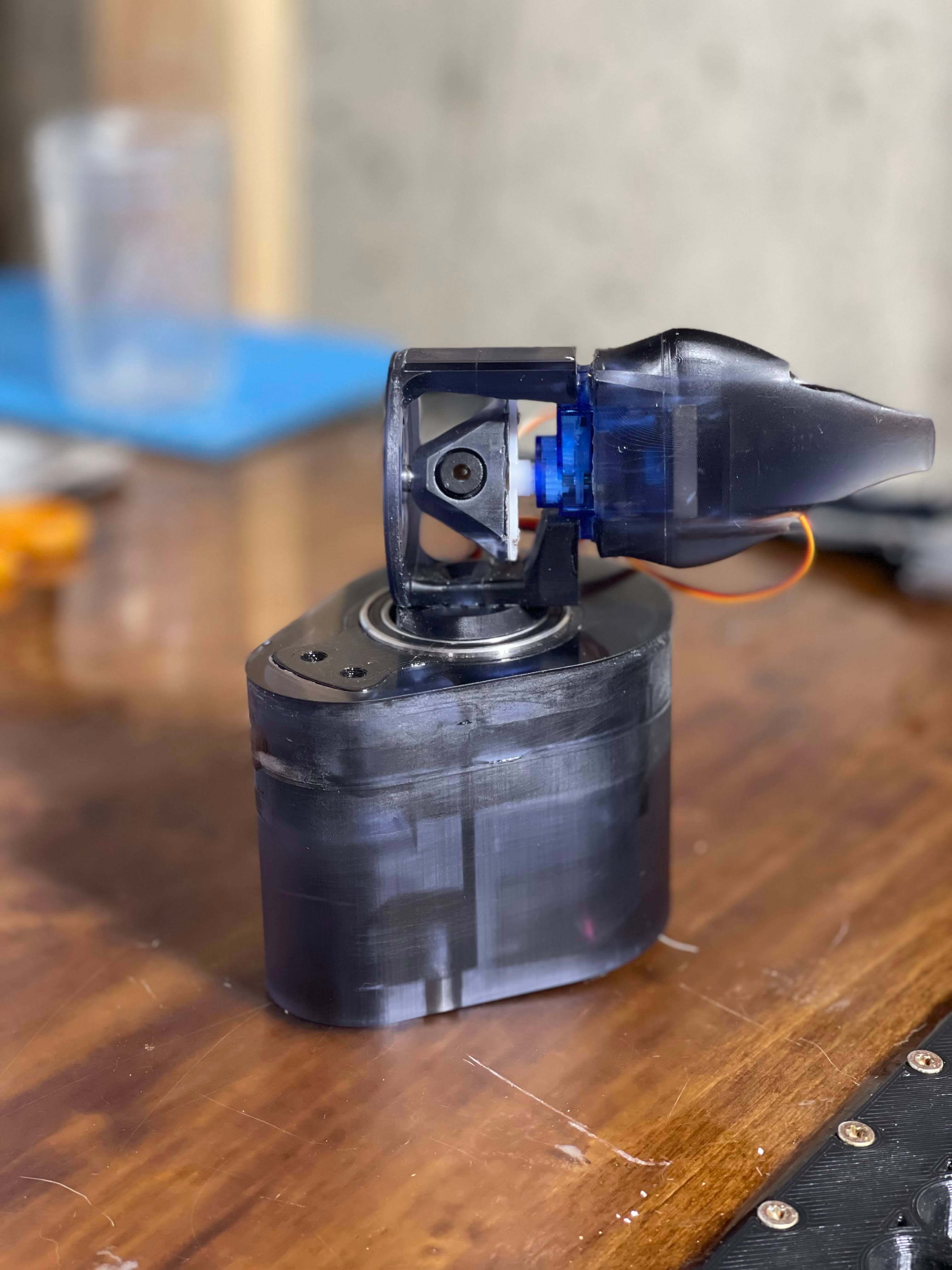
Automated Cat Toy Laser Turret
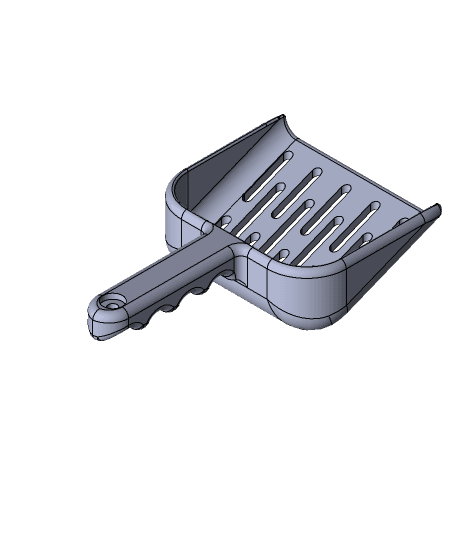
Cat Litter Box Scoop #3DPetPrint

2025 Kitty Playset
Poo Portal 2.0 - Cat Door Trim Bezel!
#gift LITTER_BOX
Tressym Litter - Tabletop Miniatures (Pre-Supported)

Catit Smartsift litter box crank remplacement - Manivelle de remplacement pour la Maison de toilette

Litter of Tabaxi - Tabletop Miniatures (Pre-Supported)

PsychoCat — Modular Designer Figure

Espeon - Pokemon - Fan Art

Puss in Boots - Shrek - Fan Art
Hanging Cat Ornament
Halloween Ghost Cat Trio.3mf
Blob Cat - Articulated Flexi Fidget Toy
