
_-_MultiBoard_Square_Plate.png&w=256&q=75)
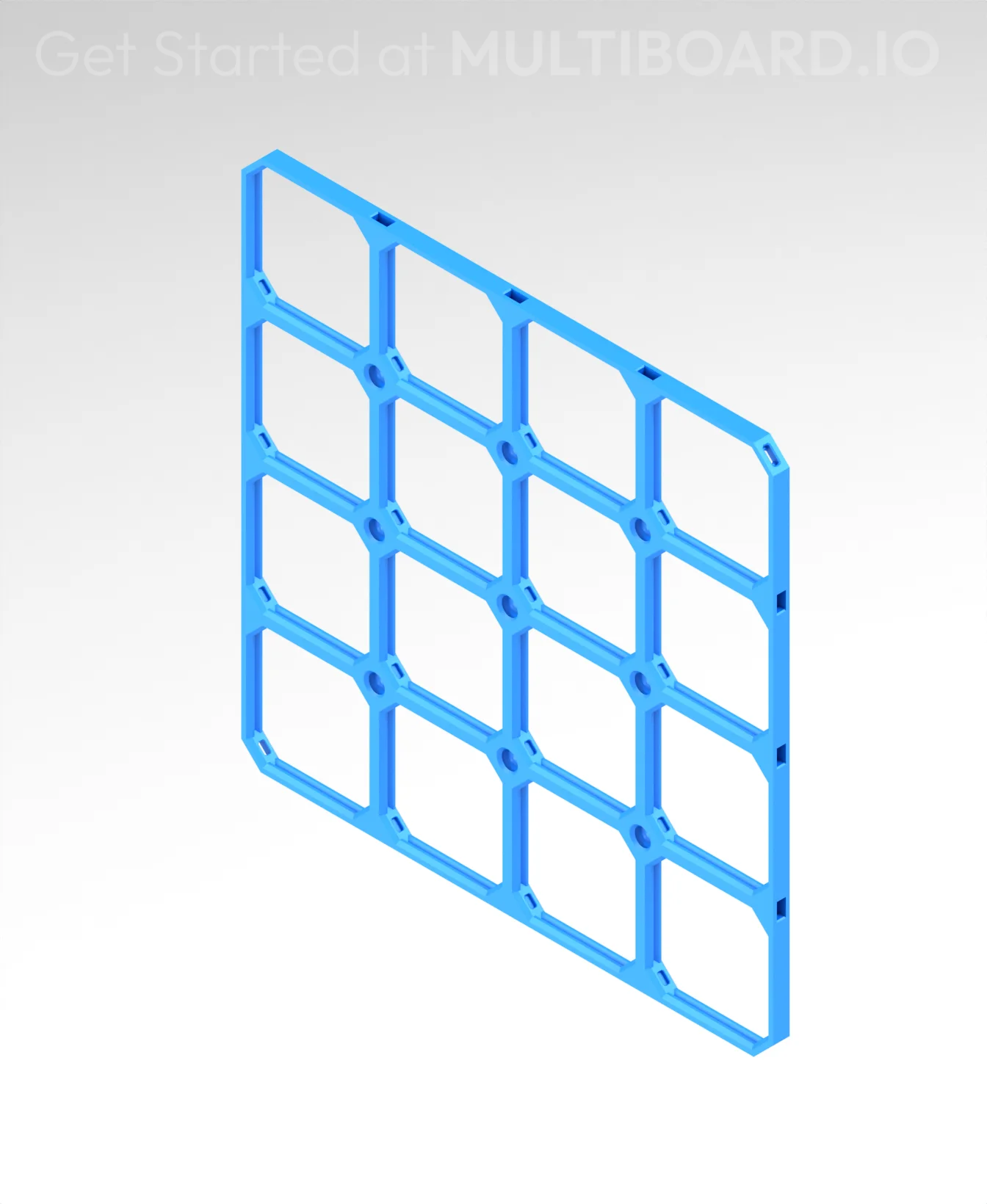
8x8 MU (4x4 LU) - MultiBoard Square Plate
This plate can be placed horizontally on a surface, or vertically mounted onto a wall.
When the Plate is vertical, Multibin Shells can be secured using Bin-to-Plate Bar Clips and/or [Bin-to-Plate Corner Pins.
There are also various Plate Snaps that can be attached to the Multibin Plate.
Each cell is 50 mm apart. Connect Plates together using Dual Clips.
Printing Guidelines:
Use 3 perimeter wall thickness, 0.2 mm layer height, 15% infill, and no supports. Apart from that, use your printer's default settings.
The printing orientation is as provided in the file. Make sure the downloaded files are .STL. This part has been designed with a tolerance of 0.25 mm. Your printer will need to be able to bridge gaps of up to 30 mm for some designs.
This object is part of Multiboard, a FREE and ridiculously modular organization system with thousands of parts, for creating the most adaptable workspace possible. Learn more and find ALL the parts at https://multiboard.io
8x8 MU (4x4 LU) - MultiBoard Square Plate

Fix Point to Countersink Adapter

Flush - Small Hole Center Marking Tool

6.25 Offset - Small Hole Center Marking Tool

12.5 Offset - Small Hole Center Marking Tool

2x6 MU - Right Support End - Modular Bolt-Locked Shelf

4x8 MU - Center - Modular Bolt-Locked Shelf

2x2 MU - Right Support End - Modular Bolt-Locked Shelf

2x6 MU - Left Support End - Modular Bolt-Locked Shelf

8x8 MU - Center - Modular Bolt-Locked Shelf

2x4 MU - Right Support End - Modular Bolt-Locked Shelf

4x6 MU - Center - Modular Bolt-Locked Shelf

2x8 MU - Left Support End - Modular Bolt-Locked Shelf

2x2 MU - Left Support End - Modular Bolt-Locked Shelf

8x2 MU - Center - Modular Bolt-Locked Shelf

8x4 MU - Center - Modular Bolt-Locked Shelf

2x4 MU - Center - Modular Bolt-Locked Shelf

2x8 MU - Right Support End - Modular Bolt-Locked Shelf

8x6 MU - Center - Modular Bolt-Locked Shelf

2x8 MU - Center Support - Modular Bolt-Locked Shelf

It is 200x200 mm. So if I use it horizontally, it fits not in to the big drawer of this set: https://thangs.com/designer/MultiBuild/3d-model/Under%20Desk%20Drawers%20%231%20-%20Multiboard%20Pack%20%28%2B%20Video%20Tutorial%29-1136378, right (207x193). But how I can insert then an organizer system in it? Not using this plate but using Gridfinity?
I don't see how to wall mount a square plate. All the mounts I see are for the octagon plates, not square plates.
Presumably you could mount through the small holes, but for offset, you can use something with mid-holes (e.g. https://thangs.com/designer/MultiBuild/3d-model/Mid%20Holes%20-%20Square%20Plate%20Snap-1306889) paired with the 6.25mm bolt-lock mounts (e.g. https://thangs.com/designer/MultiBuild/3d-model/6.25%20mm%20-%20Dual%20Bolt-Lock%20-%20ScrewOn%20Mount-1046000) and use bolts (e.g. https://thangs.com/designer/MultiBuild/3d-model/Passthrough%20-%20Locking%20Bolt-1310057) to tie them together.