
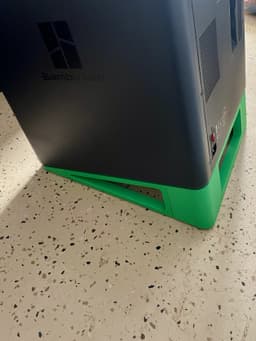

Bambu P1 and X1 Series Auto Ejection Tilt Stand
Turn your P1S, P1P, X1C, or X1E into a 24/7 part factory. This sturdy minimalistic tilt stand is designed to be printed on the Bambu 256x256 build plate with no supports and then assembled and fitted without glue or tools. You can reuse your existing grippy rubber feet, they'll easily peel right off and stick to the bottom of the stand. Follows the contours of your printer, and presses into the existing foot recesses.
When assembling, notice which side is sloped and which side is flat. All the flats line up, and all the slopes line up. The paired pins don't have an orientation, they are strong in all directions, so it doesn't matter how you insert them. Take care that you're pushing things together straight-on. The stand will be rigid once fully assembled, but take care to not damage the individual parts before they have the supporting strength of being fully assembled.
You can print with your usual settings. You don't need to go overboard in order to get a strong stable stand, the force is well distributed and the print orientations make for strong parts. You can fit this on two build plates (included here) by using the "assemble" feature and turning off Flow Dynamics Calibration. Otherwise it naturally sorts into three plates. Teardrop cavities are always printed tail-up.
I built this because I wasn't satisfied with what was available for free, or the one I bought on Etsy. It took about 16 hours to design and 12 hours to test and adjust. I'm really happy with it and have four of them running my little garage factory. I don't generally release or sell my models, so this is an experiment to see if the community is interested in supporting me. Feedback is appreciated, and I think we'd all really enjoy a picture of your factory if you care to share. :)
Inspired by a tutorial on how to automate auto-eject by FactorianDesigns. You can also check out my little business at www.layereddesign.works
Thank you for your support, and I look forward to seeing your factories!
Bambu P1 and X1 Series Auto Ejection Tilt Stand
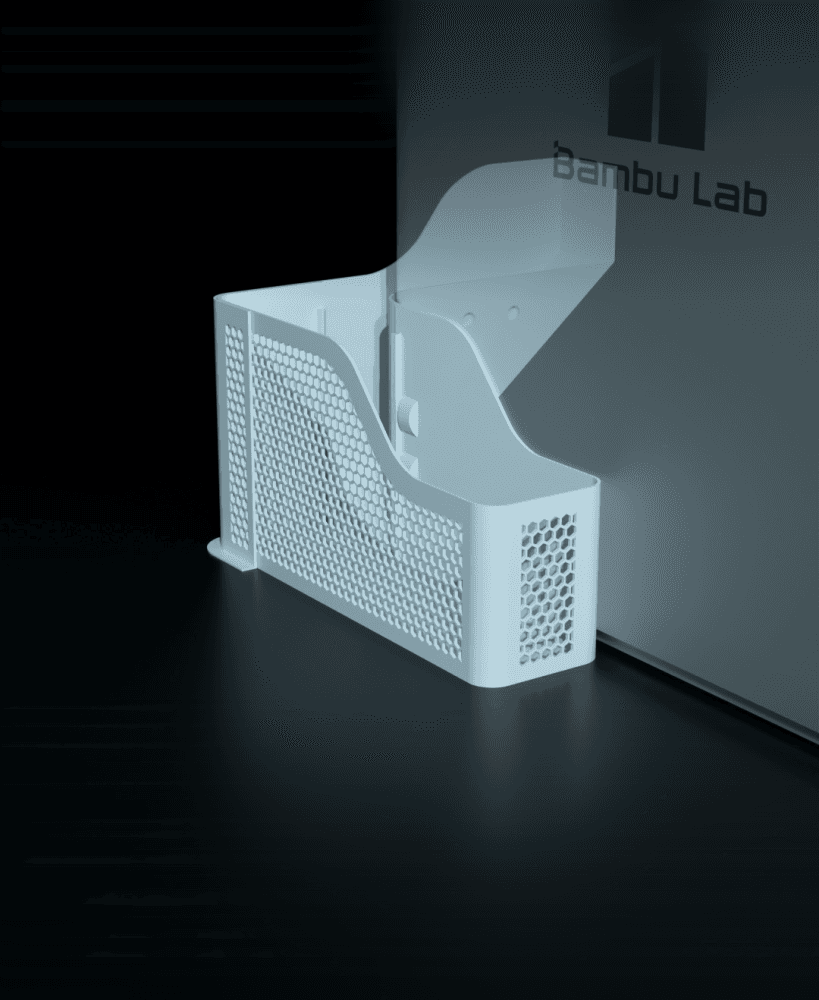
Poop bucket for BBL X1 & P1 series (Removable & Honeycomb-patterned)
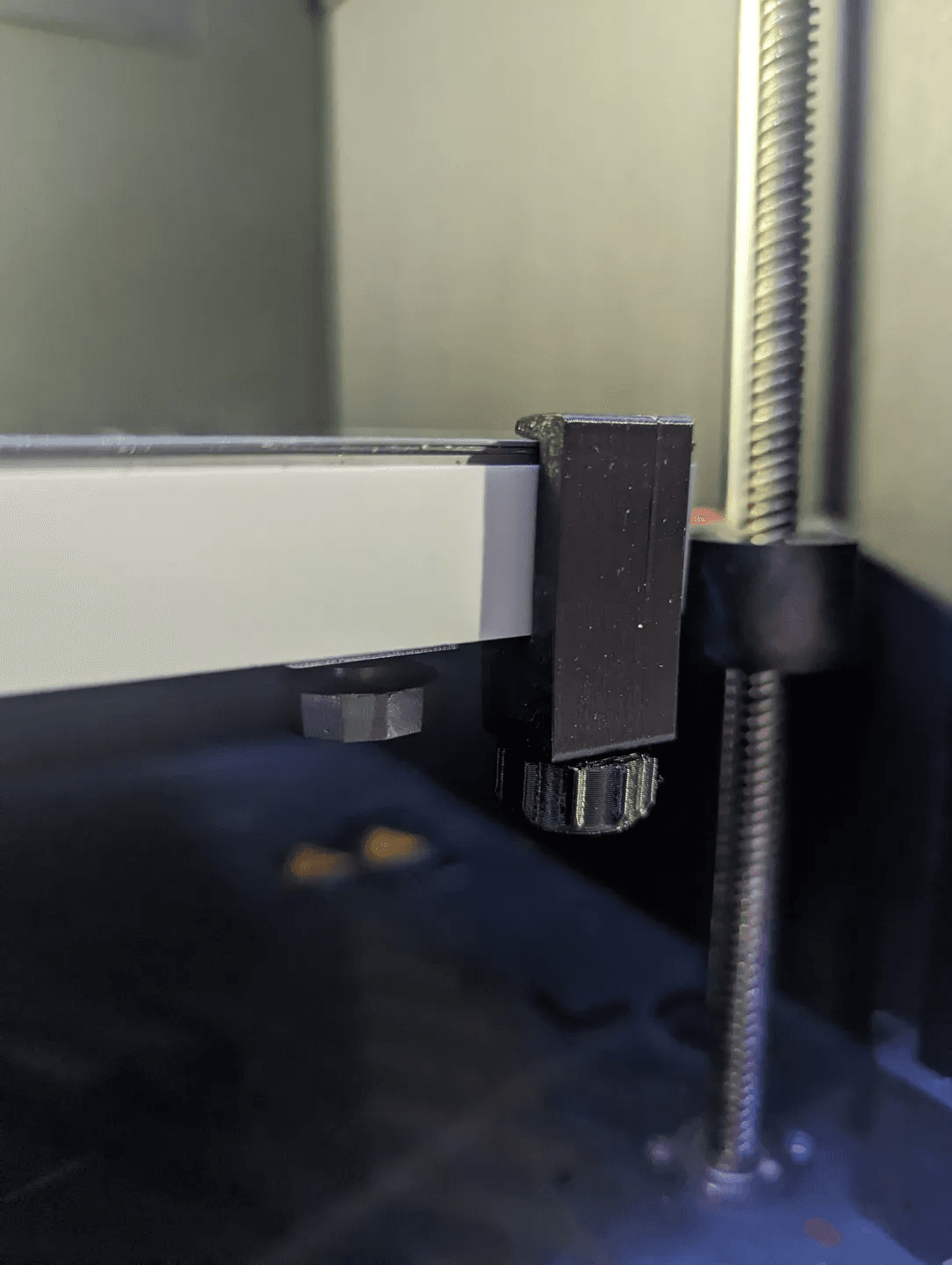
Bambu - X1 and P1 Bed Clips
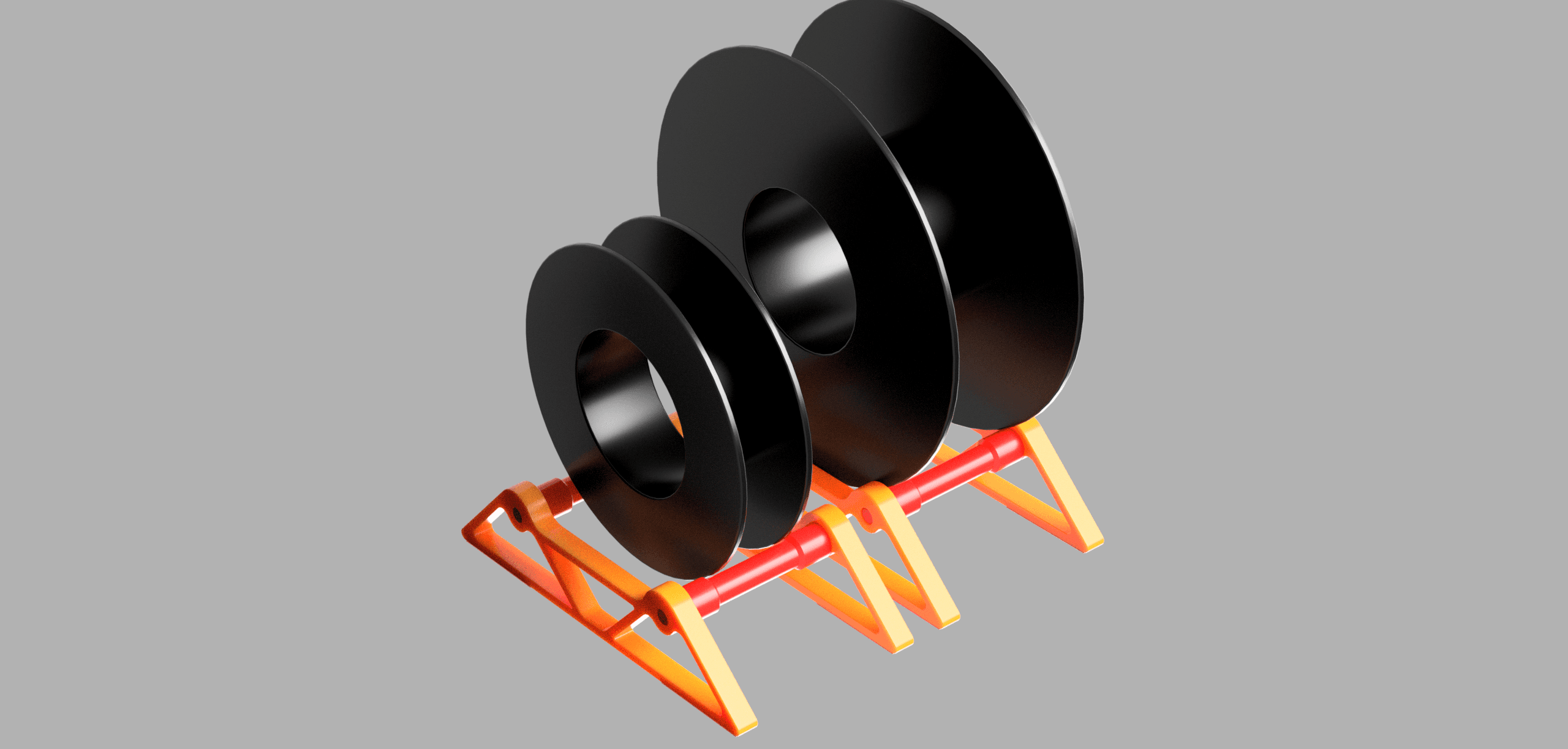
BambuLabs X1 and P1 series external Roller
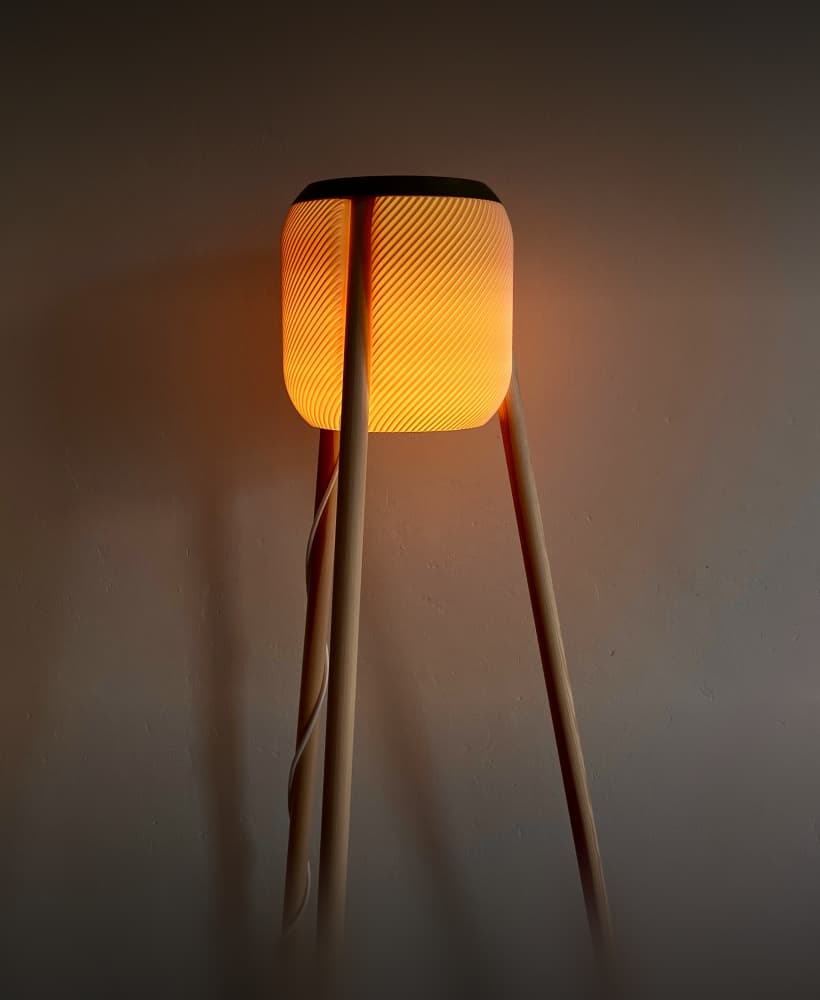
Umea - a standing lamp in boho style
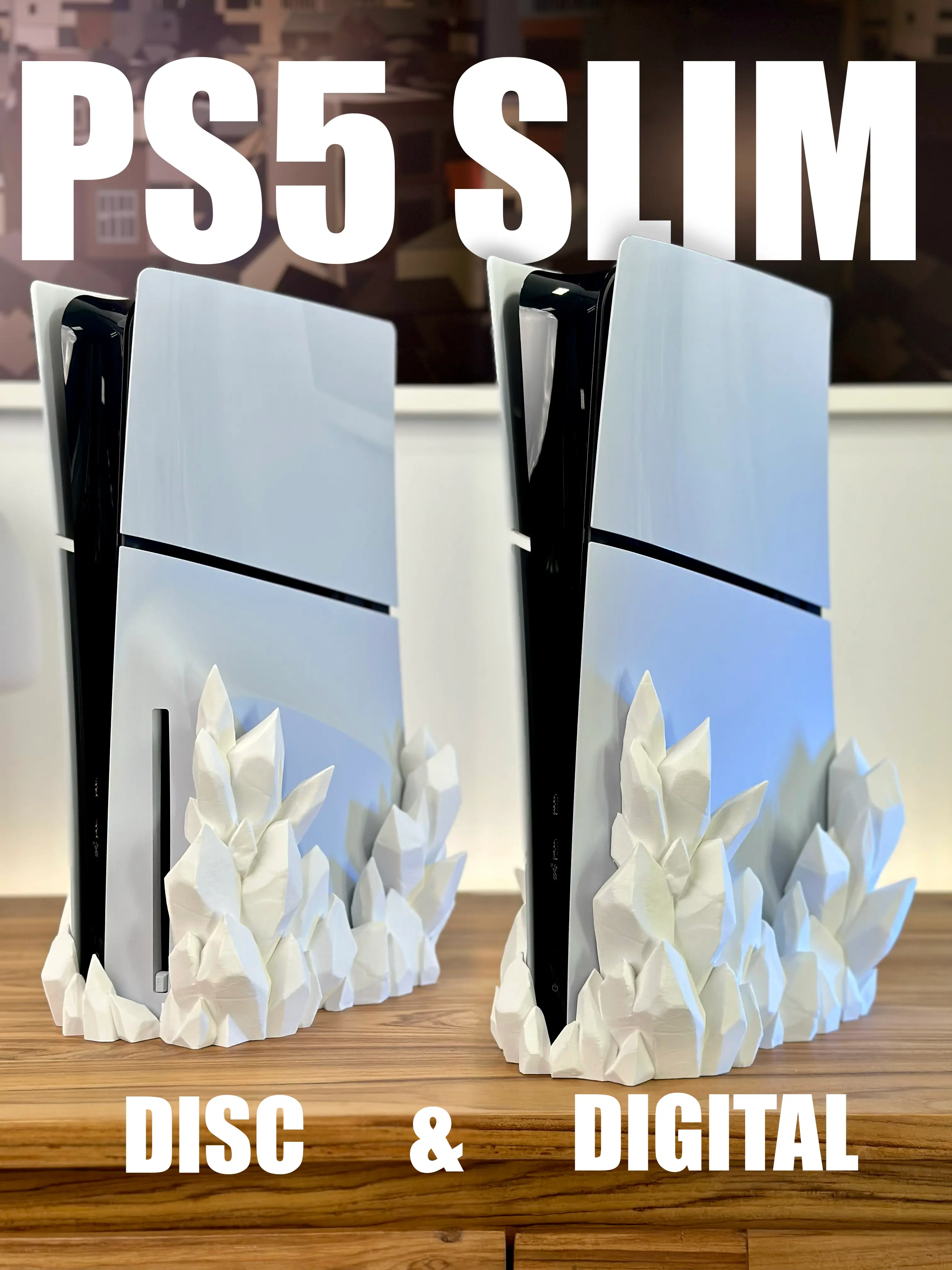
PS5 Slim Crystal Dock - DIGITAL & DISC version
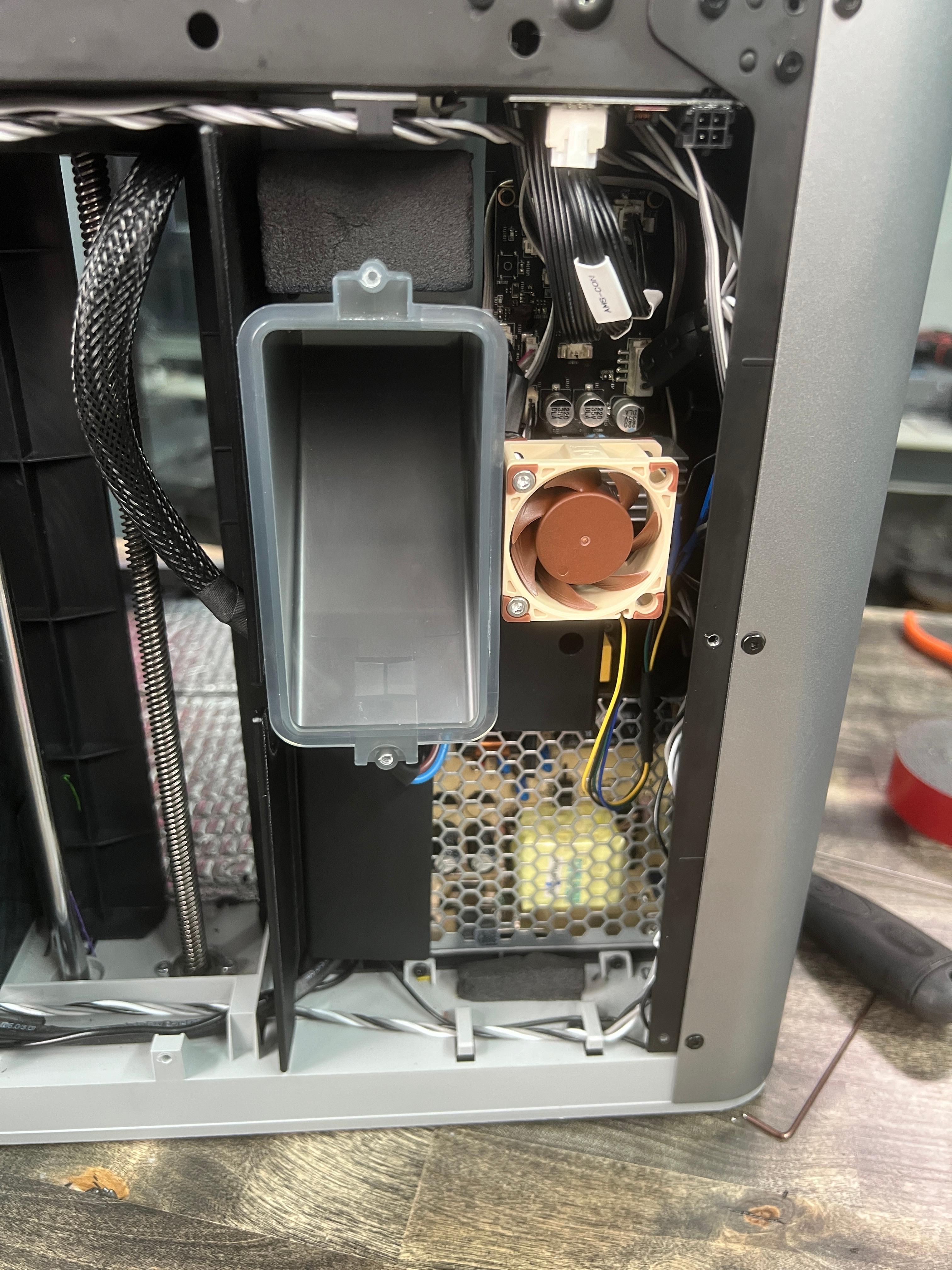
Bambu Lab - Fresh Air Fan 40mm Fan Mod!

Cute multicolor articulated dragon
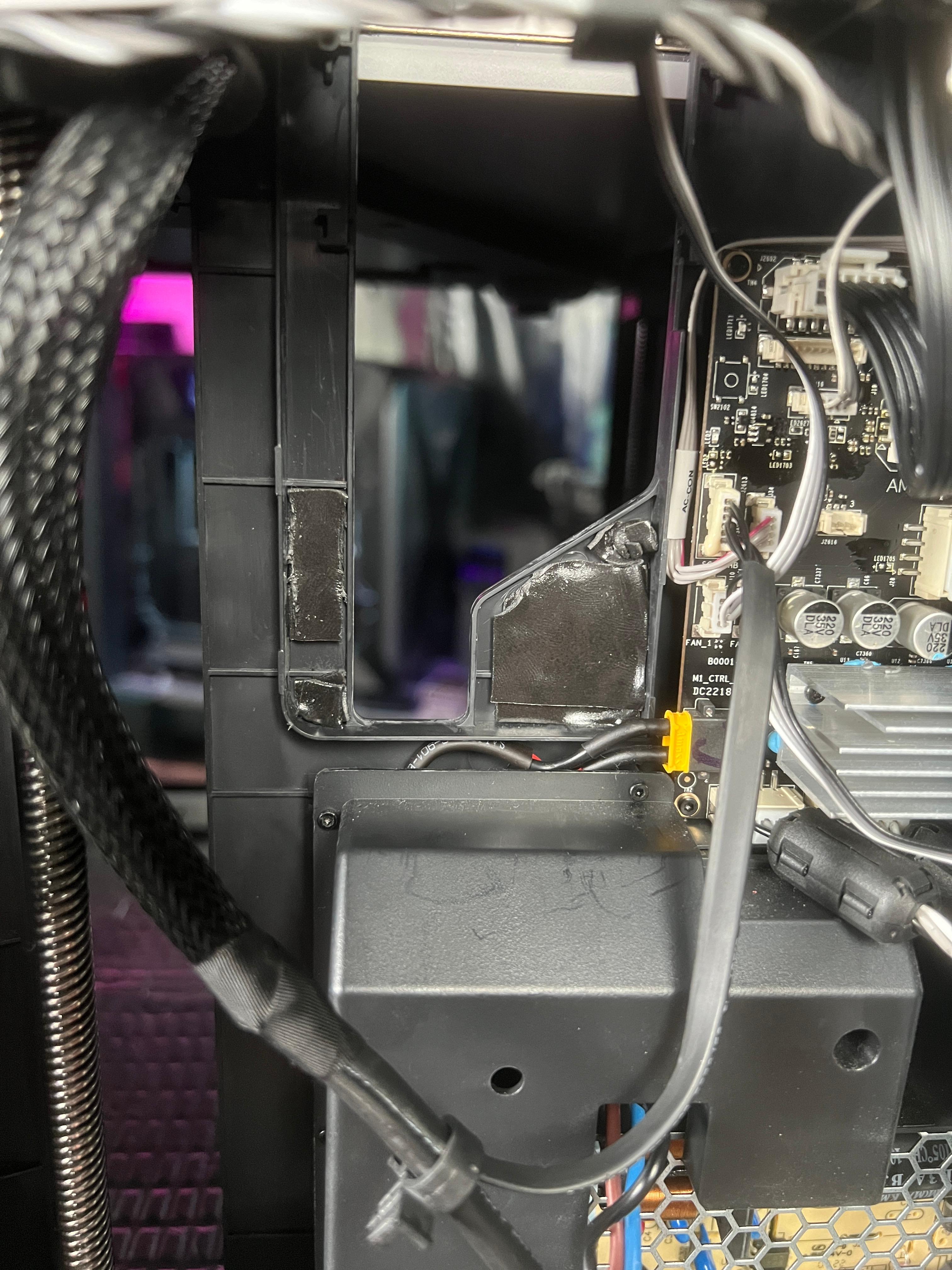
Bambu X1 Electronics Box Seals - Hotter Chamber / Cooler Electronics!

Memorial Day Home Art Collection
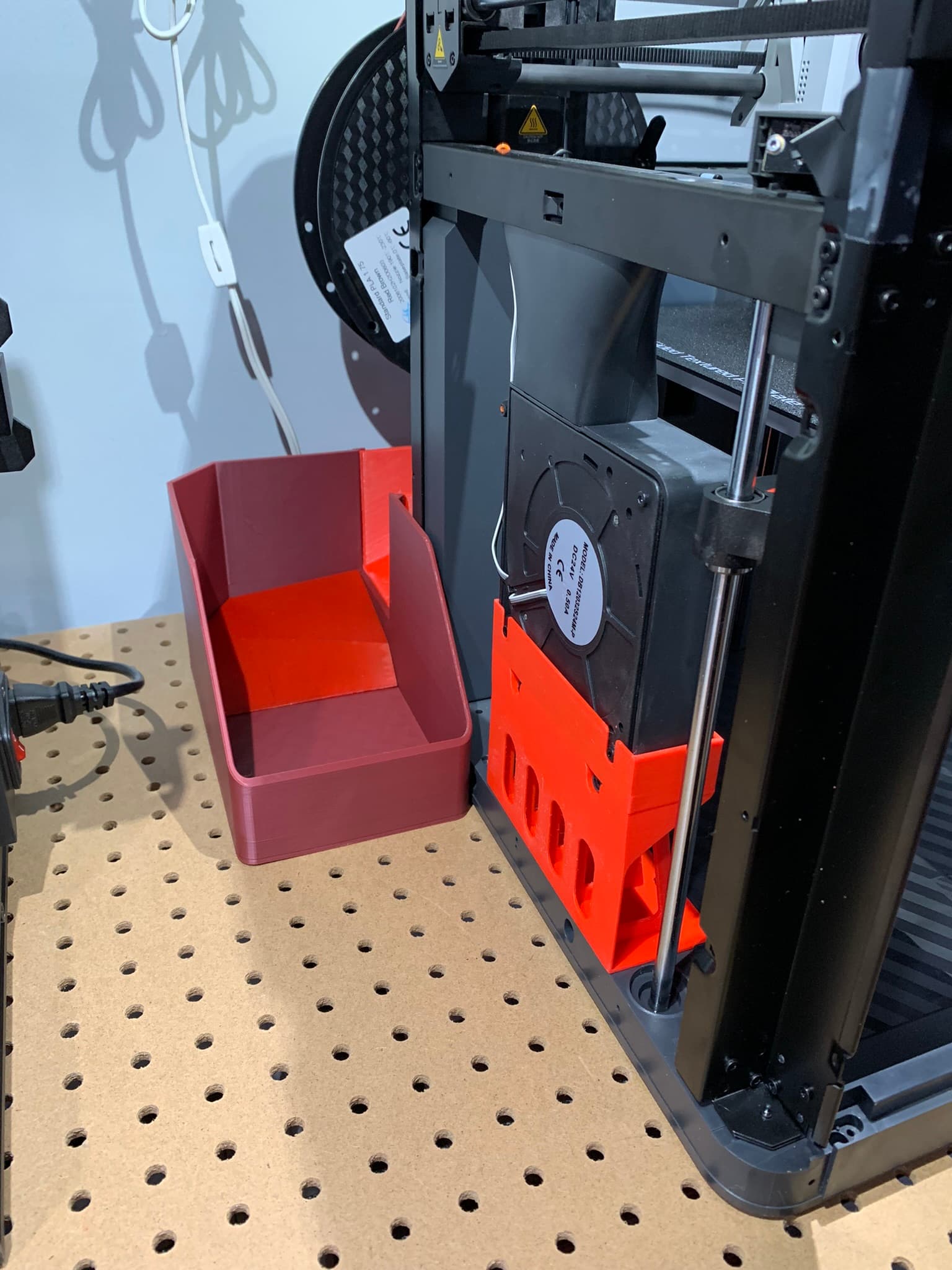
Bambu Lab P1P/X1 garbage chute #ThangsBambuContest
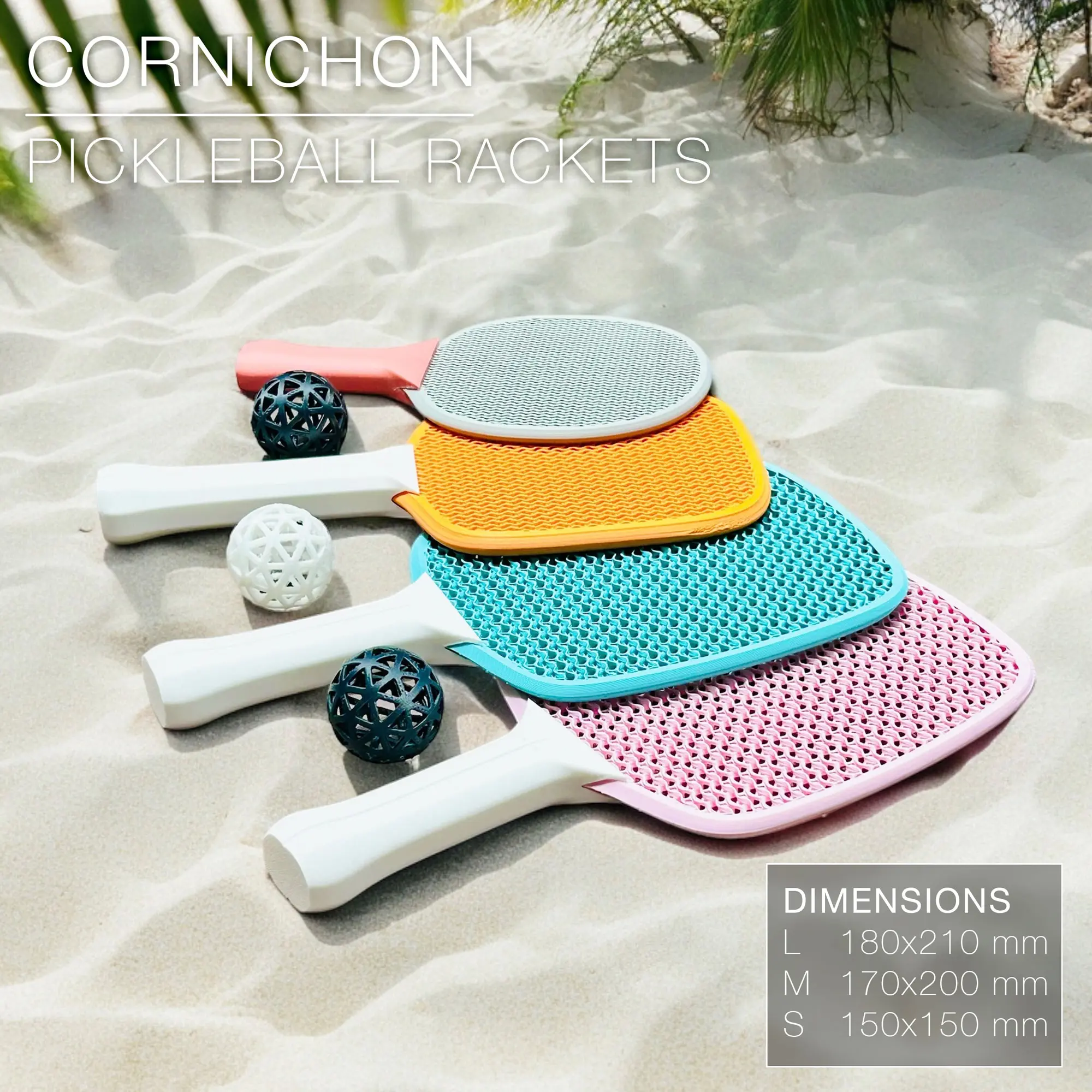
CORNICHON | Pickleball rackets set, fast print
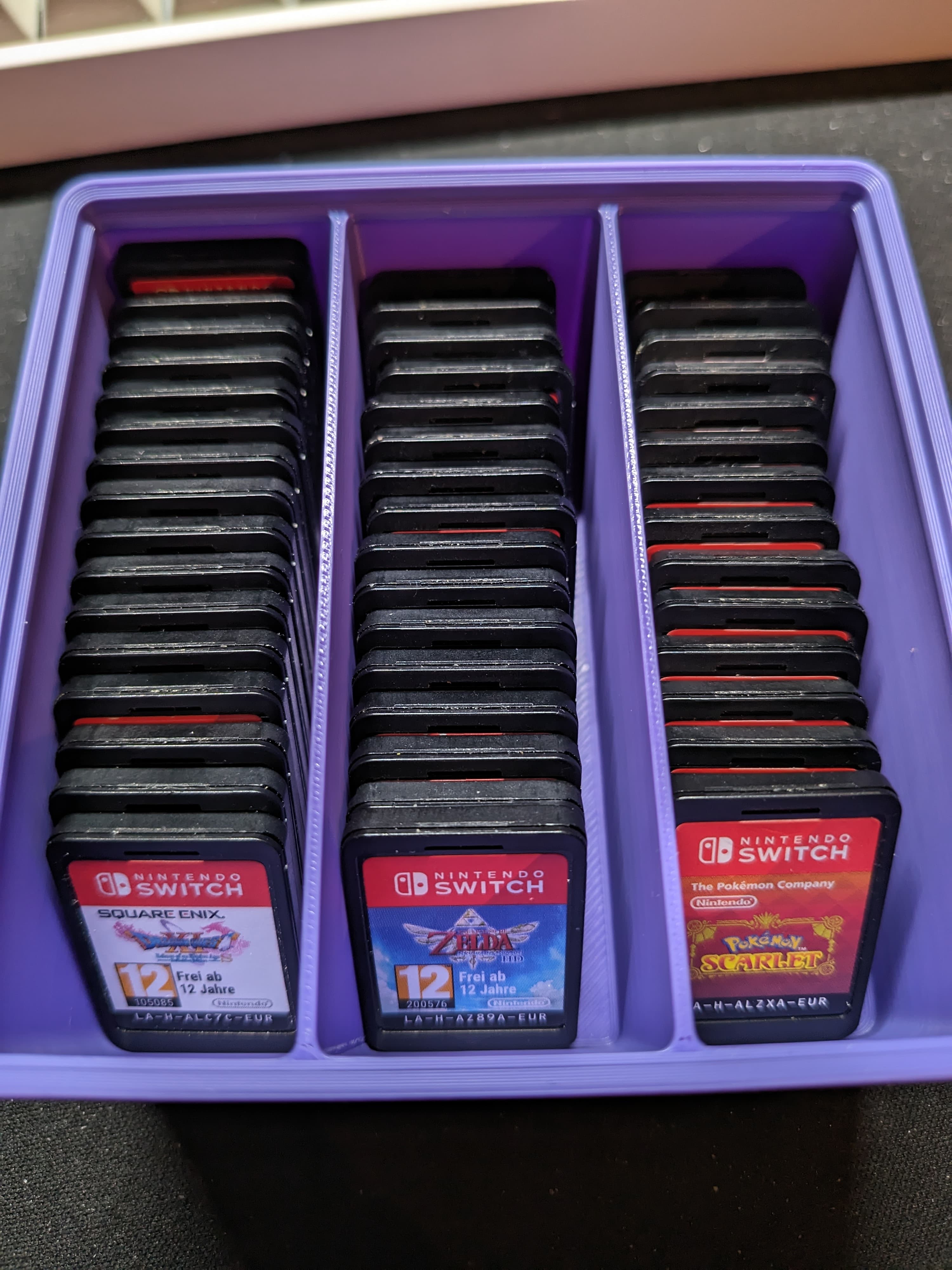
Gridfinity Switch Cartridge Bulk Storage - Various Sizes Available
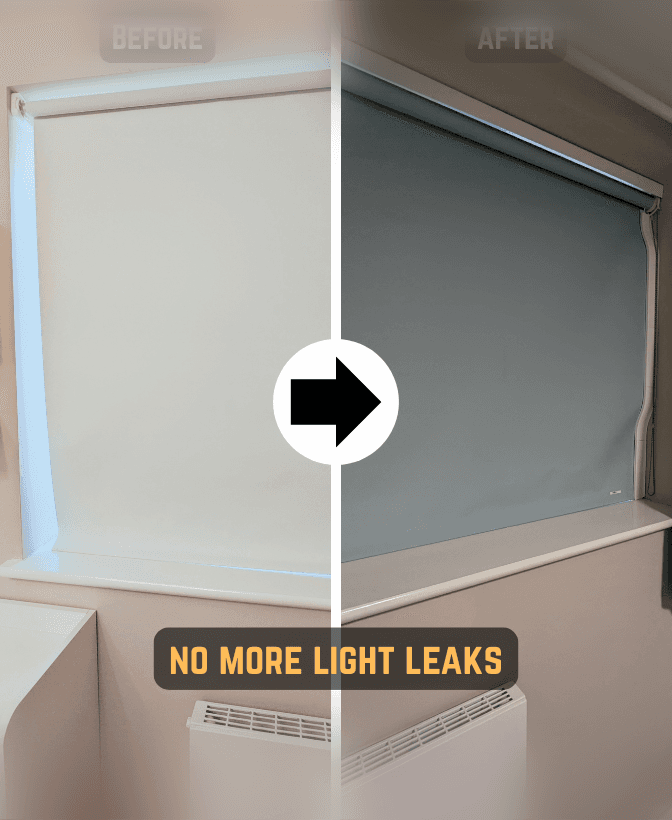
Blackout Roller Blind Side Guide
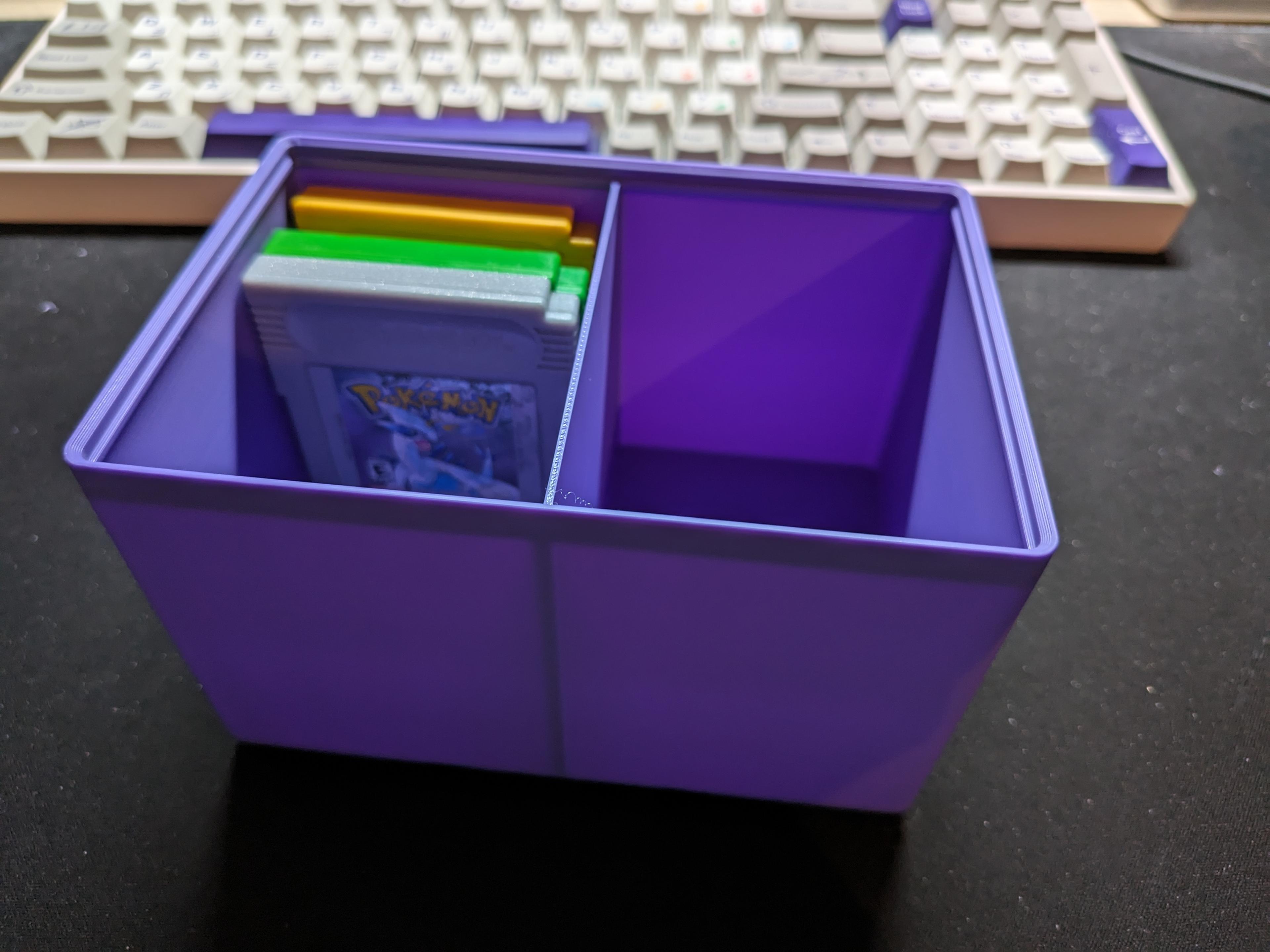
Gridfinity Gameboy and Gameboy Color Bulk Storage - Various Sizes Available
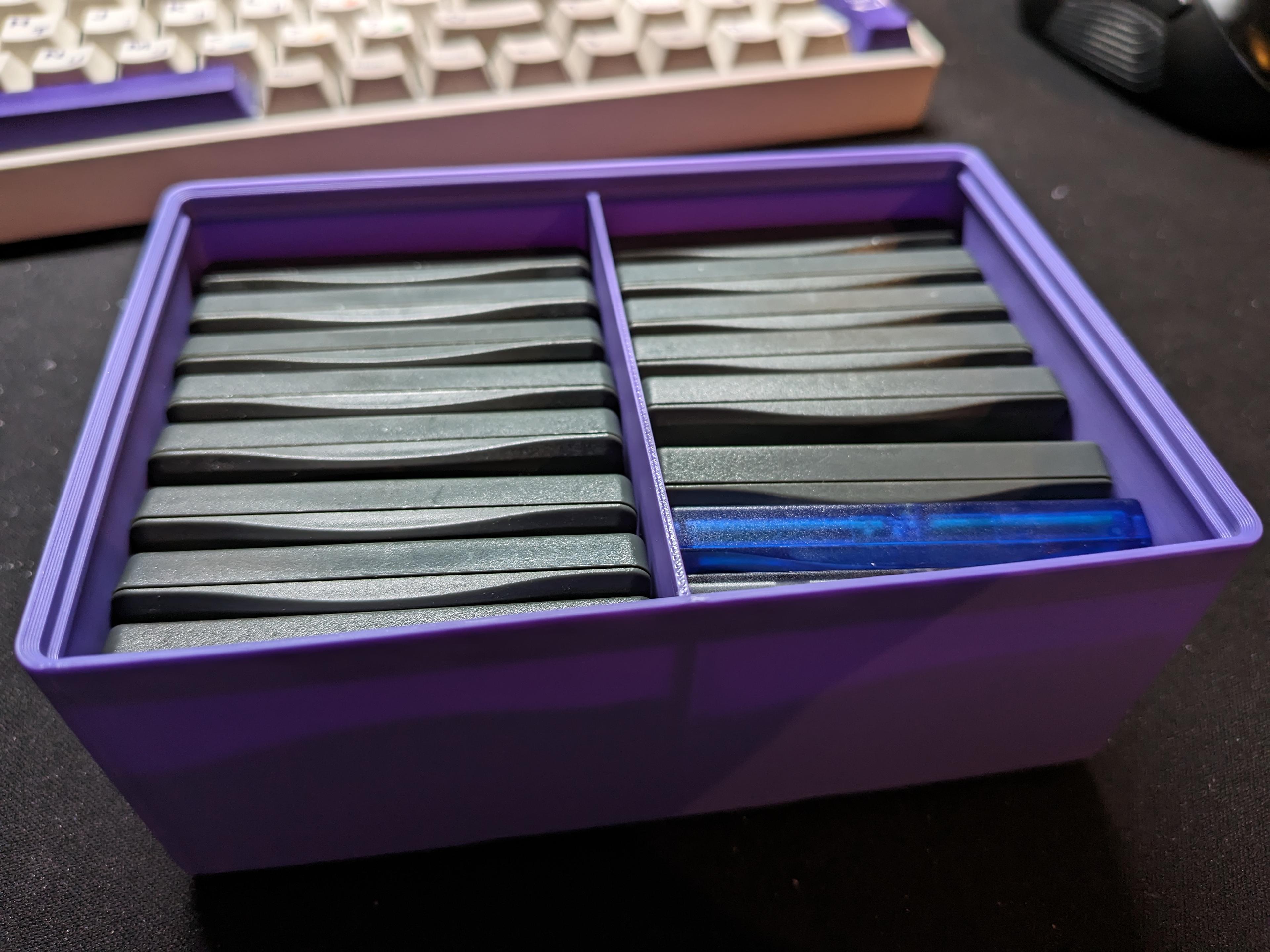
Gridfinity Gameboy Advance Cartridge Bulk Storage - Various Sizes Available

HMS Endeavour Ship (Shad0w)
.jpg&w=3840&q=75)
Tilt Block A1 Mini Print Automation | 20 Degree Tilt Block STEP & 3MF

Build Plate Holder for Bambu Lab A1/X1/P1/P2S Series Printers

ARCH | Organic Curve Bookstand
