

.png&w=256&q=75)
.png&w=256&q=75)
.png&w=256&q=75)
.png&w=256&q=75)
.png&w=256&q=75)
.png&w=256&q=75)

Smack O'Lantern - The Smashable Candy Bowl
1.4K downloads · 2 years ago · [Instructions](https://prinnit.com/ForgeCore/design/368NAX0Z6lbvMgvpkh5ixofe4NS?tab=instructions&hig
This model is restricted by licensing terms.
View license.
Instructions Hardware Filaments
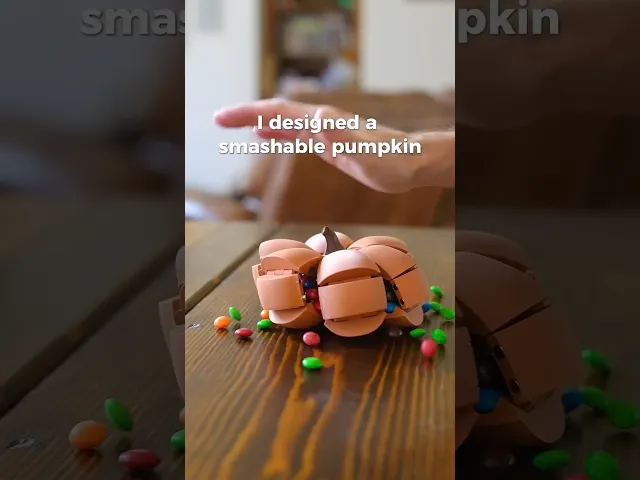
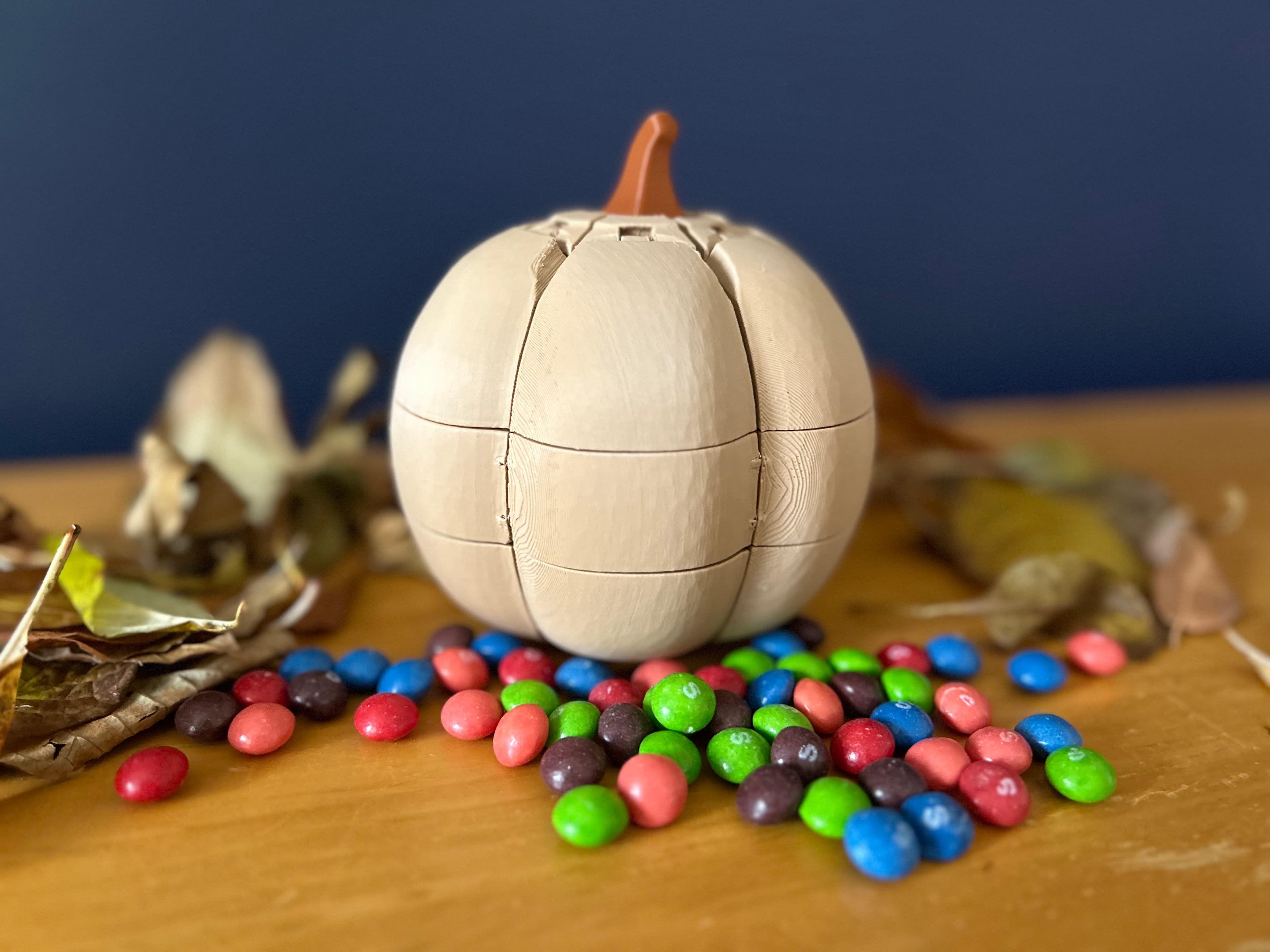
Smack O'Lantern - Intermediate I wanted to design a really cool functional pumpkin for Halloween. I initially was going to make it a light, but then had this idea that allows you to have a functional and stylish candy bowl that dispenses candy.
This design has 6 sections of the pumpkin. Each section is designed to print in place with no supports. The hinges are print-in-place, and should work right off the build plate!
The pumpkin stays together with magnets, which break free when you smash the pumpkin. Just pull up on the stem to un-smash!
Two sizes:
- Small Pumpkin: Quicker print that works great with M&M's and other small candies.
- Big Pumpkin: Bigger pumpkin which is for the "fun" sized wrapped candy bars. This one is the most useful!



This model is restricted by licensing terms.
View license.

PlayBook'd Zoo are you?
Battery Bank

PlayBook'd LUDO

Cactus Cluster

PlayBook'd Tic Tac Toe

Lucky Bamboo Mahjong

PlayBook'd - Go

Telephones Booth

Spinny Succulents - Pack III

Desktop Golf Gen 2
PlayBook'd - Playing Cards

Desktop Dumpster

PlayBook'd Cribbage

PlayBook'd Crosswords

Snack Attack - Gen 2

PlayBook'd Snakes and Ladders
.png&w=3840&q=75)
Date Night Daisy

PlayBook'd Settlers' Storage
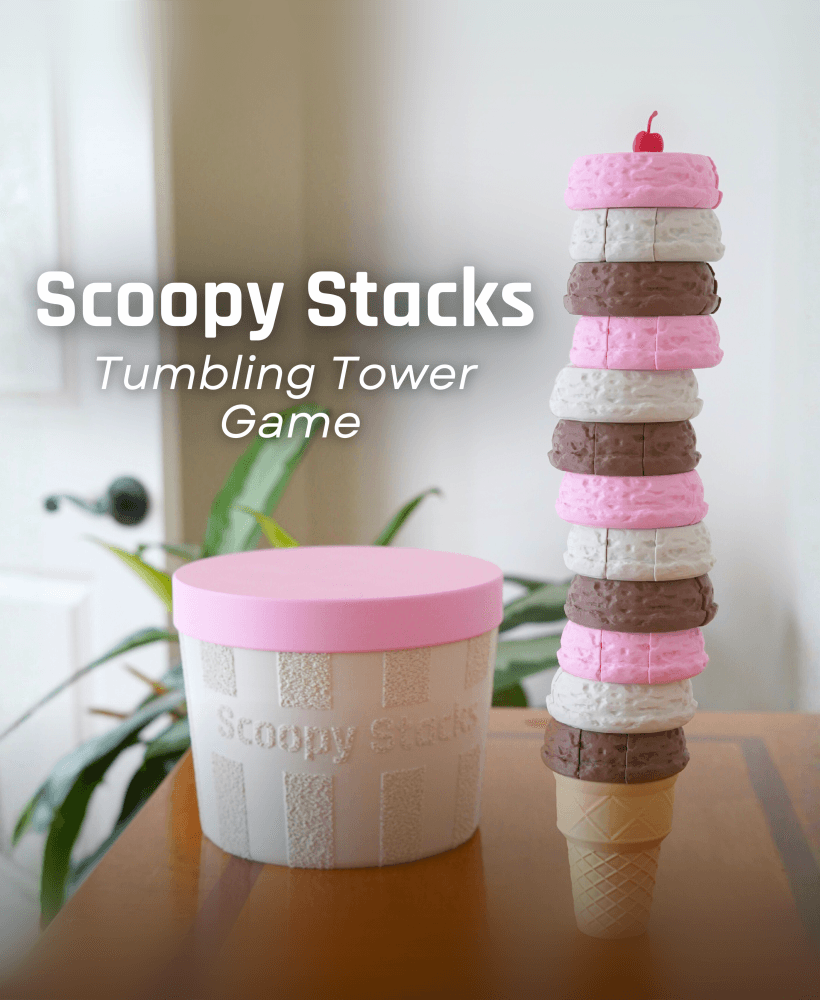
Scoopy Stacks

Is there a file where each of the large pumpkin B pieces are separate pieces? Only section 5/6 failed on the plate, everything else printed fine, so I want to just print wedge 5/6 but since it's all considered one piece on the plate, I can't delete the other wedges, nor can I skip them once the print has started. They're a large print and lots of filament, so I'm not gonna use that much filament and spend another 8 hours printing all 3 wedges when 2 of them are fine. I just want 5/6 wedge.
Hi, I completely get not wanting to re print each piece if you only need 1 or 2. If you right click the objects on the plate, you can click "spit" "to objects" and it should split everything or you. I you need more help let me know and I will be happy to help.
That worked. I'm still newish to 3d printing and am pretty good with Bambu studio now but I still have some things to learn. Thanks for the help.
Hi! It looks like all of the pieces have been placed on a single build plate and centered together, which caused them to overlap and completely fuse during printing. Are you printing directly from the provided 3MF file? It should have each part positioned correctly on the plates. I’m happy to help you get this sorted out!
Printed fine but definitely had to turn the speed down for the hinges for the large model. I had a few prints with shifted hinges.
Thank you for the feedback! I'm happy you were able to solve any shifting issues. One suggestion to fix that, that I have, is to raise your z-hop to .6-.8mm. It can help sometimes to ensure that your nozzle doesn't bump the print and cause the shift. (for Bambu Studio) You go to filament settings (... next to the filament you are using) ->edit -> setting overrides -> and select "z-hop when retract" and change the number and it should solve that issue.