GlennovitS 3
glennovits3d1.7K followers
Follow
glennovits3d
glennovits3d
|
Image 1 of 7
Tactile Fidget Rings (spinning fun toy) 3d model
glennovits3d
glennovits3d
|
Image 1 of 7
Tactile Fidget Rings (spinning fun toy) 3d model

Tactile Fidget Rings (spinning fun toy)

This model is restricted by licensing terms. 

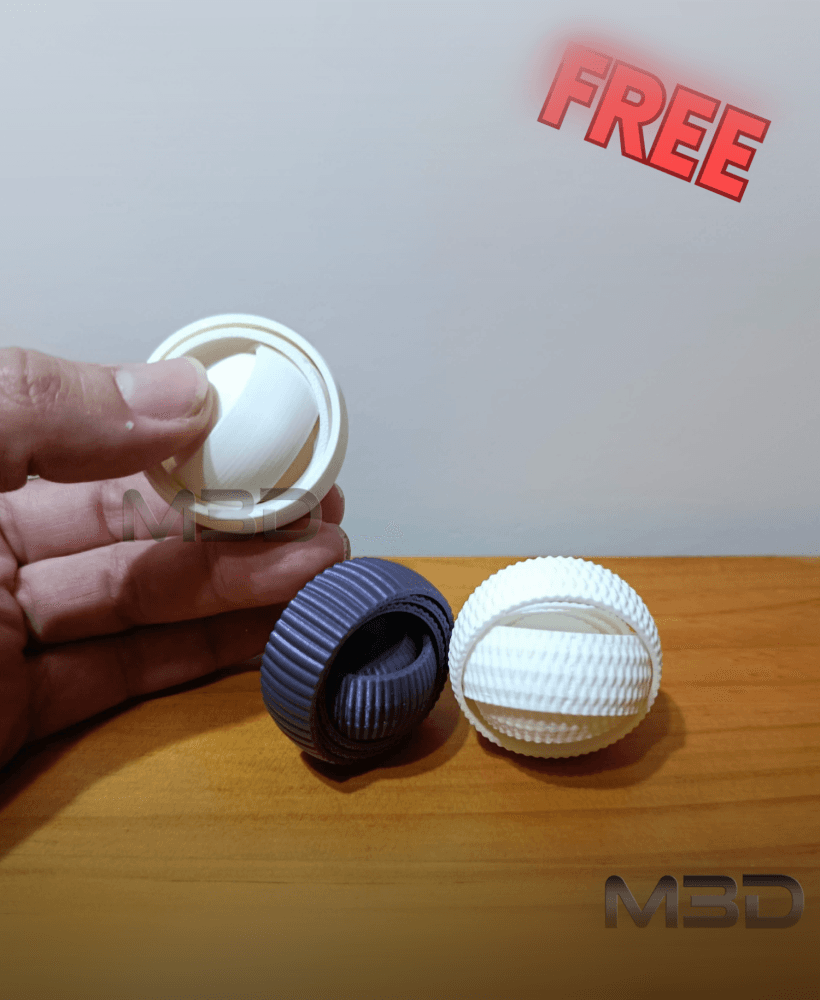
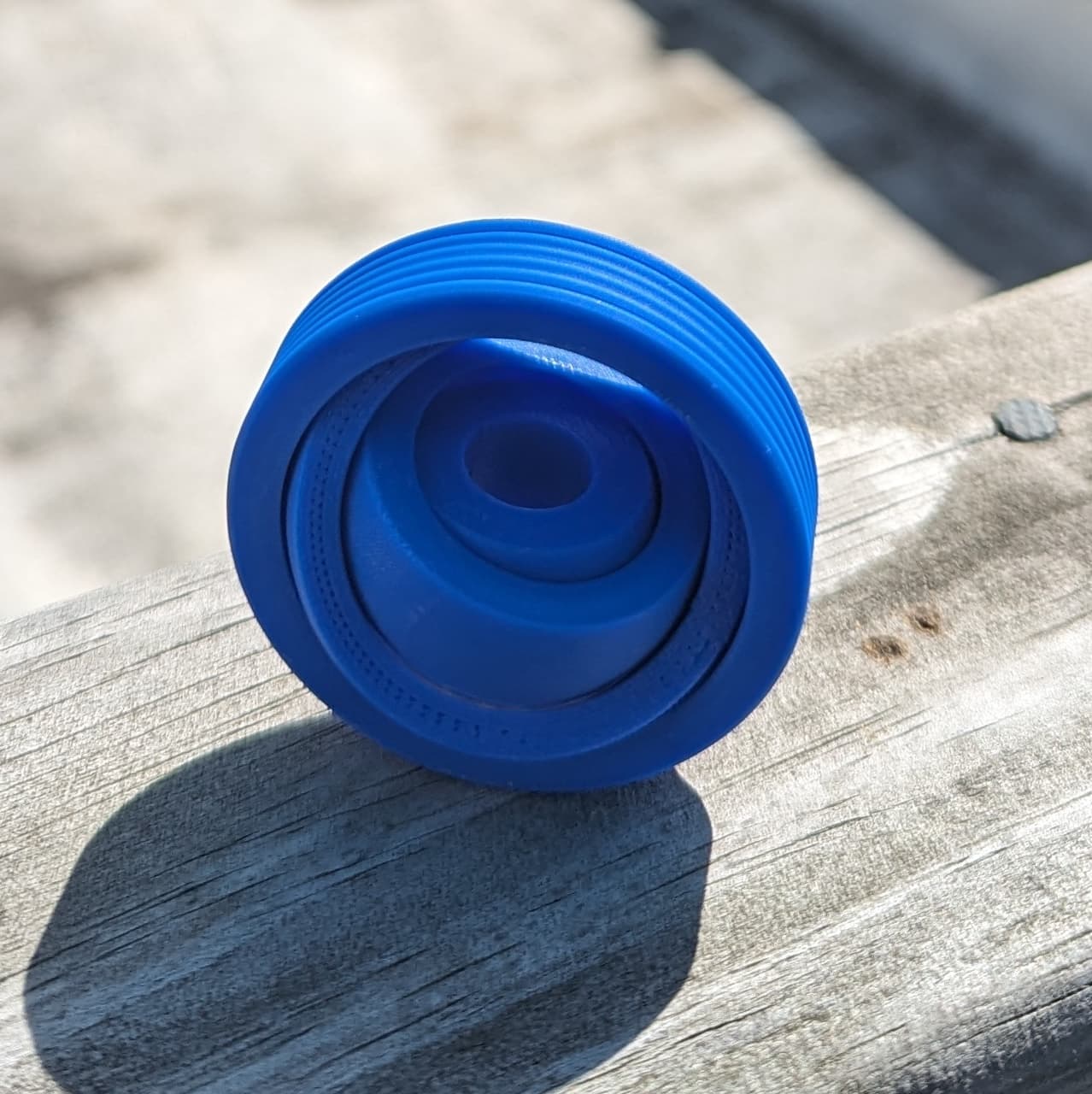
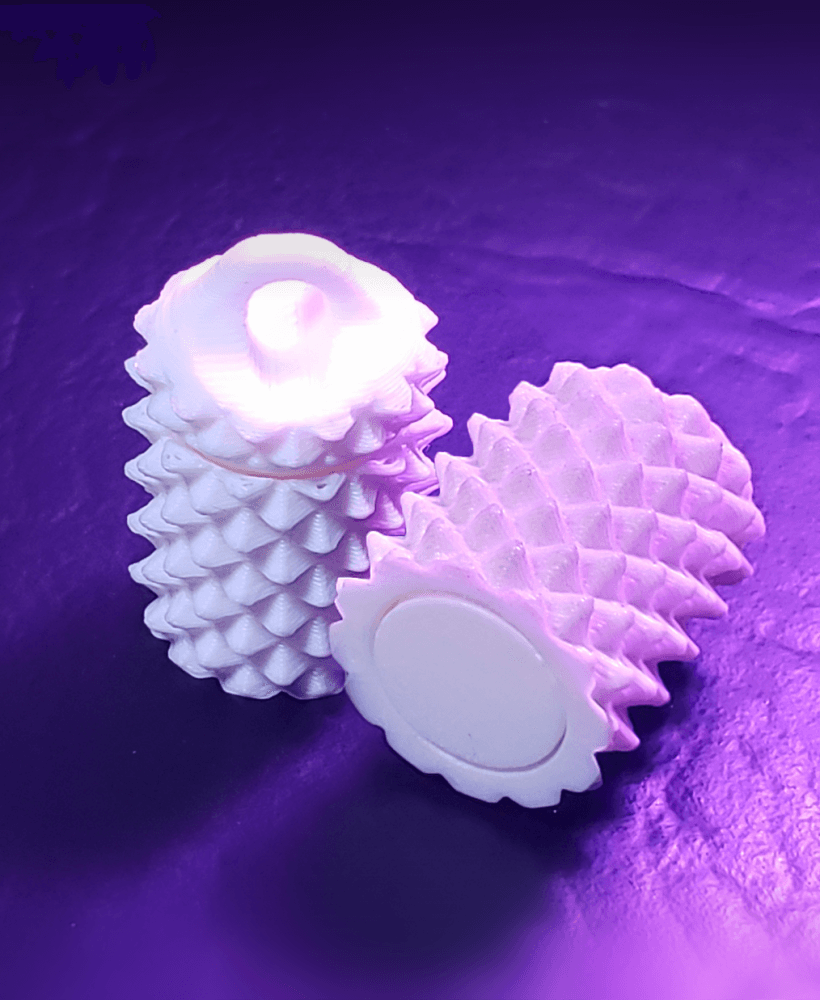
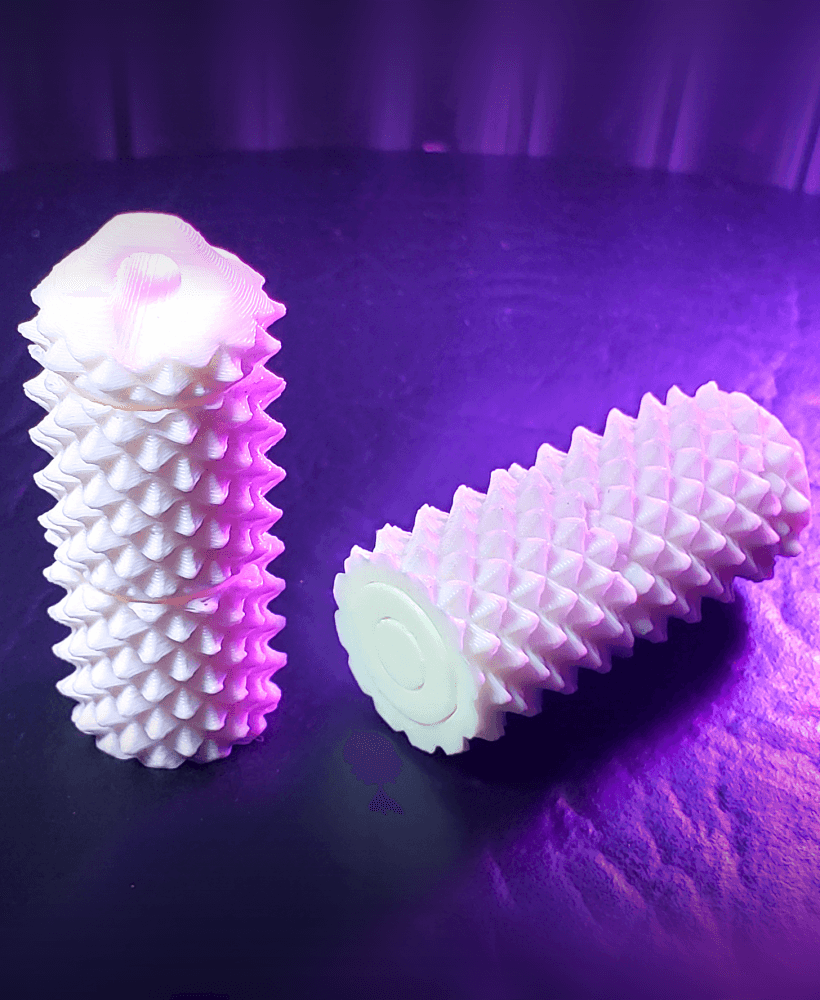
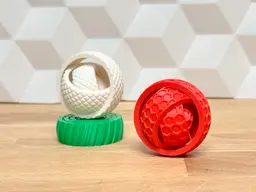
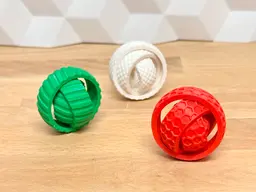
This might be your future favorite fidget toy - rotating rings with textures - spin them and enjoy!

Print the different styles and find your personal favorite - and then give the other prints as gifts ;-) Fits perfectly in a pocket, purse, desktop drawer or right there on your desk.

Overview

The Tactile Fidget Rings toy comes in multiple styles.

  • Basic (just the rings - no textures)
  • Lines (tilted almost-vertical lines)
  • Knurled (for extra “grippynes”)
  • Layers (simulating thick 3D printing layers)
  • Honeycomb (hexagonal textures) It also comes in 4 MIX versions! In the mix versions, every ring has a different texture for you to enjoy. Which one is your favorite - please share and comment!

Assembly None! This is print-in-place! :-)

Print instructions Here is a few ideas for slicer-settings:

  • Speed on first layer: 50% (To ensure good bed adhesion take your time here!)
  • Supports: NO supports
  • Brim: NO brim

Happy printing!

Community Makes (10)
Make by user
I printed this with 3D-Fuel's Standard PLA+ and it's so fun! Great to hand out to people who love to fidget :^)
I'm pretty new to 3D printing but recently discovered flow rate calibration.  After dialing in flow rate (default was way high) on my Neptune 4 Plus I wanted to try a print like this.  Came out great!
Printed real easy on an Ender 3! Great file!
Make by user
Really cool design! I'm really enjoying it. Thank you!
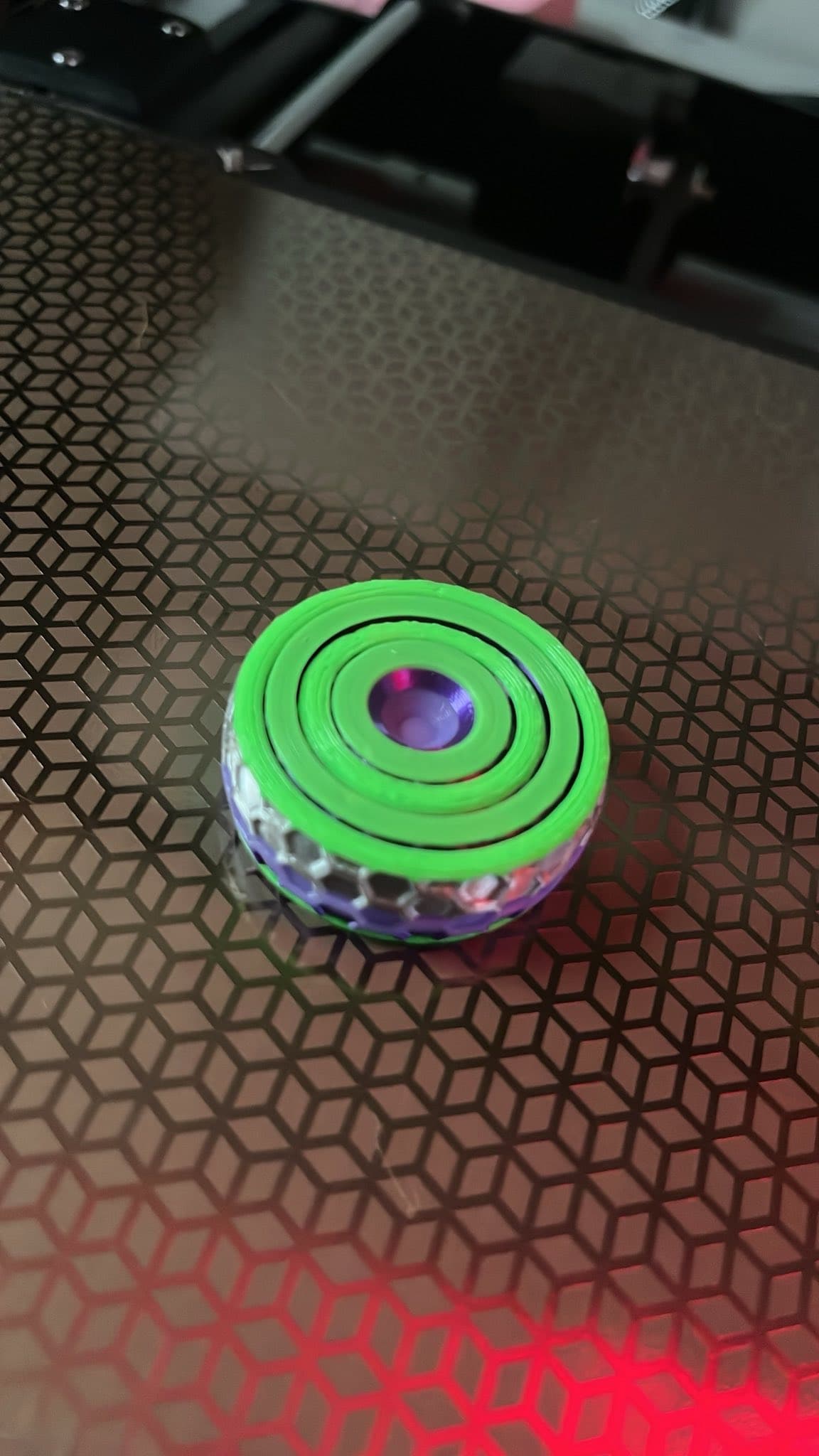
Great designed, learned how to change colors in prusa-slicer, so with my single filament printer, i was able change colors and make this cool multicolor print.
Make by user
Make by user
Make sure you use no board adhesion. I had an issue with my first couple of attempts due to this. The pieces are a little bit stuck off the printer but they should break free with a little bit of force. My kids love these! Very cool and love all the different textures and print options.
Make by user
I printed this with 3D-Fuel's Standard PLA+ and it's so fun! Great to hand out to people who love to fidget :^)
I'm pretty new to 3D printing but recently discovered flow rate calibration.  After dialing in flow rate (default was way high) on my Neptune 4 Plus I wanted to try a print like this.  Came out great!
Printed real easy on an Ender 3! Great file!
Make by user
Really cool design! I'm really enjoying it. Thank you!
Great designed, learned how to change colors in prusa-slicer, so with my single filament printer, i was able change colors and make this cool multicolor print.
Make by user
Make by user
Make sure you use no board adhesion. I had an issue with my first couple of attempts due to this. The pieces are a little bit stuck off the printer but they should break free with a little bit of force. My kids love these! Very cool and love all the different textures and print options.


Community Makes (10)
Make by user
I printed this with 3D-Fuel's Standard PLA+ and it's so fun! Great to hand out to people who love to fidget :^)
I'm pretty new to 3D printing but recently discovered flow rate calibration.  After dialing in flow rate (default was way high) on my Neptune 4 Plus I wanted to try a print like this.  Came out great!
Printed real easy on an Ender 3! Great file!
Make by user
Really cool design! I'm really enjoying it. Thank you!
Great designed, learned how to change colors in prusa-slicer, so with my single filament printer, i was able change colors and make this cool multicolor print.
Make by user
Make by user
Make sure you use no board adhesion. I had an issue with my first couple of attempts due to this. The pieces are a little bit stuck off the printer but they should break free with a little bit of force. My kids love these! Very cool and love all the different textures and print options.
Make by user
I printed this with 3D-Fuel's Standard PLA+ and it's so fun! Great to hand out to people who love to fidget :^)
I'm pretty new to 3D printing but recently discovered flow rate calibration.  After dialing in flow rate (default was way high) on my Neptune 4 Plus I wanted to try a print like this.  Came out great!
Printed real easy on an Ender 3! Great file!
Make by user
Really cool design! I'm really enjoying it. Thank you!
Great designed, learned how to change colors in prusa-slicer, so with my single filament printer, i was able change colors and make this cool multicolor print.
Make by user
Make by user
Make sure you use no board adhesion. I had an issue with my first couple of attempts due to this. The pieces are a little bit stuck off the printer but they should break free with a little bit of force. My kids love these! Very cool and love all the different textures and print options.

Discussions
Firebirdtpg
Firebirdtpg
 3d model
PrinterBambu Lab X1
F V
Fat Lava Cake
Great designed, learned how to change colors in prusa-slicer, so with my single filament printer, i was able change colors and make this cool multicolor print.
Great designed, learned how to change colors in prusa-slicer, so with my single filament printer, i was able change colors and make this cool multicolor print.  3d model
 3d model
PrinterPrusa MK3/S/S+
Jade P
jadewells90

what did you do for changing colour? i have a single filament printer too so would love to know your process. thanks

Jose D
drose.ucs

You need a multi color printer, otherwise use a gradient filament for the appearance of multiple colors.

T
theTruthBeSold

That's incorrect, what is pictured can be done on a single filament printer. You put a change filament operation into your GCODE (done via the GUI) at the layer you want to change the color, then just change the filament when your printer stops. In PrusaSlicer this is done by slicing the model, dragging the layer bar down to the desired layer and clicking the plus button. Of course this means that you can only change color at layer boundaries and you need to be there each time to manually do it.

C M
carlm.m94

So I am currently trying to print this. I have printed it twice now and each time the sections are being fused together and I can't get them to snap loose. My current printer is a FLSUN SR, running pla, 0.4 nozzle and layer height of .2mm with 15% infill. Any help would be great.

Cameron D
CammyD

Try turning down your print speed, make sure that your bed is level, if the fuse is at the point of contact with your bed turn your bed heat down. These are my initial suggestions, knowing which slicing software you are using would also be beneficial.

R
raptor_4
Make sure you use no board adhesion. I had an issue with my first couple of attempts due to this. The pieces are a little bit stuck off the printer but they should break free with a little bit of force. My kids love these! Very cool and love all the different textures and print options.
Make sure you use no board adhesion. I had an issue with my first couple of attempts due to this. The pieces are a little bit stuck off the printer but they should break free with a little bit of force. My kids love these! Very cool and love all the different textures and print options.  3d model
PrinterCreality Ender 3
SupportsNone
BrimNo
Jason H
hiattj
Really cool design! I'm really enjoying it. Thank you!
Really cool design! I'm really enjoying it. Thank you! 3d model
PrinterFlashforge Adventurer 5M
MaterialPLA
Ryan S
3DFilRyan
I printed this with 3D-Fuel's Standard PLA+ and it's so fun! Great to hand out to people who love to fidget :^)
I printed this with 3D-Fuel's Standard PLA+ and it's so fun! Great to hand out to people who love to fidget :^) 3d model
PrinterPrusa MK4S
MaterialPLA+
Layer height0.2 mm
Infill density10 %
SupportsNone
View all 24 discussions

Tactile Fidget Rings (spinning fun toy)

15K downloads · 2 years ago in 
GlennovitS 3
glennovits3d1.7K followers
Follow
This model is restricted by licensing terms.