

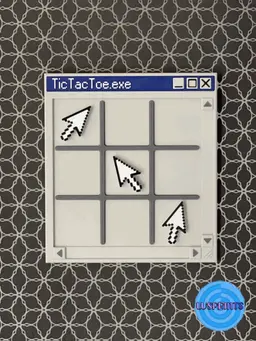
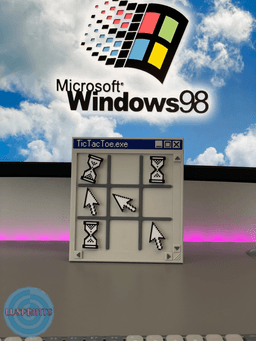


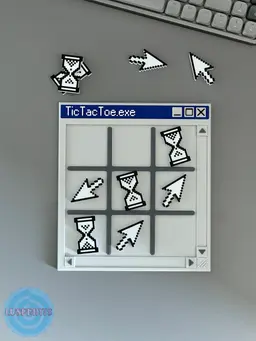


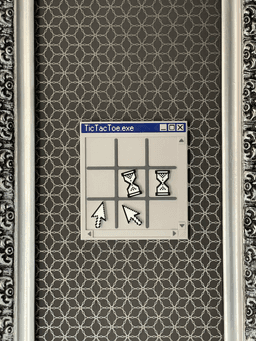

Windows 98 Inspired Tic-Tac-Toe
Today, something completely different — but sometimes you have to give in to creativity and do something out of the ordinary :) ⭕❌ Bring a nostalgic twist to your 3D printing with this retro Windows 98-style Tic-Tac-Toe game! Designed to mimic the classic pop-up window from the Windows 98 era, this unique game replaces traditional Xs and Os with iconic symbols: the mouse pointer and the hourglass cursor — perfect for anyone who remembers the struggle of waiting for a program to respond!
🎁 Why you’ll love it:
A fun, quirky homage to classic Windows nostalgia Perfect for tech lovers, retro fans, or desk toy collectors Great conversation piece or gift idea Clean, satisfying gameplay with magnetic pieces
Whether you're printing it as a fun project, a geeky gift, or just want something cool to keep on your desk, this tic-tac-toe game is sure to bring a smile (and maybe a little flashback to '90s computing).
🧲 Magnetic version included!The board and game pieces are designed to hold 8×2 mm magnets (≈ 0.31 × 0.08 inches) so the pieces snap satisfyingly into place and stay put. Great for fridge, desk displays, or just keeping things tidy during gameplay.
- For main window I set the pause at 18th layer (with 0.2 layer height) - For cursors I set the pause at 18th layer (with 0.2 layer height)
🧲 Not into magnets? No problem — a non-magnetic version is also included for a simpler print-and-play option. There is a hole for hanging at the back of the window.
🖱️ The remaining elements can be glued together using a little glue.
⭕❌I used colors that refer to those we know from old Windows.
🖱️ What’s Included:
- STL files
- 3MF files
- Magnetic and non-magnetic versions of all components
🛠️ Print Recommendations:
- Layer height: 0.2 mm
- Infill: 10% (cubic)
- No supports needed
- Optimized for easy FDM printing
- Designed for 8×2 mm round magnets (≈ 0.31 × 0.08 inches) - Avalible on Amazon or BambuLab store
Windows 98 Inspired Tic-Tac-Toe

PlayStation 5 Controller Stand vol 2

Nintendo Switch Cartridge but it is a cartridge holder

Simple Amiibo Stand for Ikea Skadis pegboard

PokeCenter Nintendo Switch 2 Dock Non-AMS version

PokeCenter - Nintendo Switch 2 Dock
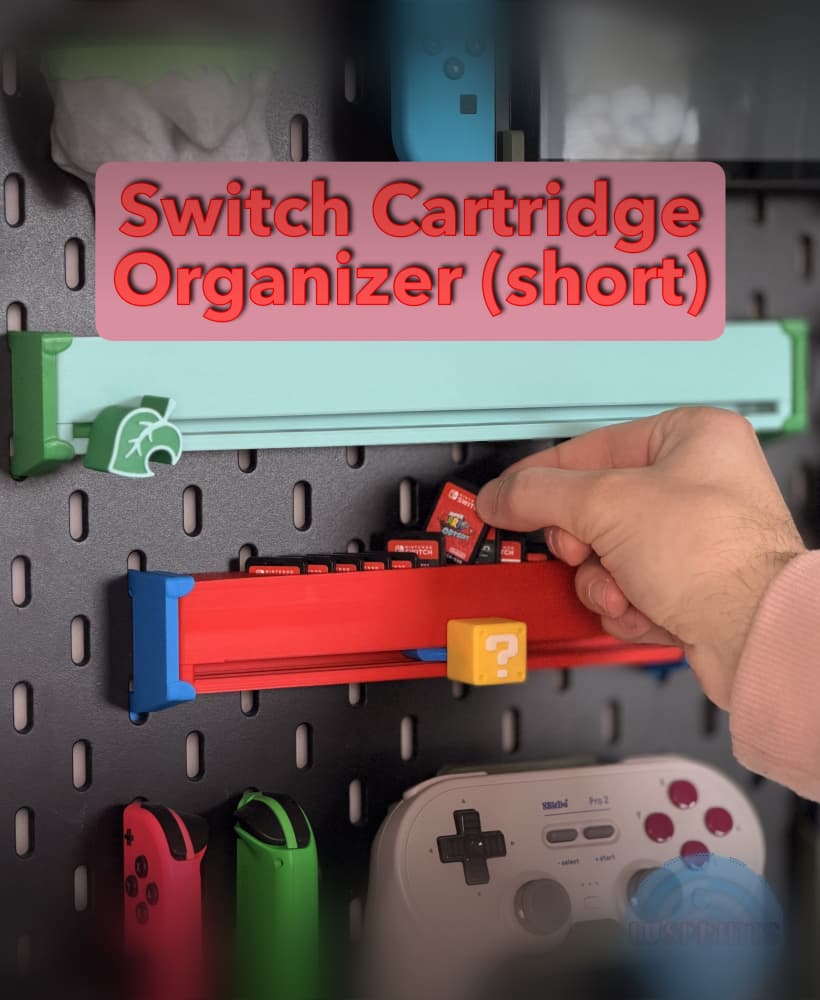
Nintendo Switch Cartridge Slider - Short (12 slots)

Amiibo Stand for Ikea Skadis pegboard

Gold Nugget DK Controller Stand / Amiibo Stand

Piranha Plant – NS2 Joy-Con Grip & Game Holder

Cookie Controller Stand PS5|XBOX|NSProController

Retro Switch 2 - Nintendo Switch 2 Retro Radio
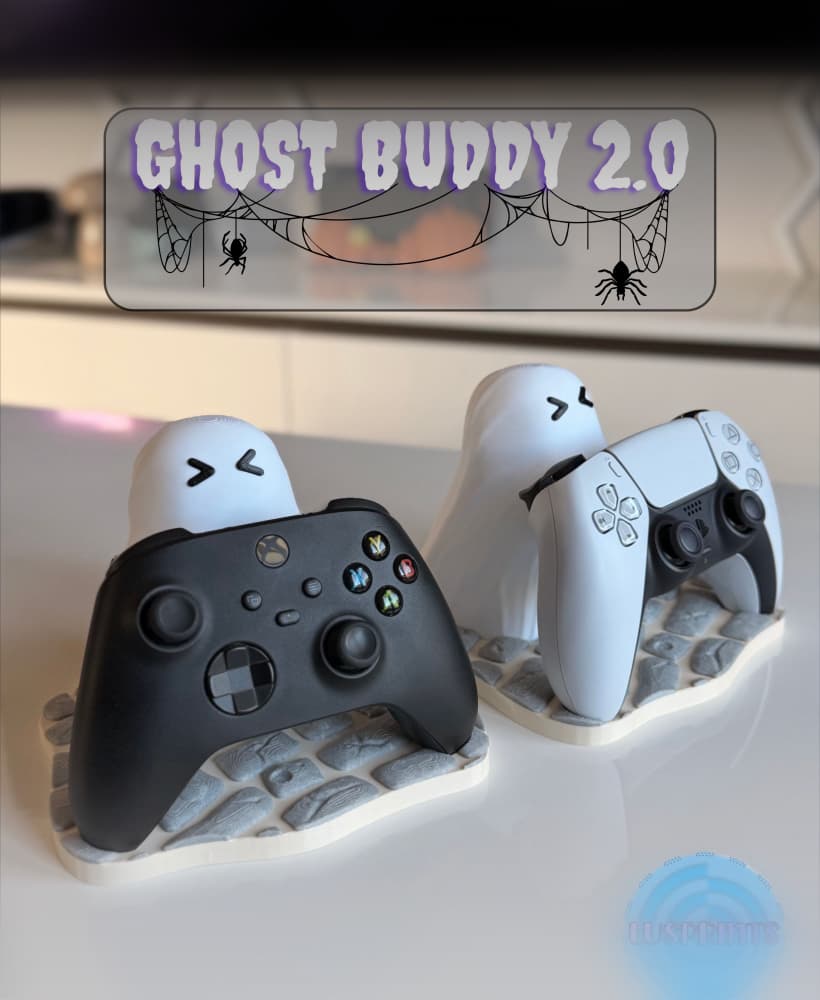
Ghost Buddy 2.0

Nintendo Switch 2 Pumpkin Patch

Nintendo Switch Cartridge Organizer for SKÅDIS

Nintendo Switch 2 Gamecube Dock | Cartridge holder

Nintendo Switch 2 DK dock!

Xbox Series X/S headphone stand

Nintendo Switch 2 Brick Dock | Cartridge Holder

ARC Raiders Controller stand

Also when i download the files, none of the files had the magnet hole included
I've checked it. In the Windows.stl there are magnet holes. Slice it and check by scrolling through the layers. Remember, you have to pause in the middle of the printing to imbed th magnets. (Same thing with cursors) :)
Thank you for clarifying!! :) I love your designs
What blue pla did you use?
It was a Spectrum PLA - Navy Blue :)