




Fidget World | Apple Tree Clicky Fidget Toy
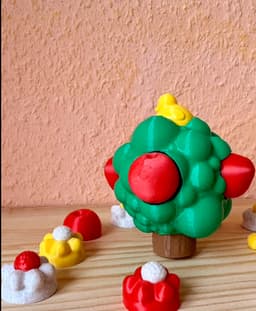
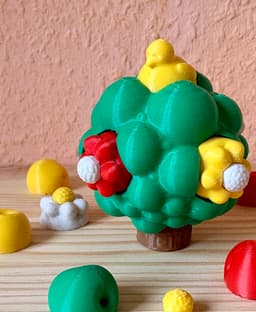
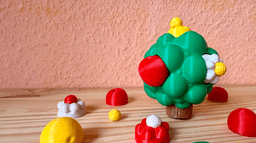
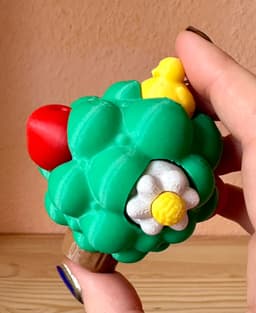
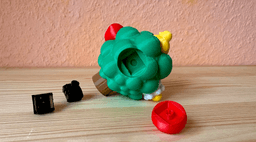
Create your own little clicky fidget tree! It comes in the shape of a happy little tree and can be garnished with little apples, two-color blossoms, a trunk and even a little bird sitting on top. Combine as you wish! Besides the clicky parts I incorporated some structures in the trunk and blossoms for you to play with as a sensory or stimming toy. Enjoy!
Material:
You will need six keyboard switches for this toy, I used Kailh ones and clipped off the little rods at the bottom to make them snap into the model
- The model files are seperated by colors, so no AMS / CFS etc. is needed.
- The tree sphere will need supports, see .3mf for reference.
- Use ironing for smooth finish
- Supports or no supports for the buttons / plug ins:
- I suggest printing them without supports since the little plugs tend to break when
removing supports. Not really a way around it designwise, since the slot they need to plug into in the switches is quite small. - For me, snugness in the button fit seemed to vary with filament and support use.
- Your choice: You can either use supports for your buttons to get a more snug fit, at the risk of breaking off the little plug parts during support removal. Or you can go without supports and might need a little glue for extra adhesion. If someone has water-soluble filament, I'd guess that that would be the best option and I would love to see your results.
- I suggest printing them without supports since the little plugs tend to break when
Assembly:
- Clip off the little rods at the bottom of your keyboard switches (my Kailh ones had two metal ones and two plastic ones, you can see them in the pictures). Removal is needed because these pins block the snap fit.
- If you printed blossoms, press the center part onto the petal part.
- Press your buttons (apple, blossom, trunk etc.) onto the switches. Add a drop of glue for extra adhesion if necessary, but make sure that the switch isn't blocked by excess glue.
- Press the assembled button-switches into the cutouts of the sphere tree model. You should hear a snapping noise - if you've removed the little pins! Keep an eye on the alignment, since the shape is rectangle, not square.
- Click away and enjoy your happy little tree fidget!
If you print this fidget world toy, I would love to see what you make of it! I also plan on making this a series and create more wholesome fidget worlds for you to enjoy - so please let me know if there's themes that you would love to see made into a fidget world toy, or if there are any buttons / plug ins I should do next!
I used HLModtechs Clicky Keychain Template to incorporate the right cutouts for the Keyboard Switches (CC BY-SA 3.0) - thank you for providing this model! Do check out his content for helpful models and tutorials on Tinkercad.
This model is licensed under [CC BY-NC 4.0](https://creativecommons.org/licenses/by-nc/4.0/)
Fidget World | Apple Tree Clicky Fidget Toy

Fall Fidgets - Mini Pumpkin Fidget - Fidget Spinner, Clicky Fidget, Passthrough Spiral

Clicky Pills Clicky Fidget and Keychains

Clicky Phone Fidget (2-in-1 Fidget)

estop fidget clicky
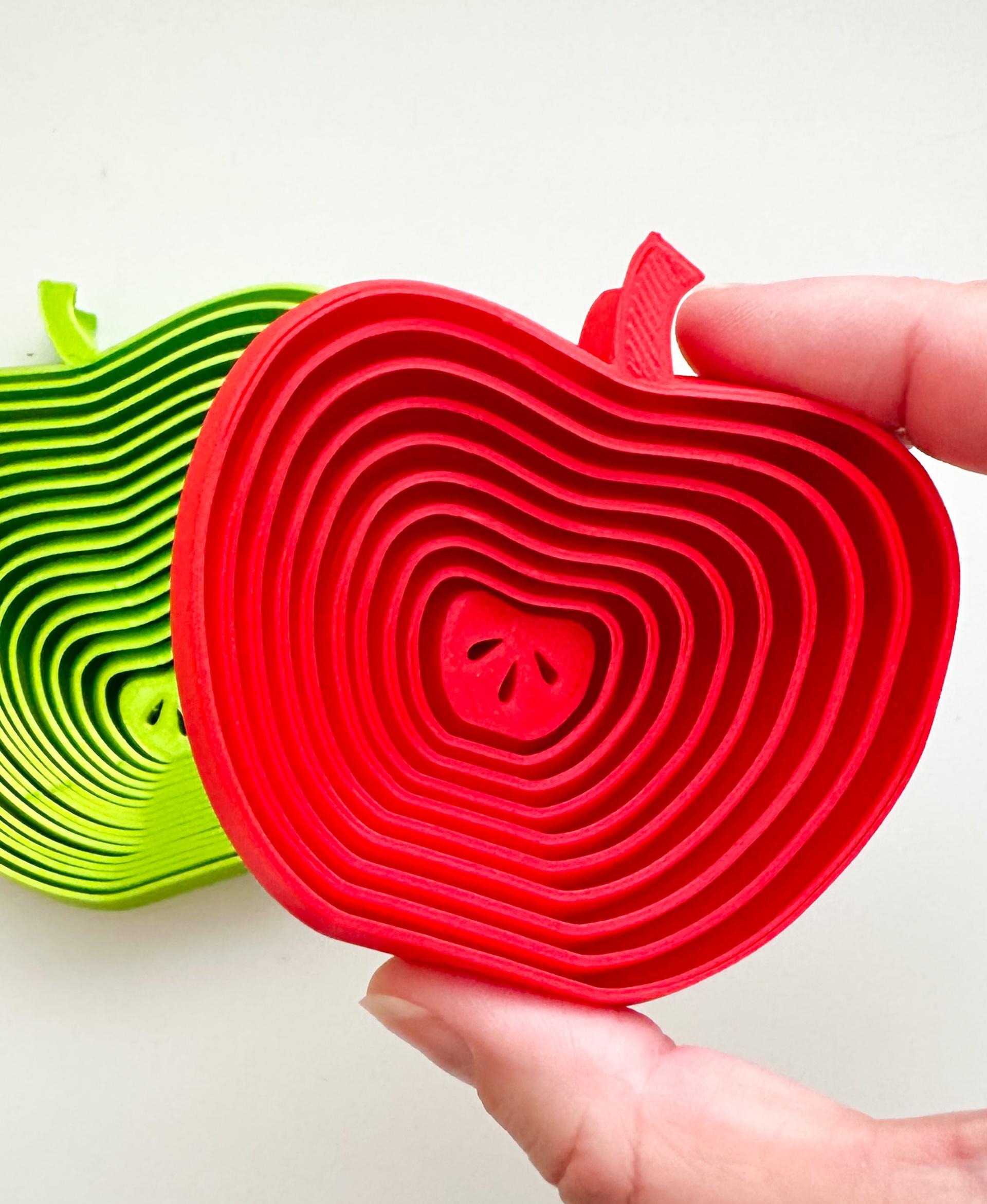
Apple Layered Fidget Toy (2 sizes)

World Cup Trophy Fidget Bolt - Commercial Use

Happy Dumpster Fire Clicky Fidget and Keychain

Clicky Fidget
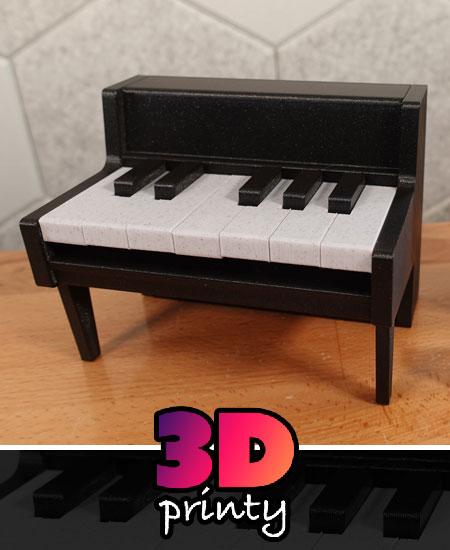
Clicky Piano Fidget

FIDGET CLICKY KEYCHAIN JURASSIC PARK

Digivice - Clickies - Keycap Fidget Clicker
.png&w=3840&q=75)
Boopon Mechanical Clicky Fidget Toy - Zenless Zone Zero Fanmade
.png&w=3840&q=75)
Peppy Mocha Clicky Fidget and Keychain

Super Clicky Fidget Button
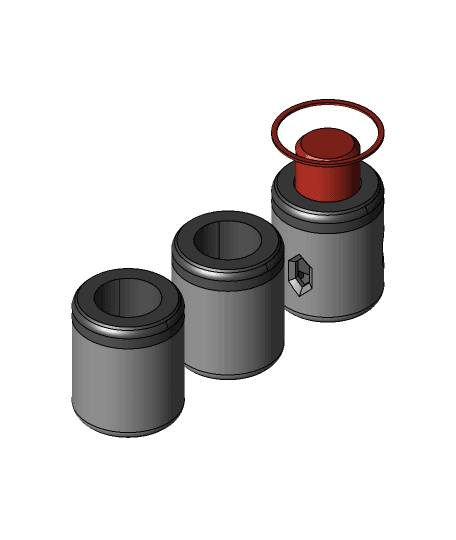
Super Clicky Fidget Button - Double Clearance
.png&w=3840&q=75)
Clicky Fries (Keycap Fidget Toy)
%2520Clickies.png&w=3840&q=75)
Gundam Wing Detonator (Self Destruct) - Clickies - Fidget Clicker
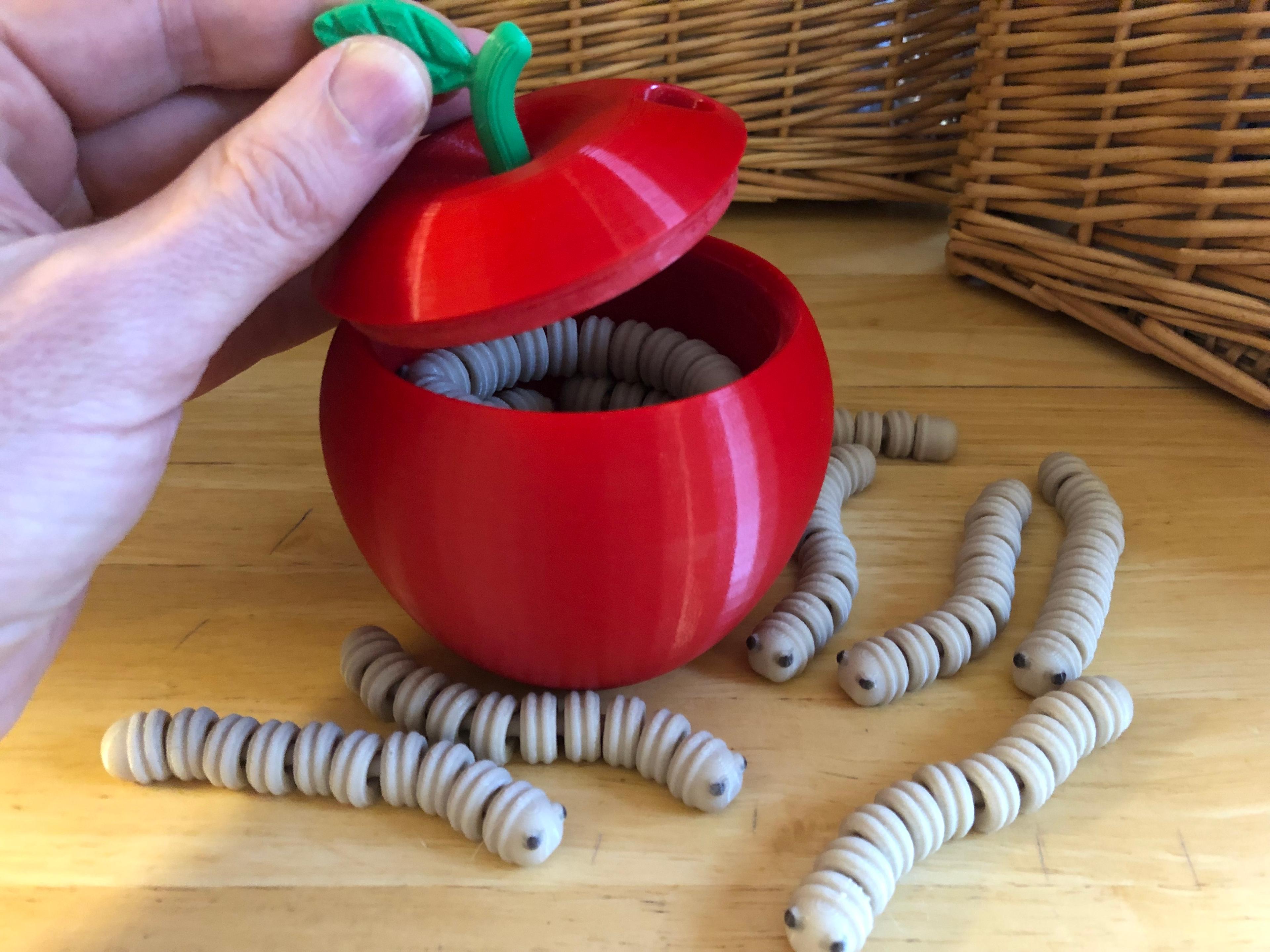
Storage Apple for Fidget Worms

Gridfinity Apple World Travel Adapter Kit.stl
