


Glider
711 downloads · 5 years ago · -Use lightweight PLA.
-Print rear fuselage and wing in vase mode.
-Print nose as a normal print, but
-Use lightweight PLA. -Print rear fuselage and wing in vase mode. -Print nose as a normal print, but adjust infill to weigh 1.85x the rear fuselage (my rear fuselage is 3.6g, the nose is 6.7g).
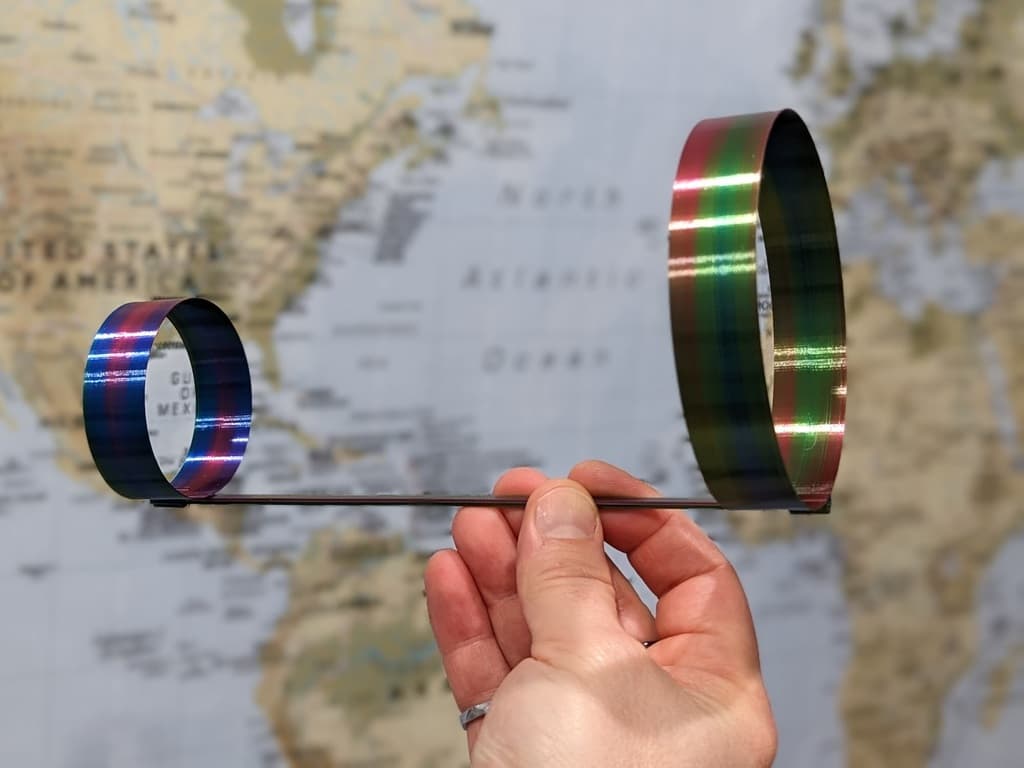
Hoop Glider
_v2.png&w=3840&q=75)
PIP glider with rubber band launcher (GLUE REQUIRED) v2.stl
Bundle
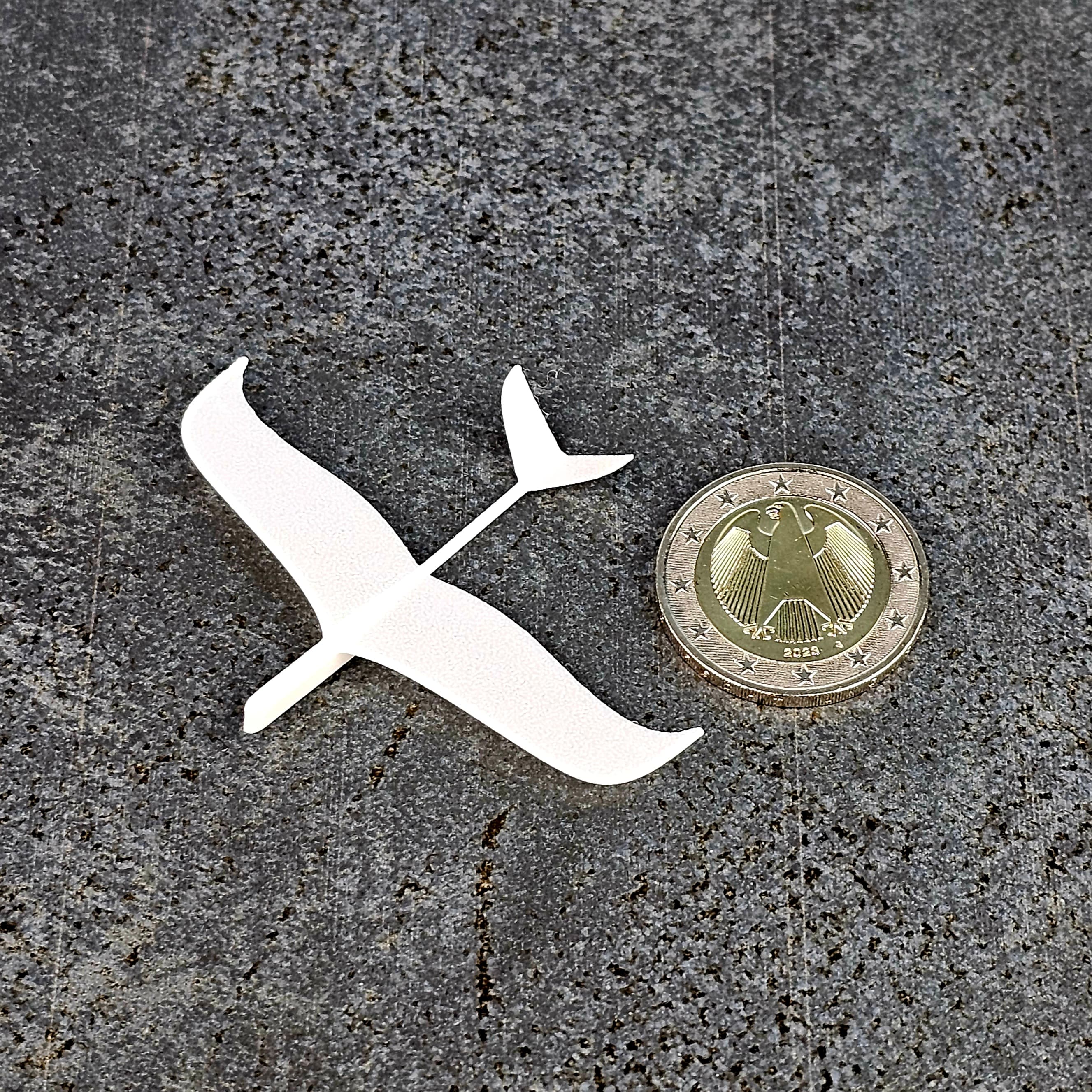
Dove Glider Tiniest Printable Airplane
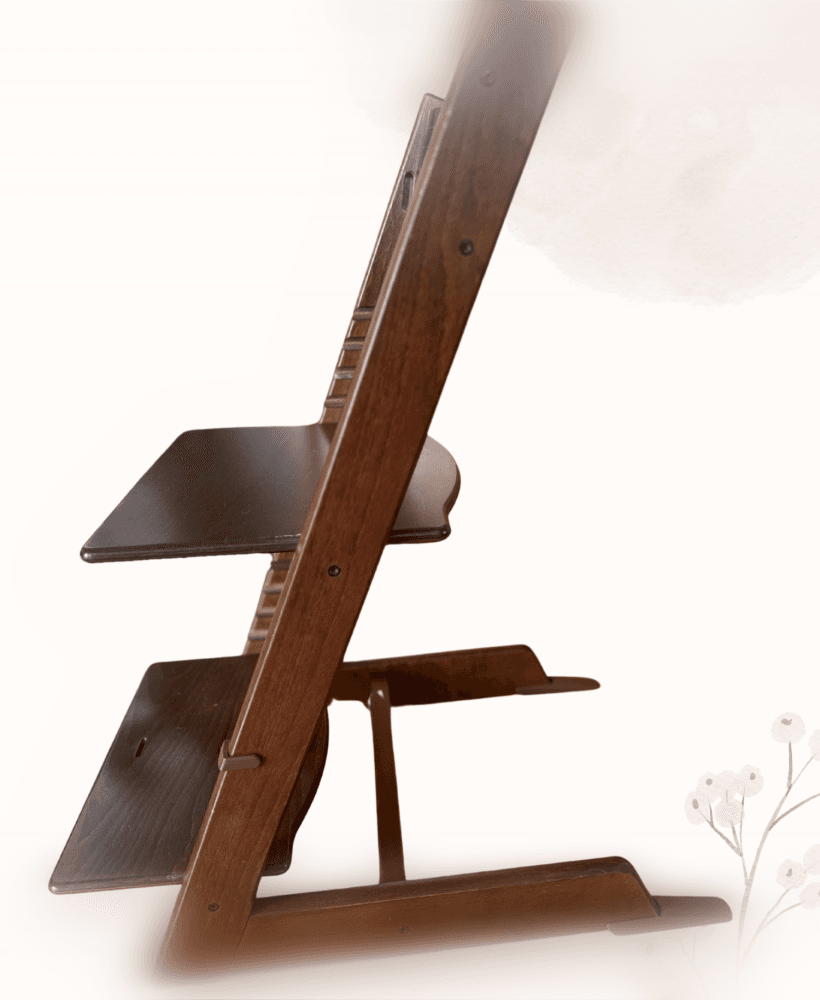
Tripp Trapp Extended Floor Glider Press-Fit
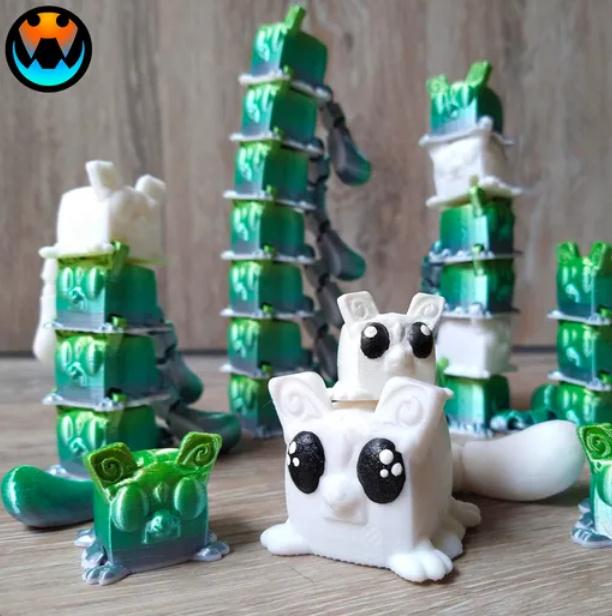
Sugar Cube Gliders
Bundle
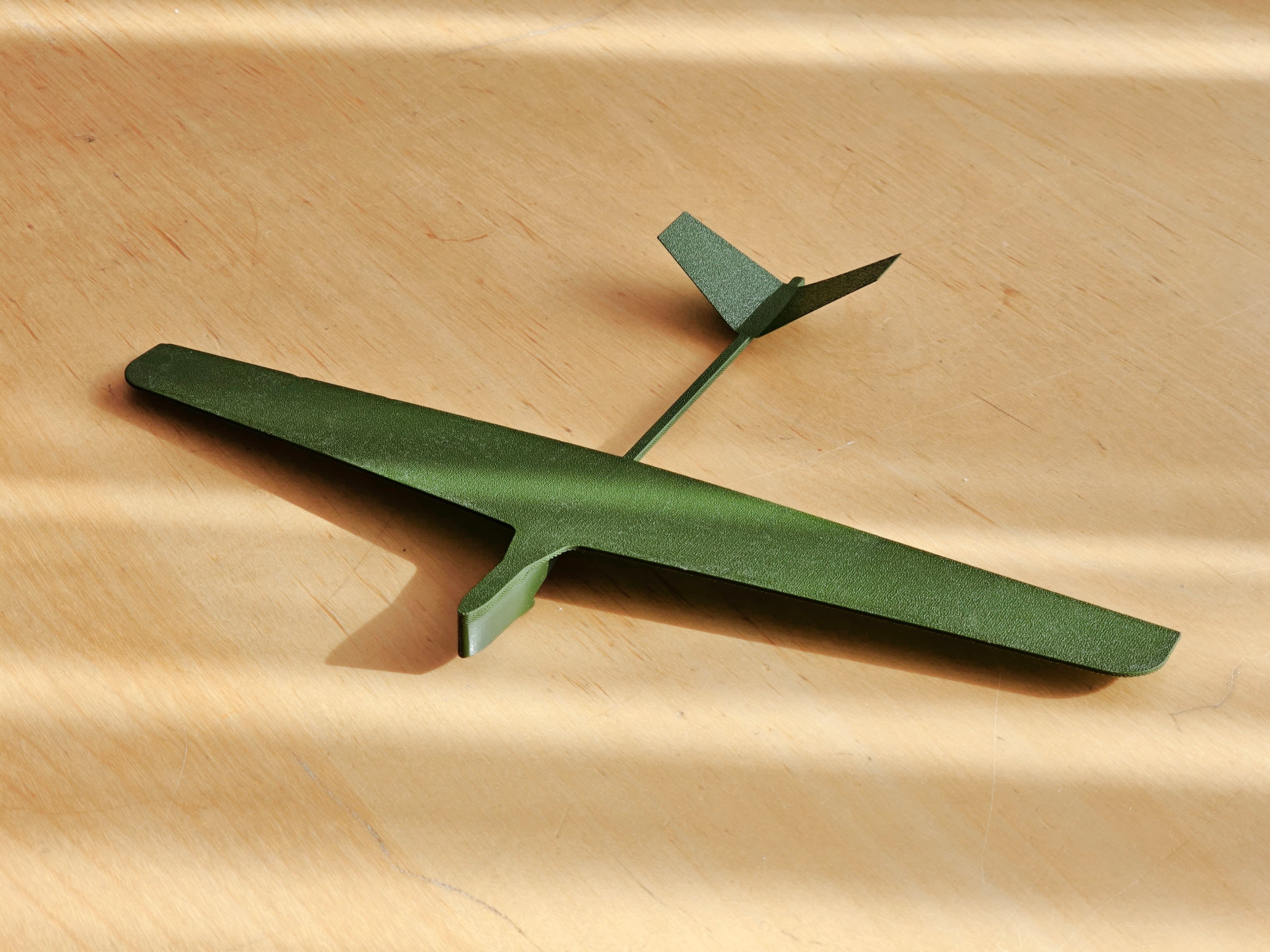
Sturdy Glider with Reinforced Wings for Rubber Band Launch
Bundle

Tiny Indoor Glider and It's Big Mama
Appelsian Power Glider
Bundle
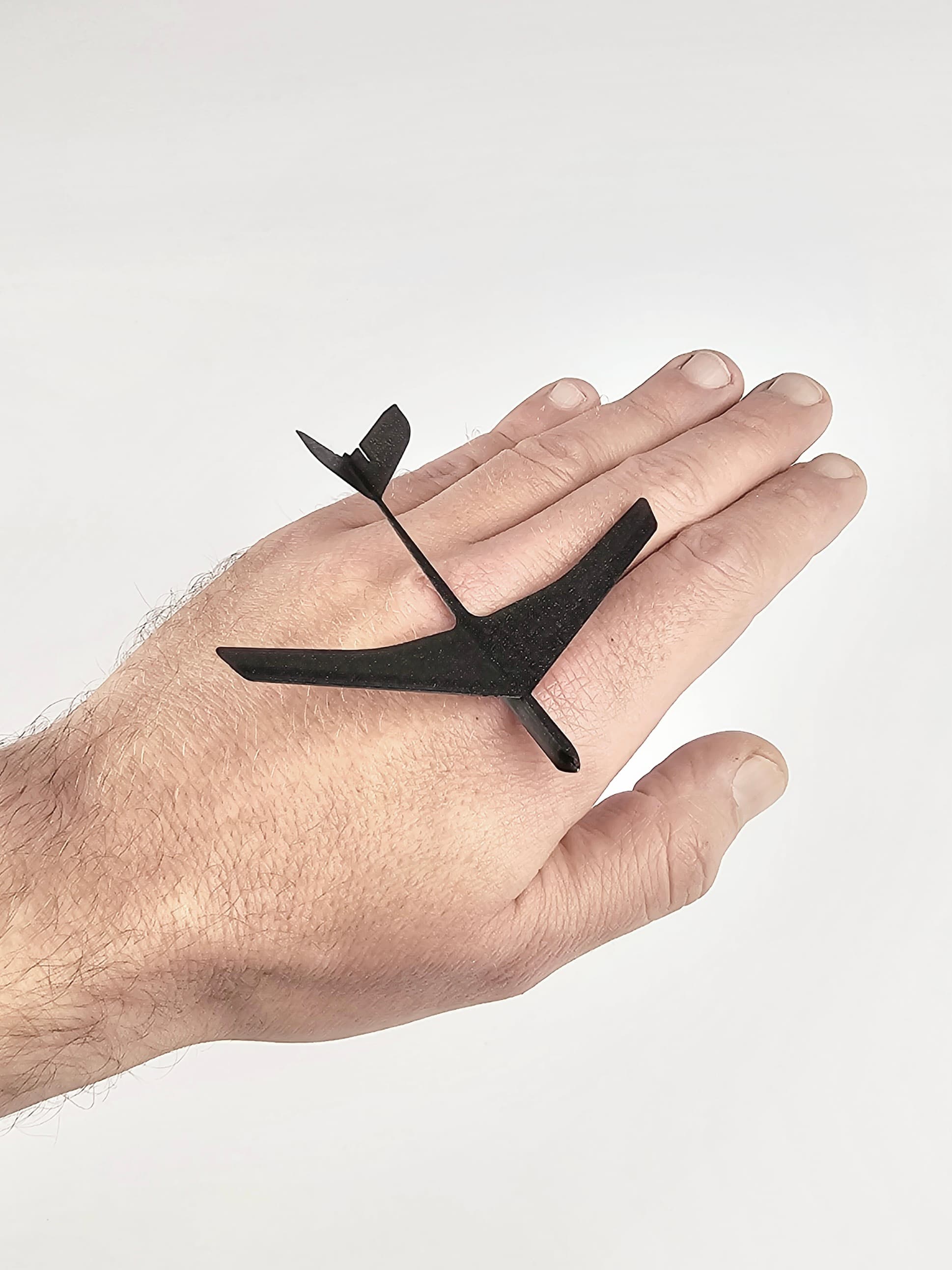
Jetino Tiny Indoor Jet Glider
Bundle
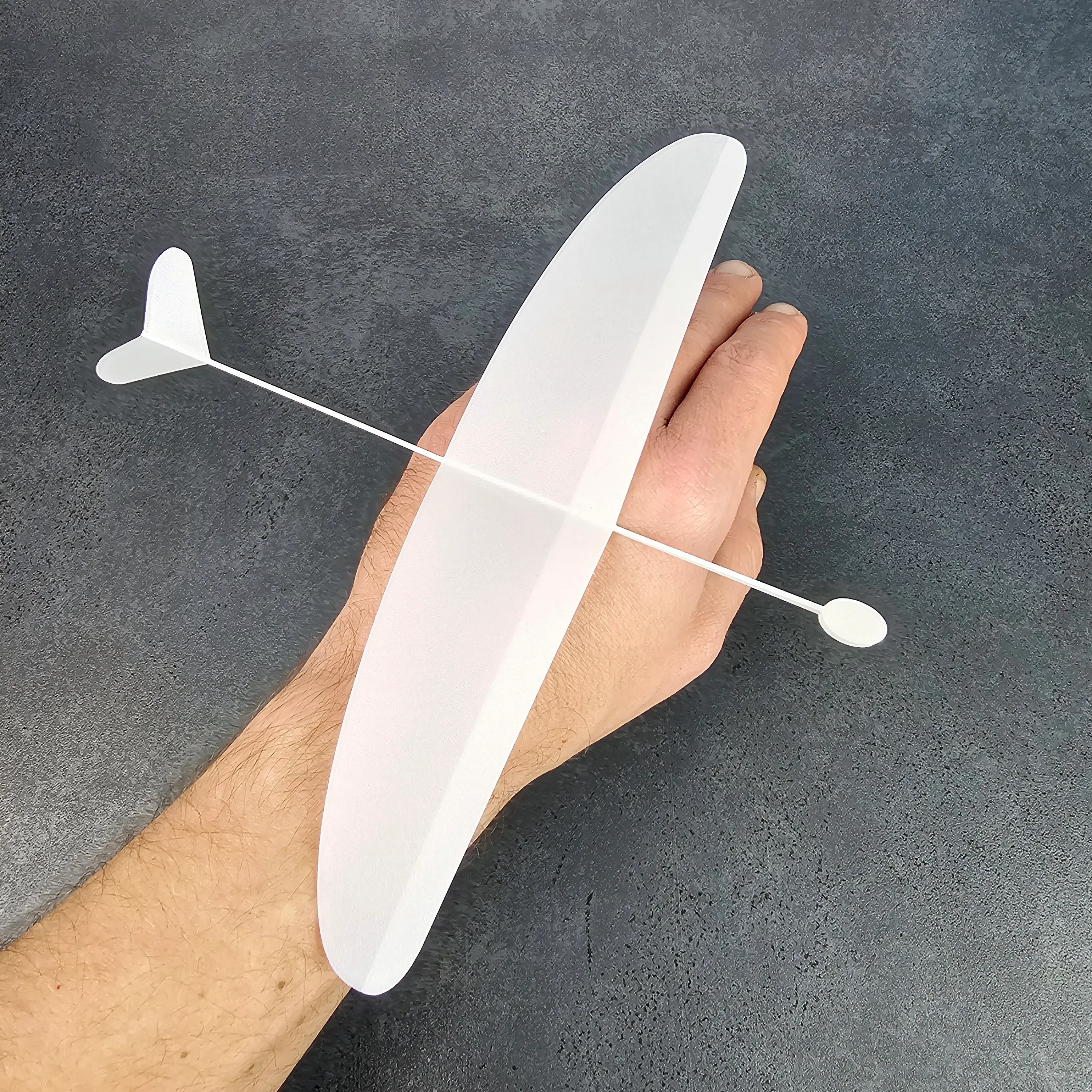
Small Thunderbolt Glider Hand Launch
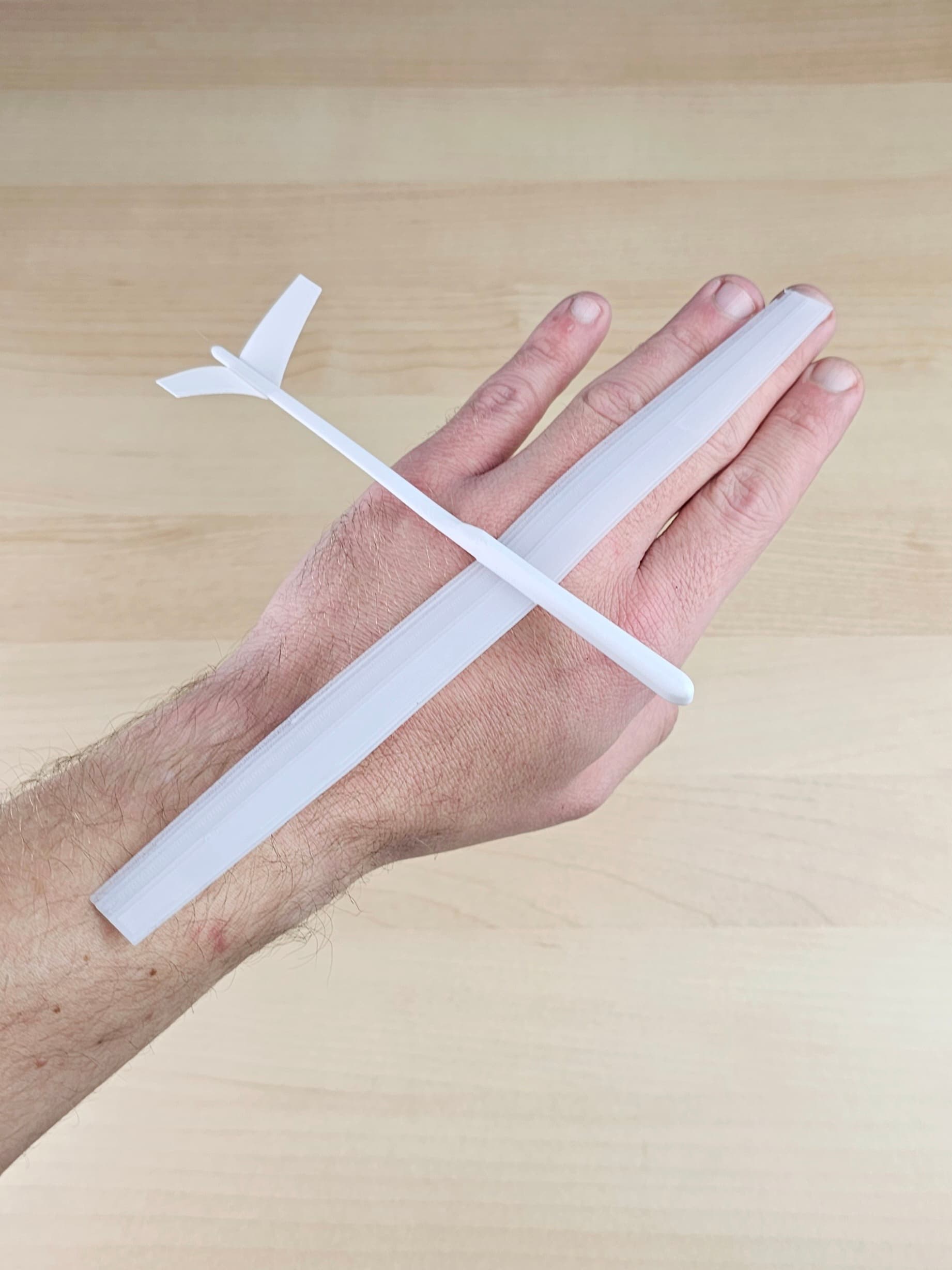
Experimental Slope Glider
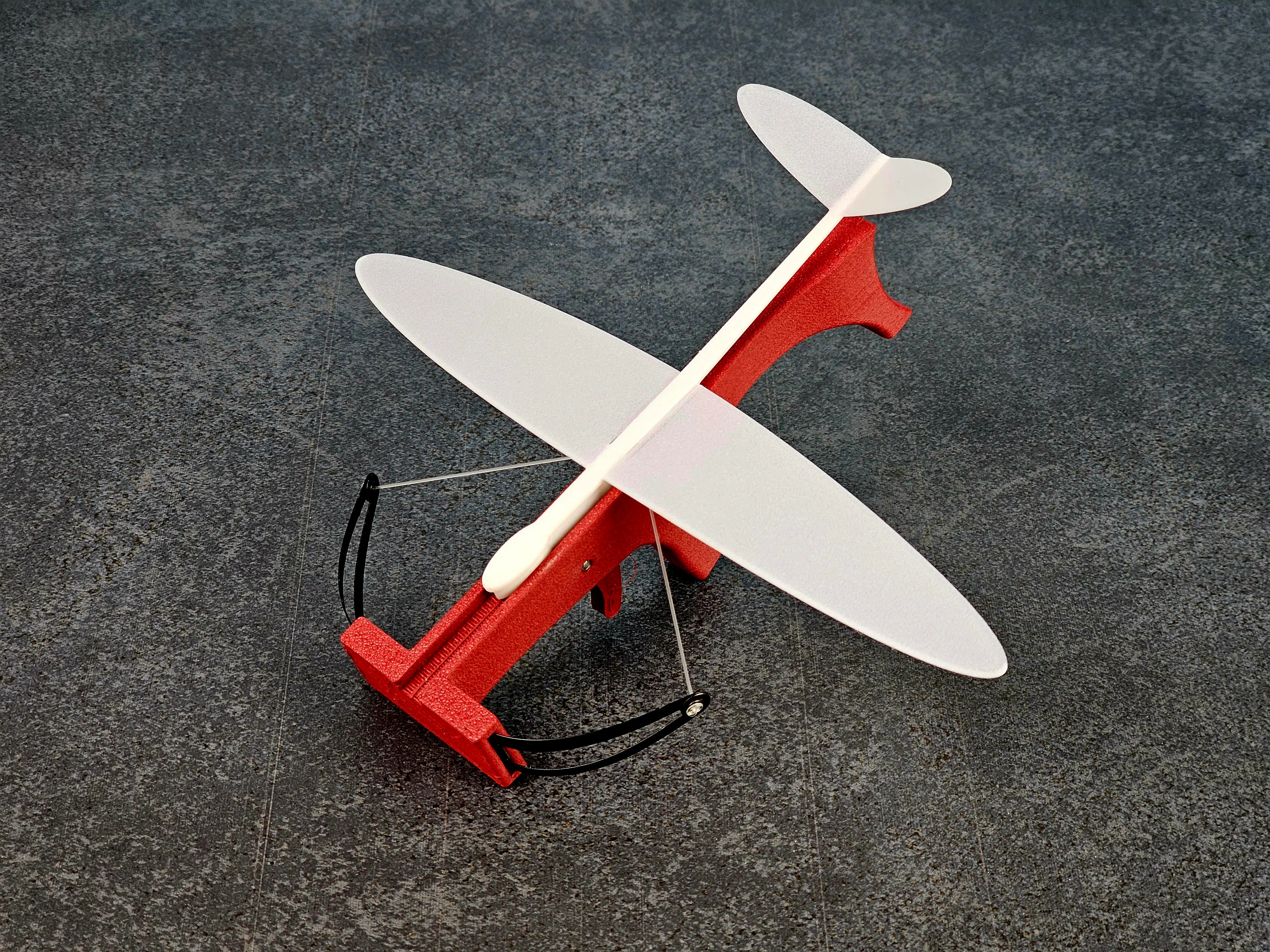
Small V-Tail Indoor Glider
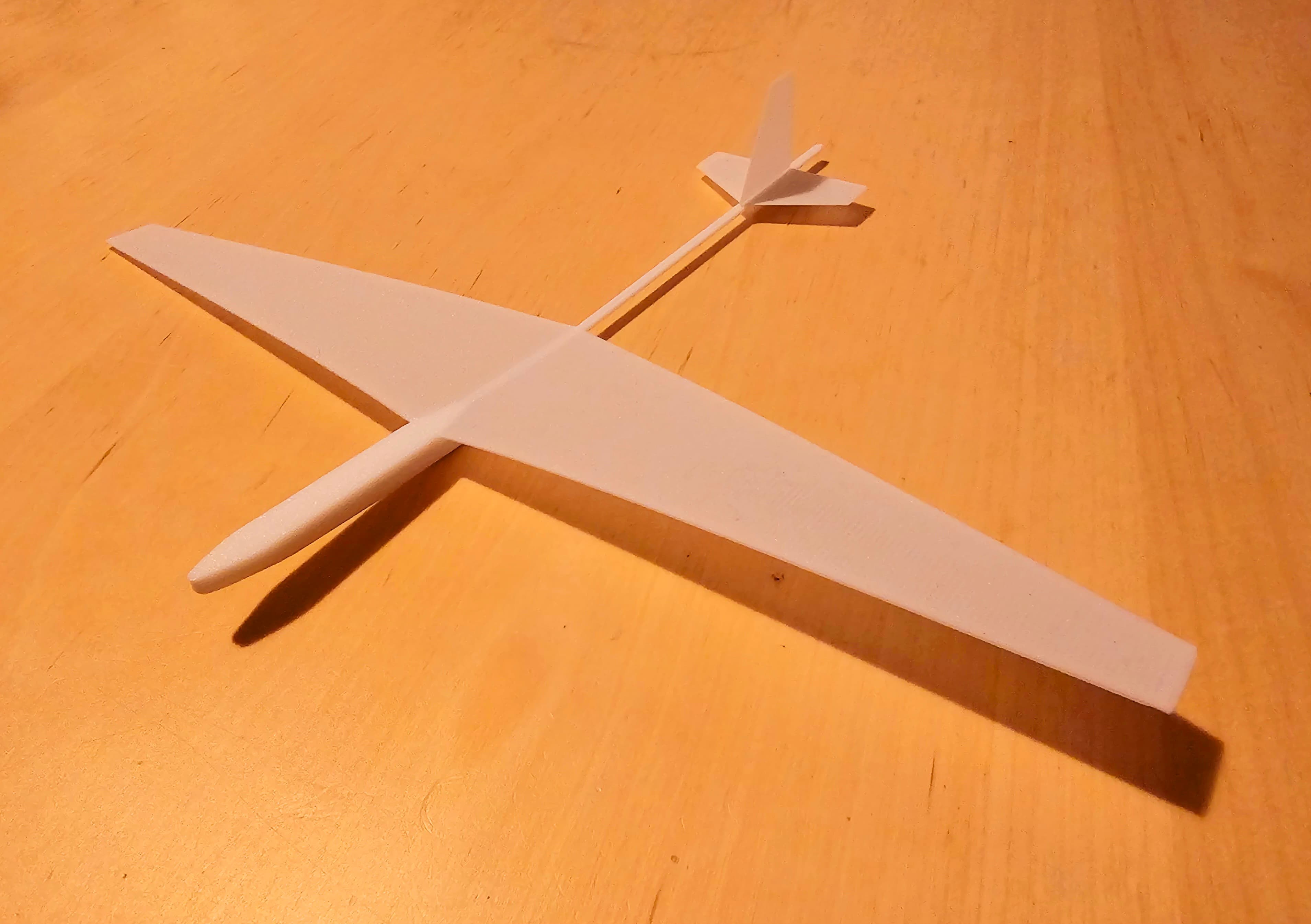
Slope Glider for Hand and Rubber Band Start

Sugar Glider - Articulated Version & Keychain
Sugar Glider Flexi
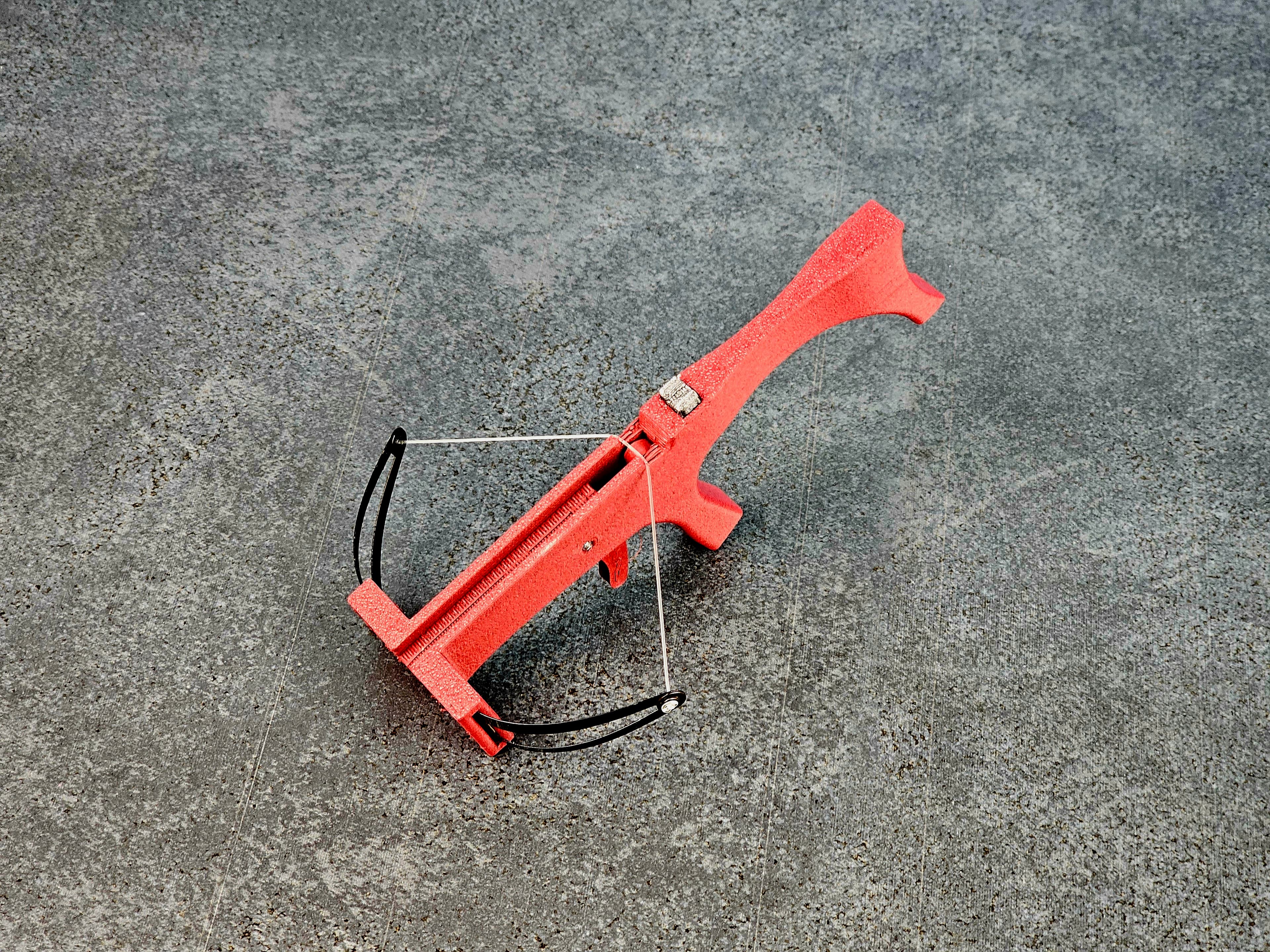
Glider Crossbow MKI Tiny Airplane Launch System
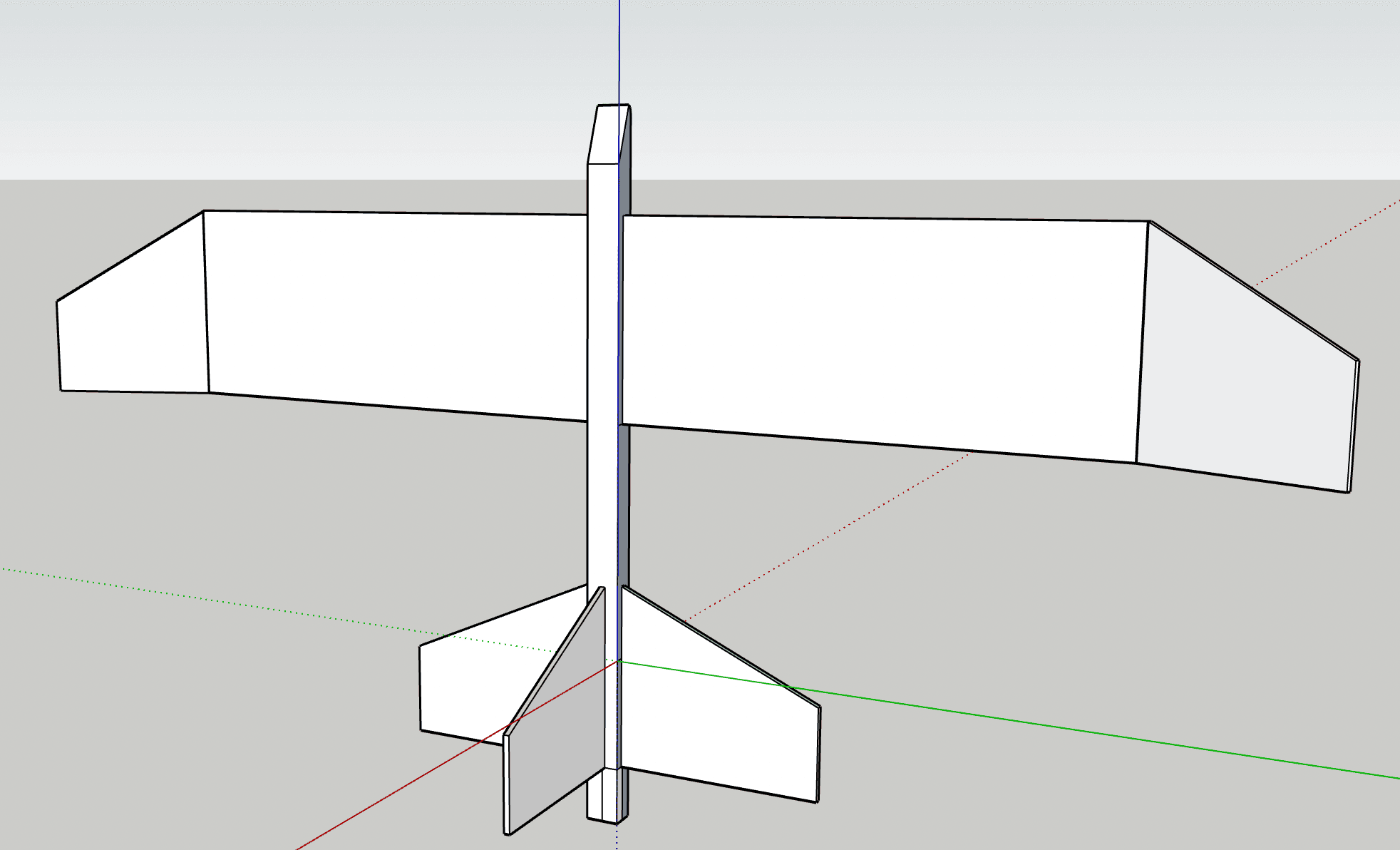
working glider
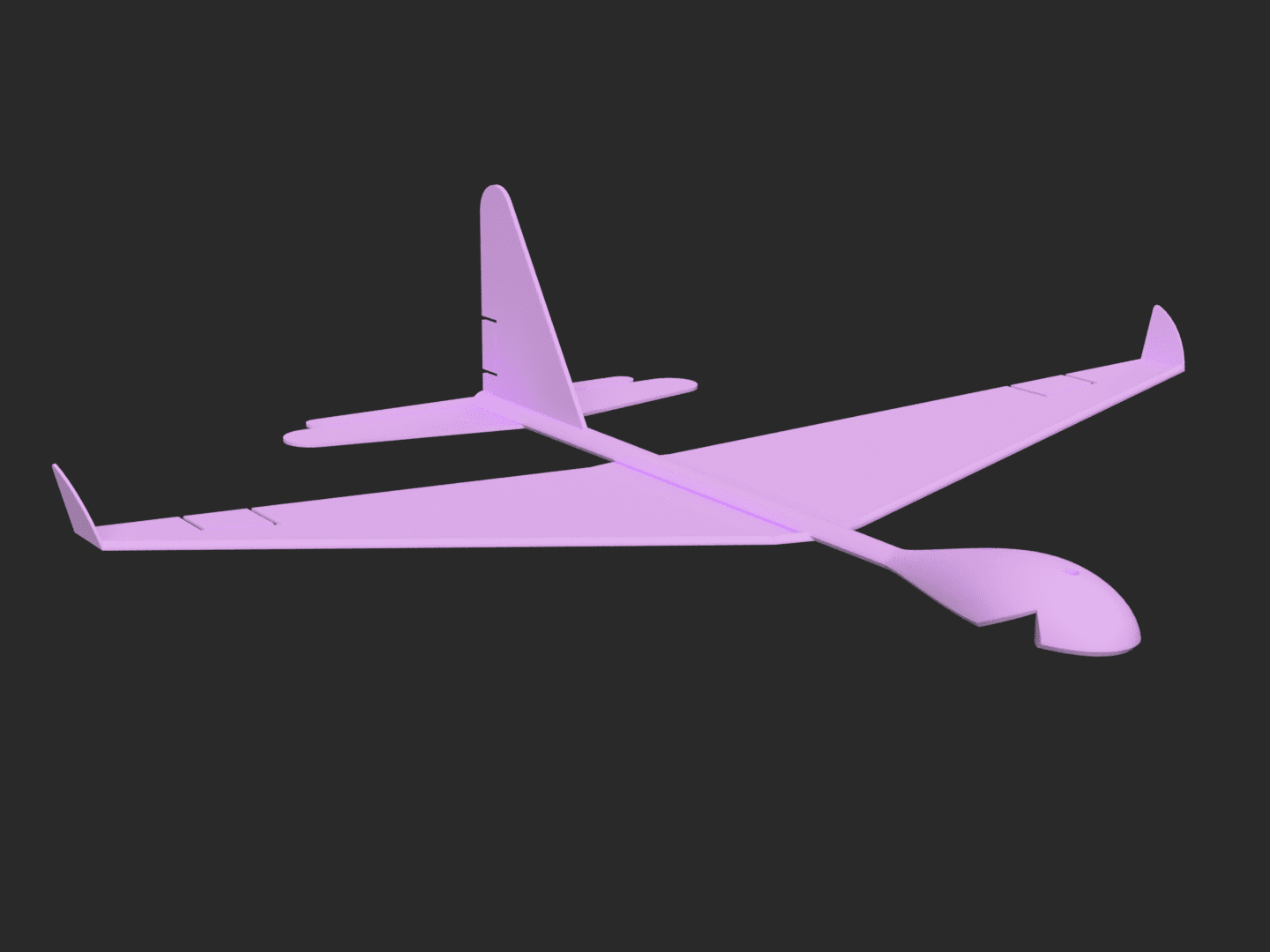
SIFF Glider-02f v10.stl
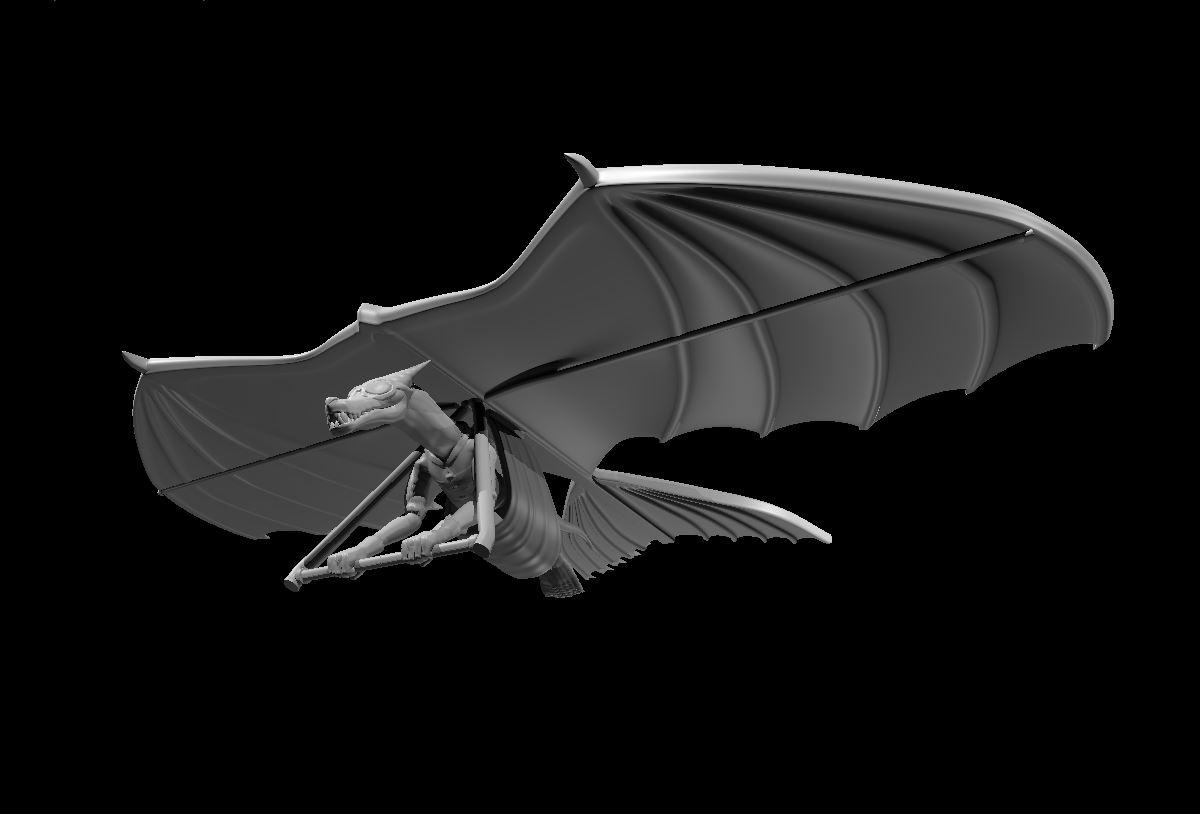
Kobold Artificer on Hang Glider

You can get his other models for free right here: https://link-center.net/1219779/tom-stantons-printables
How did you get the wing to be a solid surface at the leading and trailing edge? When I use the spiralize setting in CURA to print in vase mode it leaves both open.
I am not sure if it helps you, in PrusaSlicer it works just fine. I have place the wing with the trailing edge on the board and sliced it in vase mode. That creates a wing that is closed at the trailing edge (as vase mode lets you set a number of bottom layers). On the leading edge there is a tiny little opening in the middle, which is the highest point of the print. I guess it was supposed to be that way.
Lovely. Thank you: very helpful. Richard