


Princess Peach Stained Glass Bookmark
65 downloads · 2 years ago · **Printing Instructions**
Print at 100% infill with a layer height of 0.08mm with a base layer of 0.
Printing Instructions Print at 100% infill with a layer height of 0.08mm with a base layer of 0.16mm
Filaments Used:
- PLA Black
- PLA Magenta
- PLA Yellow
- PLA White
Swap Instructions:
- Start with Black
- At layer #7 (0.64mm) swap to Magenta
- At layer #17 (1.44mm) swap to Yellow
- At layer #18 (1.52mm) swap to White for the rest.
Princess Peach Stained Glass Bookmark
65 downloads · 2 years ago in

Disney Princess Jasmine Stained Glass Bookmark

Stained Glass Bookmarks

Jack and Sally Glow-in-the-Dark Fan Art – 2D Stained Glass Style - bookmark
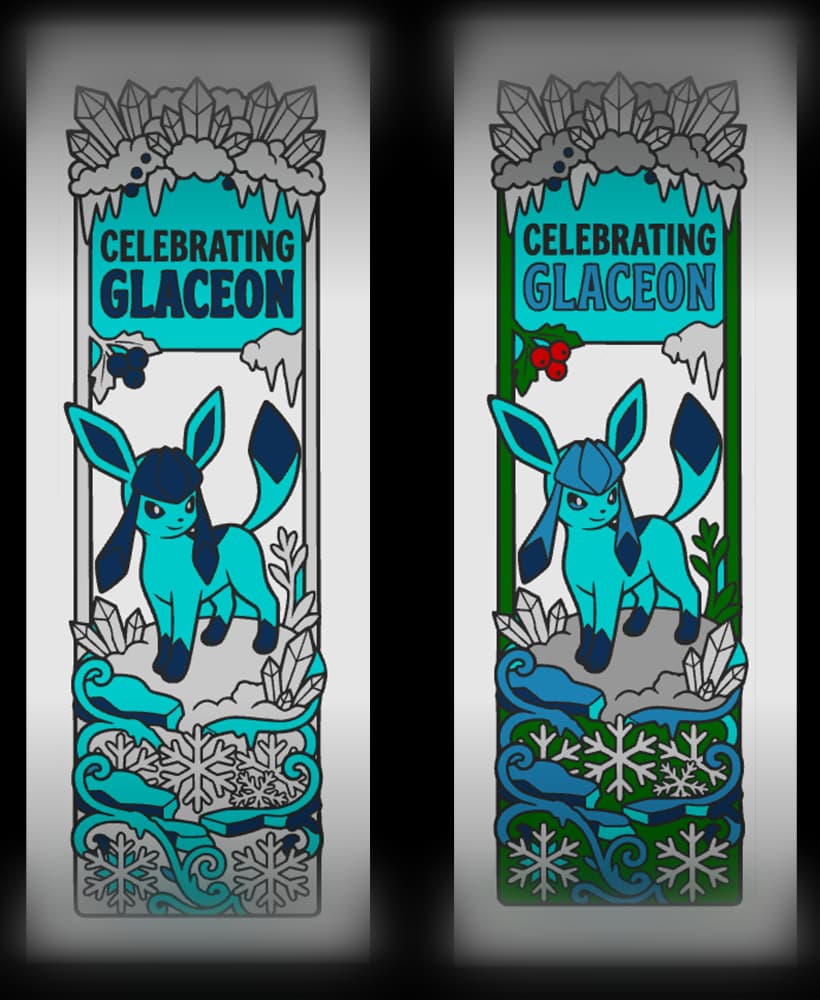
Fan art Celebration of Pokemon evolution Glaceon - Stained glass style bookmark

Fan art depictions of Characters from Disney movies stained glass style - bookmarks

Beauty in front, or inside a picture of stained glass? Set of bookmarks
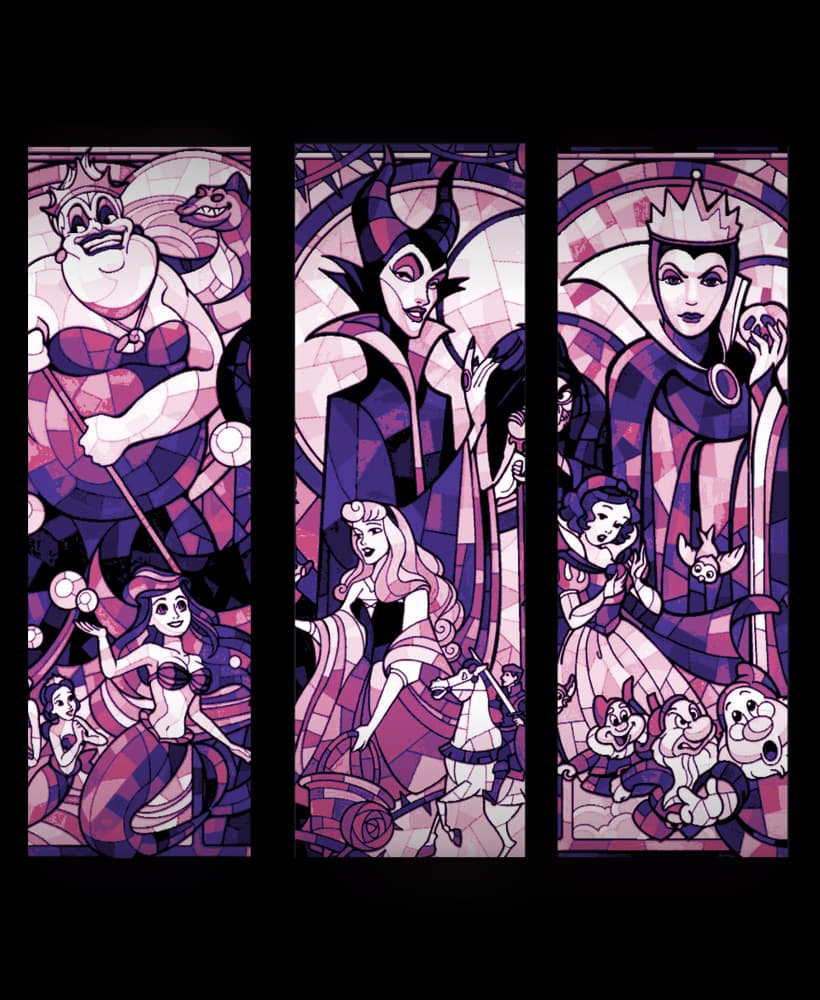
Stained Glass Designs used in Bookmarks - Disney Themed

Stained Glass Dragonflies - Set of Bookmarks in Green
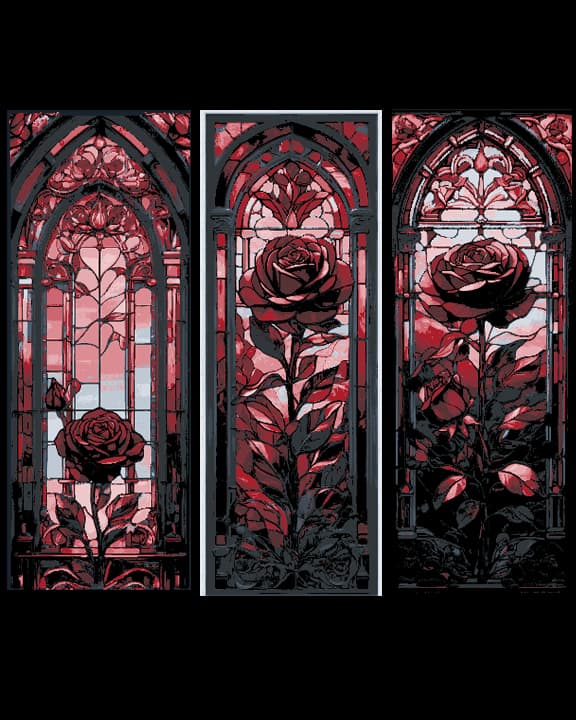
Blood Red Rose Frozen in a Stained Glass Window - Set of 3 Bookmarks
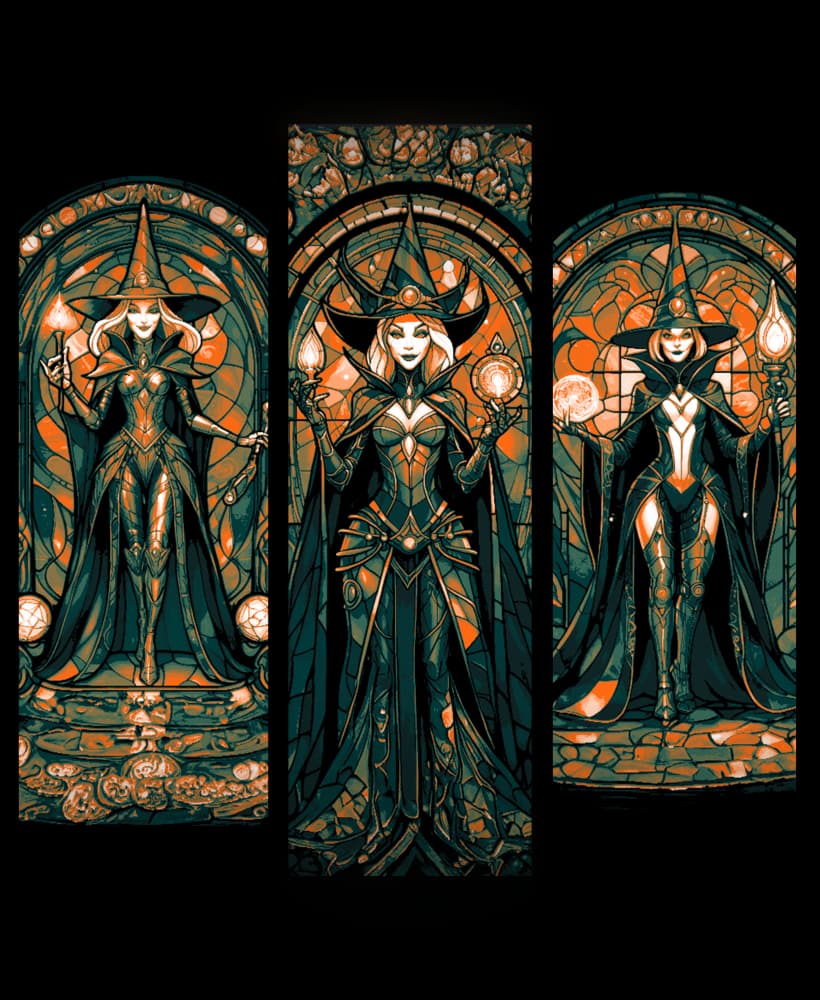
Happy Halloween - Classic Witch immortalized in a Stained glass window - Set of 3 bookmarks

Stained Glass Dragon STL File for 3D Print

Stained Glass Depictions of a Golden Hawk - Set of bookmarks

Royal Lovers Stained Glass Display

Gothic Lanterns and Stained Glass Clicker Keychain Fidget Toy Bundle
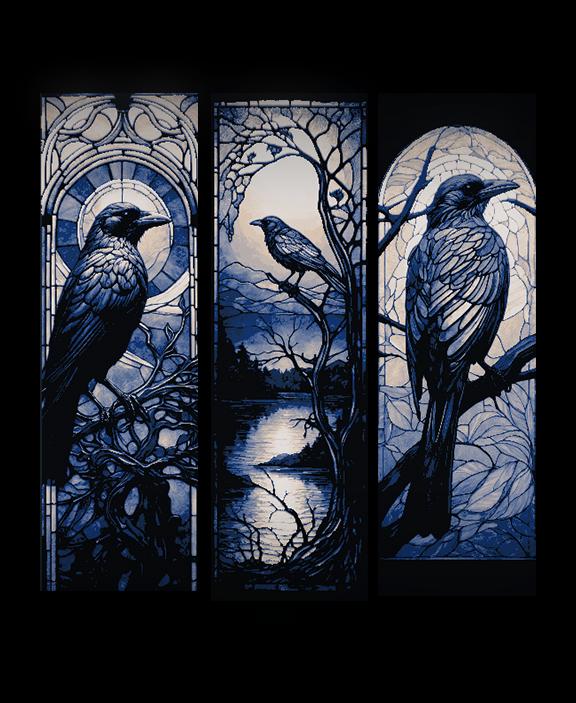
Stained Glass Depictions of the Lone Crow - Set of Bookmarks

Stained Glass Jack and Sally Nightmare Before Christmas Halloween Bookmarks - Set of 3
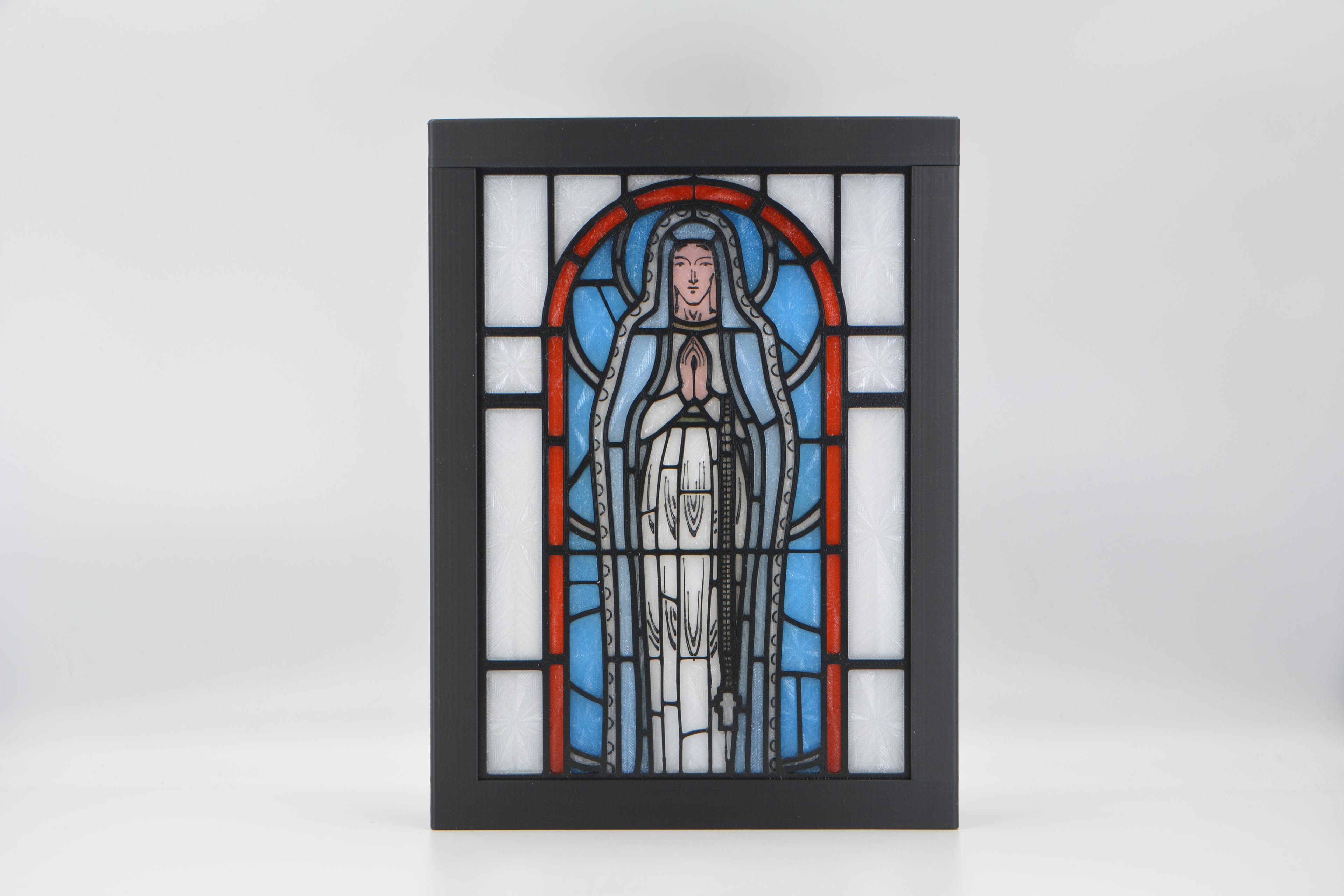
Virgin Mary Stained Glass Light Box

Black panthers are on the prowl - Set of Bookmarks in a Vector art style with a stained glass look
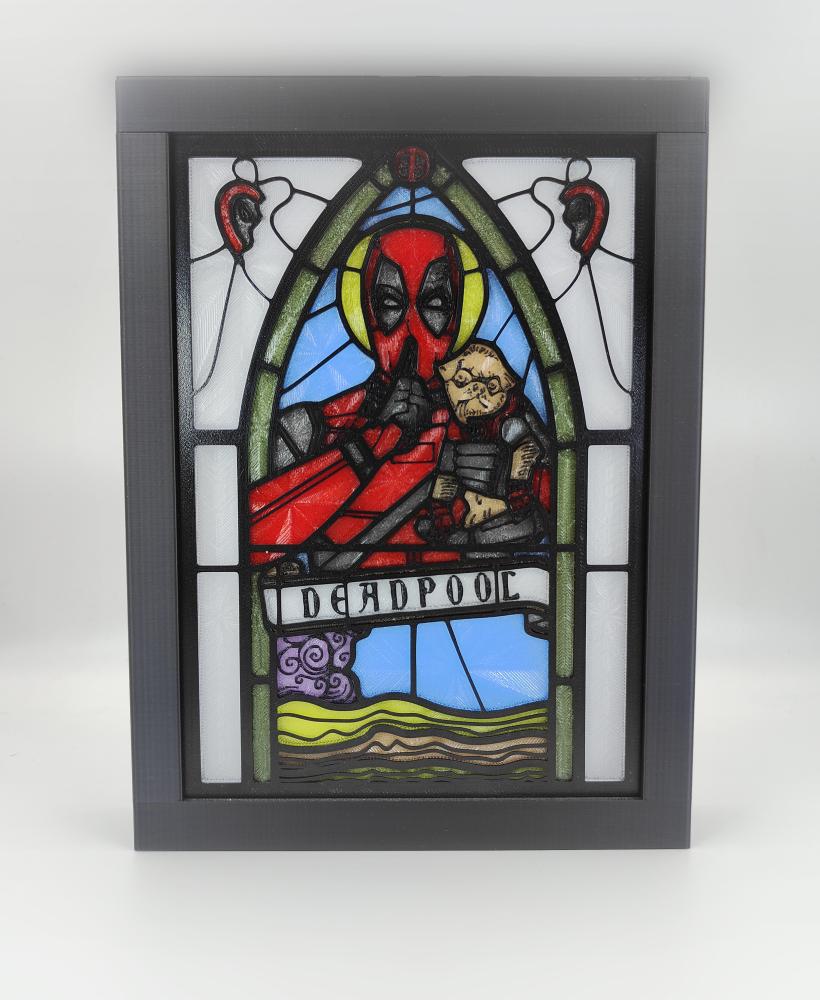
Deadpool Stained Glass Light Box
Should I change before the start of the layer, or after the layer is completed?
change at the start of the layer. change to magenta on layer 7, yellow at 17, white at 18