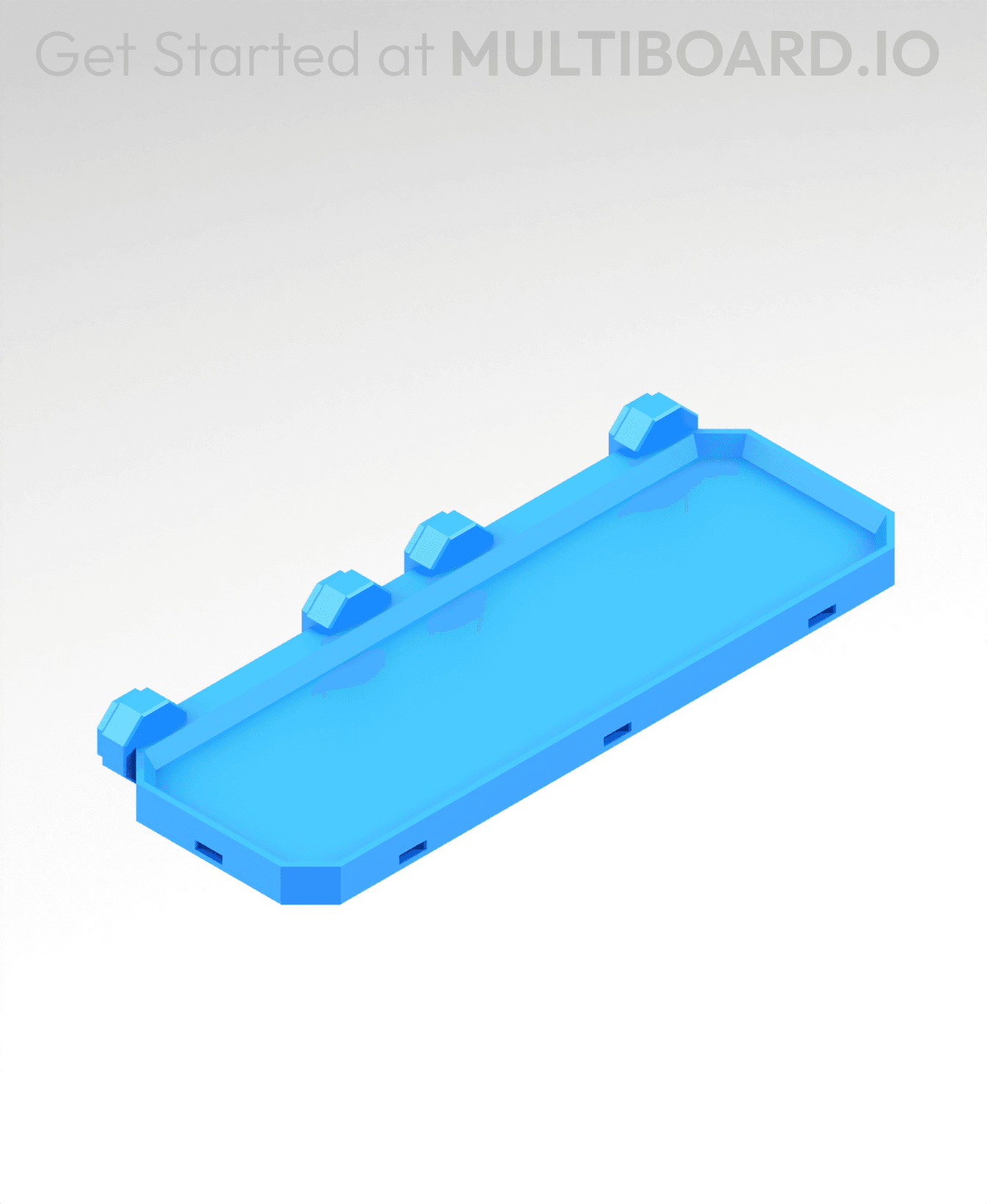
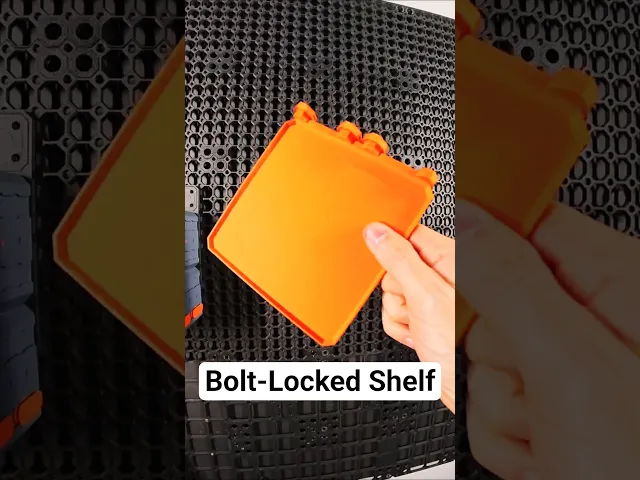


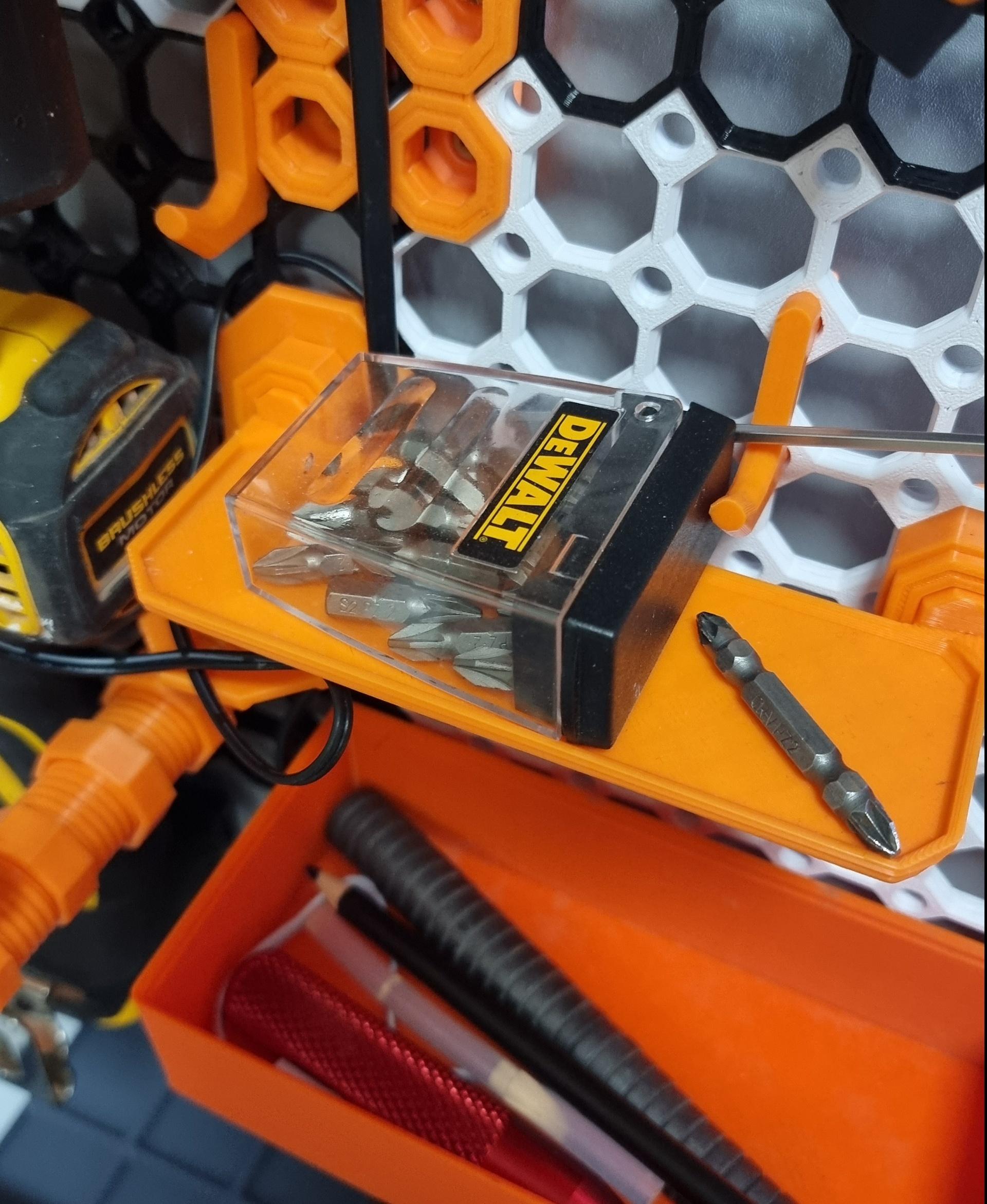
6x2 MU - Simple Bolt-Locked Shelf
This shelf connects to Moderate Snaps or Heavy Hook Snaps and is secured using Locking Bolts. Keep in mind, Heavy Hook Snaps are stronger than Moderate Snaps but they don't work with flush mounted boards.
Special support brackets can also be added to this Shelf for extra support.
This shelf is 3x1 cells (150x50 mm)
Printing Guidelines:
Use 3 perimeter wall thickness, 0.2 mm layer height, 15% infill, and no supports. Apart from that, use your printer's default settings.
The printing orientation is as provided in the file. Make sure the downloaded files are .STL. This part has been designed with a tolerance of 0.25 mm. Your printer will need to be able to bridge gaps of up to 30 mm for some designs.
For more information about printer settings, click here.
This object is part of Multiboard, a FREE and ridiculously modular organization system with thousands of parts, for creating the most adaptable workspace possible. Learn more and find ALL the parts at https://multiboard.io
6x2 MU - Simple Bolt-Locked Shelf

Fix Point to Countersink Adapter

Flush - Small Hole Center Marking Tool

6.25 Offset - Small Hole Center Marking Tool

12.5 Offset - Small Hole Center Marking Tool

2x6 MU - Right Support End - Modular Bolt-Locked Shelf

4x8 MU - Center - Modular Bolt-Locked Shelf

2x2 MU - Right Support End - Modular Bolt-Locked Shelf

2x6 MU - Left Support End - Modular Bolt-Locked Shelf

8x8 MU - Center - Modular Bolt-Locked Shelf

2x4 MU - Right Support End - Modular Bolt-Locked Shelf

4x6 MU - Center - Modular Bolt-Locked Shelf

2x8 MU - Left Support End - Modular Bolt-Locked Shelf

2x2 MU - Left Support End - Modular Bolt-Locked Shelf

8x2 MU - Center - Modular Bolt-Locked Shelf

8x4 MU - Center - Modular Bolt-Locked Shelf

2x4 MU - Center - Modular Bolt-Locked Shelf

2x8 MU - Right Support End - Modular Bolt-Locked Shelf

8x6 MU - Center - Modular Bolt-Locked Shelf

2x8 MU - Center Support - Modular Bolt-Locked Shelf

as newby to multiboard (after years of HCW) I am shocked about that amount of complexity and open questions. "Uses snaps and multipoints" - many different versions of snaps and Multipoints - no hint, whats the correct one you need. Its a "print everything and find out yourself what may fit".... :-/ - so I need to print small, mid, big threaded multipoints first - what a waste of ressources! (One step back to spend real money what I am willing to do, if its much better than HCW)
I'm having the same issue. Which multipoint size/style ended up working for you to bolt lock these through a snap?
I figured this out with some creative searching (Looking for docs in other bolt-locked prints). There is a bolt specifically for locking that is in between the small and medium multi-point bolts called a "Folded Locking Bolt". This worked for me: https://than.gs/m/1310061 The Small multi-point bolt linked in the description above is the incorrect piece.
For AnkerMake 5c printer, there seems to be an issue with commas in the filename. It immediately fails the print job once the print file is sent to the printer. I can easily remove the commas from the filename, but wanted to give a heads up that some printers may have issue with them.
I'm just getting started with multiboard (4 8x8's up now), but seems this is a simple shelf and not meant to hold multigrid. Checkout the bin shelf from the Vertical Tiles section of https://www.multiboard.io/parts-library/multigrid
Genuinely shocked to print this and then a 3x1 multigrid bin and find that the bin is wider than this shelf. I can't even.
Doesn't fit 3 bins. Shelves could use some work to fit in with the system. I printed some parts to test. I like the wall system better than HSW but I am still a Gridfinity loyalist. Thanks for sharing your work. Look forward to watching it progress.