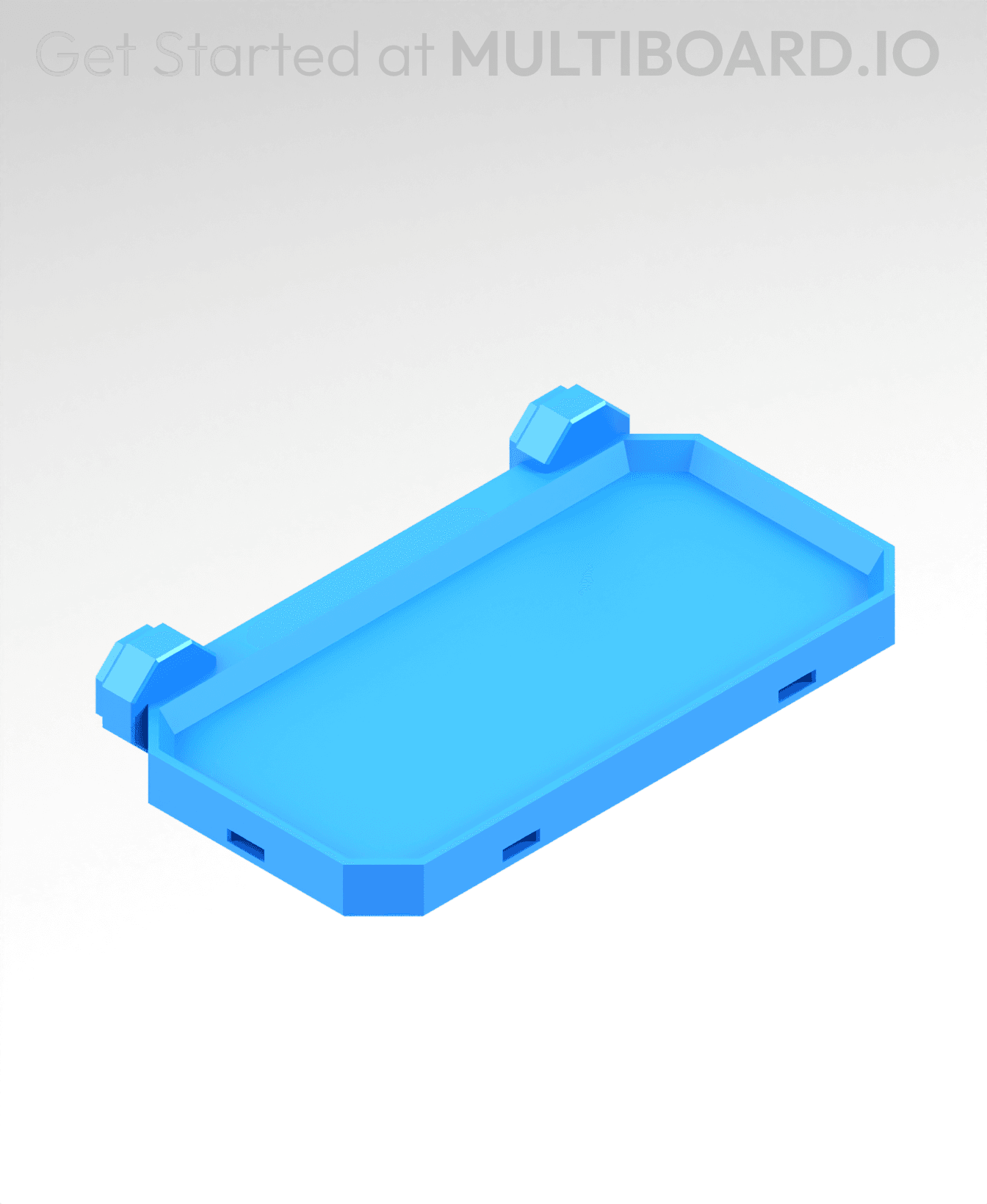
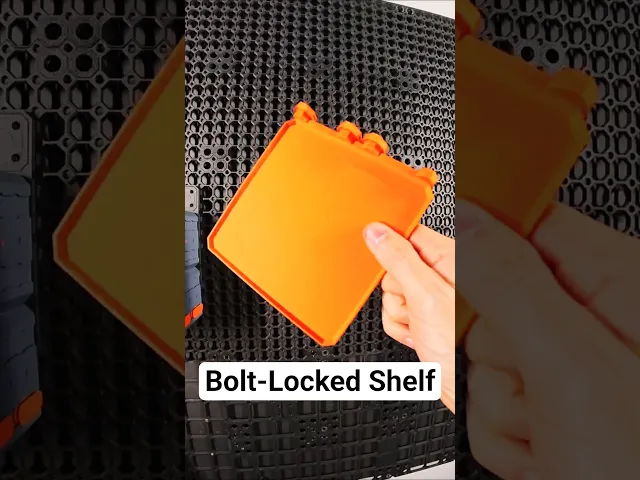




4x2 MU - Simple Bolt-Locked Shelf
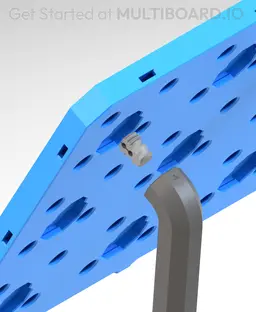
This shelf connects to Moderate Snaps or Heavy Hook Snaps and is secured using Locking Bolts. Keep in mind, Heavy Hook Snaps are stronger than Moderate Snaps but they don't work with flush mounted boards.
Special support brackets can also be added to this Shelf for extra support.
This shelf is 2x1 cells (100x50 mm)
Printing Guidelines:
Use 3 perimeter wall thickness, 0.2 mm layer height, 15% infill, and no supports. Apart from that, use your printer's default settings.
The printing orientation is as provided in the file. Make sure the downloaded files are .STL. This part has been designed with a tolerance of 0.25 mm. Your printer will need to be able to bridge gaps of up to 30 mm for some designs.
For more information about printer settings, click here.
This object is part of Multiboard, a FREE and ridiculously modular organization system with thousands of parts, for creating the most adaptable workspace possible. Learn more and find ALL the parts at https://multiboard.io
4x2 MU - Simple Bolt-Locked Shelf

Fix Point to Countersink Adapter

Flush - Small Hole Center Marking Tool

6.25 Offset - Small Hole Center Marking Tool

12.5 Offset - Small Hole Center Marking Tool

2x6 MU - Right Support End - Modular Bolt-Locked Shelf

4x8 MU - Center - Modular Bolt-Locked Shelf

2x2 MU - Right Support End - Modular Bolt-Locked Shelf

2x6 MU - Left Support End - Modular Bolt-Locked Shelf

8x8 MU - Center - Modular Bolt-Locked Shelf

2x4 MU - Right Support End - Modular Bolt-Locked Shelf

4x6 MU - Center - Modular Bolt-Locked Shelf

2x8 MU - Left Support End - Modular Bolt-Locked Shelf

2x2 MU - Left Support End - Modular Bolt-Locked Shelf

8x2 MU - Center - Modular Bolt-Locked Shelf

8x4 MU - Center - Modular Bolt-Locked Shelf

2x4 MU - Center - Modular Bolt-Locked Shelf

2x8 MU - Right Support End - Modular Bolt-Locked Shelf

8x6 MU - Center - Modular Bolt-Locked Shelf

2x8 MU - Center Support - Modular Bolt-Locked Shelf

Hi team, new adopter and excited to get this system in place.
What I cannot figure out is how to mount these to the board.
Printed this last night. The required parts can be found here. https://beta.multiboard.io/bolt-locked-shelves?Part=Shelf&Length=2&Width=1 But the bolt that said "required" is the wrong one. What I got so far is that you should use a bold to screw weight baring snaps on to the shelve and push that into the grid. But this provided bolt is wrong I thing. More info here https://www.youtube.com/watch?v=YdV1Jmzz3sg
Fount the solution. The documentation is outdated. This is the proper bold to attach the snap: https://thangs.com/designer/Multiboard/3d-model/Folded%2520Locking%2520Bolt-1310061