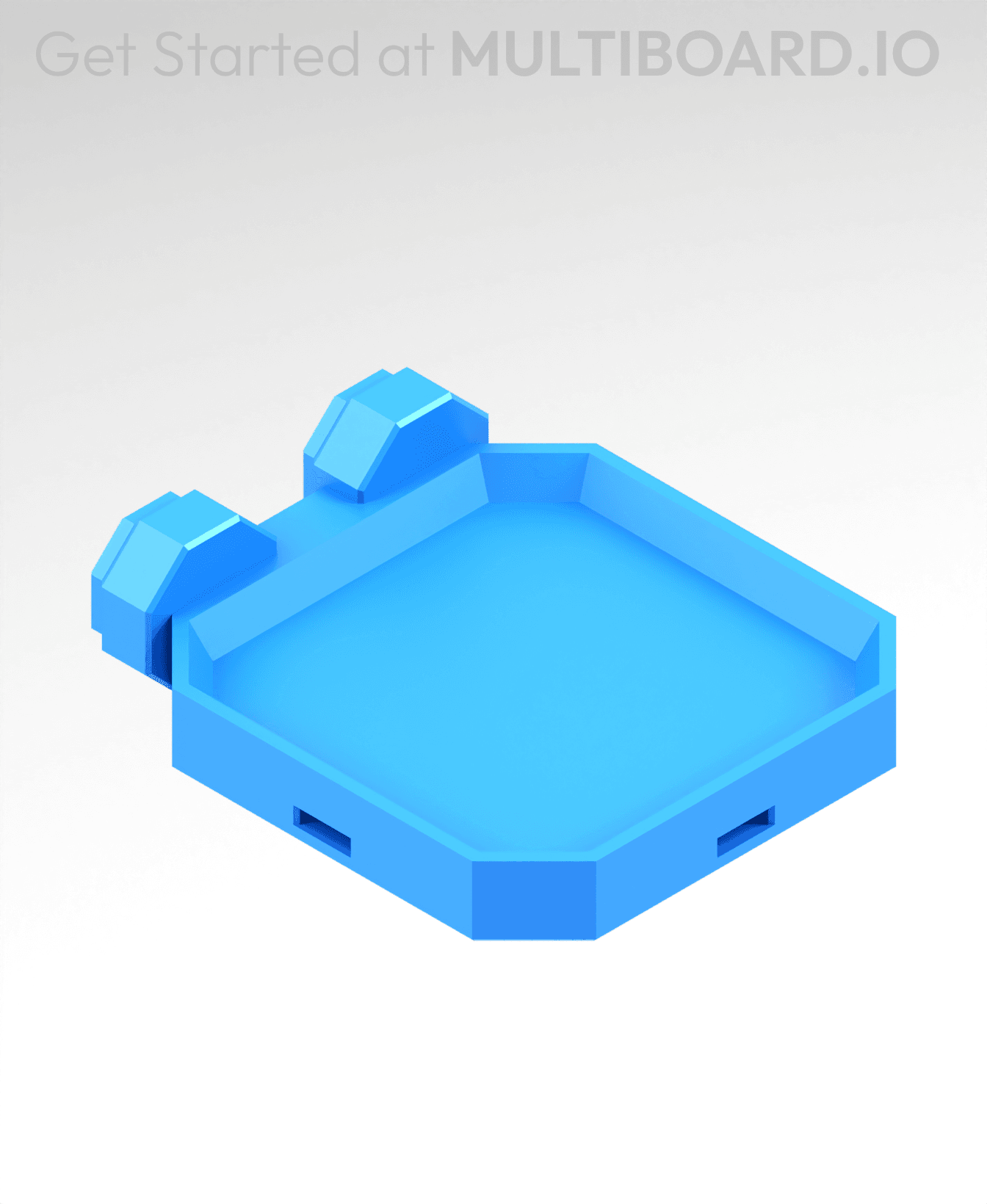
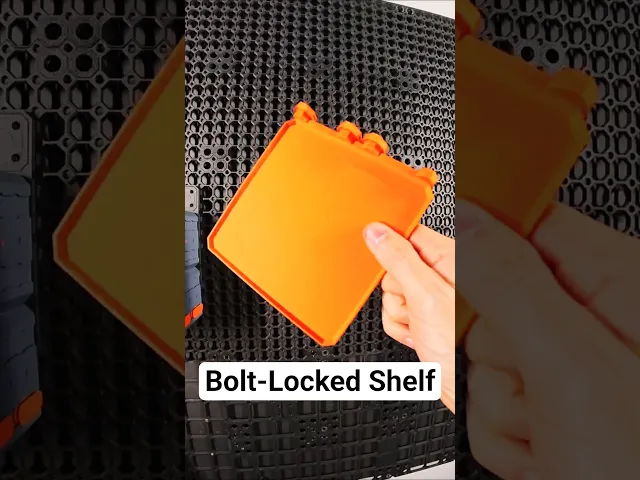




2x2 MU - Simple Bolt-Locked Shelf
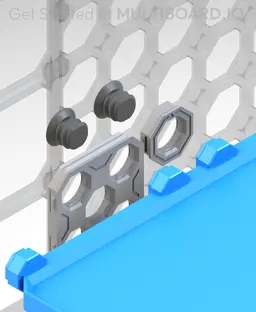
This shelf connects to Moderate Snaps or Heavy Hook Snaps and is secured using Locking Bolts. Keep in mind, Heavy Hook Snaps are stronger than Moderate Snaps but they don't work with flush mounted boards.
Special support brackets can also be added to this Shelf for extra support.
This shelf is 1x1 cells (50x50 mm)
Printing Guidelines:
Use 3 perimeter wall thickness, 0.2 mm layer height, 15% infill, and no supports. Apart from that, use your printer's default settings.
The printing orientation is as provided in the file. Make sure the downloaded files are .STL. This part has been designed with a tolerance of 0.25 mm. Your printer will need to be able to bridge gaps of up to 30 mm for some designs.
For more information about printer settings, click here.
This object is part of Multiboard, a FREE and ridiculously modular organization system with thousands of parts, for creating the most adaptable workspace possible. Learn more and find ALL the parts at https://multiboard.io
2x2 MU - Simple Bolt-Locked Shelf

Fix Point to Countersink Adapter

Flush - Small Hole Center Marking Tool

6.25 Offset - Small Hole Center Marking Tool

12.5 Offset - Small Hole Center Marking Tool

2x6 MU - Right Support End - Modular Bolt-Locked Shelf

4x8 MU - Center - Modular Bolt-Locked Shelf

2x2 MU - Right Support End - Modular Bolt-Locked Shelf

2x6 MU - Left Support End - Modular Bolt-Locked Shelf

8x8 MU - Center - Modular Bolt-Locked Shelf

2x4 MU - Right Support End - Modular Bolt-Locked Shelf

4x6 MU - Center - Modular Bolt-Locked Shelf

2x8 MU - Left Support End - Modular Bolt-Locked Shelf

2x2 MU - Left Support End - Modular Bolt-Locked Shelf

8x2 MU - Center - Modular Bolt-Locked Shelf

8x4 MU - Center - Modular Bolt-Locked Shelf

2x4 MU - Center - Modular Bolt-Locked Shelf

2x8 MU - Right Support End - Modular Bolt-Locked Shelf

8x6 MU - Center - Modular Bolt-Locked Shelf

2x8 MU - Center Support - Modular Bolt-Locked Shelf

Can someone explain to an idiot like me, how the multipoint (https://thangs.com/designer/Multiboard/3d-model/Small%20Thread%20-%20Multipoint-1123334) is supposed to screw and lock into this? Its so much smaller than the hole? The snap fits around, but the multipoint is just loose inside? Can't screw it in since it way to small to catch the grooves on the side.
same issue there, screw fit in bottom which make it perfectly... useless
I'm hung up on the same thing. Small multipoint is too small, medium multipoint is too big. We're missing something.
I figured this out with some creative searching (Looking for docs in other bolt-locked prints). There is a bolt specifically for locking that is in between the small and medium multi-point bolts called a "Folded Locking Bolt". This worked for me: https://than.gs/m/1310061 The Small multi-point bolt linked in the description above is the incorrect piece.
Thank you so much! I read this right before printing.
This works for me, the Locking T-Bolt. https://thangs.com/designer/MultiBuild/3d-model/Locking%2520T-Bolt-1310062
This is exactly right. I did the same stupid thing b/c the linked model is so misleading.
Thank you laporj - I was at my wits end.
There is an incorrect guide on the main page (https://beta.multiboard.io/bolt-locked-shelves?Part=Shelf&Length=1&Width=1) with "required part" pointing to small thread multipoint.
The 'Small Thread Multipoint' that they link to in the text isn't meant for bolt-locking. Its meant for the BOTTOM SIDE of this shelf. It can thread into this bracket to provide more support.
The Multiboard folks really need to update this description.