
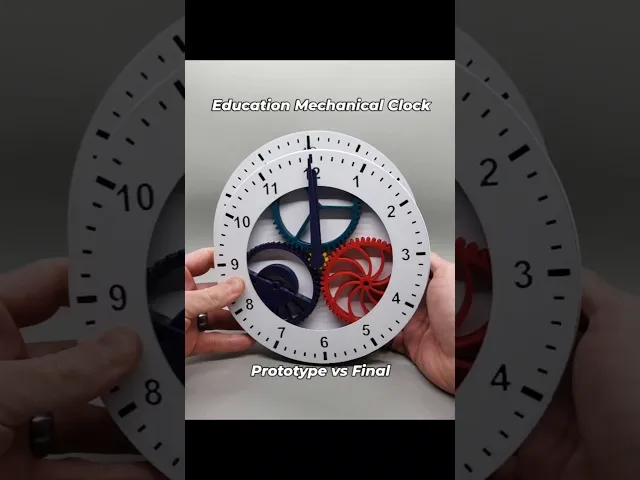

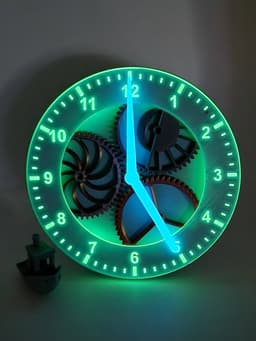


Educational Mechanical Clock
167 downloads · 1 year ago · A fun analog mechanical clock featuring a visible planetary gear system for helping kids learn time.
This model is restricted by licensing terms.
View license.
A fun analog mechanical clock featuring a visible planetary gear system for helping kids learn time.
Printing Tips Printing Technology: FDM Layer Height: 0.2mm Perimeters: 4 Infill: 10% Infill Pattern: Gyroid Recommended Material: PLA Supports: None Support Type: None
Notes:
- Only requires one planet gear to function, but more is more fun.
- Upper Case clock face is designed to be a multi-color print with a color change at layer 3
Assembly Instructions
Materials Needed: None
Optional Materials:
1x M3 heat set insert 1x M3x8 Socket Head Screw
Instructions: Note: Pictures 3-8 can be used as guides.
- Print all pieces.
- Align outer ring notches with notches in lower case, and press into place. Note, build plate side must be down.
- Locate 12:00 position, which is the slightly indented area of the lower case.
- Using the 3 spoke planet gear, align first planet gear by placing the spoke with a tooth directly above it in the groove closest to the lower case indent.
- Place sun gear so that the point of the hexagonal hub is pointing directly up toward 12:00.
- Align other gears by pressing into place, ensuring the first planet gear and sun gear positions are not disturbed.
- Press upper case clock face onto lower assembly, starting with the 12:00 position.
- Insert hour hand shaft into first planet gear hub.
- Insert minute hand shaft into sun gear hub.
- Screw minute hand retention nut into threading on the back.
Like what you see? Consider joining our Patreon community as a free member to get updates and insights on the work we're doing.
Educational Mechanical Clock
167 downloads · 1 year ago in and
This model is restricted by licensing terms.
View license.
Geneva Mechanism
The Rolling Ball Escapement
The Walking Bob Escapement
Bundle
Clock face Retro

Solaris Chrono-Planter
Fully 3D Printed Mechanical Clock
.png&w=3840&q=75)
Steampunk Chrono Golem Statue | Mechanical Clock Robot | Industrial Fantasy 3D Print
Some modifications for Minimal Mechanical Digital Clock with Network Time Acquisition by shiura

Teaching Analog Clock
.gif&w=3840&q=75)
Jungle Escape - Kinetic Mechanism Box
.gif&w=3840&q=75)
Flying Squid Mechanism - Build Kit
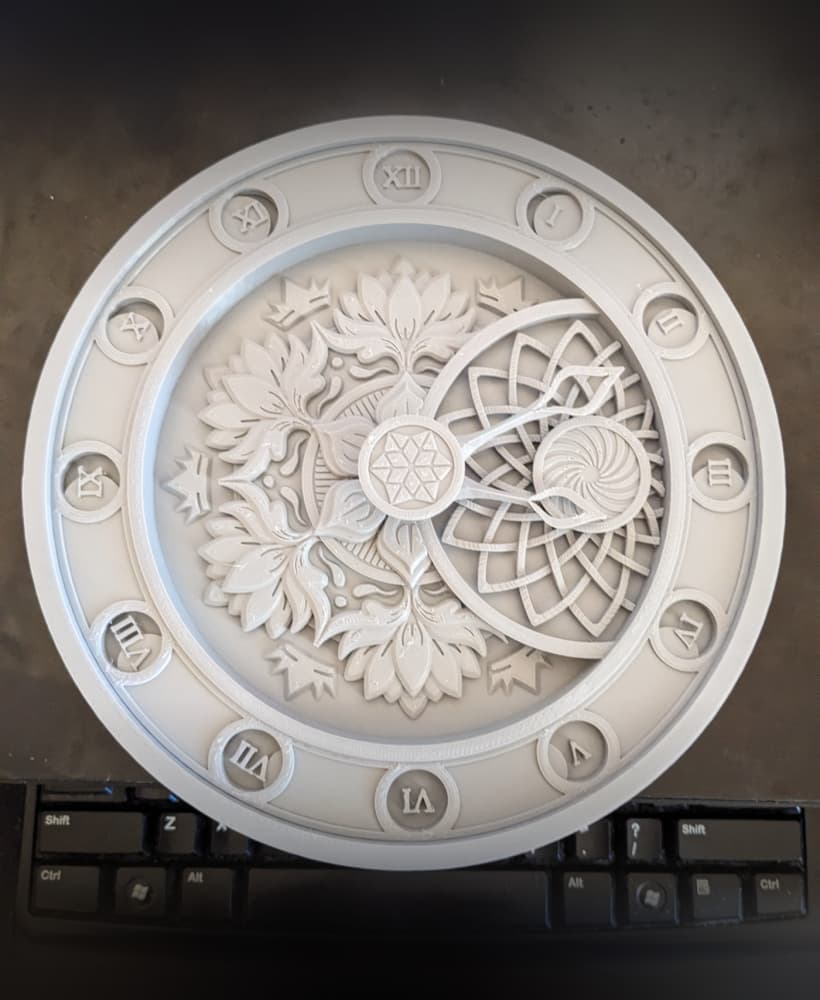
Mandala clock face
.gif&w=3840&q=75)
Dragon Mechanism - Build Kit
.gif&w=3840&q=75)
Cat Mechanism - Build Kit

JAPANDI CLOCK (JUMU) / DESK CLOCK / MODERN HOMEDECOR / HOME ESSENTIALS / OFFICE DESIGN ESSENTIALS

Fallout Brotherhood of Steel Pendulum Wallclock

Focused - Minimalist Wall Clock with Rotating Hour Panel & Customizable Colors

Rock Bolt Mechanical Interlocking Trial Model
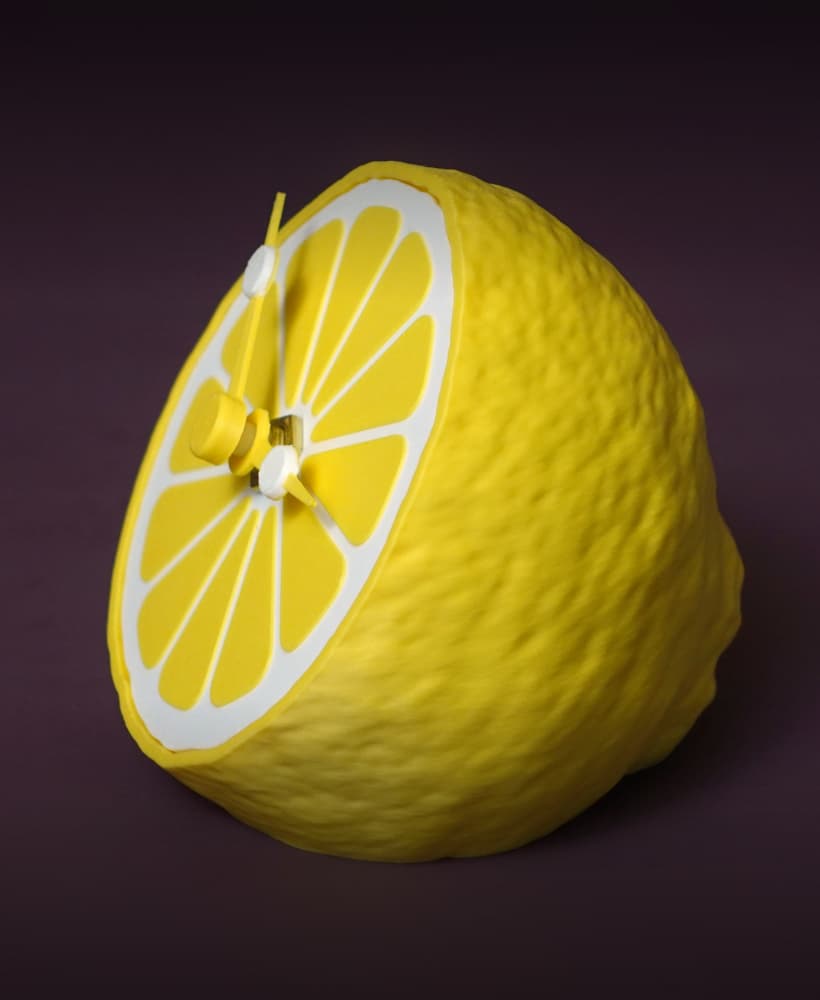
Citrus clock
