.png&w=3840&q=85)
.png&w=256&q=75)

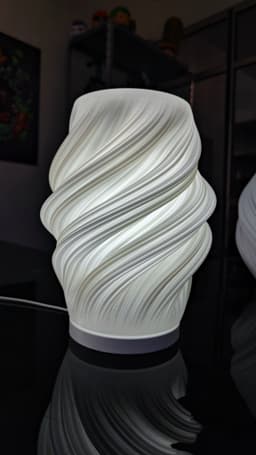


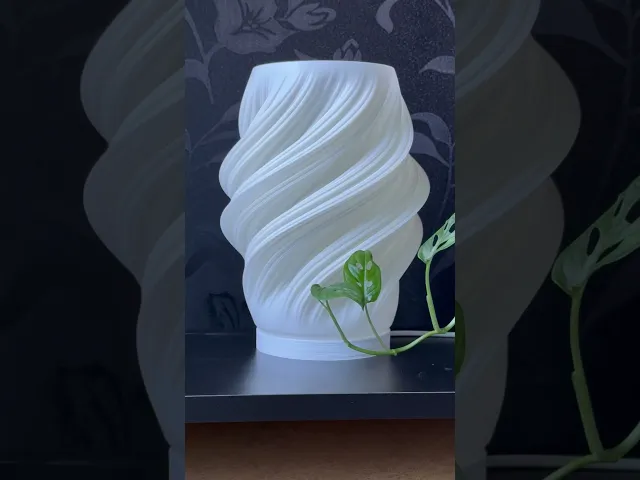
Lara Lamp
5.9K downloads · 2 years ago · This model is included in the Advanced Membership Welcome Pack
The Lamp Base, is the foundation of
This model is included in the Advanced Membership Welcome Pack
The Lamp Base, is the foundation of your customizable lighting experience. This sleek and sturdy lamp base is designed to seamlessly integrate with any of my Lampshade, allowing you to easily switch between different styles to match your decor and mood. Combine the Lamp Base with any of the interchangeable Lampshades to create the perfect ambiance for your home or office, making it easy to refresh your decor in an instant.
You can get a variety of Lampshades on my Profile
Key Features:
- Easy to swap between models
- Easy to assemble and use
- Compatible with all my Lampshades
- Sturdy and durable construction
- Sleek, modern design
hole for M5 x 25mm nut & bolt


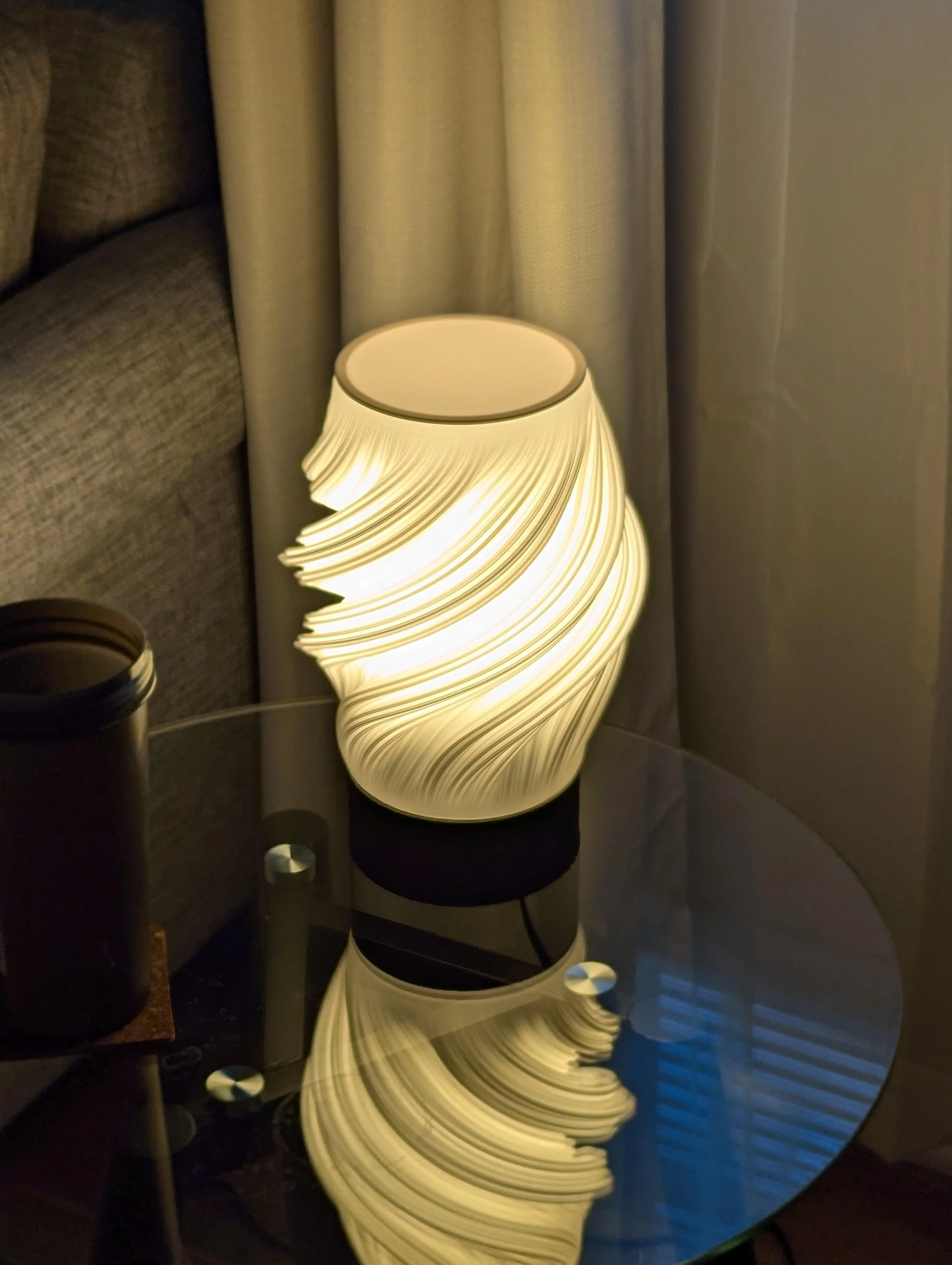
Lara Lamp
5.9K downloads · 2 years ago in and
.png&w=3840&q=75)
Hikari Planters | Modular Self-Watering Planter Set
.png&w=3840&q=75)
Folding Desk Shelf | Print-in-place portable desk organizer

Hikari Stackable Desk Organizer

Lumen Lamps Collection BUNDLE

Hikari Lamps Collection BUNDLE

Slimey Frog – Print-in-Place Kinetic Fidget Toy

Slimey Burger – Print-in-Place Kinetic Fidget Toy
.gif&w=3840&q=75)
Slimey Basketball – Print-in-Place Satisfying Fidget Toy
.png&w=3840&q=75)
Wyrm Lamp
.png&w=3840&q=75)
Dune Lamp
.gif&w=3840&q=75)
Fidget Umbrella – Print-in-Place Kinetic Desk Toy

Tightening Screws
.png&w=3840&q=75)
Lumen 04 | Desk Lamps Collection
.png&w=3840&q=75)
Lumen 03 | Desk Lamps Collection
.png&w=3840&q=75)
Lumen 02 | Desk Lamps Collection
.png&w=3840&q=75)
Lumen 01 | Desk Lamps Collection
.png&w=3840&q=75)
Kraft Lamps Set
.png&w=3840&q=75)
Hikari Mini | Desk Lamps Collection
.png&w=3840&q=75)
Aura - Mini Lamp
.png&w=3840&q=75)
Hello, could you tell me what settings did you use?, like temperature, speed, vase mode or not, supports, perimeters, slicer, etc.
Thanks so much for such a detailed feedback, i´ll take all of it into account for the next version
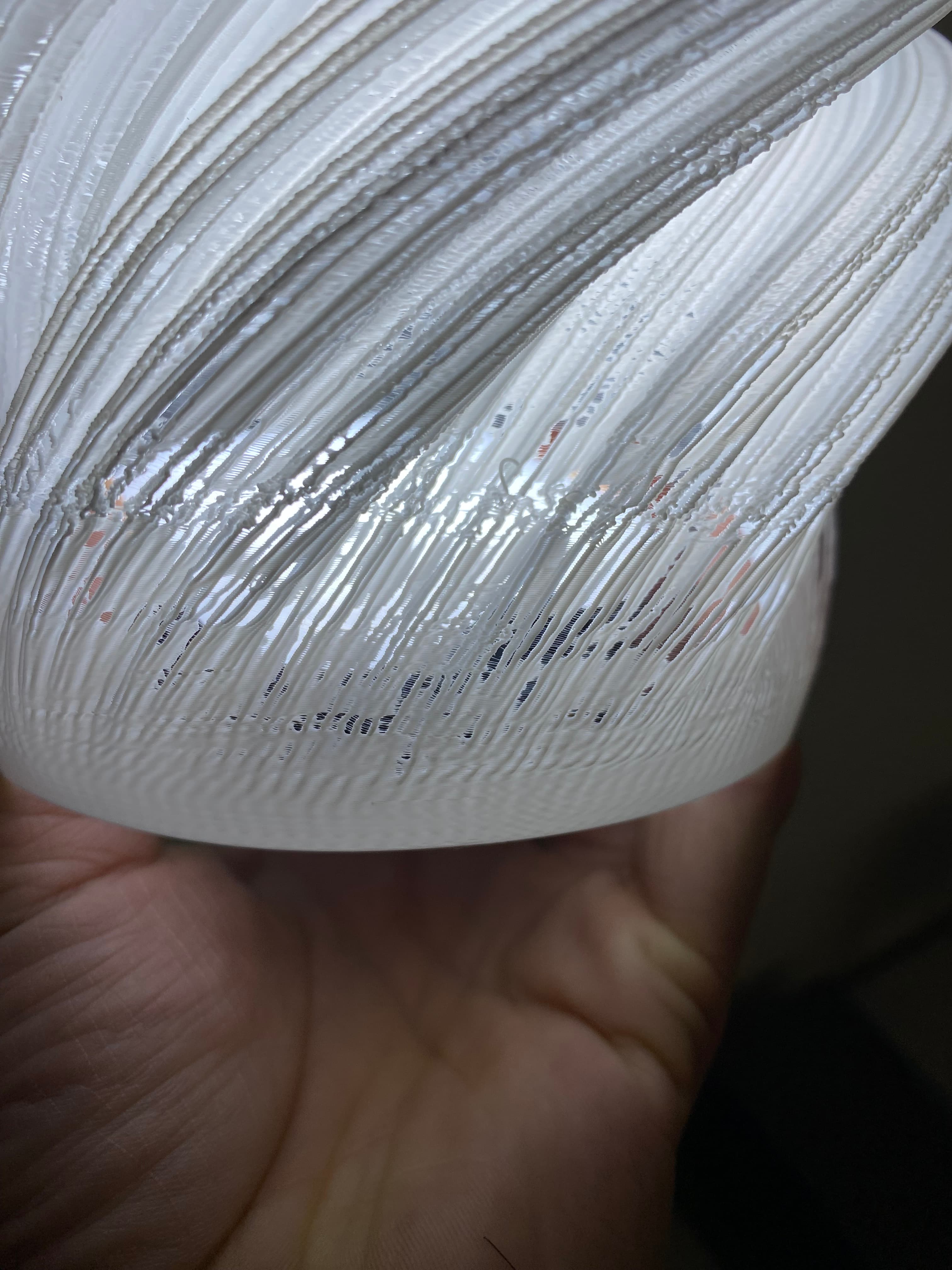
I have experienced this type of issues also on these and other spiral designs. What has resolved or reduced this for me is changing to a good quality filament PLA+ and use an filament dryer, I get the RH to around the 30%s or so. That with level bed and clean tip
Same problem. Has anyone solved it?
Yes, try using 0.8 line width or higher
I'm also facing the same. @Kraken - Could you please help resolving this issue?
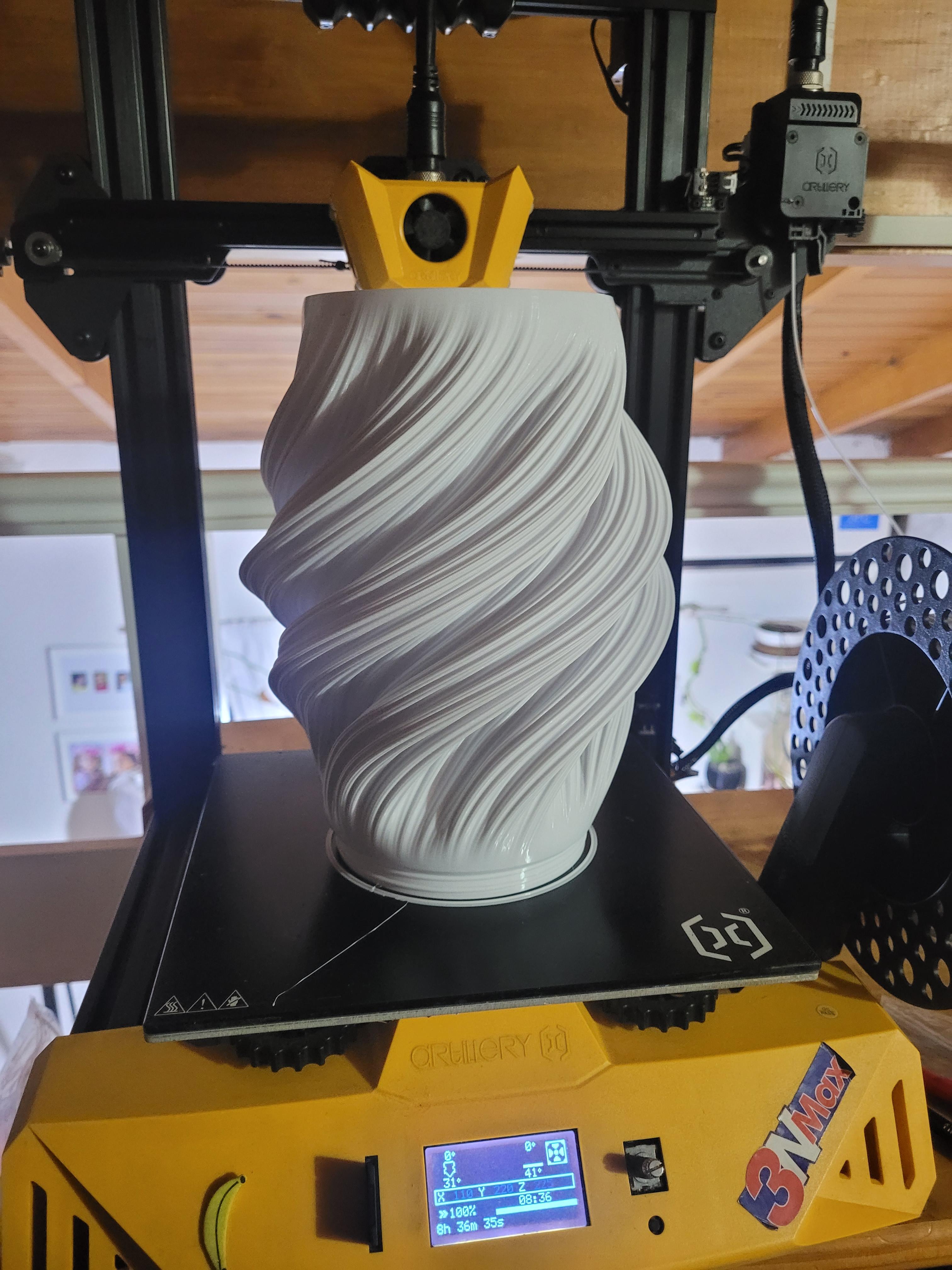
It must be printed in vasemode,if not it will just be a solid
Hi! where is the vase mode? when I download the file is only solid mode ! Thanks
vase mode is a parameter of the slicer "spiralize outer contour" in cura. If not u can print it with 0% infill, 0 top layers and 0 bottom layers
Try using 0.8 line width or higher
I'm getting the same issue. If @Kraken would help fixing this, it'd be great!
Try using 0.8 line width or higher
Tremendo diseño! Quiero un vídeo de cómo lo hiciste!