.png&w=3840&q=85)
.png&w=256&q=75)

blue alien wall art outer space hueforge
HueForge Creation - Artwork by Kaoz Kitten.
3D PRINTING SETTINGS - Only 4 colors needed! No MMU or AMS necessary - easy to print!
Instructions for color swap are included in download (.txt file) Read below to see how to familiarize yourself with this type of file, even on a single filament printer.
IMPORTNAT HINT :) When it comes to filament color transmission distance , the HIGHER the number value, the more transparent the filament will be, to see the colors underneath when "blending" to create new colors. If your number is "2", your color will be very opaque, and solid (not see thru). If your number is "12", you will be able to see the layers underneath, creating new colors with each layer depth.
Give me your thoughts for my next design and I'll see what I can do!
Join our Brainstorm Chat here 🧠💡 https://discord.com/channels/1172700543077077083/1172700543681040398
🤝 Become a Kaoz Member to score on awesome monthly freebees, epic discounts, or turn your passion into profits and sell your creations of our work and more!
This download is to create A COLORIZED SOLID 3D PRINTED PIECE. It is printed in very fine layers to create detail with NO LIGHT SOURCE NEEDED. I use a process called filament painting, with various filaments with good adhesion properties to each other, in Prusa Slicer and Bambu Studio. I have printed my pieces out using .4mm nozzles on both my Bambu X1 Carbon machines with AMS to swap filaments, as well as my Prusa MK3S machines by manually swapping colors, and I get great results either way. This is NOT a lithopane. Although you will see a multitude of colors in my work, there will only be 2 to 4 color changes for the entire print. 😁🎨
PLEASE NOTE: If you are not familiar with printing in multiple colors (I use an average of 3 to 4 color changes) by manually changing filament on your printer or with an MMU or AMS unit, you must familiarize yourself on YouTube or any other information avenue with the process before attempting to create this type of print.
I tried to make an average variance in this section to fit most printers/slicers. Please do not attempt to alter any of the settings or your finished piece will not come out properly. You may however, change the colors within the same "shade category" , ie. Midnight blue instead of black, or cream instead of white. In other words, keep the same darkness, or lightness, when choosing your colors if you want to change the look. I design my full color files at 200mmx200mm to fit both standard build plates (and most minis) to ensure this art will properly print out on almost all FDM printers.

wavy usa flag 4th of July wall art home decor

usa flag country 4th of July wall art home decor

USA Flag United States of America wall art home decor

america patriotic usa country flag wall art home decor

70s lava lamp with mushrooms wall art home decor

70s phantom lava lamp wall art home decor

70s Retro Lava Lamp wall art home decor
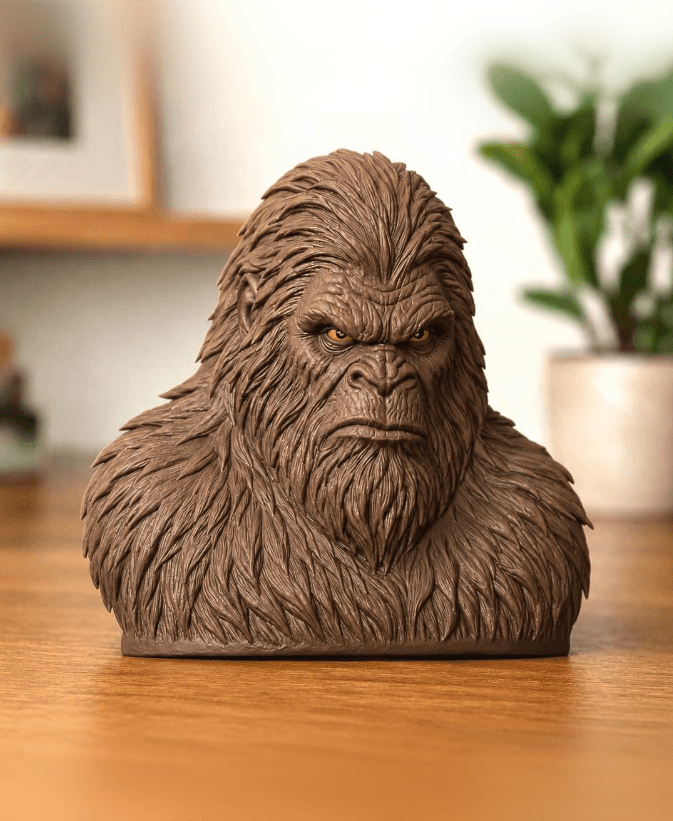
Realistic Big Foot Bust

rose bud flower vase

Baby Elephant Desk Pet Figurine
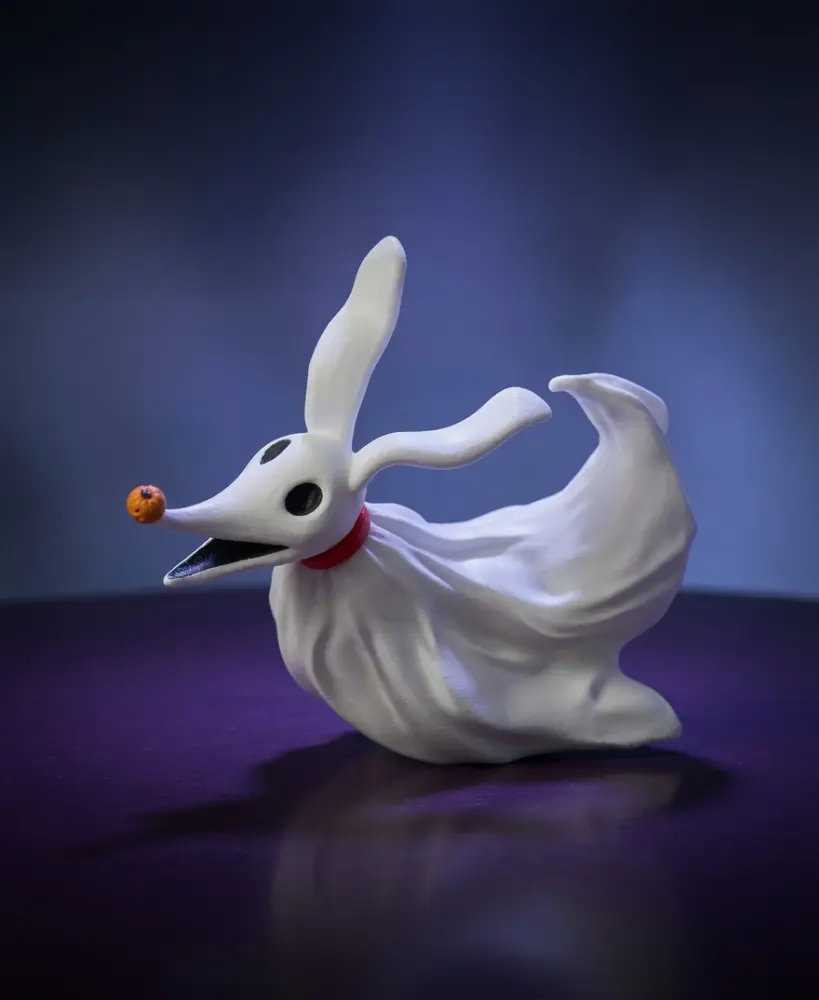
The Nightmare Before Christmas ZERO the Ghost Dog
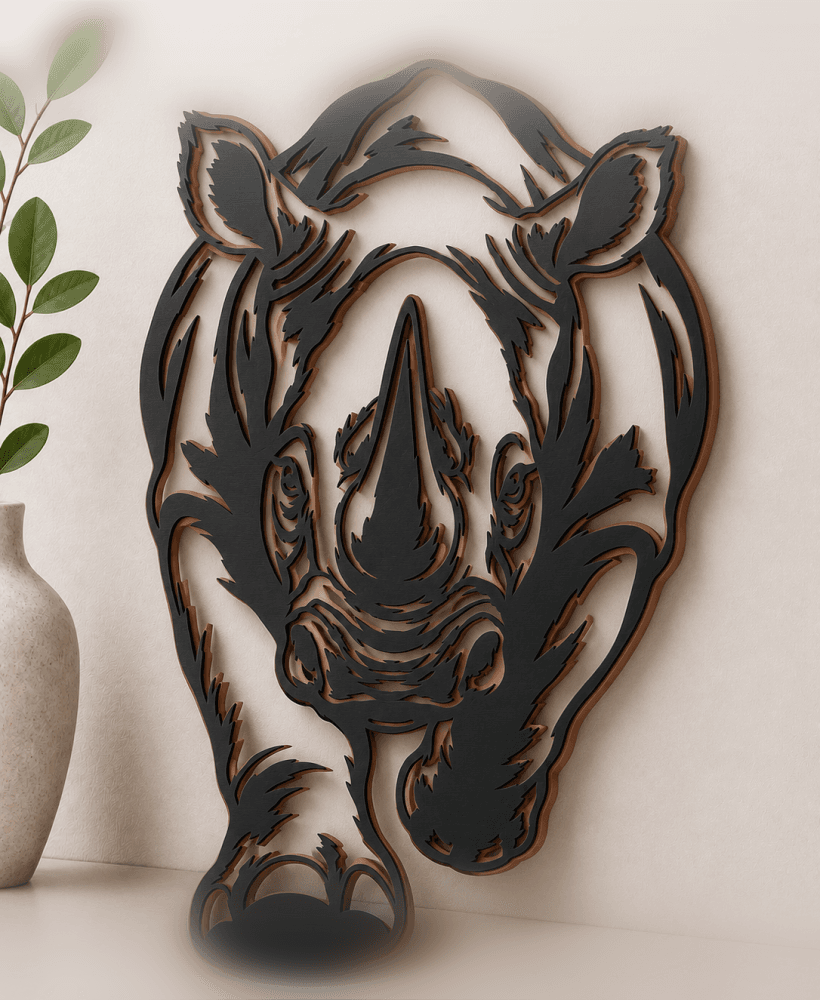
rhino-safari-rhinoceros wall art home decor
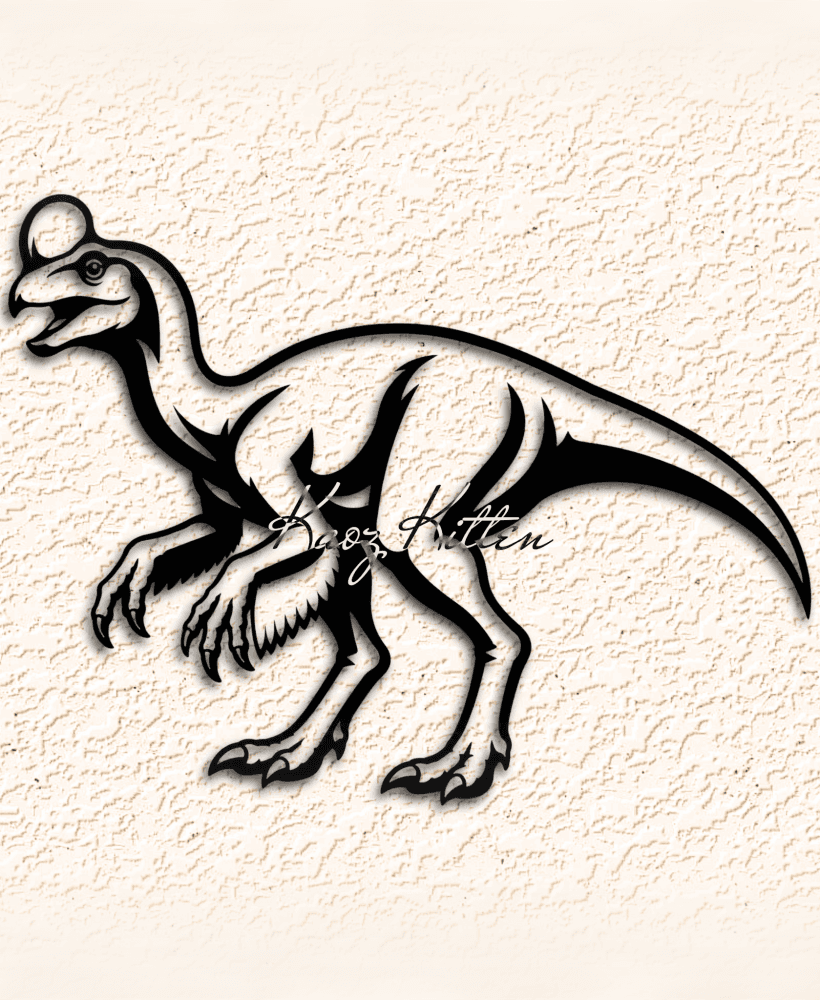
oviraptor-dinosaur WALL ART HOME DECOR

wheres the fish wall art home decor

trap-jaw-masters-universe WALL ART HOME DECOR
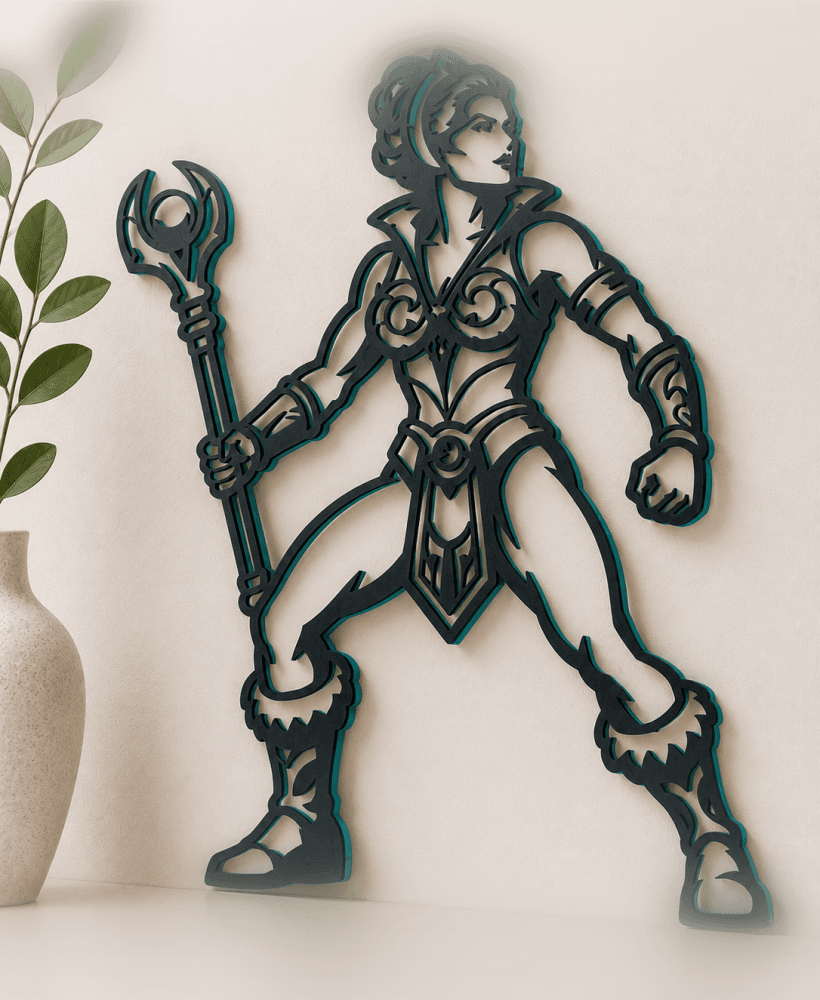
teela-masters-universe wall art home decor
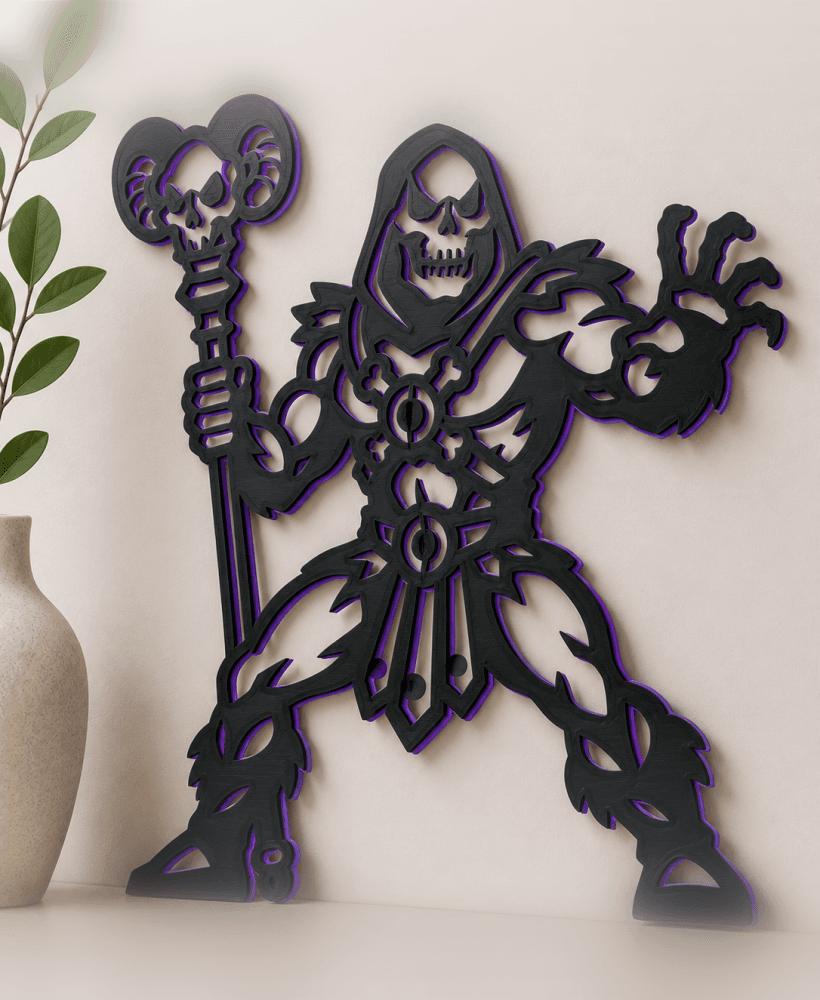
skeletor-universe-masters WALL ART HOME DECOR
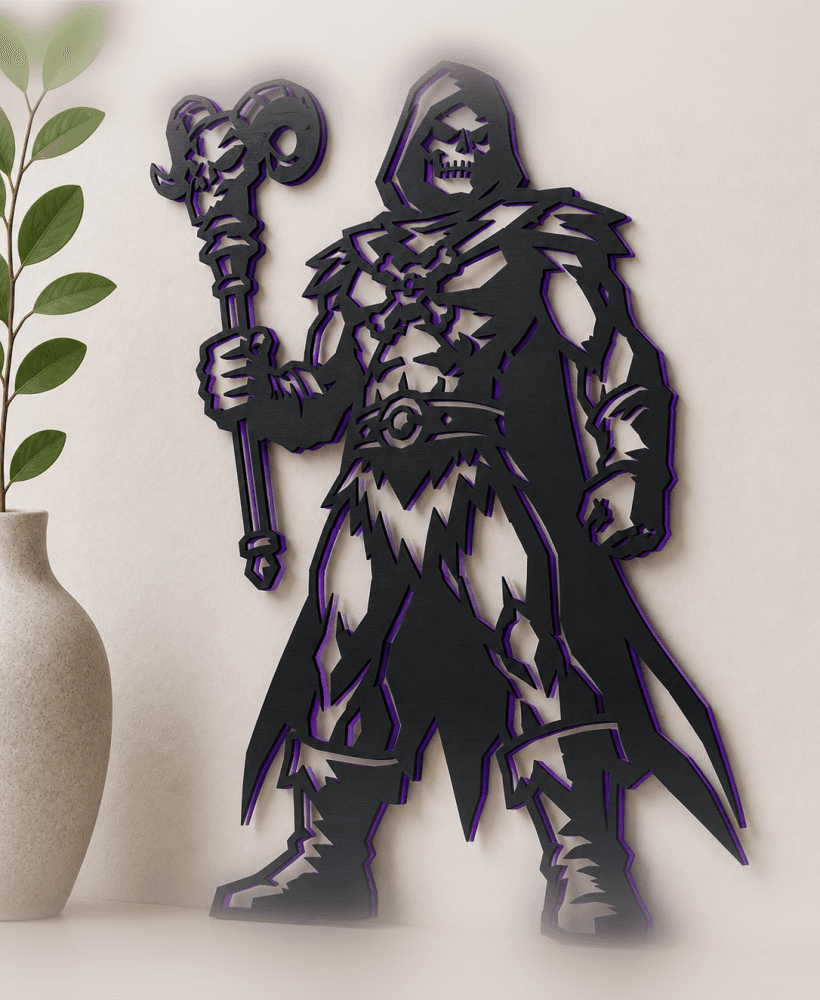
skeletor-masters-universe-2 wall art home decor
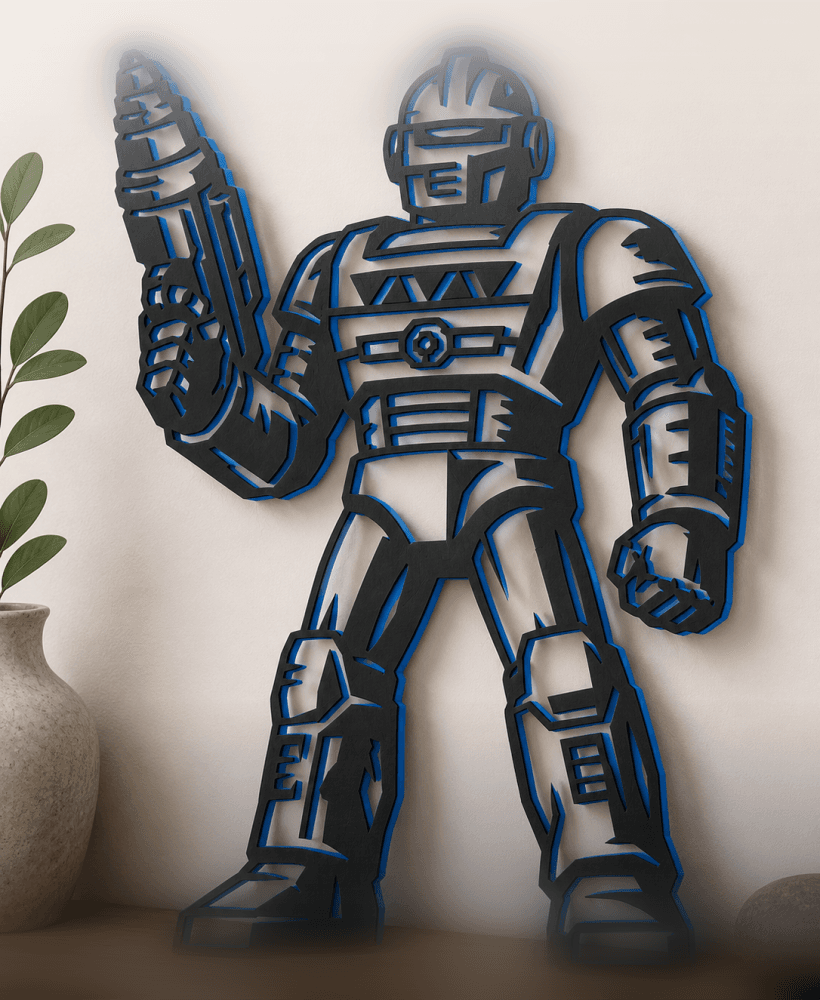
roboto-masters-universe WALL ART HOME DECOR
