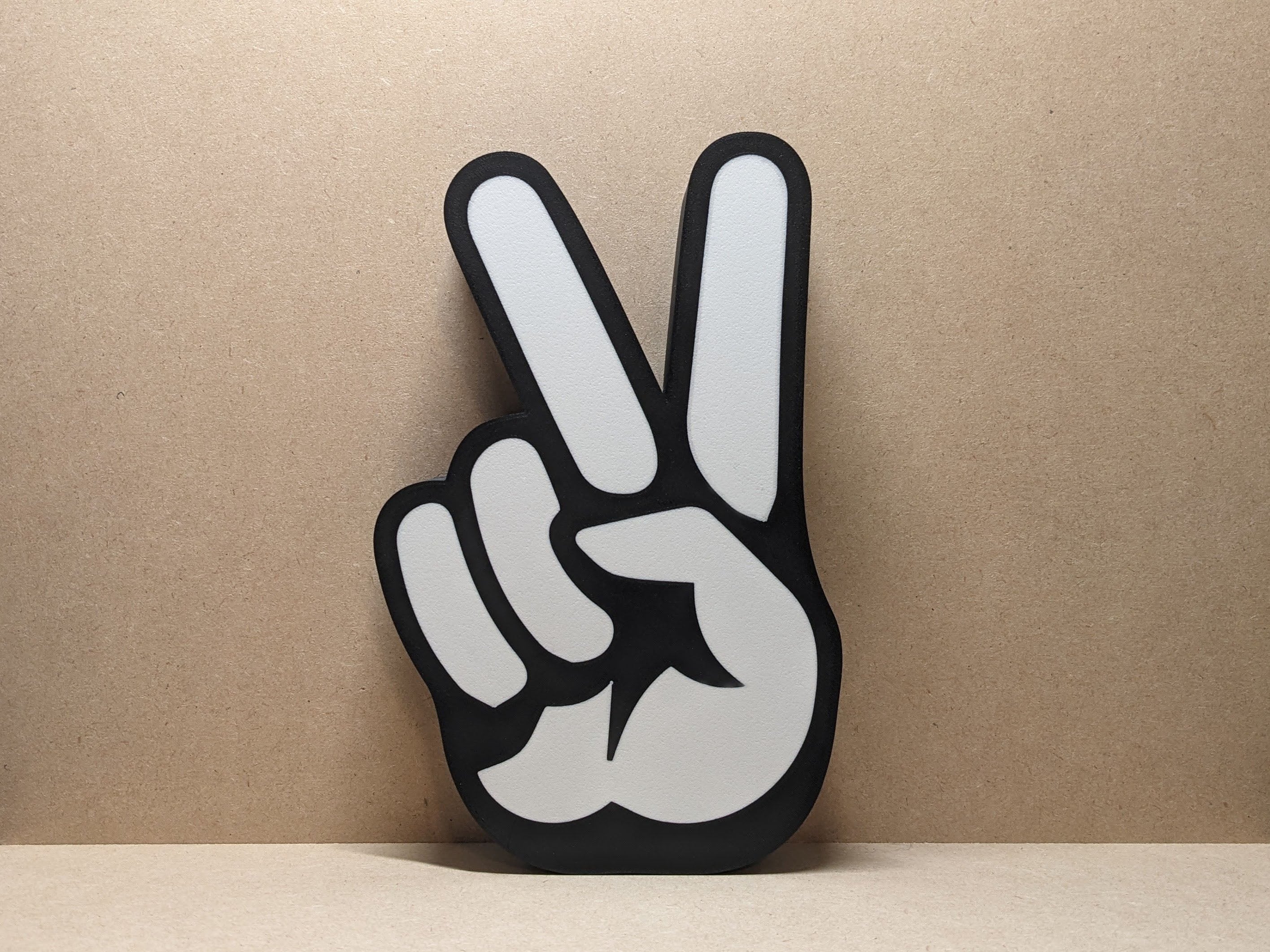


V-sign Lightbox Led Lamp
20 downloads · 1 year ago · V-sign picture 2 colors
**Tips**
I recommend using a textured PEI sheet and the print profile I pro
This model is restricted by licensing terms.
View license.
V-sign picture 2 colors
Tips I recommend using a textured PEI sheet and the print profile I provided since it has settings with which I've been able to get the best results, if you do not want to use it these are the general bambu studio settings:
- preferences (ctrl + P) → activate developer settings → Quality →Advanced → First Layer Flow Ratio: 1.04
- Quality → Wall generator → Arachne
- Quality → Wall transitioning threshold angle → 50º
- Strength → Advanced → Infill/wall overlap → 20%
- Quality → Advanced → Avoid crossing walls
- Increasing retraction / reducing temperature can help reducing wisps
- Order color printing from lightest to darkest color
This model is restricted by licensing terms.
View license.

Bud Spencer Lightbox LED Lamp

German Shepherd Lightbox LED Lamp

F1 Wheel Lightbox LED Lamp

Aprilia Lightbox LED Lamp

Cute Panda Lightbox LED Lamp

KTM Lightbox LED Lamp

Rocky Balboa Lightbox LED Lamp

Vespa Lightbox LED Lamp

Jordan "Jumpman" Lightbox

Aprilia Racing Lightbox Led Lamp

Ducati Lightbox Led Lamp

Keroppi Lightbox Led Lamp

Honda Lightbox Led Lamp

Ziggy Stardust Lightbox LED Lamp
.jpg&w=3840&q=75)
Rolex Lightbox LED Lamp

Winnie the Pooh Christmas Lightbox LED Sign Lamp with Customizable Text Base
Mazda Vintage Sign Lightbox LED Lamp

Compal Lightbox LED Sign Lamp

MG Lightbox LED Sign Lamp
