



Vase
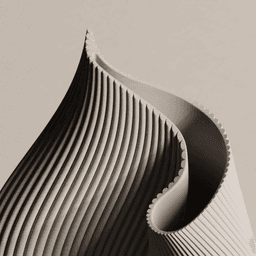
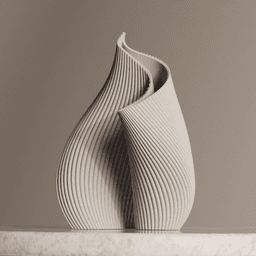
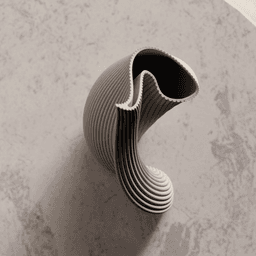
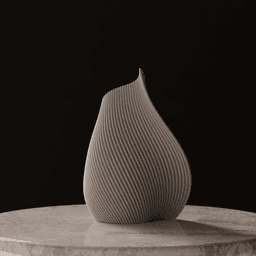
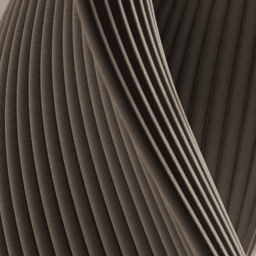
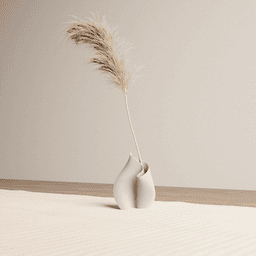
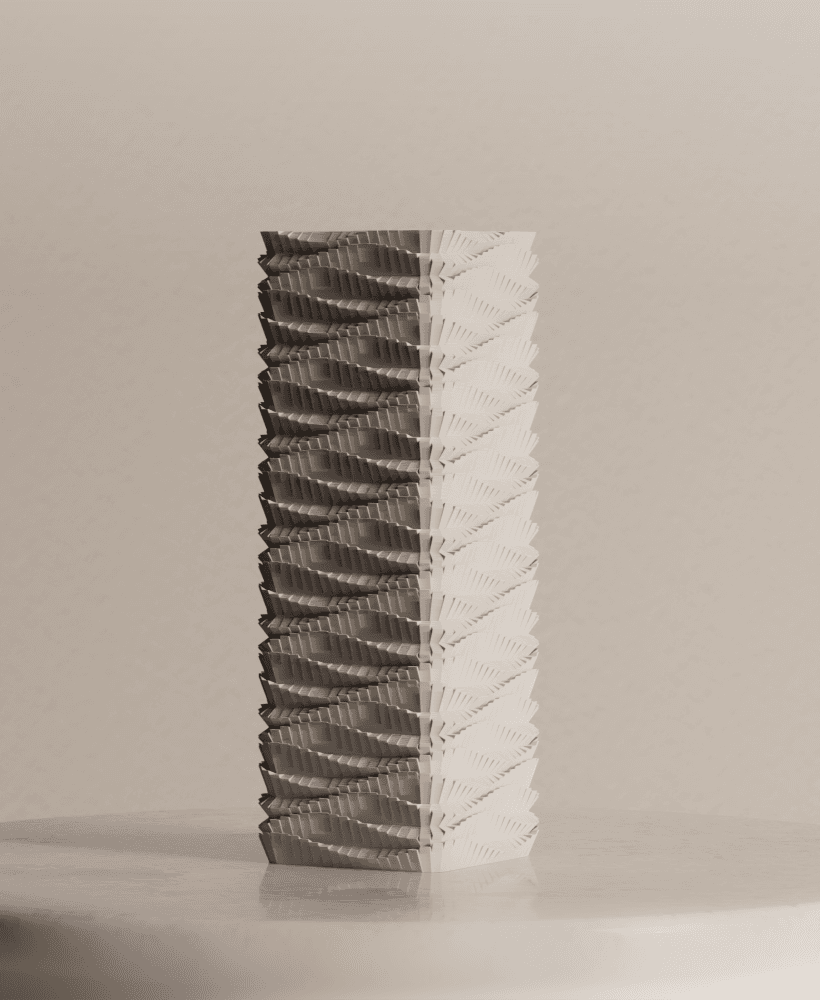
61 downloads · 10 months ago · Vase with a beautiful spiral, fluted design. Perfect for modern and minimalist decor.
**The model i

Vase with a beautiful spiral, fluted design. Perfect for modern and minimalist decor.
The model is available under a Private Use License. To unlock commercial rights, you need to be an active subscriber to a membership plan.
3D printing settings
Layer height: 0.2 Wall line count: 2 Bottom layers: 5 Top layers: 5 Infill: 10% Supports: no

Vase
61 downloads · 10 months ago in and
Shipto you
Vase
Shipto you
Vase
Shipto you
Vase
Shipto you
Pendant lamp
Shipto you

Vase

Table lamp
Shipto you

Pendant lamp
Bundle
Ceiling lamp
Shipto you

Vase
Shipto you
Vase
Shipto you

Ceiling lamp
Bundle

Planter with dripping tray
Shipto you

Vase
Shipto you
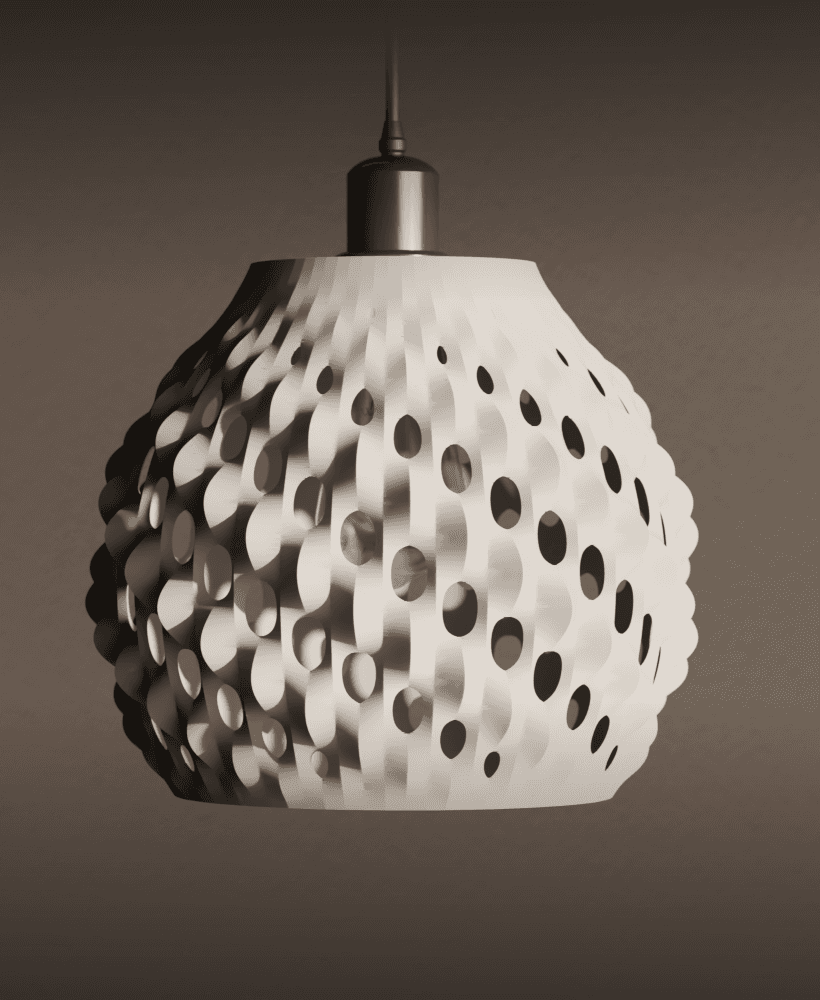
Ceiling lamp
Shipto you
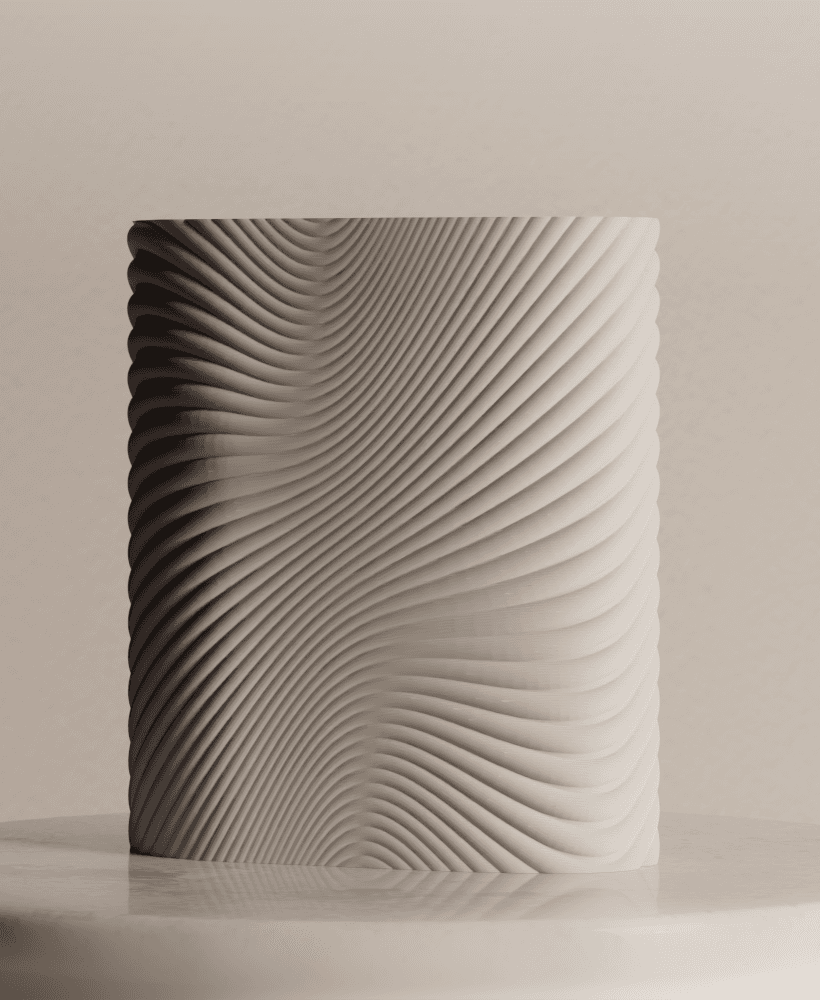
Vase
Shipto you

Ceiling lamp
Shipto you
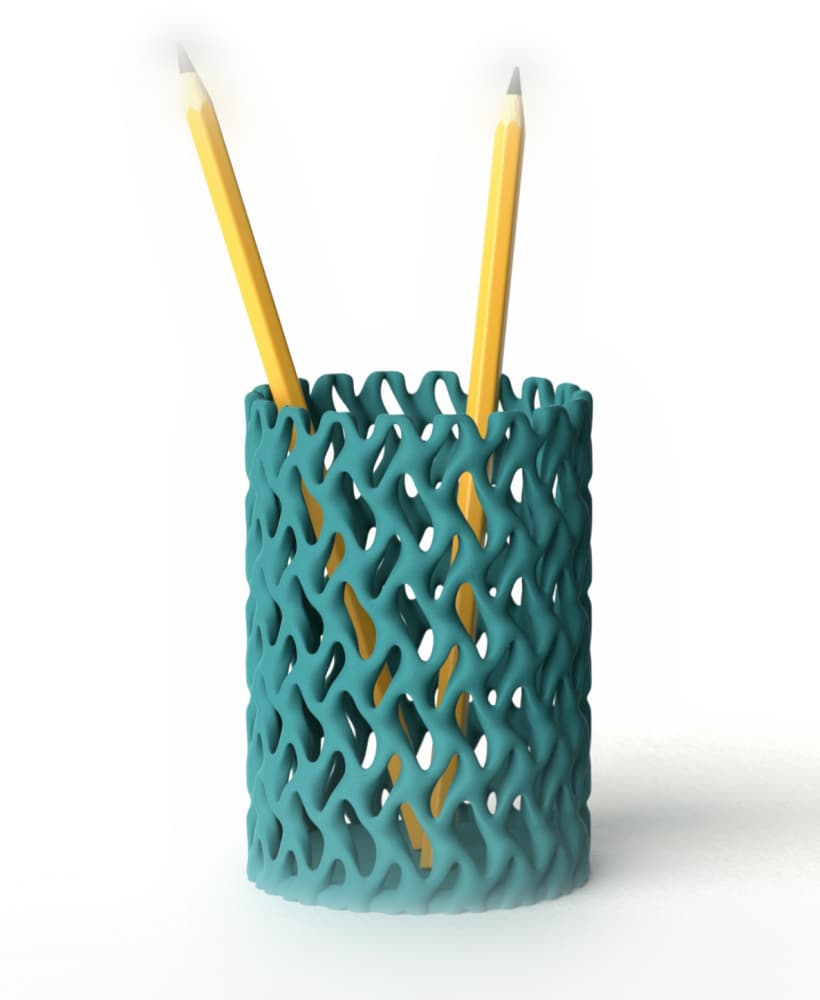
Pen holder
Shipto you

Vase / sculpture
Shipto you
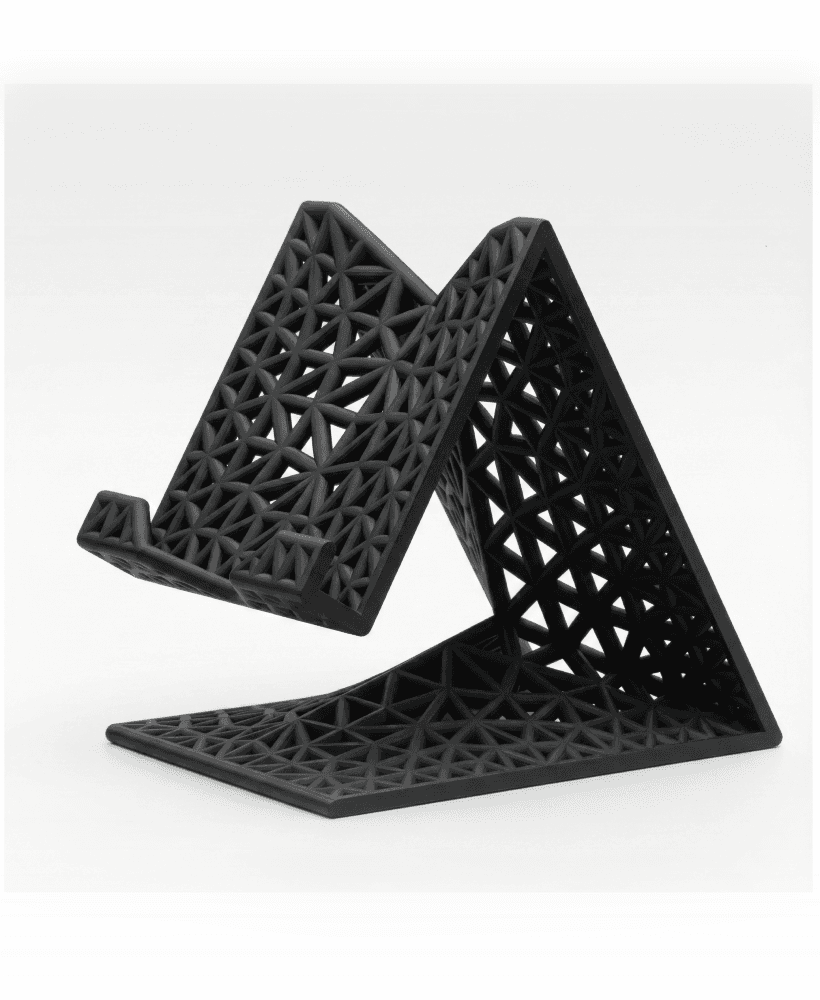
Phone stand
Shipto you
Hi, how can I solve the hull line within Bambu Studio? It happened only at the top of the vase's floor. So only at the bottom. I already tried a lot of settings (forum, YouTube, etc.), like lower speed, more walls, outer/inner, etc., but no changes. Only the print times are extending (from 16 to 24 hrs), but this hull line is not disappearing. Thnx.
Hello, as a lot of users were reporting hull line issue I changed the geometry inside the vase (added a big rounding), where the bottom surface ends. The stl has been updated. Hope it helps mitigate the issue.
Hello, what nozzle are you using to print these vases?
I am using 0.6 nozzle and I have an issue starting layer 24, where is printing "in the air".
And what filament and color is the one from the photos?
Hi, I usually print with 0.4 nozzle, but sometimes set 0.6 line width in the slicer. Layer 24 is where the top surface of the bottom starts, so I guess you have problem with the first layer of that top surface - it should actually be placed on infill rather than air. Please send me an e-mail with more details about it on indirectshapes@gmail.com.
The photos are rendered images, not real prints. The color is somewhat similar to Prusament PLA Marble Grey, but not that cold.