
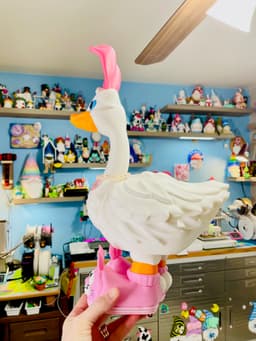
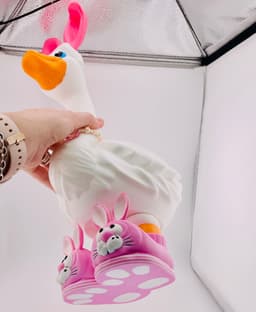
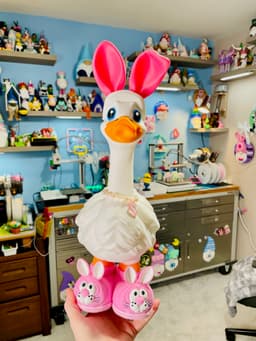


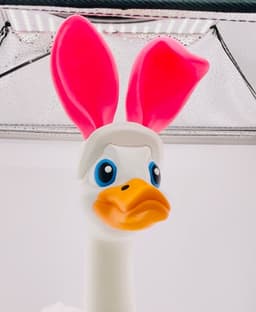

Bunny Slippers & Ears Goose Gear for Porch Goose
Bunny Slippers & Ears Goose Gear for Porch Goose
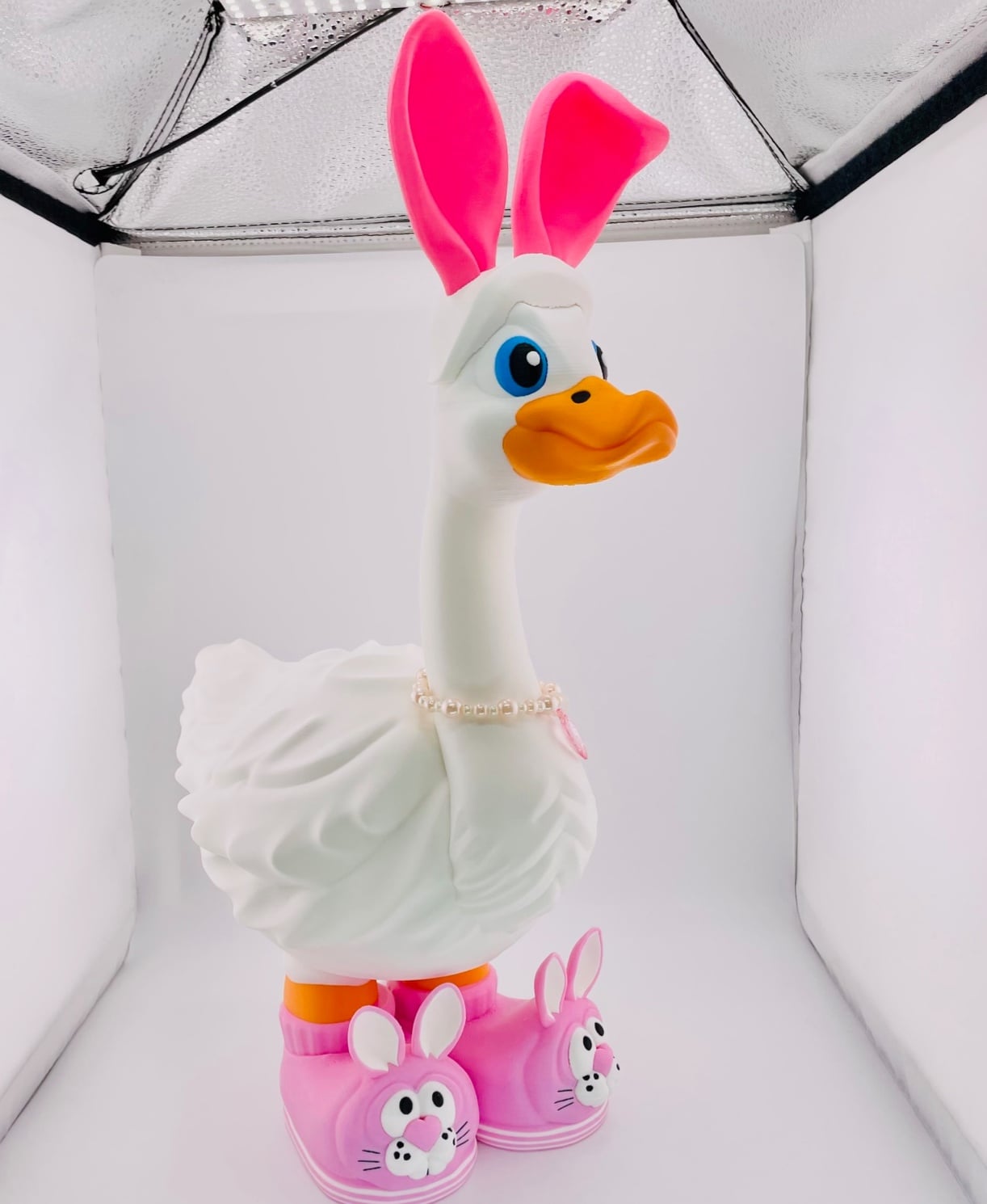
Everyone needs a pair of comfy Bunny Slippers don't they? Now your Porch Goose can have some too, and a matching Bunny Ear headband!
THIS DOWNLOAD IS FOR THE HAT AND SHOES ONLY The Porch Goose is included in the welcome pack, and you can also find it here: https://thangs.com/designer/FunFam3D/3d-model/Porch%20Goose-1495648
Printing Notes: If scaling make sure to scale the accessories and the goose together. The hat is designed to be a tight fit. You may need to test your filament to make sure it doesn't shrink too much after cooling. The hat has manually painted tree supports. We used 2 support walls and a wider support base than the default.
Model Files in Download .3mf with shoes and hat .stl of hat .stl of shoes
Filaments Used in Photos Sunlu Pink PLA -Ears Makerbot True Pink PLA -Slippers Bambu Ivory White Matte PLA -Headband/Goose/Legs/Details Bambu Pumpkin Orange PLA -Beak/Legs Bambu Cyan Blue PLA -Eyes

Bunny Slippers & Ears Goose Gear for Porch Goose
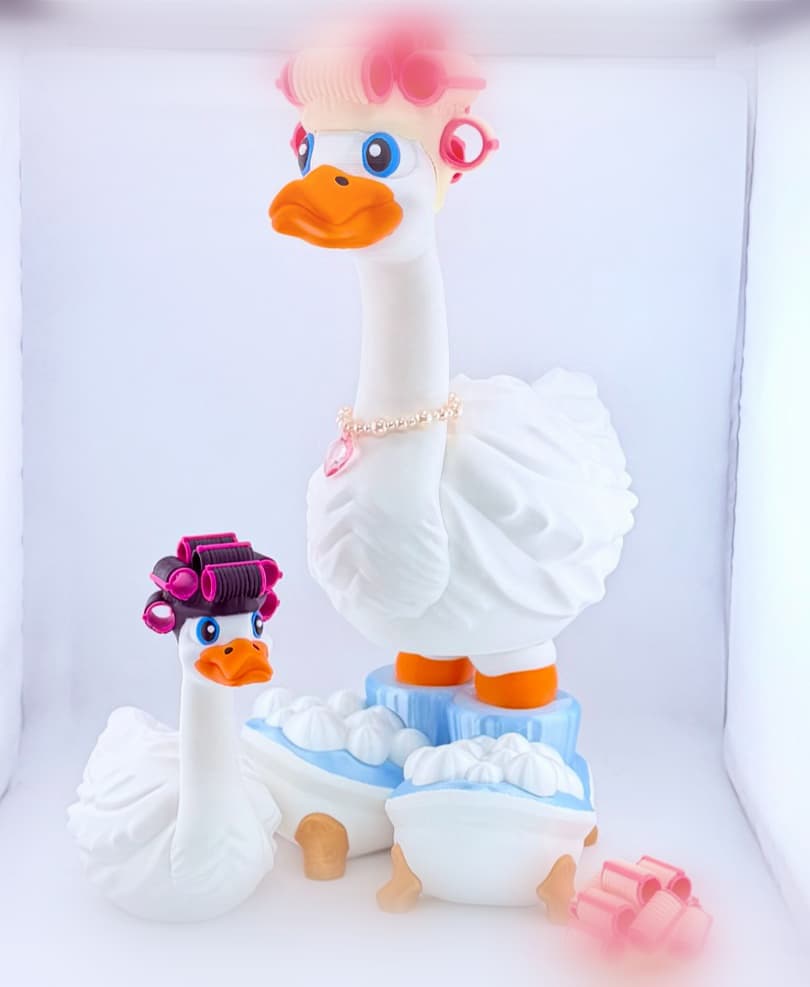
Spa Time Goose Gear for Porch Goose
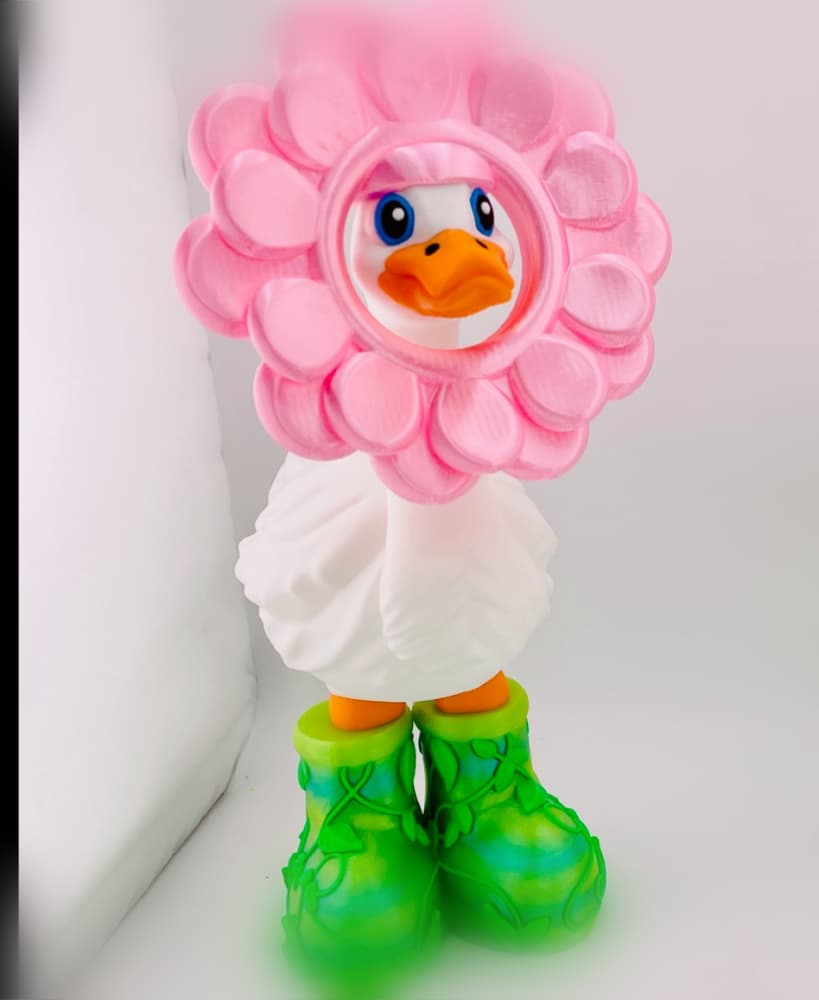
Flat Petal Flower Goose Gear for Porch Goose
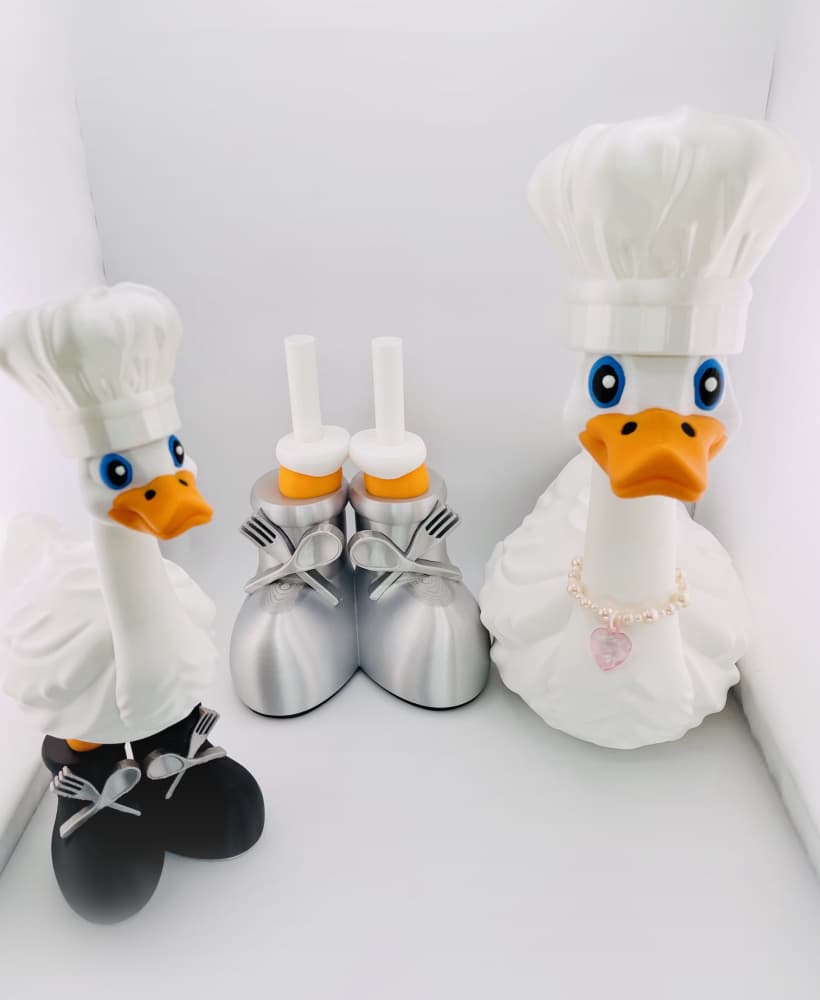
Chef Goose Gear for Porch Goose
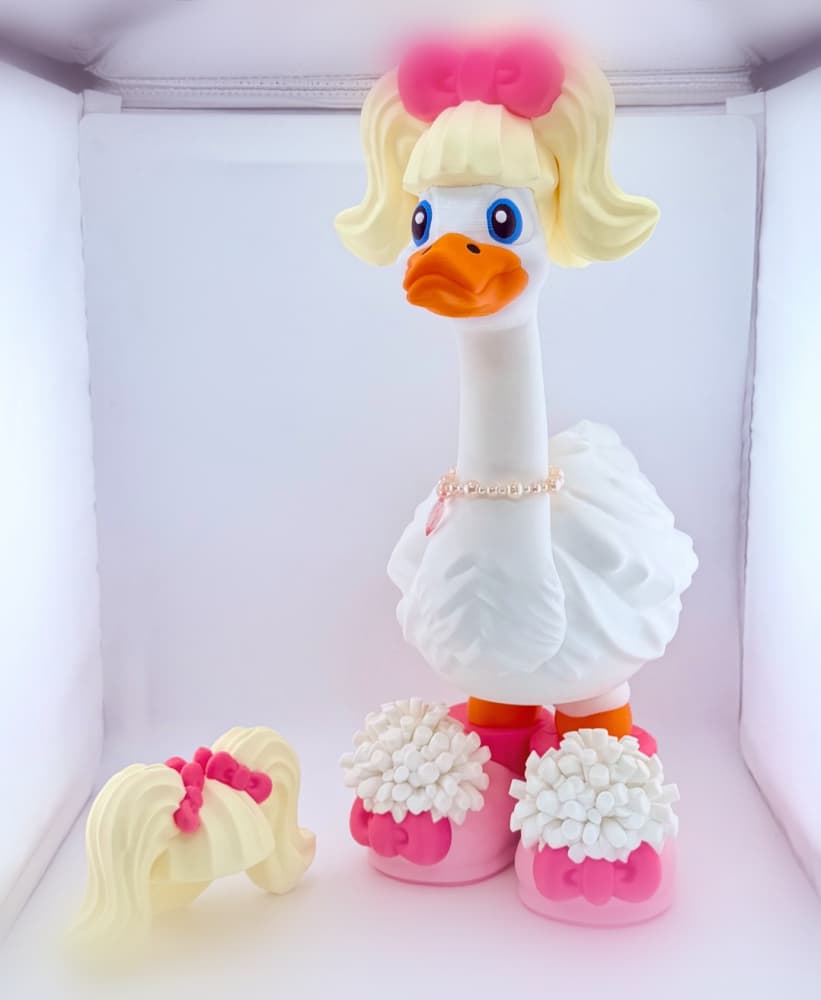
Cheerleader Goose Gear for Porch Goose
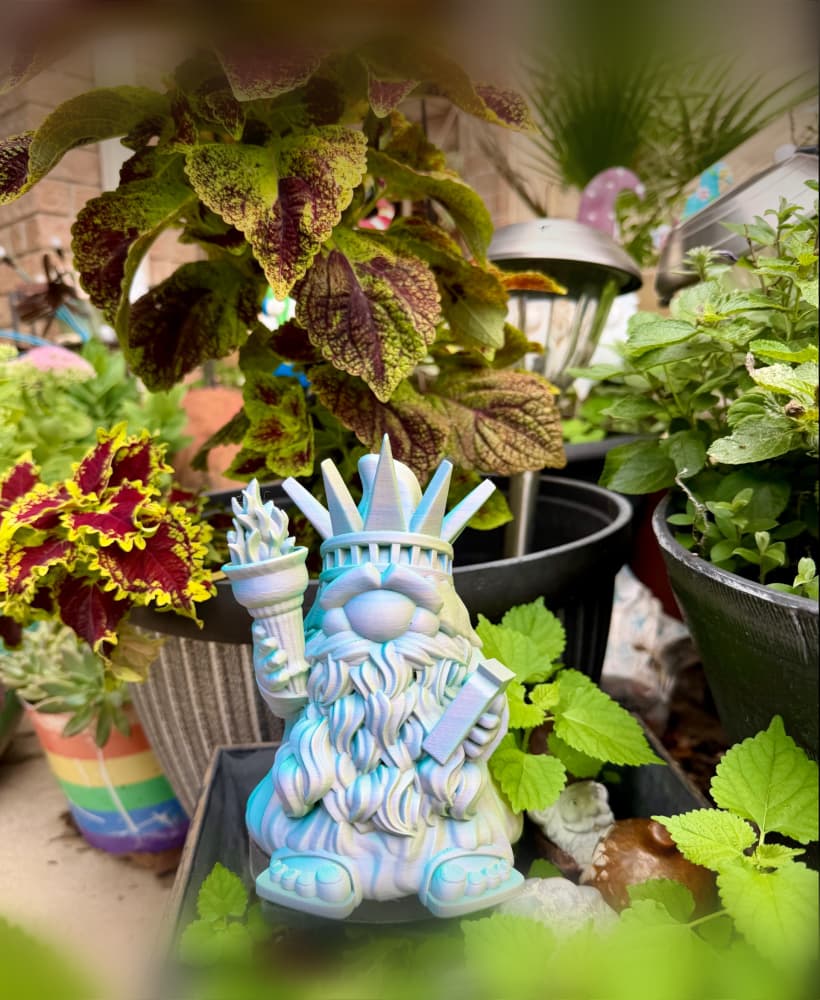
Liberty Gnome
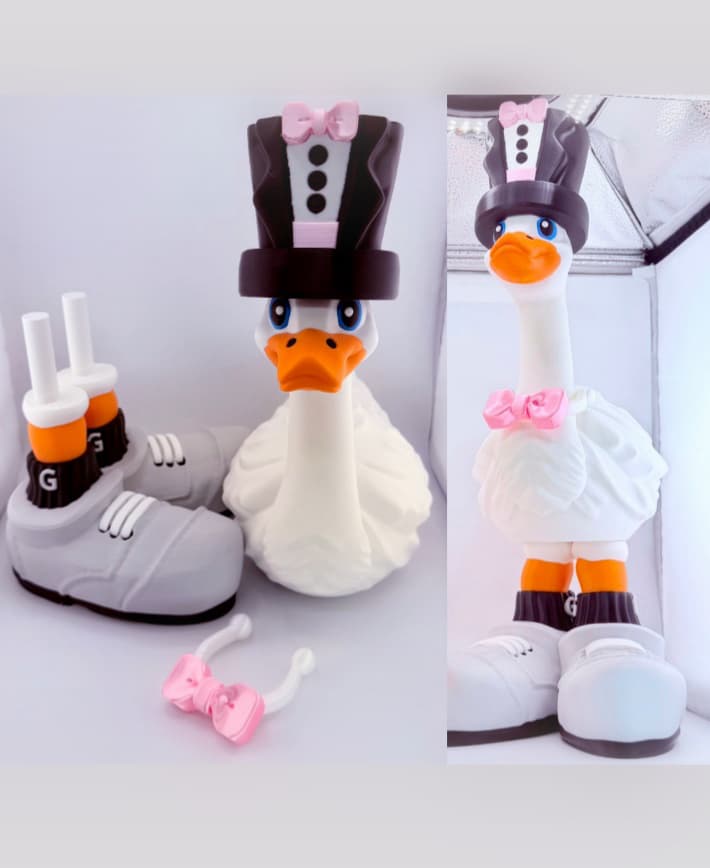
Groom Goose Gear for Porch Goose
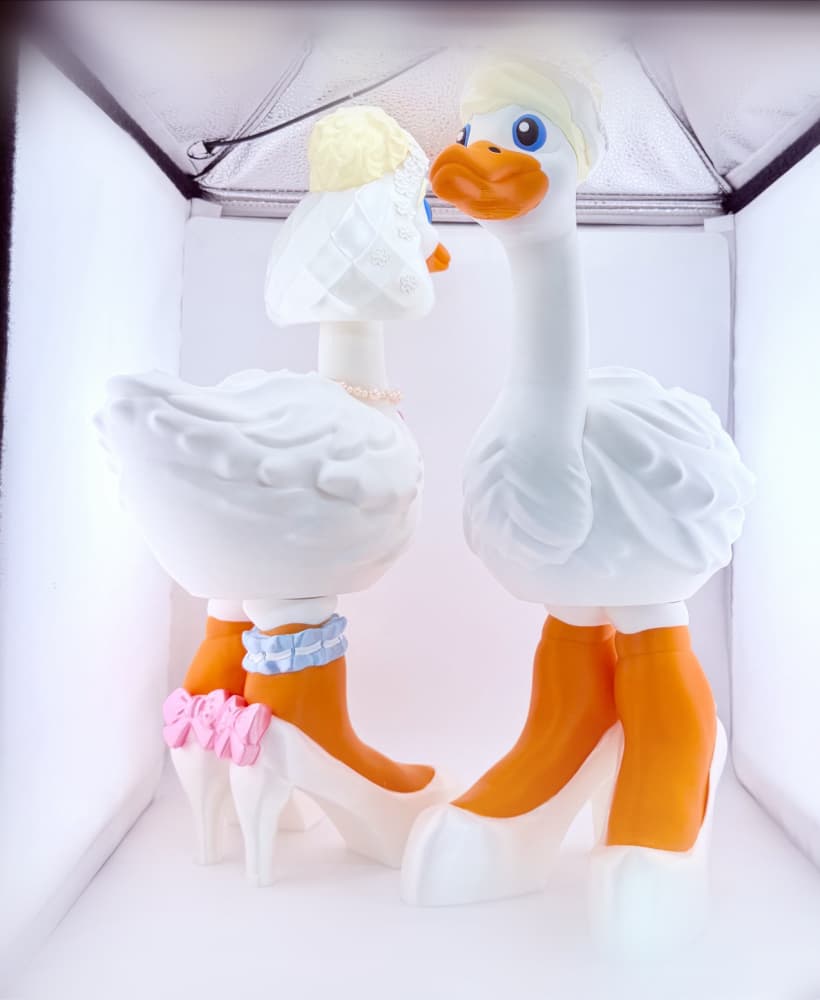
Bride Goose Gear for Porch Goose
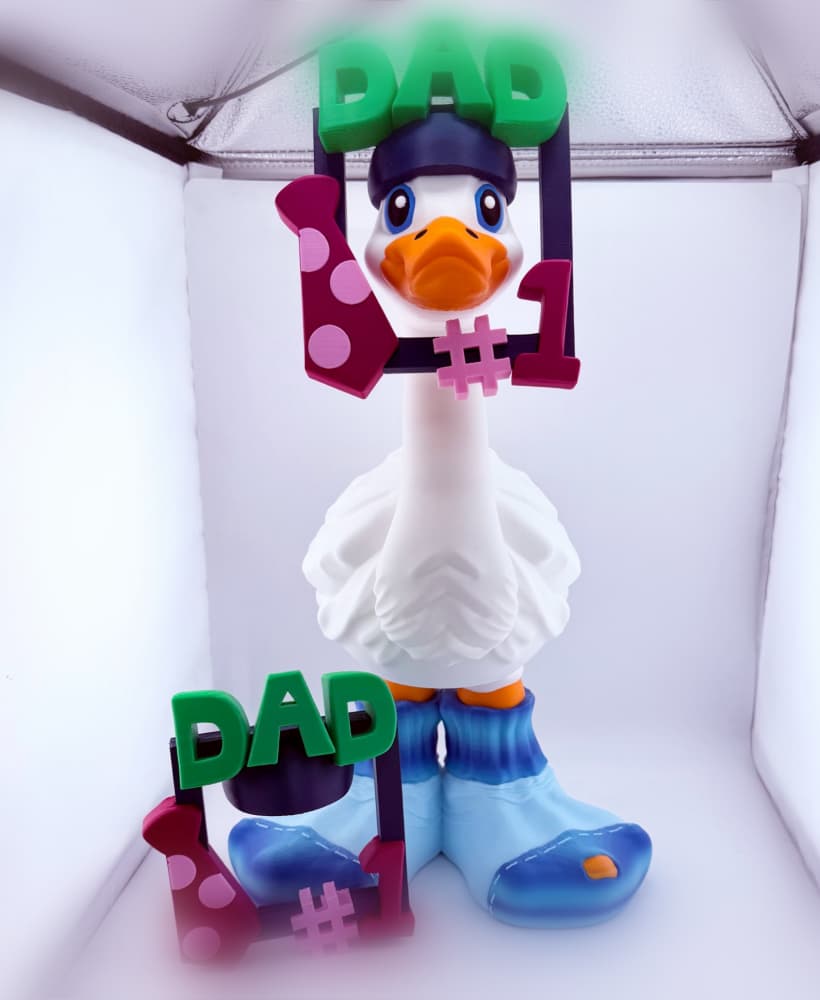
Number 1 Dad Goose Gear for Porch Goose
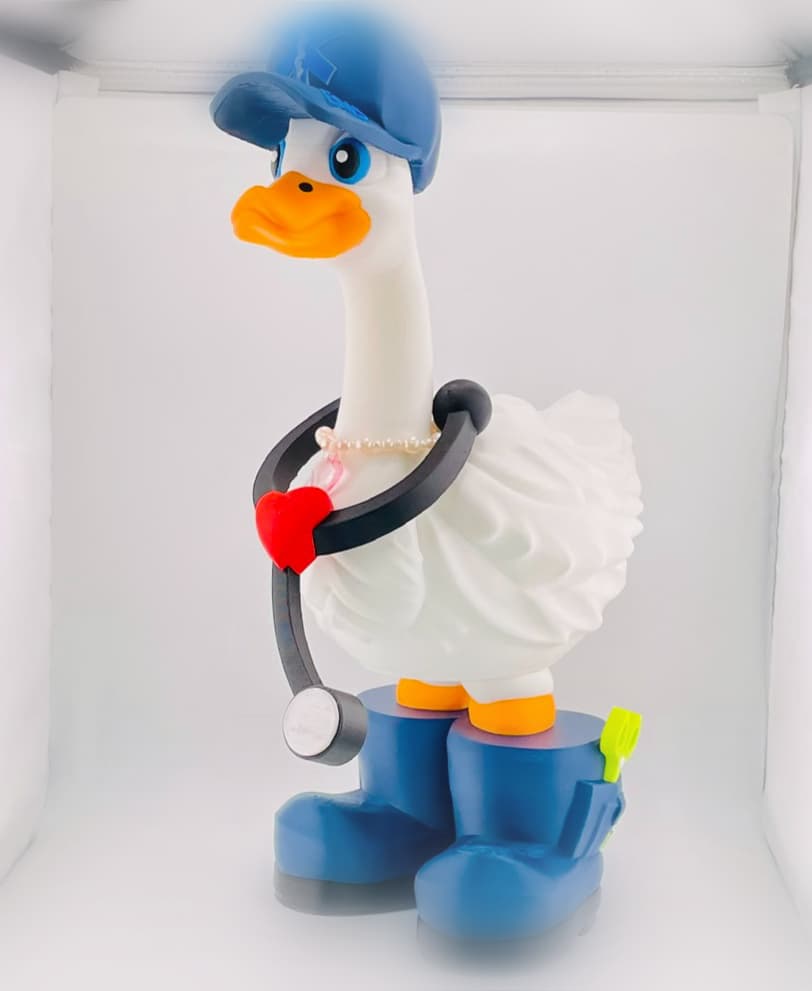
EMS Goose Gear for Porch Goose

Bee Gnomes
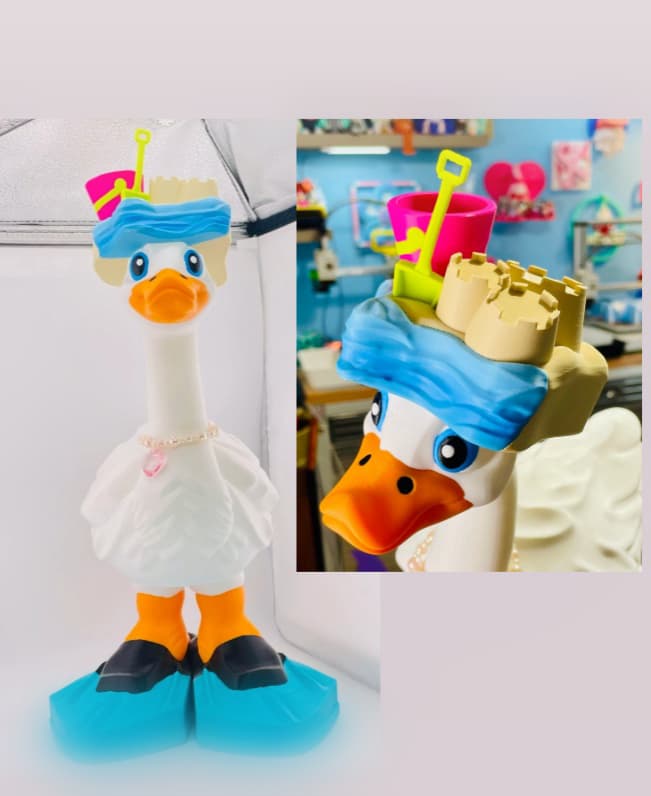
Sandcastle and Flippers Goose Gear for Porch Goose
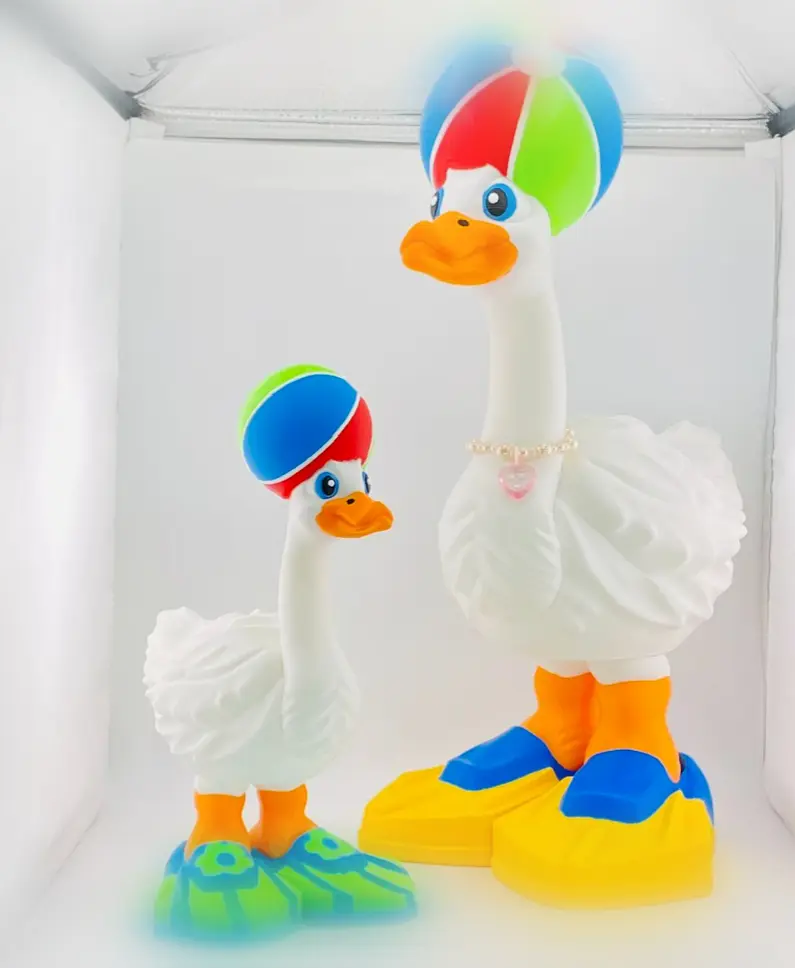
Beach Ball and Flippers Goose Gear for Porch Goose
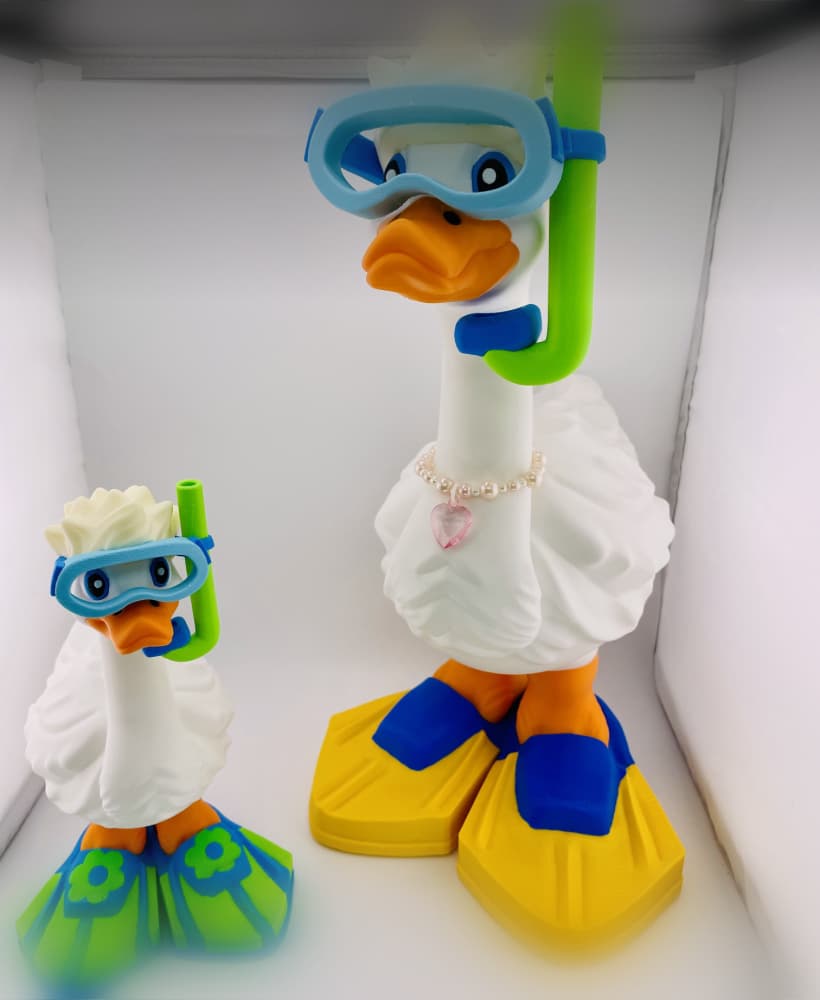
Snorkel and Flippers Goose Gear for Porch Goose
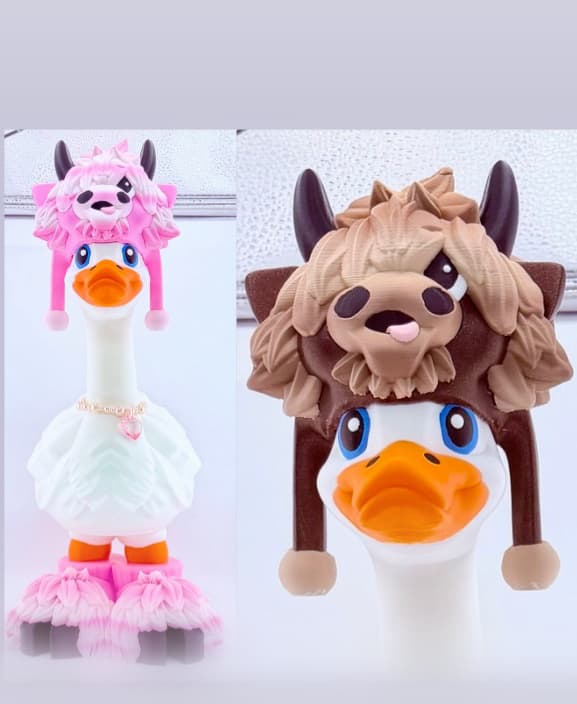
Highland Cow Goose Gear for Porch Goose
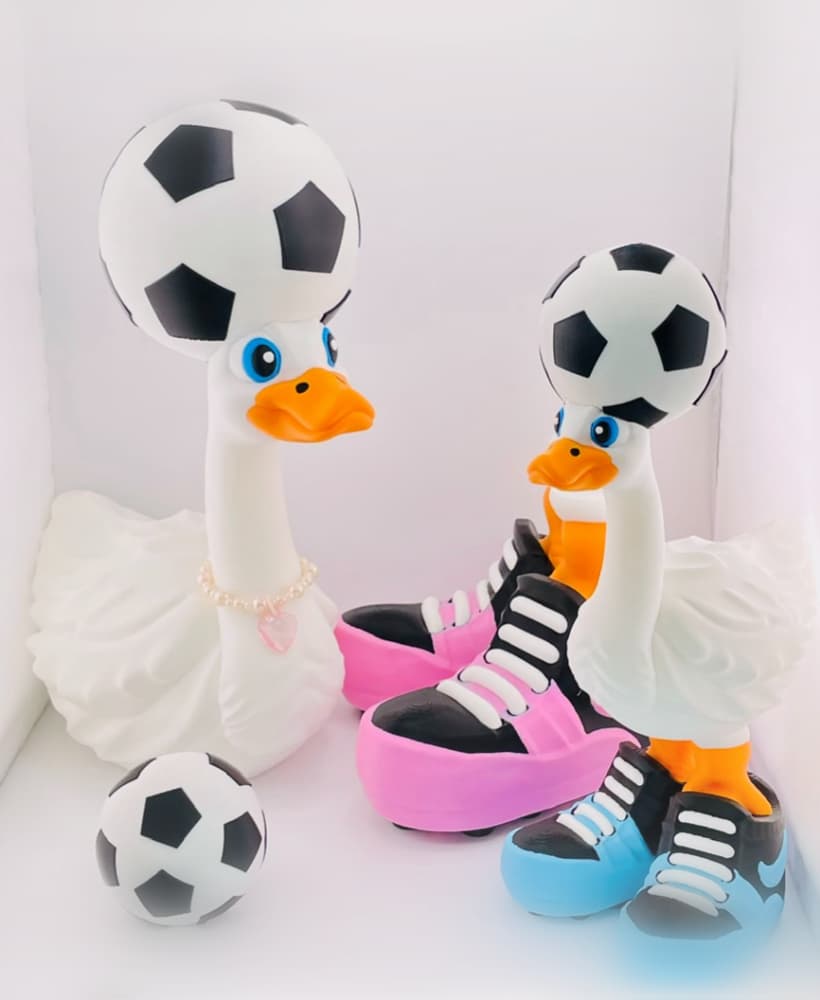
Soccer Ball Hat Goose Gear for Porch Goose
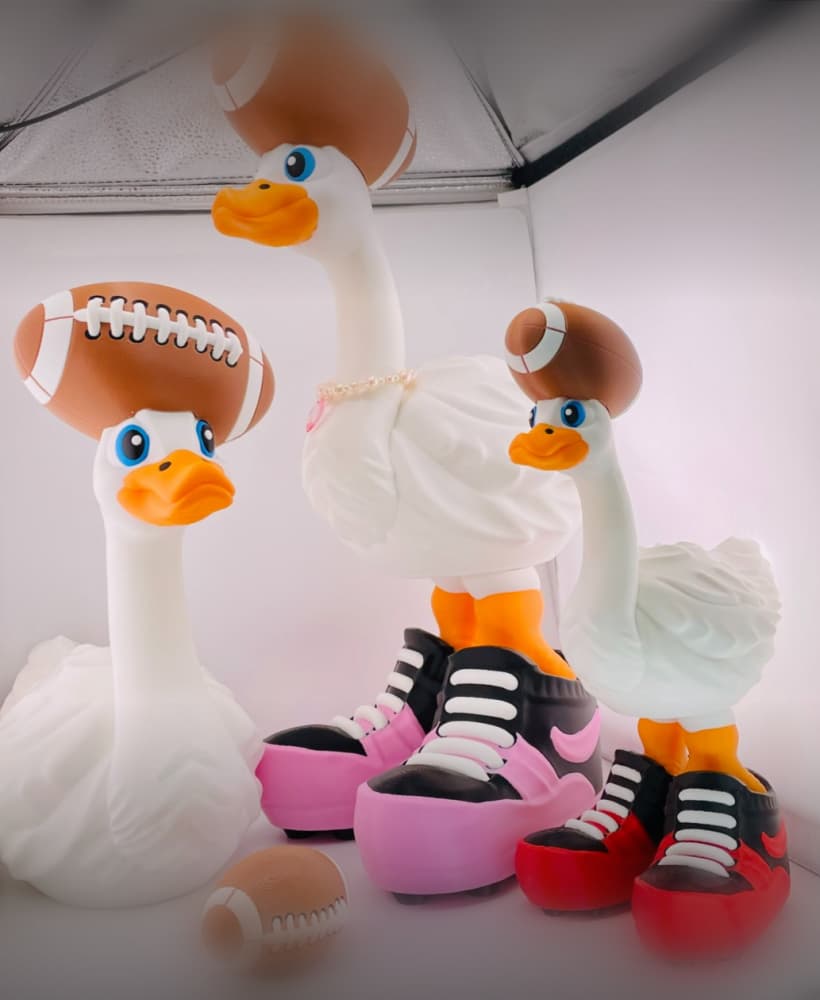
Football Hat Goose Gear for Porch Goose
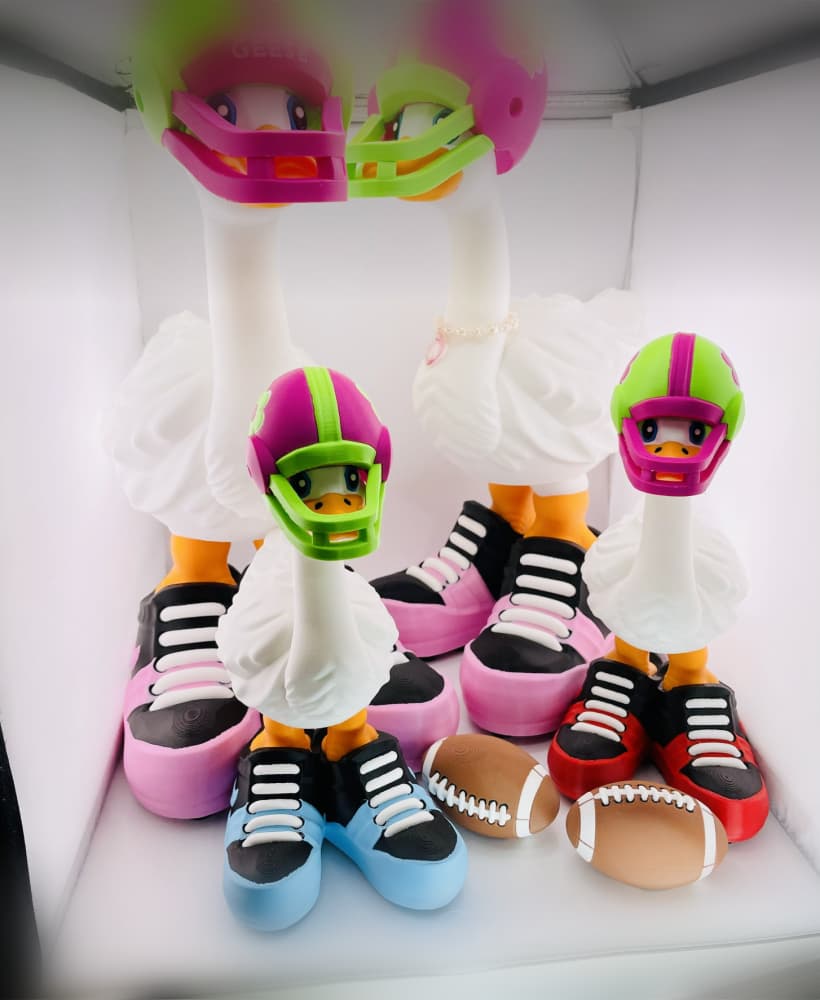
Football Helmet Goose Gear for Porch Goose
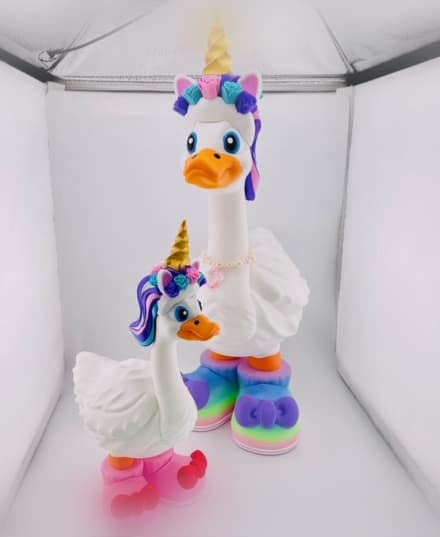
Unicorn Goose Gear for Porch Goose
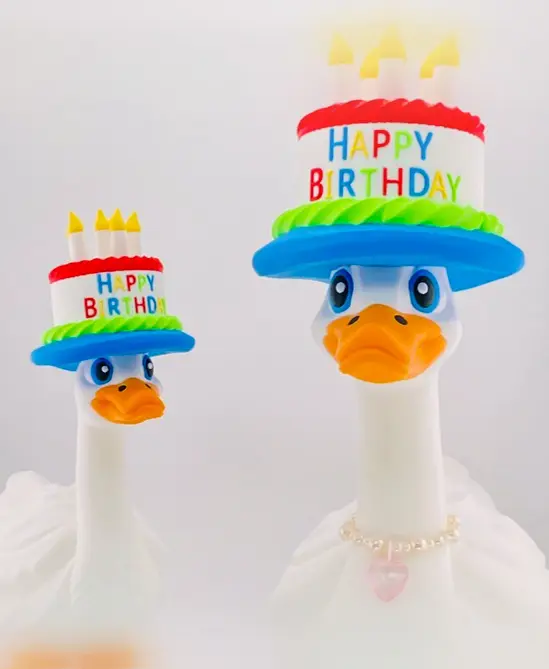
Cake Hat Goose Gear for Porch Goose
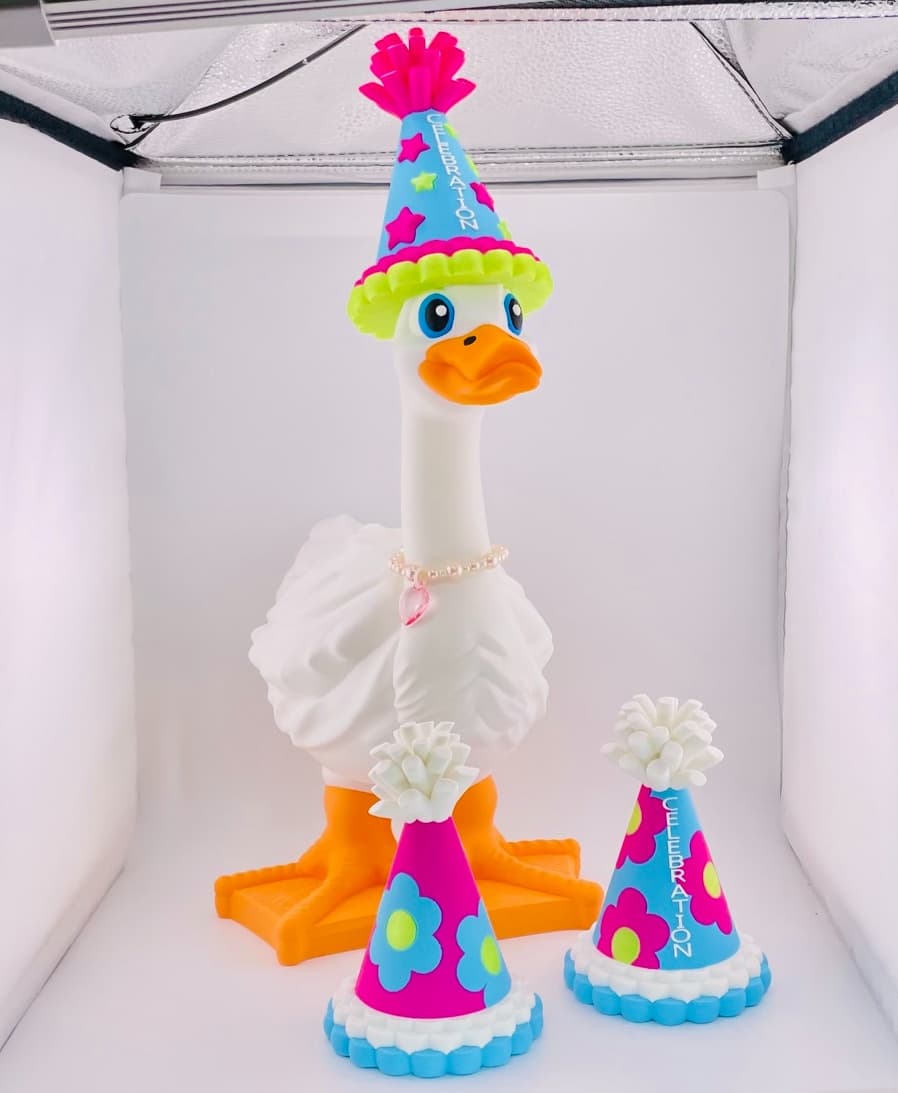
Sooooo cute! Love the bright slippers!!!
how do you get the eyes, ears, nose, mouth and whiskers a different colour? I'm trying to paint them but it keeps turning the entire face that colour. The goose and all the options are sooooo adorable.
What slicer are you using? The .3mf file comes pre-painted.
Bambu Studio
Are you opening the .3mf file? the download also includes .stl files, and those will only be 1 color.
I have Bambu PS1 with AMS. I scaled the goose down to 150 in bambu studio and printed it. Now I'm trying to do bunny feet and ears. I can't figure out how to add the goose plate with bunny feet and ears plate to scale them together.
Import the original goose into the file with the bunny slipper and ears. Then select them all and scale the Z-height to 150mm. You can delete that extra goose and print the slippers and ears now.
the file is downloading to zip file. how do i get to save import
Right click on it and choose "Extract All" That will unzip it so you can access the files.
How do I select all of the models together to rescale them? I tried the shift key but that didn't work.
If you hold down "CTRL A" it will select all of the items. If you hold shift and click and hold the left mouse button you can drag a box around them all.
Thank you so much. I am OBSESSED with these Geese!!
So cute!!! I resized the original goose file so the feet have a Z height of 84mm. I resized these feet to 84mm but they seem ever so slightly too big and aren't fitting correctly. Any ideas? The original feet slide in perfectly.
Yes, the best way is to use the default goose's Z height and select it as well as the accessories and scale them down to the goose you scaled. Then delete the extra goose and you'll have accessories scaled tothe goose you scaled down. Different feet/shoes have different Z heights, but the goose isa constant and will always be taller than the shoes/feet.
Oh ok I understand now. Thank you so much!! 💜
You're welcome.
Where is the firefighter one? I can't find it. :(
That one will be in wave 2 in the beginning of April! :)
I printed the goose and bunny ears but the ears are not fitting properly. They dont sit flush to the head. Can it be trimmed with a dremel to fit
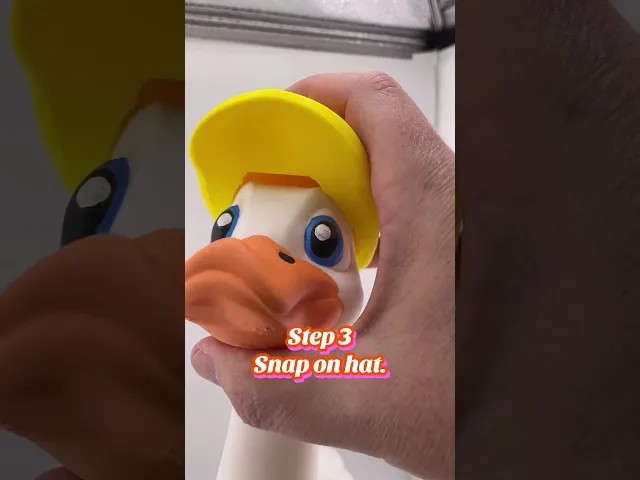
It can be if you need to. Also, make sure the hats fit over they eyebrows. It may not be snapped on all the way. There is a video in the listing and on our Youtube here: https://youtube.com/shorts/6kLU2w9Q-Fo?si=hXK62lh3CAyu_8KD
where is the firehat and boots download?
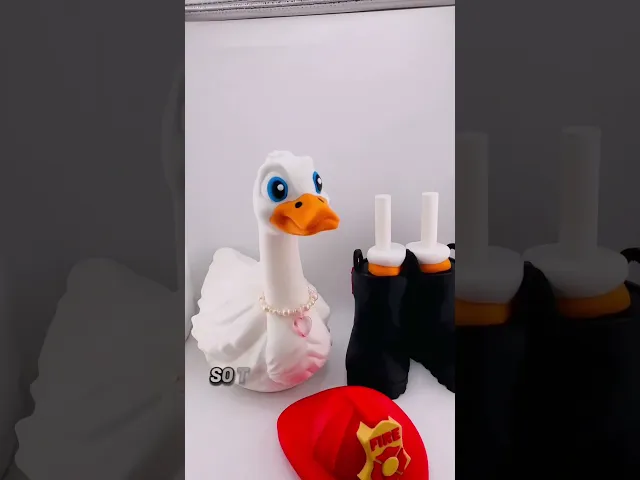
Those are coming out early April with the Construction & gamer sets.
and hopefully the pony tail/wig soon...LOL
She's working on a few more and the wigs will come in sets!
is the necklace a 3d print?
No sorry, It was just something cute our daughter had. People keep asking, so maybe it's not a bad idea.
If the goose is set at 162.72 % and i resized the goose to 130% and these files for the bunny are sized at 99.74% what do i need to change the size to make it match the resized goose?
I would recommend against using % to size files. They can reset to 100% when changes are made to the model. I would use the full sized goose's Z height as your standard. Select all the parts you want to change and change the Z height to the new height of the goose. i.e. the goose comes in at 249.09mm and you make its height 300mm. Each time you size the accessories do it using a regular goose. Once you resize the accessories you can delete the extra goose. You can also email us directly too.
Absolutely love this goose. I am printing everything at regular scale but seems like the hat and shoes are just not fitting correctly? Any advice? Using PLA. Thanks so much!
For this bunny or all of them? The bunny ears snap on pretty tight. Line up the little hairs on the head, and the eyebrows with the inside dents on the hats. I added a youtube video to the listings that may help.