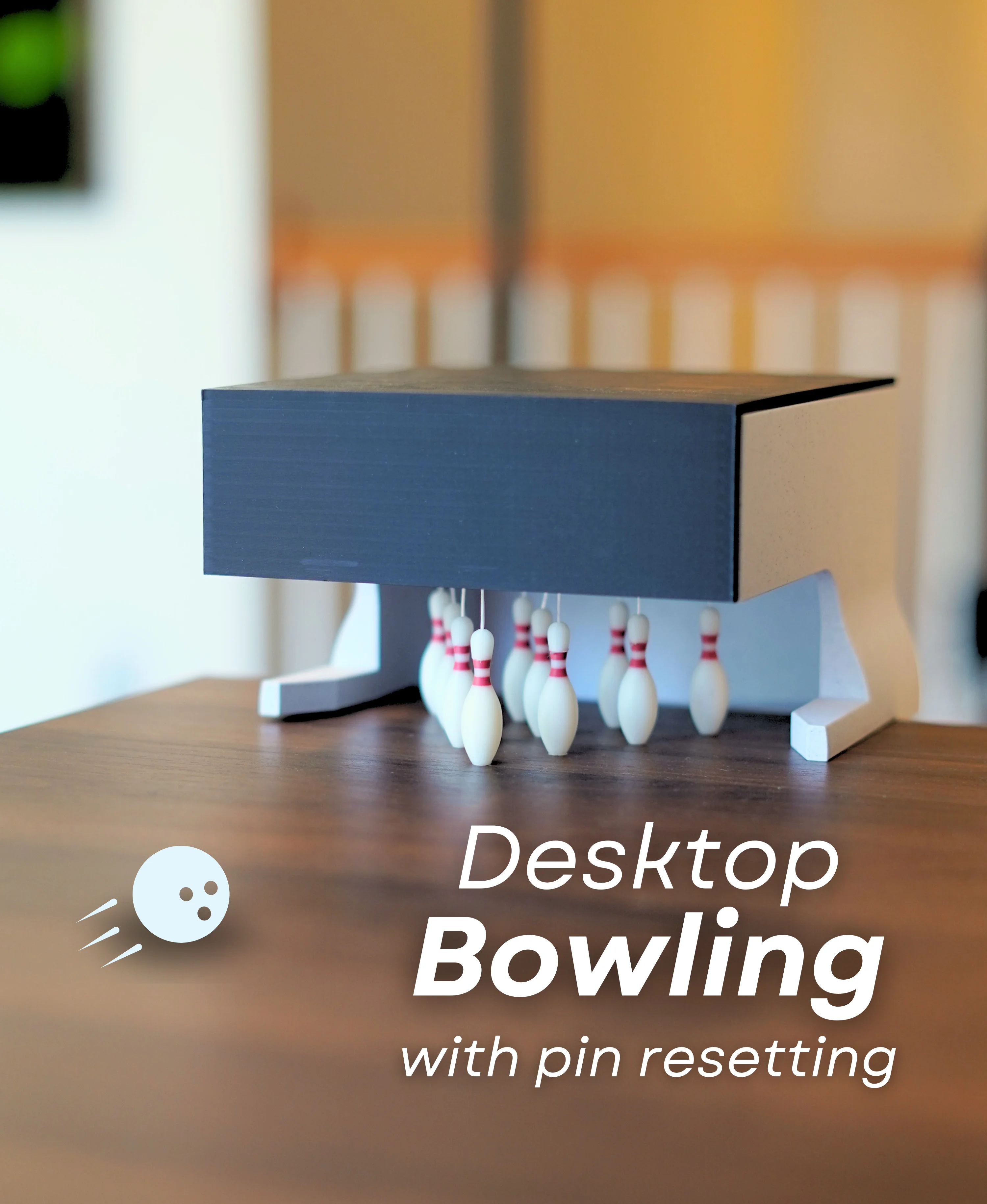




Desktop Bowling
2.1K downloads · 2 years ago · [Instructions](https://prinnit.com/ForgeCore/design/3683JeViEoNULOpCCRSTGXTmhaQ?tab=instructions&hig
Instructions Hardware Filaments
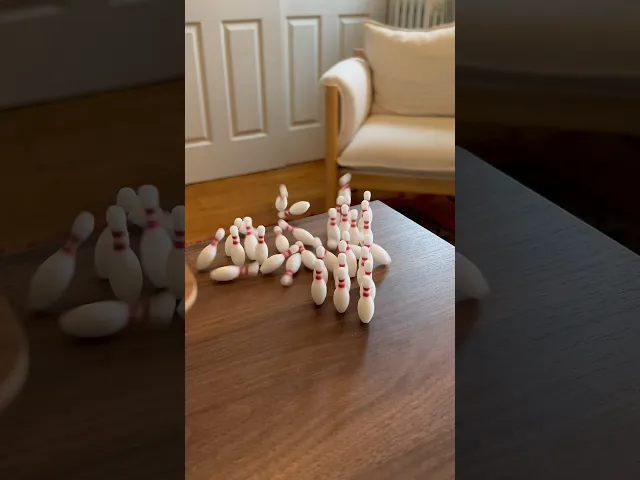
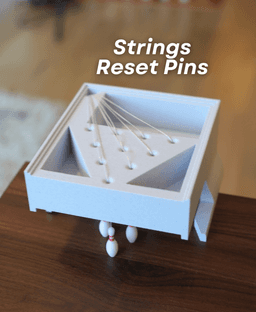
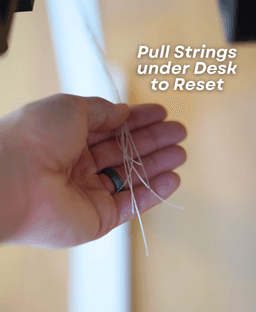
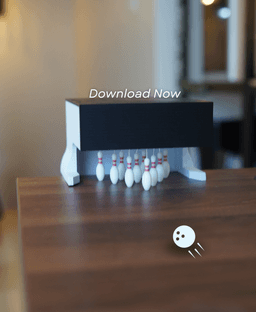
Desktop Bowling - Advanced Desktop Bowling makes a great addition to your desk! It looks super cool to have a little bowling alley on your desk, and It's fully functional! The pins can be reset by pulling a string.
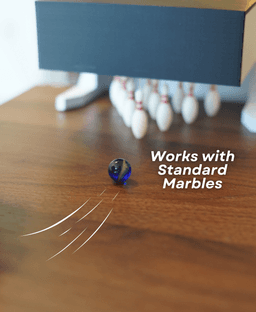
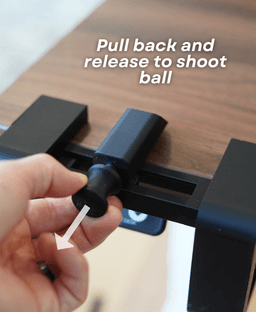
The Launcher is optional. You can roll the ball with your hand, but the launcher adds another layer of skill.
Desktop Bowling
2.1K downloads · 2 years ago in and

PlayBook'd LUDO

Cactus Cluster

PlayBook'd Tic Tac Toe

Lucky Bamboo Mahjong

PlayBook'd - Go

Telephones Booth

Spinny Succulents - Pack III

Desktop Golf Gen 2
PlayBook'd - Playing Cards

Desktop Dumpster
PlayBook'd Cribbage

PlayBook'd Crosswords

Snack Attack - Gen 2

PlayBook'd Snakes and Ladders
.png&w=3840&q=75)
Date Night Daisy

PlayBook'd Settlers' Storage
Scoopy Stacks

Butterfly Fridge Magnets - Pack II

Playbook'd - Checkers

Hey! I'm using the Bambu Lab P2S for this print and I plan on printing this with the 0.12mm High Quality profile.
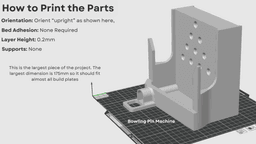
I noticed that supports aren't enabled in the 3mf file, but Bambu Studio was warning me that the "Bowling Pin Machine.stl" has a floating cantilever. Do I need to enable supports, or should it print okay?
Hi! You can ignore that warning message I should print fine with no supports
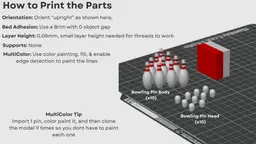
i keep having problems printing the pins like i have to print them with supports and flip the caps upside down and half of them fail and the other don't i have tried different build plates and its the same problem i can print anything else and not have a problem
Hi, I'm sorry to hear they're giving you so many issues. I do need a bit more info to help you solve this. What printer are you using and are you using the stl or the 3mf file?
i have the Bambu p1s i have tried both the 3mf and the stl and it is the same issue
There are a few reasons this could be happening. The first could be bed adhesion in which case I would suggest washing the build plate with dish soap (like dawn) and warm water and then if you're using a pei plate I would add glue. If it isn't an adhesion problem then it may be the tool head nocking into the pins causing them to fall over in which case I would suggest raising the z-hop (.6mm-.8mm can be found under filament settings) or spreading the pins further apart.
Pin machine. Is it meant to be broken and cut open like this? Why is it specially designed to be sealed and then cut open?
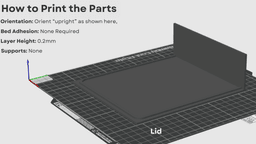
You shouldn't have to break or cut anything open. It is designed to be assembled so you can add strings to set and re-set the pins as you play. and it has a cover so that you don't have to look at the strings/ openings
i'm solved problem, thanks
I did not get assembly instructions with my download. What is the cube for that gets printed with the pins?
The cube on the plate with the pins is just the purge tower. It is used when the printer changes colors to prep the filament before printing on the object,
How did you tie the pin strings? Did you just tie them all together on the outside of the hole you have them threaded through and have a single string to pull them all?
That's right!
Does the pin machine stay in place or do you use tape/Velcro?
I have it sitting on my desk and it doesn't move for me, But double sided tape may be nice if its sliding around for you!