


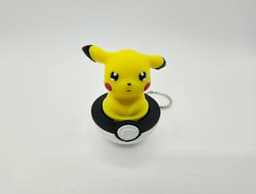


Sad Pikachu Clicker Fidget
INTRODUCING MY FIRST CLICKER FIDGET KEYCHAIN FROM THE CUTIE COLLECTION - THE SAD PIKACHU CLICKER
Simple & quick to print, print many on a single print bed & minimise waste
Easy and quick to assemble require a simple Cherry MX switch, Keychain & a small amount of superglue
Cute small & easy to carry anywhere, perfect for stress on the go
A simple addictive click to satisfy your fidget urges
Requires a single keychain found easily online (25mm) and any single generic Cherry MX switch such as the ones here -
PRINT SETTINGS
Gyroid infill recommended
0.16 layer height or less for improved print quality
Seams to the rear of the print for improved facial quality
Supports enabled for critical regions (optimised in the supplied print profiles)
In rare cases sometimes the bottom of the top section (the circle surrounding the plus slot underneath the top of the clicker) can over extrude due to the elephants foot setting, this causes the clicker to stick when pushed down, in this case carefully score the circle surrounding the plus slot. This is due to over extrusion creating a mini brim which catches inside the clicker, removal of this mini brim using a scraper will fix the issue
BUILD INSTRUCTIONS
Remove all supports
On the bottom of your Cherry MX switch carefully remove the brass pins using a cutter or simply fold flat
Insert the top of the clicker into the plus shaped top of the Cherry MX switch
Carefully superglue the bottom on the Cherry MX switch into the slot of the clicker base ensuring the front of the Pikachu clicker is facing the front of the Pokeball & straight
Insert your keychain into the slot on the rear of the clicker & try your new Pikachu clicker
Sad Pikachu Clicker Fidget

Clicker Cutie Collection 1 - Cute Racoon, Shark & Chick

SNORLAX TWIST FIDGET

FLEXI SEA BUNNY

UltraBall Twist Fidget

New Link Flexi Komodo Dragon

CUBONE TWIST FIDGET

CUBONE CHIBI

Flexi Belly Rub Kitty

CRICKET BALL TWIST FIDGET

Flexi Sensory Rattlesnakes

Super Mario Twist Fidget

Cute Flexi Beaver

Rubiks Cube Twist Fidget

FLEXI WHALE SHARK

Yoshi Egg Inspired Twist Fidget

FLEXI RED EYED CROCODILE SKINK
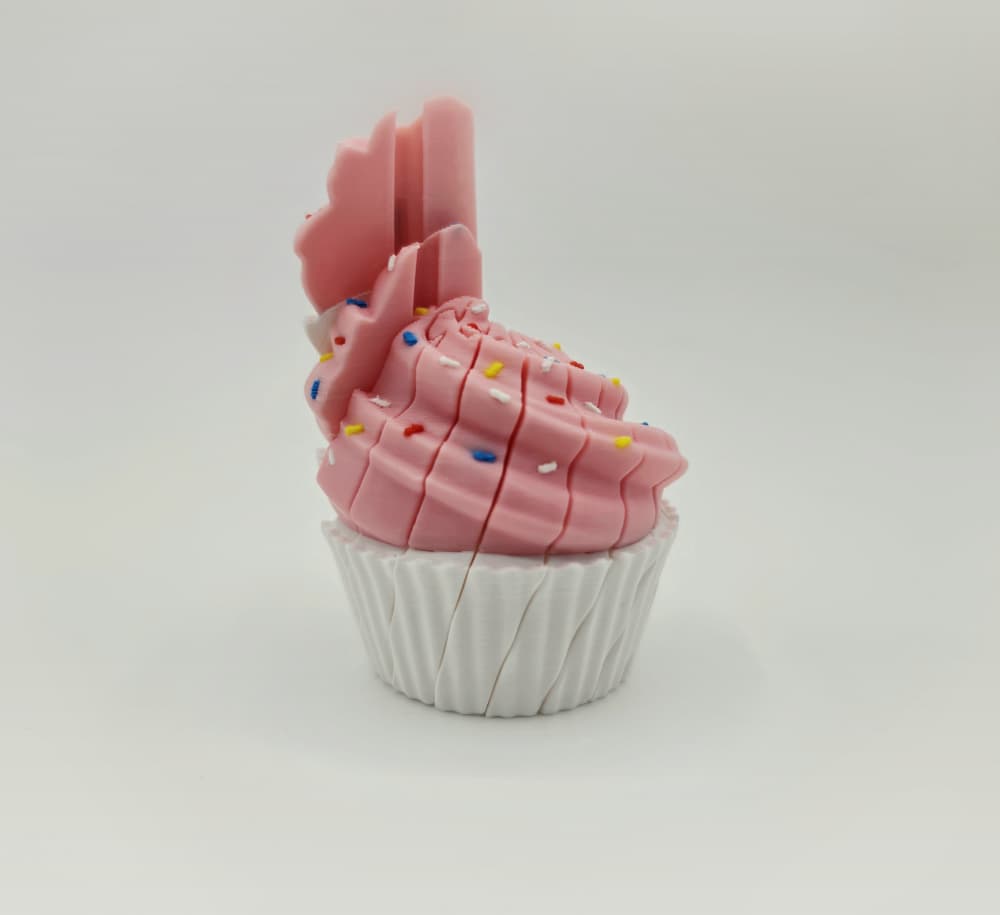
Cupcake Twist Fidget
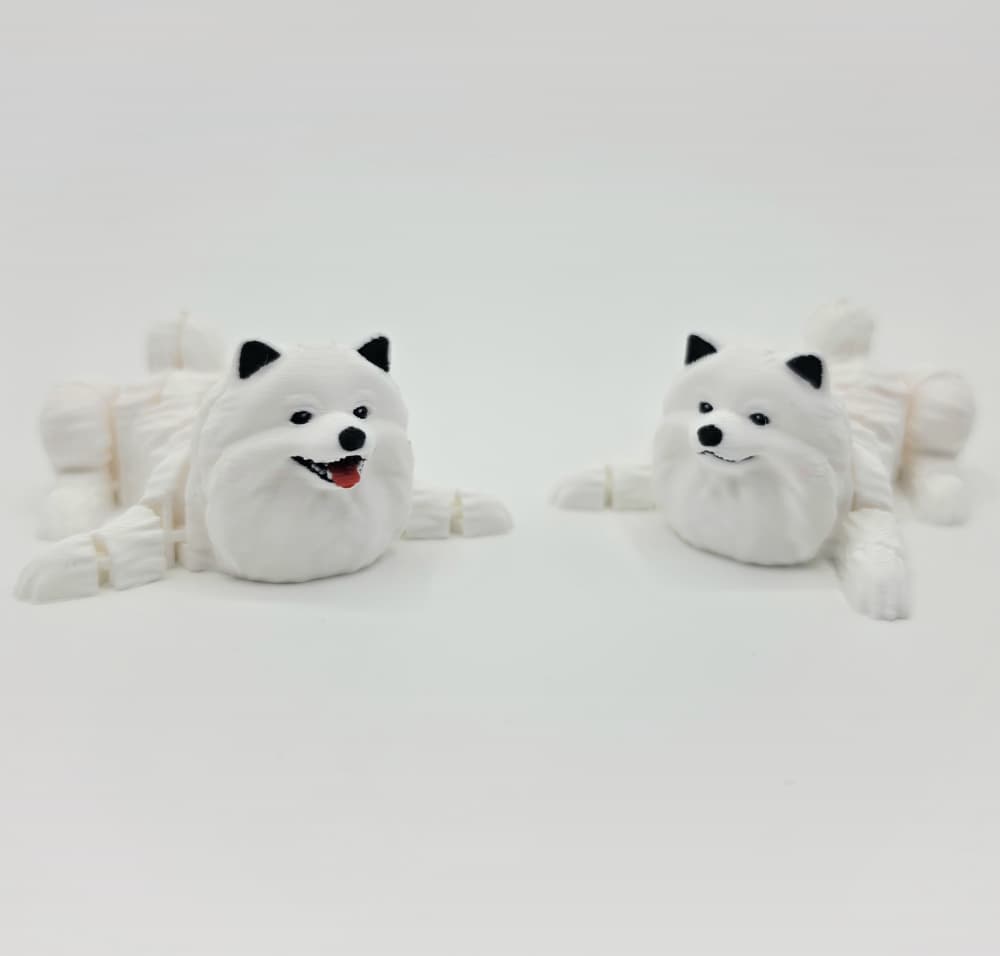
Flexi Pomeranian
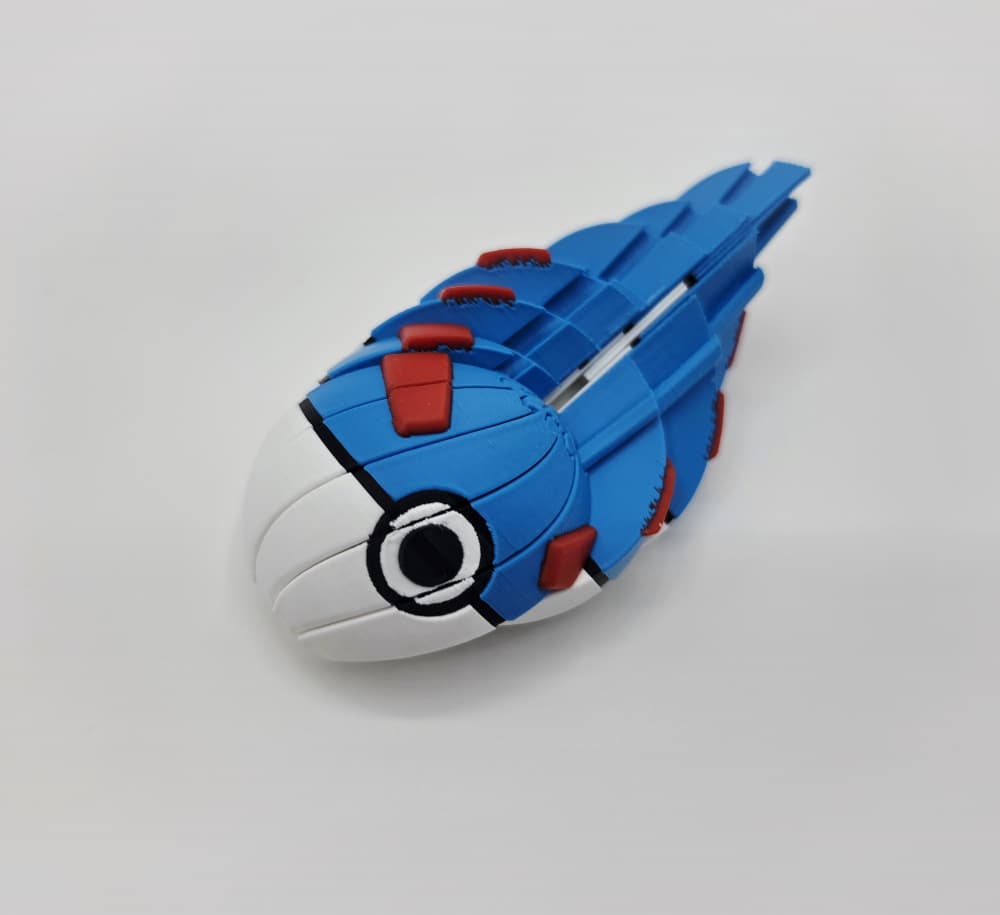
Twist GreatBall Fidget
