

.png&w=256&q=75)
.png&w=256&q=75)
.png&w=256&q=75)
.png&w=256&q=75)

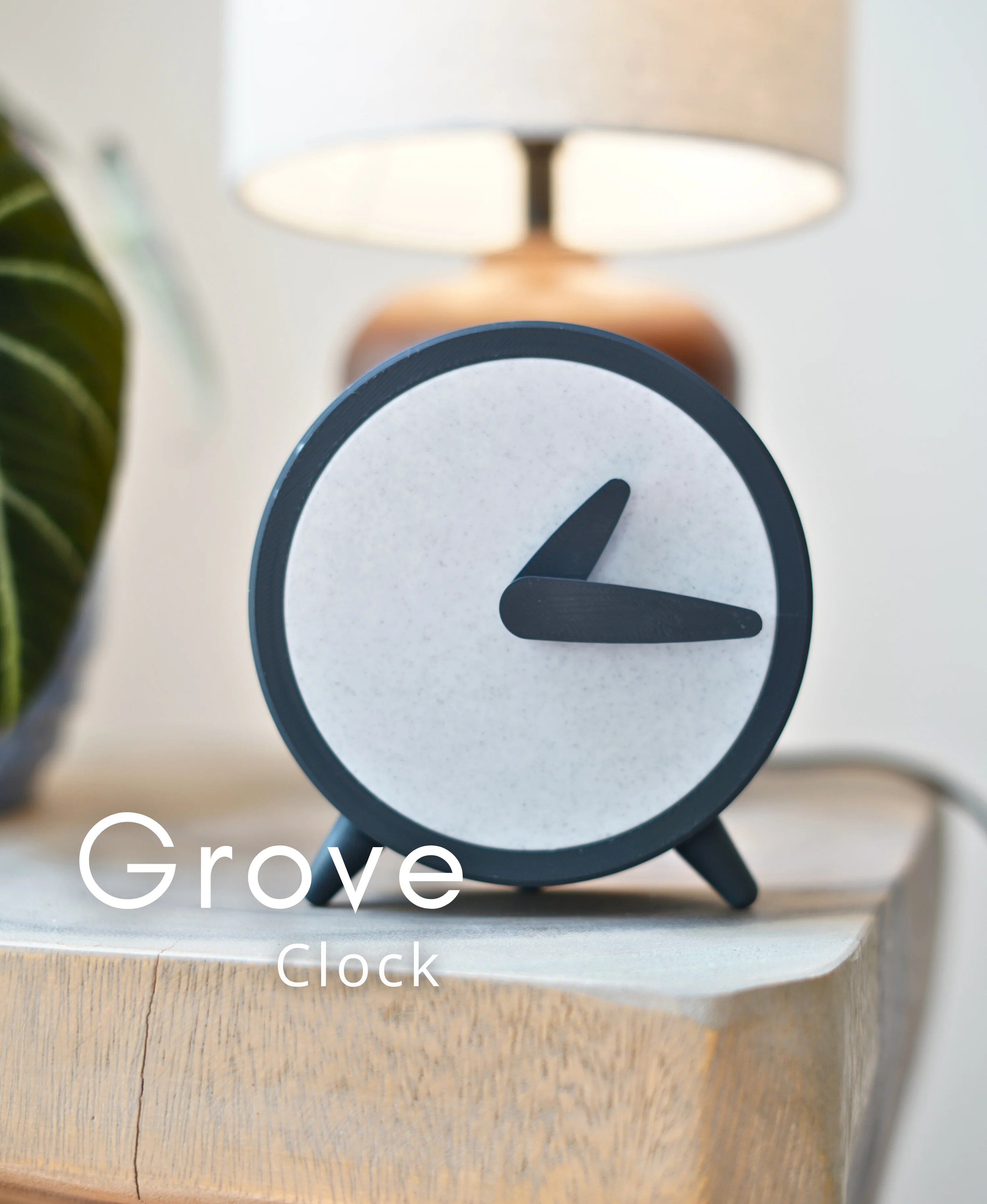
Grove - Clock
768 downloads · 1 year ago · **Grove Clock**
We designed this clock to look smooth and stylish. It has a round shape supported b
Grove Clock We designed this clock to look smooth and stylish. It has a round shape supported by short legs that keep it level and provide a more classic feel. It looks nice in any room, so you can display it on an end table or shelf. Print it with other models in our Grove line to make your home match.
Printing This model downloads as a 3mf, which includes the ideal print settings. Download, select your printer, and click print.
Additional components 16 mm Clock Mechanism
Filaments Used: Some of these contain affiliate links
Marble: Amolen Marble Filament Black: Bambu Lab Matte Charcoal
Assembly
- Put the clock mechanism into the housing (with battery)
- Place the back cover and twist to lock
- Press the hour hand into place
- Press the minute hand into place
- Rotate hour and minute hands to current time.
- Twist on the feet
.png&w=3840&q=75)
Laro Glasses Hanger

Elowen Glasses Hanger

Verdin Glasses Hanger

Orso Glasses Hanger

Umbra Hanging Planter

Taro Hanging Planter

Solace Hanging Planter

Auro Hanging Planter
Wicker Tea Basket
Laro Tea Box

Geo Tea Caddy
Elowen Tea Tree

Taro Bookend

Solace Bookend
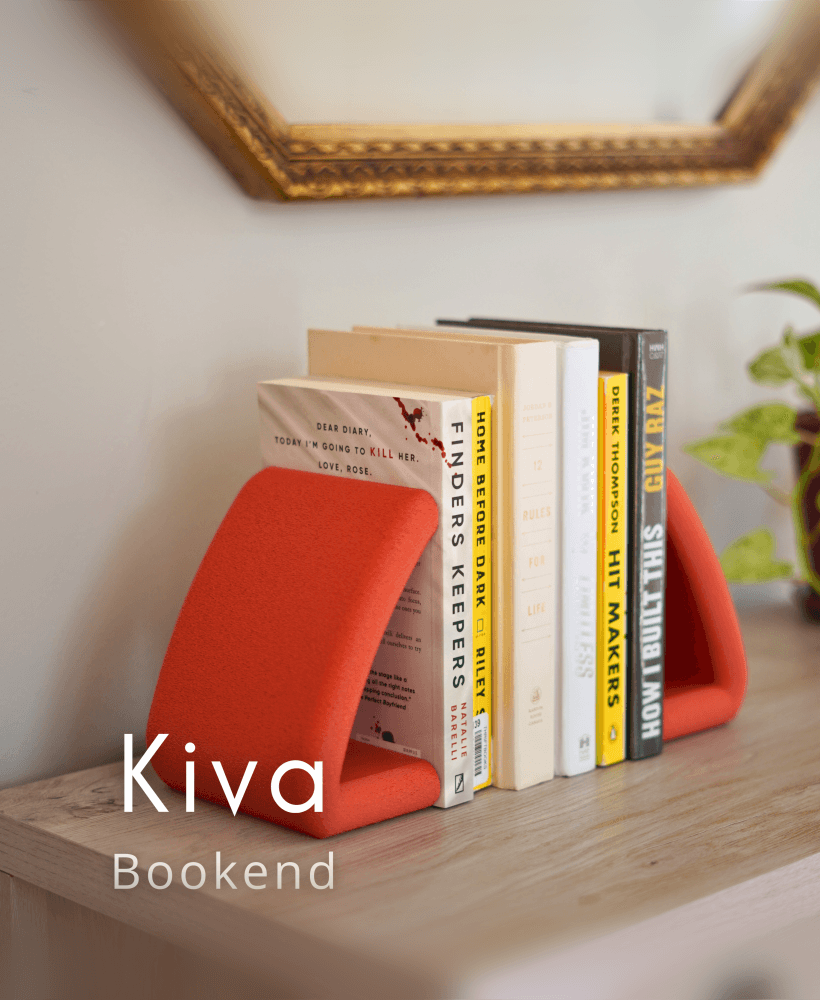
Kiva Bookend

Invis Bookend

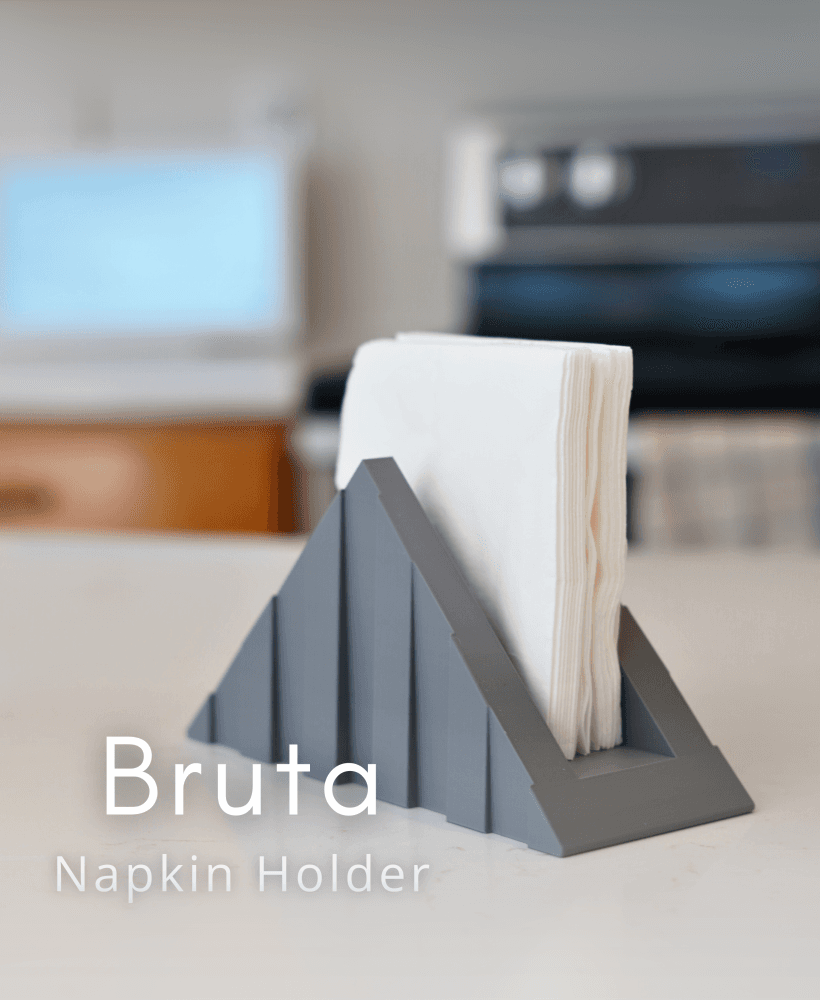
Taro Napkin Holder

Tide Napkin Holder

Solace Napkin Holder
The fuzzy skin is enabled on contour in the 3mf, might want to disable as it breaks the thread on the feet as well as the back cover fit. Also, the minute hand should be rotated to be the other way up, otherwise it tries to print in air.
Hi there! Thank you for letting me know. I'm sorry about that. Looks like a global setting was mistakenly left enabled. The files have been updated.