


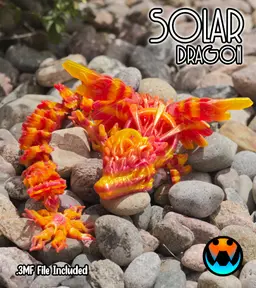

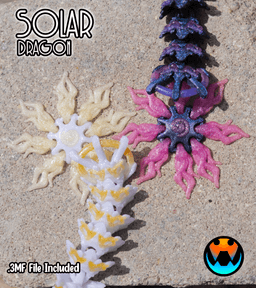

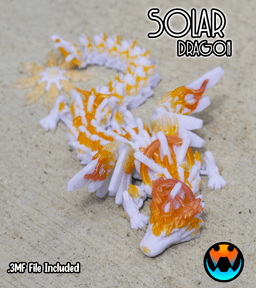


Solar Dragon
Hi, I'm Tracy! Veteran, full-time mom, and entrepreneur at heart! I love creating unique and fun designs!
This design (like all Cinderwing3D designs) is under copyright. Which means, upon purchase, you do NOT have the right to sell commercially. If you would like to legally sell them commercially, please join my Membership and subscribe to the tier for commercial resale. Link Below! The Digital files are never to be re-sold, shared, or given away!
For commercial license and monthly bonus models, click here!
Filaments I use! Not an exhaustive list but if I remember, it'll be here! Amazon Affiliate links!
3D PRINTING SETTINGS
FDM Settings 3 walls 10-25% infill No supports Try brims if you have adhesion issues. Models tested between 60-100% generally
Resin Settings No supports, flat on plate 50 um layer thickness Light off delay can be helpful to let resin drip from links.
Proper bottom exposure tuning is recommended. Models, particularly in clear resins, can suffer from overexposure and fused links. The Ameralabs Town testing is highly recommended to tune your settings as to get proper articulated prints! Exposure varies greatly between resins, printers, and environments.

Solar Dragon
Mermaid Clicker Wand

Dumpling Dragon

Baby Dumpling Dragon

Dumpling Clicker

Pug - Hatchling

Doberman - Hatchling

Labrador - Hatchling

German Shepherd - Hatchling

Poodle - Hatchling

Rottweiler - Hatchling

Tiny Eagle

Tiny Yeti

Tiny Bigfoot
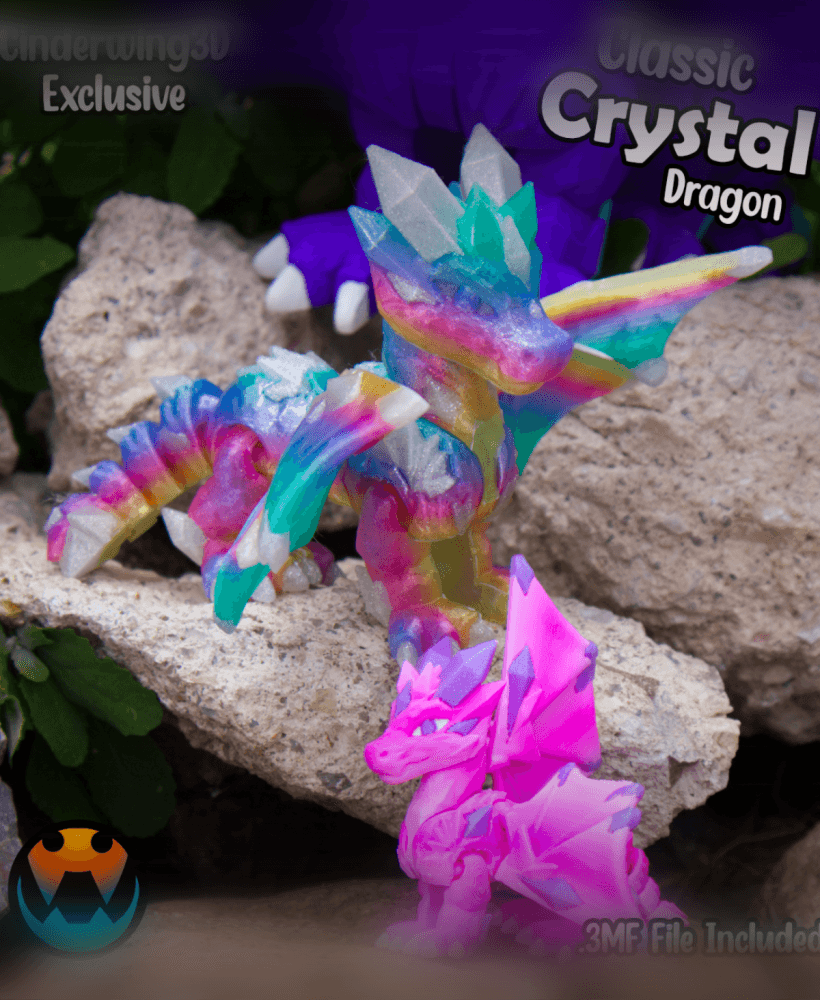
Classic Crystal Dragon
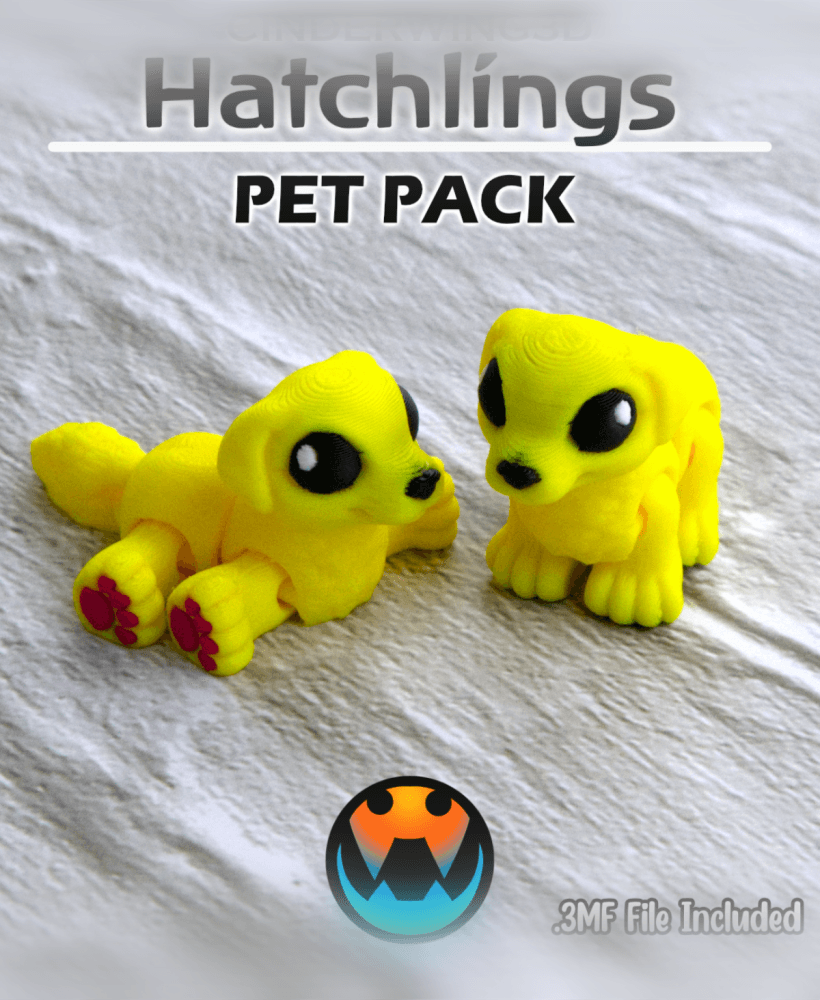
Golden Retriever - Hatchling
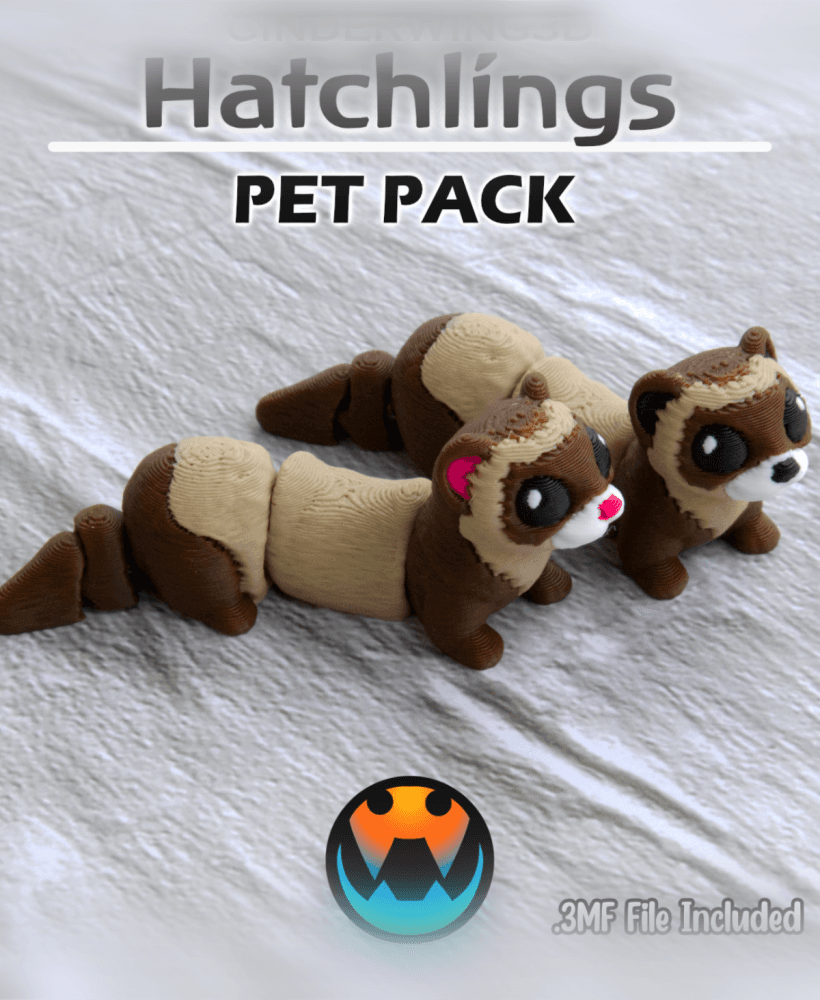
Ferret - Hatchling
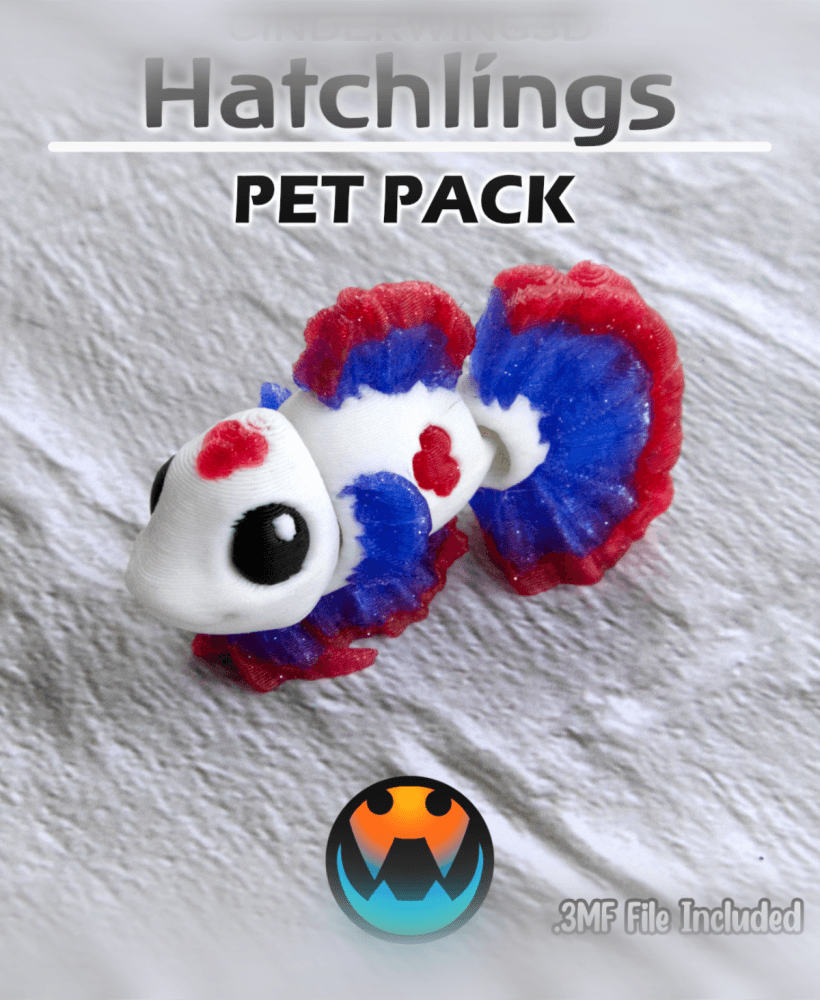
Betta Fish - Hatchling
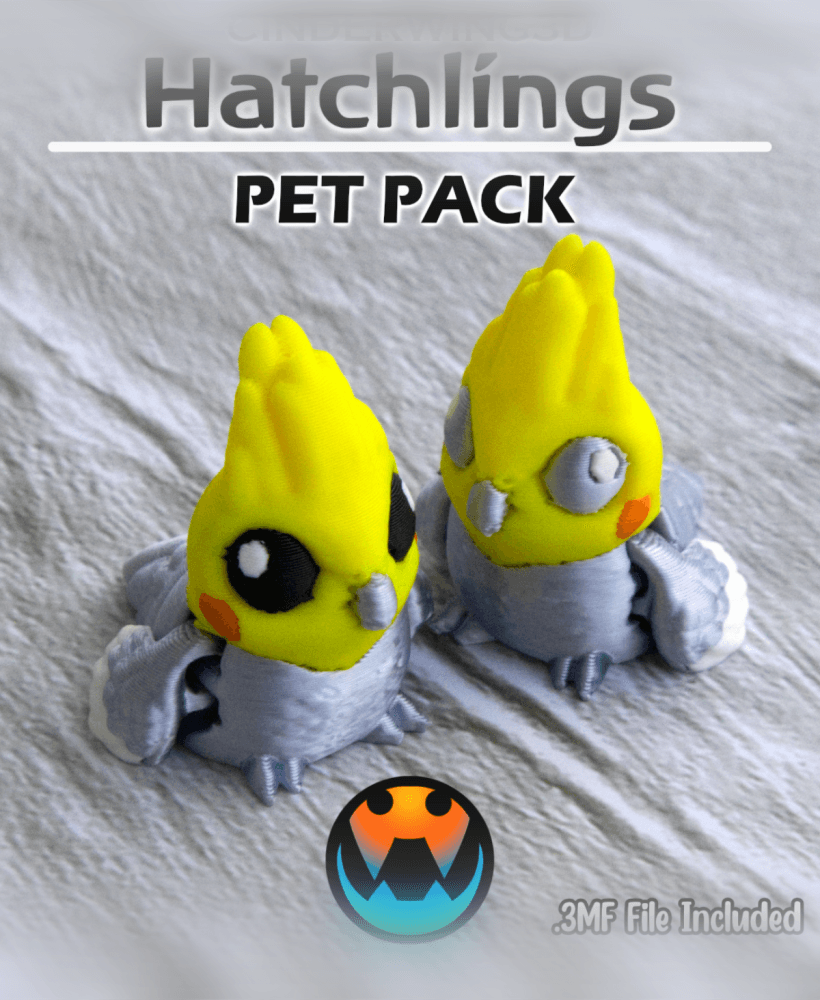
Cockatiel - Hatchling
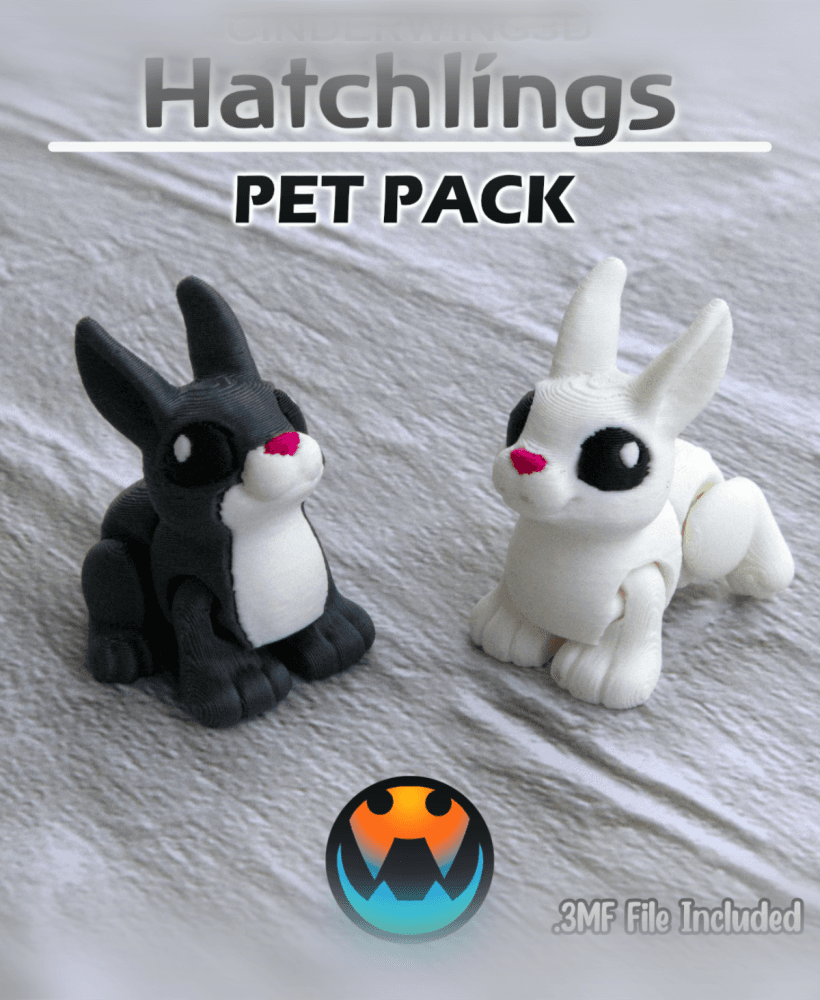
Rabbit - Hatchling
I tried to print it gets to about half way and the layers shift i thought it might be my printer but i put on another printer and did the same thing. The baby one printed great. This is the first time i have had any problems at all and i have printed most every file i have gotten from you and all have been great. I am a veteran to and like to use vet things when i can. And could you do some military dragons some time it would be great.
Slow it down and switch your settings to solid infill concentric, and the sparse density to gyroid.
I had 2 massive fails before I finally gave up and slowed my print WAYYYYYYYYY down.
Hey there! Layer shifts are 99% of the time a mechanical thing, meaning the nozzle probably knocked it! Brims can help, but so can checking your cooling and drying your filament!
I tried it on 2 diferent printers did same at the same place and have printed a lot on the same 2 printers after I tried the solar dragon and have not had any problems. The dragon was stuck to the board so it didn't move i don't know what is going on but thanks for your responce
If you’re printing in Silk, drop it down to between 100 and 50 for allllll the speed settings.
There’s something about the geometry as you get to the head and tail about midway through with the bedslingers that causes some weird issues.
Slowing the print wayyyyy down fixes it.
Yeah in cases like this I'd recommend joining the Discord as it's much easier to properly troubleshoot!
invalid values found in 3mf ? raft first layer -1 not in range?
Try redownloading it! I fixed it!
thank you