




Note Card Square - MagSquares
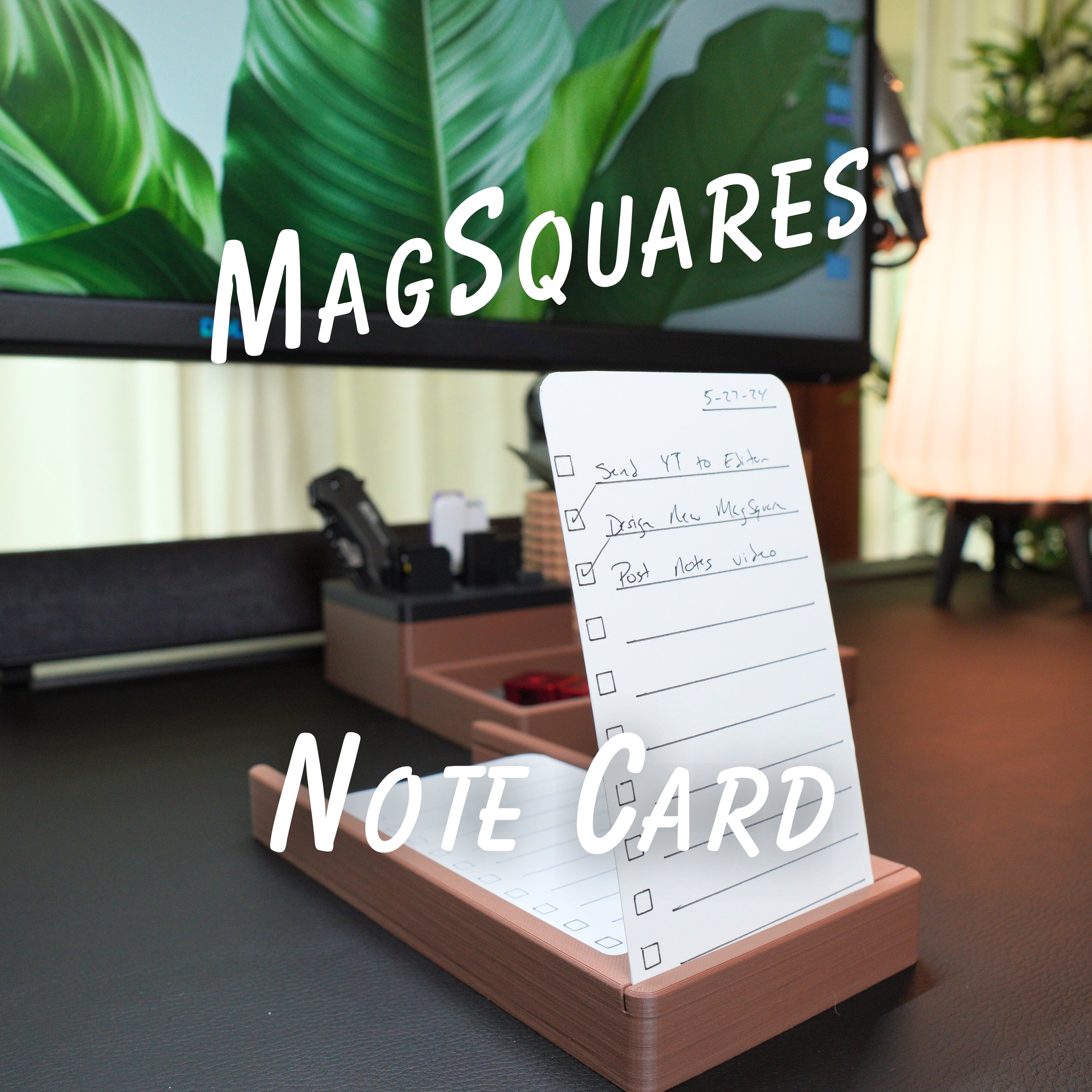
The 1x2 Note Card square is for those of us that still reach for a pen and paper when needing to keep track of quick notes or todo tasks through out the day. I often find myself trying to use the digital tools to keep track of tasks but ultimately I always find myself back with the pen and paper.
In order for it to work within the MagSquares system you are limited to a note card size of 3"x5". I'll link to the cards I purchased below.
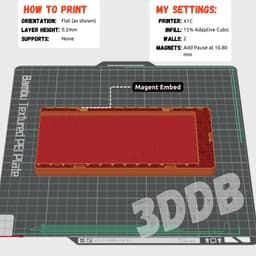
It prints just like all the other MagSquares with a pause at layer 54 (if printing at .2 layer height) to insert the magnets.
My Print Settings: Layer Height: 0.2mm Infill: 15% Adaptive Cubic Supports: None
Make sure to check out the MagSquares Collection to see a full list of MagSquares currently available.
Supplies: Note Cards Magnets Felt
Note Card Square - MagSquares

Desk Cable Holder

Universal Charging Tray

DeskClamp Headset Attachment

DeskClamp Controller Attachement

DeskClamp Hub

The "Flute" Wall Planter

The "Verdant" Wall Planter (Improved Design 2025)
Christmas Ornament Hollow Slices

Hallow Christmas Tree Slices with Star! ⭐
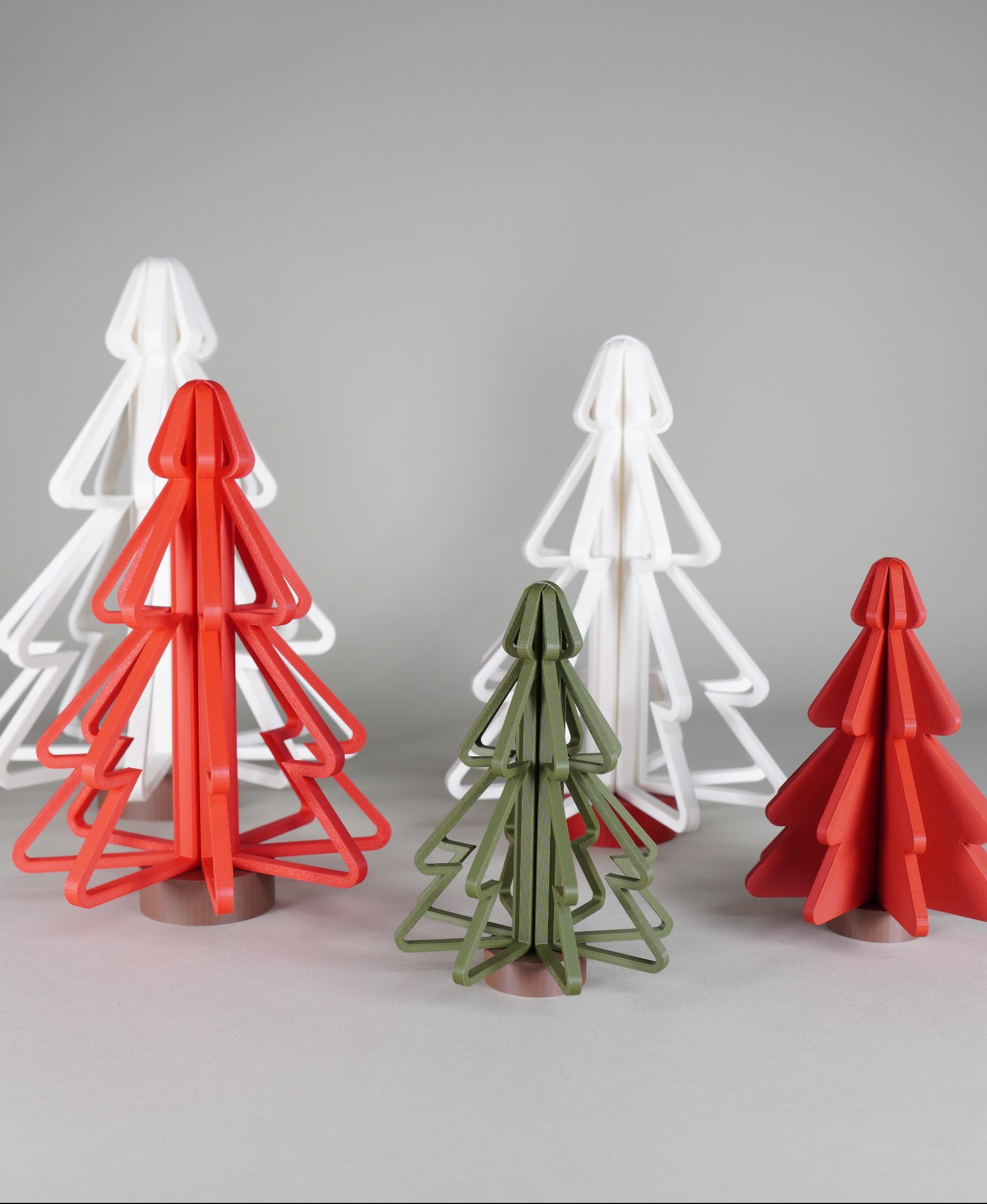
Hallow Christmas Tree Slices

Snowman Slices
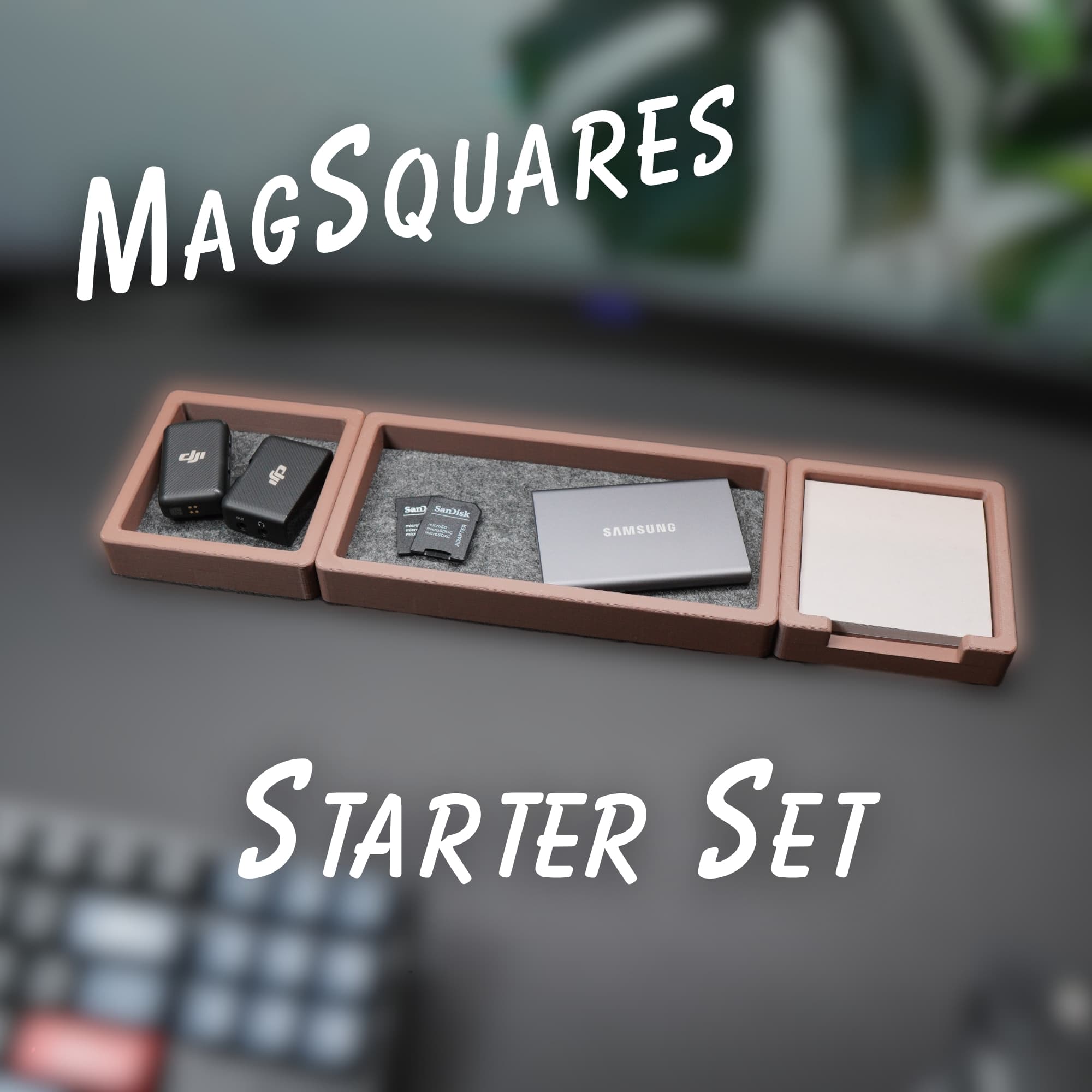
MagSquares - Starter Set
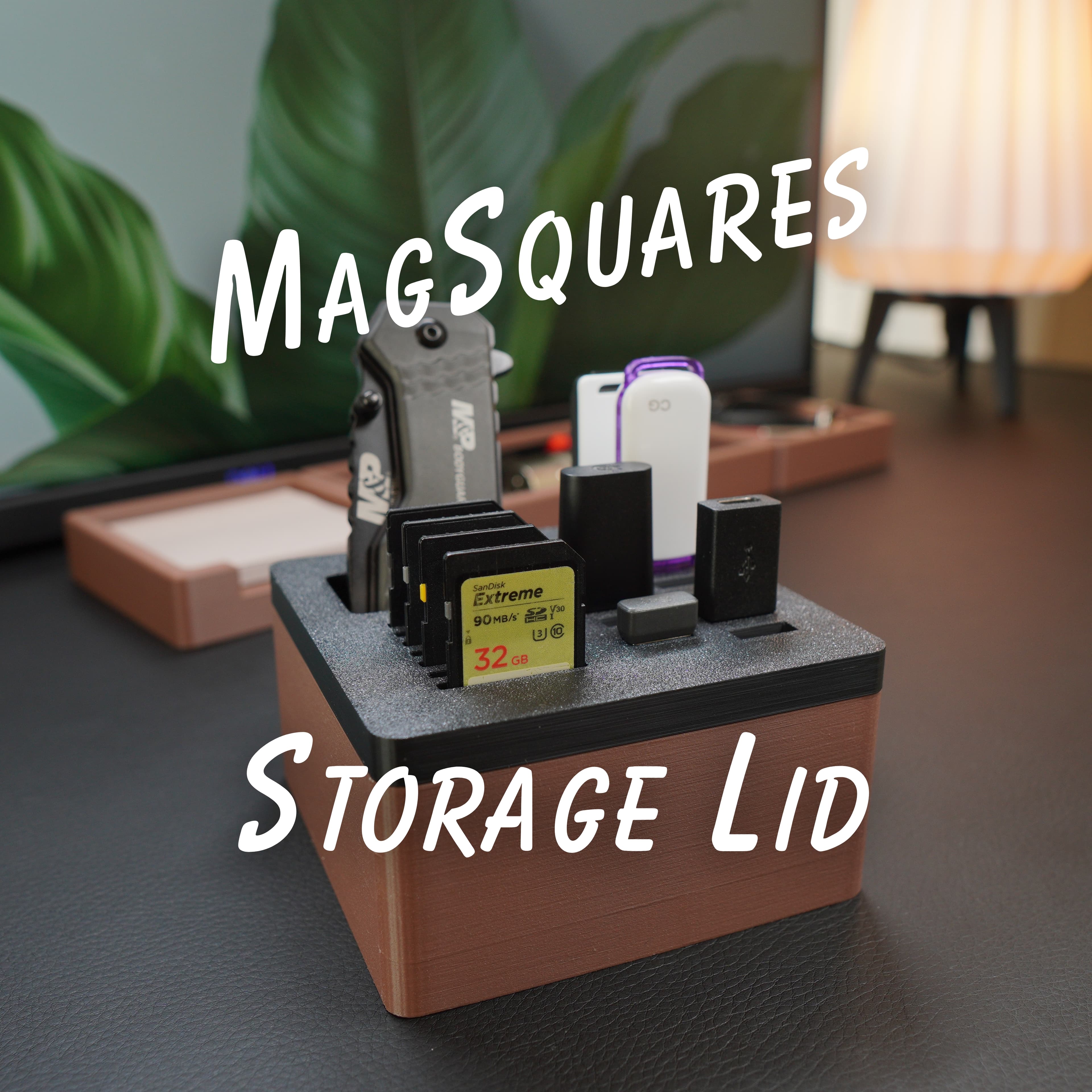
1x1 Storage Lid - MagSquares
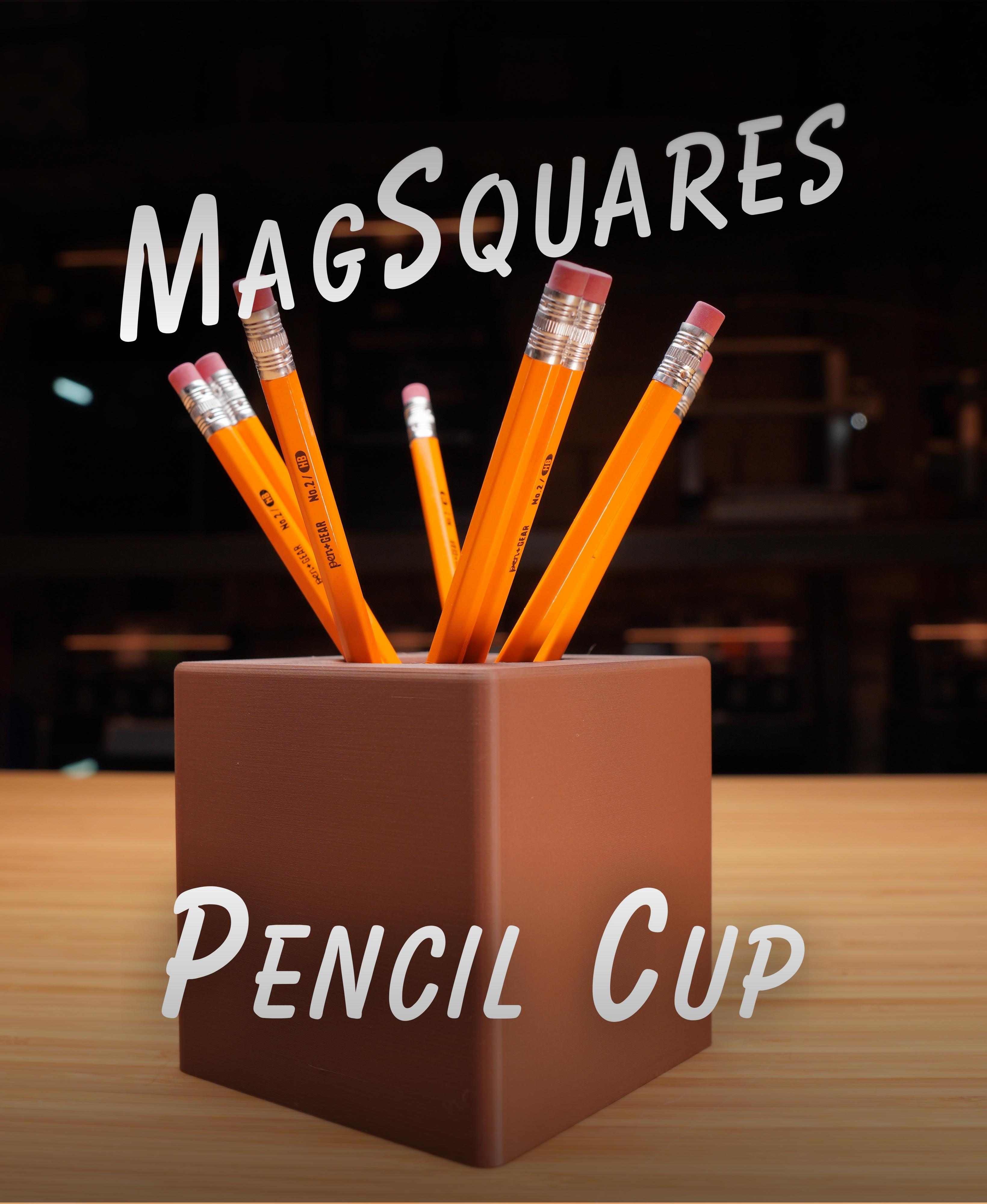
Pencil Cup - MagSquares
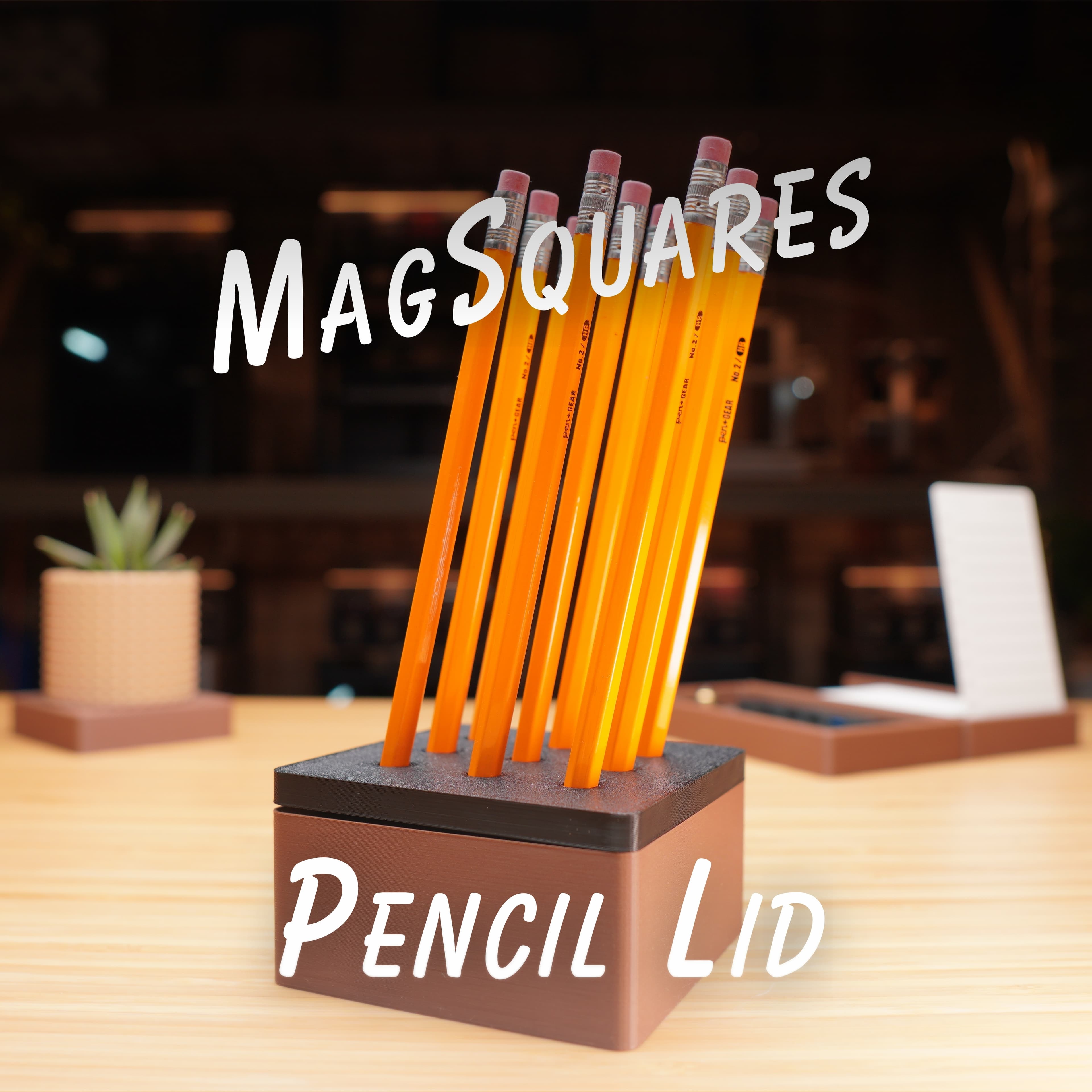
1x1 Pencil Lid - MagSquares
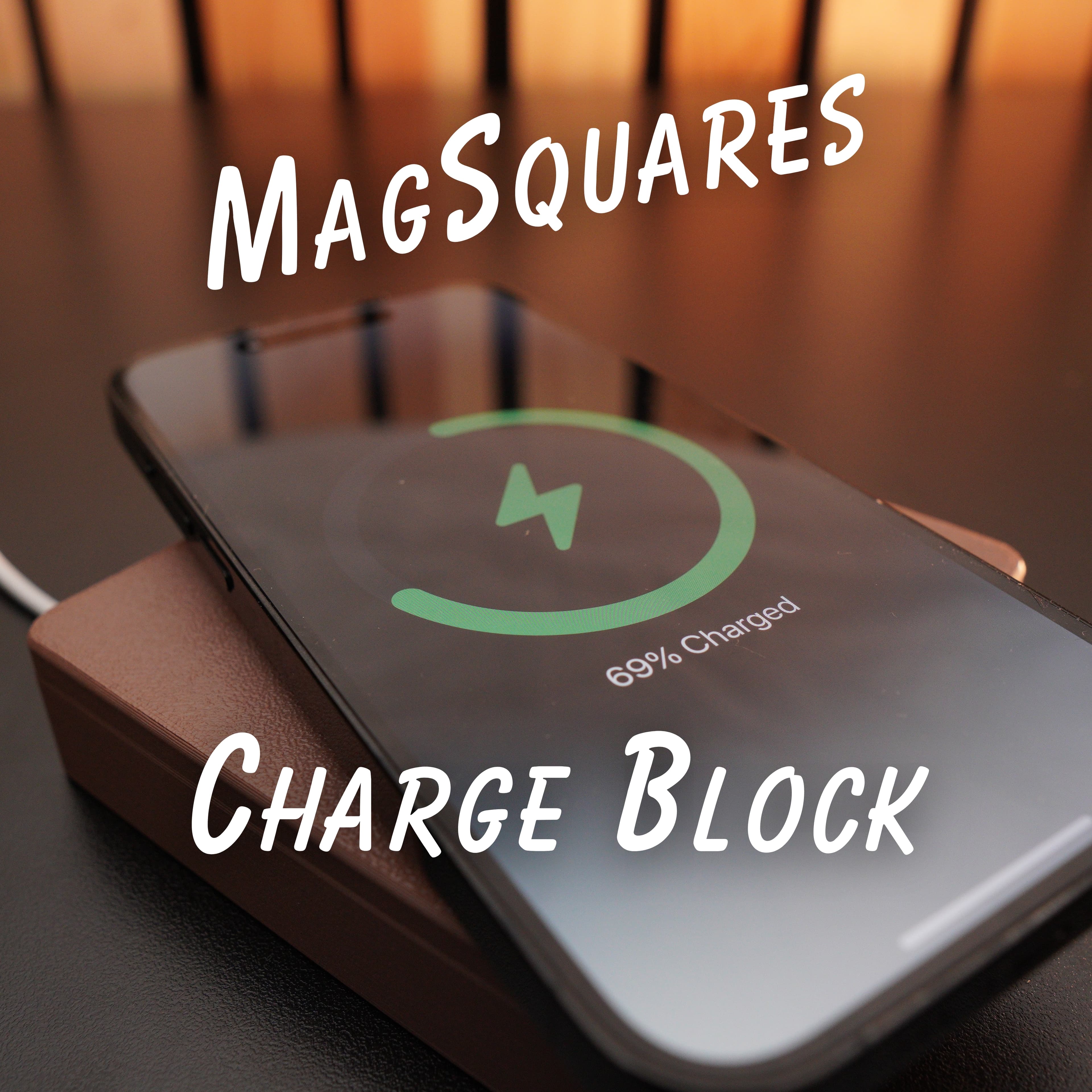
1x1 Charge Square - MagSquare
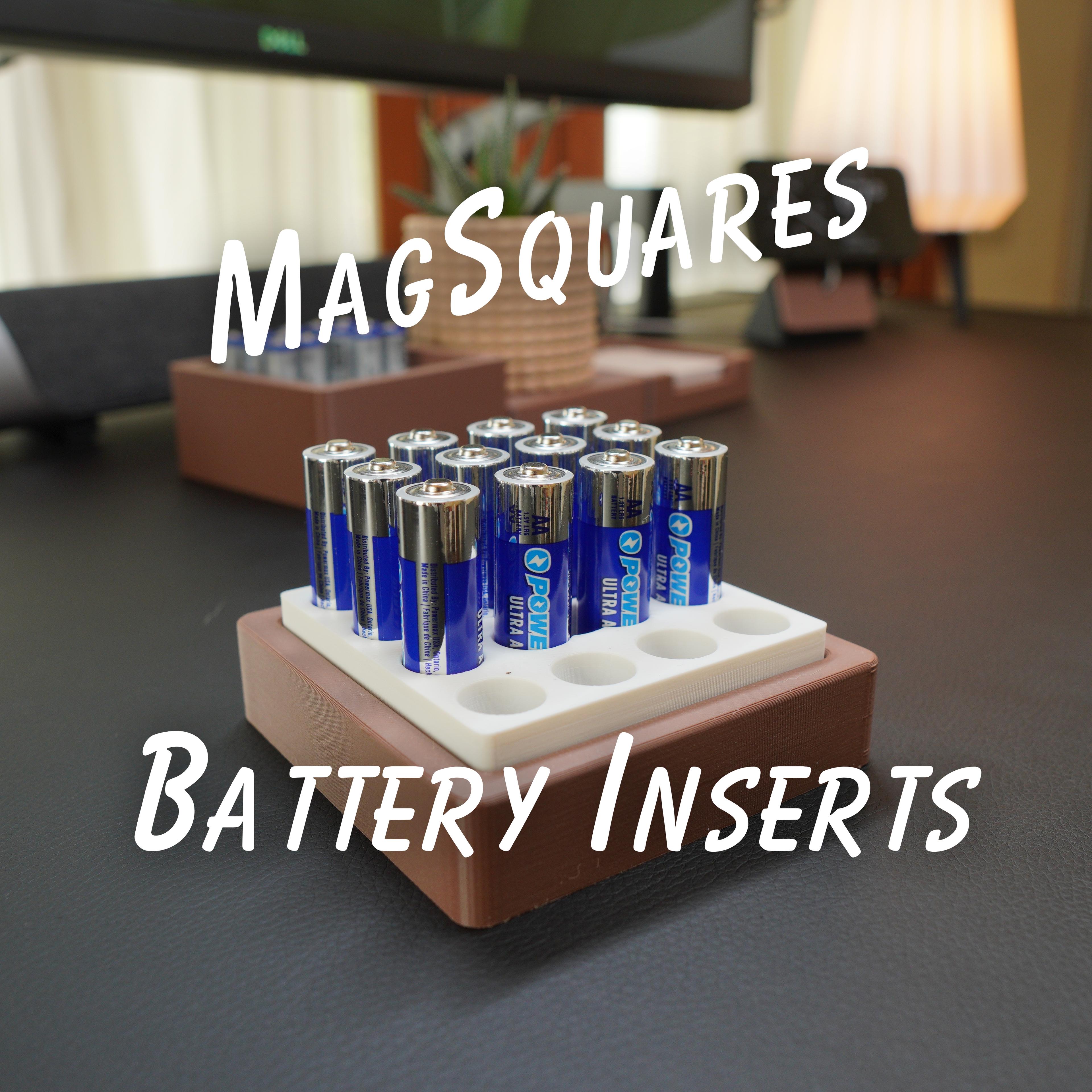
Battery Inserts - MagSquares
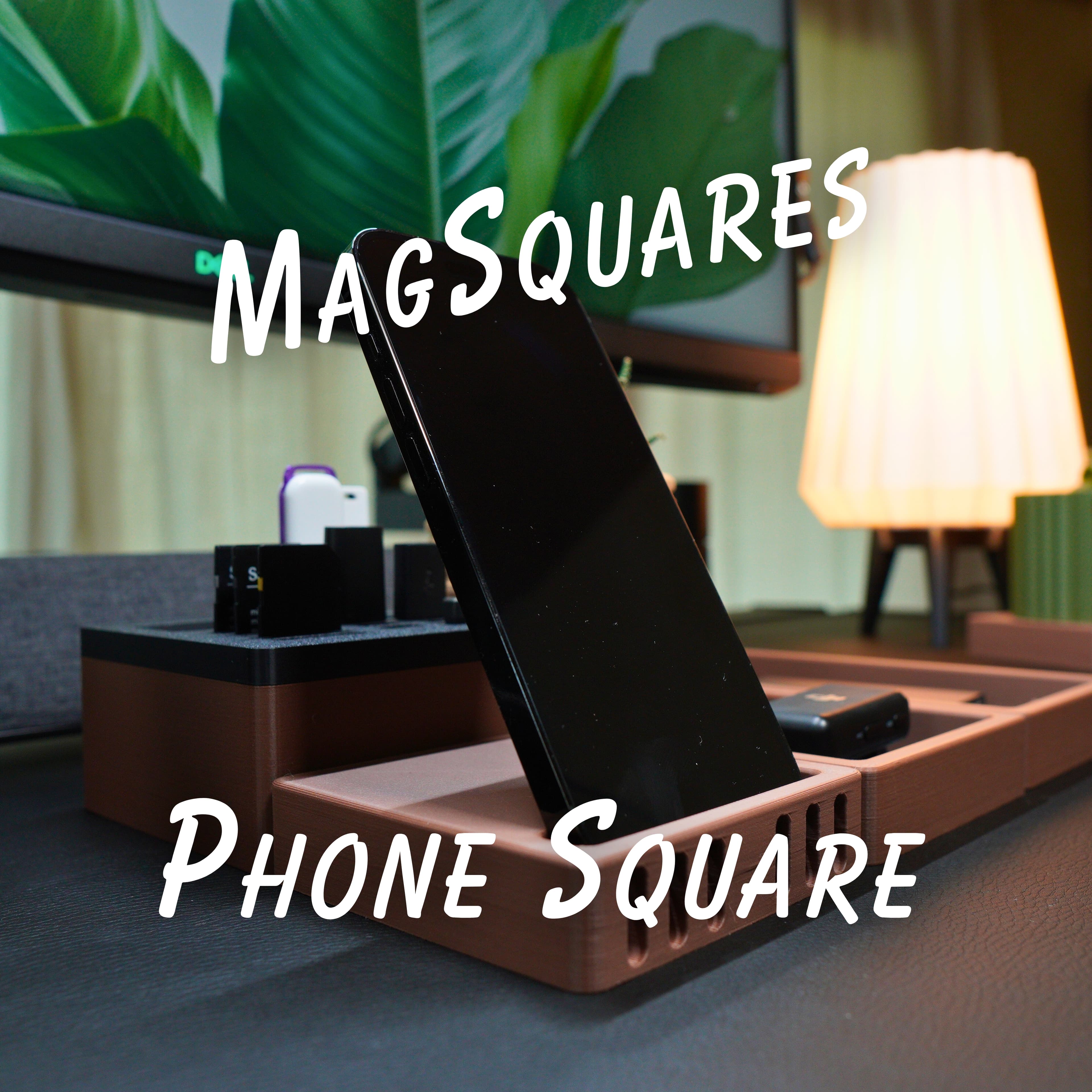
1x1 Phone Square - MagSquares
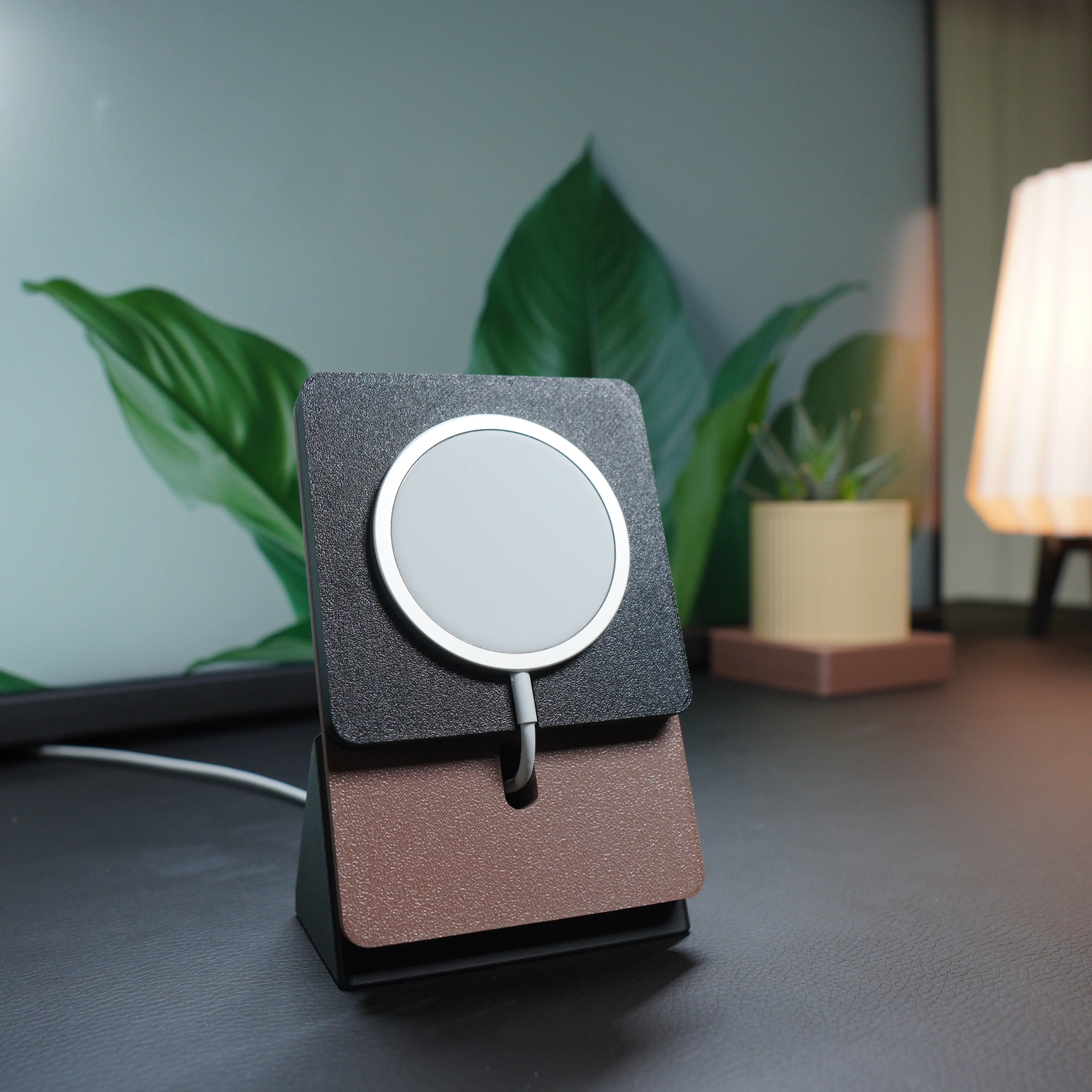
Magsafe Phone Stand
I'm excited about this print, but I seem to get continuous failure on the ToDo Template in particular. I've tried a variety of PLA, such as PLA and Matte, and it keeps stringing. Are there additional settings I should consider? I'm printing off a Bambu Lab X1 Carbon with a Textured PEI Plate.
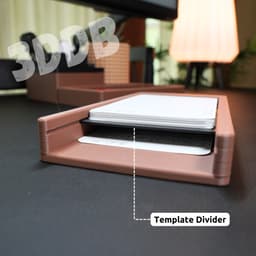
There is a lip on the underside of the template so it wraps over the note card. Make sure you are printing it upside down otherwise you'll be trying to bridge alot.