


Collapsing Katana Sword
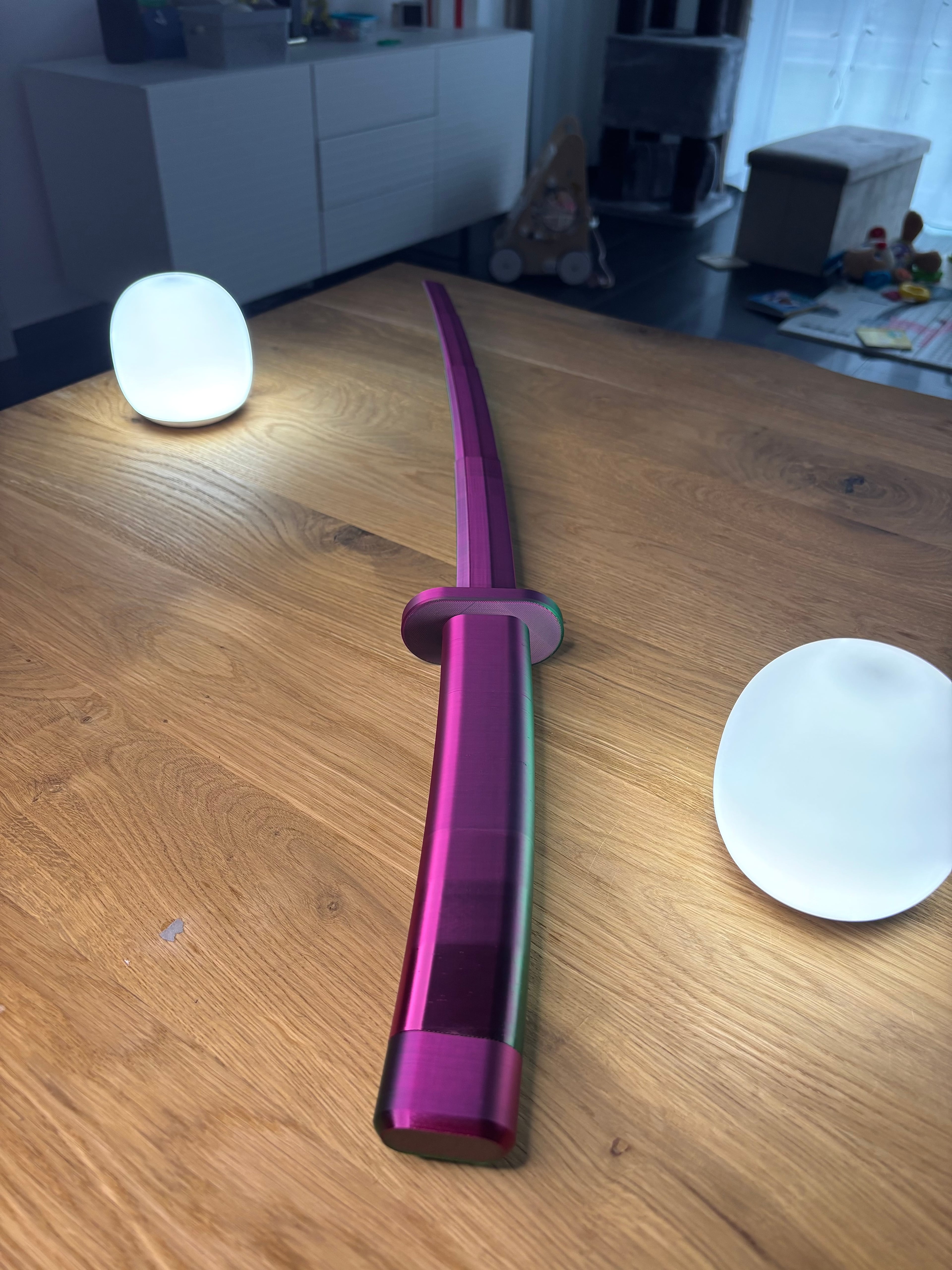
5.2K downloads · 1 year ago · **The collapsing Katana sword is the perfect gift. It looks great - it is simple to print - it makes
The collapsing Katana sword is the perfect gift. It looks great - it is simple to print - it makes lot of fun to play with that thing! No supports! Print In Place! Have a nice print guys!
PRINT SETTINGS:
- printer: common BambuLabs
- NO supports!
- 2 Wall Lines
- Nozzle: 0,4 mm
- Infill: 10%
- Infill Pattern: I always recommend Gyorid (as an Engineer I know that the Gyroid Pattern is always the best choice because of its stability and strength)
- material: Spectrum PLA Magic SILK (Official website), Spectrum PLA Crystal Frozen Berry (official website), Spectrum PLA Matte Black (offcial website), Spectrum PLA Premium Wizard Green (official website) :)
- If you have any questions about printing, feel free to contact me on Discord or just on Thangs.
- I recommend to put some glue on the print bed to get an 100% print after all!
IMPORTANT This model is for private use only. If you want to sell this model, you must join my EPIC - MERCH plan. Once you have entered, you will find all of my models there, which you can also sell commercially.


Collapsing Katana Sword
5.2K downloads · 1 year ago in and

Universal Controller Stand - Inspired by Deadpool

Universal Controller Stand - Inspired by Wolverine

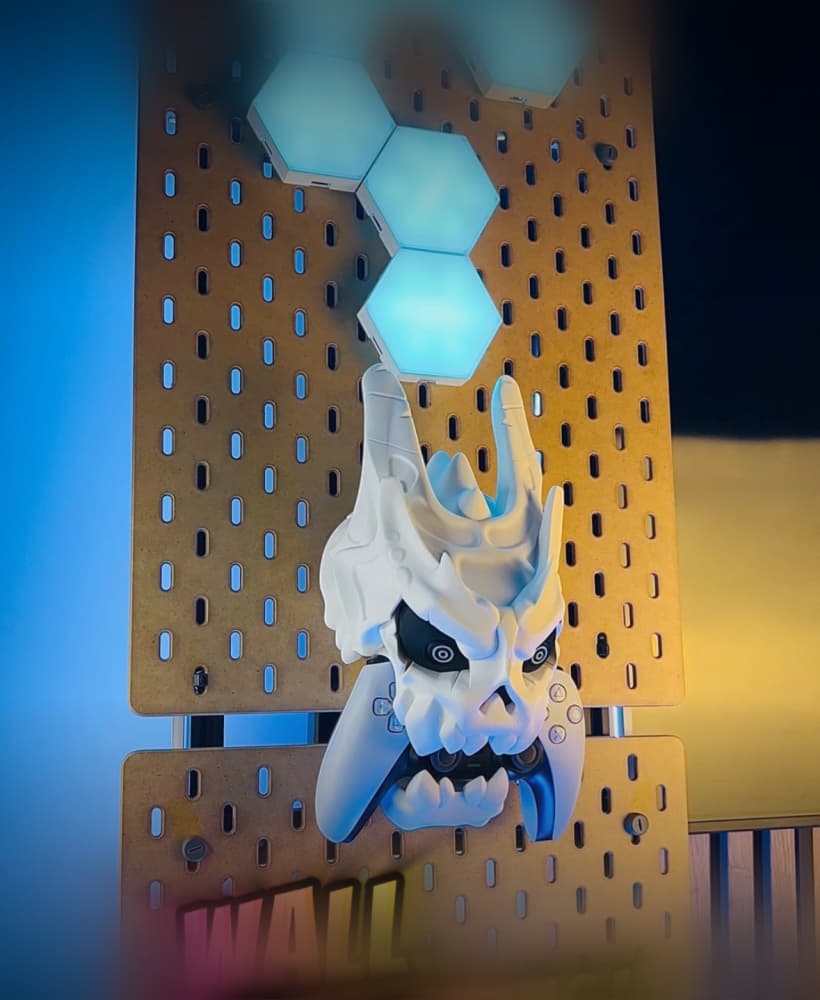
Universal Controller Stand - Inspired by Ryu from Street Fighter

Predator Universal Controller Stand

Protection Glasses Case - Inspired by Milwaukee
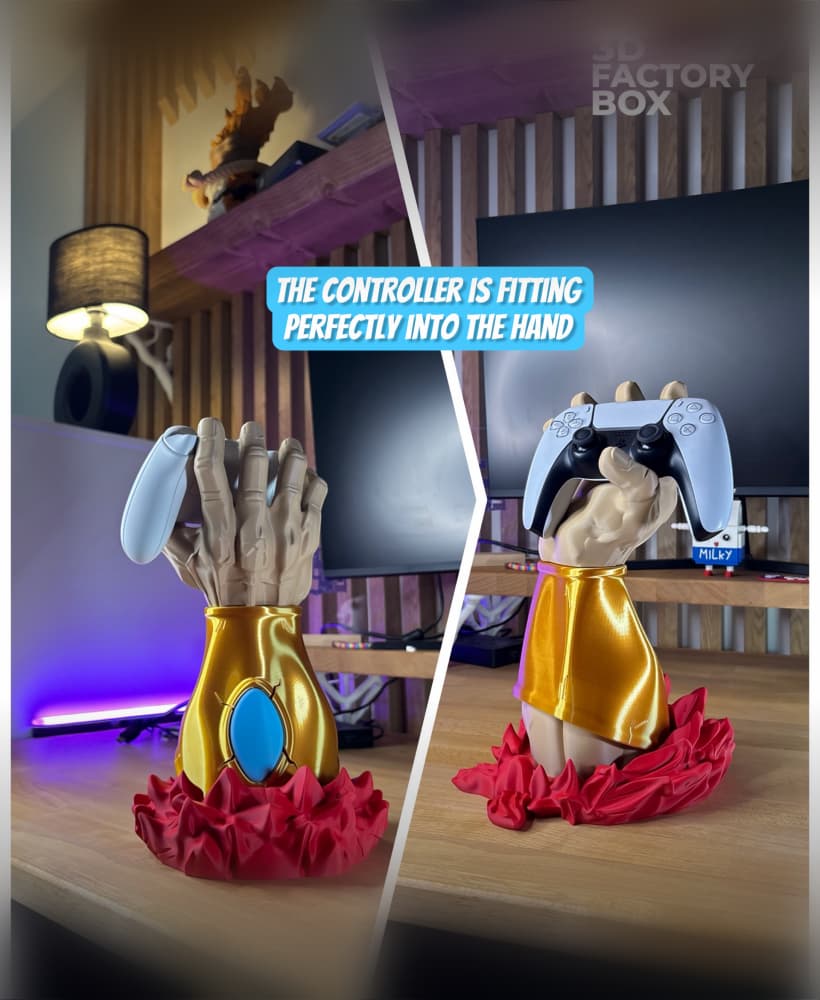
DIY Universal Gaming Controller Stand - Inspired by Prince Broly (Old Version)
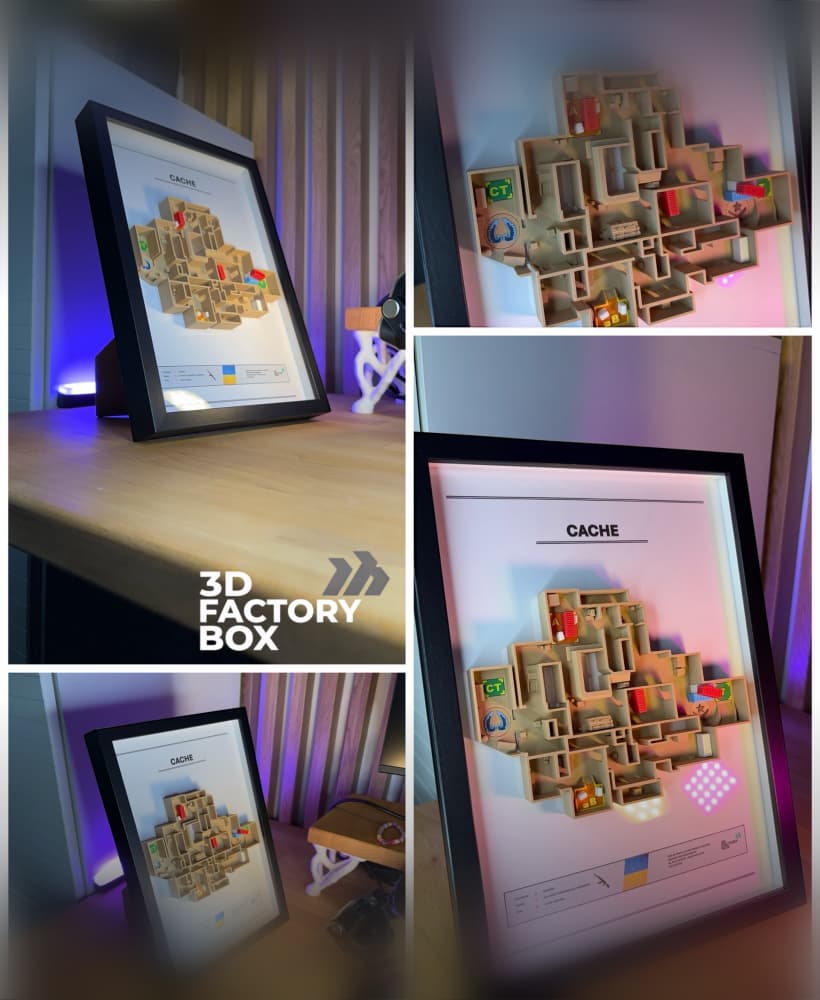
3D Printed Gaming Map - Inspired by "Cache" Fan Art
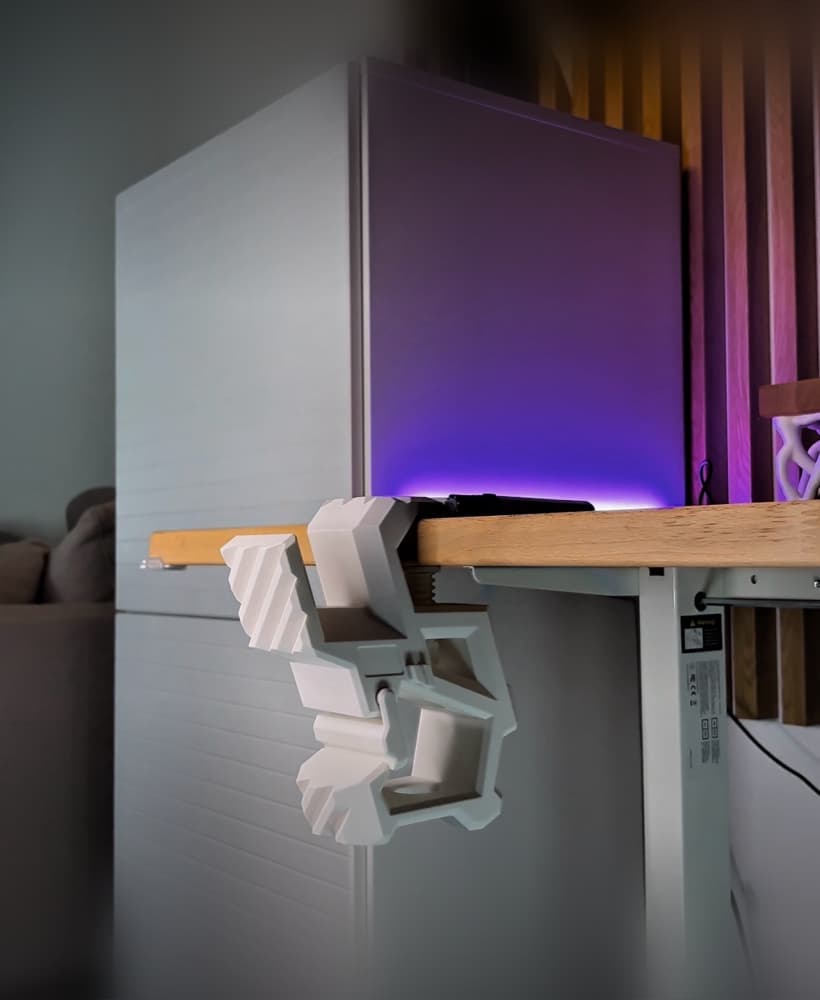
Mechanical Gaming Desktop Stand
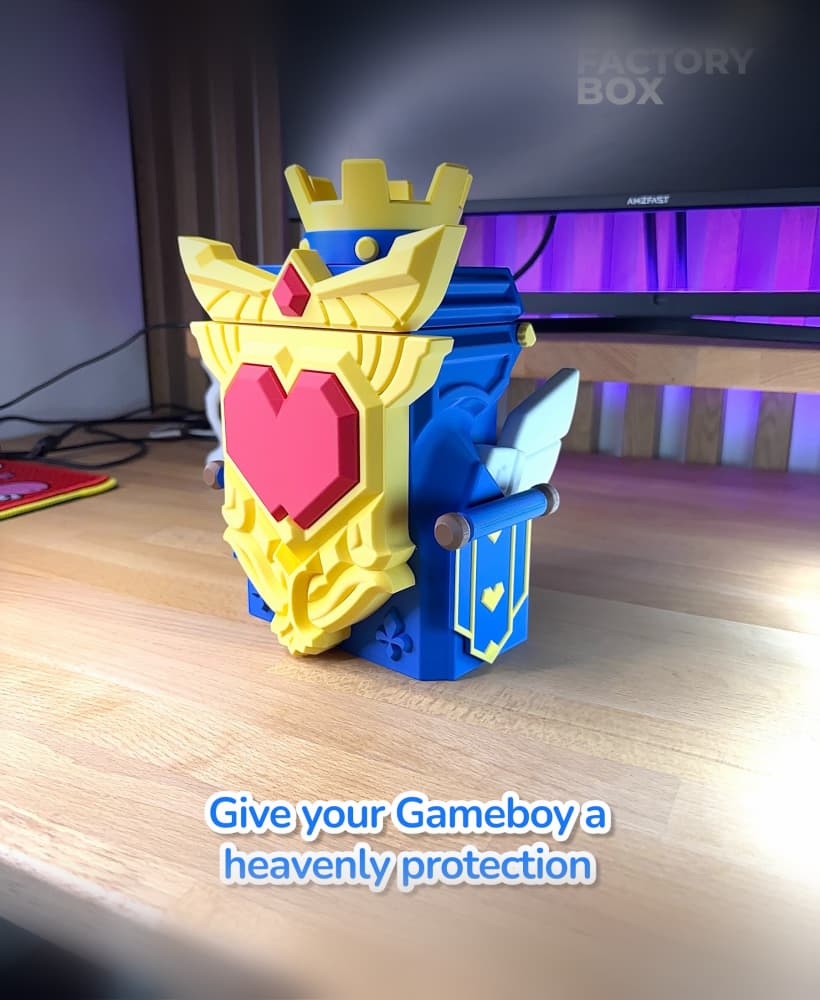
Gameboy Box - Inspired by Medieval Tower Games
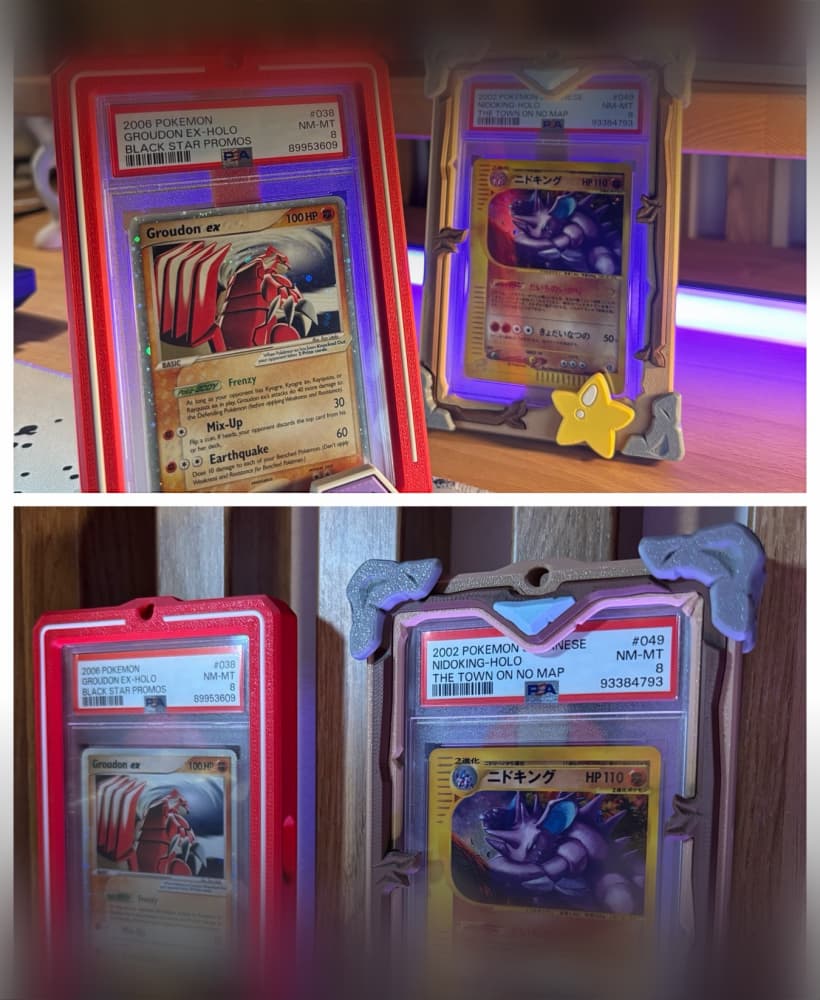
Graded Card Case - 3 in 1 Slab Case

Diorama Switch2 Stand - Inspired by furniture like Kallax from IKEA

DIY Universal Gaming Controller Stand - Inspired by Broly

Modern Desk Organizer - for Pencils and More
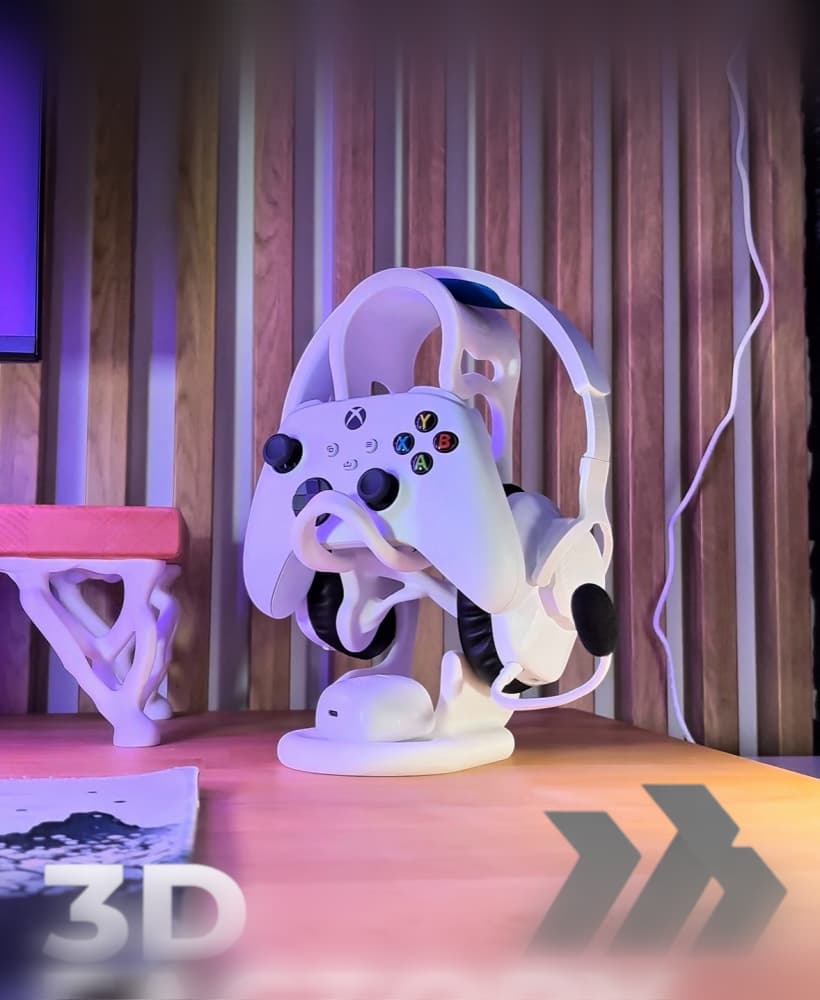
Gaming Combi Stand - Generic Version (minimalistic deco)

Anime Based Phone Snail - Universal Controller Stand
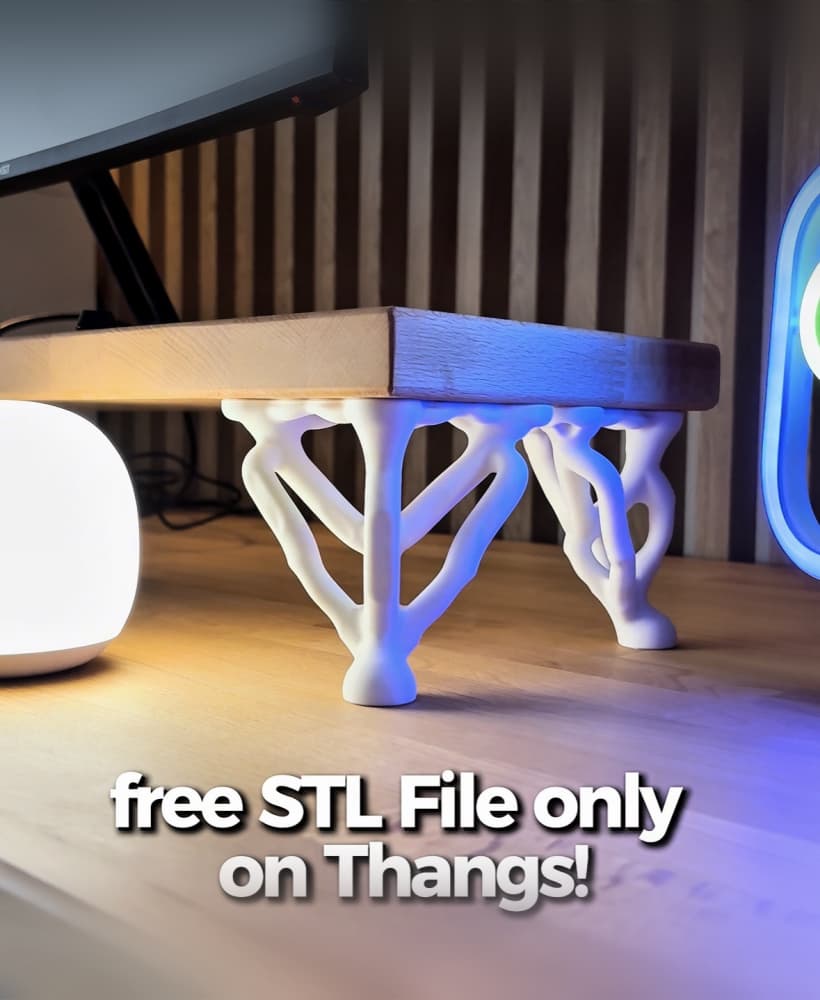
Generative Table Legs

Santas House Diorama - Christmas Home Decoration
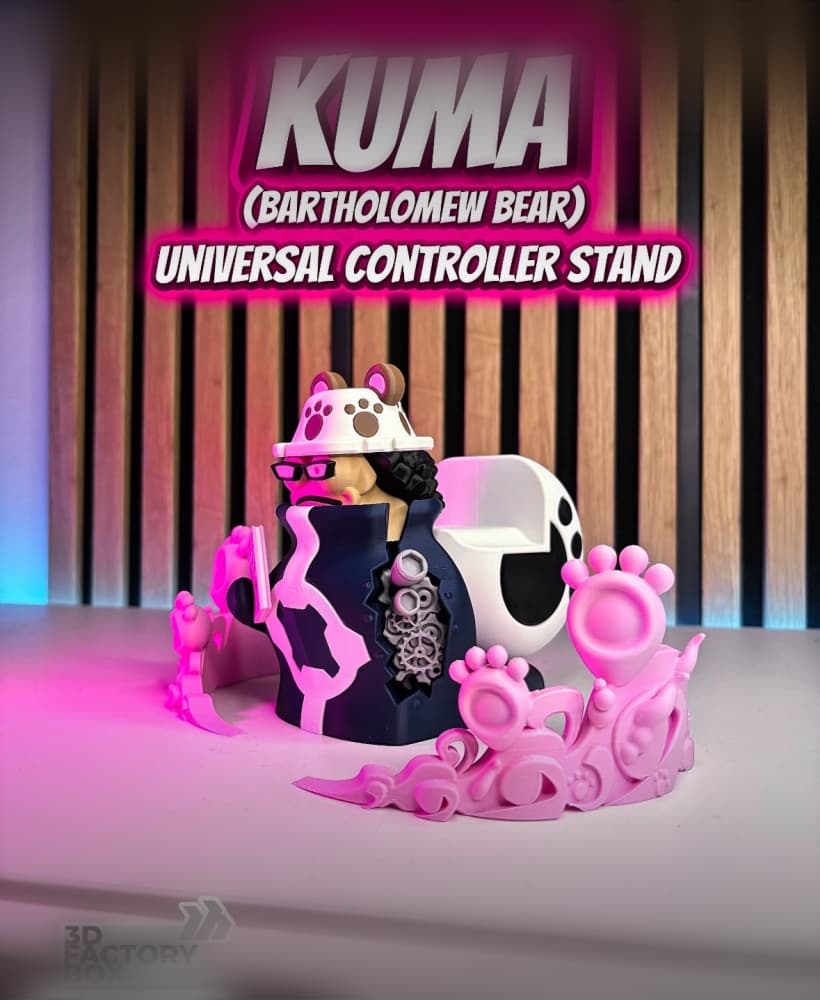
DIY Universal Controller Stand - Bartholomew Bear Inspired by One Piece
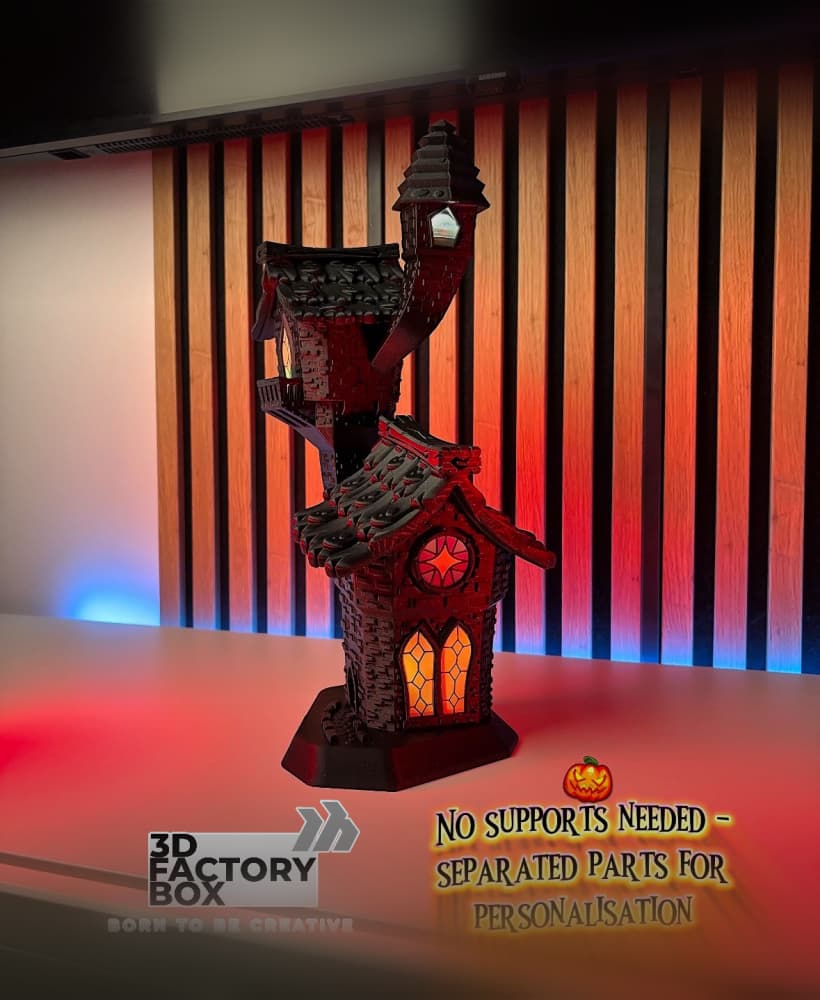
Spooky Church - Halloween Special - No supports
Oh my god - I love it! Gold and Black is the perfect combination :)
i use the elegoo neptune 3 pro with PETG and it turned out great!
Hi,
Have you ever tried placing the sword somewhere other than directly in the middle of the print bed?
Did you slice the STL with the settings I recommended in the description?
Do you need glue?
Hi, No!
Hello, can you print on a resin machine? I have an elegoo 3 ultra 12k?
I never tried it - but if you want to try it on a resin printer, let me know how it is running :)
"(as an Engineer I know that the Gyroid Pattern is always the best choice because of its stability and strength)"
As an engineer you should know Cubic is stronger, prints faster, uses less material, and wont shake your printer off the table like Gyroid.
https://www.youtube.com/watch?v=nV3GbN6hLjg
Any time I hear the words "as an engineer" I immediately doubt whatever comes next. Gyroid is pretty (for see through prints) and can allow for filling with epoxy while still being strong (but if you are filling with epoxy its mostly moot), but cubic is superior in every other way.
Skill issue
How is this different from the 3d printing world one?
I don`t know 3d printing world.
how do you slice the blade whenever i slice it standing up it warns me that there are floating parts
I slice it just like other things I slice. Choose a flat side of the model and place it flat on flat onto the print bed. Easy :)
Infelizmente perdi filamento, pois todas as peças estão com tamanhos errados.
How have you printed this model? Have you used my G-Codes files for BambuLab printers or have you used your own printing settings on your own printer?