

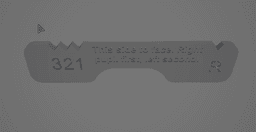


Quest IPD Gauge.stl
2 downloads · 3 years ago · Gauge to determine IPD (inter-pupillary) setting for Quest 2
Printing:
Use .2mm layer height, no su
Gauge to determine IPD (inter-pupillary) setting for Quest 2
Printing: Use .2mm layer height, no supports, no brim. The print will come out 90mm x 20mm x 3mm. It uses the IPD distances of (1) 58mm, (2) 63mm and (3) 68mm as per Quest 2 headset settings.
To use the gauge, look in a mirror with the gauge positioned so that the right pupil is seen through the "R" notch, then seeing which notch the left pupil looks through.
Master Sword
Kurogane

Poison Bottle - Container Kit (No AMS, No Support, No Glue)

Final Cut - Knife Kit (No AMS, No Support, No Glue)

Coal Grenade – Prop Kit (No AMS, No Support, No Glue)
Rumi's Sword- Sword Kit (No AMS, No Support, No Glue)

Energy Sword – Halo Cosplay Sword Kit | No Supports, No AMS, No Glue
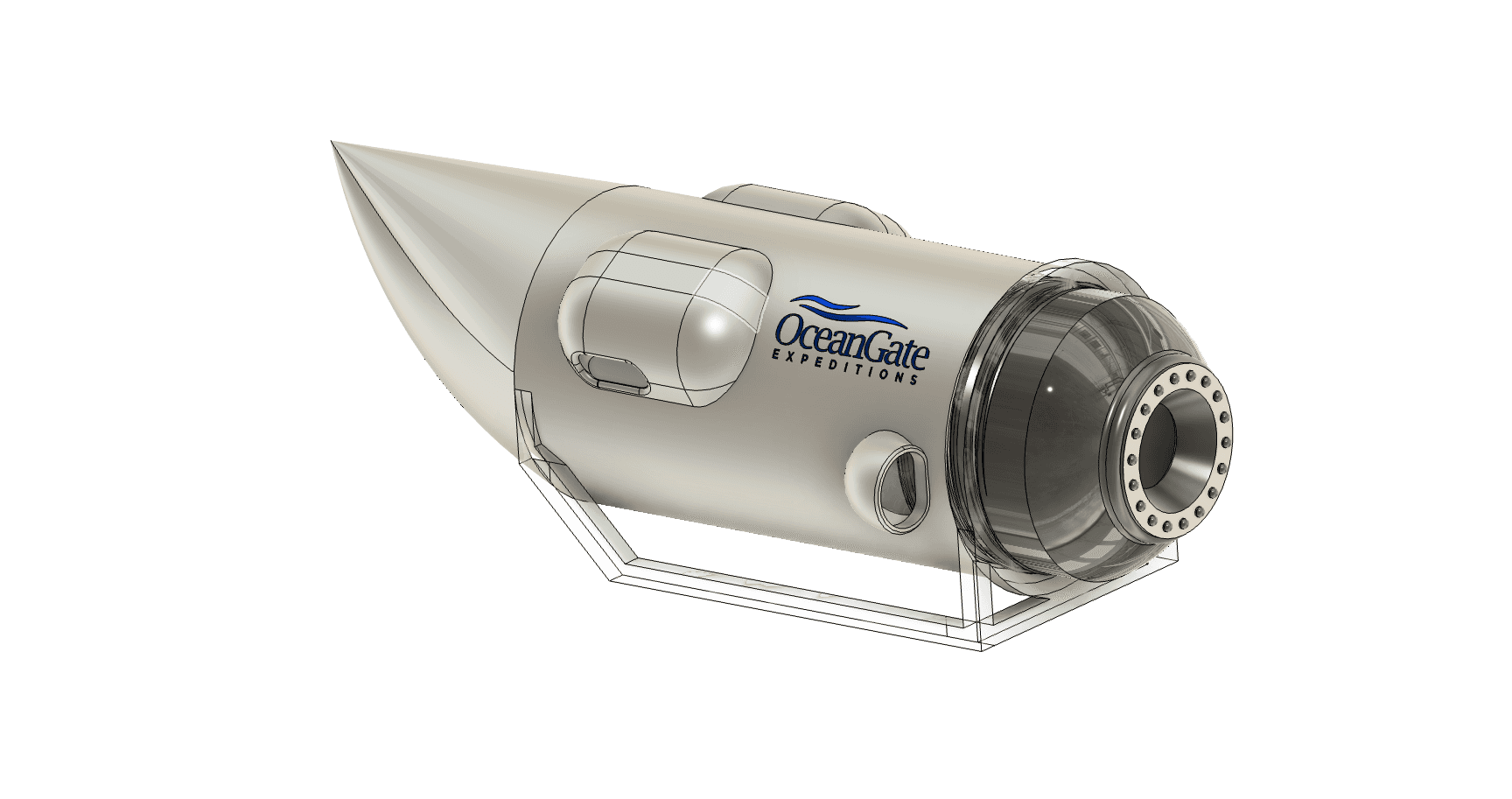
OceanGate TITAN STASH CONTAINER - Titanic Exploration Vessel that took our best millionaires

Viking Shield – Shield Kit (No AMS, No Support, No Glue)
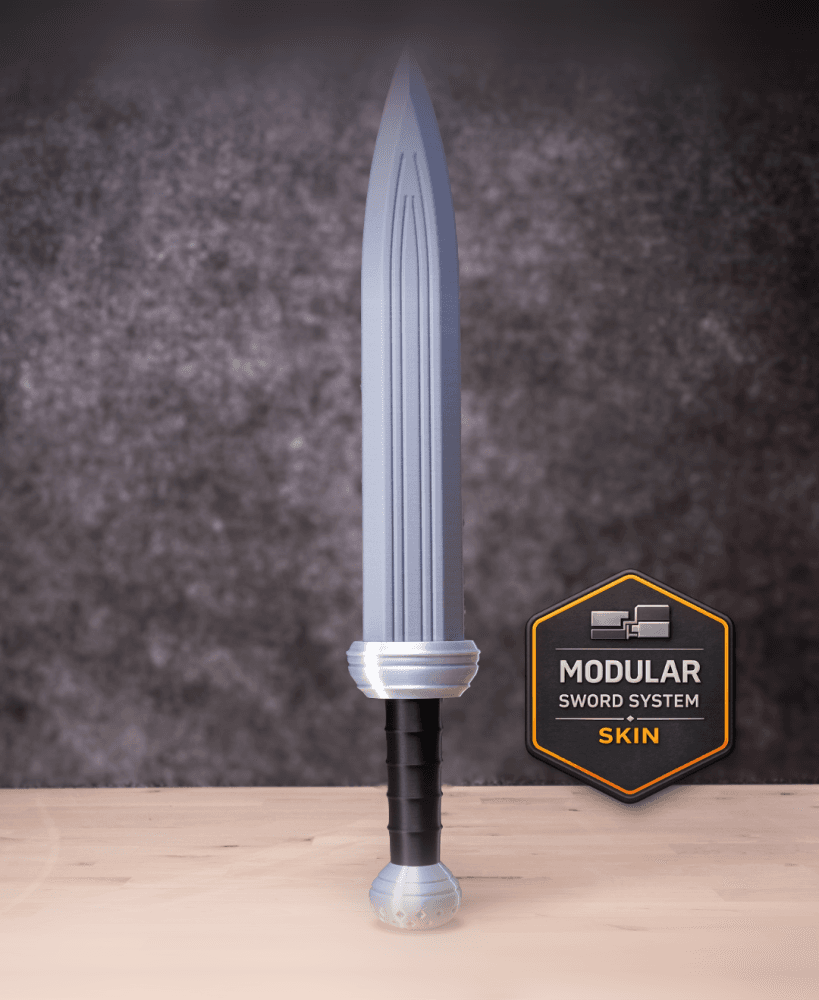
Short Sword 1 Modular Kit | No Supports, No AMS, No Glue

Aetherion Veil
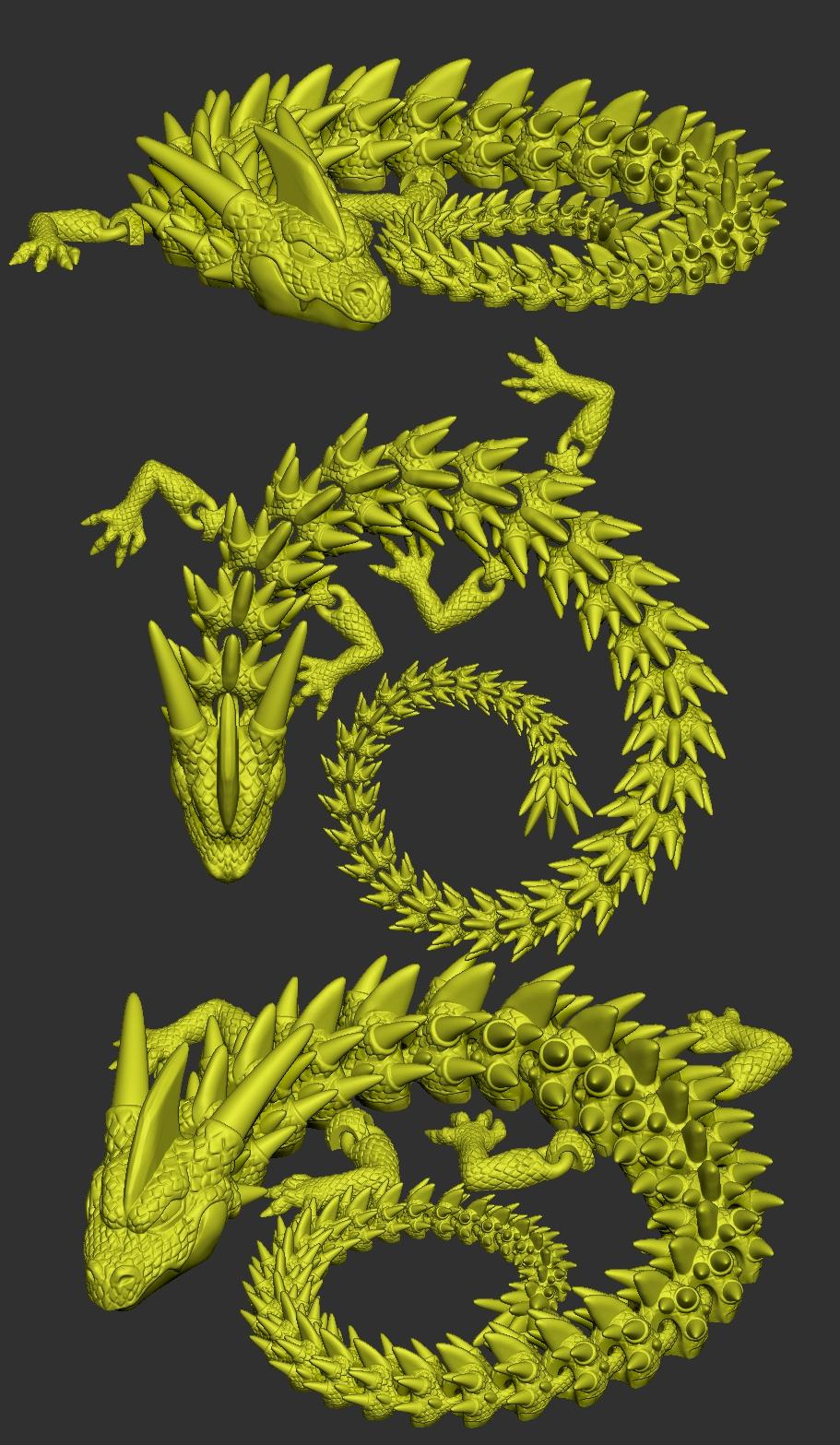
Golden Dragon
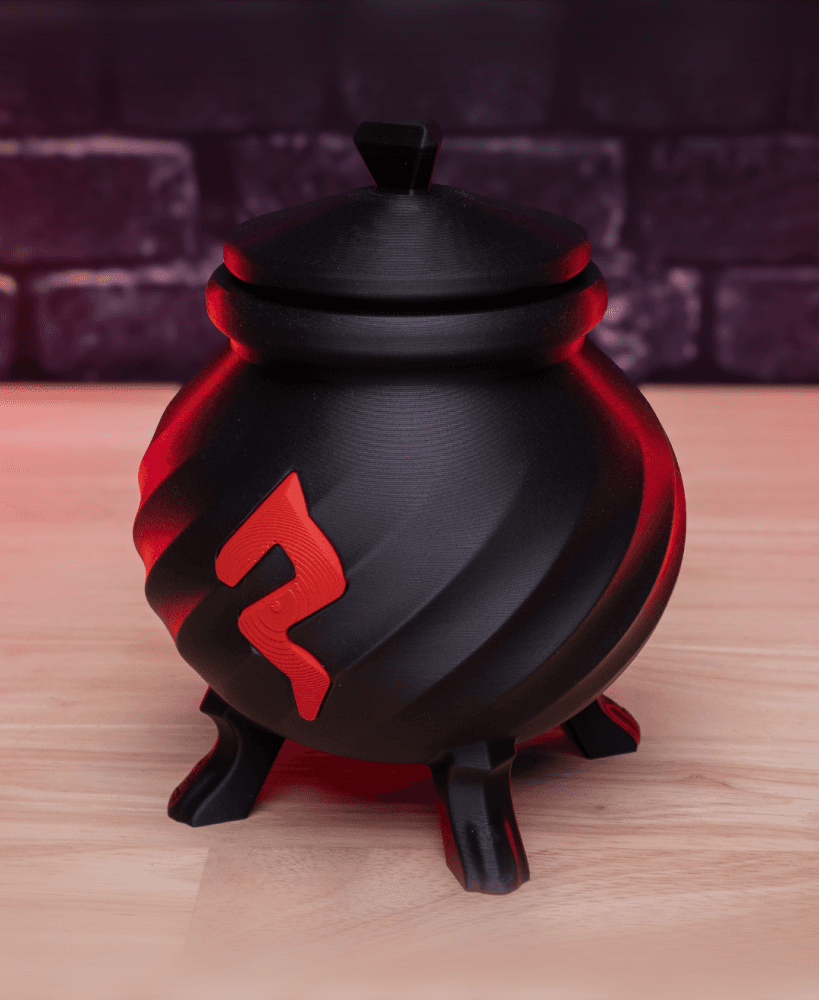
Blood Cauldron – Container Kit (No AMS, No Support, No Glue)
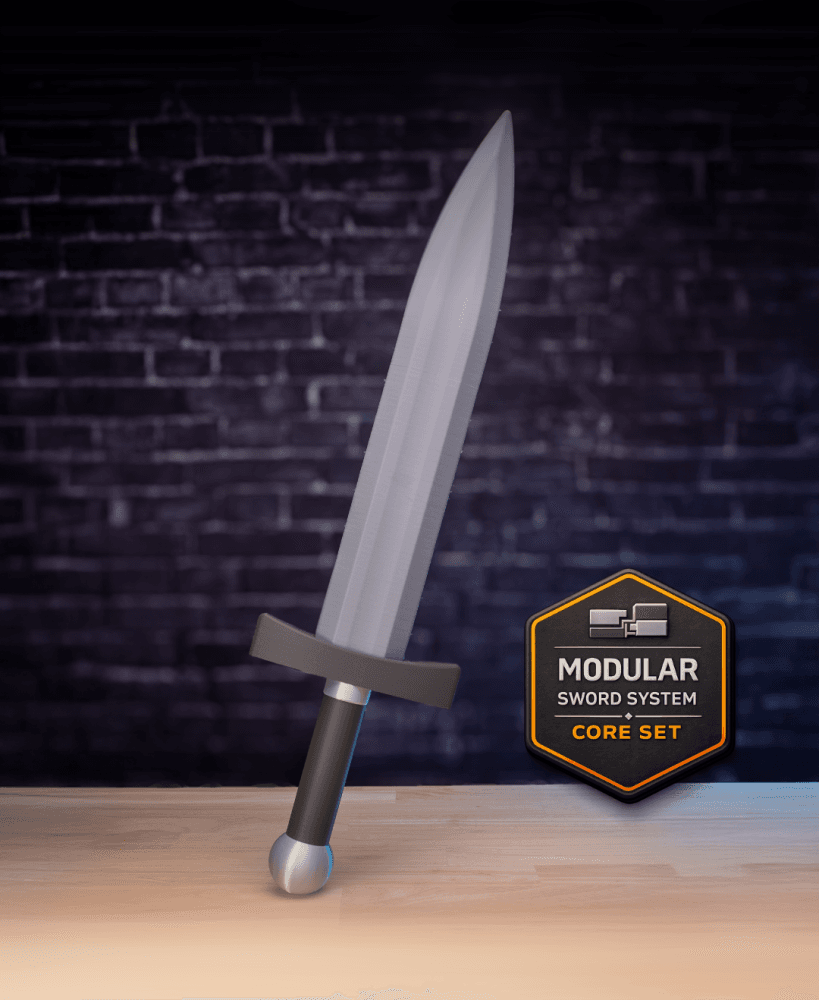
Core Modular Sword Kit – Sword Kit | No Supports, No AMS, No Glue

Rum Barrel Can Holder – Prop Kit (No AMS, No Support, No Glue)

Harleys Hammer – Hammer Kit (No AMS, No Support, No Glue)

Rumi's Sword 2.0 – Sword Kit | No Supports, No AMS, No Glue

Mjolnir

Mira's Glaive - Polearm Kit (No AMS, No Support, No Glue)
