Hanging American Flag
This flag has been updated to be hung!
You'll notice the position of the stars and stripes. When hanging vertically like this, in our point of view, the stars are supposed to be on the left side. In the flag's point of view, the stars are on the right side.
Printing Instructions: The 3mf file provided was created using Bambu Studio and has the following settings already configured.
- Layer height: 0.2mm
- Wall loops: 3
I've included a zip file with the model split up into different colors to make it easier to paint in the slicer. If you print them separately, you will not be able to glue them together (who would want to deal with that tedious mess, anyway?).
If you choose not to use the 3mf file, this is how you'd paint the model easily:
In Orca Slicer or Bambu Slicer (You can probably do this with other slicers, too, but I'm not familiar with them in order to give instruction), when importing, select Red.stl, White.stl, Blue.stl, and Black.stl then select "Open". The slicer will then ask "Load these files as a single object with multiple parts?" to which you will select "Yes".
At the left under the Process section, there's a toggle to change from Global to Objects. After you've toggled it to Objects you can now change the colors of each part in order to easily paint it.
Assembly Guide: Follow instructions on the provided assembly guide.
Make sure you have your build plate nice and clean to avoid adhesion issues. Either clean it with an ammonia based cleaner like Windex or clean it with high quality dish soap and warm water. IPA also helps, but not guaranteed to work.
Thank you for your time and consideration on this matter.
Feel free to join my discord for additional support, questions, or suggestions!
Hanging American Flag

Illuminated "Happy Birthday" LED Sign with Vine Frame

Helix Spiral Table Lamp - Mid-Century Modern Desk Light

Lamp 003 Base.stl

Cup 004 - Spiral Ribbed Desk Organizer / Modern Vase / Pencil Cup

Cup 003 - Chiseled Organic Vase / Pencil Holder

Glowing Castle Lamp & Tabletop Fortress

Birdhouse 002 - Mid-Century Modern Birdhouse & Succulent Planter
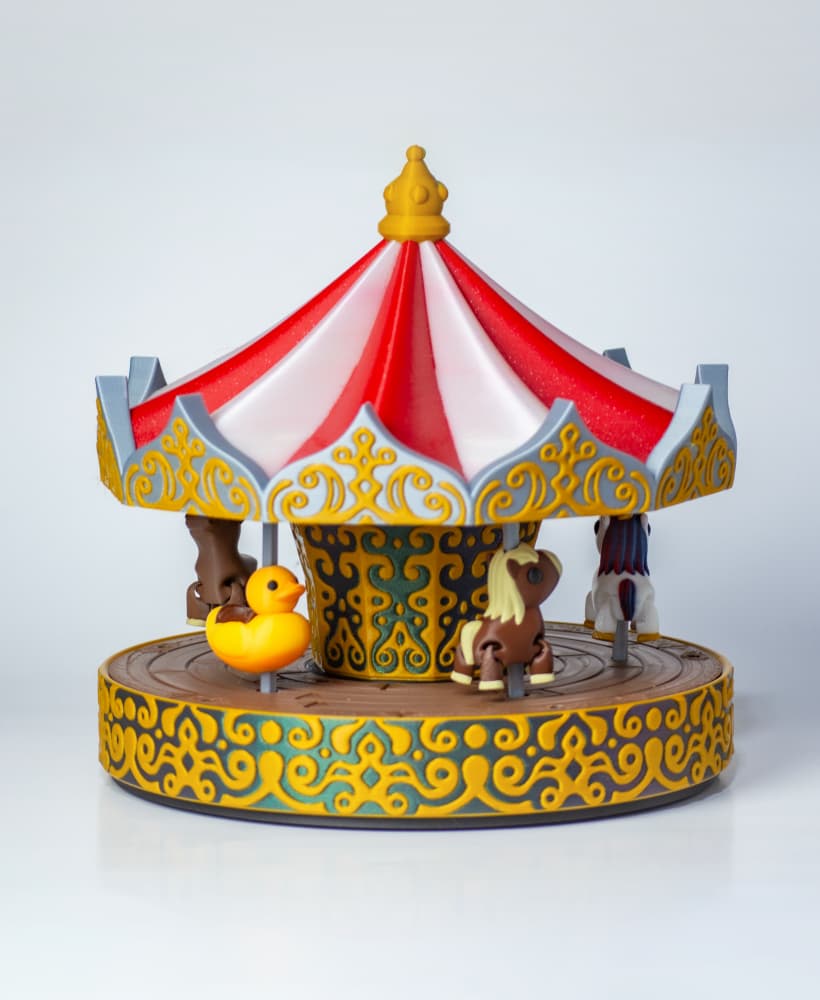
Carousel - Motorized merry go round

Bird House 001 - No AMS or other multi-color printer required

Floppy Stroopwafel

Dragon Egg

Twisty Egg Lamp

Dragon Egg Lamp

Egg Lamp 2.0

Vase 004

Cup 002

Bowl 003

Floppy Guitar Fish

Lamp 002