
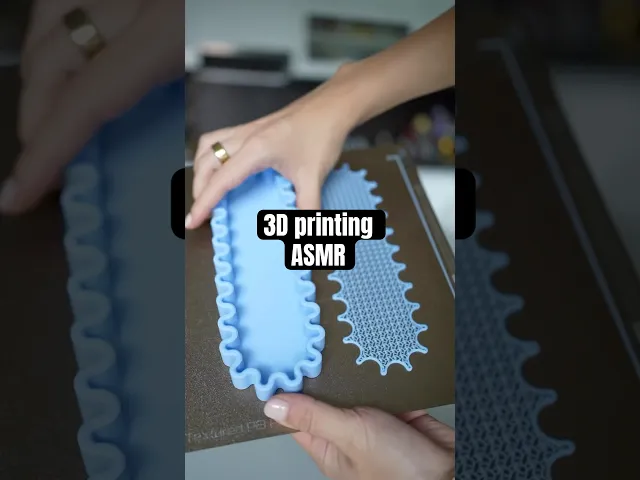


ZIGGLES - KEYS tray I PEN tray
ZIGGLES – Pen Tray & Jewelry Tray with Infill Mats
Part of the modular ZIGGLES series (check out another designs from this series organizer and stackable trays), these two wavy trays bring function and flow to your workspace or entryway. The Pen Tray (218 × 73 mm) and Jewelry Tray (227 × 133 mm) both feature the signature soft ripple design and come with optional insert mats that reveal a sculptural gyroid texture.
The trays are designed for everyday use — perfect for pens, keys, rings, or small accessories. The matching infill mats sit flush inside and add a flexible, breathable surface that feels both minimal and playful.
A small tweak in your slicer settings is required to achieve the exposed infill effect on the mats, but it's a simple adjustment. If you're using the included Bambulab .3MF file, everything is already set up and ready to go.
ZIGGLES - KEYS tray I PEN tray
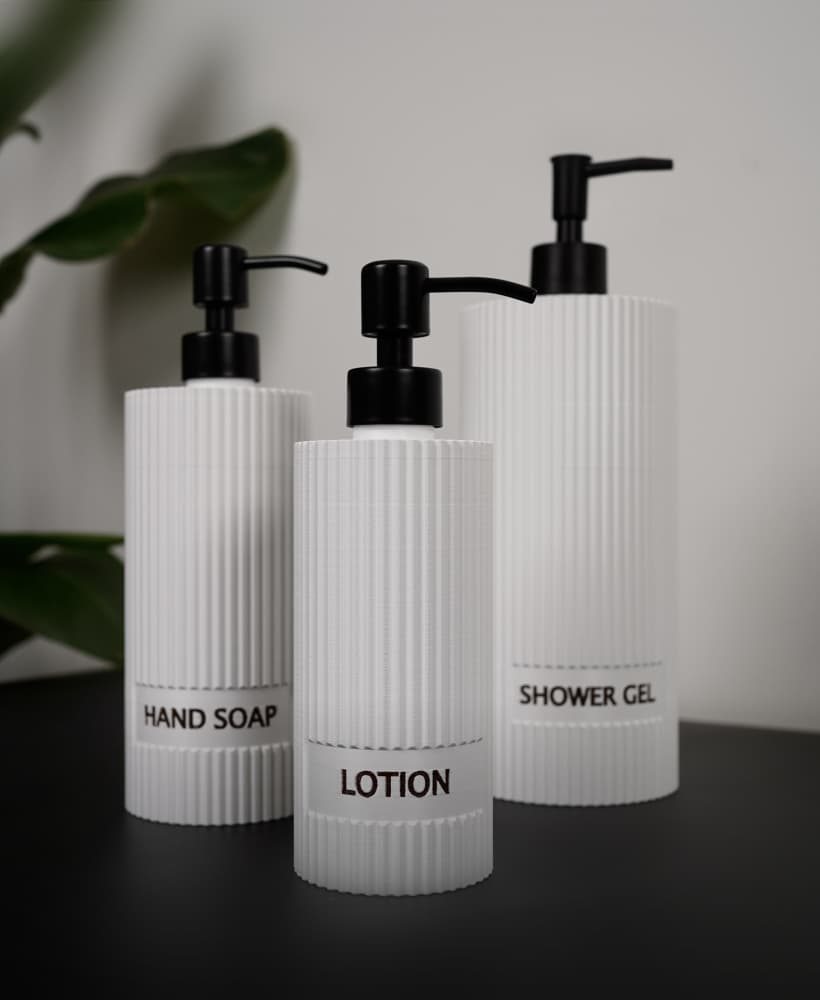
STRIELLE - Customizable Ribbed Soap Dispenser Set – large 1L, 500ml & 300ml
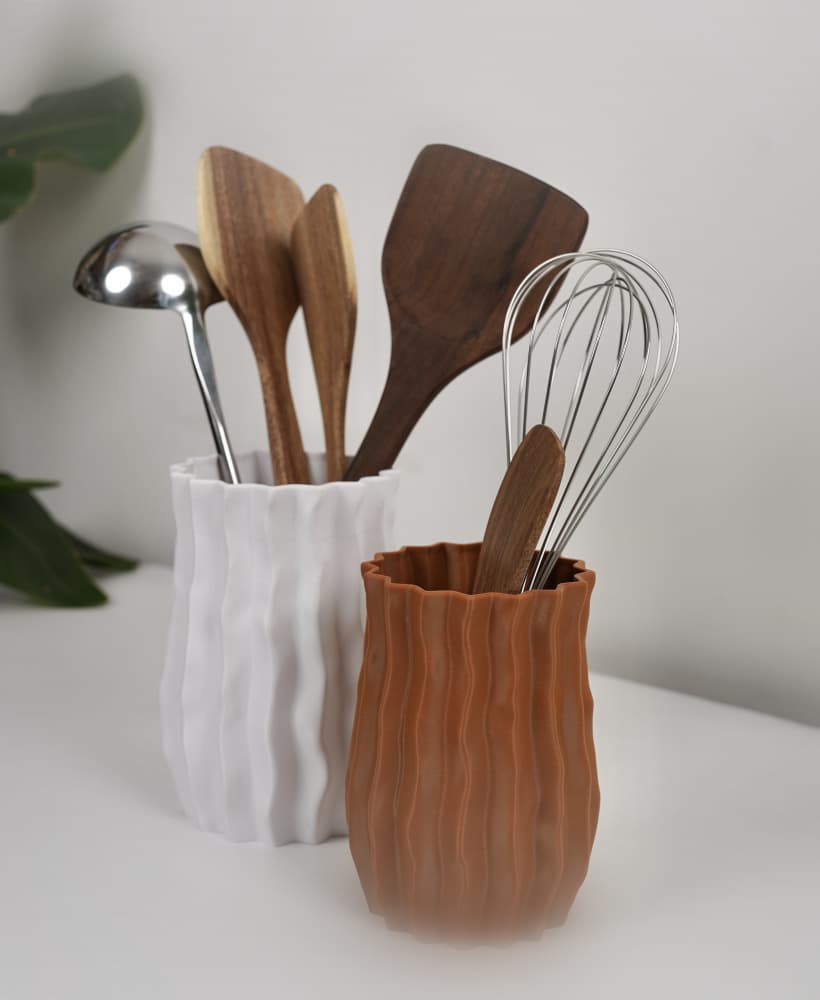
WAVRA | Modern Textured Utensil Holder | 3D Printed Kitchen Organizer

FINNA – Set of 3 Ribbed Plant Propagation Vases for 20 × 150 mm Tubes

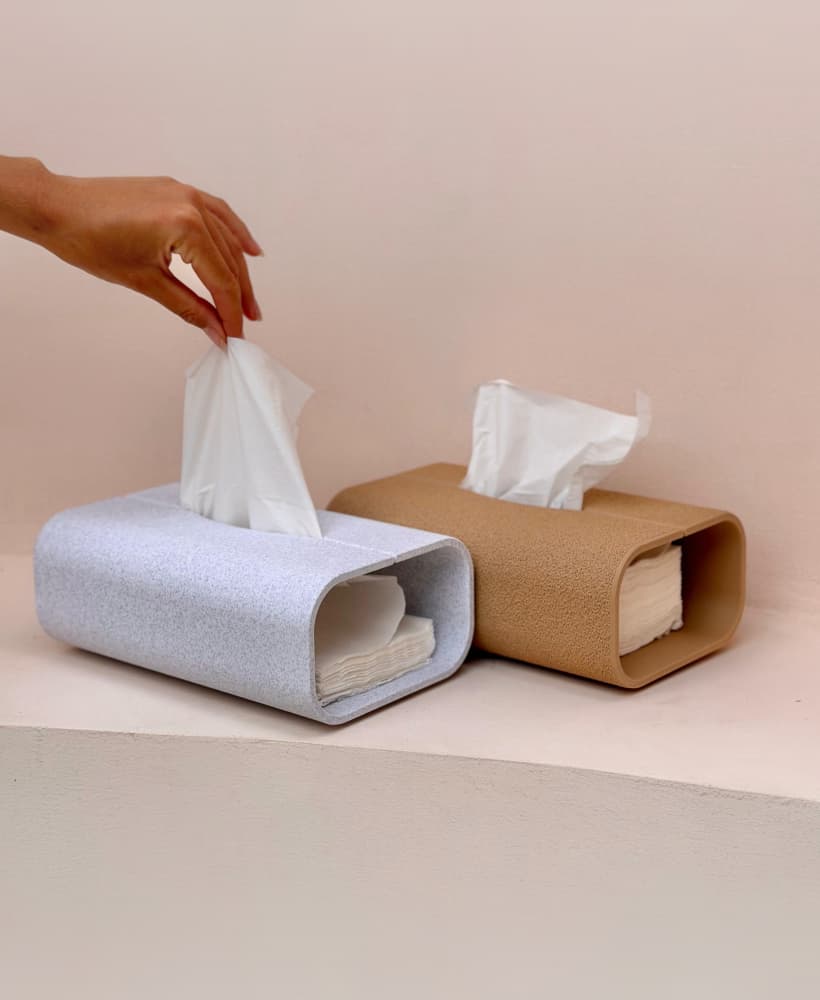
TVANIS – Tissue Box Cover & Remote Control Organizer

ORIGAMI – Geometric Minimalist E27 Pendant Lampshades

PAPRIS – A5 Desk Organizer with Drawer & Pen Holders I Diary Holder

BABBIA GIRAFFE Textured Decorative Vase

RINGCHAIN – Ring Holder Keychain / Travel Jewelry Case

MIRAE Organic Wavy Catch-All Tray – Jewelry Dish & Decor Bowl

WRAPIS Wrap Lamp – Minimalist Table Lamp for Bambu Lab LED Lamp Kit 001
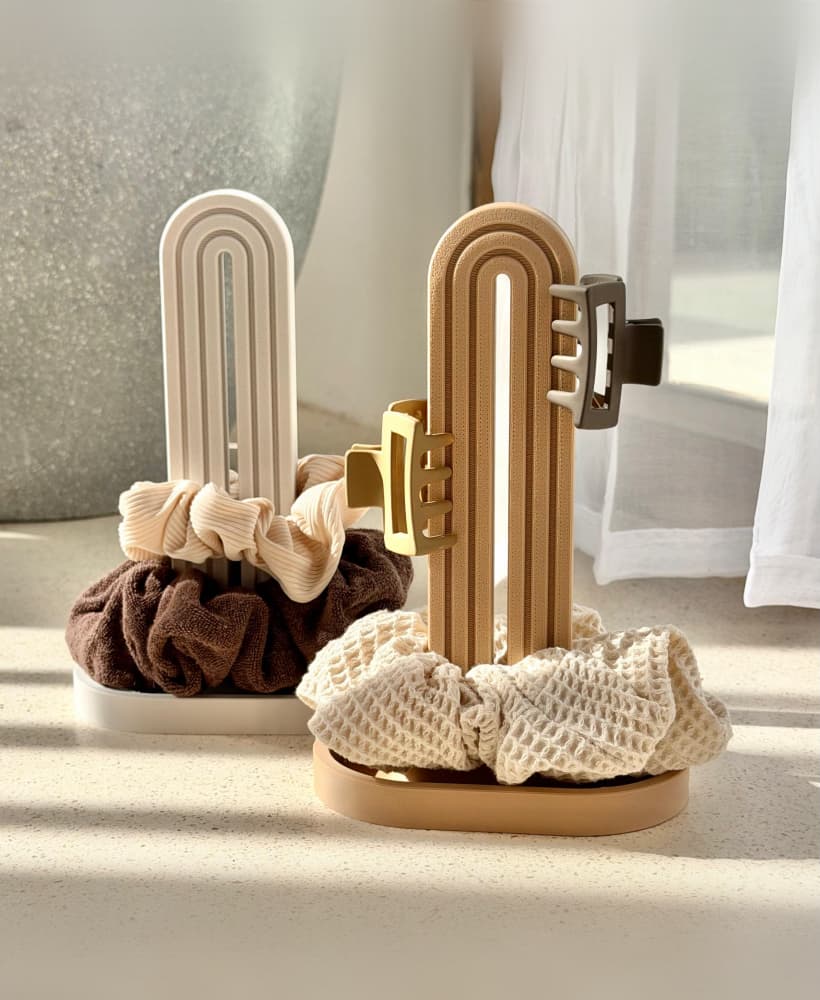
SCRUNCHA Scrunchie Holder – Hair Ties Organizer
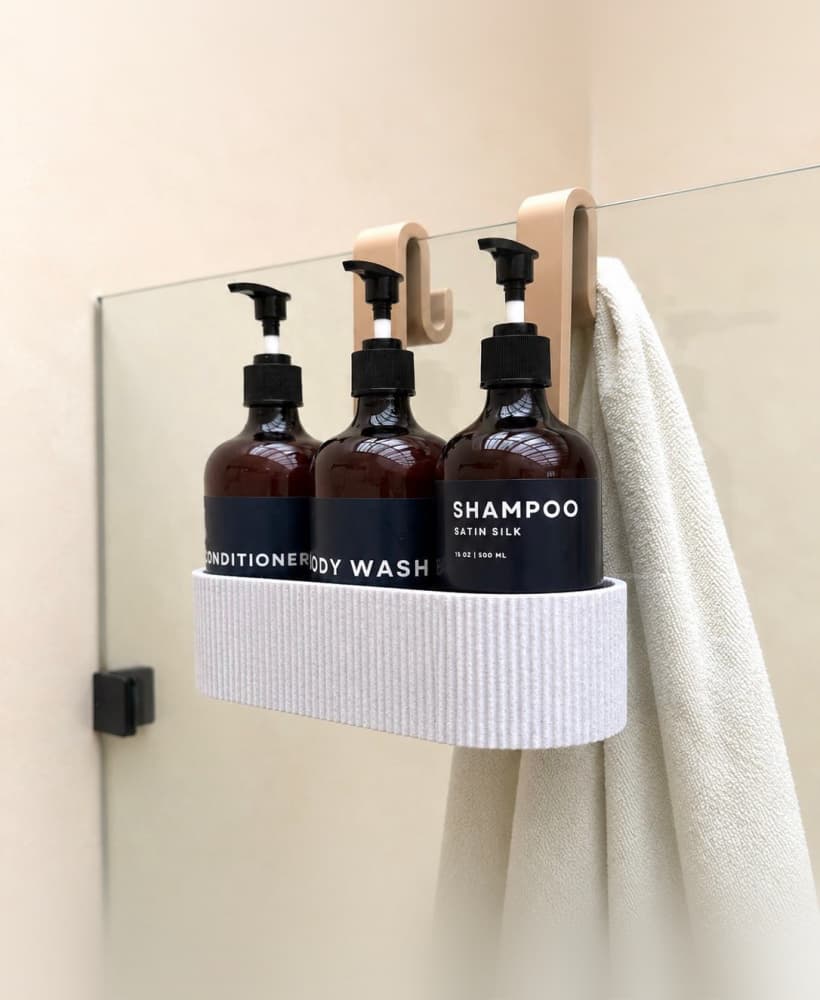
TAVO Bathroom Caddy – Shower Organizer for Glass Panels

WRAPIS – Propagation Tube Wrap Vase Holder

PERFIS CORNER Perfume Shelf – Vanity & Jewelry Organizer

KUTAS Cotton Pads & Cotton Swabs Holder - Ribbed Bathroom Organizer Set

SOAPIS – Travel Soap Case with Slide-Out Tray | Minimal Soap Box Holder for Bathroom, Gym & Travel

TRIANDIS Ribbed Table Lamp with Four Legs – Mid Century Modern LED Lamp for Bambu Lab LED

KUTAS Toothbrush Holder | Ribbed Bathroom Tray Organizer

LENTRA Planter with Legs | Modern 3D Printable Plant Pot with Drainage Holes
I've just printed the pen tray, its beautiful, but the infill tray printed out solid not mesh like in the picture. I'm using an Elagoo Centauri Carbon. Any idea as to what settings i need to change to achieve the mesh infill?
I’m having trouble with this print file. The smaller and larger sizes are inside one another & I am unable to separate the two for some reason. Any advice?