


K1/K1C/K1SE CFS Upgrade Orca Slicer Config-Test v8
Update 8/9/25- Based on some feedback the starting gcode was not mimicking the original profile from the K1 Max. I changed it and uploaded v8. PLEASE PLEASE PLEASE leave feedback! I want to make sure this is working and not useless to everyone. I cam unable to test this as I do not have a smaller K1 machine. I can only rely on YOU THE COMMUNITY to tell me if it working or it is not. Thank you in advance! Happy Printing!!!
Update 7/11/25- Made another change editing the y axis value of the printable area. After the CFS upgrade as per the Creality Wiki you lose 5mm of printable space on the Y axis. On my K1 Max I had to change this as well bc I was getting a “Y Coordinates out of bounds” error. The new printable area is 220 x 215 x 250. Please leave a comment if this is working or not I try to update these profiles as soon as I get feedback from the community that there is an issue. Thanks!
Update 7/2/25 I updated this profile adjusting some of the settings based on user feedback. Please let me know if you are having problems or if this is working for you!
Update 6/20/25 Thanks to user EdgarJTk from another site for testing this and making some adjustments to Gcode and other options. I have taken down v4 and uploaded v5 for people to try. This has changed the gcode for the filament swap along with turned off manual filament changes and turned on the Prime tower. As stated previously, I do not have a smaller K1 machine so I cam unable to test this. Please if there are any issues, please post a comment so I can fix it. I want this to help as many people as possible and NOT cause issues. Good luck!
Update: 6/10/25 New file has been uploaded as a user on another site edited the gcode to now allow the Upload and Print feature in Orca to work. Big thank you to them!
It was requested that I upload a modified version of my K1 Max profile to work with the new upgrade kit and CFS in Orca Slicer. Please note that I do not have any way of testing this as I do not own one of those machines and will have to base its success on your feedback and comments. Please let me know if it works or not, I do not want to leave up a bad profile. I take no responsibility for any potential damage. Use at your own risk.
This profile was created using Creality's K2 Plus profile/gcode for Orca Slicer. The big issue was that we couldn't get the CFS to work properly on Orca slicer, manually having to do all filament swaps. Please note: You will only be able to UPLOAD from Orca slicer to utilize the CFS. You will need to start the print from Creality Print on your computer OR your printer's screen.
I also included a quick 1 layer high test print to check your printer and CFS will work properly. Once you are satisfied Id suggest saving the printer with a new name and transferring all the values for this new profile.
K1/K1C/K1SE CFS Upgrade Orca Slicer Config-Test v8

K1 Max CFS w/ Orca Config & Test Print 7/9/25 Update
K3D VFA Test
.png&w=3840&q=75)
Customizable PR Tracker Board – 3D Printed Weightlifting & Gym Display
D20 Dice Numerically Balanced MMU

Castle Dice Tower 3 in 1 / No Supports / Multicolor

Jack-O-Pint
.png&w=3840&q=75)
AIRFLOW HEAD EXTRUDER MOD (CREALITY K1 SERIES) / K1 / K1 MAX / K1 SE / K1C
Medusa Bust Pen Holder 3MF | Mythology Multi-Color | DeskOrganizer
Jinx Full Figure 3MF | Gaming Multi-Color | CollectorStatue

Viking Warrior Bust 3MF | Norse Multi-Color | RuneBase
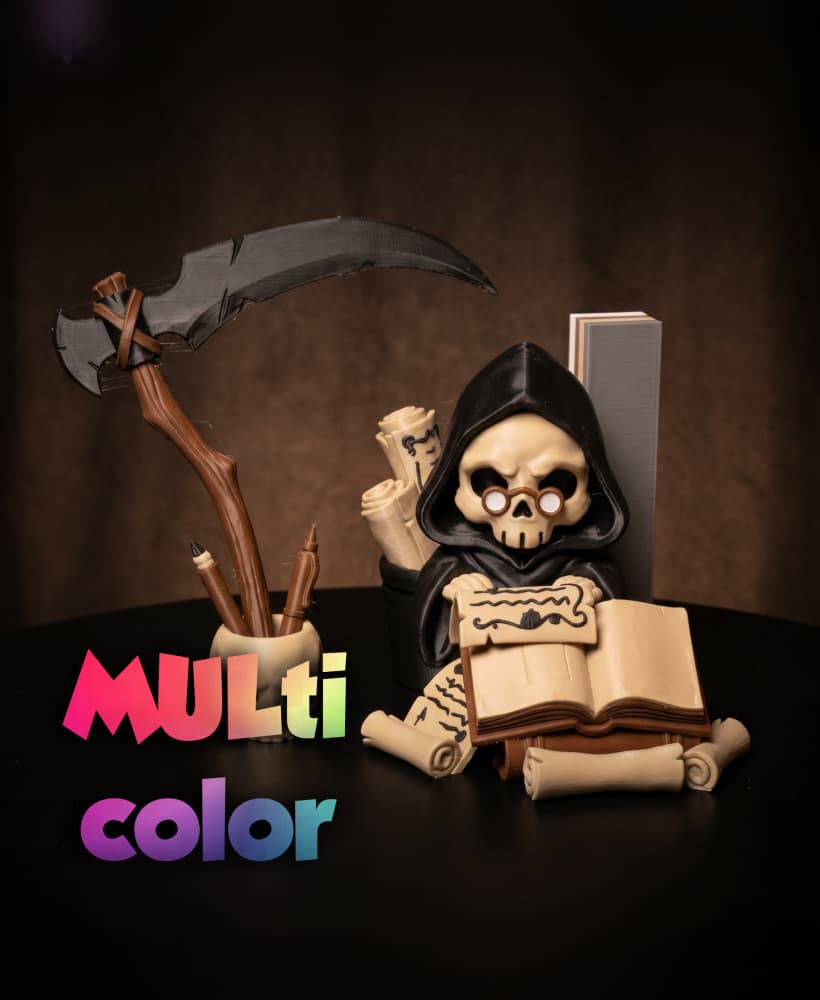
Grim Reaper Desk Set 3MF | Gothic Multi-Color | DeskOrganizer

D3P riser for K1 K1C K1E

Two-Face Harvey Dent Bust 3MF | Comics Multi-Color | DualFace

Megatron One Mask 3D Printer STL File

Stringing Bridge Test for OrcaSlicer – Retraction Calibration STL
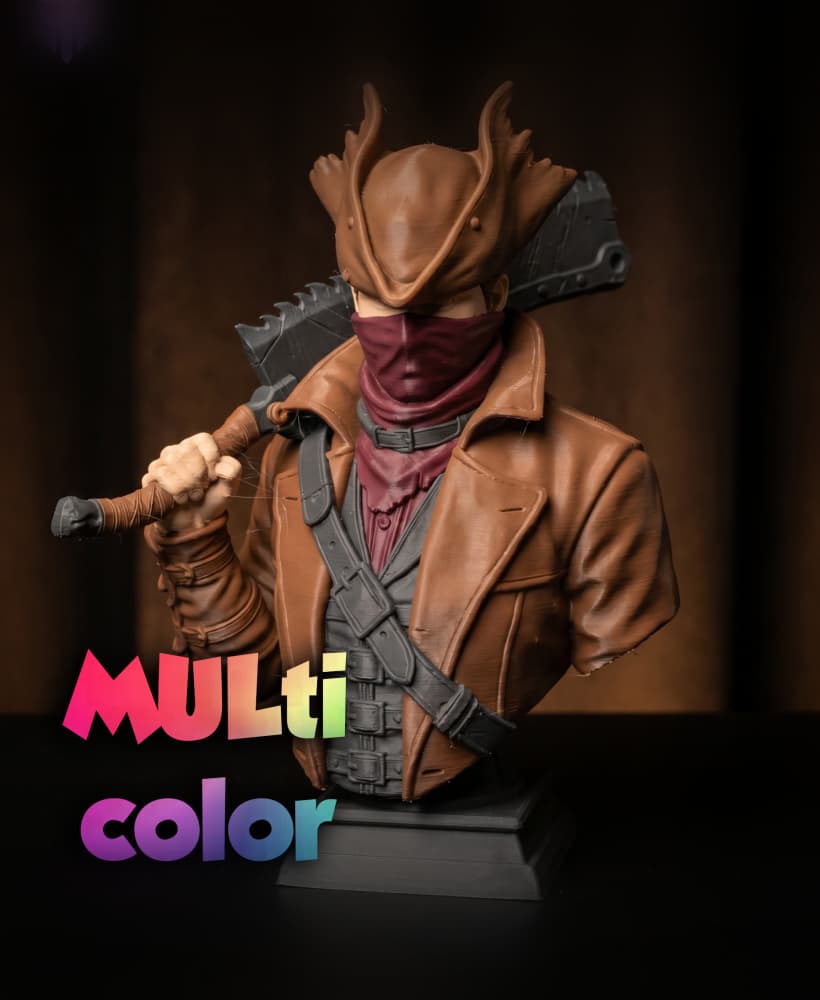
Masked Outlaw Cowboy Bust 3MF | Western Multi-Color | HighDetail

Vampire & Bat Bust 3MF | Horror Multi-Color | HalloweenDecor
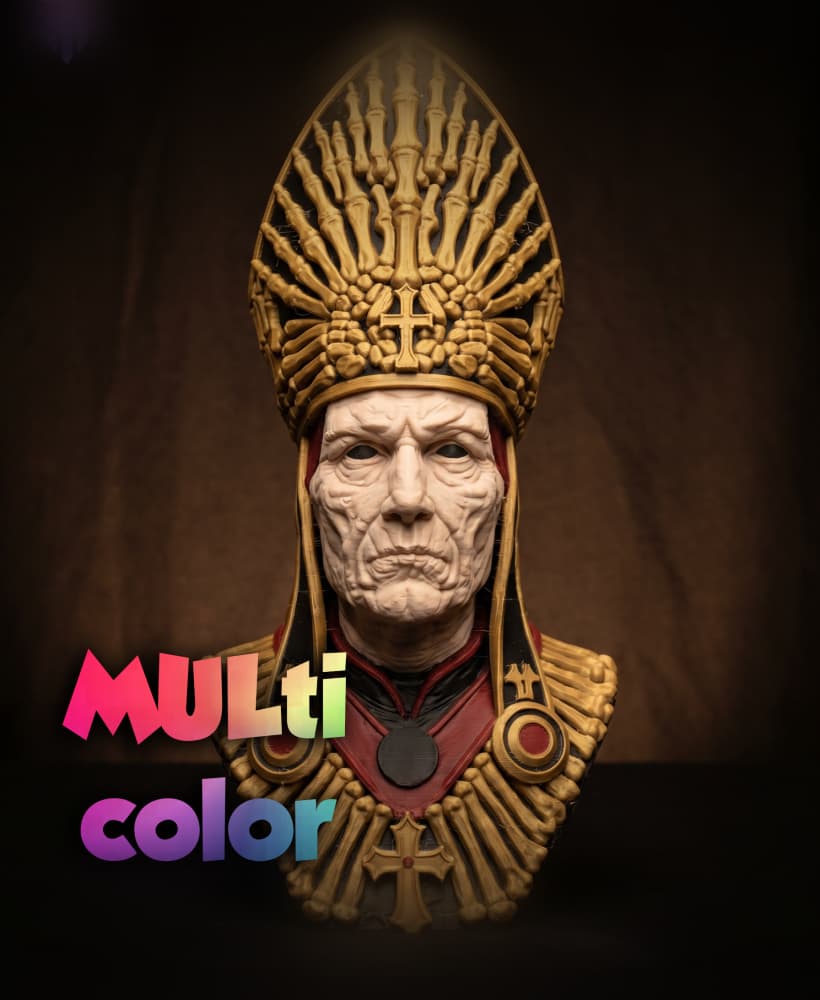
Skeleton Pope Bust 3MF | Gothic Multi-Color | OccultDecor

Castle Dice Tower 3 in one / no supports / 3mf incluido
