
.JPG&w=256&q=75)

.JPG&w=256&q=75)

.JPG&w=256&q=75)

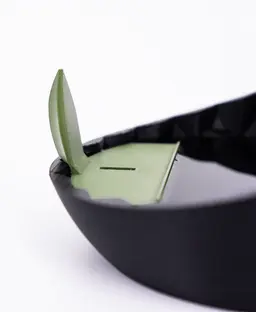


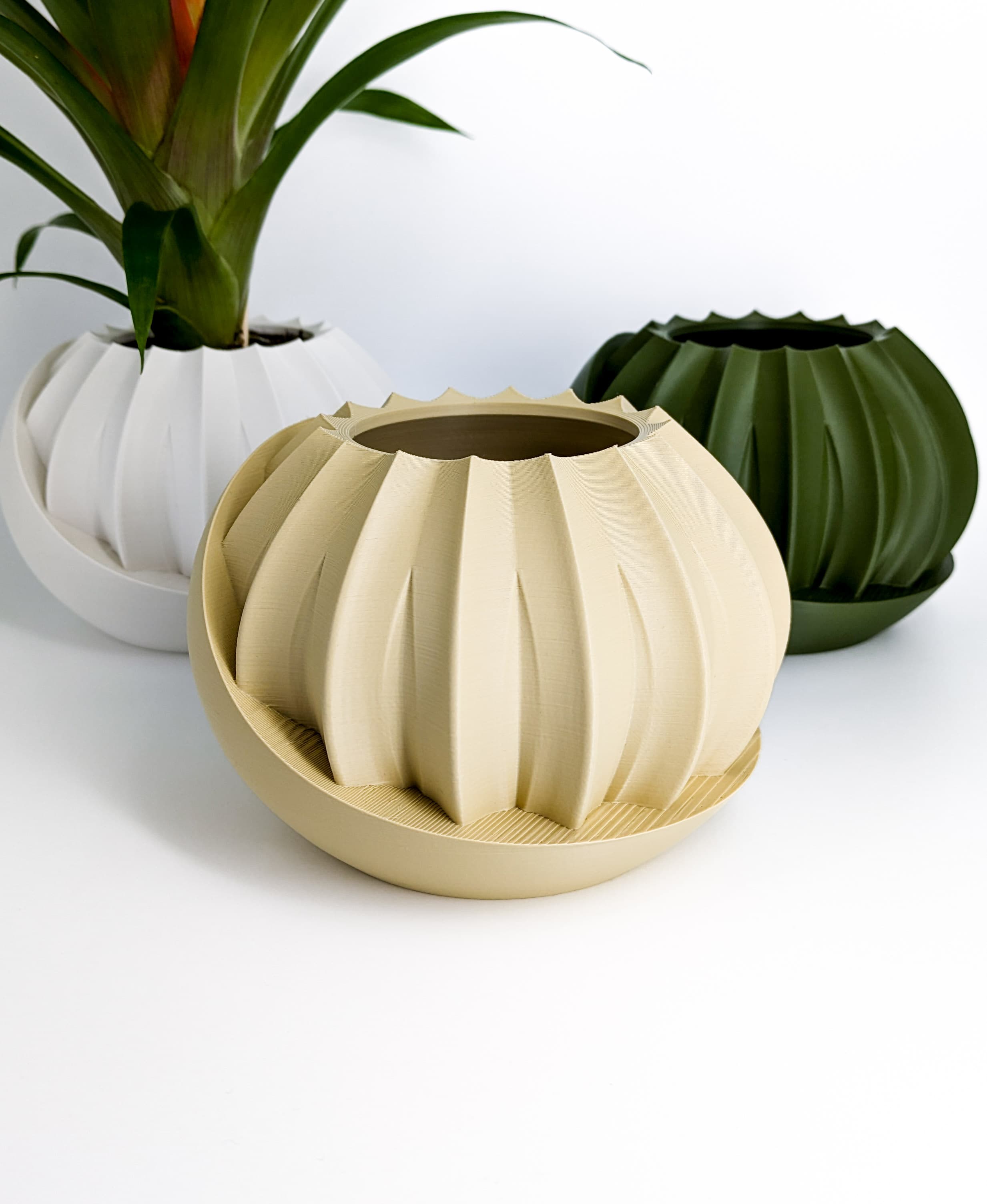
Shape Shifting Plant Pot "Wingcrest" | Self-Watering + Water Level Indicator
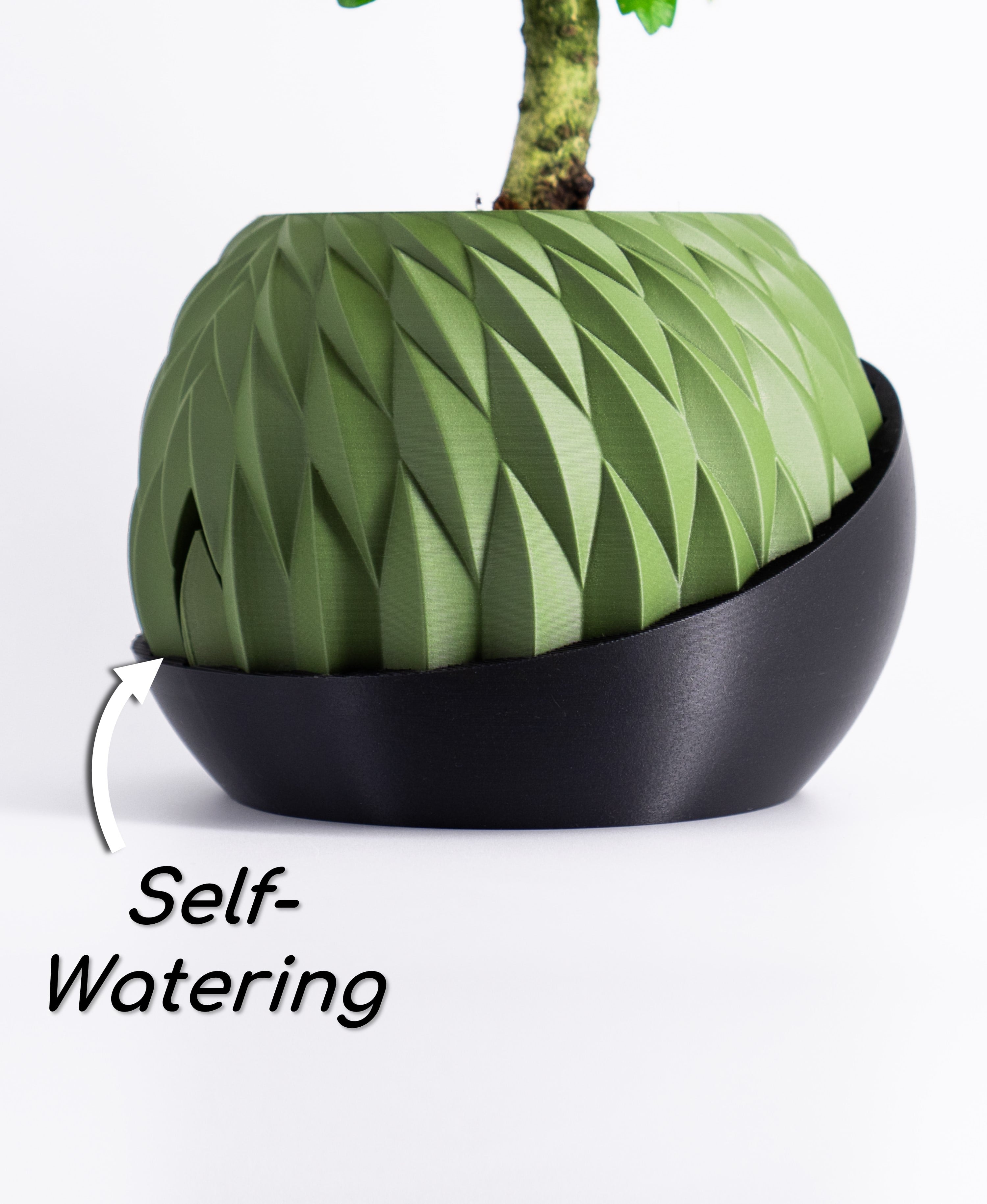
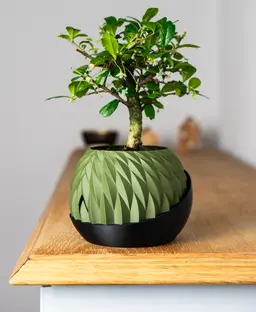
Upgrade your gardening experience with my original self-watering plant pot Wingcrest featuring a water level indicator that turns your pot into a shape shifter!
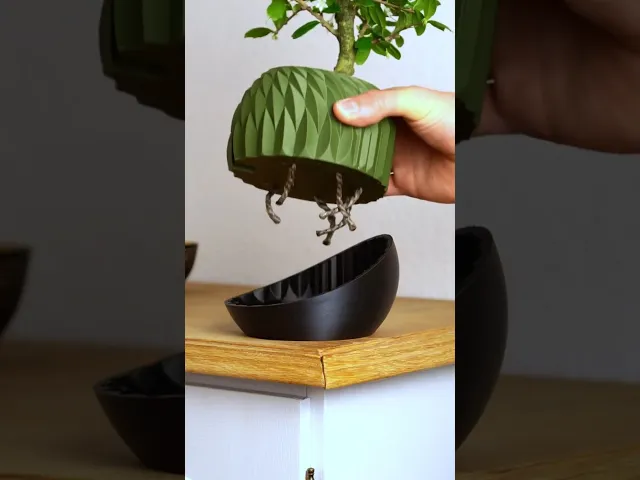
This not only adds a cool plant pot to your space but also ensures your plants are always perfectly hydrated. A normal “plain” version is also included in the download The self-watering wick system works exceptionally well with natural cords and is a gardening classic. 3D print your own to combine functionality and charm in one seamless creation.
In addition to the STL files, the download includes a model-focused printing guide for beginners and advanced makers. A Bambu Lab / Orca Slicer 3MF file with recommended settings is also included to make your first print attempt with any printer a success!
This will be a striking and functional addition to your own room or the ideal gift for loved ones!
🌱 DETAILS
- Self-watering system with a geometric water level indicator.
- No supports, brim, or raft required!
- Selfwatering and plain version included!
- detailed print settings guide included (Tipps for watertightness, settings, size ...)
- high resolution STL files
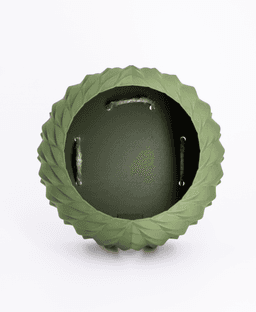
- Add cotton threads/cord strings to the holes for the selfwatering mechanism!
- More/thicker cotton threads = more water for your plant
- Print at 100% size = 140x140x105 mm
- for best aesthetic results, I highly recommend using matte-colored PLA
A heartfelt thank you to everyone who supports my work!
🎨 Filaments used for this design (*affiliate)
Get the exact filament I used for my photos here!
Matte Charcoal Black Matte Dark Green
Matte Muted Green (Lovely color, looks slightly more green when photographed with less light)
🚩 For Private Use Only! Commercial License?
If you're looking to sell my printed models commercially, upgrading to a seller membership grants you access and commercial permissions for all my designs.
Click on the member button at the top for more information and additional benefits!
🔥 More of my Designs If you enjoy the art style and wish to sustain my work long-term, consider becoming a member to access premium designs each month at a significant discount!
Explore all creations here: Thangs Profile
or on other platforms: Factorian Designs
👉 3D Printer & Equipment?
Get my favorites here!
*This post contains affiliate links. If you click through and make a purchase, I may earn a small commission at no extra cost to you. Thank you!
Shape Shifting Plant Pot "Wingcrest" | Self-Watering + Water Level Indicator
.JPG&w=3840&q=75)
Self-Watering Plant Spike with Bamboo Buddy! - STL & 3MF Files

Kitchen Sink Organizer with Dishcloth Indicator Buddy | Sponge Holder
Self-Watering Plant Pot With Bamboo Buddy! | Planter STL & 3MF to 3D print

Pandora Vase – Multifunctional 3D Printed Vase with Hidden Storage and Coasters
.jpg&w=3840&q=75)
Plant Pot "Bellcrest" | Planter STL to 3D print | Fused Pot + Drain Tray & Optional Self-Watering
.jpg&w=3840&q=75)
Rain Planter "CloudDrop" | Plant Pot STL to 3D print | Rain Drop + Twist Snap Drain Tray
.jpg&w=3840&q=75)
Modern Vase "Emberflare" | Propagation Vase STL to 3D print | Open Water Design

Plant Pot Bloomcrest - Planter STL to 3D print - Fused Drainage Pot + Drain Tray
.JPG&w=3840&q=75)
Fridge Magnet – SnapCacti - Featuring Detachable Magnet Blooms – Fun, Decorative, and Functional!
.jpg&w=3840&q=75)
Plant Pot With Hidden Box | Planter Model "Bellaria" | Hidden Push-Lock-Push-Release Safe
Mug Stacker Lily Pad 3D Printable STL | Organize your Drinkware with “Lilia”

Plant Cable Clips & Ties "LeafLock" | Adjustable Cable Zip STL to 3D print | Leaf Wall Clips

Dual Secret Jewelry Box 3D Print File | Storage Box Model "Aurelia" | Two Hidden Containers
Plant Pot With Hidden Box | Planter Model "HiddenLotus" | Hidden Push-Lock-Push-Release Safe
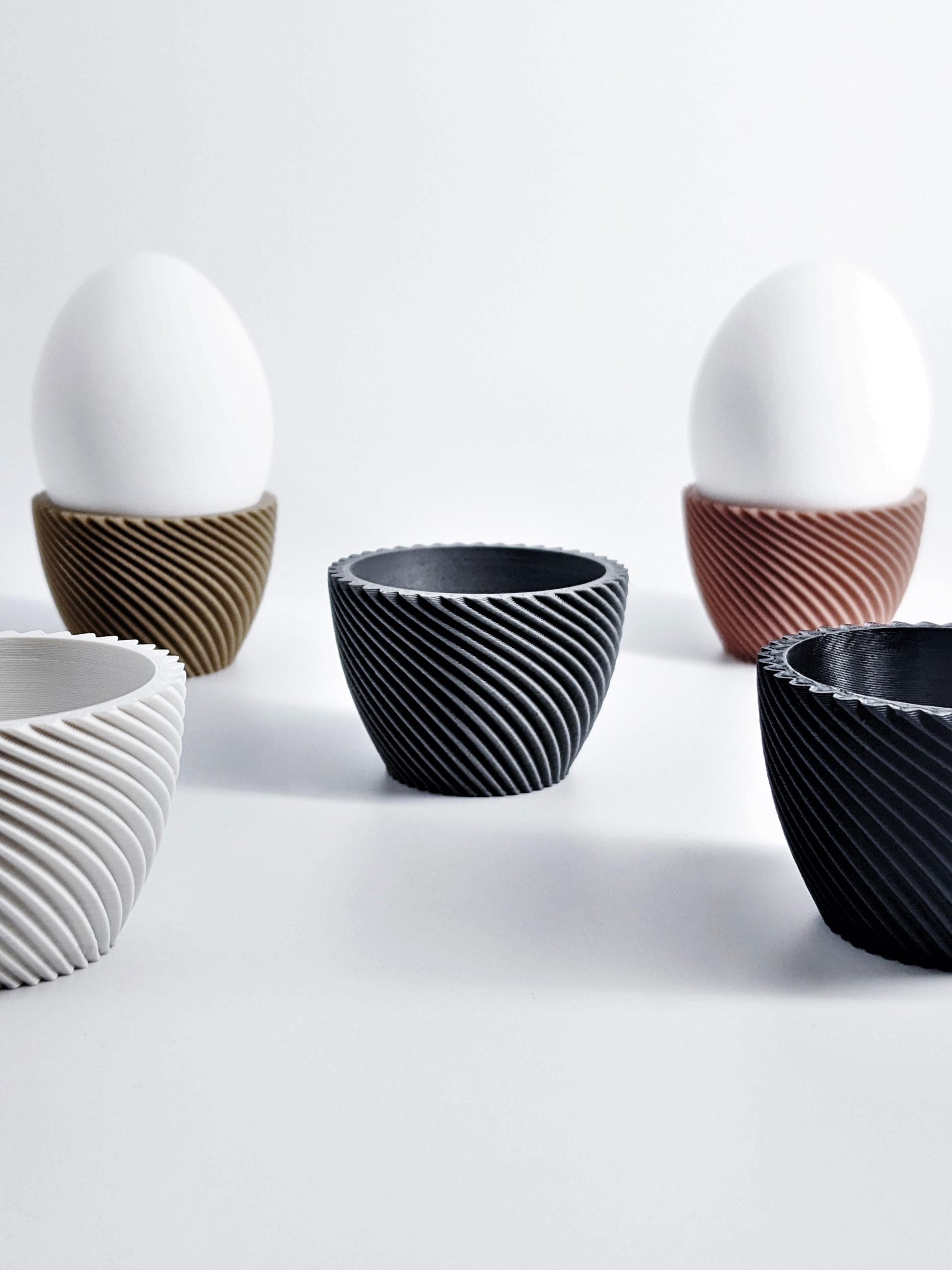
Egg Cup "Unbowed" 3D Print Stl File | Bambu Studio 3MF included | Easter Gift

Plant Pot Modern "Diluvian" for succult planters to big pots
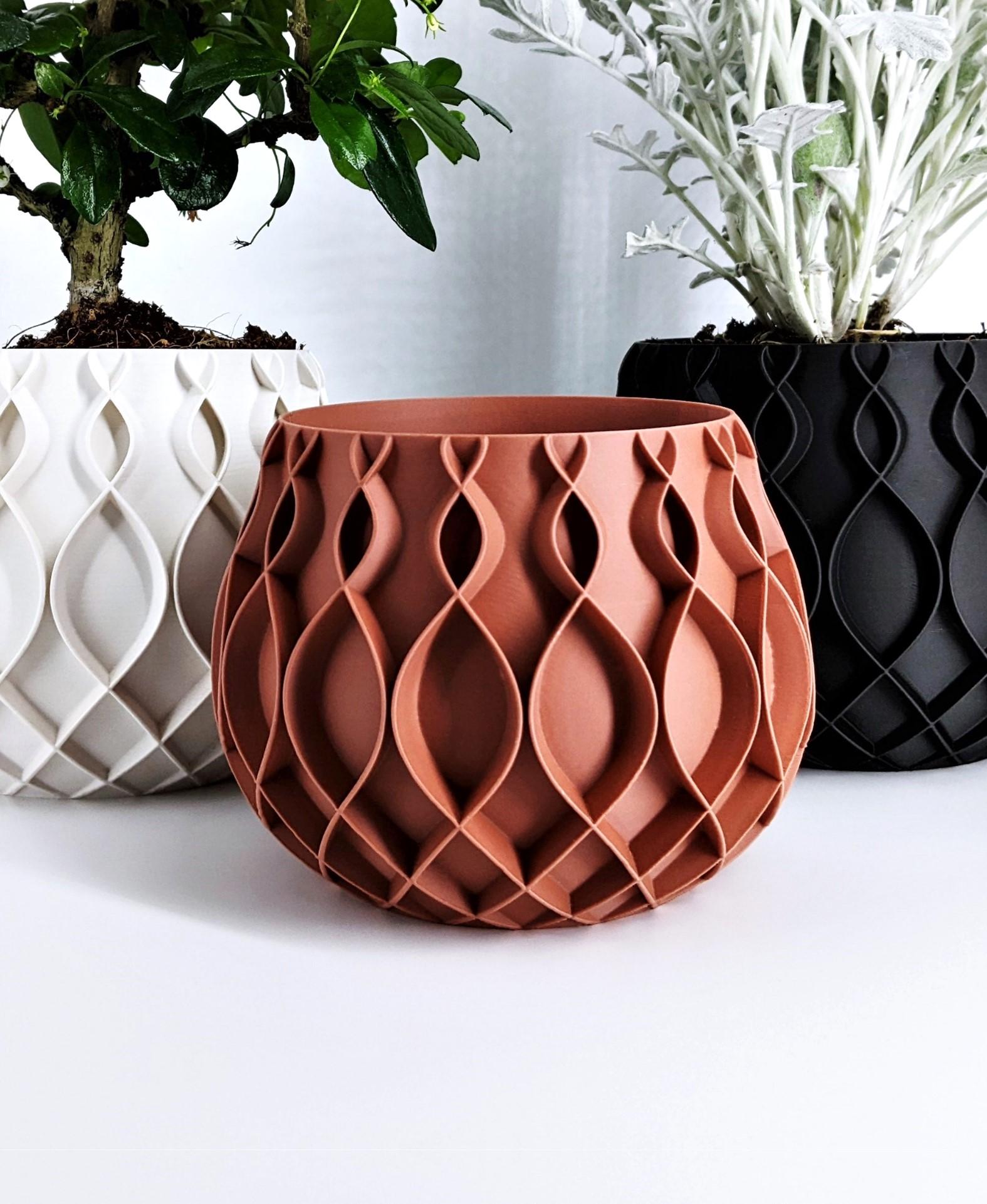
Plant Pot "Bellvere" | Small Planter for Succulents & Big Garden Pots | Drain Tray Version included

Wall PLANT POT Dragon Egg | PLANTER STL TO 3D PRINT | Version "Blossomscale"
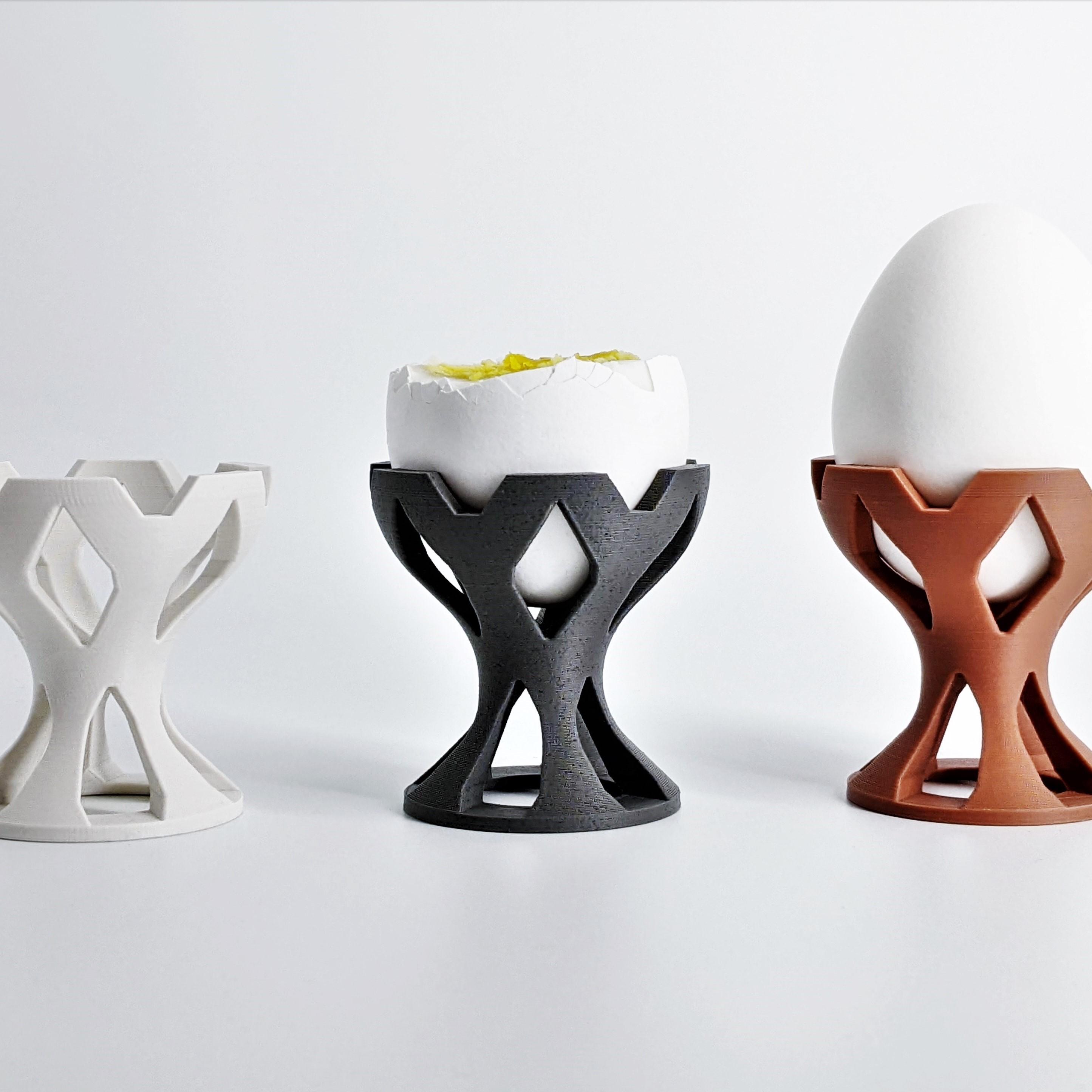
Egg Cup "Crown" modern Look - Unique 3D Print Design | STL File | No Support needed
.jpg&w=3840&q=75)
Great job yet again! One thing I noticed was that the detailed print settings PDF guide included is not included in the zip?
Love to hear it!!
I am really sorry I forgot to add it to the upload but I just fixed it. Thank you for telling me. Try downloading it one more time and now it should be there :)
There was a bit that printed with the water level indicator. Is it needed for anything?
No, that bit just makes sure that the tip has more cooldown time to be sharp and clean :)
I love your designs! Have you had any issues with water and PLA? Do you ever do any designs in PETG?
Thank you! If your settings are right you should not have issues with PLA and watertightnes. Thats why every download includes some watertight tips :)
I use PETG here and there but I like PLA more for aestethic reasons.
I love this! However, I wish it was thicker. That said, I do really like your designs because they don't use an entire roll of filament or take 20 hours to print. This does, however, it looses some of the aesthetic appeal, being paper-thin.
Thank you! That's just in spiral mode, the STL can also be printed way thicker in normal mode.
The 3MF included prints a 0,8mm wall, which is quite durable in my oppinion. If you want it thicker & still in print in vase mode: I recommend using a 0,8 mm nozzle, then set the outer wallwidth to 1,2m for the spiral print. Keep the layer height as low as possible. This will result in a strong and a quick print. 🙂
Hi, thanks for another great design. I printed the inner part at normal size with transparent PLA, and it came out perfect. I then tried to print another one at 125% with the same filament and settings, and it ended up with a long and very visible spiral-shaped seam all around the planter. Do you have any idea what is going on and how to fix it?
Edit: just tried it on another identical A1 Mini, same issue.
Hey, glad you like it!
Yes i know whats going on. This is some kind of weird bug with the Spiral mode in Orca & Bambu. You should even be able to see it in the slicer preview if you look close enough.
Fix: After you resize the model, right click it and select "simplify model", then select "Decimate ratio" and set it to something between 1-5%. This will make no difference in print quality but will force the slicer to take a slightly different travel path, which will get rid of your error line.
OK thanks, but I switched back from Bambu Studio 2.2 Beta 2 to the mainline version and the problem went away.
Thank you for the feedback, I'll also keep that in mind in case someone has the same problem.
If you get somekind of "non-manifold" error after that, just press the recommended "fix model" button.
I hope they fix spiral mode in the upcoming Bambu patches, I've seen a few other bugs like that recently.