



Macro Pad Case.3mf
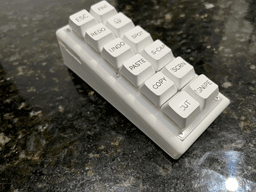
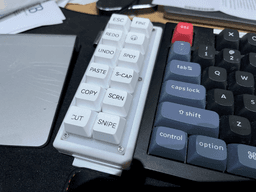
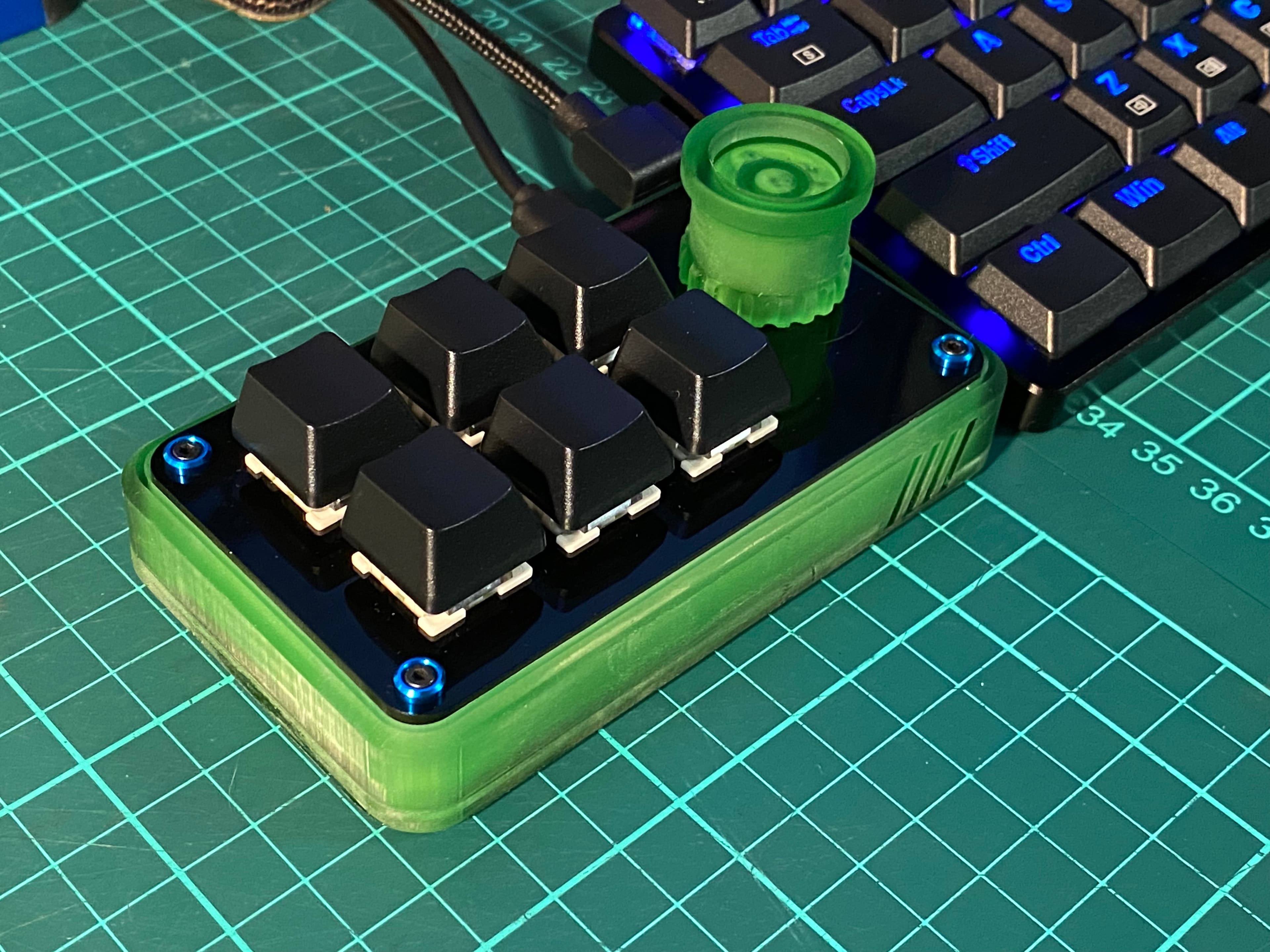
This is a custom case I made for my 12 key macro pad, so it sits next to my keyboard at the same angle.
Tested with Epomaker x Aula F75 & Keychron K10 Pro, it sits nice and flush with them both.
I've made a standard version which should work with most USB C cables, but I have a Ugreen right angled one as I want the cable to go straight towards to the back of my desk, not stick out to the left, so I had to make some additional changes so the connector fits properly, without the changes it wouldn't make proper contact.
Both versions are included in the print profile.
NOTE: The model will sit flush without any rubber feet, but if you use rubber feet, you will need to cut the model by the height of the rubber feet to maintain the same height. E.G, I used 4mm height rubber feet, so in bambu slicer, I select cut and cut 4mm off the bottom so the same height is maintained. My keyboards are 44mm at the rear, and 20mm at the front, so this is what I wanted to achieve as the final print as seen in the pictures. The hole at the bottom is so you can insert something to push the pad out, as it's a tight fit.
Supports should be used for the usb port. It breaks off easily, but it doesn't leave the smoothest surface as the print is on an angle, but it's no problem as it's not seen nor does it disturb the usb cable. I did try print it without support, and it works, but your mileage may vary.
The macro pad used was this one, https://tinyurl.com/2cue3njd
Here's the onshape file if you wish to remix it.
Macro Pad Case.3mf
Number Macro pad
Mini Macro Pad
2x6 1knob Macro Pad Case.stl
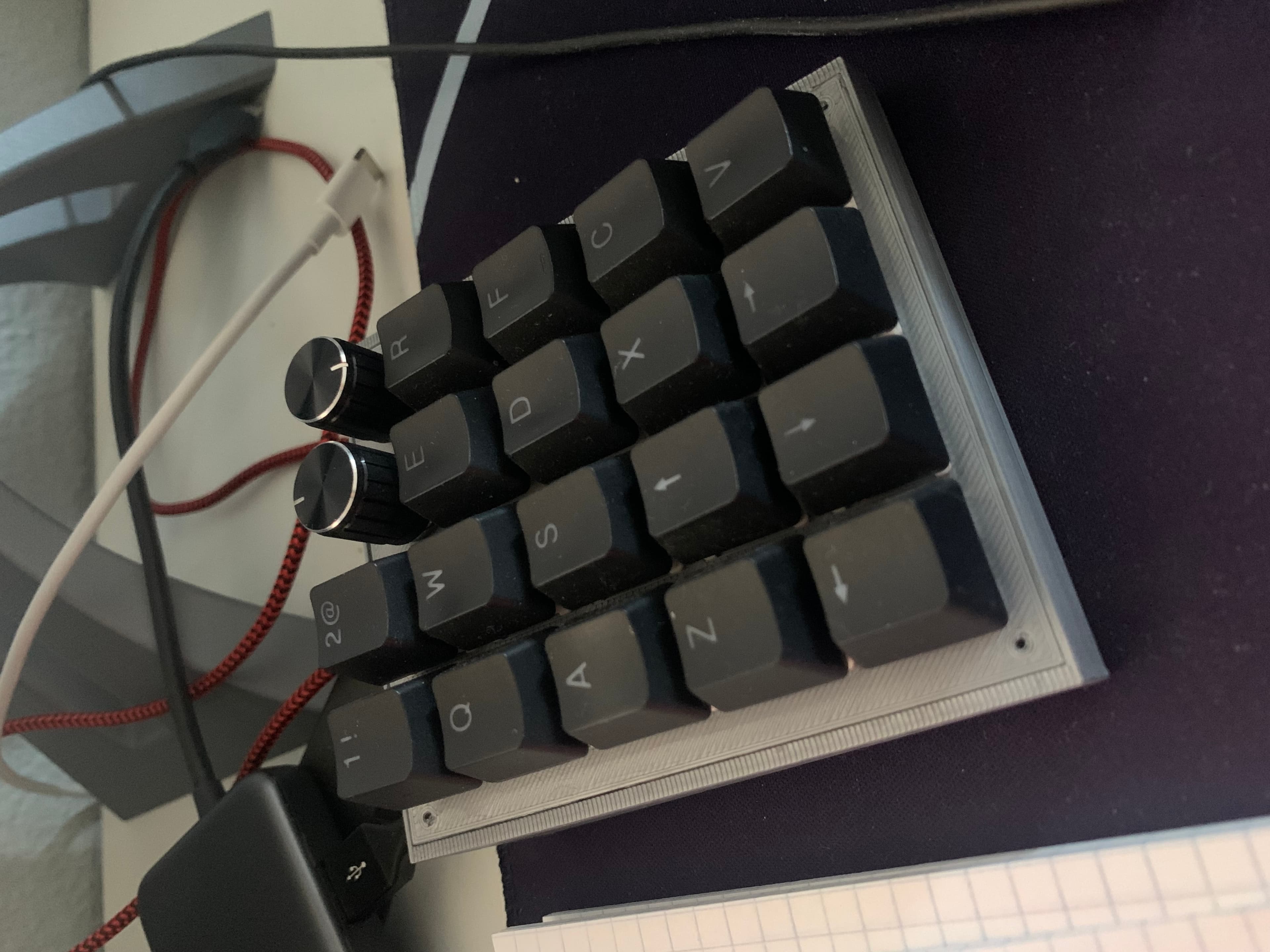
Macro Pad
BDN9 Macro Pad Plates
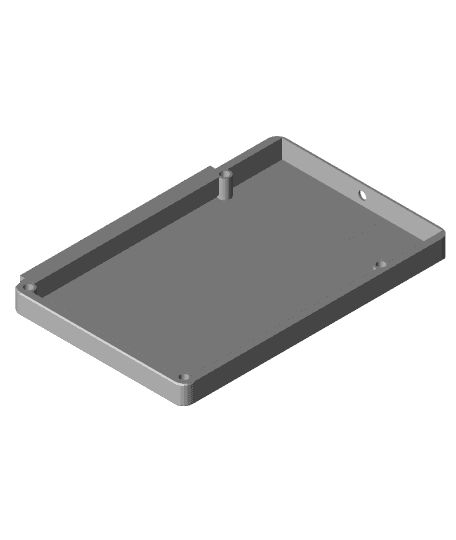
1# Mako Mini - Numpad and Macro Pad
Button Box Arcade Button Macro Pad
BDN9 Macro Pad Case
Modular Keypad Base

Chad GPT - Macro Button
Mute Keycap
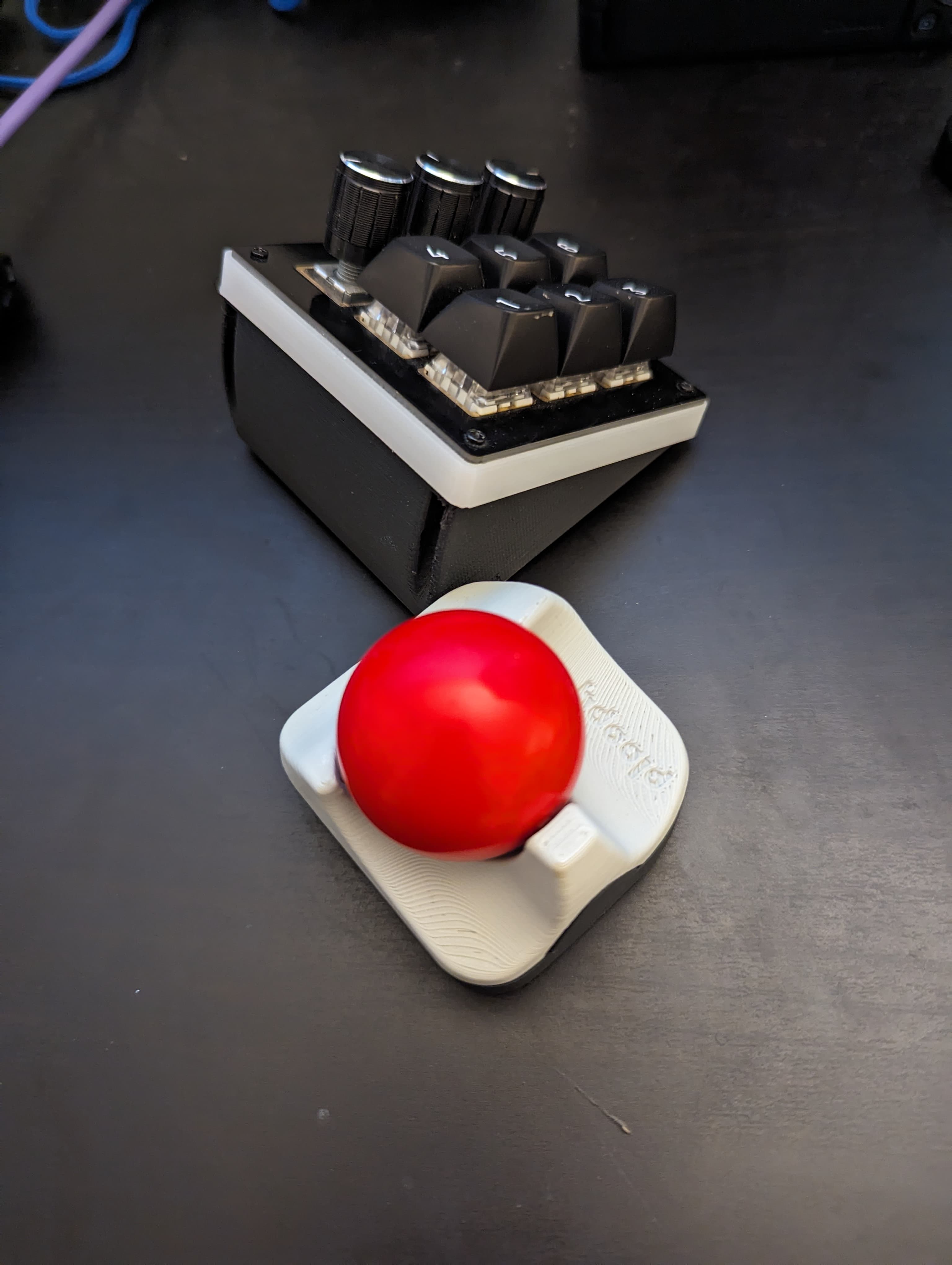
Ploopy Nano + BDN9 Combo Adapter Case.stl
Case for dumbpad v1.x

Strong Articulating Name & Letter Mechanical Switch Fidget Clicker

Ultimate Koi Fidget & Clicker Collection (4-in-1 Master Pack)

Elephant Mechanical Keycap Clicker
Mechanical Keyboard 30% - Gherkin Inspired - MML Pickle
Mac1
Frog Mechanical Keycap Clicker
