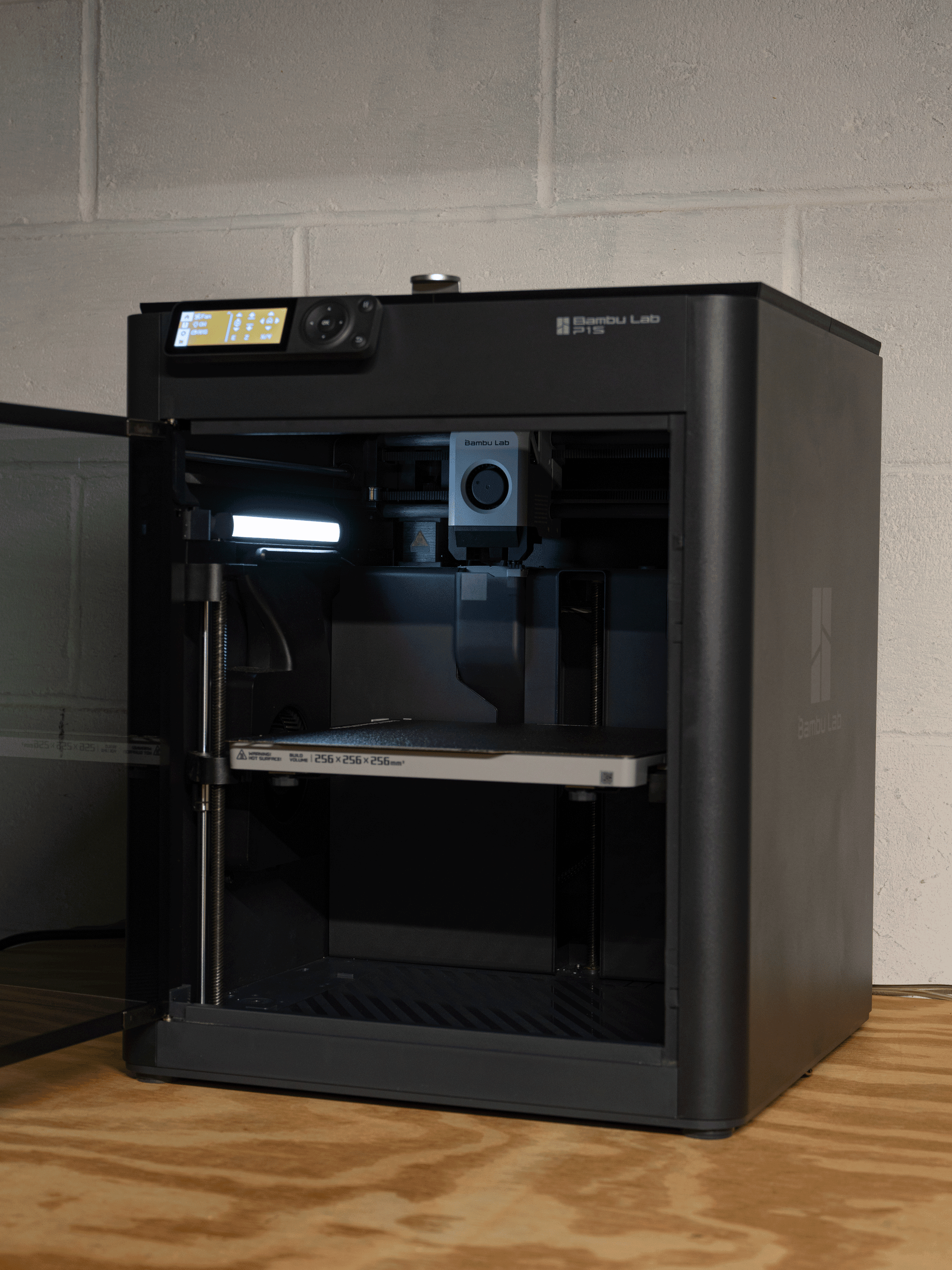


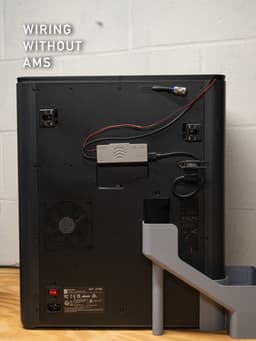


Skylake LED Riser for P1S, P1P and X1C
Skylake LED Riser
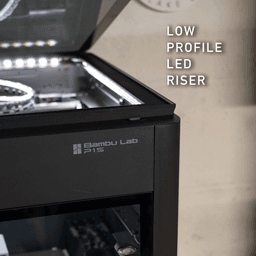
Upgrade your P1S, P1P, or X1C with this low-profile LED riser—purpose-built for the Skylake Lighting System, our plug-and-play lighting upgrade.
-
No sagging: A 10 mm groove secures the LED strip mechanically, so you’re not relying on adhesive that can droop over time. It's recommended not to peel the adhesive from the strip during install.
-
Snap-in corners: Friction-fit clips hold the pre-terminated connectors in the Solder-Free Kit.
-
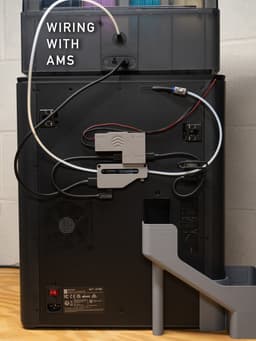
Built-in cable channel: Route the sense cable to the stock LED header; the Skylake Lighting System then mirrors the printer’s on/off commands automatically.
Pair the riser with BTF-Lighting WS2805 RGBCCT 12 V, 10 mm strips—each LED combines warm-white, cool-white, and RGB diodes for crisp whites and endless color options. Driven by WLED, the Skylake Lighting System delivers brighter output, full RGB effects, and the same seamless on-screen and app control you enjoy with the stock LED. Power is drawn directly from the AMS port through a custom splitter, so AMS power and communication remain uninterrupted.
Ready to light up your printer? Grab the full kit at https://skylakedigital.media/store
Print settings. The most important settings are the supports, and printing with no aux fan. Download the .3mf to use the supports or take a look at the included picture to paint the supports correctly. There is a delicate overhang that needs to be printed and can curl up off the supports if the aux fan is running. This setting can be found in your filament settings. The riser in the photos is printed in PLA-CF.
Print Settings: 0.2mm layer height 3 Wall loops Gyroid Infill 15% Supports: Tree Manual (painted supports) Style: Tree Slim Initial Layer expansion: 4mm Pattern Angle: 45deg Top interface layers: 1 Slow down initial layer: 30mm/s to make sure Tree support bases are perfect.
Double check filament settings, 0% Aux fan
Skylake LED Riser for P1S, P1P and X1C
.png&w=3840&q=75)
D3P riser for Bambu Lab P1S
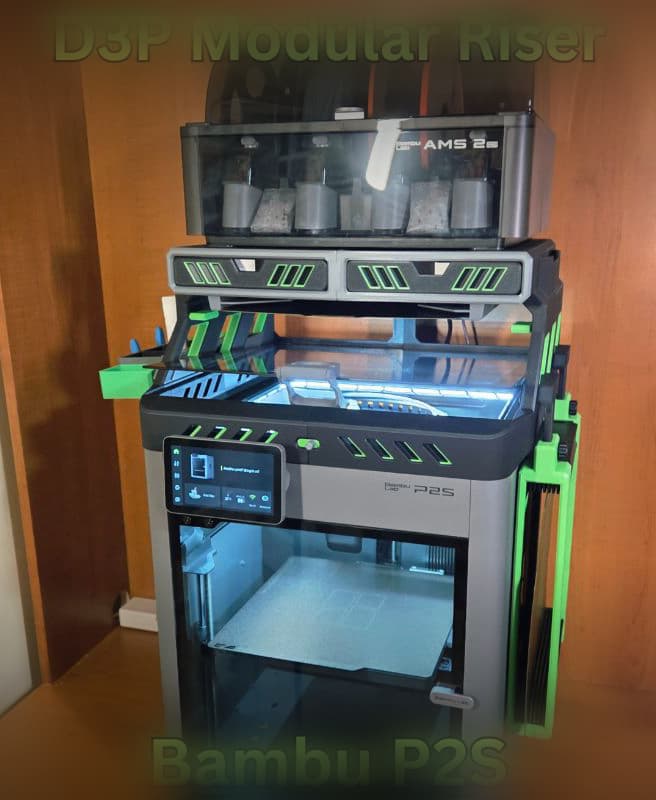
D3P riser for Bambu Lab P2S
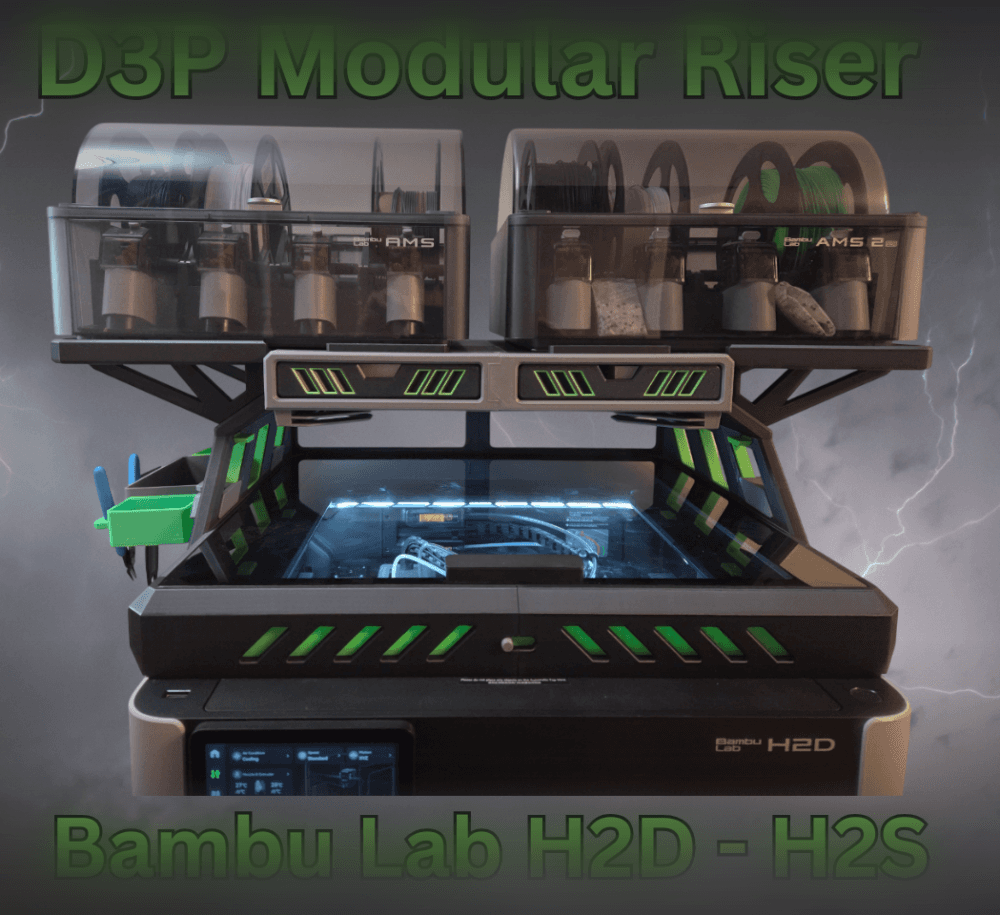
Bambu H2D H2S H2C D3P Riser
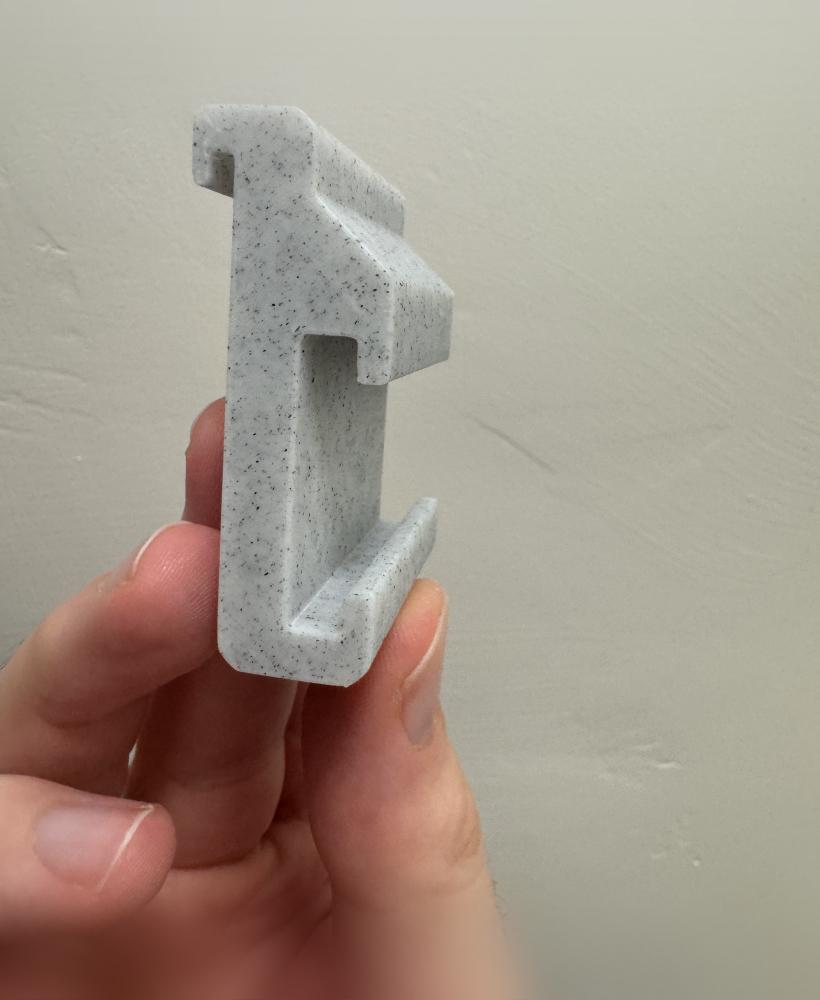
Multiboard Clip for X1C/ P1S
.png&w=3840&q=75)
D3P riser for Bambu Lab X1C
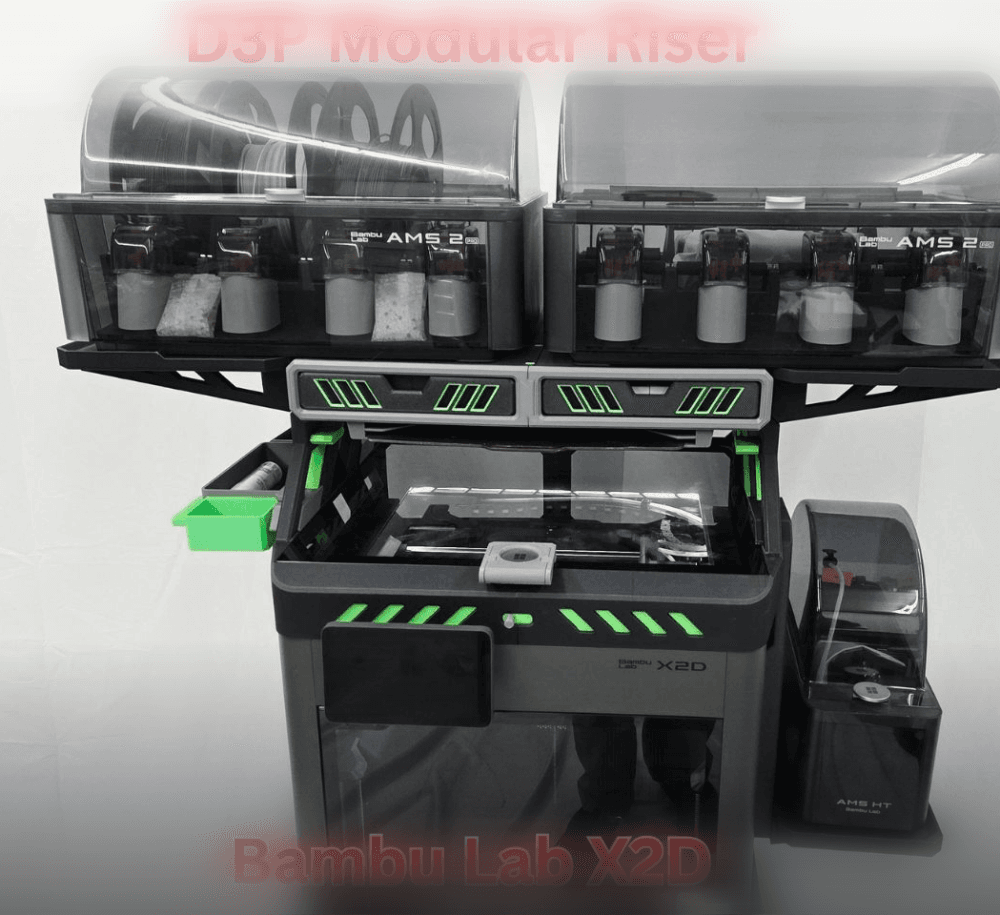
D3P riser for Bambu Lab X2D
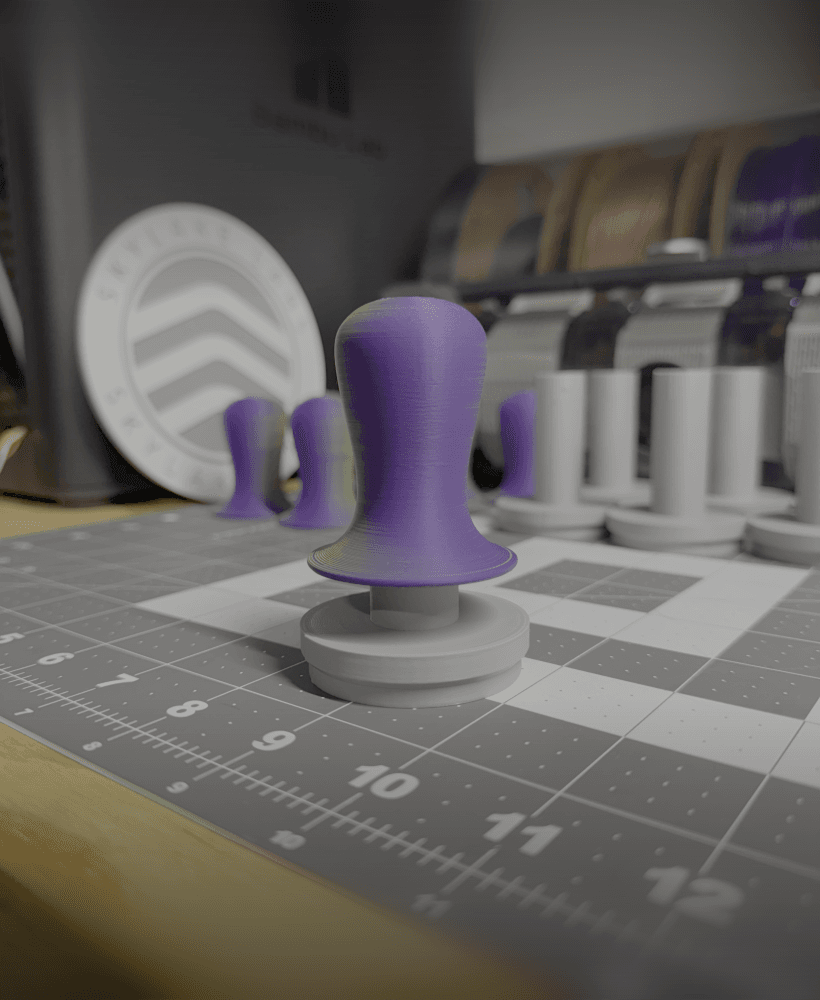
Clicky Espresso Tamper

P1S, P1P & AMS Frame 3D Model
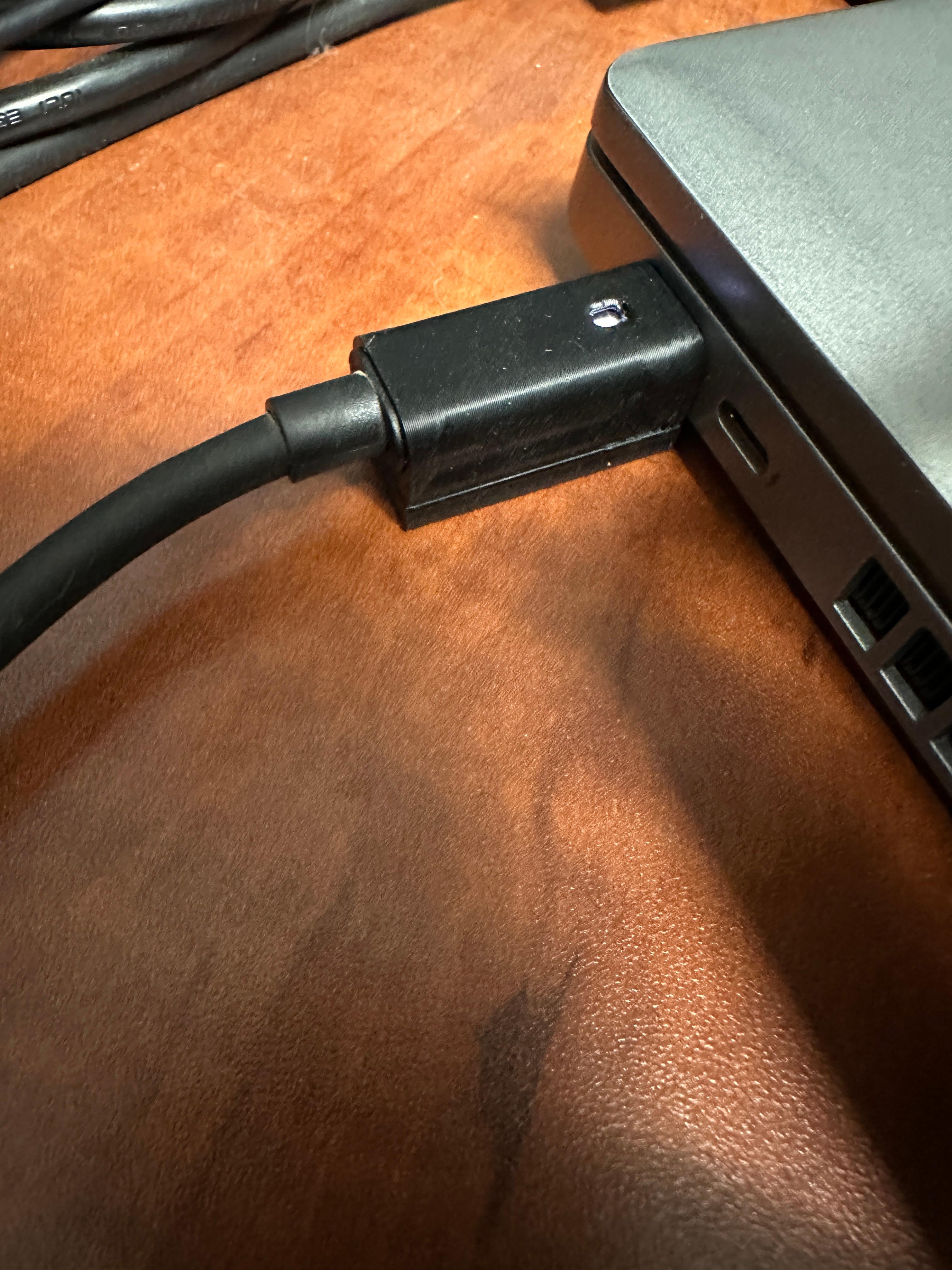
USB-C Support for Dell WD19/WD22 docking station and Dell Laptop

Geometric Planter with Subtle Twisting Rings

BambuLab X1 Series and P1S Exhaust Capture System (with LED support) ECS3

Cargo Containers - 1x1 (Mini Modular Storage)

Rails 1x1 - Cargo Connect

Cargo Containers - 2x1 (Medium Modular Storage)

Cargo Containers - 3x1 (Large Modular Storage)
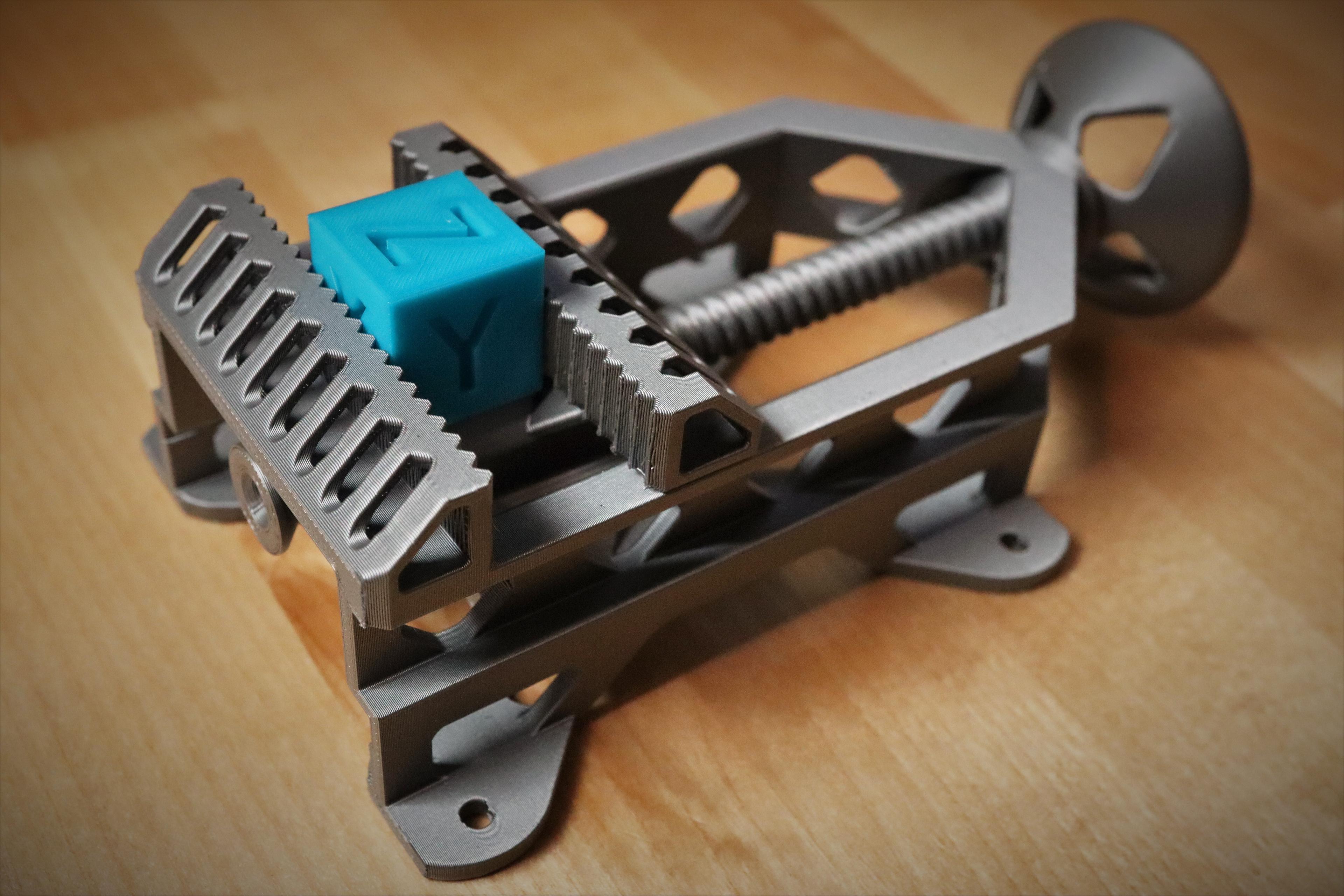
Mini Print-in-Place Vise

Hook 1x1 - Cargo Attachment

Gripper 1x1 - Cargo Attachment
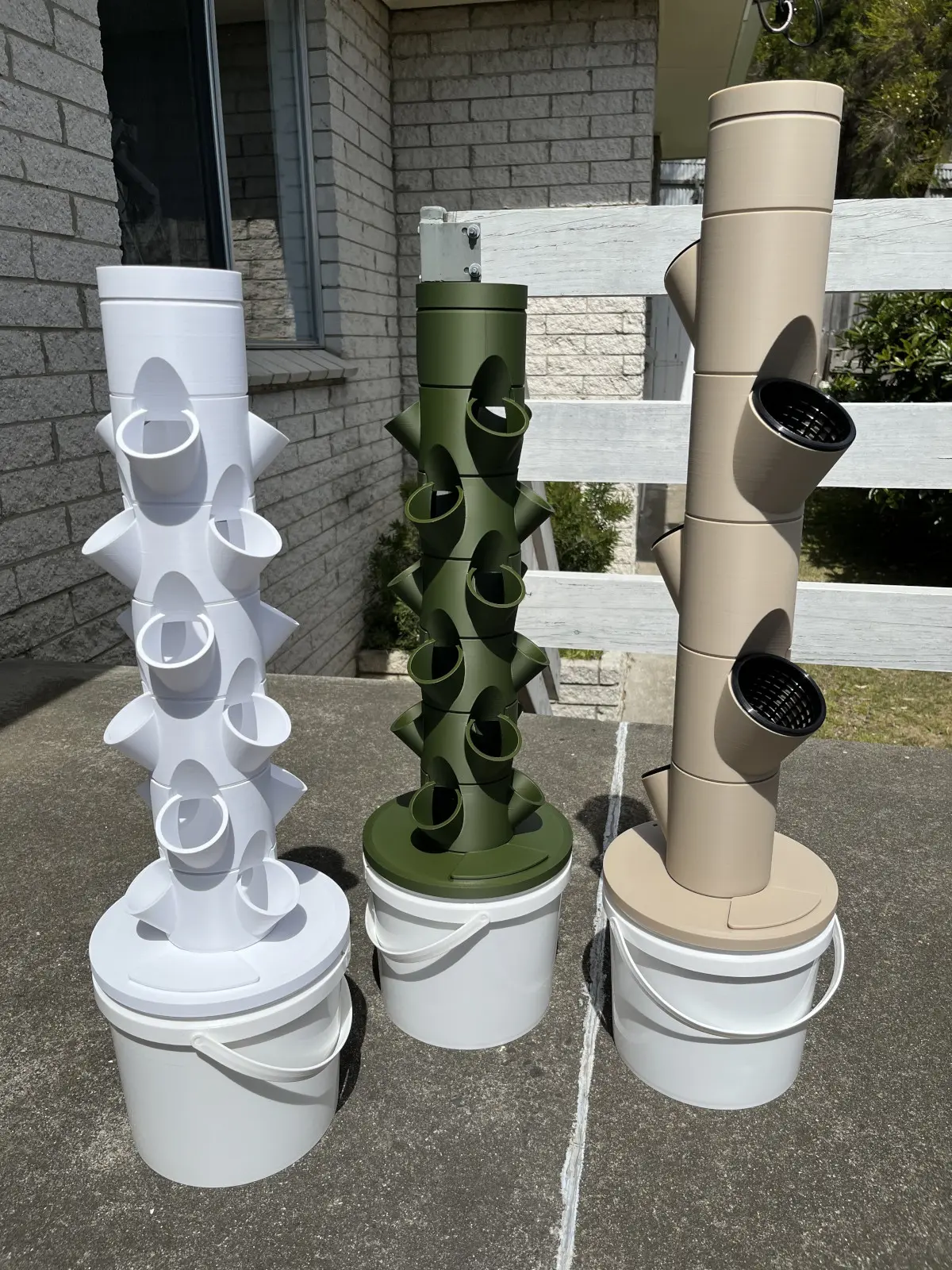
Dani's Miniature Grow Towers
