


#0001 Bulbasaur Pixel Art with Keychain
If you like pixel art check out this bulbasaur and keychain. Below are some tips for printing.
AMS Not Required Each color is at a different height. If you do not have an AMS, you can pause and swap colors.
Scaling the Model When scaling in the slicer, it is recommended that you scale based on X and Y coordinates only. This will leave the Z height the same and keep any color changing to a minimum by keeping the layer height smaller.
Keychain Loop For the keychain files, you can move the keyring loop by select the model and pressing "Split into Objects". The keyring loop can then be moved around. After placing it where you want it, select everything and "Merge" the file back together. In addition, you can scale the model before re-merging the keyring loop at your desired location.
Magnets & More You can add negative space in the slicer program to have a place for magnets or create a keychain or earring hole.
#0001 Bulbasaur Pixel Art with Keychain
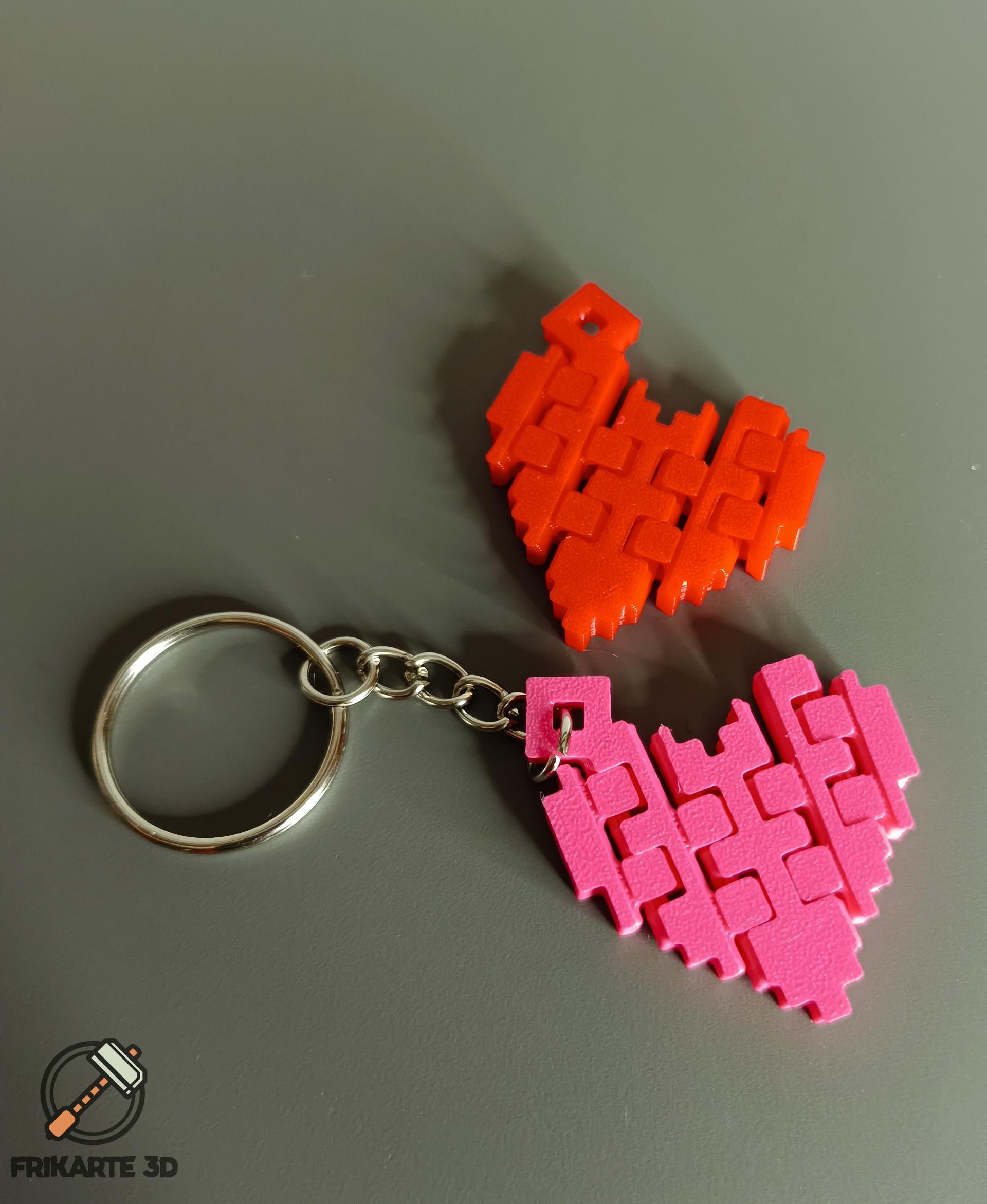
Articulated Pixel Heart Keychain

Pokemon Pixel Keychain - Pack #1
Articulated Pixel Heart Keychain #throwback
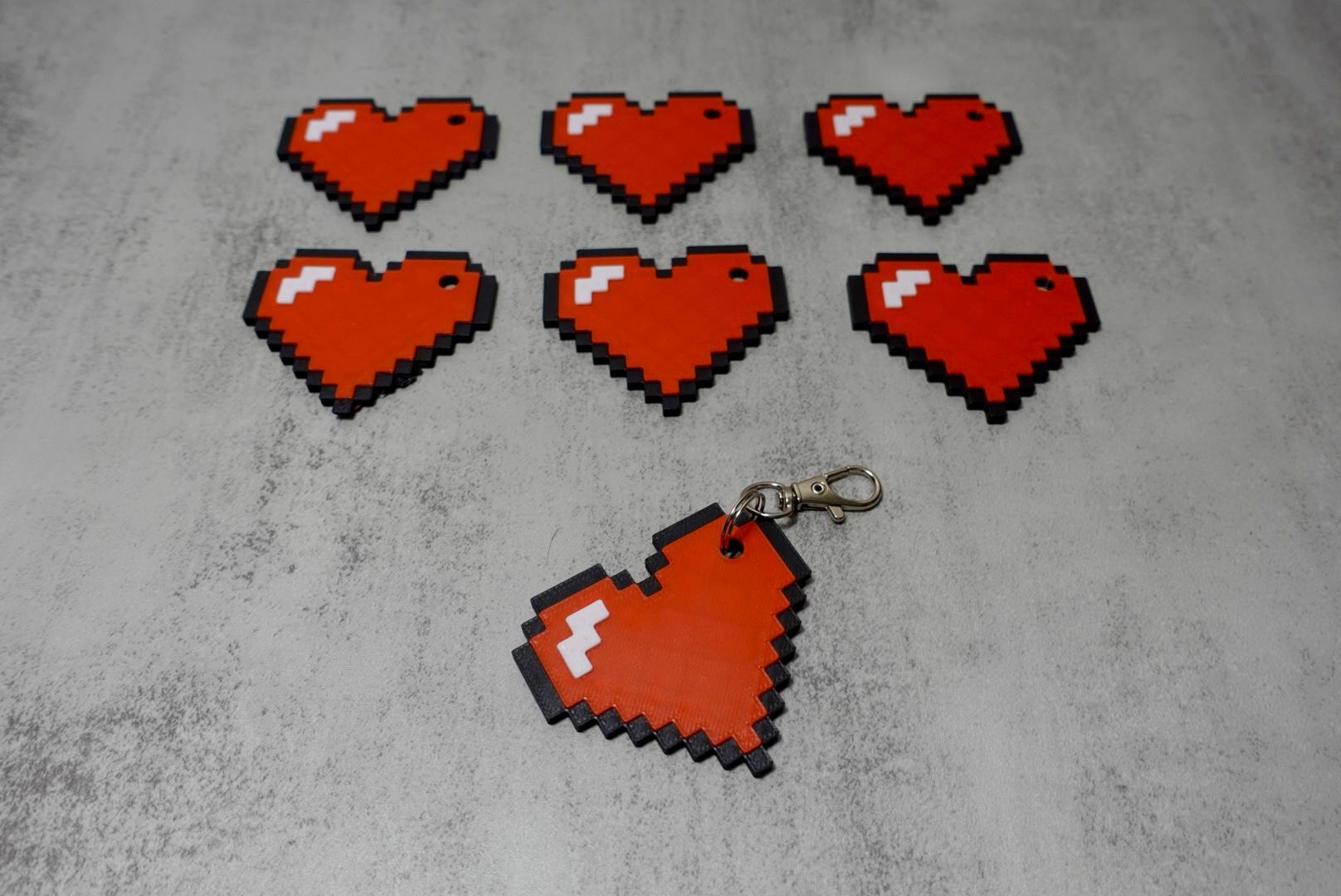
Pixel Heart Keychain

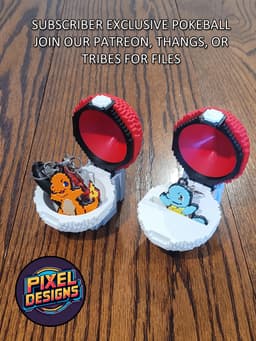
0001 - Bulbasaur Pokeball

Halloween Kitty Printlet – Collectible Plush Keychain, Pixel & Papier Original, No Sew, Pipe Cleaner

#001 Bulbasaur - Pixel Voxel Art Frame (No support, 3MF included)

#0007 Squirtle Pixel Art with Keychain

Captain America Shield Pixel Art with Keychain
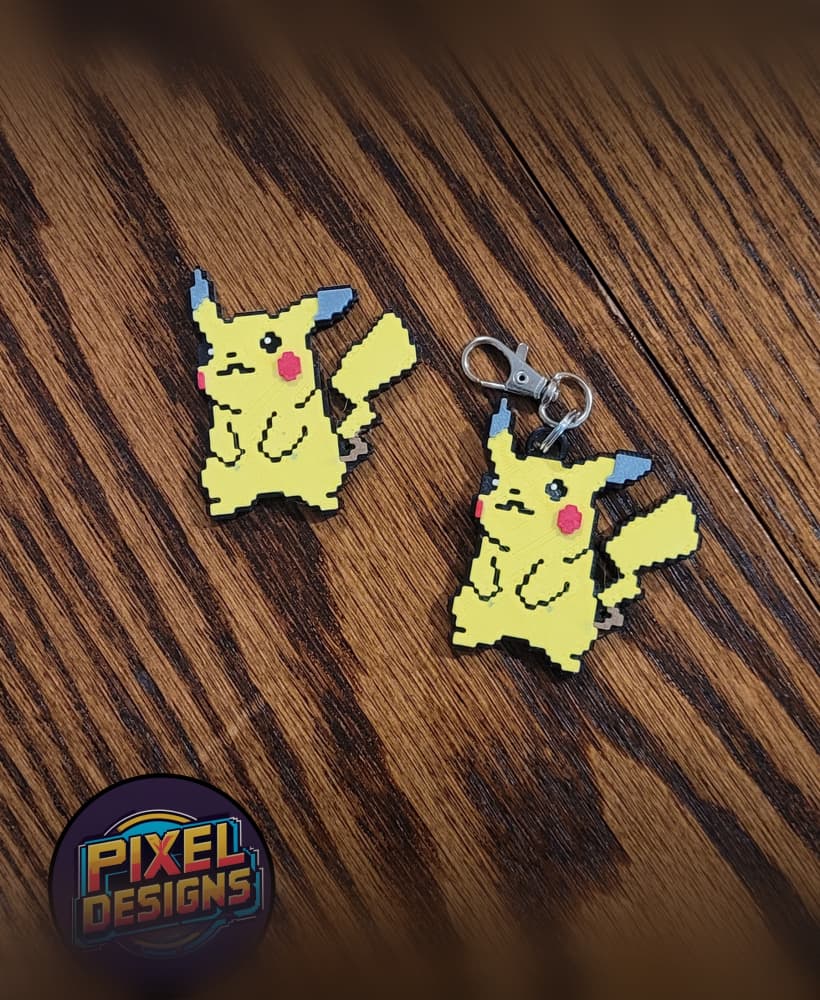
#0025 Pikachu Pixel Art with Keychain

#0004 Charmander Pixel Art with Keychain
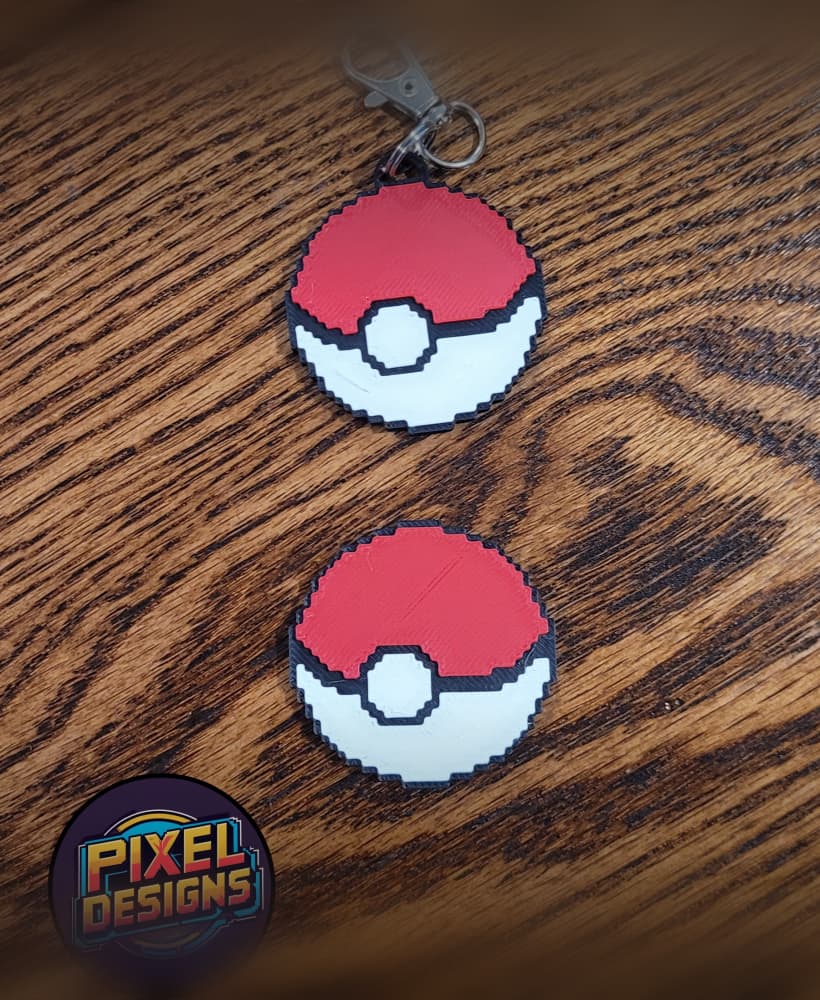
Pokeball Pixel Art with Keychain - No AMS Needed
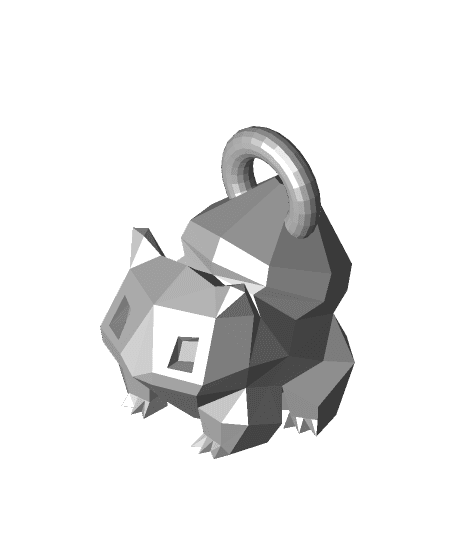
low poly Bulbasaur keychain

Pixel Heart Keychain
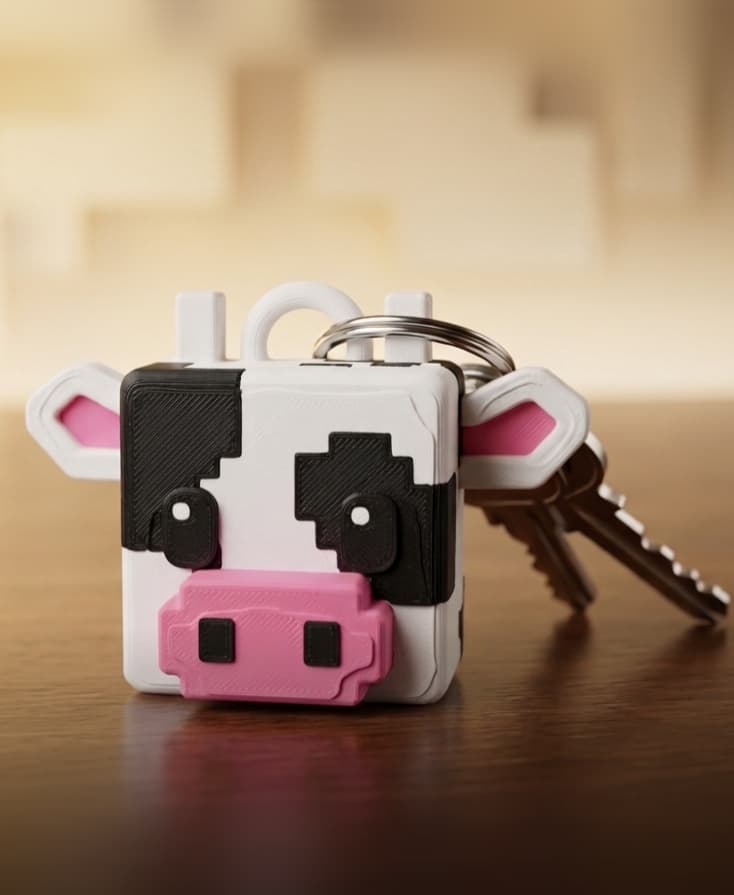
Pixel Cow KeyChain

Pixel Paw Print Keychain

Bulbasaur Ring - Pendant & Keychain - Pokémon Fan Gift Set - 3D Print STL/3MF

Pixel Heart Life Bar Keychains

Capcake Bulbasaur - Clicker Fidget Toy Keychain
