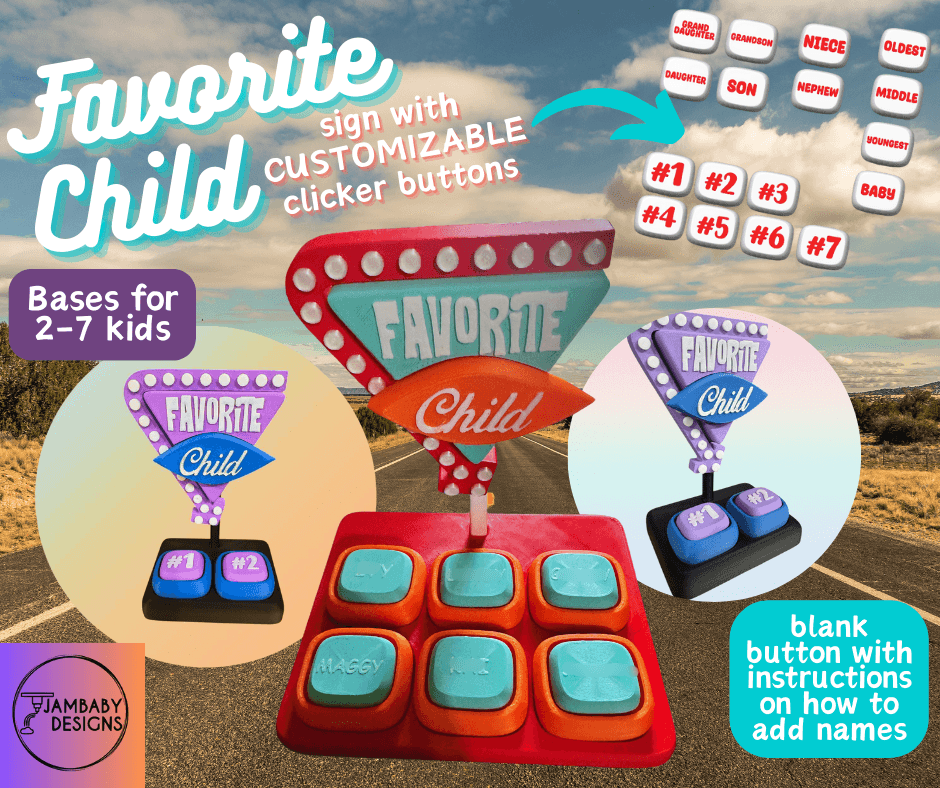


Favorite Child Sign with Clicker Buttons-- Funny gift for mom!!
In my house, full of kids and sarcastic humor, we joke a lot about who is the favorite kid!! I used to tell them when they were younger that my favorite one was always the one who naps. Now when they are ready early for church, or bring me coffee, I say "You are my favorite child!" and they say "Someone write that down!!" Ha ha.
So I decided to design a sign I could place somewhere, and every time they did something good they could click on their button and act like they are raking up points! Since I've had this on my dresser the last week, when they come in for any reason they say "Can I push my button??" It has really been a source of laughter in our house.
I am sure other mothers will love this sign, too. This year give her something unique and fun!!
There are a lot of premade buttons, along with a blank button and instructions on how to add custom names. There are also bases for 2-7 kids!
There are separated STL and 3MF files. Everything can be printed WITHOUT AN AMS, and it glues together in under 5 minutes!
3D printing settings
0.16-0.2 layer height
2 walls
arachne walls
detect thin walls ON
concentric top layers
top shell layers 4
8% gyroid infill
NO Supports needed
only one layer on top surfaces OFF*
*This is a setting under Quality on Bambu Studio. You should leave it permanently OFF (NOT APPLIED) in order to get better top surfaces on your prints.
To add names to the blank button--
Method 1-
If you have an SVG file of the name, right click on the blank button and go to Add->SVG. Then set the name to 0.02 inches in height (0.5mm), use Join, and Use surface.
Method 2-
In Bambu Studio, while the blank button is highlighted, check the Add Text button. Choose a font, size it 6-9 depending on the length of the name, size is 0.02 inches (0.5mm), Embed is 0, and use Surface.
Favorite Child Sign with Clicker Buttons-- Funny gift for mom!!

You Are Flower Fidget Spinner

Rainbow Clicker Fidget- No AMS needed!!
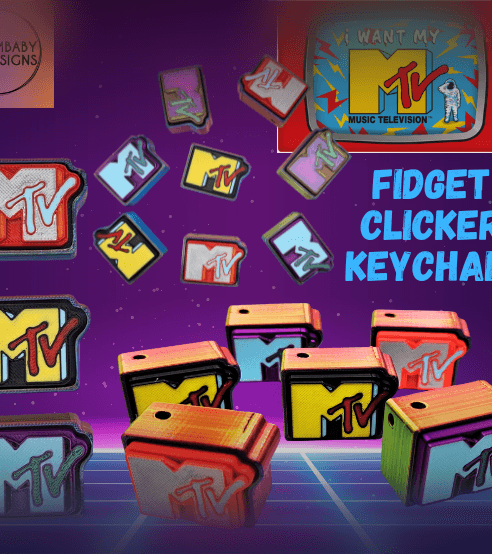
MTV Retro Clicker Fidget Keychain
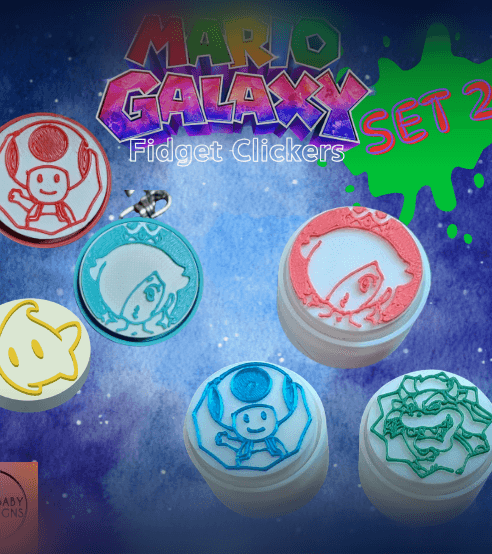
Set 2!! Mario Galaxy Fidget Clicker Keychains
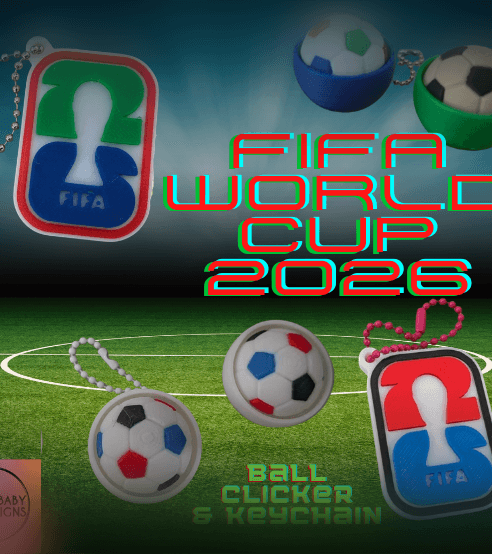
2026 FIFA World Cup Soccer Clicker and Keychain
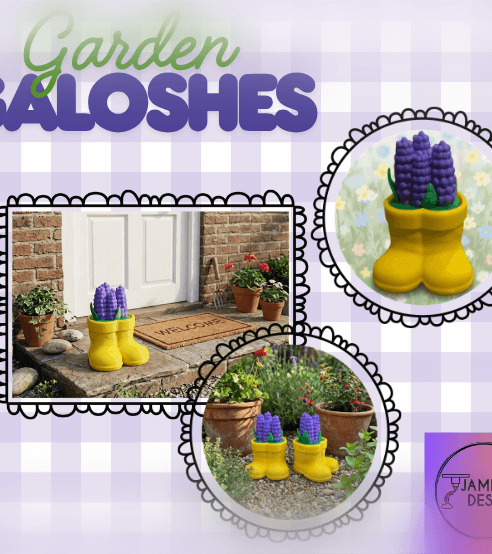
Garden Galoshes Clicker- Yellow rainboots filled with flowers!
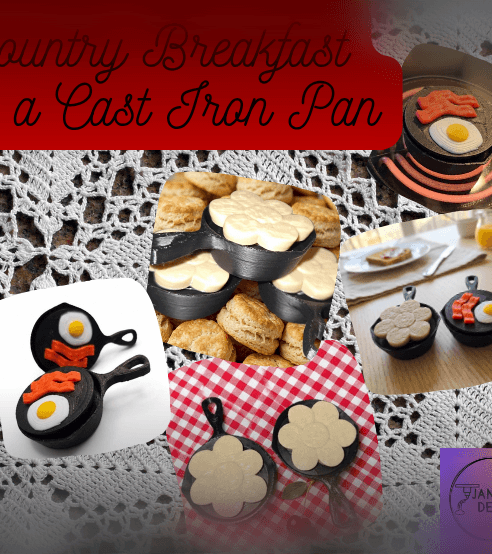
Country Breakfast in Cast Iron- Fidget Clicker Keychain
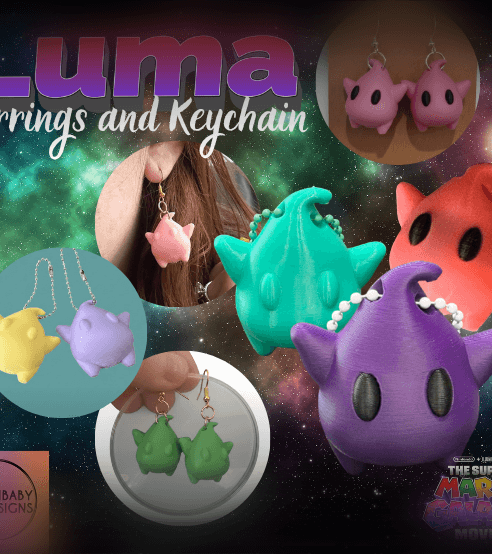
Luma (Super Mario Galaxy Movie) Earrings and Keychain
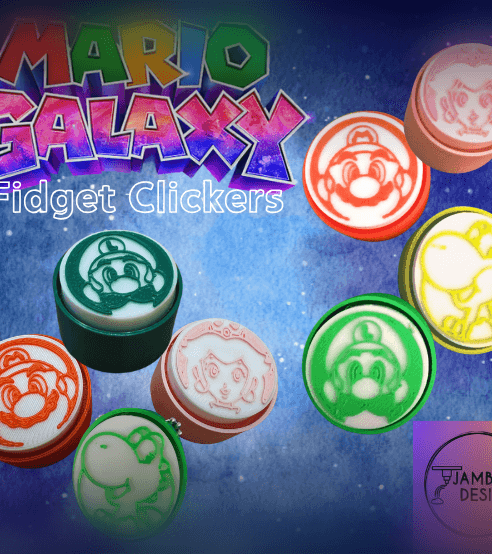
Mario Galaxy Fidget Clicker Keychains
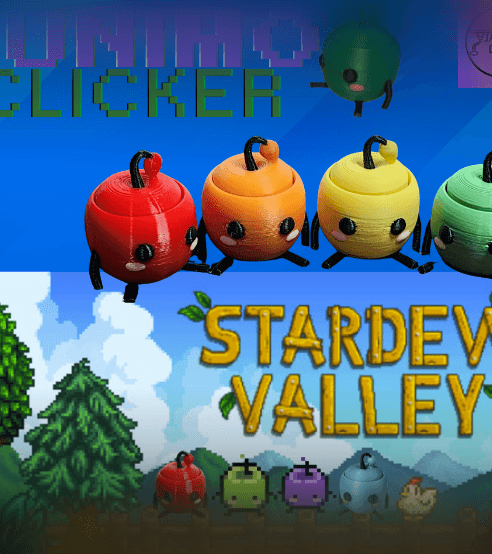
Junimo Clicker Fidget Keychain
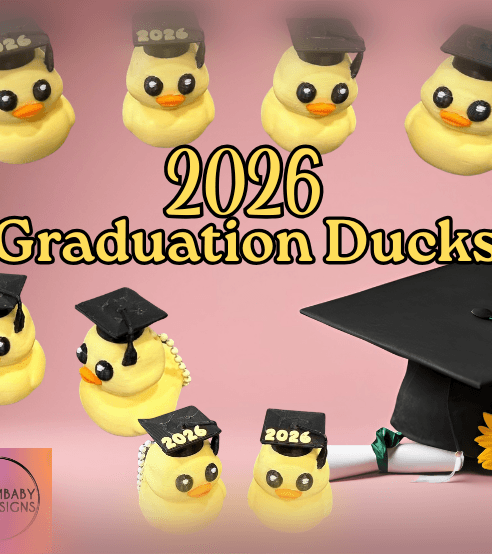
2026 Graduation Duck Keychain and Sculpt
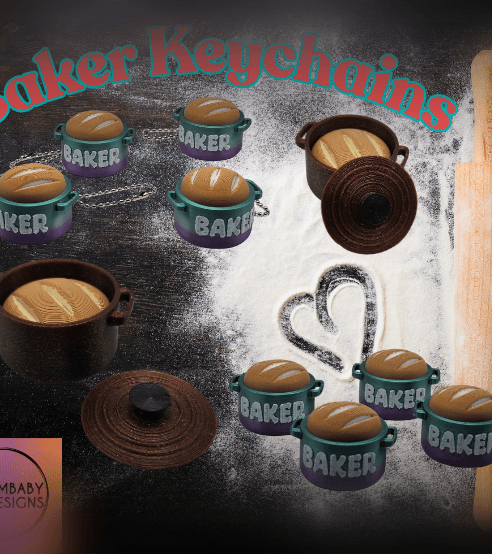
Baker Keychains- Bread in Dutch Oven
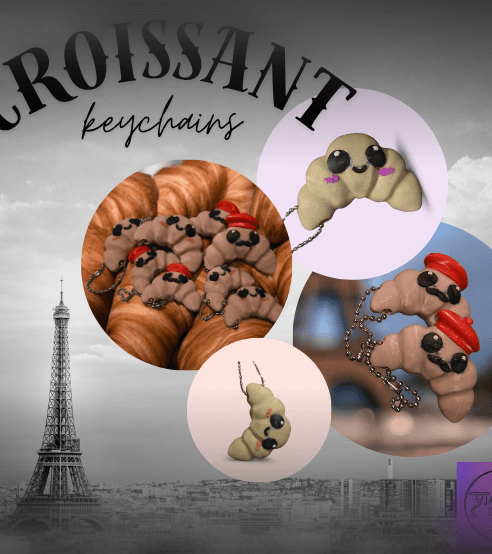
Croissant Keychains
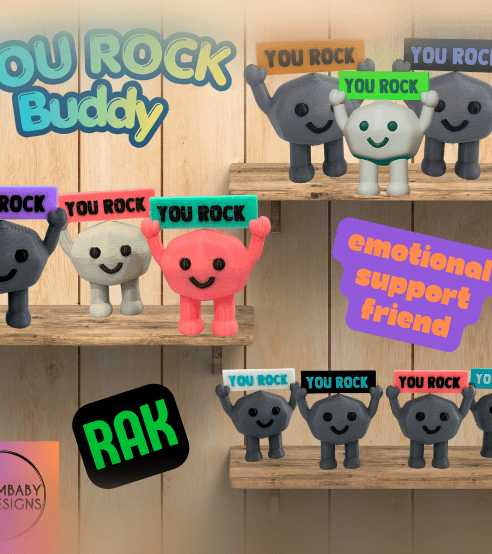
You Rock Buddy-- RAK, Emotional Support
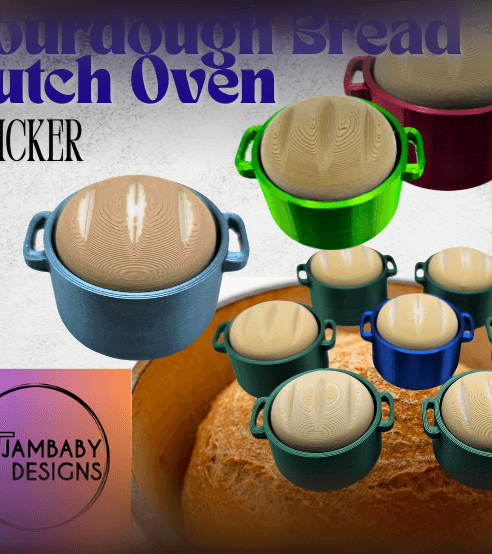
Sourdough Bread Dutch Oven Clicker
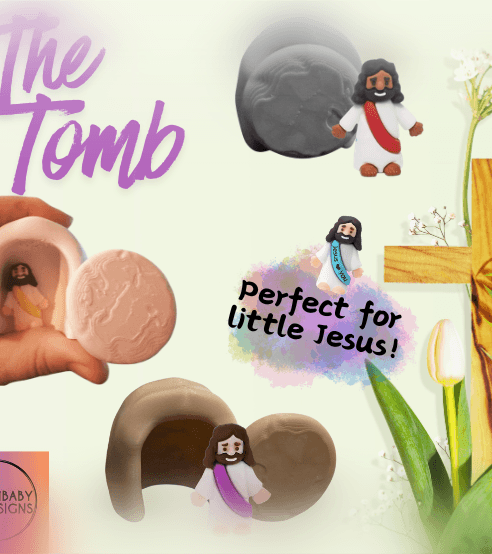
The Tomb for Little Jesus
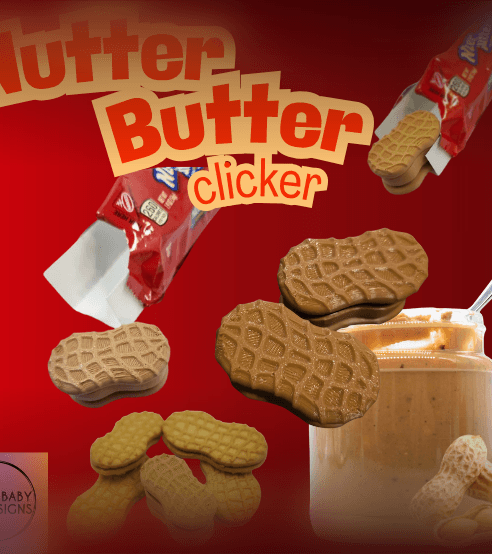
Nutter Butter Cookie Clicker
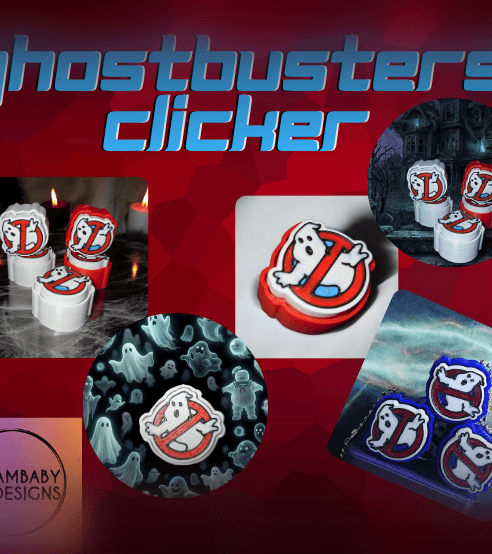
Ghostbusters Clicker Fidget Keychain
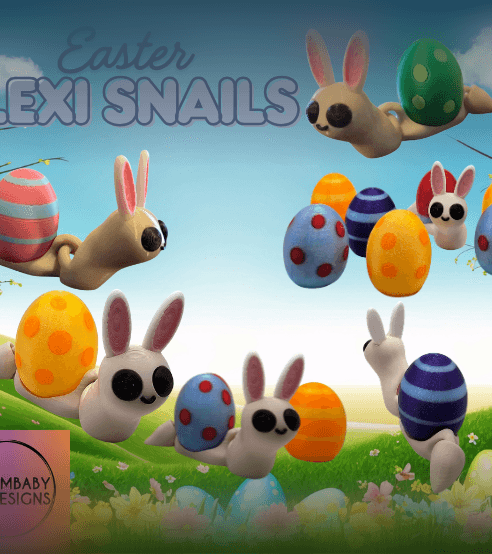
Easter Snail Flexi