.jpg&w=3840&q=85)

.jpg&w=256&q=75)
.jpg&w=256&q=75)
.jpg&w=256&q=75)
.jpg&w=256&q=75)
.jpg&w=256&q=75)
.jpg&w=256&q=75)
.jpg&w=256&q=75)
.jpg&w=256&q=75)
.jpg&w=256&q=75)
.jpg&w=256&q=75)
.jpg&w=256&q=75)
.jpg&w=256&q=75)

External Fan A1 Mini Print Automation | Button Holder and Fan Holder STEP & 3MF
These files are part of my print automation project for the A1 Mini and A1. The files are an upgrade for the A1 Mini to add an external fan which cools down the build plate during the ejection phase. The button is pressed using the extruder head at the end of a print.
Please be careful when printing multicolor objects over 160 mm height with this add on. The same is true for filament cutting when using the AMS for 160 mm single color prints.
You can watch the full YouTube Guide here: Automate Your Bambu Lab A1 & A1 Mini, Free & Easy
🔹 DETAILS
- detailed print instructions included (material, settings, orientation, size ...)
- Modifiable STEP files
- 3MF files for Bambu Studio
MATERIALS NEEDED
Button Holder:
- 2x M3x25 mm screws (not longer or it might hit your extruder head)
- 2x M3 nut
- 45x13,5x16 mm button with 450 mm cable and AMS plug I used the one included in this kit: Button Fan Kit
Cooling Fan:
- Do not exceed 24V & 0,5A DC!!!
- 120x120x25 mm size, the fan I used
- 2x M4x35 screws mm or longer
- 2x M4 nut
This is plenty of cooling already at half the power (6W). The official Bambu Lab AMS instructions show a maximum current of 0,5A at 24V (12W) but I would not push the limit. Depending on your fan cable length you may need some kind of cable extension.
If you have a different button, feel free to modify the STEP file for your needs. You can also send me the modified file and I’ll add it to the upload for others to use.
For the A1: The STEP file should be easy to modify to fit the A1 to achieve the same goal. You can also send me the modified files and I'll add them to the upload.
🎨 Filament recommended for this design This is a functional part and printing it with material that maintains its shape under long tension times is recommended, you can use: (*affiliate)
- Carbon Fiber Reinforced Filaments*
- Polycarbonate (PC)*
- Nylon (PA)* But this part should be fine with normal PETG* as well.
I recommend the PETG-CF filament, any color is fine.
A heartfelt thank you to everyone who supports my work!
🚩 For Private Use Only! Commercial License?
If you're looking to sell my printed models commercially, upgrading to a seller membership grants you access and commercial permissions for all my designs.
Click on the member button at the top for more information and additional benefits!
🔥 More of my Designs If you enjoy the art style and wish to sustain my work long-term, consider becoming a member to access premium designs each month at a significant discount!
Explore all creations here: Thangs Profile
or on other platforms: Factorian Designs
👉 3D Printer & Equipment?
Get my favorites here!
*This post contains affiliate links. If you click through and make a purchase, I may earn a small commission at no extra cost to you. Thank you!
External Fan A1 Mini Print Automation | Button Holder and Fan Holder STEP & 3MF
.JPG&w=3840&q=75)
Self-Watering Plant Spike with Bamboo Buddy! - STL & 3MF Files

Kitchen Sink Organizer with Dishcloth Indicator Buddy | Sponge Holder
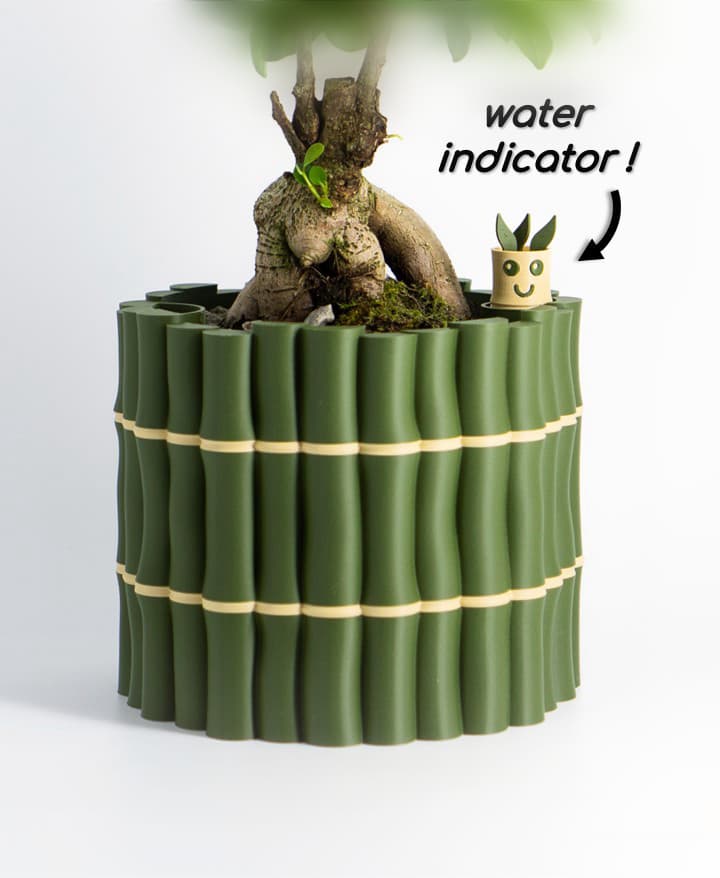
Self-Watering Plant Pot With Bamboo Buddy! | Planter STL & 3MF to 3D print

Pandora Vase – Multifunctional 3D Printed Vase with Hidden Storage and Coasters
.jpg&w=3840&q=75)
Plant Pot "Bellcrest" | Planter STL to 3D print | Fused Pot + Drain Tray & Optional Self-Watering
.jpg&w=3840&q=75)
Rain Planter "CloudDrop" | Plant Pot STL to 3D print | Rain Drop + Twist Snap Drain Tray

Shape Shifting Plant Pot "Wingcrest" | Self-Watering + Water Level Indicator
.jpg&w=3840&q=75)
Modern Vase "Emberflare" | Propagation Vase STL to 3D print | Open Water Design

Plant Pot Bloomcrest - Planter STL to 3D print - Fused Drainage Pot + Drain Tray
.JPG&w=3840&q=75)
Fridge Magnet – SnapCacti - Featuring Detachable Magnet Blooms – Fun, Decorative, and Functional!
.jpg&w=3840&q=75)
Plant Pot With Hidden Box | Planter Model "Bellaria" | Hidden Push-Lock-Push-Release Safe
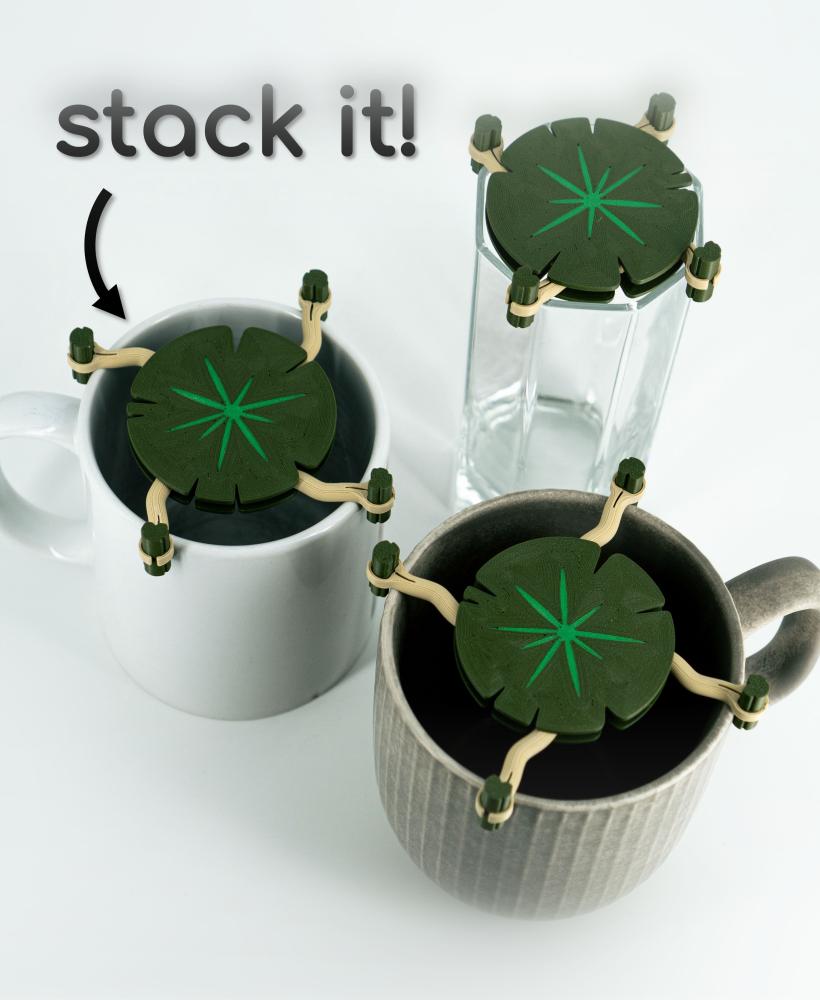
Mug Stacker Lily Pad 3D Printable STL | Organize your Drinkware with “Lilia”

Plant Cable Clips & Ties "LeafLock" | Adjustable Cable Zip STL to 3D print | Leaf Wall Clips

Dual Secret Jewelry Box 3D Print File | Storage Box Model "Aurelia" | Two Hidden Containers
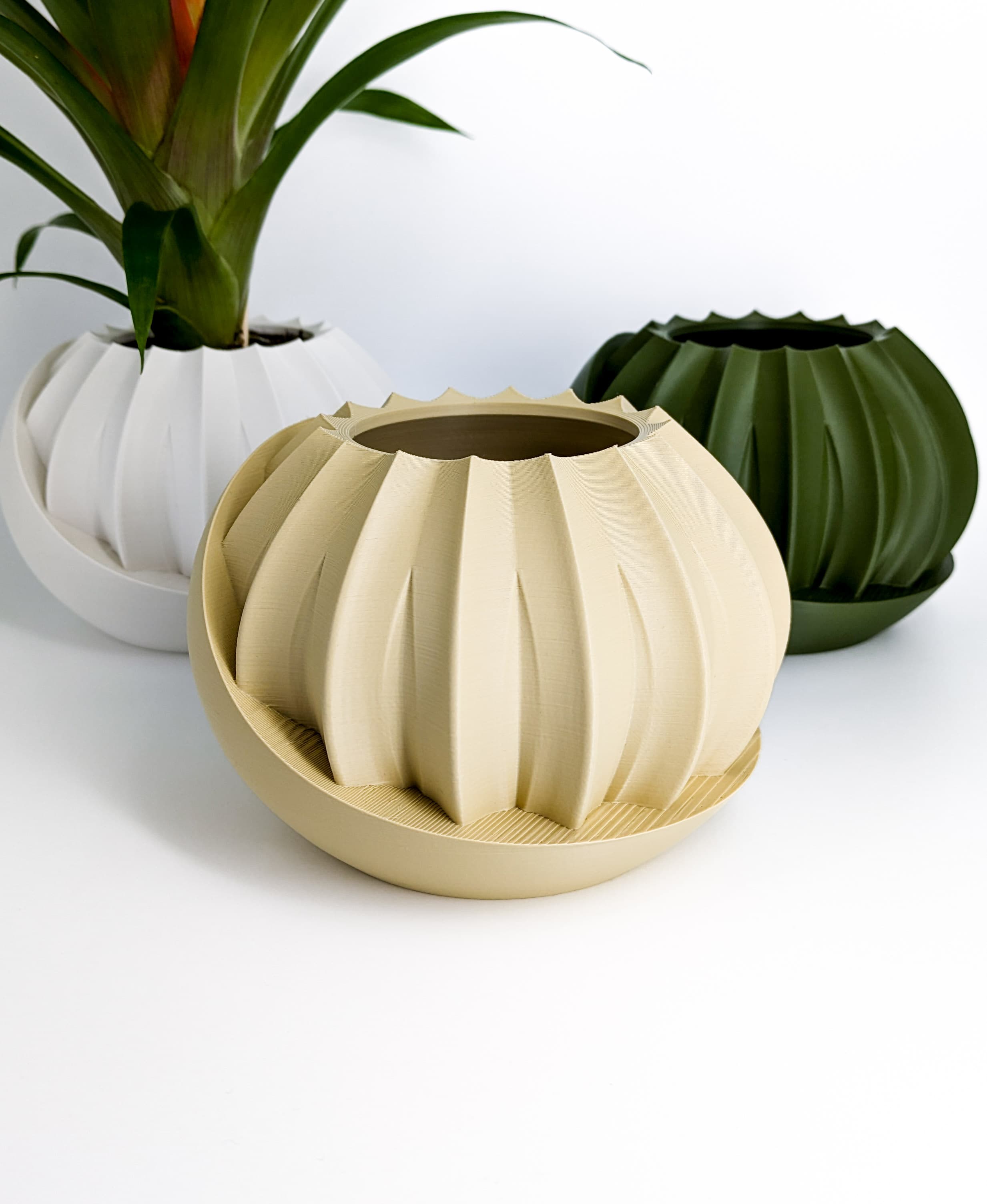
Plant Pot With Hidden Box | Planter Model "HiddenLotus" | Hidden Push-Lock-Push-Release Safe
Egg Cup "Unbowed" 3D Print Stl File | Bambu Studio 3MF included | Easter Gift

Plant Pot Modern "Diluvian" for succult planters to big pots
Plant Pot "Bellvere" | Small Planter for Succulents & Big Garden Pots | Drain Tray Version included

Wall PLANT POT Dragon Egg | PLANTER STL TO 3D PRINT | Version "Blossomscale"
The link to the fan is dead, and I can only get one of the cable listed. Is the fan just a regular fan connector?
The links still all work for me 😅 Maybe try again with a different browser. The fan just has a JST Connector, like on the other end of the button.
Hey! Cool mod, is was wondering if you also have a A1 version in the works?
Thank you! For now thats not in planing, I was hoping that someone would maybe remix this design for the A1.
Just a heads up. I plugged the fan into the a1 and it fried the fan. So I made it into a usb and using usb plugs that go into an outlet.
Do you know if someone has already?
No I don't think so. At least they didn't tell me. I honestly thought this would only be a matter of few days 😅