


Official Snap on Wheels for Fixum Dude Motors Print in Place Vehicles
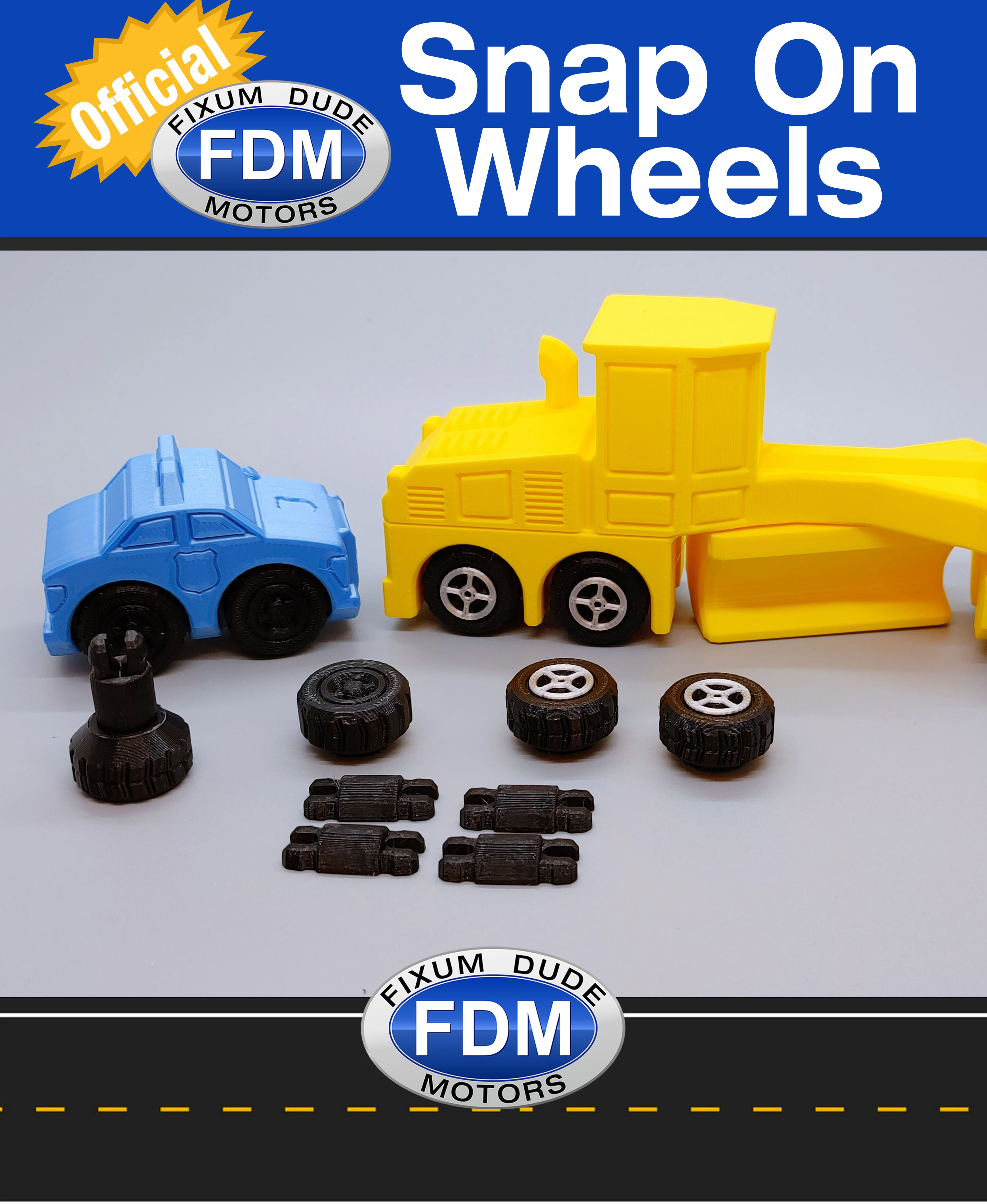
Official FDM snap on replacement wheels designed to fit most FDM print in place vehicles and stand up to normal play.
They're FINALLY Here! Official replacement wheels designed to be easy to install without glue, stand up to normal play, and most important of all, pass the @Crussty Crush Test!
Designed to fix broken wheels on FDM vehicle without having to reprint the entire vehicle. Also allows for printing the body in one color and the wheels in another without the multi-color purge waste. A MUCH requested feature.
Wheels print with the outside facing up. A brim is recommended (outer only) on the wheels for added bed adhesion. Some people have successfully printed without a brim, so it depends on your printer's bed adhesion.
A brim should not be needed for the axle halves and might make snapping the parts together more difficult
Snapping the axle into the wheel requires a decent amount of force, especially the first wheel, but that is by design to make the connection as strong as possible. The bottom of the vehicle or other hard flat surface can help snap the axles into the first half of the wheel. A helper tool is coming soon to help snap everything together.
Styles 1 and 2 have the “rims” inset which can be painted in the slicer if multi-color wheels are desired.
Style 3 has the rim part raised to allow for a color swap on the last few layers for a wheel look without multi-color purging.
Print 4 wheels and 4 axle halves for each set (6 for the semi trucks and road grader and 8 for K2 Kevin's Big Rig Truck)
Wheels should work on all vehicles except the wider Flatbed Tow Truck
HOW TO DELETE ORIGINAL FDM WHEELS IN SLICER:
- Load the desired FDM vehicle into your slicer.
- Select the vehicle by click on it
- Right click on the vehicle to bring up the menu
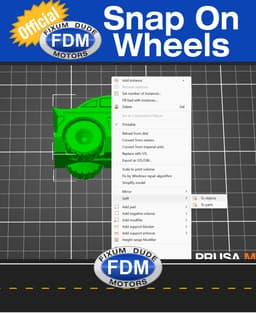
- Select “Split” from the menu, then select “To Objects” from the popout menu
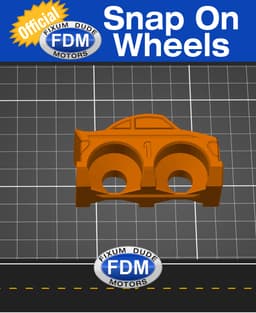
- Wheels should now be select-able individually
- Select each set of wheels and press the “Delete” key (or right click and choose “Delete”)
- Print as normal
Official Snap on Wheels for Fixum Dude Motors Print in Place Vehicles

Fixum Dude Motors PiP Classic Double-Decker Bus
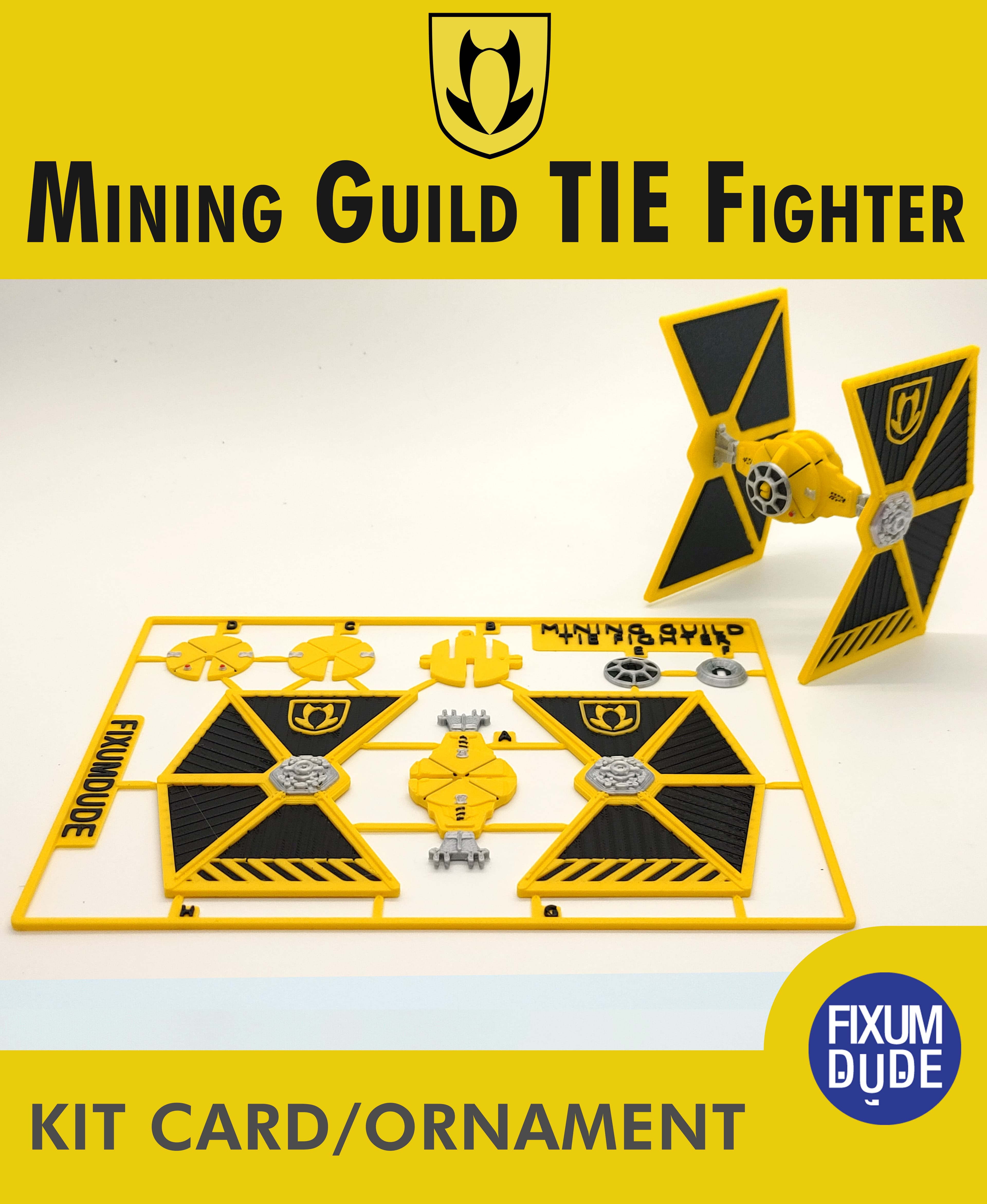
Mining Guild TIE Fighter Kit Card

Tie Fighter Defender Kit Card

Swirly Heart Decoration

Swirly Heart Earrings

Fixum Dude Motors PiP Armored Truck

Snap Together Heart Napkin Holder
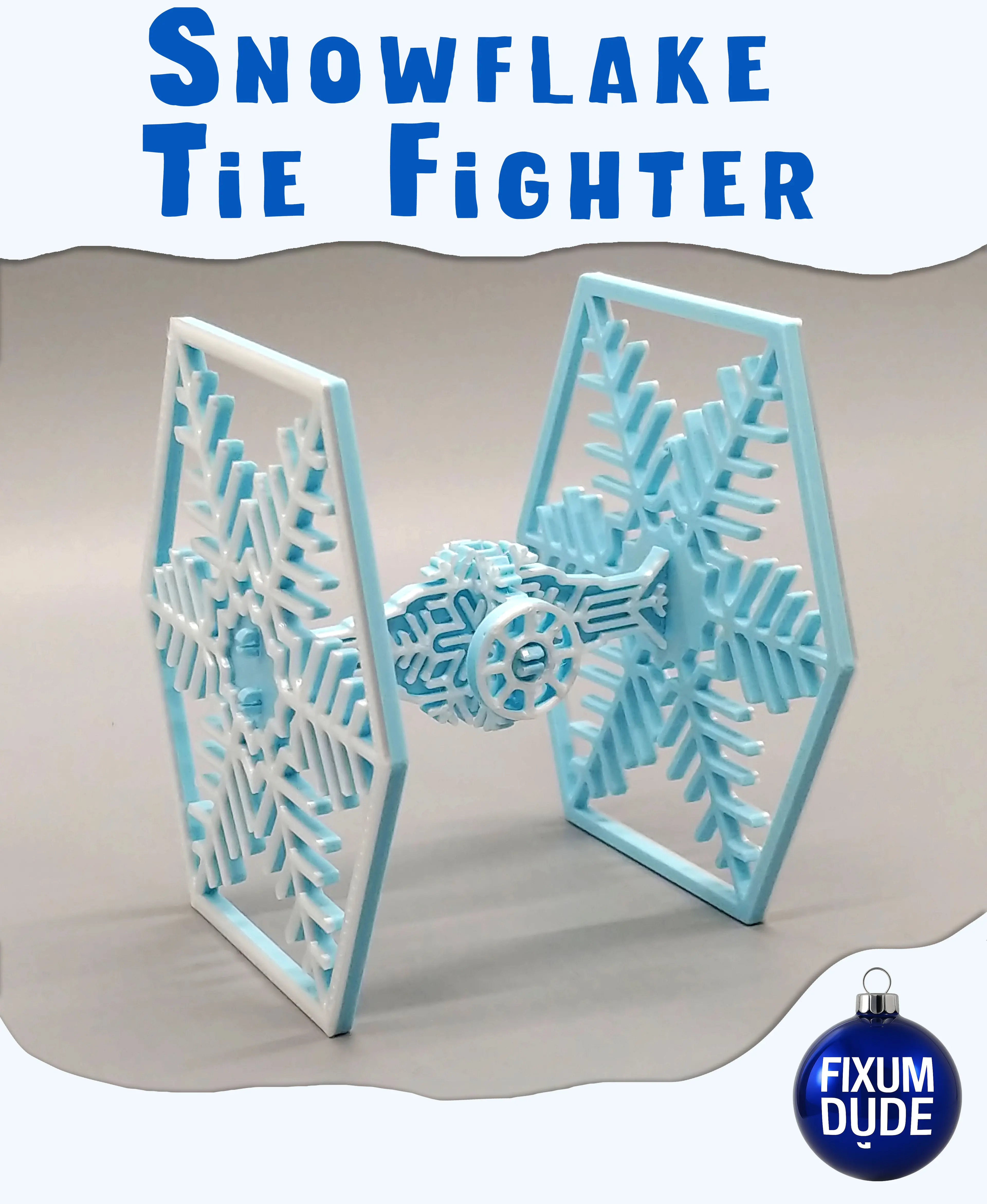
Snowflake TIE Fighter Kit Card Ornament

Flexi Gingerbread Stormtrooper Ornament

Flexi Gingerbread Grogu Ornament
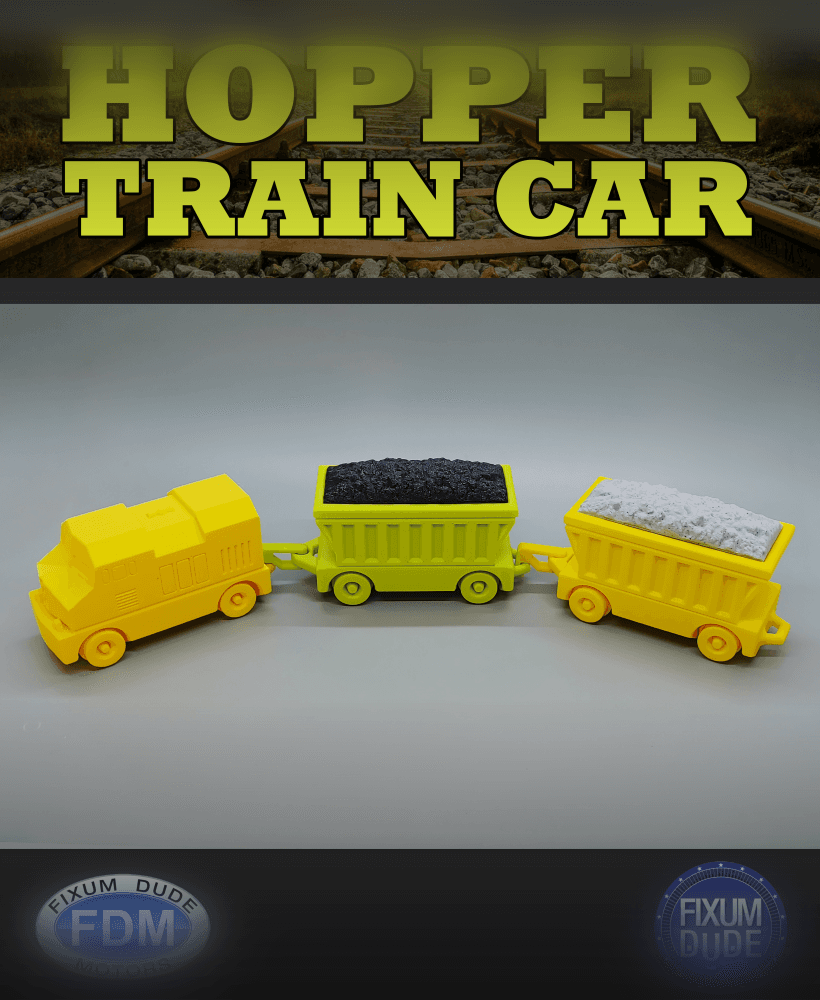
Fixum Dude Motors PiP Hopper Train Car

Simple Halloween Table Decorations

Fixum Dude Motors PIP Diesel Train
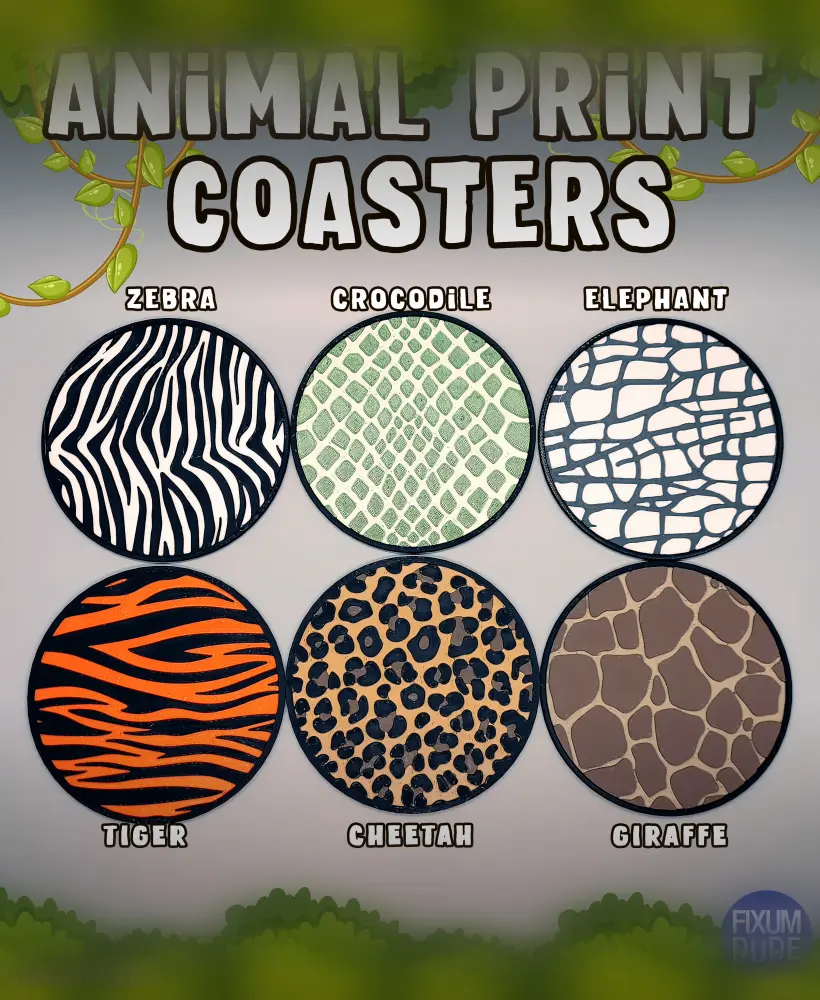
Jungle Safari Animal Print Coasters

School Bus Marker Holder (Free Standing)

FlexiFries_BambuStudioProject_AllSizesPlusContainer.3mf

Fixum Dude Motors PIP DHL Delivery Van
BD-1 Droid Kit Card 2.0

Peeps Bunny Vase/Basket
