


.gif&w=256&q=75)




Rusty, the Flexi Raccoon - Magnetic Hand-Holding Companion
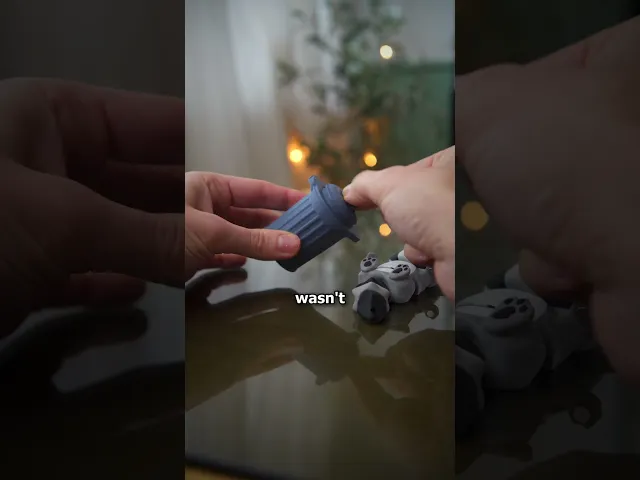
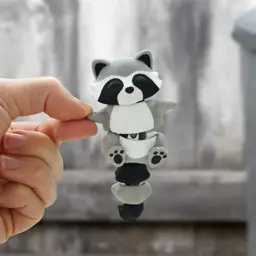
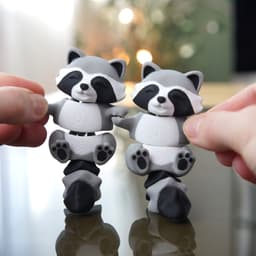
Say hello to Rusty the Raccoon, your adorable flexi friend with smooth articulation and tons of charm! He even comes with his own Mini Trash Can — because every trash panda needs a cozy home. Perfect as a playful fidget toy, display piece, or thoughtful gift that’s guaranteed to make people smile.
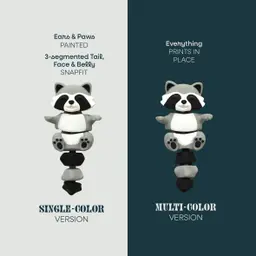
✨ Choose Your Style:
• 🎨 Multicolor Version: Vibrant and detailed — with or without keychain hole
• ⚫ Single-Color Version: Simple, fast, and customizable — with or without keychain hole
😊 Why You'll Love It:
• 🦝 Cute & flexible design that’s full of personality
• 🗑️ Includes matching mini trash can for fun storage or display
• 🤝 Collectible companion — pairs perfectly with our Flexi Otters
• 🖨️ Single-color model prints perfectly on any machine
• ✂️ Easy to print & assemble — magnets optional for extra interactivity
• 🎁 Makes an adorable gift for animal lovers or fidget fans
📐 Quick Specs: Fits 5×3 mm magnets | Trash Can: 50 mm × 30 mm | Optional keychain hole (12 mm ring)
🎨 Filament Used:
Grey (Get it) • Black (Get it) • White (Get it) • Blue Grey (Get it)
🛠️ Hardware Used:
• 12 mm Bindering: Get it
• 25 mm Schlüsselring: Get it
• 5×3 mm Magnets: Get it
📋 Print Settings: See included README.md for detailed instructions
🎯 New to 3D Printing? Perfect prints guaranteed → Start Here


Rusty, the Flexi Raccoon - Magnetic Hand-Holding Companion

BambooBar - Straw Organizer

PoopPal Corgi - Dog Poopbag Dispenser

Bruce, the Flexi Shark - Magnetic Hand-Holding Companion
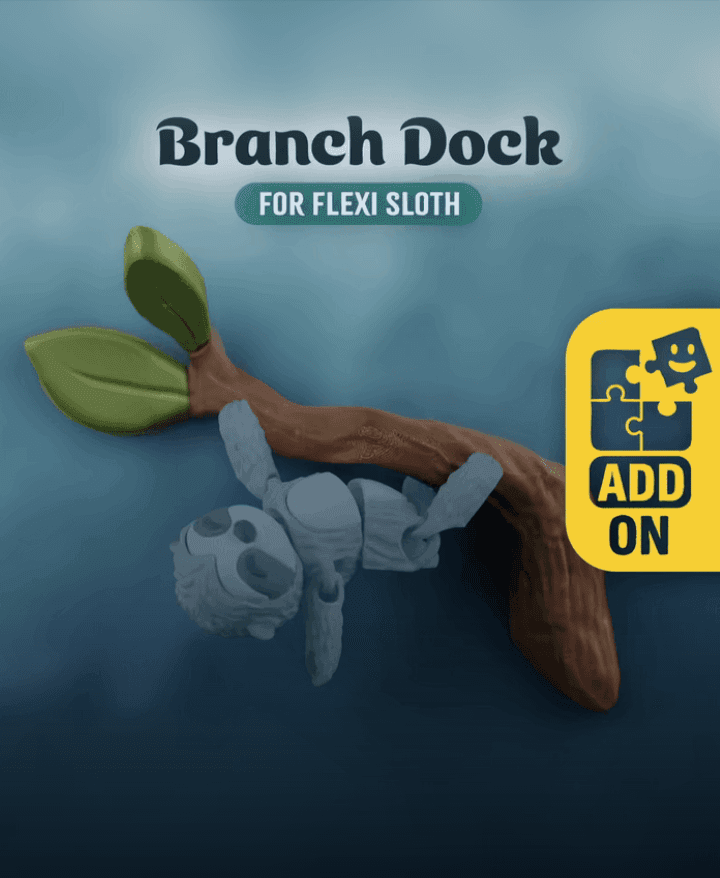
Flexi Sloth Branch Dock
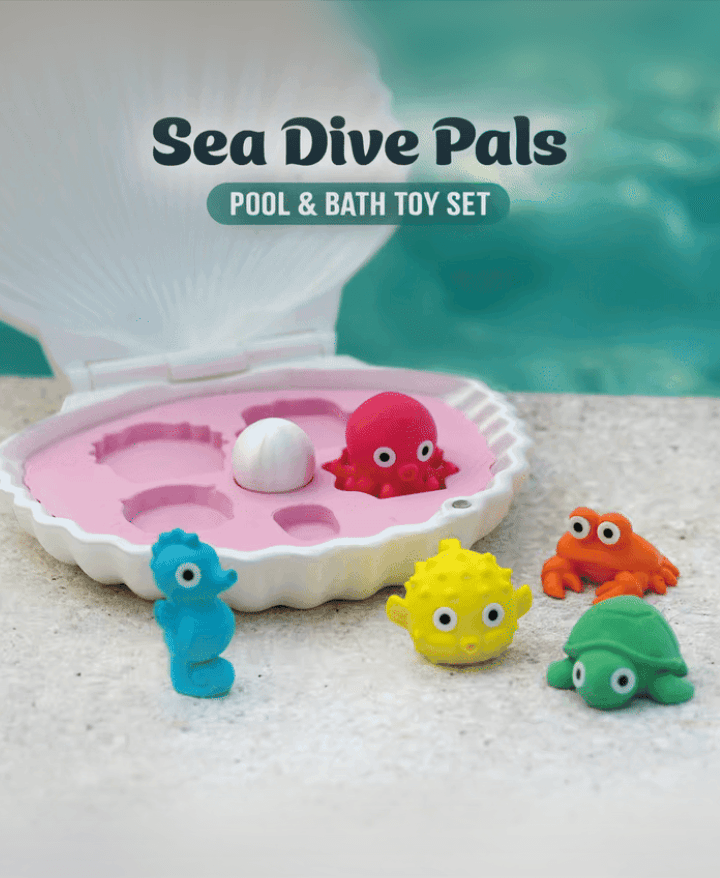
Sea Dive Pals

Domino — Dog Treat Edition

Alfie, the Flexi Alligator - Magnetic Hand-Holding Companion

Diego, the Ice Pint Holding Dragon
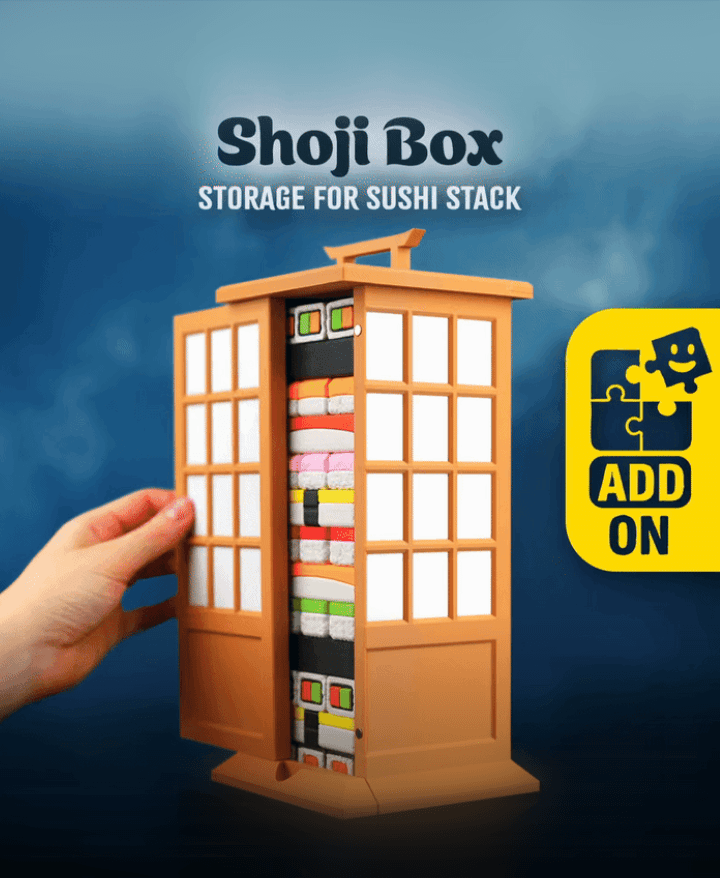
Sushi Stack — Shoji Box
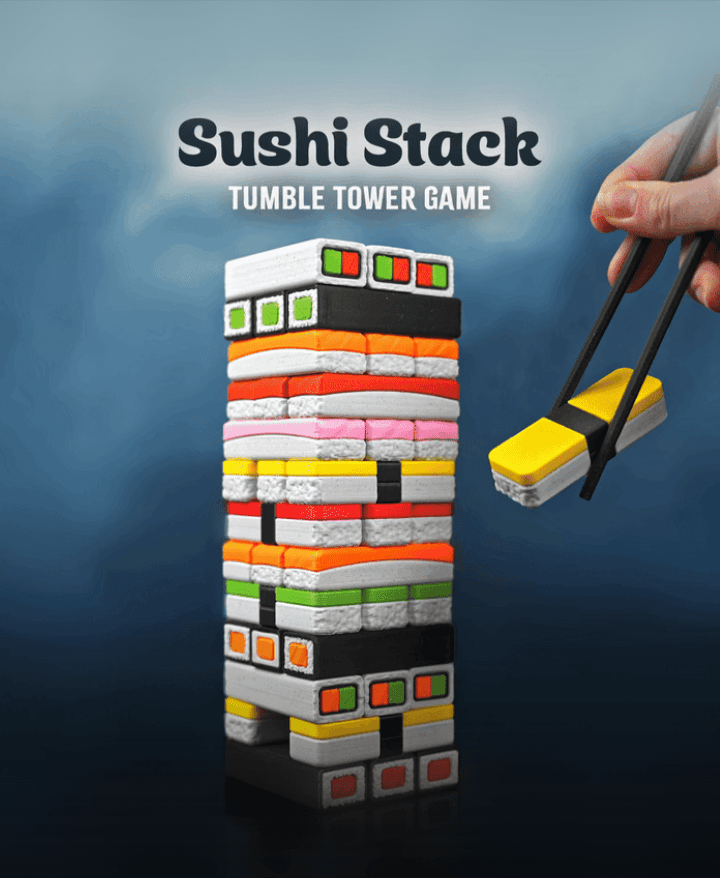
Sushi Stack — Tumble Tower Game

Luisa, the Flexi Lioness - Magnetic Hand-Holding Companion

Highland Cow Desk Organizer

PMS - Period Missile System - Tampon Pistol

RummyCat - Rummy Game

Taro, the Flexi Tiger - Magnetic Hand-Holding Companion

Egglings – Dinosaur Egg Cup

Sammy, the Ice Pint Holding Sloth

Henriegga – The Chocolate Egg-Laying Chicken
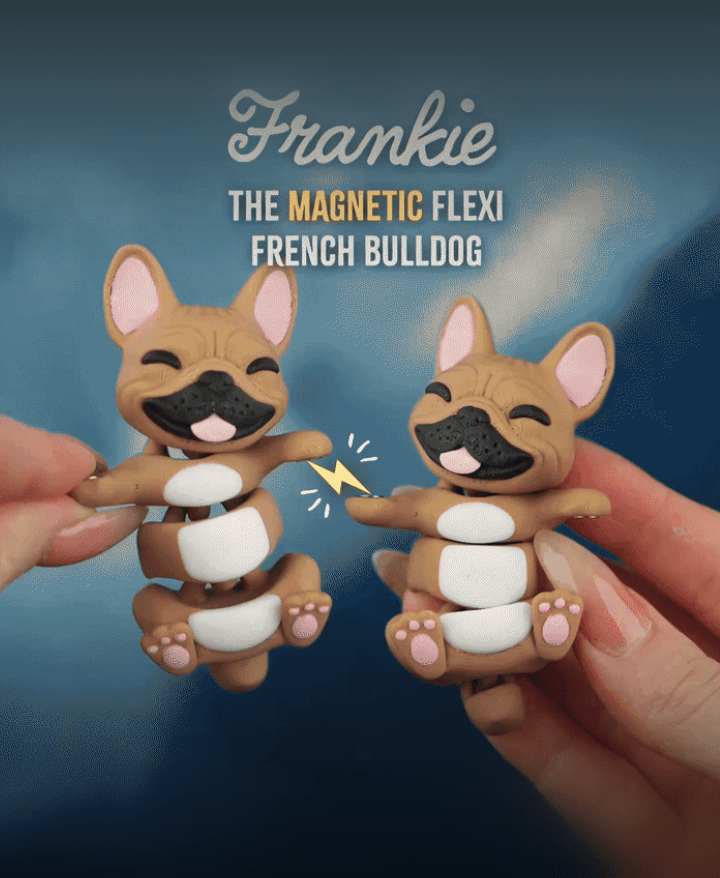
Frankie, the Flexi French Bulldog - Magnetic Hand-Holding Companion

Cool update, you should definitely make a video on your Instagram about the modification of belly
thank you! i plan on updating the other animals as well :)
Love them! So much that they became my very first print on a 3d-printer ✨️
what an honor <3
Hi, I love this design so much, but I really wanted black ears for the single color version is there a tutorial you would recommend on how to edit the 3d model so I could print a small black ear piece? How do you do it for the other flexis? Thank you so much and great work :)
thanks 🫶🏻 the easiest solution would be to paint them with a pointy permanent marker or acrylic paint. we usually try to make the singlecolor models as accurate as possible but these tiny parts are a pain to assemble and we don’t want too many parts 😬 i don’t have a tutorial in mind, but we plan to do one in the future on how to do separate parts
Hey.. is there a correct and incorrect way to inser the magnets? Is there a certan way you put in the magnets?
Hi,
if you dont have any existing flexis, i'd do it this way:
grab a stick of magnets(so the magnets are all stacked in one long chain), glue in all right hands, with the stick pointing up. then rotate the stick 180deg, and glue in all left hands. this way they will attract
if you have exsting flexis, make sure to first align the stick to the right hand of the existing flexi, then glue in all right hands, then rotate the stick, and glue in all left hands
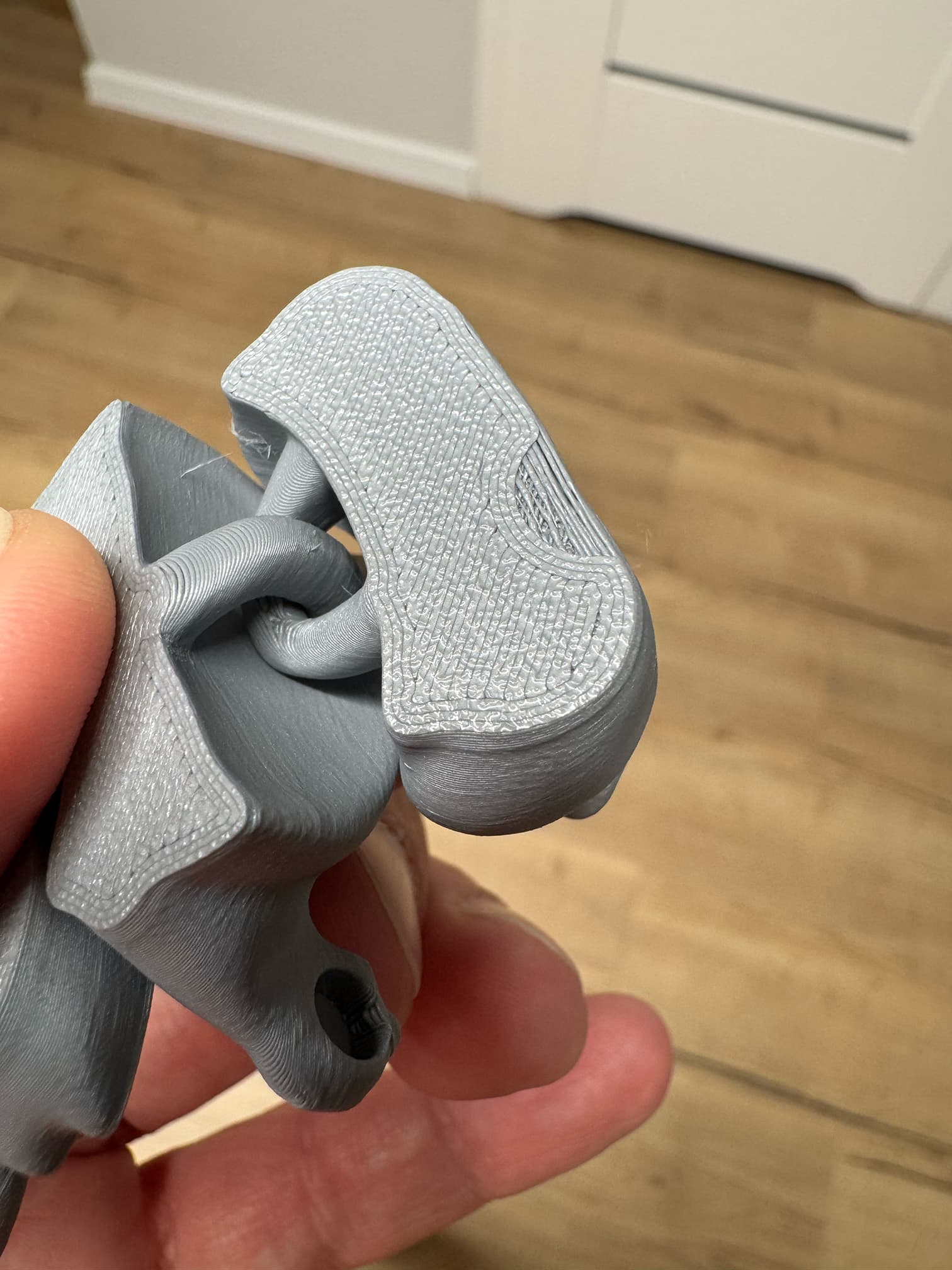
After thinking about this I do remember the grey color was tangled at one point. I'm assuming my printer didn't realize it right away and continued on its travel path. Disappointing but the model is still really amazing!
yes, it seems like it underextruded for one layer, and therefore you have not a proper bond
I was wondering If anyone knows if this will print when shrunk? Would love to make a racoon to sit in the trash can
unfortunately not, if you shrink them down so they would fit, the flexi joints would be too small and break easily. but if you like, we can start working on a bigger trashcan :)
Can this design be split into more parts for a single color printer like "Foxy" so the belly doesn't need to be painted? Thanks :)
hi, I've reuploaded the single color version, now the belly prints as seperate piece and can also be glued in :)
i have a look into it :)
Hi, I tried to produce more than one Raccoon in Multicolor version with keychain hole. And my printer shows Error : non-manifold edges. can you please advise how I can fix it ? thanks,
Hi,
you dont need to fix this. Its just information. it prints fine.
you can rightclick on the model, and click fix model. this will get red of the error msg, but you would need to repaint the whole model. So i didnt bother, since it has no real effect, on the outcome, if the slicer says: non-manifold edges
Thank you.