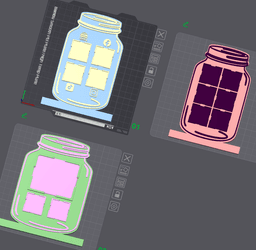


Mason Jar Vendor Sign *FULLY CUSTOMIZABLE*
The newest sign in our Vendor sign collection FREE FOR MEMBERS!!
You can use Canva to create free QR codes. Then open Makerworld and go to Maker Lab. Import to Image to keychain (default settings)and export to Make My Sign to add the back. You can do face up or facedown. Face up seems to work better for most. Try to use QR codes that are not too detailed. The dimensions for the QR code signs are between 29mm-30mm square (depending on filament) with a 2mm corner radius. Total height 2mm. I would recommend printing a blank draft sign to determine what size yours needs to be.
For the business logo sign, save your image as a PNG or SVG. Import to Image to Keychain, then export to Make my Sign. The dimensions for the business logo sign is 70x58mm horizontal style.
The bases range from types with QR code spots, NFC circle spots, business card holders, square holders, etc. If you use the NFC type, I recommend gluing in your logo caps. To get all the bases, join my Vendor Sign Membership!!
Mason Jar Vendor Sign *FULLY CUSTOMIZABLE*

You Are Flower Fidget Spinner

Rainbow Clicker Fidget- No AMS needed!!
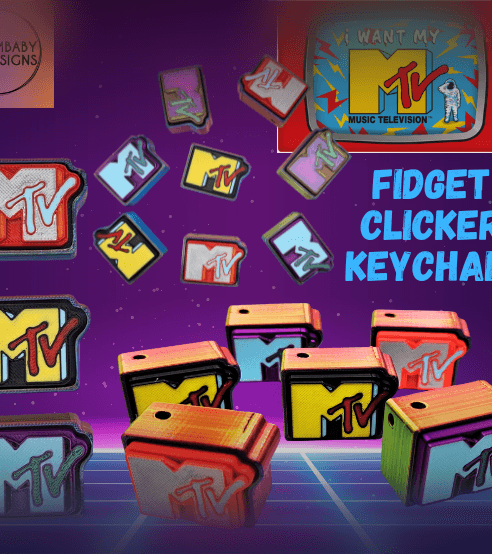
MTV Retro Clicker Fidget Keychain
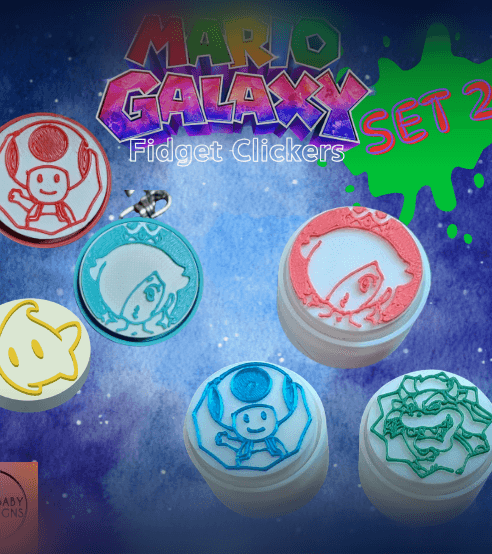
Set 2!! Mario Galaxy Fidget Clicker Keychains
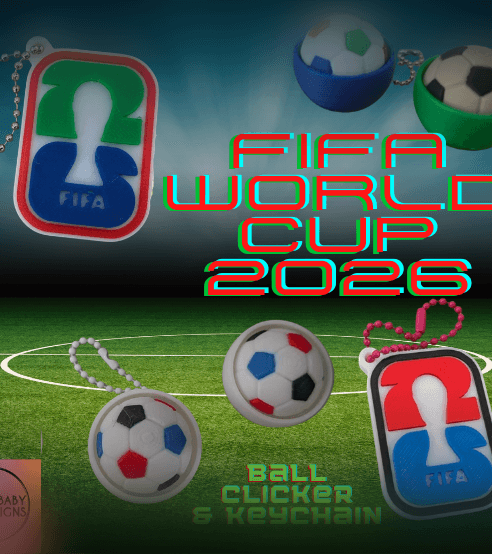
2026 FIFA World Cup Soccer Clicker and Keychain
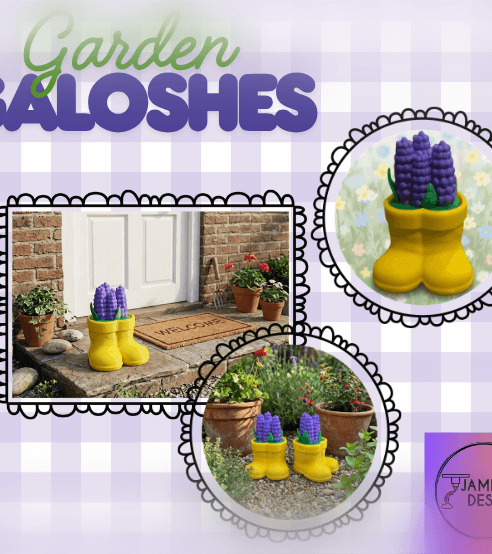
Garden Galoshes Clicker- Yellow rainboots filled with flowers!
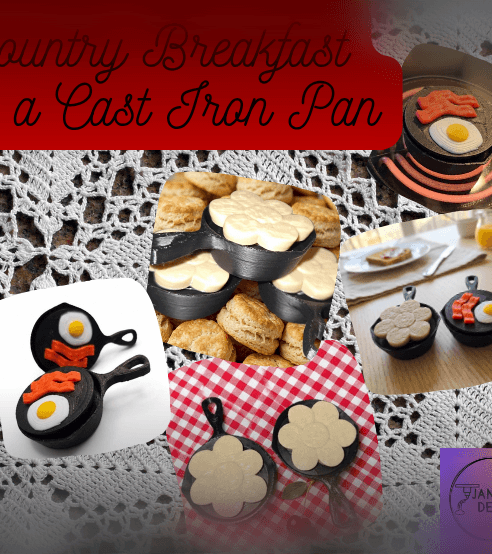
Country Breakfast in Cast Iron- Fidget Clicker Keychain
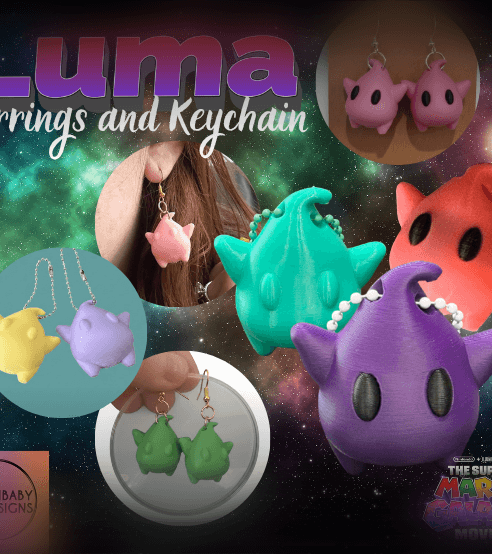
Luma (Super Mario Galaxy Movie) Earrings and Keychain
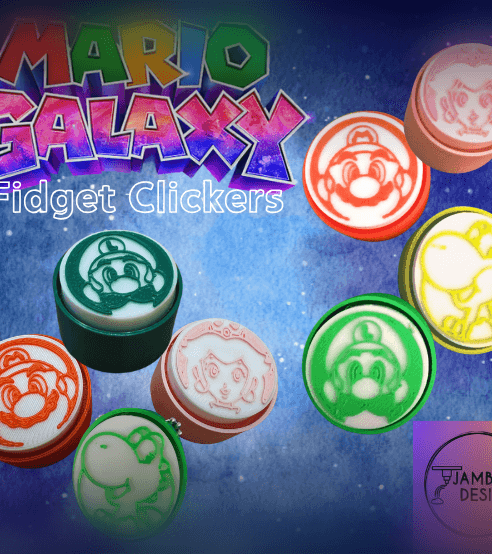
Mario Galaxy Fidget Clicker Keychains
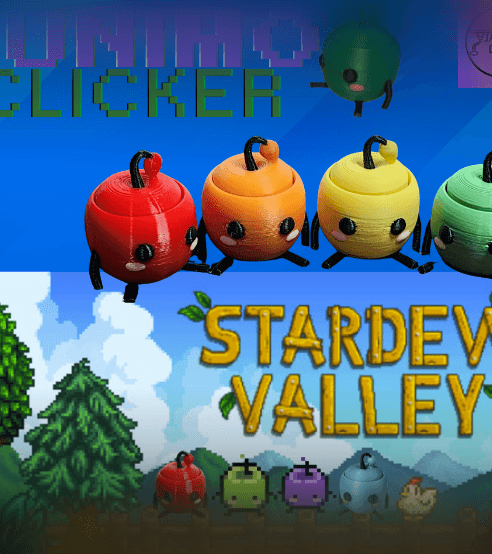
Junimo Clicker Fidget Keychain
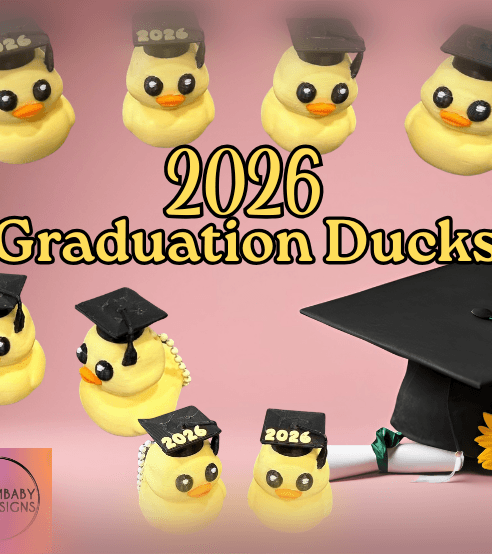
2026 Graduation Duck Keychain and Sculpt
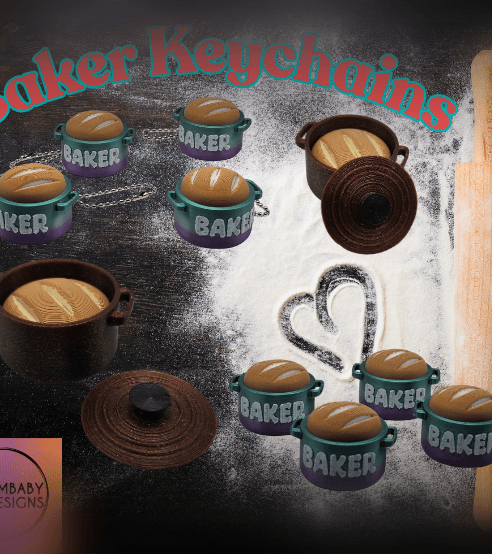
Baker Keychains- Bread in Dutch Oven
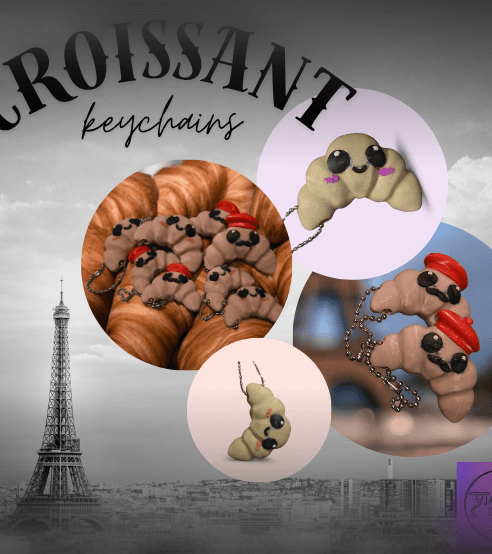
Croissant Keychains
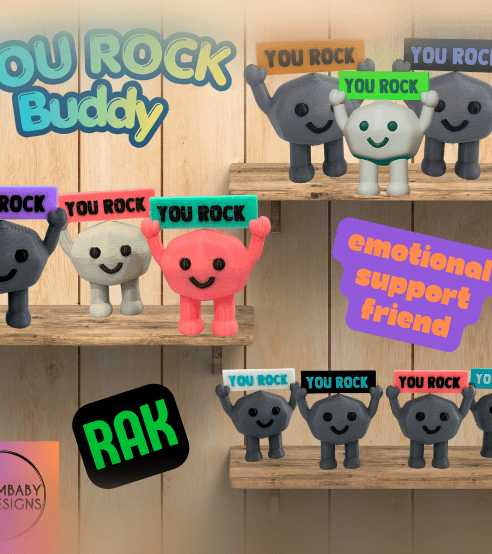
You Rock Buddy-- RAK, Emotional Support
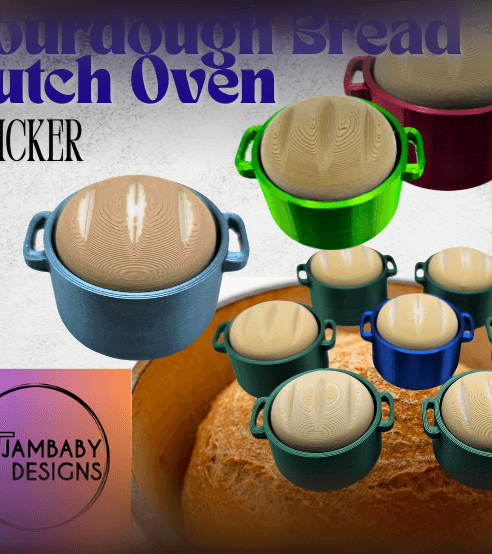
Sourdough Bread Dutch Oven Clicker
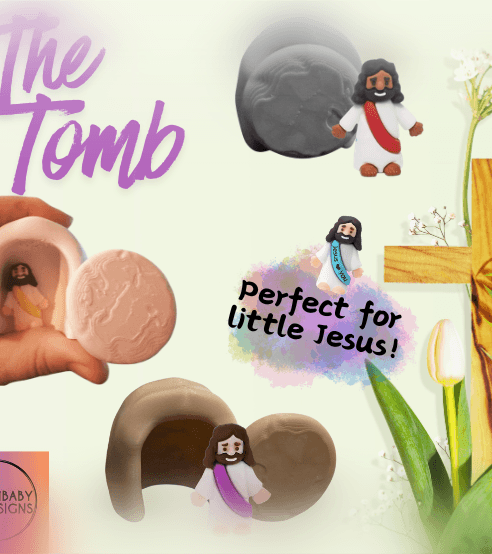
The Tomb for Little Jesus
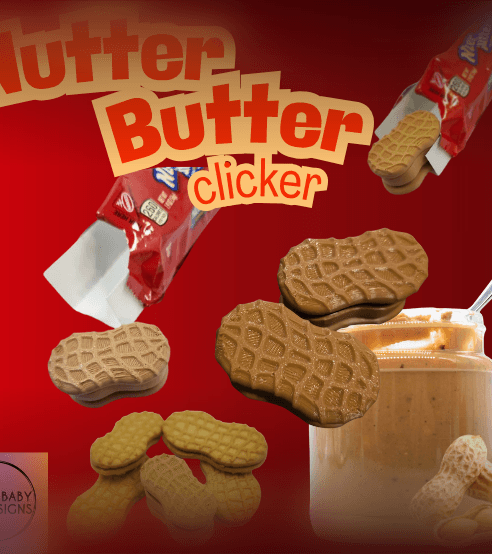
Nutter Butter Cookie Clicker
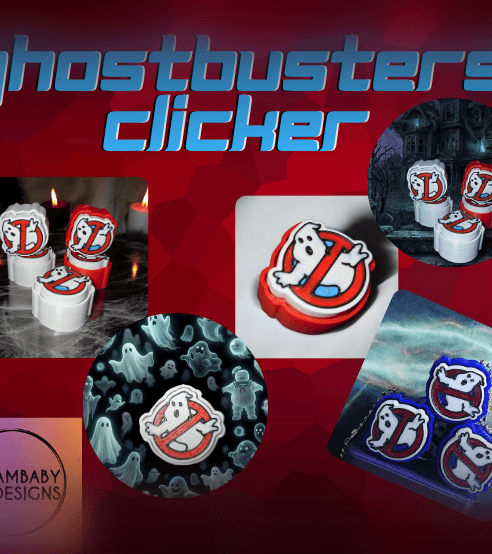
Ghostbusters Clicker Fidget Keychain
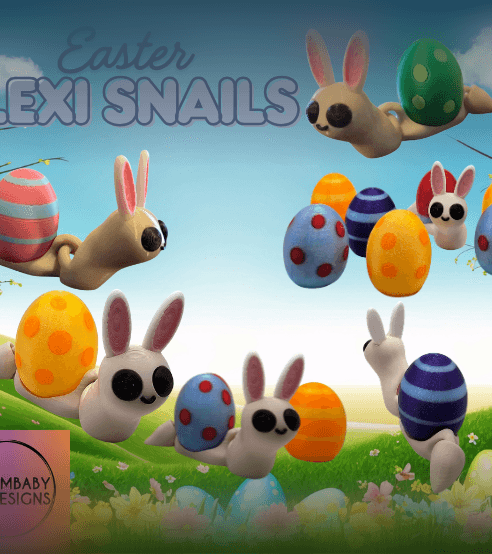
Easter Snail Flexi