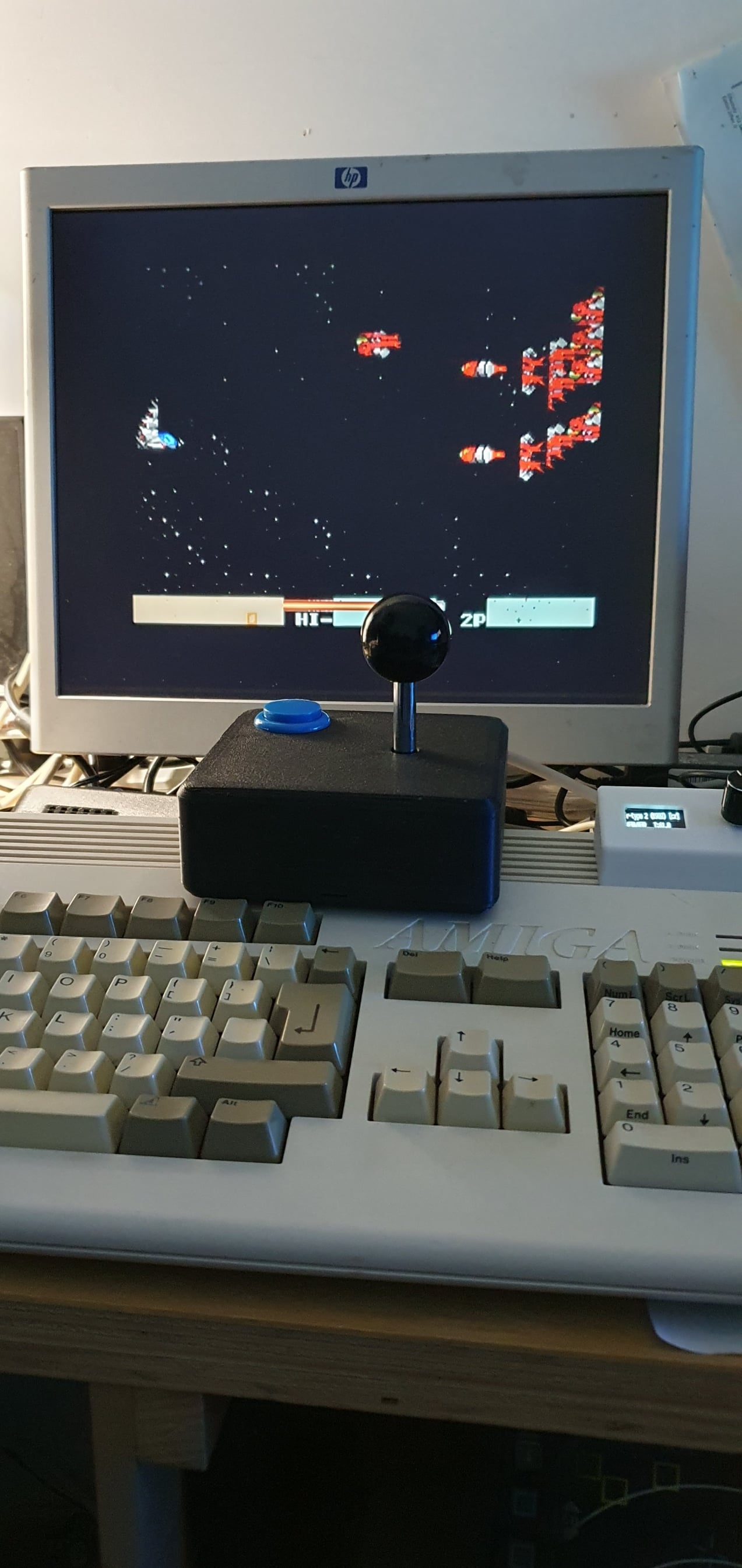


Commodore 64/Amiga Joystick
A body to hold a Mame Joystick with one or two buttons (Left or right handed). The joystick mechanism I used is in the following Ebay link:
This has slip in buttons that require a 31mm holes.
I used the wires included with the Mame joystick, cutting the white connectors off. I soldered all the Ground wired together, then wired each of the Up/Down/Left/Right/Button wires to one of the cores in a 9-core cable. The other end of the cable was soldered to the DB9 connector using the following pins:
1 - Up 2 - Down 3 - Left 4 - Right 6 - Button 1 8 - Ground 9 - Button 2 (Optional)
I've only wired up the single button version. With the two button version you can wire it as a single button (traditional C64/Amiga setup) by wiring them in parallel. If you wish you can wire the second button on a different wire (pin 9). I'm not aware of any amiga games that use this (maybe flight sims?).
All parts can be printed without supports.
The joystick mechanism is held in place with the "bracket" - you need to print two of these. It's designed for "#4 x 12mm" screws (~2.5mm wide thread).
I used a cable sleeve similar to these.
Note: The fit for the two outer pegs on each of the brackets is VERY tight. I'd suggest drilling the holes to 6mm. Still tight, but it will then be possible to remove the brackets.
Commodore 64/Amiga Joystick
.png&w=3840&q=75)
Magnetic Mushrooms - Fidget with Magnetics, Joystick, Slider, Pop Fidgets - Pocket Plants
Joy Fidget
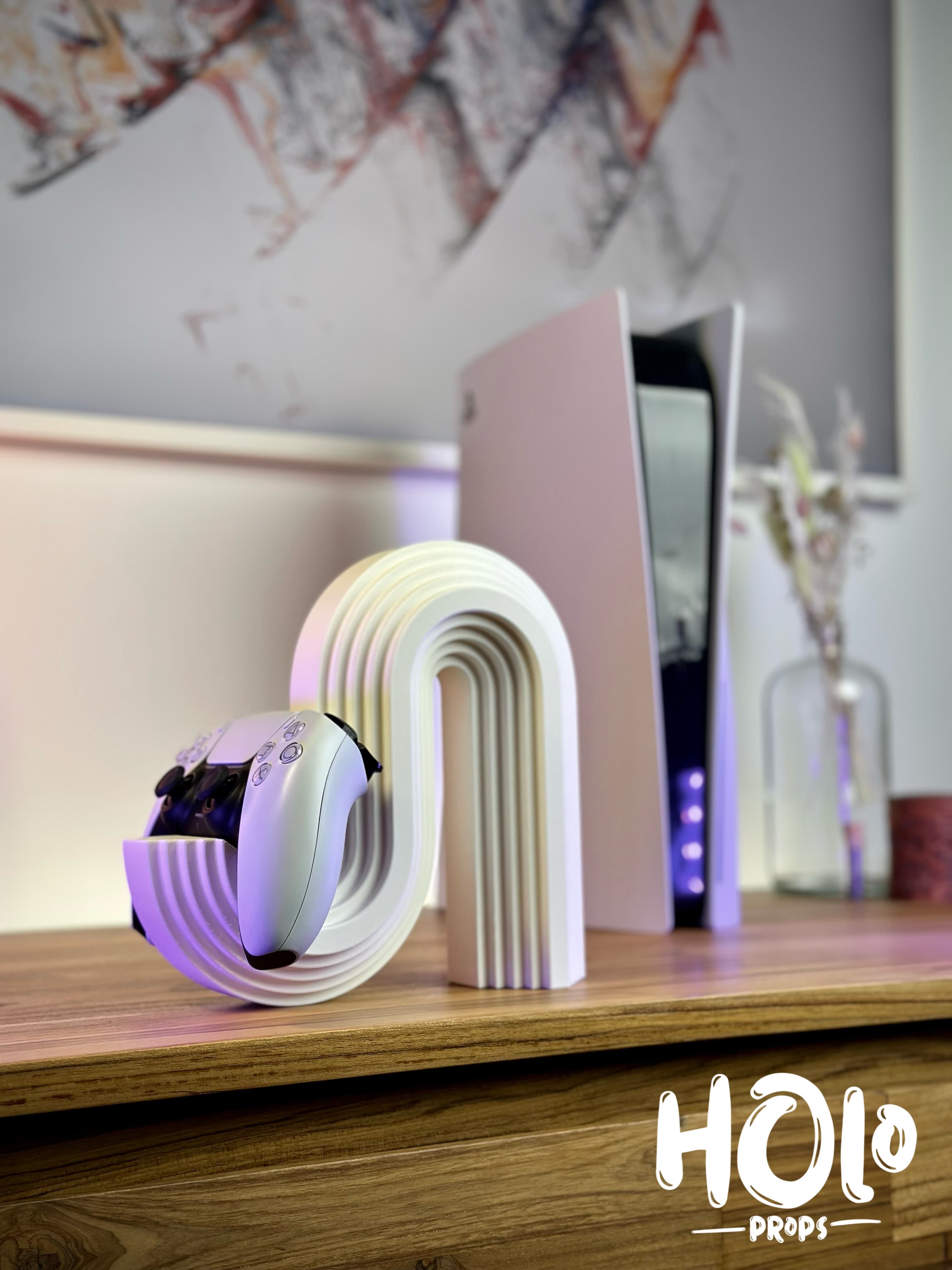
Modern Wave Controller Stand

Cloud Controller Stand
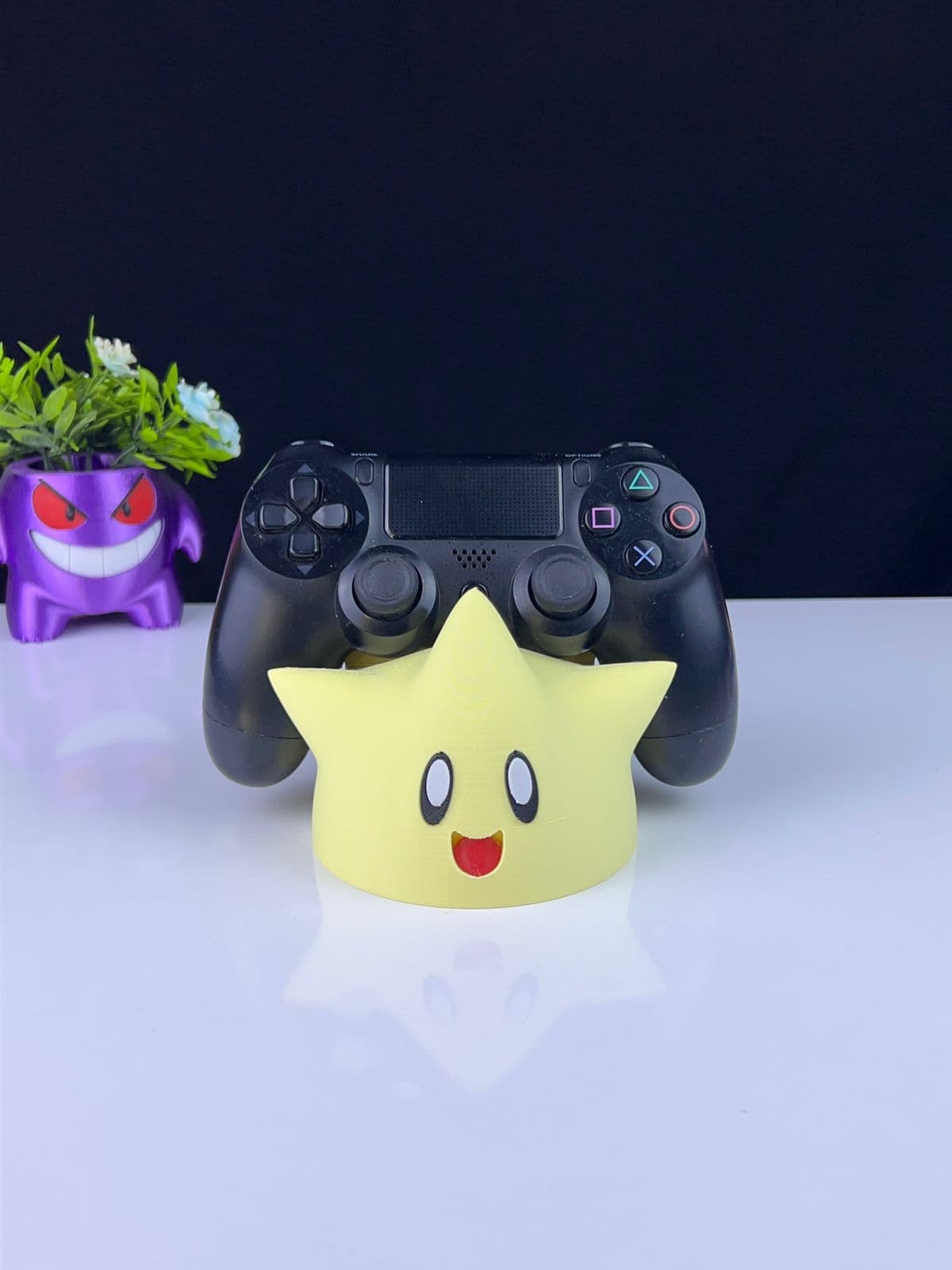
Togepi Controller Holder

Best STL Mega Pack on the Market +3,000GB of High Quality STL +100,000 STL Files from the Best Pat
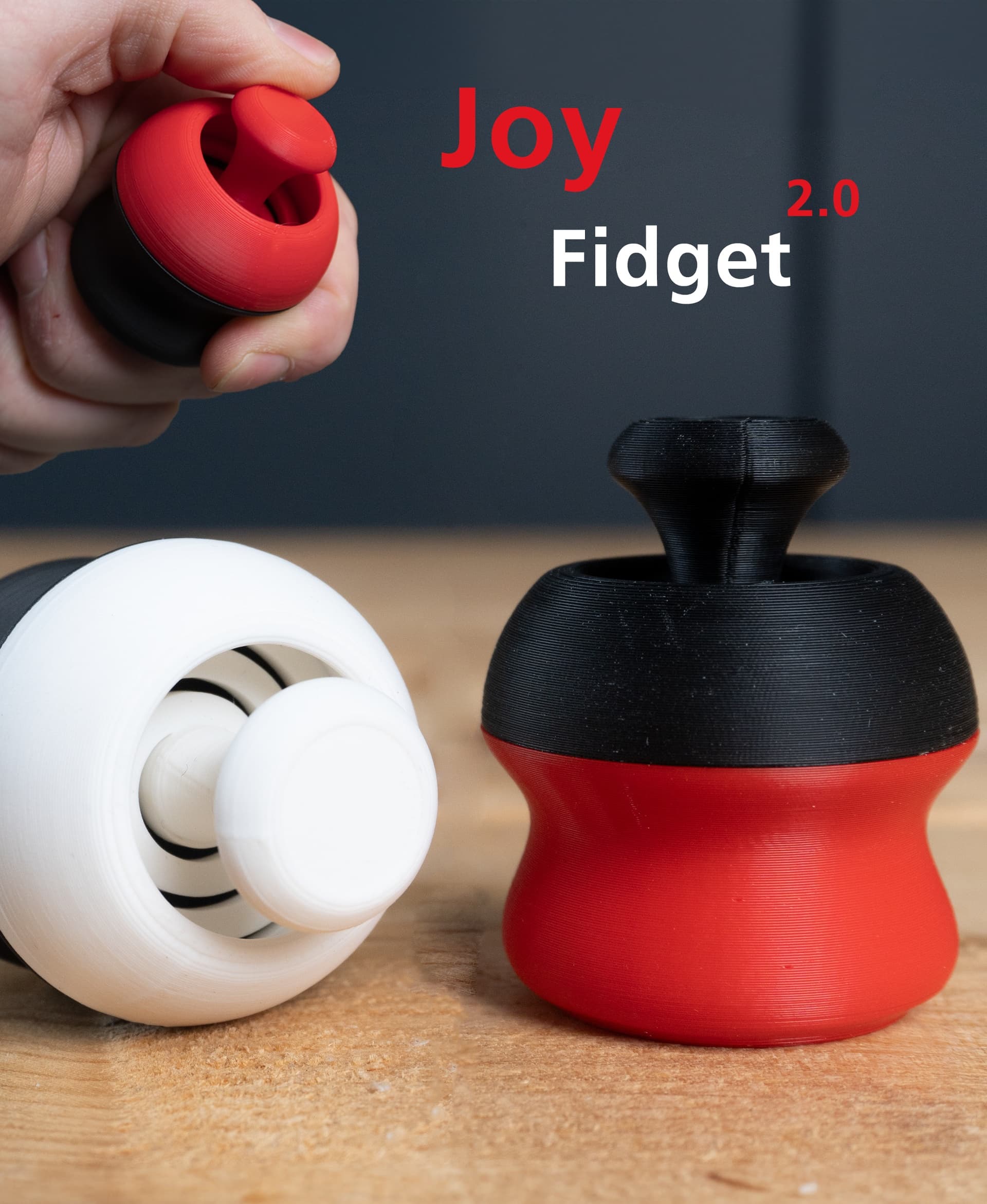
Joy Fidget 2.0

Magnetic Mushrooms - Fidget Toy with Magnetics, Joystick, Slider, Pop Fidgets

Day Of The Tentacle, Maniac Mansion keychain, dogtag, earring
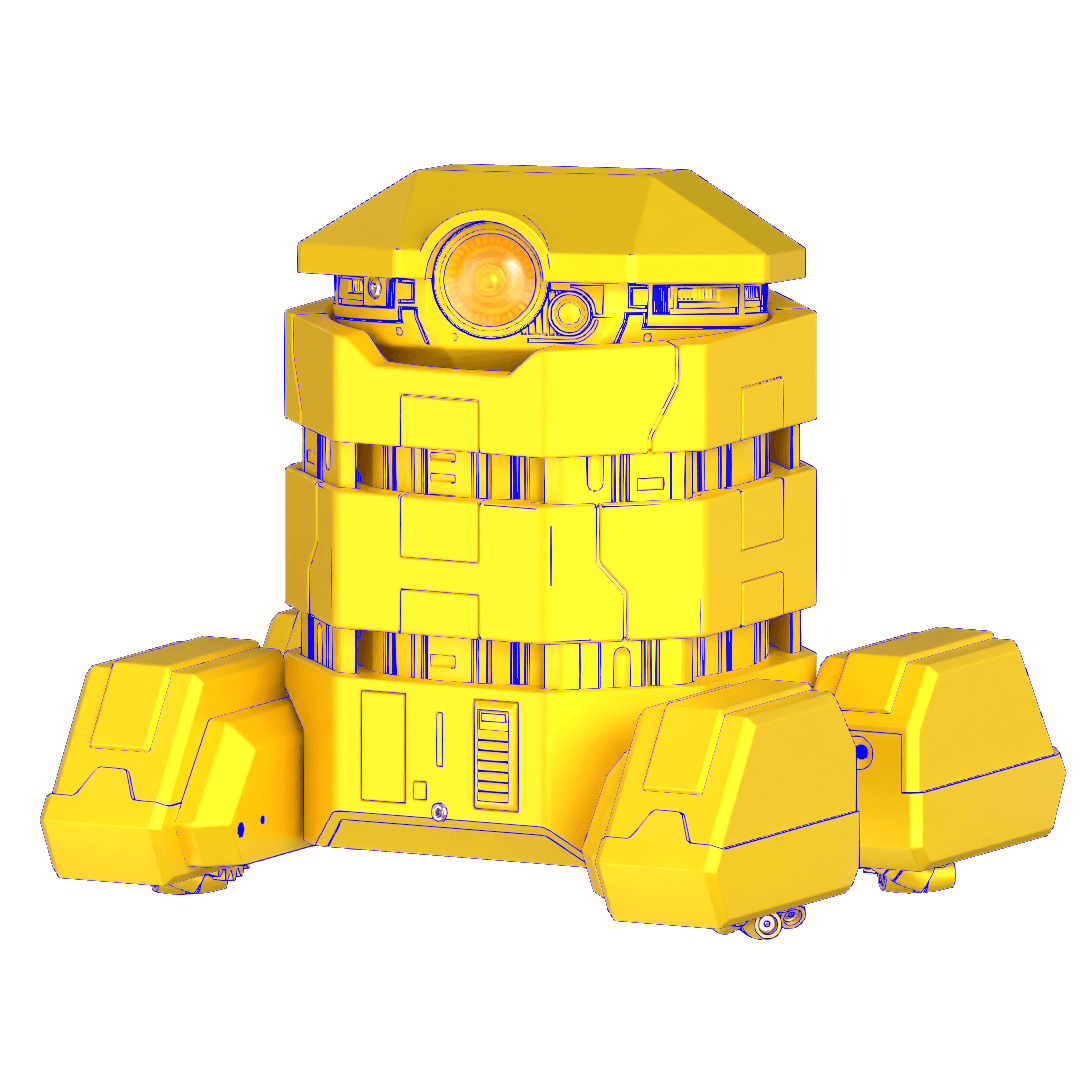
B2EMO RC Toy
DIY Space Mouse for Fusion 360 Using Magnets
.png&w=3840&q=75)
RetroMaker Arcade Cabinet

Stacked Rock Controller Stand
Print in Place Steam Deck Joystick Guard
Modern Triple Controller Stand - Smooth and Plastered Version
Fidget Spinner
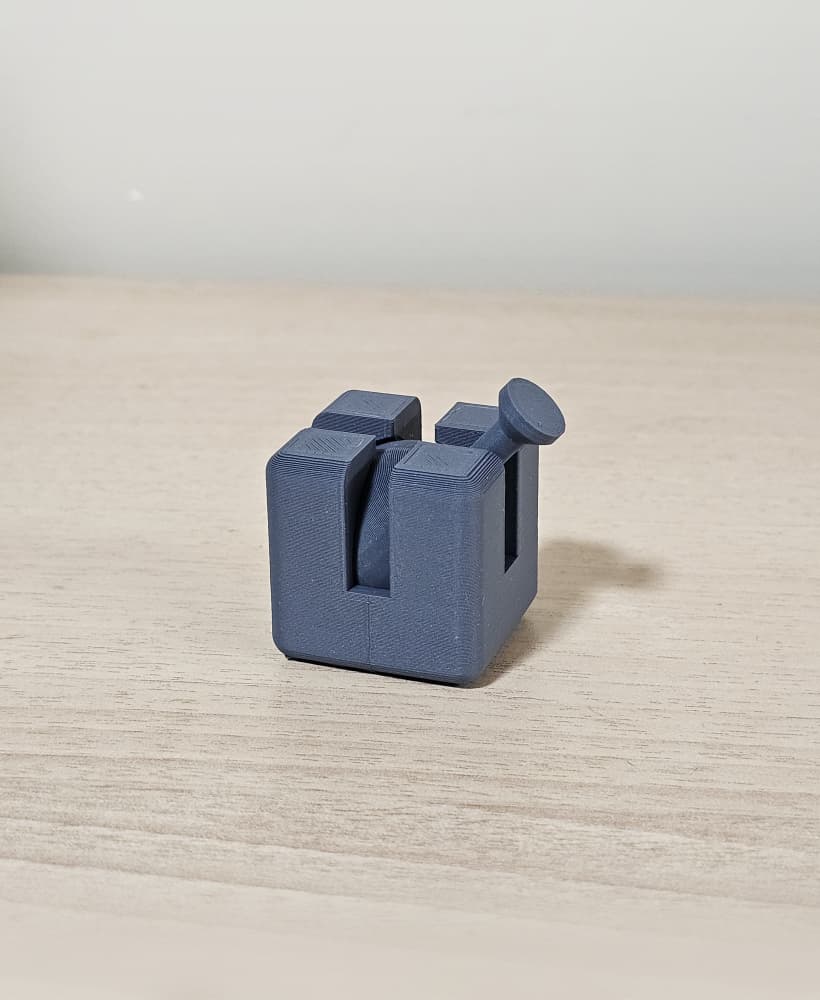
Joystick Fidget Cube
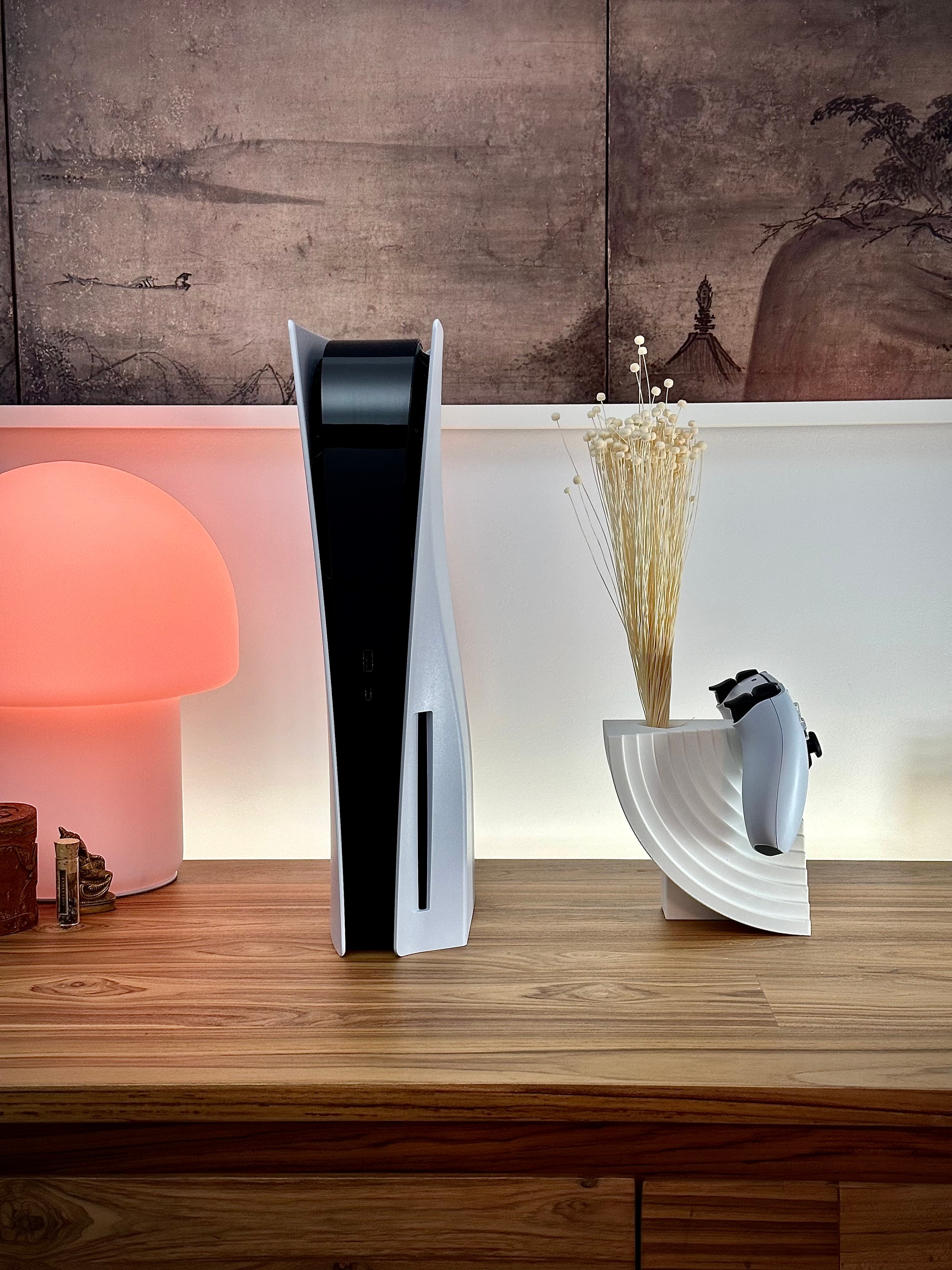
Modern Moon Controller Stand
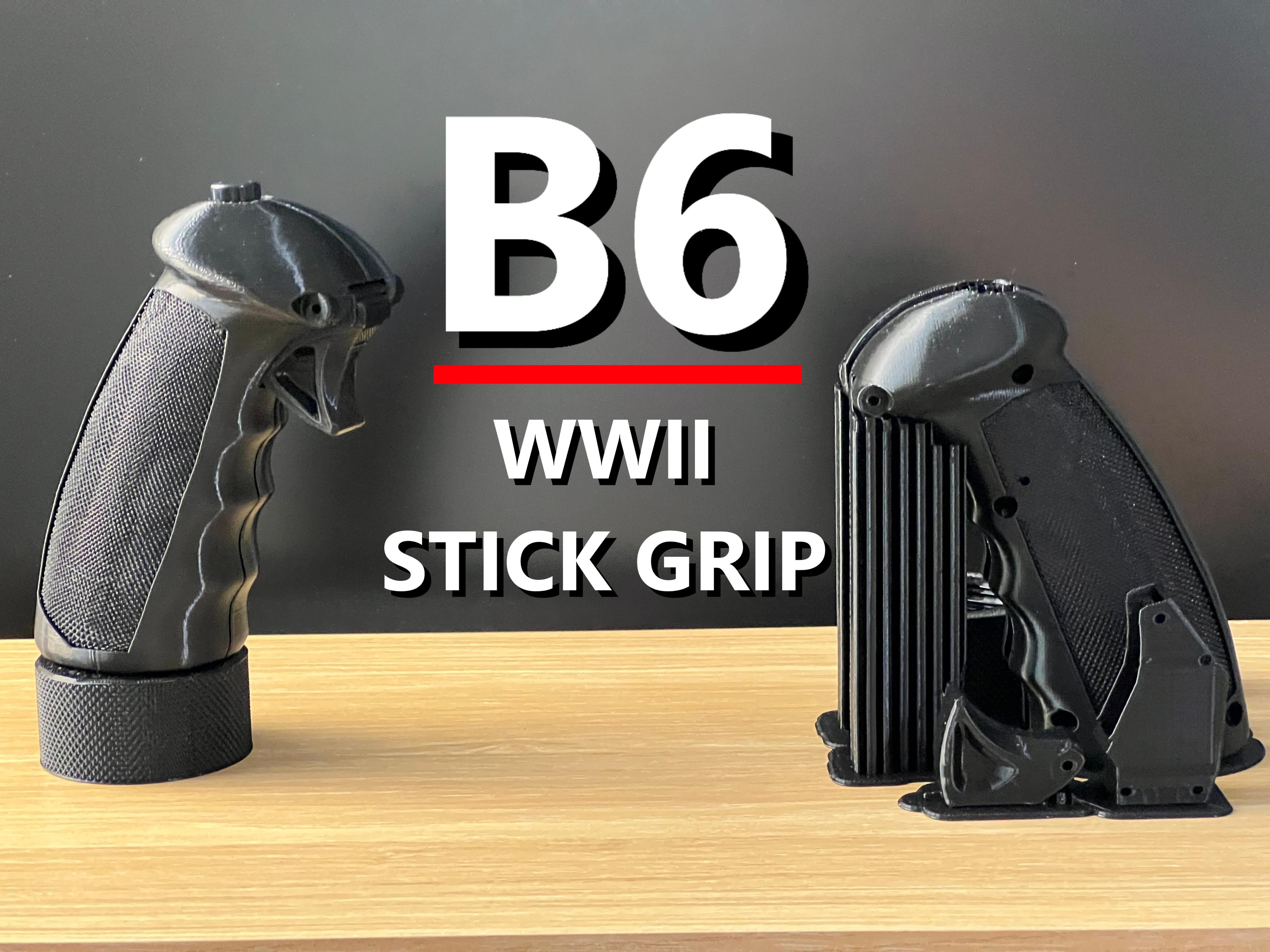
P-51 Mustang Joystick Grip by @TheSimNet