.jpg&w=256&q=75)
.jpg&w=256&q=75)
.jpg&w=256&q=75)
.jpg&w=256&q=75)
.jpg&w=256&q=75)
.jpg&w=256&q=75)
.jpg&w=256&q=75)
.jpg&w=256&q=75)
.jpg&w=256&q=75)
.jpg&w=256&q=75)

Plant Pot Bloomcrest - Planter STL to 3D print - Fused Drainage Pot + Drain Tray
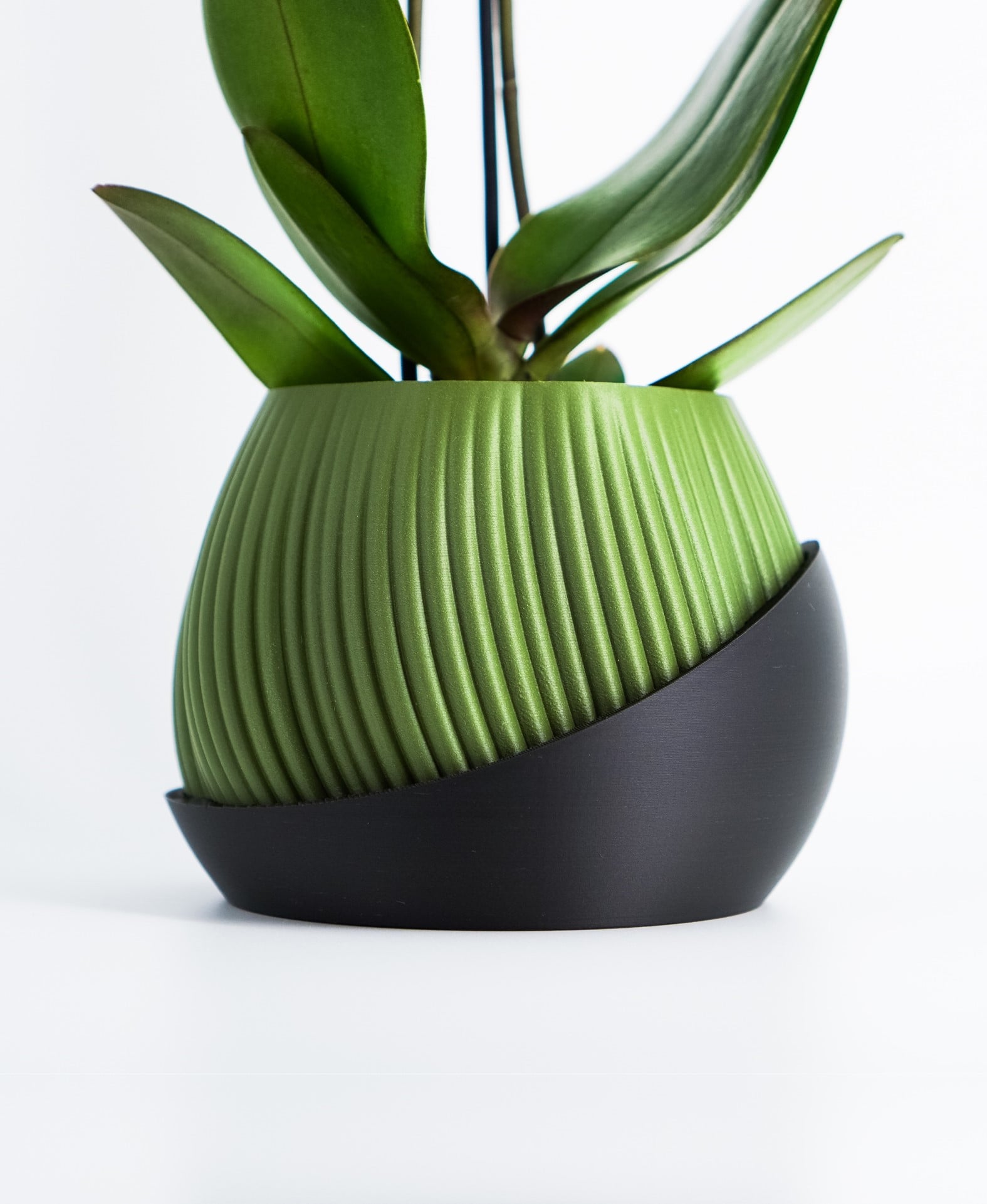
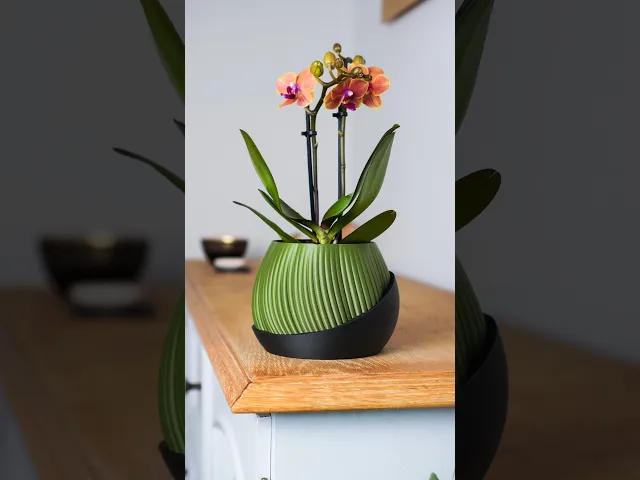
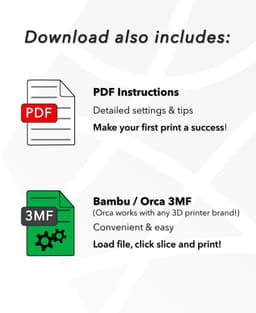
Upgrade your home decor with the "Bloomcrest" plant pot. A sleek minimalist design that combines the inner planter and drip tray in one aesthetic creation. Achieving this unique design and complex interlocking shape is only possible through 3D printing. This will be a striking and functional addition to your own room or the ideal gift for loved ones! In addition to the STL files, the download includes a model-focused printing guide for beginners and advanced makers. A Bambu Lab 3MF file with recommended settings is also included to make your first print attempt a success!
🌱 DETAILS
- detailed print settings guide included (Tipps for watertightness, settings, size ...)
- no supports, brim or raft needed
- high resolution STL files
- print at 100% size = 145x145x110 mm
- for best aesthetic results, I highly recommend using matte-colored PLA
A heartfelt thank you to everyone who supports my work!
🎨 Filaments used for this design (*affiliate)
Get the exact filament I used for my photos here!
Matte Ivory White Matte Charcoal Black Matte Dark Red Matte Dark Green
If you like a green thats a little lighter color like in the photos: Jungle Green
🚩 For Private Use Only! Commercial License?
If you're looking to sell my printed models commercially, upgrading to a seller membership grants you access and commercial permissions for all my designs.
Click on the member button at the top for more information and additional benefits!
🔥 More of my Designs If you enjoy the art style and wish to sustain my work long-term, consider becoming a member to access premium designs each month at a significant discount!
Explore all creations here: Thangs Profile
or on other platforms: Factorian Designs
👉 3D Printer & Equipment?
Get my favorites here!
*This post contains affiliate links. If you click through and make a purchase, I may earn a small commission at no extra cost to you. Thank you!
Plant Pot Bloomcrest - Planter STL to 3D print - Fused Drainage Pot + Drain Tray
.JPG&w=3840&q=75)
Self-Watering Plant Spike with Bamboo Buddy! - STL & 3MF Files

Kitchen Sink Organizer with Dishcloth Indicator Buddy | Sponge Holder
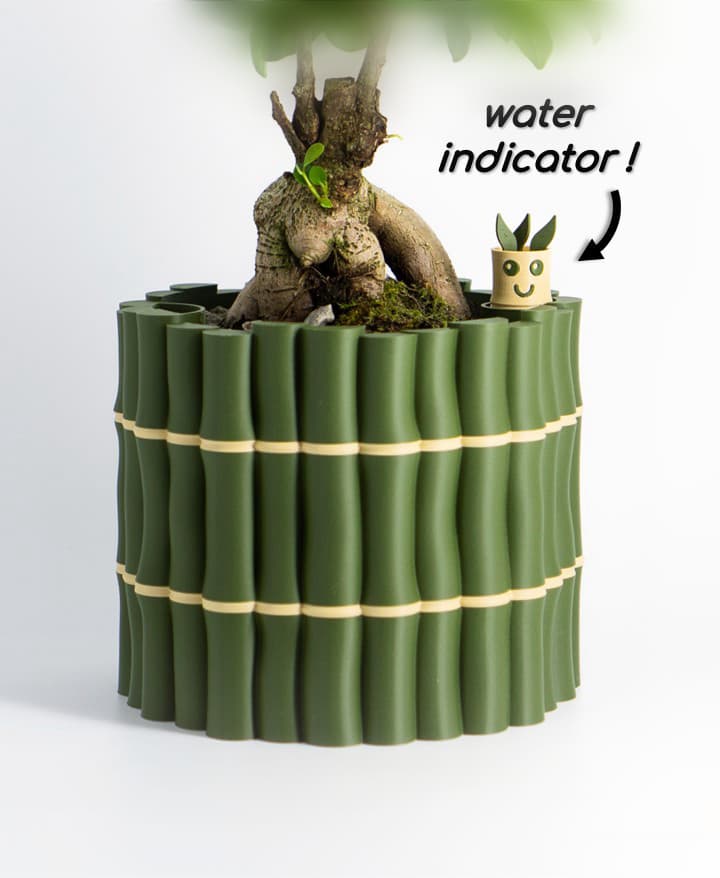
Self-Watering Plant Pot With Bamboo Buddy! | Planter STL & 3MF to 3D print

Pandora Vase – Multifunctional 3D Printed Vase with Hidden Storage and Coasters
.jpg&w=3840&q=75)
Plant Pot "Bellcrest" | Planter STL to 3D print | Fused Pot + Drain Tray & Optional Self-Watering
.jpg&w=3840&q=75)
Rain Planter "CloudDrop" | Plant Pot STL to 3D print | Rain Drop + Twist Snap Drain Tray

Shape Shifting Plant Pot "Wingcrest" | Self-Watering + Water Level Indicator
.jpg&w=3840&q=75)
Modern Vase "Emberflare" | Propagation Vase STL to 3D print | Open Water Design
.JPG&w=3840&q=75)
Fridge Magnet – SnapCacti - Featuring Detachable Magnet Blooms – Fun, Decorative, and Functional!
.jpg&w=3840&q=75)
Plant Pot With Hidden Box | Planter Model "Bellaria" | Hidden Push-Lock-Push-Release Safe
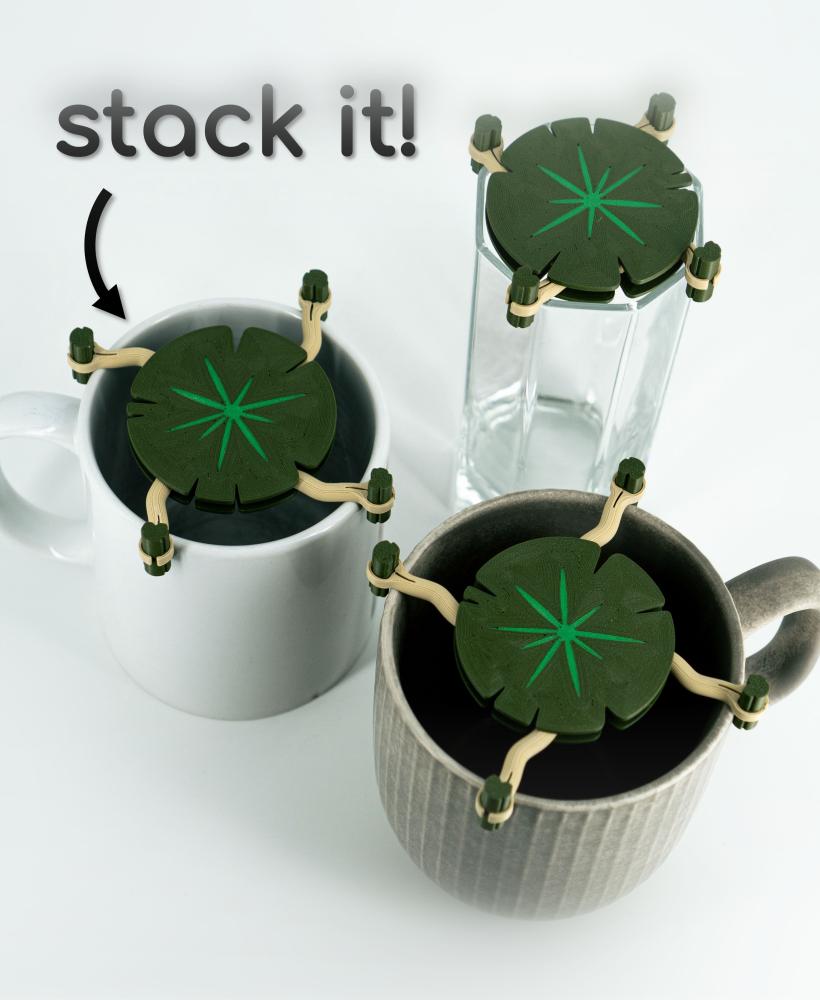
Mug Stacker Lily Pad 3D Printable STL | Organize your Drinkware with “Lilia”

Plant Cable Clips & Ties "LeafLock" | Adjustable Cable Zip STL to 3D print | Leaf Wall Clips

Dual Secret Jewelry Box 3D Print File | Storage Box Model "Aurelia" | Two Hidden Containers
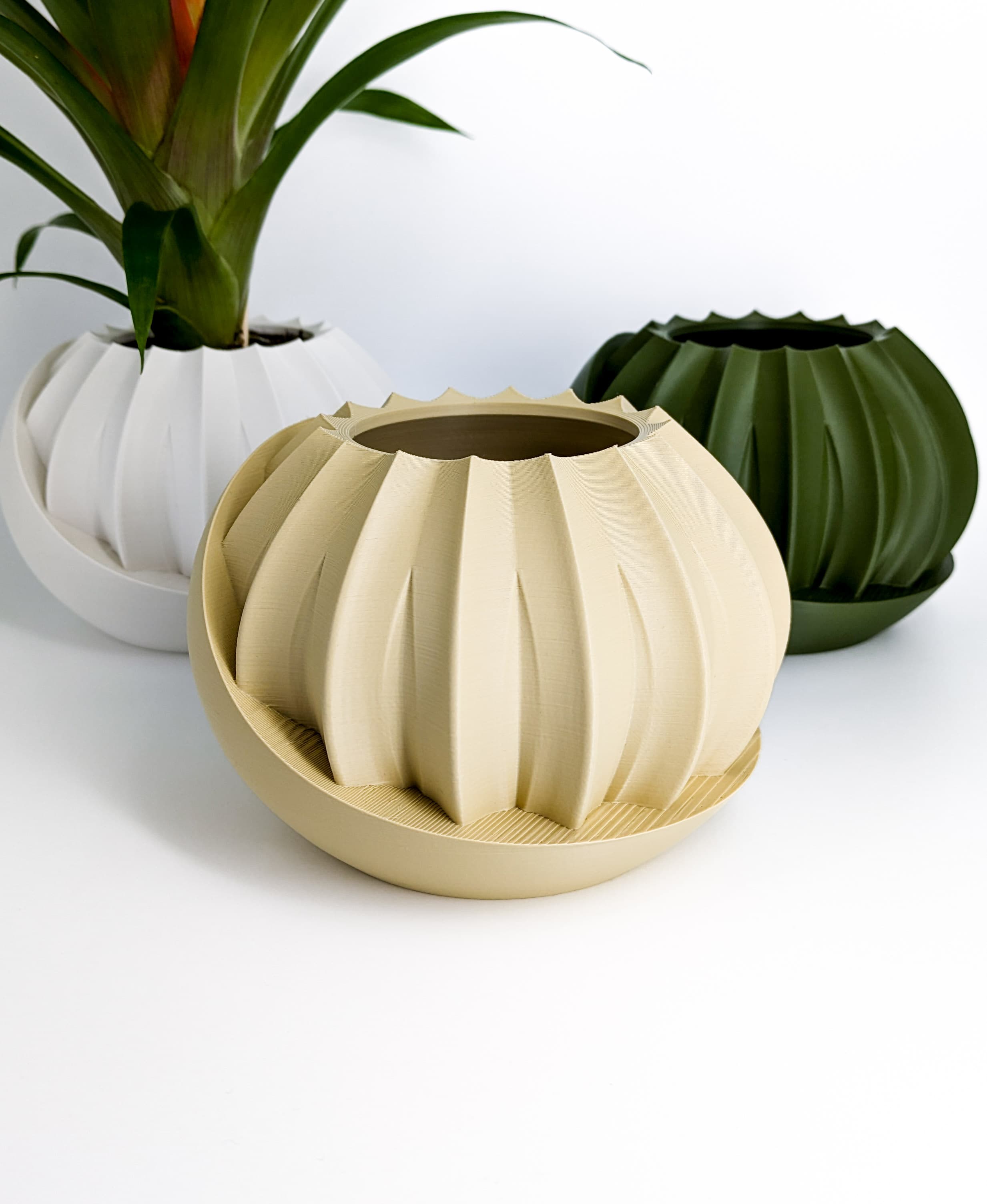
Plant Pot With Hidden Box | Planter Model "HiddenLotus" | Hidden Push-Lock-Push-Release Safe
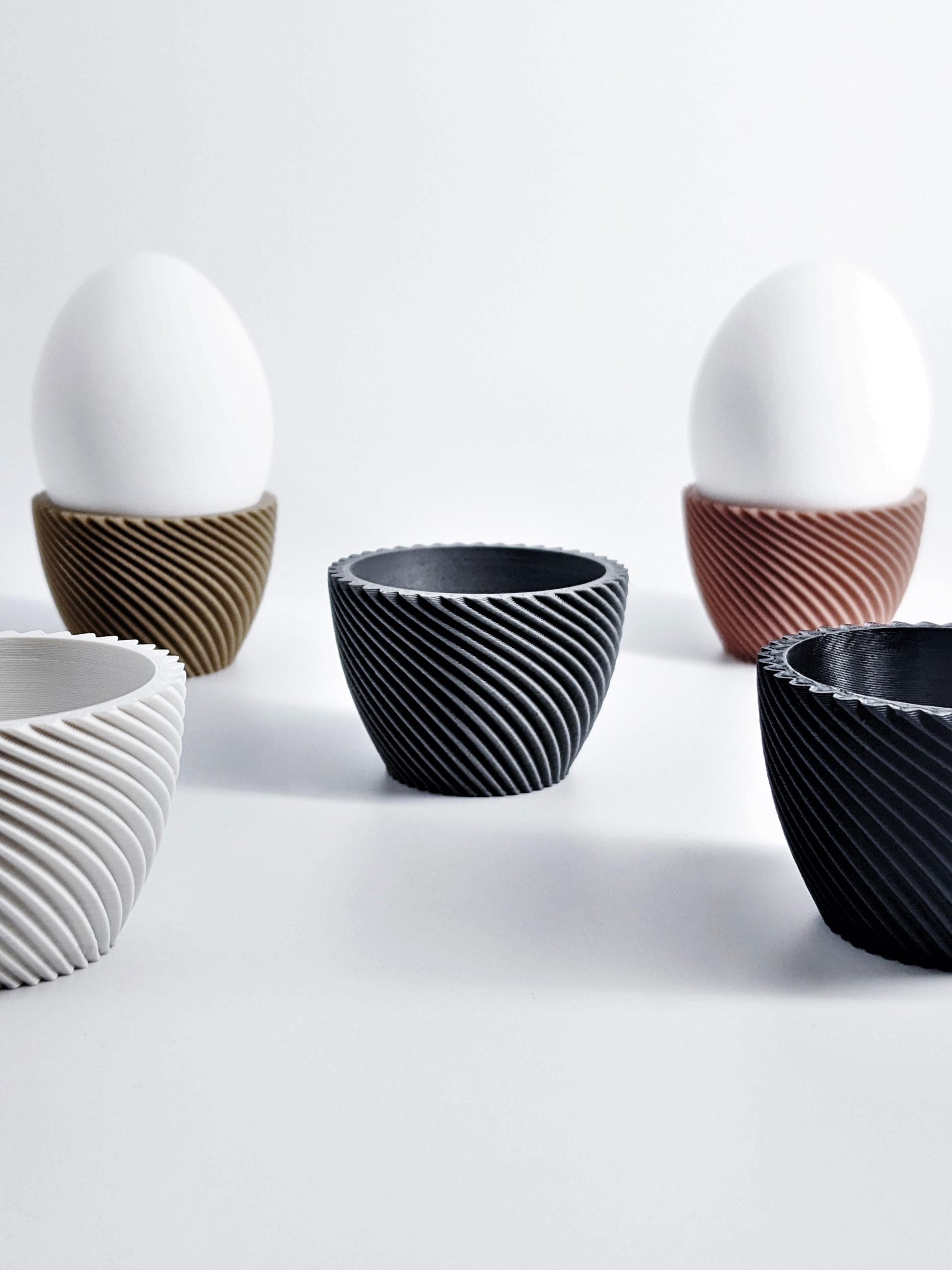
Egg Cup "Unbowed" 3D Print Stl File | Bambu Studio 3MF included | Easter Gift

Plant Pot Modern "Diluvian" for succult planters to big pots
Plant Pot "Bellvere" | Small Planter for Succulents & Big Garden Pots | Drain Tray Version included

Wall PLANT POT Dragon Egg | PLANTER STL TO 3D PRINT | Version "Blossomscale"
Egg Cup "Crown" modern Look - Unique 3D Print Design | STL File | No Support needed
.jpg&w=3840&q=75)
I love this design just need it larger!
Thank you! Is there a problem with just resizing it?
Im having trouble with the seams. they arent looking so good. im not sure where to place them. Any advice?
I assume you are talking about the tray part?: Make sure you use aligned seam for the lower (full circle) section. Otherwise seams are affected a lot by your pressure advance value (K value) and the seam gap setting.
In the upper section just put them on a sharp corner and you should be good.
If you have trouble with the pot: Use the spiral vase mode + a thick nozzle + thick layer lines and there should be no seam at all.
There seems to be an issue with the file I've downloaded. It is the wrong format for any of the slicers I use.
It contains STLs -> usable with any slicer (use for prusa slicer and Cura) And a Bambu 3MF -> usable with Bambu Studio, Orca Slicer, Anycubic Slicer & Elegoo. (You can ignore minor warnings that pop up upon opening, those just get set back to standard values)
Most people use one of those, what are you using?
I have the same issue, it only download a file name "Plant_Pot_" but is a file "document" and can not download a stl of 3mf file, can you help me?
I just checked this again and downloaded it one more time. All files are still there (Multiple STLs & 3MF files) So I assume that this is some type of server / time error. Nothing a can do there sadly :/
Please try downloding it one more time and let me know if that fixes the issue. If not I'll contact Thangs directly and they'll fix it on their end.
I already try again to download, with safari on a Mac and on Firefox on windows and it only download the same file in both cases, a document file, not a stl or 3mf files, please help me to fix that issue
Apparently, it's a problem with the title including | or " on Mac. I changed it. Please try one more time and let me know if that fixed the issue. Then I'll do it for all other files as well.
I've reached out to the Thangs team, I'll let you know what they say. I am sure they'll fix the issue.
Hi! What is the green filament you used in that video of the Bloomcrest?
Hey! it the Bambu Lab matte green which I linked in the description. It might be a little less shiny in real life as the studio lighting ads more gloss to everything but I absolutely love that color.
Hi there, just recently joined as I like your designs but I currently use an Ender 3 Pro, will these STL files not work with a different machine? When I try to slice the STL for the drip tray, as soon as I switch to preview it's as though it's deleting large portions of the model and I don't understand why. All of the ridges at the bottom of the model disappear and once it gets to the inside scalloped portion it's like it is trying to print the design on air with nothing beneath, very odd!
Hey! No this works with every 3D printer.
The problem you are describing is due to your slicer / some weird settings in it. I have had by far the best printing experience when using Orca Slicer, even with my Ender 3 Pro. Maybe try creating a fresh project in Orca and just import the model there. I am pretty sure this should fix weird bugs like that.
You are absolutely correct I had downloaded Orca Slicer right after my previous post last night and it loads/previews the slice properly, have not made another print attempt but will do so today, thanks!
You're welcome!
ZIP file is missing PDF instructions :(
I have just added them and you should be able to downloading it again. Thank you for mentioning it! I don't know how that slipped through.